DesignerBox ChatGPT Plugin: Product Photos in ChatGPT
The DesignerBox plugin is live in ChatGPT. Install it in 4 steps, add a product photo in the chat, apply a template, and keep every picture in your library.
Make with AI
Create Ask in your own words, get photos and ads Generate Choose an AI model, make a picture or video Inspiration Pick an idea and make it with your product Avatars The same person in every picture and videoProduct updates cover what shipped in DesignerBox and how to use it: new models, new apps, plan and pricing changes, and the workflows teams run day to day. Every note says what changed, what it costs to run, and what you can now make that you could not last month.

The DesignerBox plugin is live in ChatGPT. Install it in 4 steps, add a product photo in the chat, apply a template, and keep every picture in your library.

A Claude image generation skill for product photos: install the 5 DesignerBox skills in Claude Code or claude.ai, see the total cost, then say yes once.

DesignerBox ad sizes and languages: one approved ad becomes 16 files, four sizes in four languages. The steps, the native-speaker check and the limits.

Run one ad workflow per client in DesignerBox. Save each client as a brand, run the workflow on 30 products in a batch, and send the kept pictures for review.
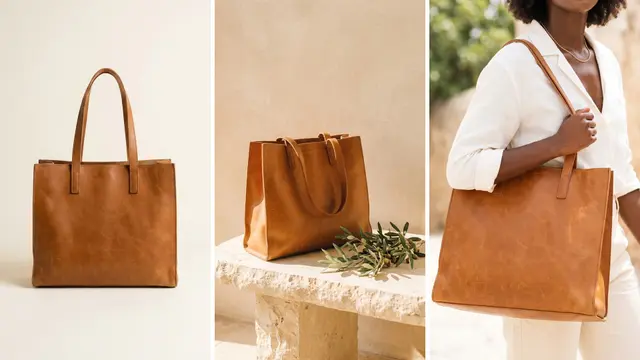
DesignerBox Assets keeps every picture and video your team makes or uploads, in folders. See what lands there, 4 things to do with a picture, and the limits.
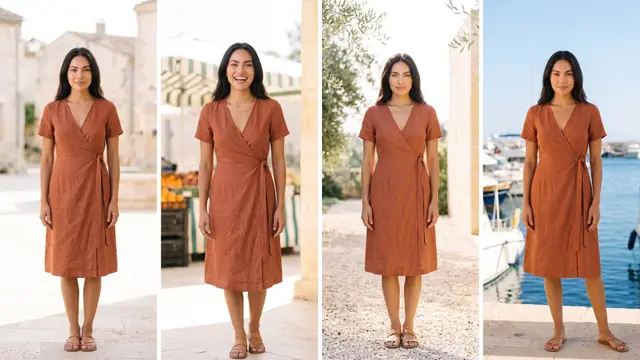
DesignerBox Avatars keeps one person in your product photos, ads and video. Pick a ready avatar or make your own, get nine poses and use them in 4 places.

Send 6 to 12 ad versions as one DesignerBox review link. The client picks, and you make sizes and languages for the winners only. A 6-step order for agencies.
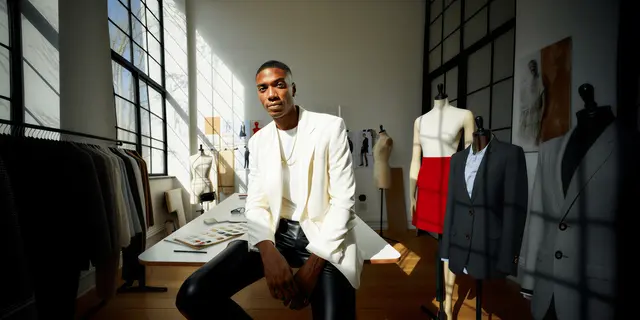
Make one garment on 3 DesignerBox avatars, send a review link, and let the client pick the model. Then run the whole catalog on that face, in 6 steps.

Get clothes laid flat on white, smooth fabric and ghost shots for every product page with DesignerBox, in one order you run on up to 200 garments per batch.

Critic steps in a DesignerBox workflow score several versions and keep the best one. Make four versions per product, then check the kept result yourself.

DesignerBox Fix the product returns an AI picture with your real label and logo. See the 4 ways AI gets a pack wrong, the steps, and the check before use.
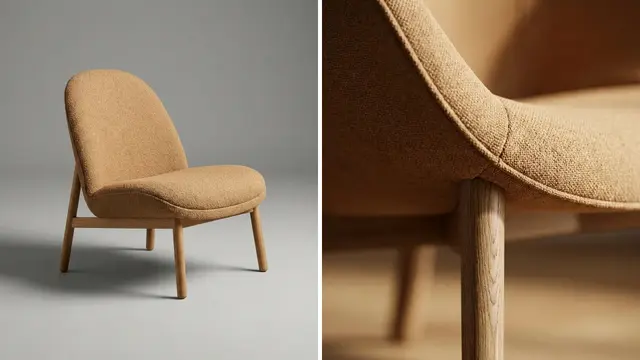
DesignerBox furniture room scenes: put each packshot in styled rooms with one template, 12 brand references for the look, and a batch of up to 200 pieces.

DesignerBox Generate makes pictures and videos with the model you choose. Add up to 5 references or a start frame, see the cost first, then compare models.

DesignerBox headline testing: put 10 headlines on 5 products to get 50 ads, keep the picture fixed, and let your ad platform run the test. Steps and limits.
DesignerBox Inspiration is a gallery of ready ideas on the Create screen. Choose one, add your product, read the plan and the price, and run it in 7 steps.
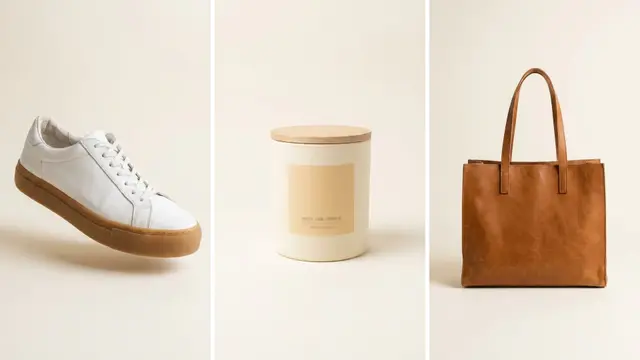
Make six marketplace listing pictures from one product photo in DesignerBox, then run the same app on up to 200 products in one batch before peak season.

Make a product launch campaign in DesignerBox from one photo and one headline: pictures, ads and a video from one template, then 7 steps to the final set.

Show one product in every color you sell from one photo with the DesignerBox Product in other colors app, then run it on up to 200 products in a batch.

Remix a reel or carousel format in DesignerBox: keep the structure, put your product in it and run it on up to 200 products. 6 steps and the rights rules.
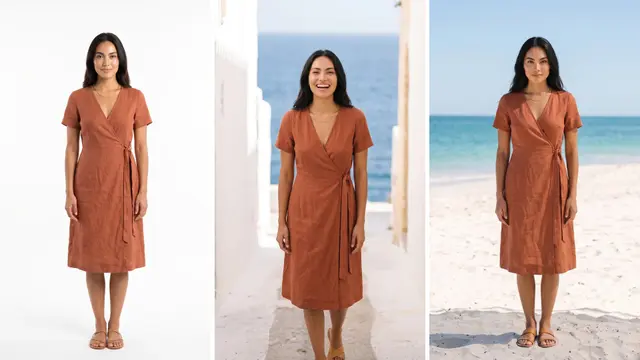
Show every new garment on the same model all season in DesignerBox. One nine-pose avatar, one saved workflow, and a batch of up to 200 rows you check by hand.
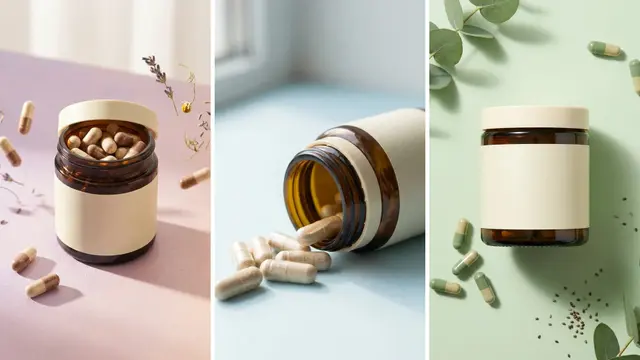
Make seasonal product photos in DesignerBox: 50 hero pictures, 3 seasons and one 50-row batch sheet per season, plus the checks before each sale goes live.
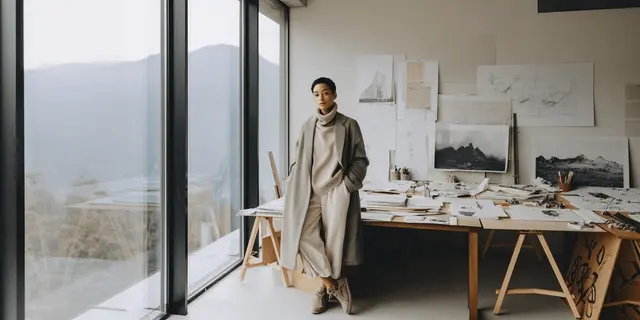
Turn a fashion sketch into a photo of the garment on a model in DesignerBox, before the sample is sewn. 6 steps, 5 checks and the limits of the picture.

Make a spokesperson video in DesignerBox from your script and one product photo: 6 steps, the nine-pose avatar, captions, the plan gate and the AI label rules.
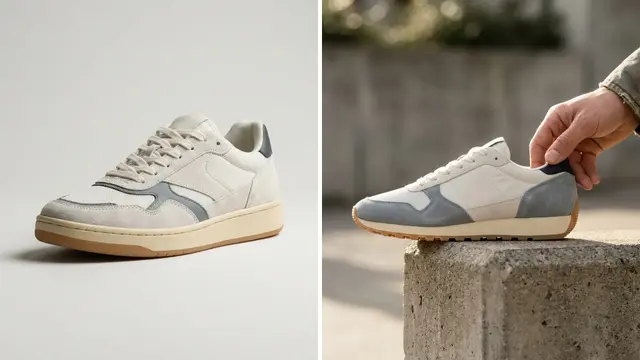
Put every supplier photo on the same white background with DesignerBox: ten photos in one template run, then a saved workflow and a batch of up to 200 rows.

We rebuilt DesignerBox for brands and agencies. See every part of the new app: Create, templates, apps, batch, both editors, Reviews, Brand and 75 MCP tools.

DesignerBox Batch runs one workflow, app or image model over a sheet of up to 200 rows. See how to add rows, review each result and keep the good ones.

DesignerBox Brand keeps your products, logo, colors, fonts, rules and reference pictures on one page. See the 4 cards, the 5 set-up steps and the limits.

DesignerBox Create is a chat inside the app. See the 8 skills, Ask first and Make now, the 5 steps from a request to a result, and the limits.

The DesignerBox image editor and video editor: ready sizes, layers, a multi-track timeline, captions and exports. What each does, plus plan gates and limits.

DesignerBox Reviews sends your client a page of pictures. The client opens the link with no account, chooses pictures and sends the choice back, in 6 steps.

DesignerBox templates are workflows somebody already built. See the 5 use cases, the 5 steps to run one, the plan gates and when to build your own.

DesignerBox workflows save a job as steps you build once and run again. See the Workflows page, the kinds of step, how to build one and 4 ways to run it.

AI Creative Production is the new DesignerBox newsletter for ecommerce teams, with 5 free issues so far on image specs, agent setups and pre-publish checks.

DesignerBox alternatives: 11 tools compared on what each does well, video and try-on scope, team seats and models, and when a narrow tool is the better buy.

DesignerBox pricing explained: 5 plans, one of them free. The commercial license, AI video and try-on, and team features each start on a different tier.

DesignerBox MCP puts 75 tools in your AI chat. Connect Claude, Cursor or ChatGPT, rerun a saved workflow on the next product, and read the cost first.

How to use DesignerBox: 7 real workflows, from a one-photo catalog run to multi-client agency delivery. What each one makes and which plan gate it hits.

DesignerBox apps turn a saved workflow into a form a colleague runs. See the jobs to start from, what a run costs, and where the price appears.
Save your logo, colors, fonts and rules once. DesignerBox uses them for one product, or for 200 in a batch.
Get started free










