Basics · Coming
Image models comparison
What you get: One prompt run through several image models, shown side by side. When it runs, you add a line of text, then press Run. Your brand rules are read before the run.
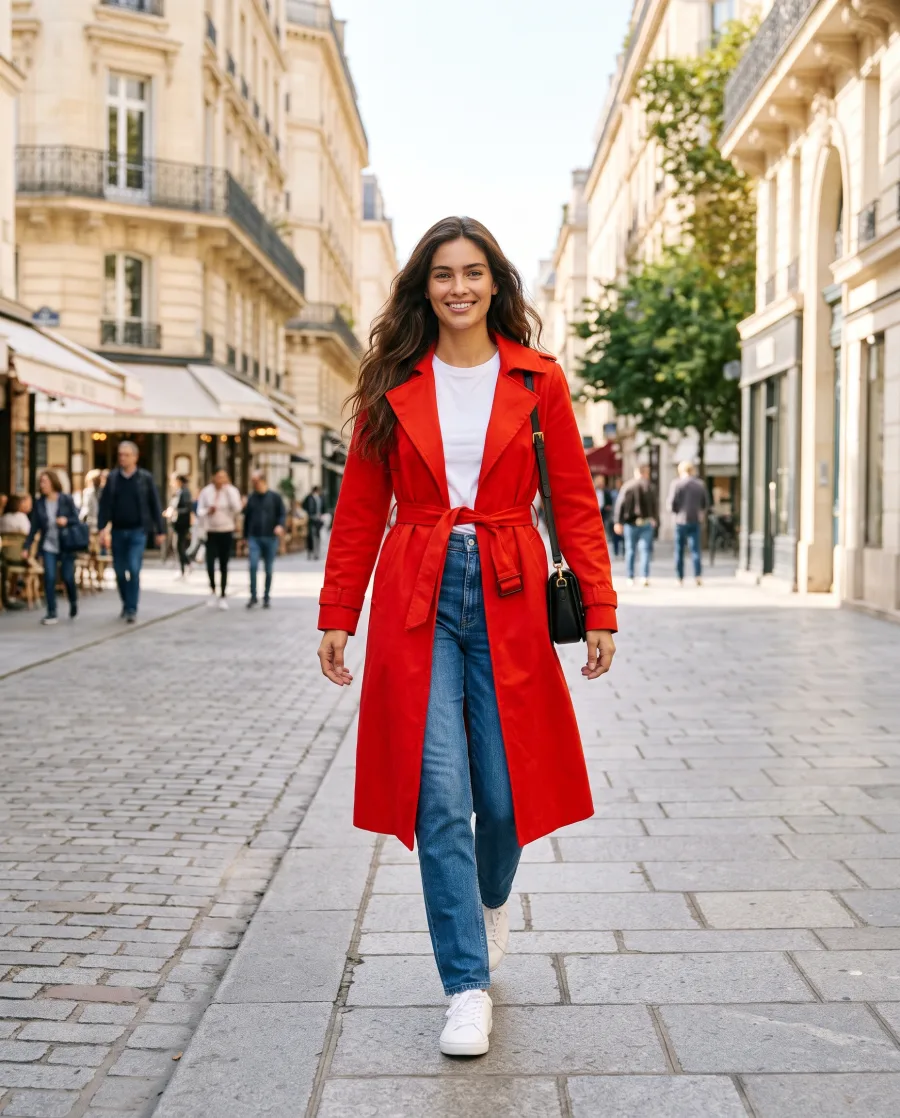
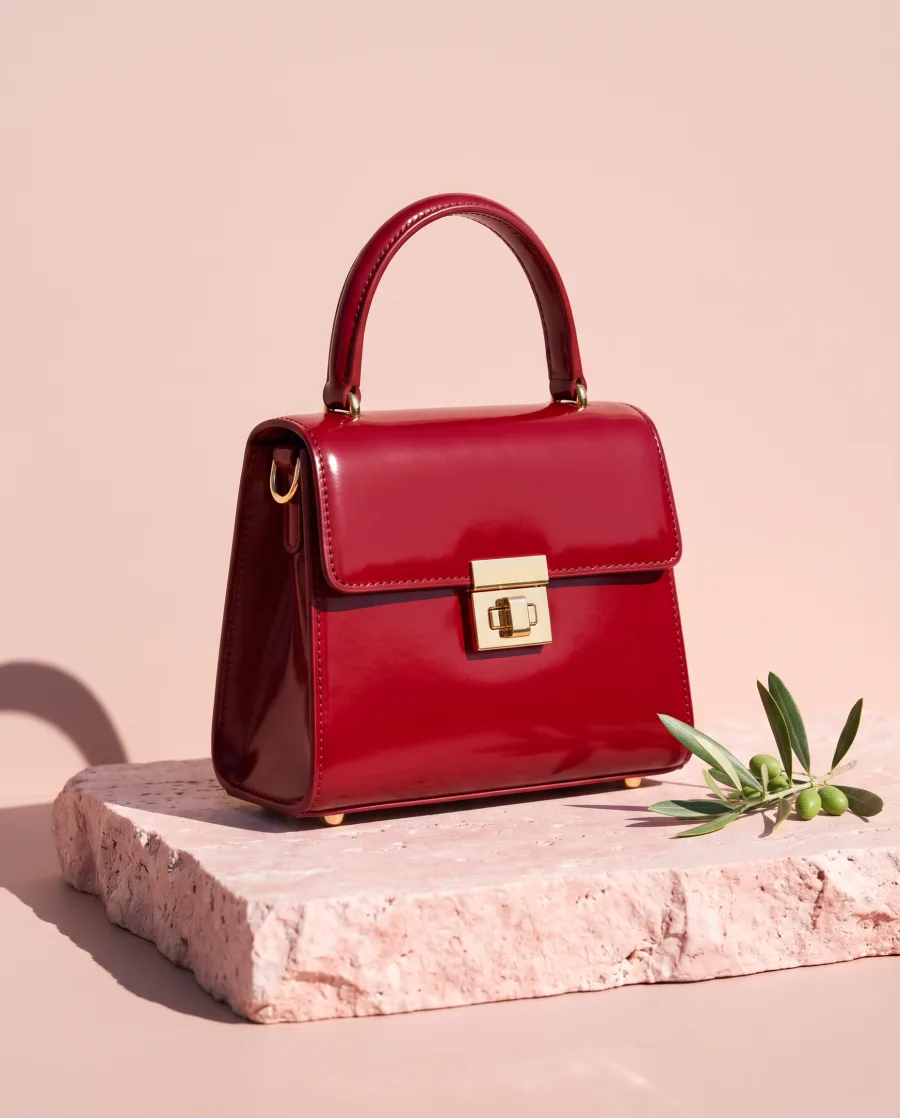
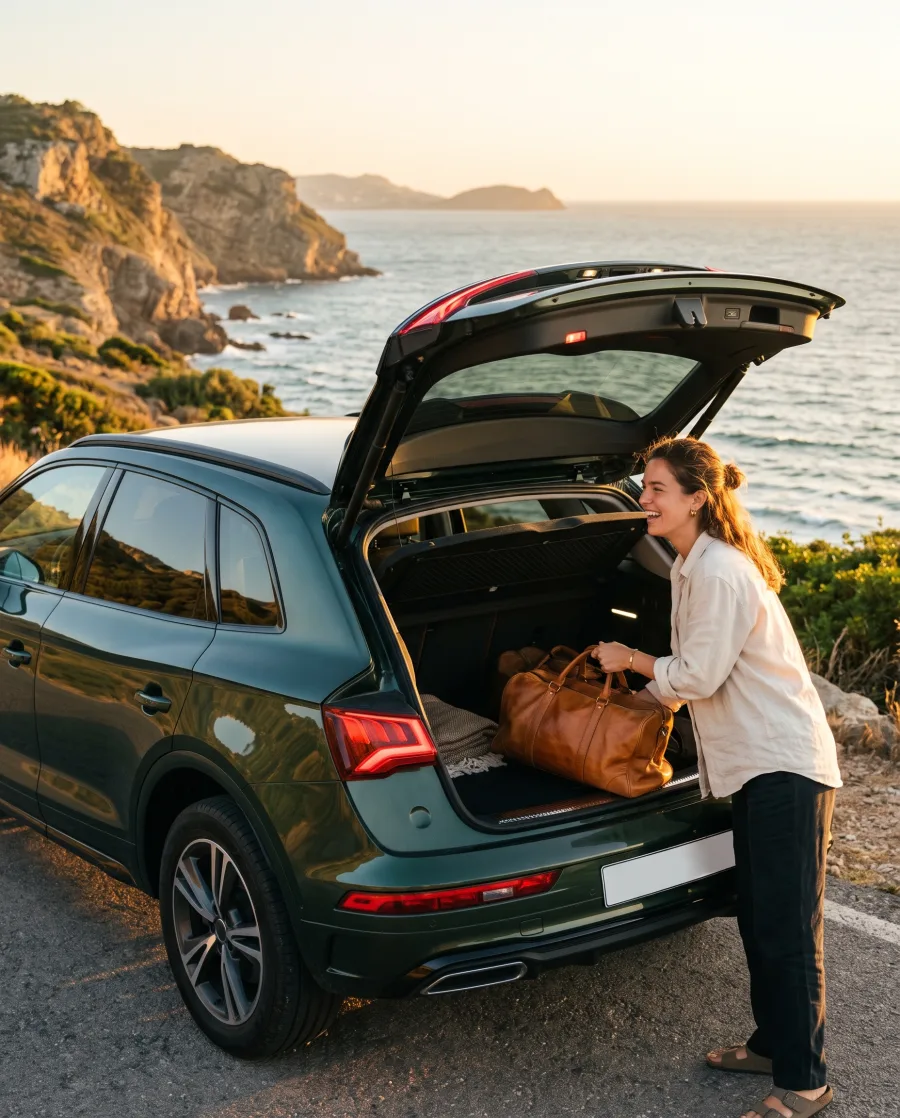
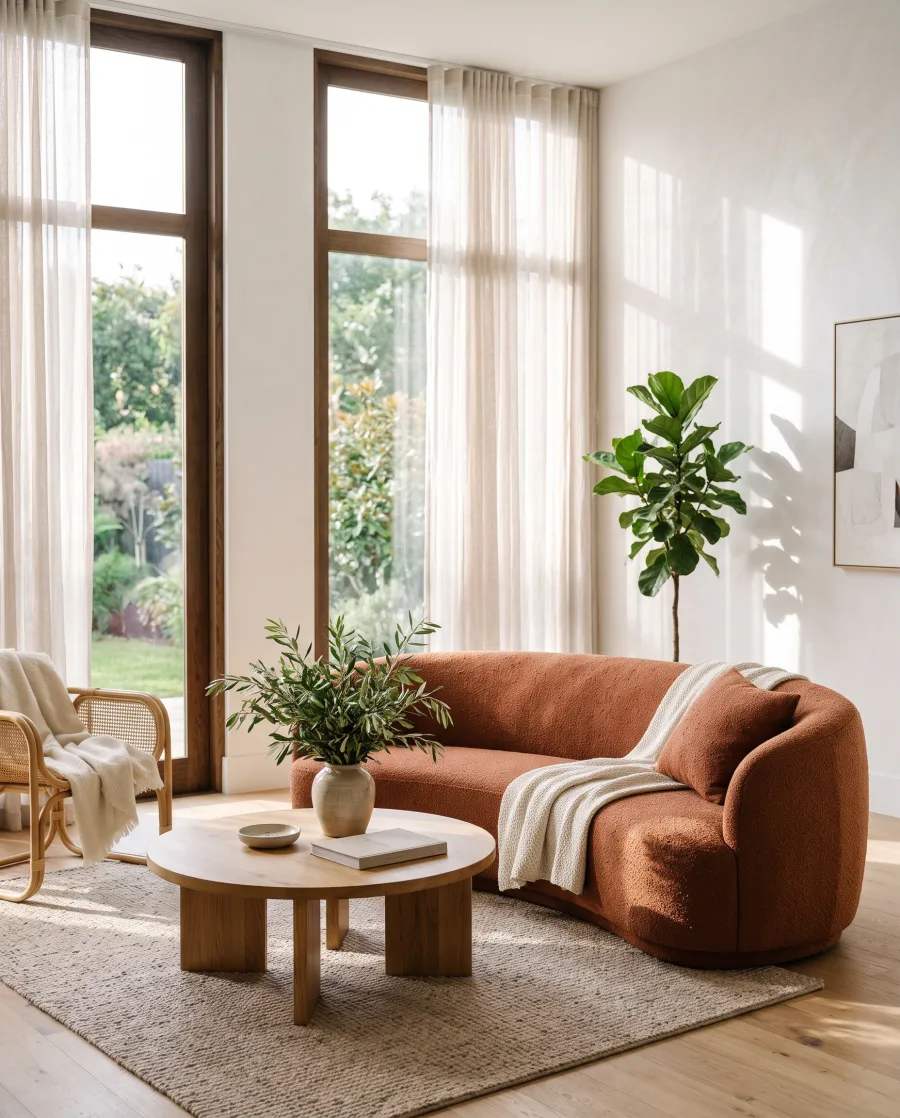
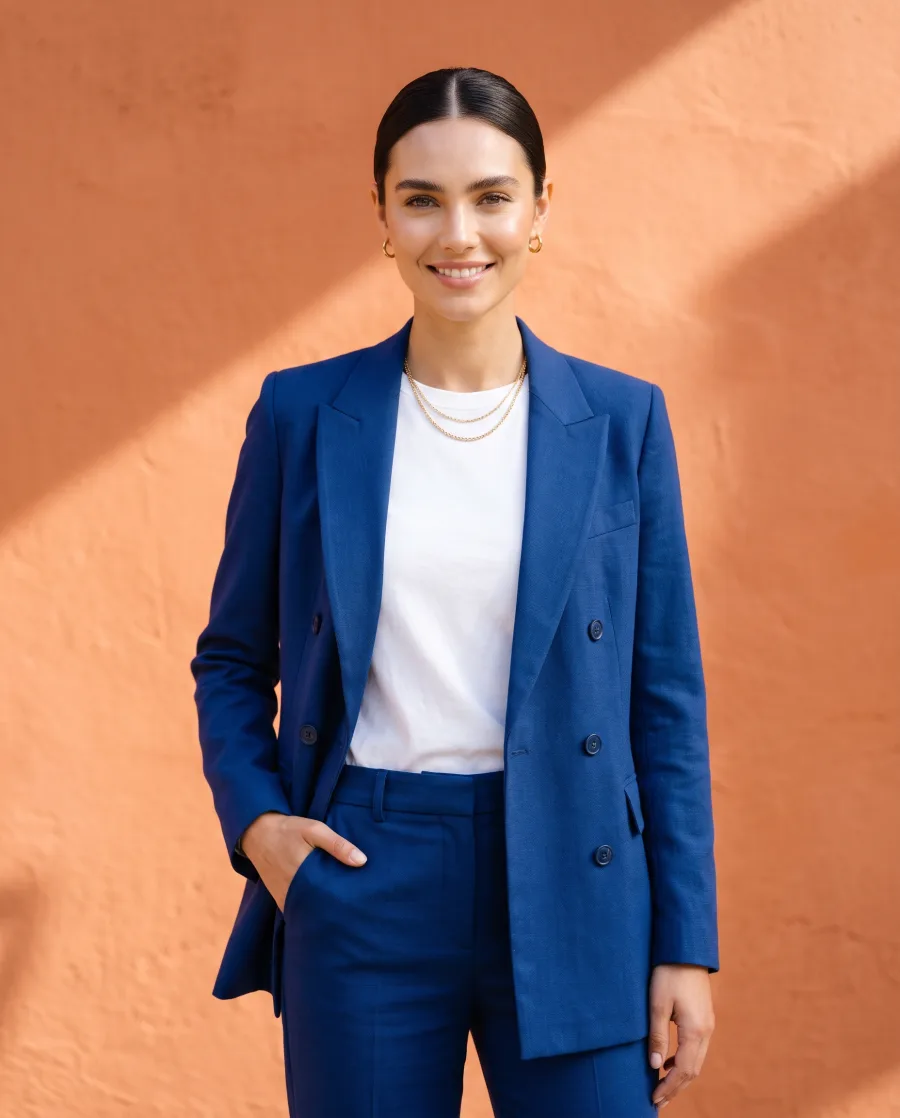
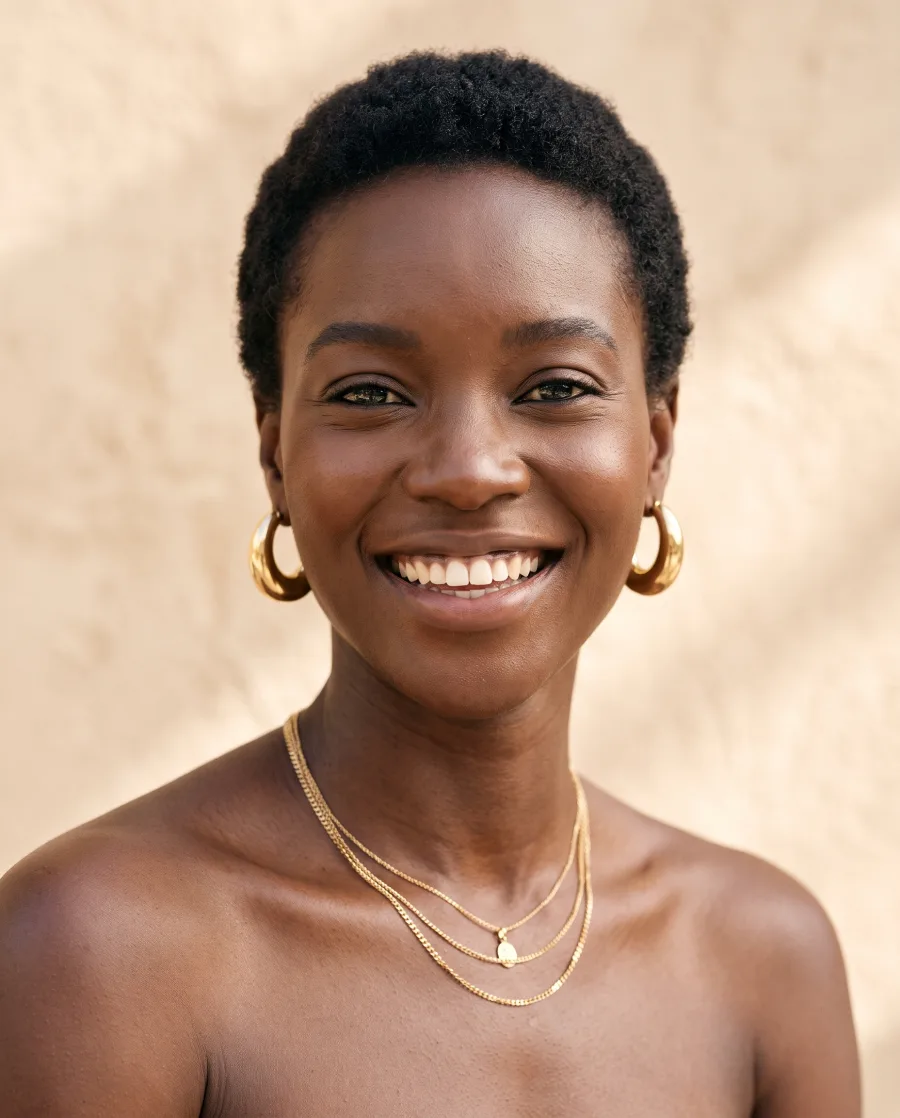
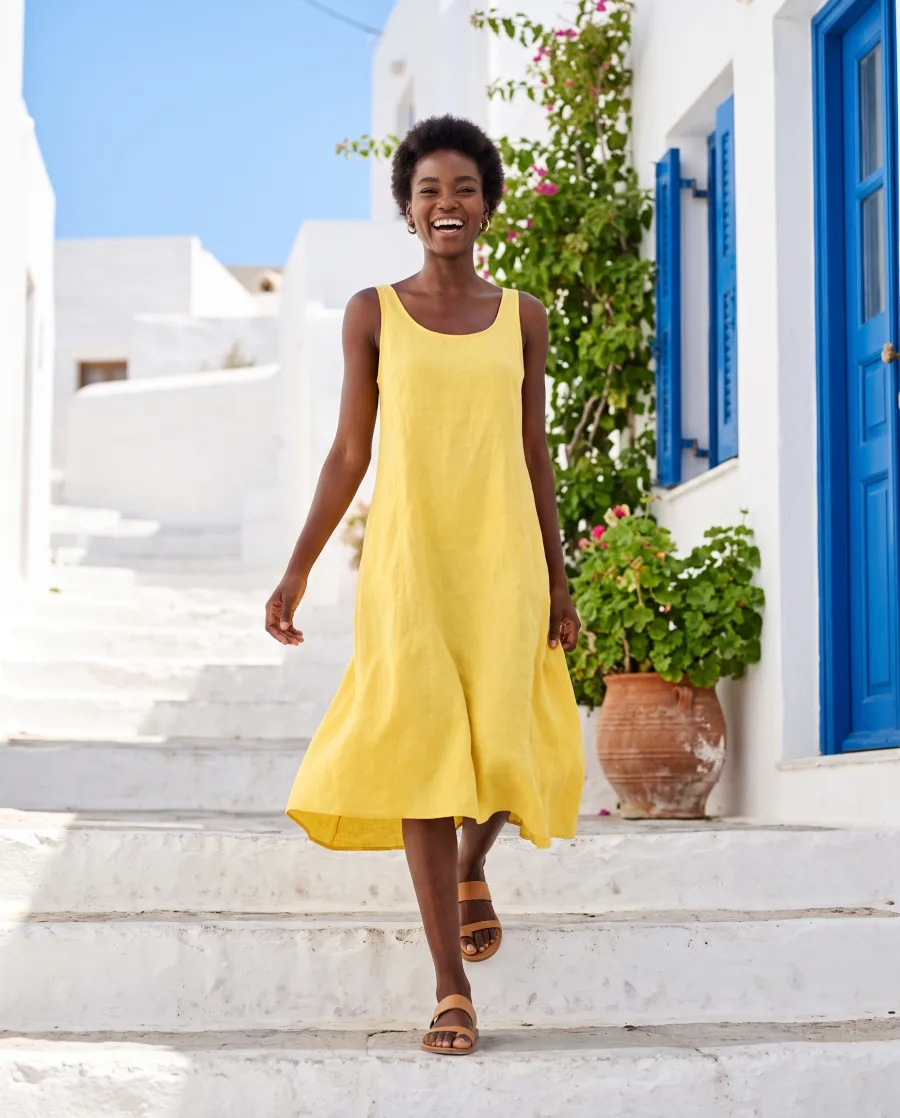
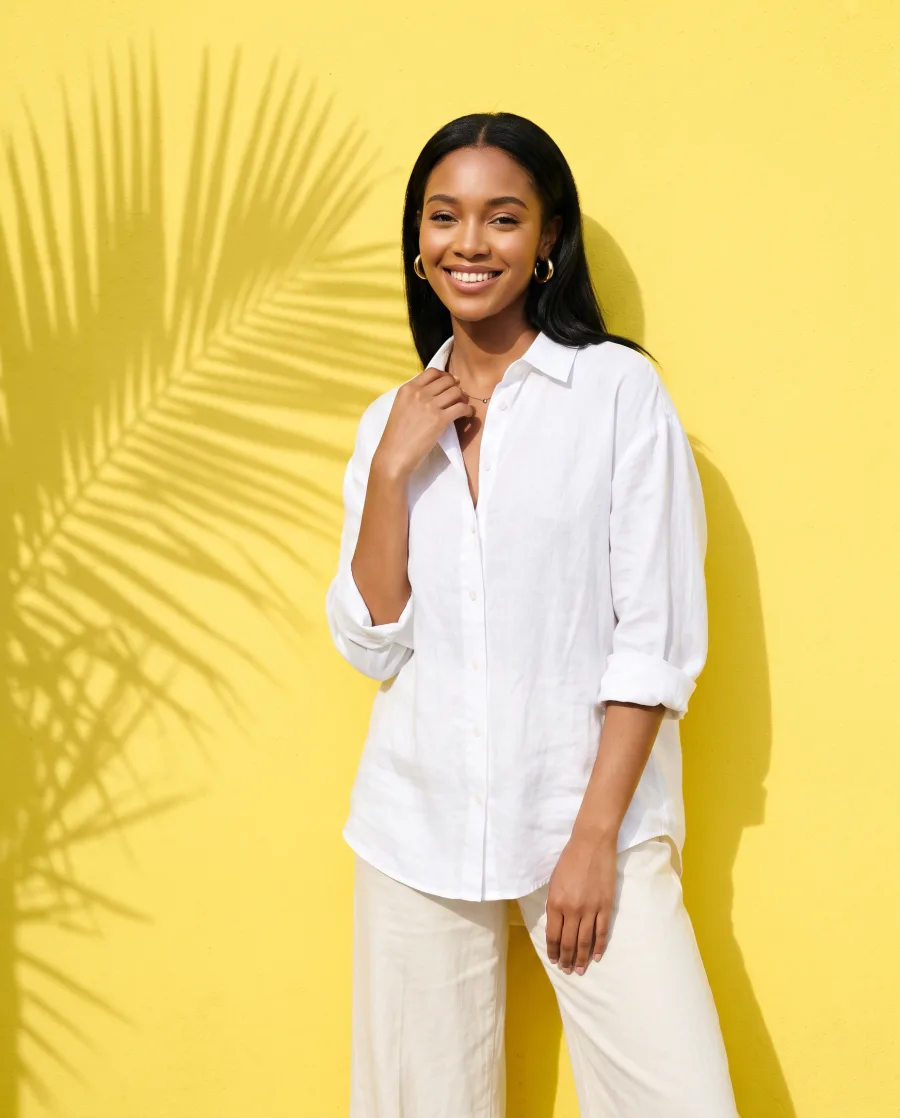
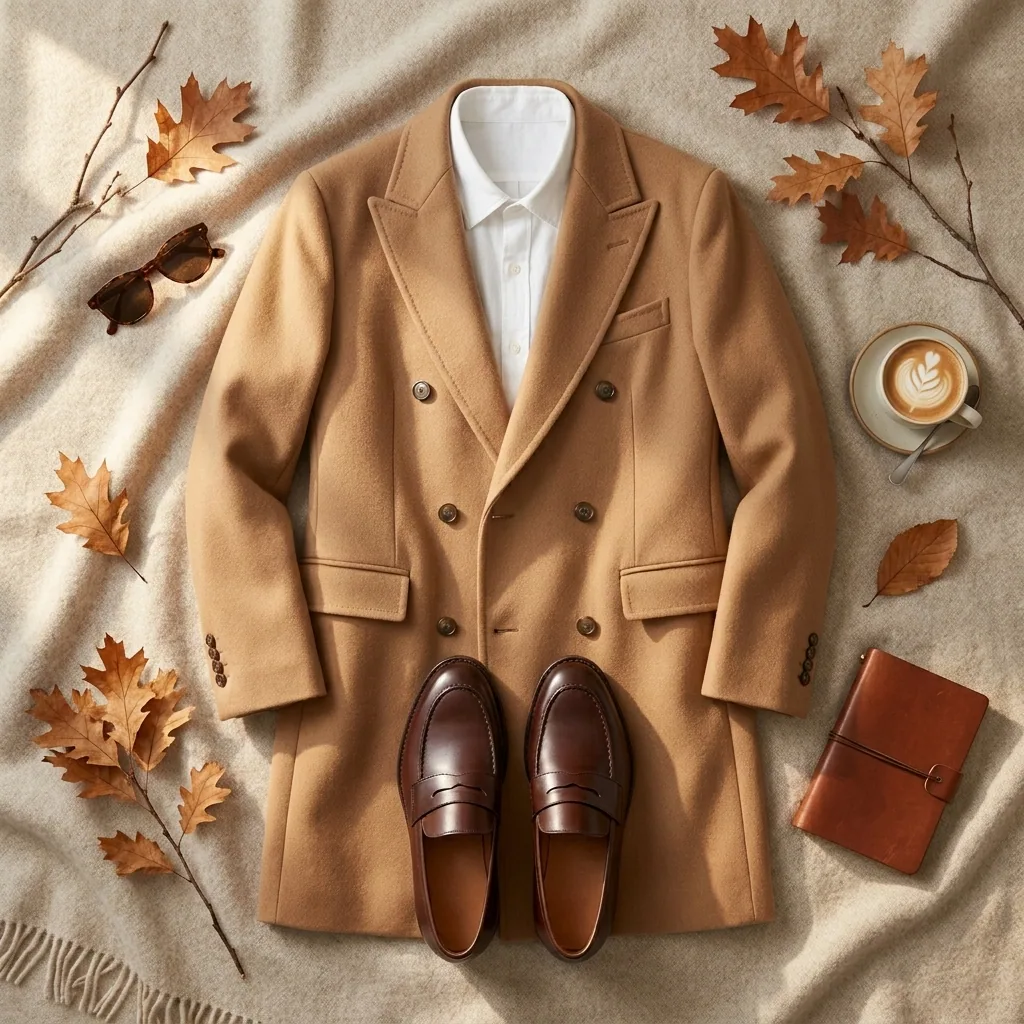
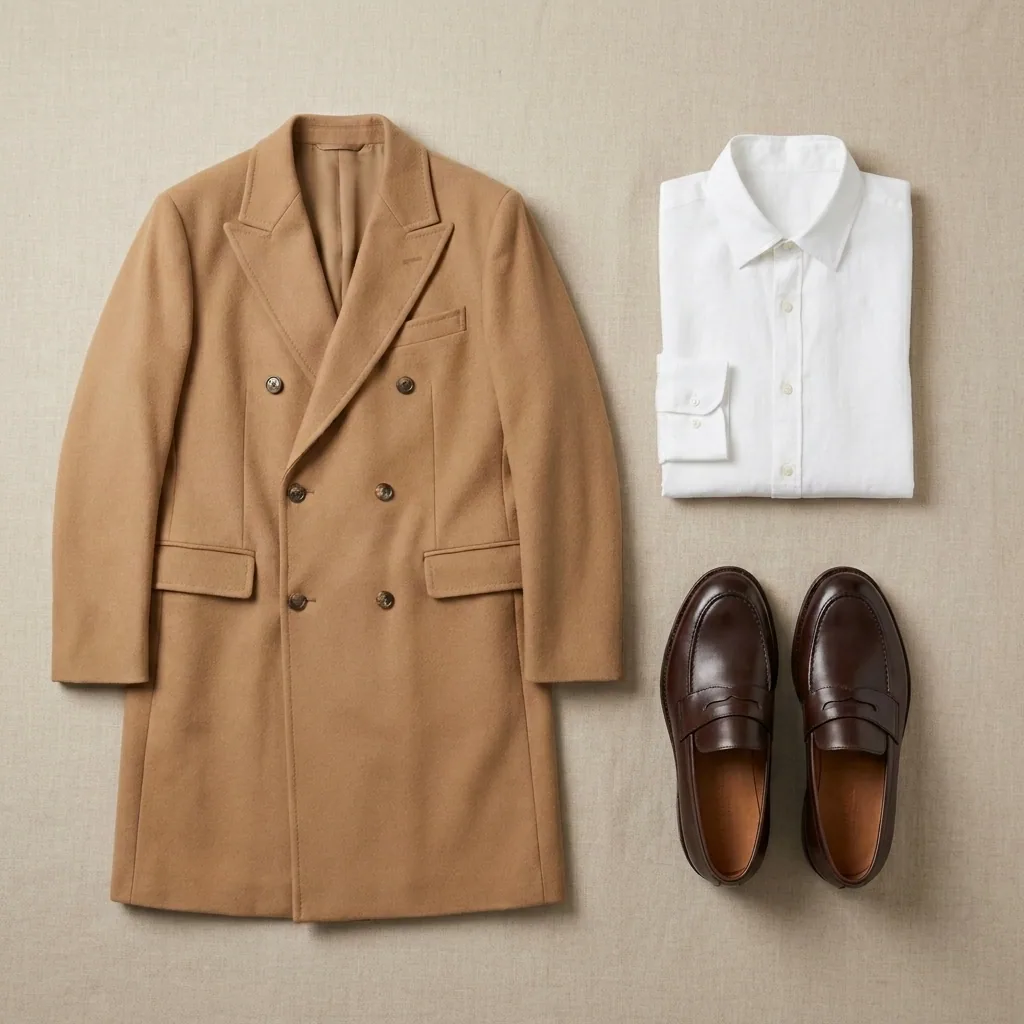
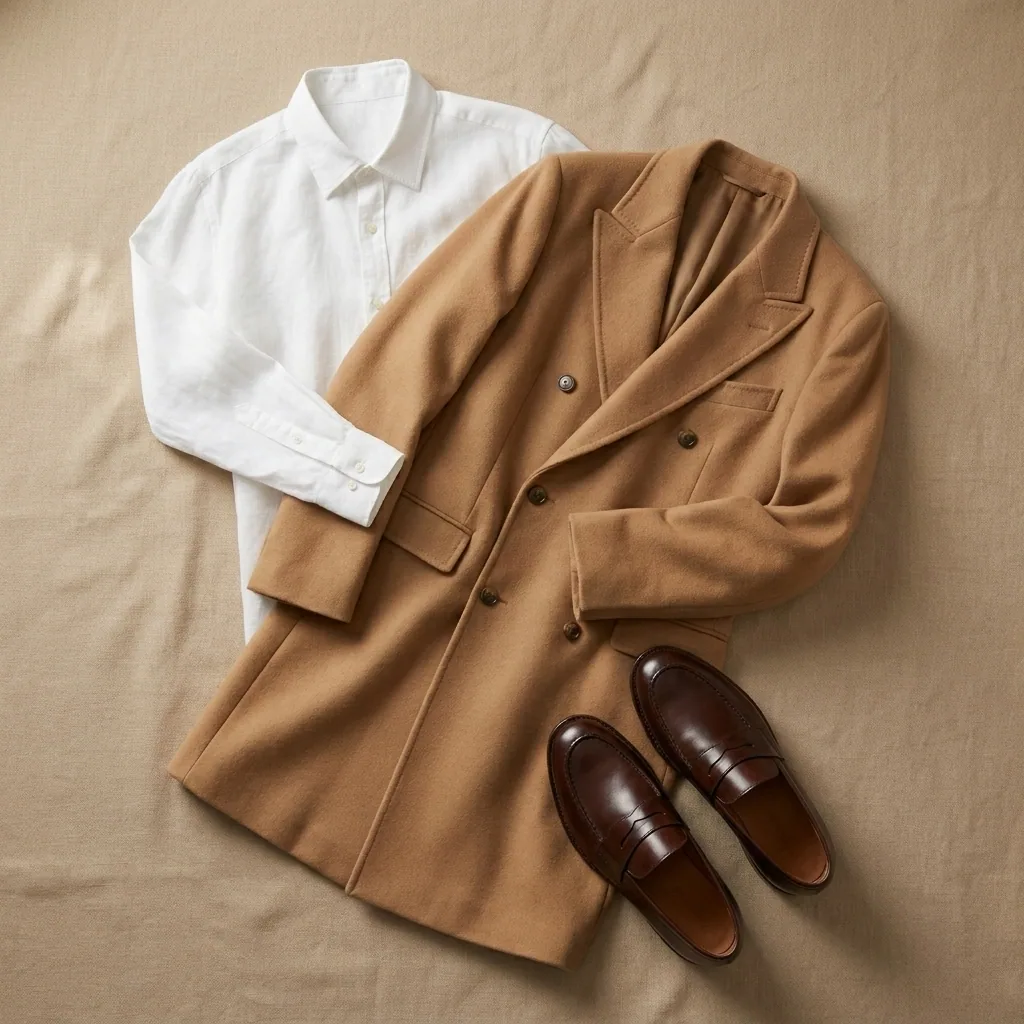
This template is being built, so the pictures on this page are examples.

What it does
Image models comparison, in one paragraph
Image models comparison is a basics template. You get one prompt run through several image models, shown side by side. Several image models get the same prompt, so you can see which one suits your product. It is being built, so the pictures on this page are examples.
How a run works
Four steps from your photo to the results
- 01
Open the template
Press "Open in studio" in DesignerBox. Your own copy opens, with every step in place.
- 02
Add your photo and your words
Add the product photo and the few words the template asks for, like a headline or a place.
- 03
Press Run all
The price adds up as each step runs, and you see it in the app.
- 04
Keep the results you like
The results are saved in Assets. Download them or send them to a client for review.
Start free. You see the price before you make anything.
Your own photos, your own prompts and the commercial licence start on the Pro plan. Video starts on the Premium plan.
More templates
Other basics templates
The same job, a different result. Each card says what the template returns.
 DesignerBox basicsA short first run that turns your product photo into a finished set
 Storyboard to video clipEach frame of your storyboard turned into a short video clip
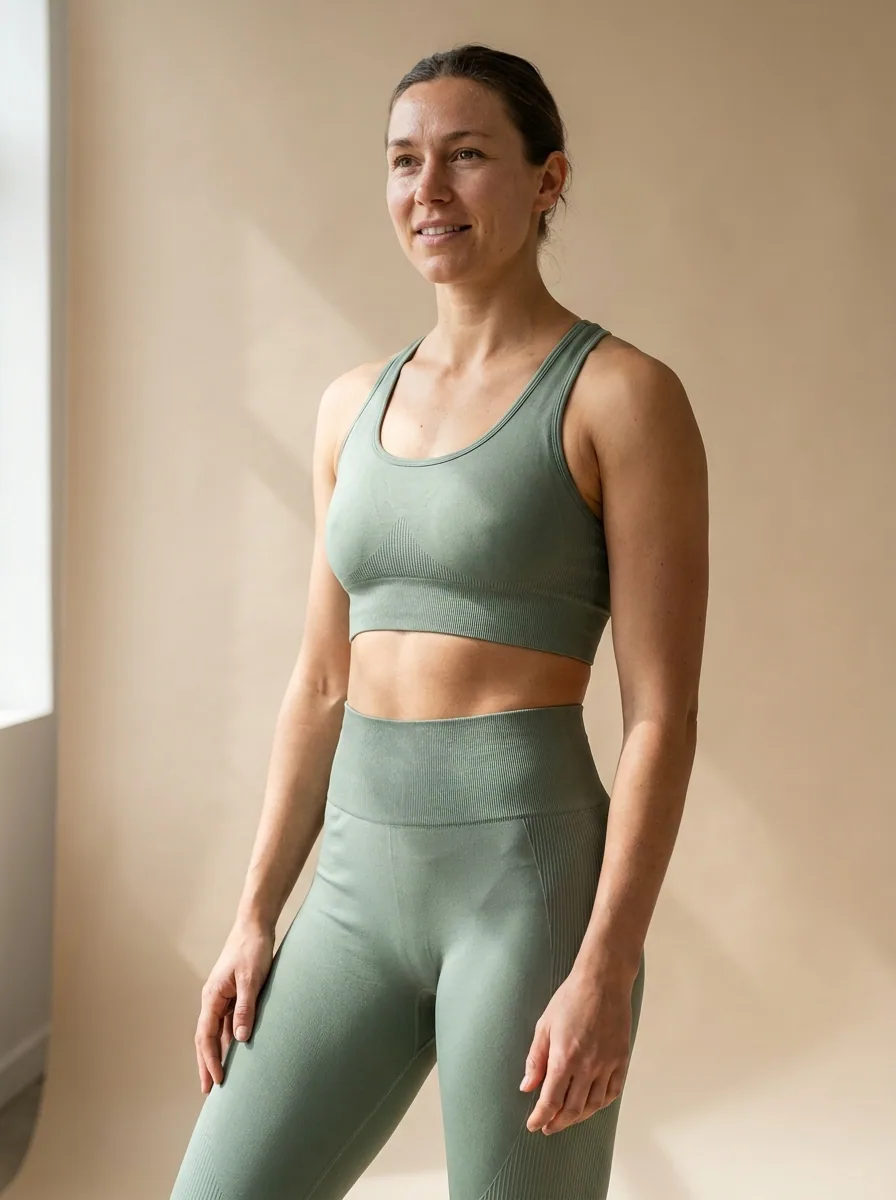 Model creatorA generated model with the face, age and look you choose, ready to reuse
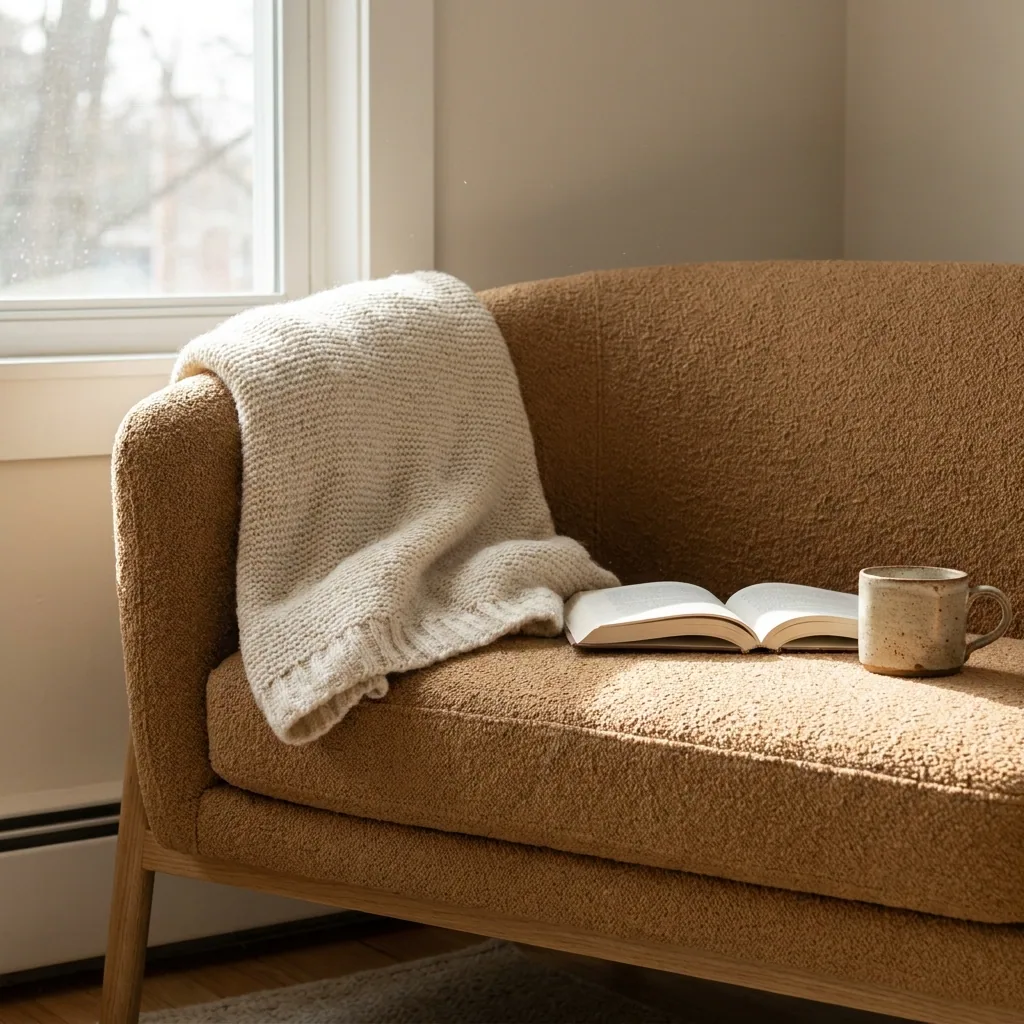 Start and end frame videoA video that runs from your first picture to your last
What does the Image models comparison template make?
One prompt run through several image models, shown side by side. It is being built, so the pictures on this page are examples.
What does a run cost?
A template runs several steps and models, so its price adds up step by step as it runs. You see the cost of each step in the app. Each run uses credits from your plan.
Can I change the template?
Yes. When you open a template, you get your own copy. You can add, remove or change any step, then save it as your own workflow.
Which plan do I need?
You can start free. Your own photos, your own prompts and the commercial licence start on the Pro plan.
Make your first pictures today.
Sign up with Google or your email. Nothing to set up.
Get started free- Claude
- ChatGPT
- Cursor