


Shoes and trainers
Footwear product photography with AI
Upload photos of the real shoe, including the sole. Build the three-quarter hero, the side profile, the outsole view and the lace detail. One lighting treatment covers every colourway, so a collection page looks like a single range. Every picture keeps your brand's look, at any volume.
Last updated
Who it is for
Does that sound like you?
Scaling without compromising quality.
You need more pictures every week for the shop, the ads and the socials. Anyone can make an AI picture. Making hundreds that still look like your brand is the hard part. A shoot for every product costs weeks, and every new generator returns a different look.
- A template or a workflow you build once, with your brand rules
- One run on one product, or a batch over your whole catalogue
- Every result in Assets, with the same look on the first and the last
Cut the waiting time and budget for deliverables.
You make this for clients, and every client has their own look. A shoot for each one costs weeks and most of the budget. A different generator for each one returns a different look, so somebody fixes it by hand before it is delivered.
- Each client's brand rules, saved once and used on every run
- A workflow you build once and run for every client
- A batch over a client's whole catalogue, delivered from Assets
Footwear photography
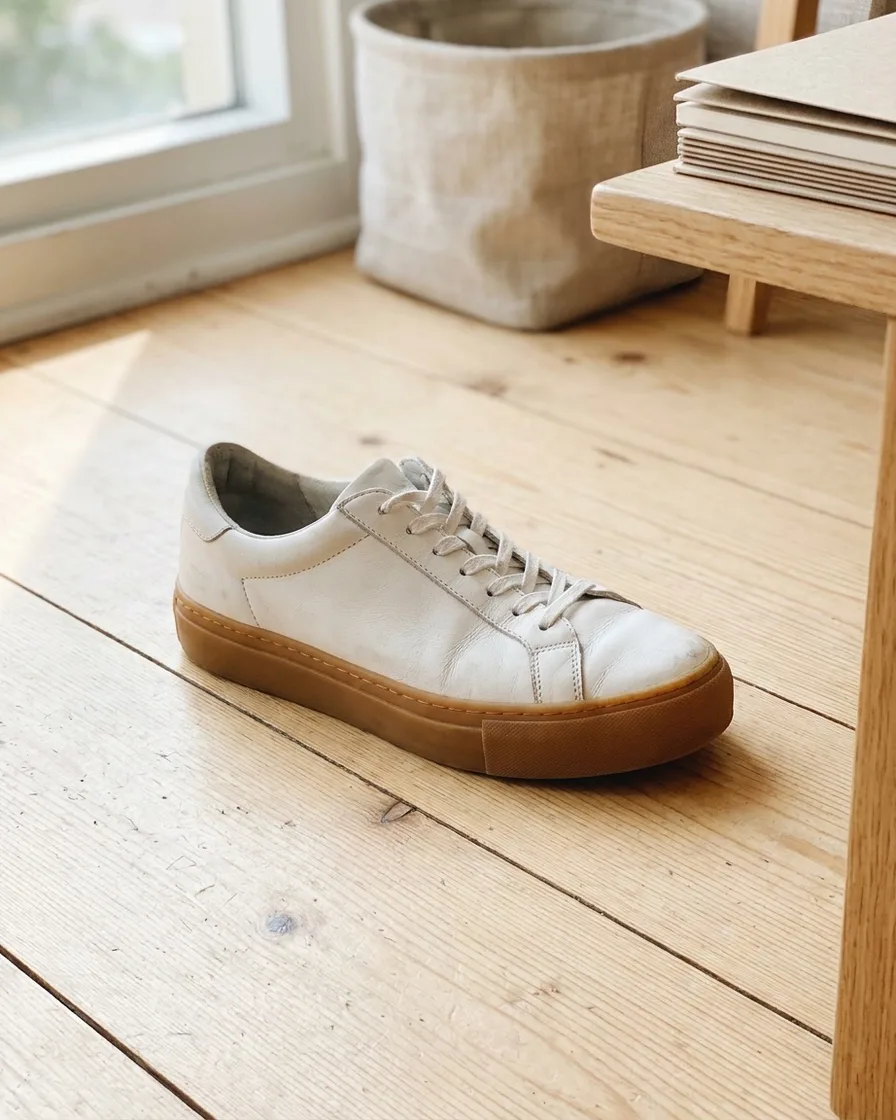
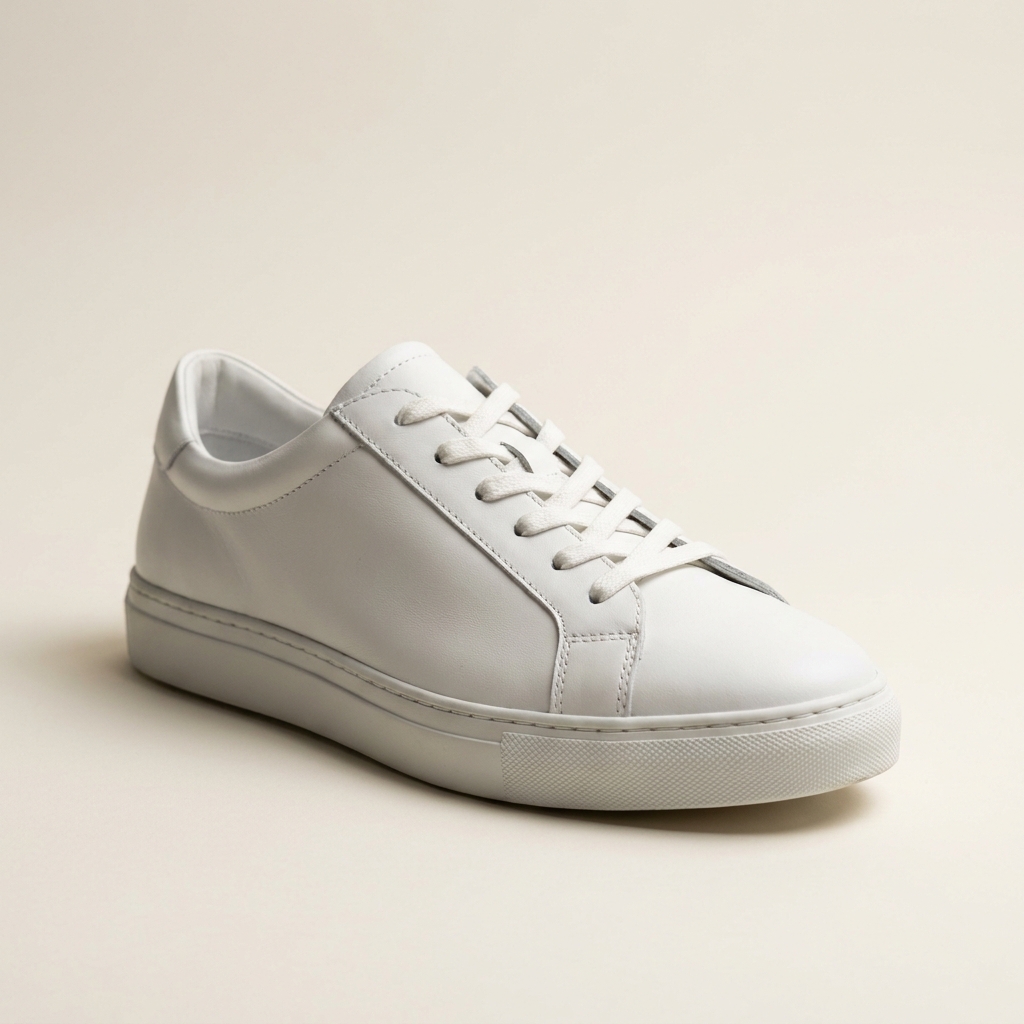
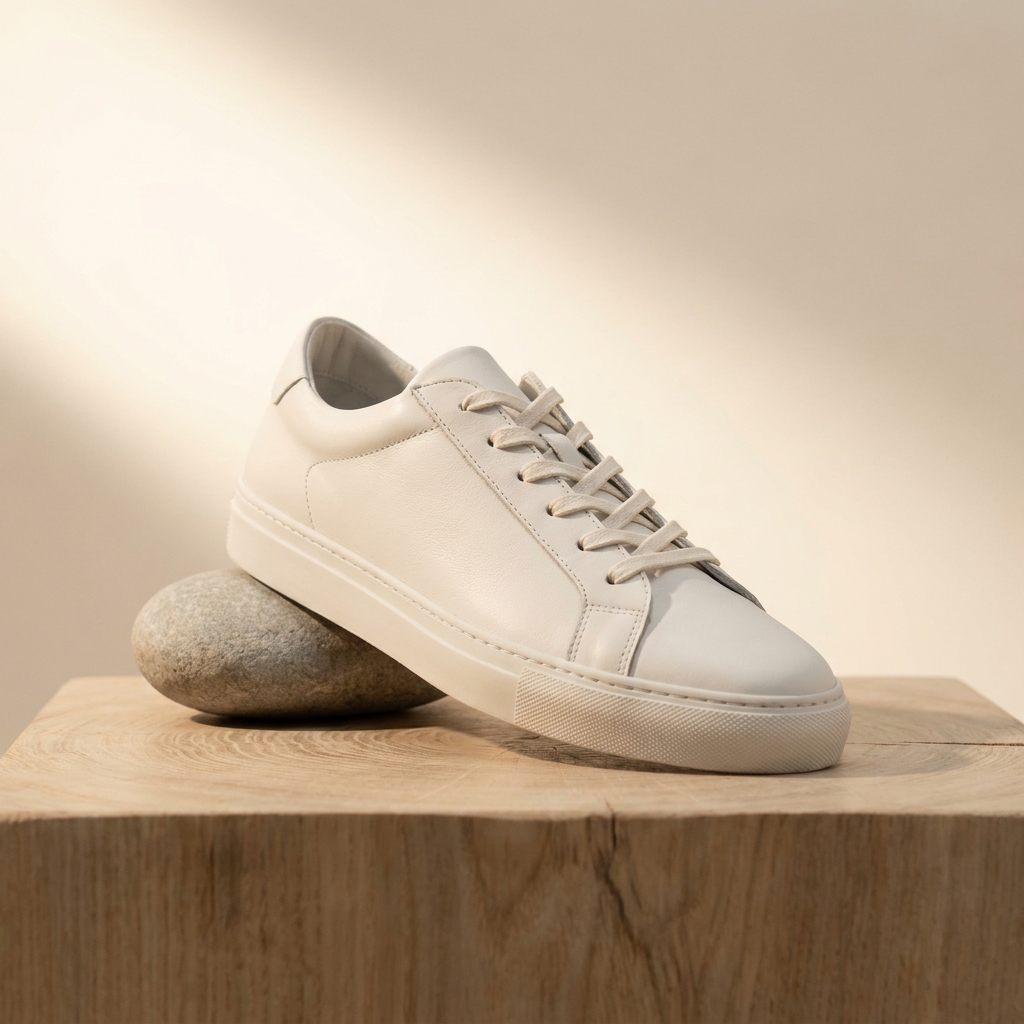
Footwear product photography is the job of showing a shoe's shape, its sole and its materials in one set of images. The hero is a three-quarter view from the outside of the shoe, taken slightly above the floor line. Around it sit the side profile, the top-down lacing view, the heel, the outsole and one close detail. DesignerBox builds those views from a photo of the shoe you sell.
What a shoe demands from a camera
Four problems every footwear shot has to solve.
The three-quarter hero angle
A shoe photographed straight from the side looks flat, and one photographed head-on hides its length. The selling angle is three-quarter from the outside, with the camera near floor height and the toe turned slightly towards it. Hold that same angle for every model in the range.
Suede, mesh and patent in one frame
Most shoes carry three or four materials at once. Suede absorbs light and turns muddy under a soft box. Patent leather throws a hard highlight. Mesh only shows its weave under a low, raking light. One shot has to keep all of them readable.
The sole is a separate shot
Runners and skaters choose a shoe by its tread. A footwear set needs the outsole photographed flat and square, with the whole pattern in focus and the branding on the heel readable. Shot at an angle, the toe end blurs and the tread stops being useful.
White midsoles and dressed laces
Laces have to be dressed the same way on every pair, with matched loops and the tongue centred. The midsole is the largest bright area in the frame, so it loses detail before anything else. Keep its edge and its texture visible while the white still reads white.
The footwear shot list, in order
This is the order that keeps six views matched.
Angle consistency decides whether a footwear grid looks designed. Twelve shoes photographed at twelve slightly different three-quarter angles make a collection page look uneven, and no single image is good enough to save it. Settle the camera height, the toe rotation and the lighting on one model first. Record those three. Remove the background next, because every generated view inherits that edge. Build the profile, heel, top-down and outsole from the clean file, then finish with the lace and stitch detail. Save the sequence as a workflow and run each new colourway through it.
What a footwear listing needs
Four deliverables, and the spec each one has to meet.
Square hero on white
The image a search result shows. Square, product filling most of the frame, plain white behind it, one shoe at three-quarter. Export it larger than your theme needs so a buyer can zoom without the stitching softening.
Six-view angle gallery
Lateral profile, medial profile, top-down, heel, outsole and one detail. Six frames answer nearly every question a footwear buyer has before size. Keep the shoe the same size in each frame so the gallery does not jump.
Macro detail frame
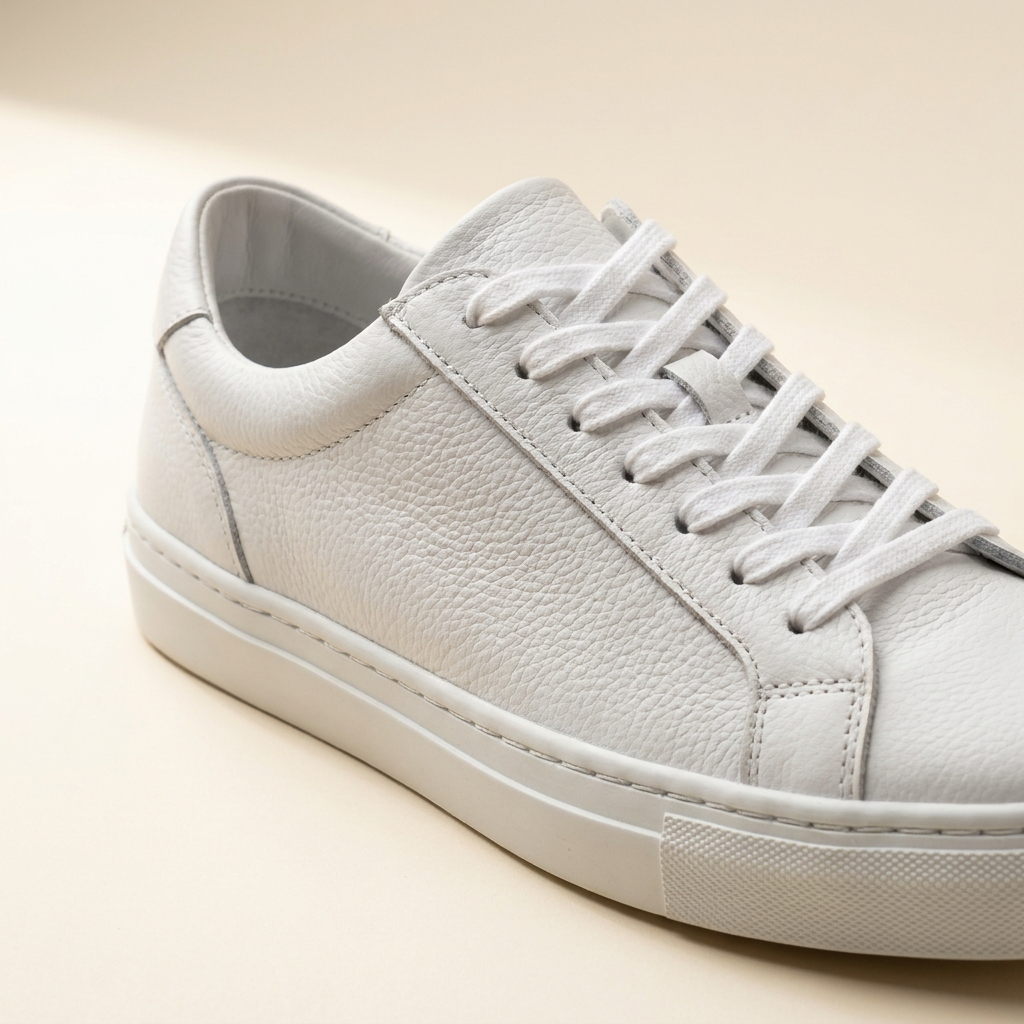
One close frame of the material and the make. Stitch density, eyelet finish, the grain of the leather or the weave of the mesh. This is the image that answers a question about quality without a word of copy.
One file per colourway
The same silhouette often sells in eight colours. Each one needs its own set at the same angle and the same light, with the colour matched to the real shoe. Save the treatment once and repeat it per colour.
Questions about footwear photography
What shoe sellers ask before they build an angle set.
What angle should the hero shot use?
Do I shoot one shoe or the pair?
How do I photograph the sole?
Will the generated views match the real shoe?
Can this handle white trainers on a white background?
Does it upload the images to my store?
Running a shoe or clothing brand
This page covers how a shoe is lit, angled and separated from its background. The fashion brands page is a different page. It covers who plans a drop, and how a small team makes its own pictures.
Other categories
The same craft, written for a different product.
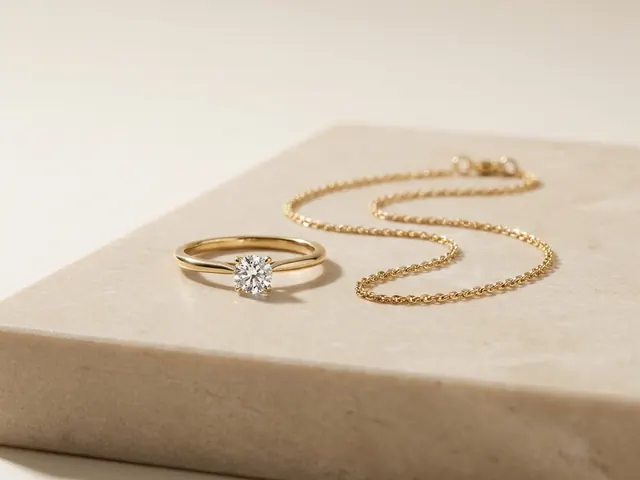
Jewellery photography
Reflection control on metal, stone brilliance, macro detail and a size cue.
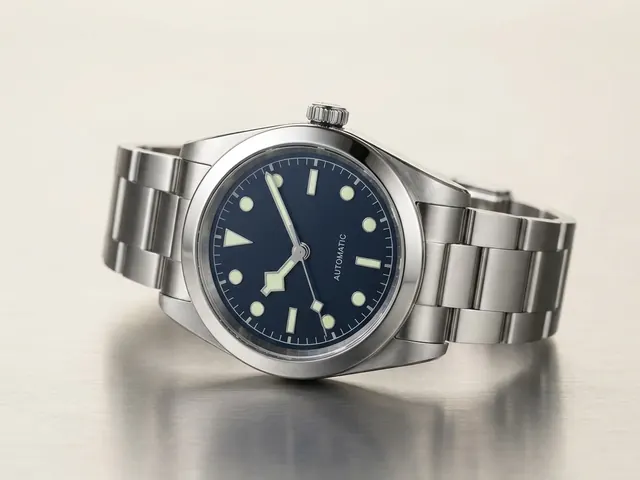
Watch photography
Crystal glare, dial legibility, bracelet finish and the ten past ten hand set.
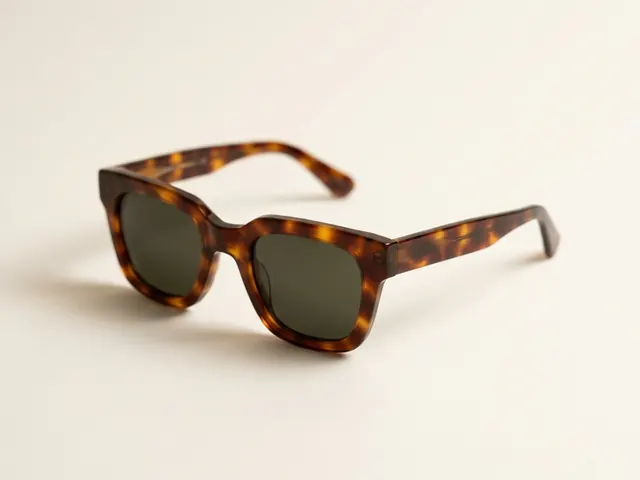
Eyewear and sunglasses
Reflection control, frame angles and on-face fit shots.
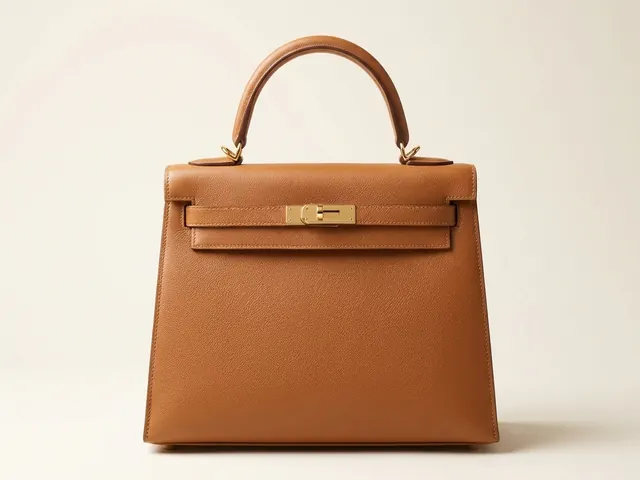
Bags and handbags
Shape, leather grain, hardware and the interior view.
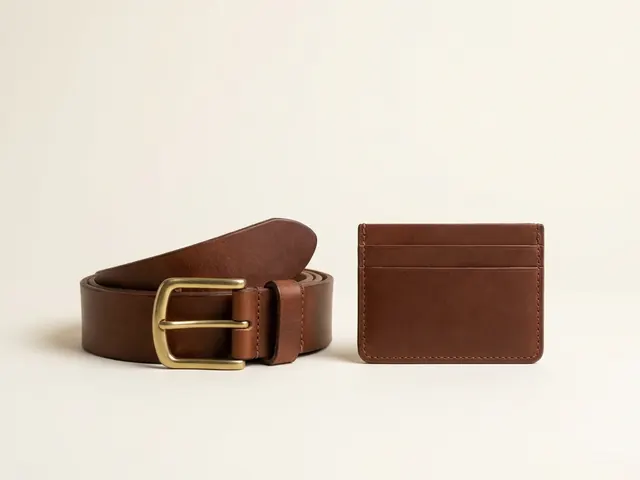
Wallets, belts and small goods
Flat lay sets, open and closed states, edge paint and thickness.
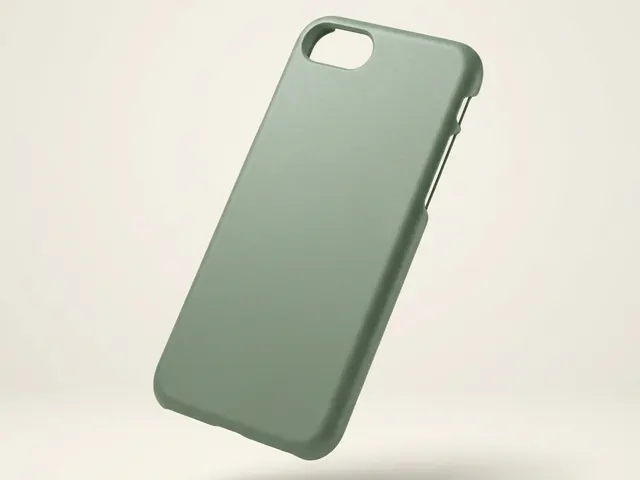
Phone cases
Curved-shell prints, sharp camera cutouts and one look across a whole design range.
Everything you need, in one place
The full workflow from the first product photo to the finished ad, in one subscription.
Scale content without limits.
Generate content for your products or services with AI, starting today, and keep your brand on every piece.








