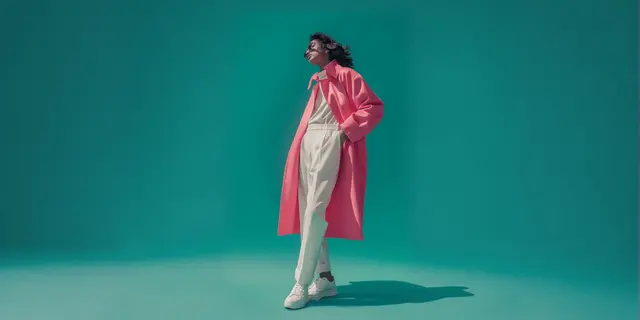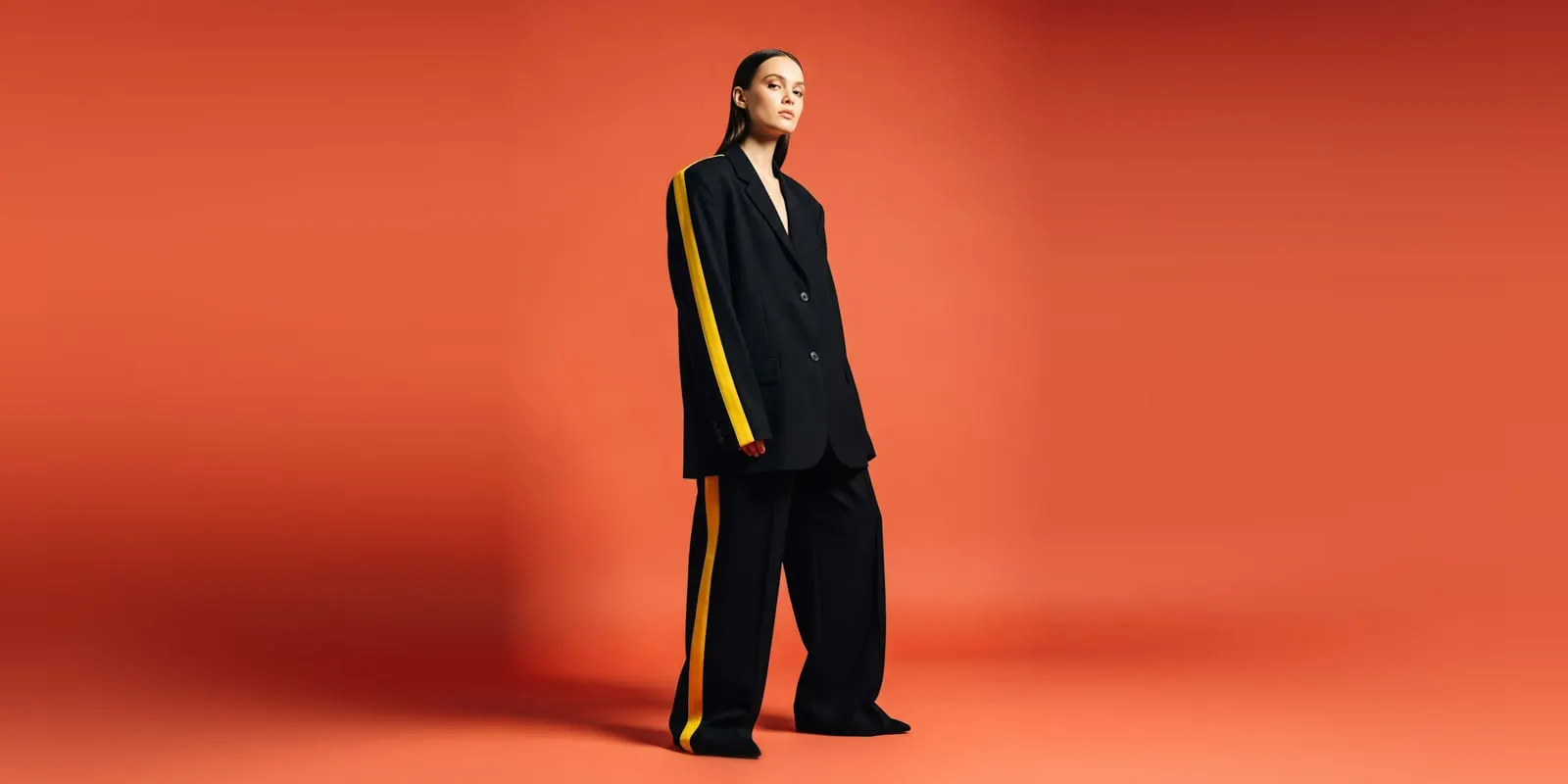
To use AI models for a clothing brand, give them specific gallery slots and prove the change on a small pilot. Pick 10 products and cast one AI model that fits your size range. Photograph each garment cleanly, because that photo is the input. Check every result against the real garment. After 30 days, compare returns and conversion with 10 products you did not change.
The first good picture is the easy part. The hard questions come later. Does the fifth product look like the first one? Does the product page still tell the truth about fit? Do returns go up or down? A brand that skips those questions learns the answer from its returns report two months later.
This guide is for clothing brands with 20 to 500 products, and for the agencies that produce their catalogs. It covers which slots an AI model can fill, how to choose the pilot products, and what to photograph. It also covers the review, the scorecard that decides the pilot, and the rules that apply before you publish. DesignerBox publishes this guide and sells AI fashion models for clothing brands, so we are not neutral. We say where a real shoot still wins.
Key Takeaways
- An AI model replaces slots, not the whole shoot. Front, back and three-quarter shots on a model are the core use. Children’s swimwear, leotards and underwear stay flat on Amazon.
- Pilot on 10 products, and include hard ones. Include a best seller, a printed piece and the product with your worst return rate. Easy basics alone prove nothing.
- Cast the model once. One face and one body type per size group, used on every product in the pilot.
- The garment photo decides the result. Front and back, even light, true color, and a close-up of the print or texture.
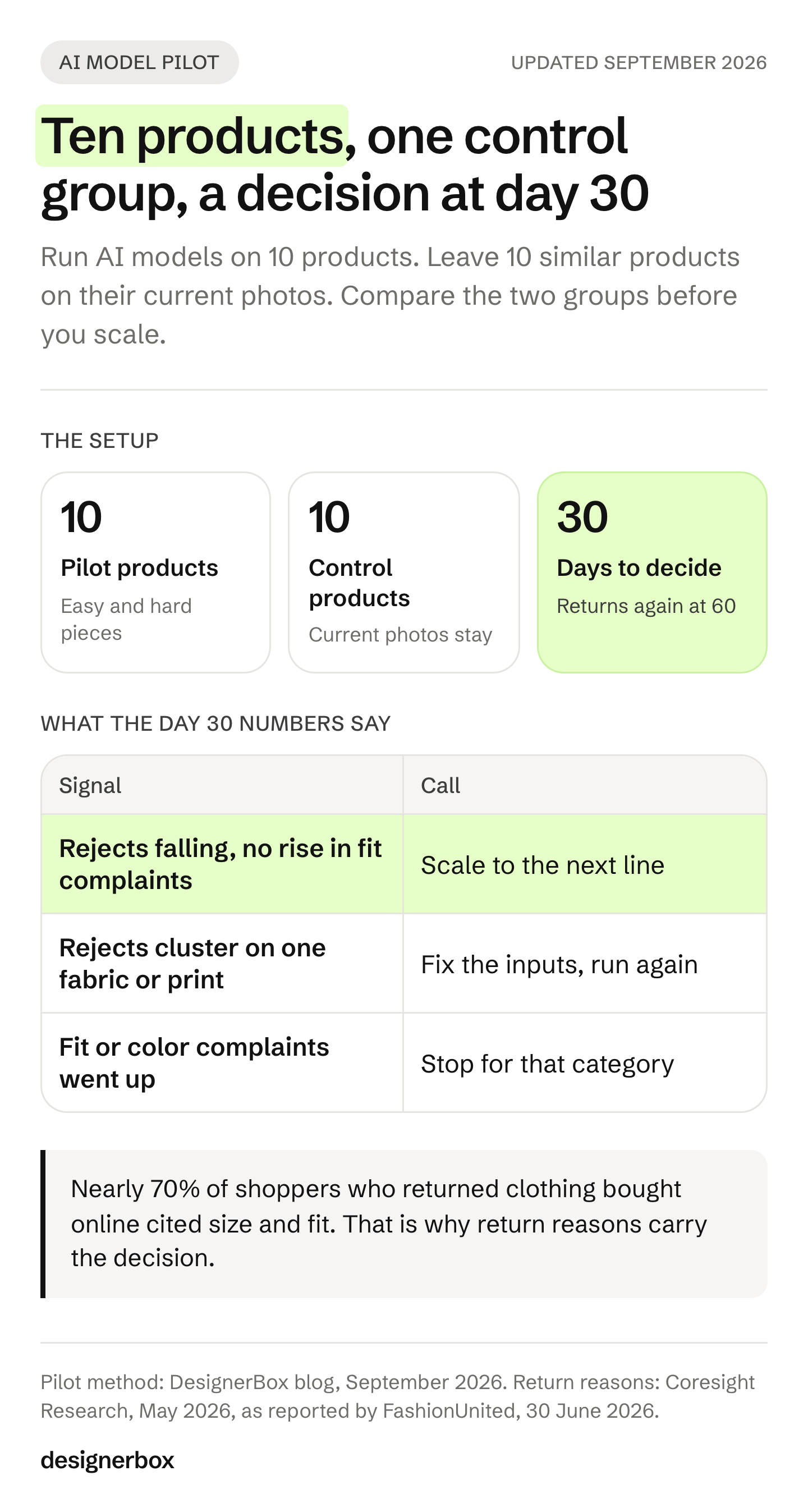
- Keep a control group. Leave 10 similar products on their current photos. Compare conversion and return reasons with the pilot group.
- Returns are the number that matters. Read return reasons for both groups at day 30, and again at day 60, because returns arrive late.
- Label where the rules ask for it. Amazon, Google, New York and the EU each set their own rule for AI images. Check all four before you publish.
How do you use AI models for a clothing brand?
You use AI models for a clothing brand by treating them as one production method among several, chosen per gallery slot. The AI model wears your real garment in the front, back and three-quarter shots. A real photo still covers the fabric close-up, and flat shots cover the items a marketplace wants flat. You run a pilot first and decide with your own numbers.
For a clothing brand, the useful question is narrow: which of the six or seven images on a product page can an AI model make, and which ones must stay real?
AI models vs real models covers that decision in depth, slot by slot. This guide assumes you have decided to try it, and covers how to run the trial.
What an AI model can replace, slot by slot
The table maps a typical clothing product page to the method that fits each slot. The rules column comes from the platforms’ own help pages, read in September 2026.
| Gallery slot | AI model? | What applies |
|---|---|---|
| Amazon main image, adult clothing | Yes, a standing model | Amazon asks for a standing model, no visible mannequin and a pure white background (Amazon Seller Central, September 2026) |
| Amazon main image, children’s swimwear, leotards, underwear | No | Amazon says these tight-fitting items are shown flat, with no model |
| Google Shopping image | Yes | Google recommends images of clothing worn by people, and asks you to keep the AI metadata in the file (Google Merchant Center Help, September 2026) |
| Your own store: front, back, three-quarter | Yes | The core use. One model and one light setup on every product |
| Fabric and detail close-up | Usually no | Your real photo is the safest source. Buyers zoom into texture to check quality |
| Fit line (“model is 5’9”, wears S”) | Change the line | An AI model has no real height. State the garment size and its measurements instead |
| Paid social and display ads | Yes, with a label where the law asks | See the rules section below |
The fit line is the slot most brands forget. A classic product page says the model is 5’9” and wears a size S. That sentence describes a real person. With an AI model, that person does not exist. Write the size the garment is and its measured length and chest. Then the buyer has facts, and your page says nothing untrue.
Pick 10 products for the pilot
Ten products is enough to see patterns and small enough to review every image by hand. The mix matters more than the number. A pilot of ten plain T-shirts will pass, and it will tell you nothing about the rest of the range.
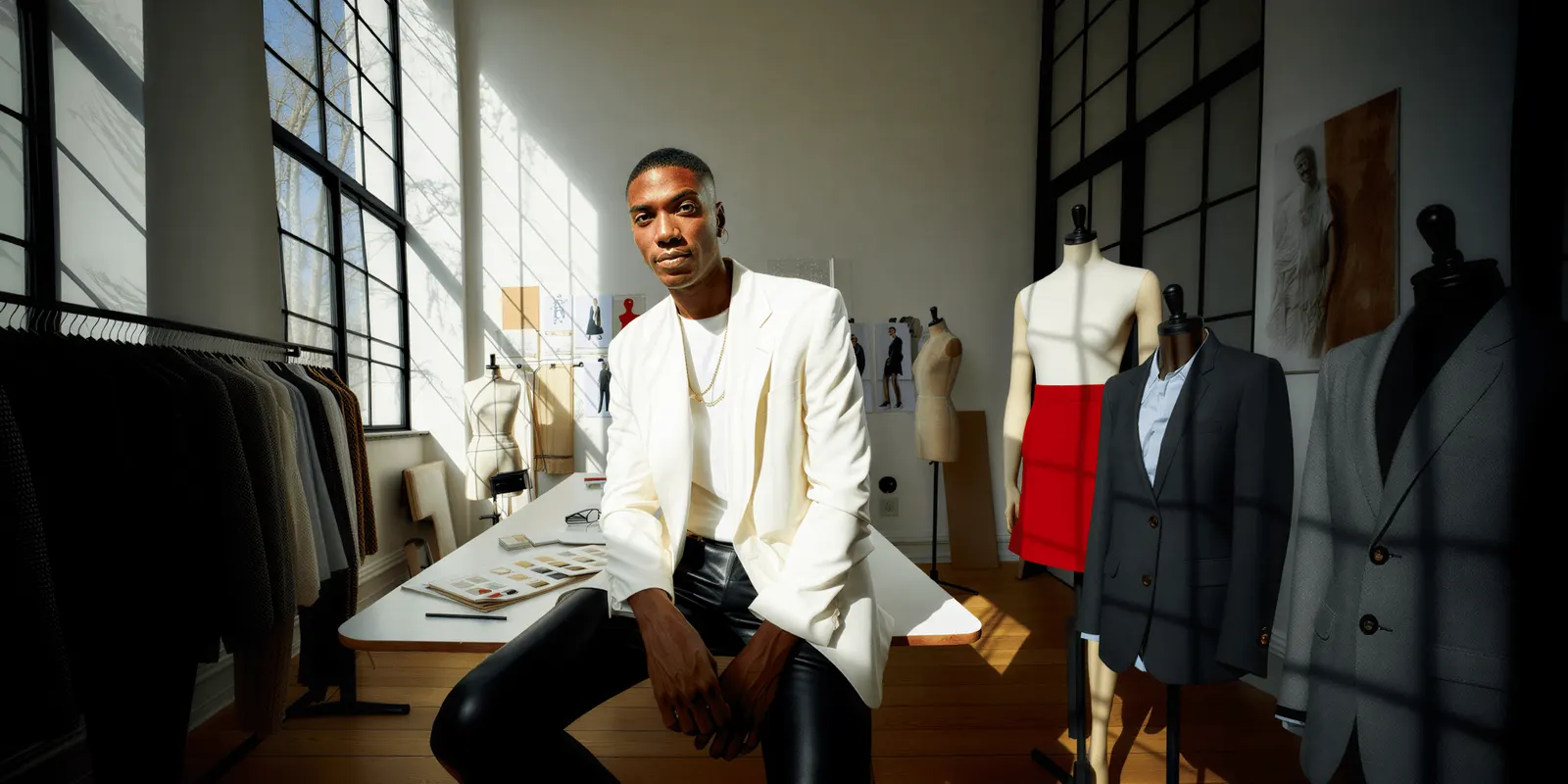
Use this mix:
- Four easy pieces. Plain knits, solid shirts, simple dresses. They show the best case and set your baseline time per product.
- Three hard pieces. A large print, a visible logo or text, and a sheer, sequined or heavily textured fabric. AI models fail most often on these: warped prints, garbled letters and lost texture.
- Your best seller. The product that earns the most is where a bad image costs the most. It has the traffic to show a change.
- Your worst product for returns. If AI images help with fit, this is where you will see it first. If they hurt, you will see that here too.
- One new product with no photos yet. This tests the real job: a new drop with no shoot booked.
Then pick 10 more products that match the pilot group on price, category and traffic. Leave them on their current photos. They are your control group, and without them a seasonal sales change looks like a photo effect.
Cast the model before the first run
Cast one model and keep it for the whole pilot. A different face on every product makes the catalog look like ten brands. It also ruins the test, because you cannot tell whether a change came from the method or from the face.
Four decisions to make before the first run:
- Body type per size group. If you sell XS to XXL, one sample-size model misrepresents half the range. Use two or three bodies across the range and keep each one fixed. Diverse AI fashion models covers how to cast a range.
- Face and styling. Hair, makeup and shoes stay the same on every product, so the garment is the only thing that changes.
- Pose set. Front, back and three-quarter at a minimum, with the same framing each time.
- Where the face comes from. An invented face needs no model release. A face based on a real model does. In New York, the Fashion Workers Act has required separate written consent before a model’s digital replica is made or used since 19 June 2025 (New York State Department of Labor, September 2026).
How to create an AI fashion model covers the three routes to the first frame, and which route leaves your brand owning the face.
The garment photos that decide the result
An AI model can only show what your input photo shows. If the back of the garment was never photographed, the back in the result is a guess. If the print is blurred in the input, the print will be wrong in the result.

The input spec for each pilot product:
- Front and back, as a flat lay or on a ghost mannequin. Ghost mannequin photography covers the setup.
- Even, soft light with no hard shadows. Shadows become folds that are not on the garment.
- True color. Put a gray card or a color checker in one frame per session, so you can check the result against it.
- A close-up of every print, logo, label and textured fabric.
- Measurements written down: length, chest or waist, sleeve. You need them for the fit line and for the review.
Never let the model draw the product from a text description. A prompt that says “a navy linen shirt” gives you a navy linen shirt. It does not give you yours. AI prompts for clothing product photos shows how to write the rest of the prompt around the photo.
The review before a product page
Check every result against the real garment, not against your memory of it. Put the input photo and the result side by side. Six checks catch most failures:
- Print and logo. Letters are readable and spelled right. Pattern repeats match the input.
- Construction. Collar, buttons, pockets, seams and hems are where they are on the real piece.
- Color. The result matches the gray card frame, not a warmer or cooler version.
- Length and fit. The hem falls where the measurements say it should on that body.
- Texture. Knit, rib and weave still read as fabric, not as a smooth surface.
- Hands and edges. Fingers, hair and the garment edge have no melted areas.
Log every rejected image with a reason. The log is a pilot result in its own right, because it tells you which products the method handles and which it does not. How to put clothes on a model with AI covers the fix for each failure.
The pilot scorecard
The scorecard is what turns a trial into a decision. Measure the pilot group and the control group over the same 30 days. Most of these numbers already sit in your store’s analytics and returns data.
| Metric | How to measure it | What it tells you |
|---|---|---|
| Reject rate | Rejected images divided by all images made, per product | Which products the method handles |
| Minutes per accepted image | Time from input photo to approved image | The real production cost, including review |
| Product page conversion | Orders divided by product page views, pilot against control | Whether the new images sell as well |
| Return rate | Returns divided by orders, per group | Whether the images set the right expectation |
| Return reasons | Share of returns coded “size and fit” or “looks different” | Whether the images tell the truth about fit and color |
| Fit questions | Customer service messages and reviews that ask about size | An early signal, before the returns arrive |
Returns carry the most weight. Coresight Research estimates the US online apparel return rate at 23.4% in 2025. Nearly 70% of shoppers who returned clothing bought online cited size and fit as the reason (Coresight Research, May 2026). An image that looks better and misleads on fit costs more than it saves.
Two honest limits apply. Returns arrive late, so orders from day 25 are not back yet on day 30. Read return reasons again at day 60 before you call the result final. The second limit is sample size. Ten products over 30 days rarely give a clean conversion difference. Treat conversion as a check that nothing broke, and let reject rate, time and return reasons carry the decision.
At day 30, one of three things is true:
- Scale. Reject rate is falling, time per image is below your old cost per image, and return reasons show no rise in fit or color complaints. Add the next product line.
- Fix the inputs. Rejects cluster on one kind of product, such as prints or sheer fabric. Improve the input photos for that kind and run it again. Keep real photos for it until then.
- Stop for that category. Fit or color complaints went up in the pilot group. Return to real photos for that category, and keep the AI model for the slots that did not cause the problem.
Labels and rules before you publish
This section is general information, not legal advice. The rules below were read on the regulators’ and platforms’ own pages in September 2026. They change often, so check the current version for every market you sell in.
- Amazon. Since July 2026, Amazon asks sellers to tag images that show a photorealistic person made fully by AI. The keyword contains-synthetic-performer goes into the image’s XMP dc:subject field before upload (Amazon Seller Central, September 2026). Real people edited with AI do not need the tag.
- Google Merchant Center. Google accepts AI product images. It asks you to keep the metadata that says AI made the image, and it can disapprove a product that removes it (Google Merchant Center Help, September 2026).
- New York. Since 9 June 2026, New York requires an ad to disclose a synthetic performer when the person who makes the ad knows it contains one. The civil penalty is $1,000 for a first violation and $5,000 for each later one (New York State Senate, September 2026).
- European Union. Article 50 of the EU AI Act has applied since 2 August 2026. Whoever publishes a deep fake must say it is AI-generated (European Commission FAQ, September 2026). The Commission’s guidelines say a realistic person who “can plausibly exist” can count, so an invented model is likely in scope.
- Meta. Meta asks advertisers to disclose AI only in ads about social issues, elections or politics. For other ads, Meta may add an “AI info” label itself when it detects signs of third-party AI, such as C2PA metadata (Meta Business Help Center, September 2026).
Labeling AI-generated fashion images covers the wording and the placement of a label on each surface.
From pilot to every new drop
Anyone can make an AI picture. Making hundreds that still look like your brand is the hard part. A pilot proves the method on 10 products. The next drop needs the same model, the same light and the same framing on every product, without a person rebuilding the setup each time.
DesignerBox is AI creative production for brands and agencies. Scale your images, ads and video with AI and keep your brand on every piece: build the workflow once with your brand rules, run it on every product, see the cost before each run, and keep everything from the first product photo to the finished ad in one place.
For the pilot, Clothing catalog turns one garment into four shots: front, three-quarter, back and a fabric close-up. An avatar run returns nine fixed poses for 25 credits. Dress my model then puts a garment on the model you cast. You set the brand once, and the workflow reads it on every run. Three critic steps score the results, and best-of-N keeps the best one. You still do the six checks above.
After the pilot, a colleague runs the same job through an app: a form with the garment photos and the size group. Batch runs the workflow over a whole sheet of products. You keep or discard each row, and re-run one row alone. The full workflow from the first product photo to the finished ad, in one subscription.
The limits, stated plainly. You download the results, or send them with a webhook or an S3 step. Nothing appears in your store listing on its own. The commercial license starts on the Pro plan. AI video and virtual try-on start on the Premium plan. Team features, shared brand kits, white label and the API are on the Ultra plan, and every plan below Ultra is one seat. Plans and credits are on the pricing page.
A real shoot still wins for a campaign built on a known face, and for any product where the pilot raised fit complaints.
A free plan for your first run
Start from a template, add your brand and your products, and see the cost before you run it. Get started free.
FAQ
Can I use AI models for my clothing brand?
Yes. We found no US or EU rule that bans AI models in product images, as of September 2026. The rules cover how you present them. Amazon asks for a metadata tag on photorealistic AI people. New York requires a disclosure in ads with a synthetic performer. In the EU, a realistic invented person is likely a deep fake that needs a label.
How many products should an AI model pilot include?
Ten products is a practical size. It is enough to see patterns and small enough to review every image by hand. Include easy basics, hard pieces with prints or sheer fabric, your best seller and your product with the most returns. Keep 10 similar products on their current photos as a control group.
Do AI model photos increase returns?
They can, if the image misleads on fit or color. Coresight Research found that nearly 70% of shoppers who returned clothing bought online cited size and fit (May 2026). Track return reasons for the pilot group against a control group, and read them again 60 days after the pilot starts, because returns arrive late.
What garment photos do I need for AI models?
You need the front and the back as a flat lay or on a ghost mannequin, in even light. Add a close-up of every print, logo and textured fabric. Put a gray card in one frame so you can check color, and write down the garment measurements for the review and the fit line.
Can I say “model is 5’9” and wears a size S” with an AI model?
Not truthfully. An AI model has no real height, so that sentence describes no one. State the size of the garment in the image and its measured length and chest or waist. That gives shoppers facts they can compare with their own clothes.
Can AI models keep the same face across a whole collection?
Yes, if you cast the face once and reuse it as a reference on every product. Keep hair, styling, pose set and light fixed too, so the garment is the only thing that changes. A new face on every product makes the catalog look like several brands.
Should my agency run AI models for clothing clients?
It fits when a client has a steady flow of new products and a clear brand look. Run the same 10-product pilot per client, with that client’s model and brand rules kept separate. On DesignerBox, team features and shared brand kits are on the Ultra plan, and every plan below Ultra is one seat.
Sources
- US online apparel return rate and size and fit as the return reason: Coresight Research, May 2026, as reported by FashionUnited, 30 June 2026, accessed 24 September 2026
- Amazon main image rules for clothing and the contains-synthetic-performer tag: Amazon Seller Central, product image requirements, accessed September 2026, and CNBC, 23 July 2026
- Google Merchant Center image requirements and AI metadata: Google Merchant Center Help, accessed September 2026
- New York synthetic performer disclosure law, General Business Law 396-b: New York State Senate and Office of the Governor, 9 June 2026, accessed September 2026
- New York Fashion Workers Act and digital replica consent: New York State Department of Labor, accessed September 2026
- EU AI Act Article 50 and the deep fake definition: European Commission FAQ and Commission guidelines, accessed September 2026
- Meta AI disclosure and labels in ads: Meta Business Help Center, accessed September 2026
- DesignerBox plan gates and the cost shown before each run: DesignerBox pricing page (designerbox.ai/pricing), September 2026
Platform rules and laws verified on the regulators’ and platforms’ own pages as of September 2026. This is general information, not legal advice. Individual results vary.