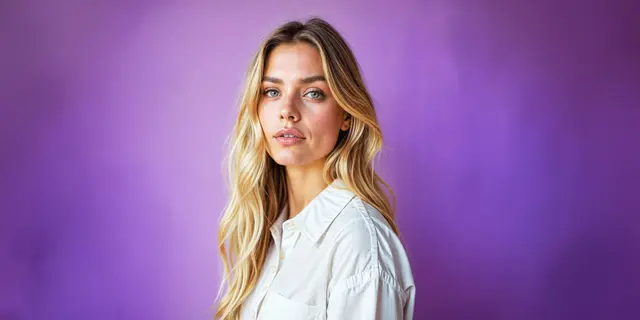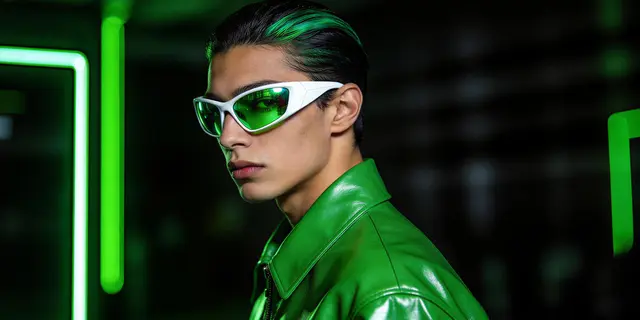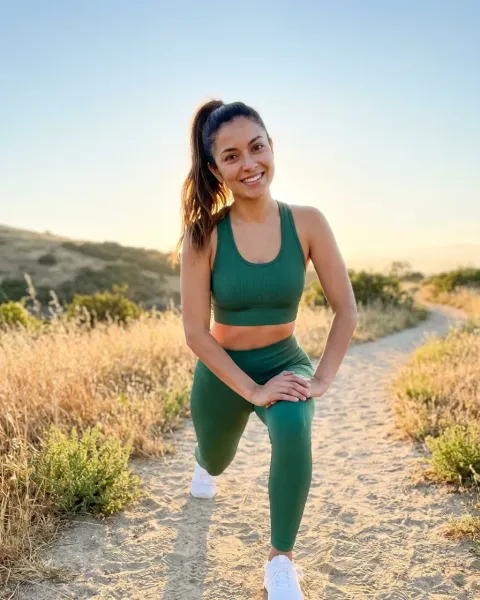
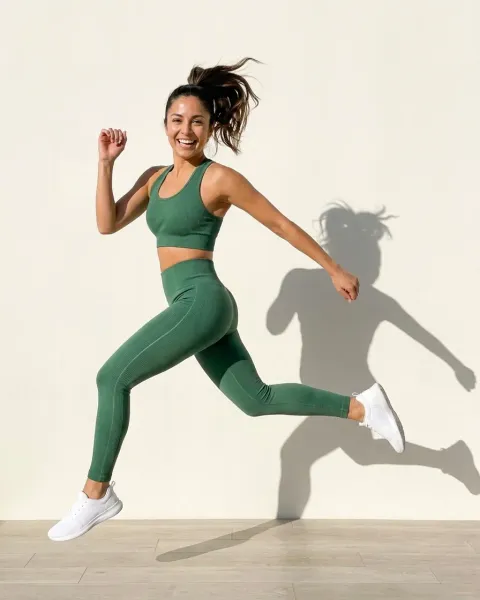
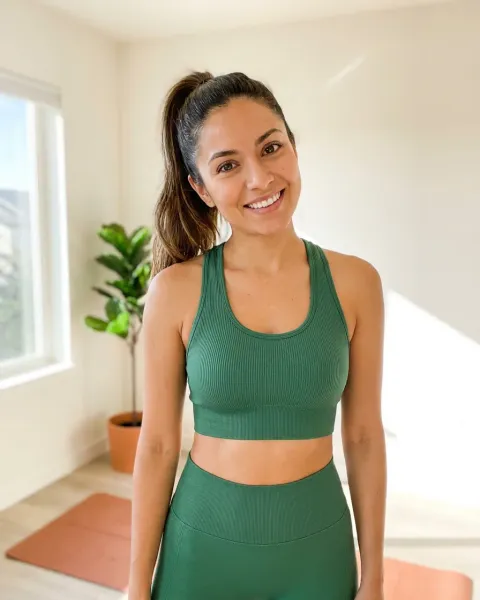
An AI clothing model is a generated person wearing your real garment, produced from a flat lay or packshot you already own. Upload the garment image, pick a model, decide how you hold that model across the range, generate, then check the result against the real product.
That loop covers one piece. The harder question is what happens on piece forty.
Here is the version you already know. The drop lands in six weeks. Every SKU has a flat lay and nothing on a body. Casting is a week, the shoot is a day rate, and the studio has one slot that works. Then merchandising asks for the black colorway, which was not on the call sheet, so it waits for the next shoot in eight weeks.
This guide is the working process for closing that gap, written for fashion and apparel teams shipping to a PDP. It covers the five steps, what makes the result a professional clothing photo on Amazon and Google, how to see the cost before you run them, and a disclosure rule that has applied since 2 August 2026.
Key Takeaways
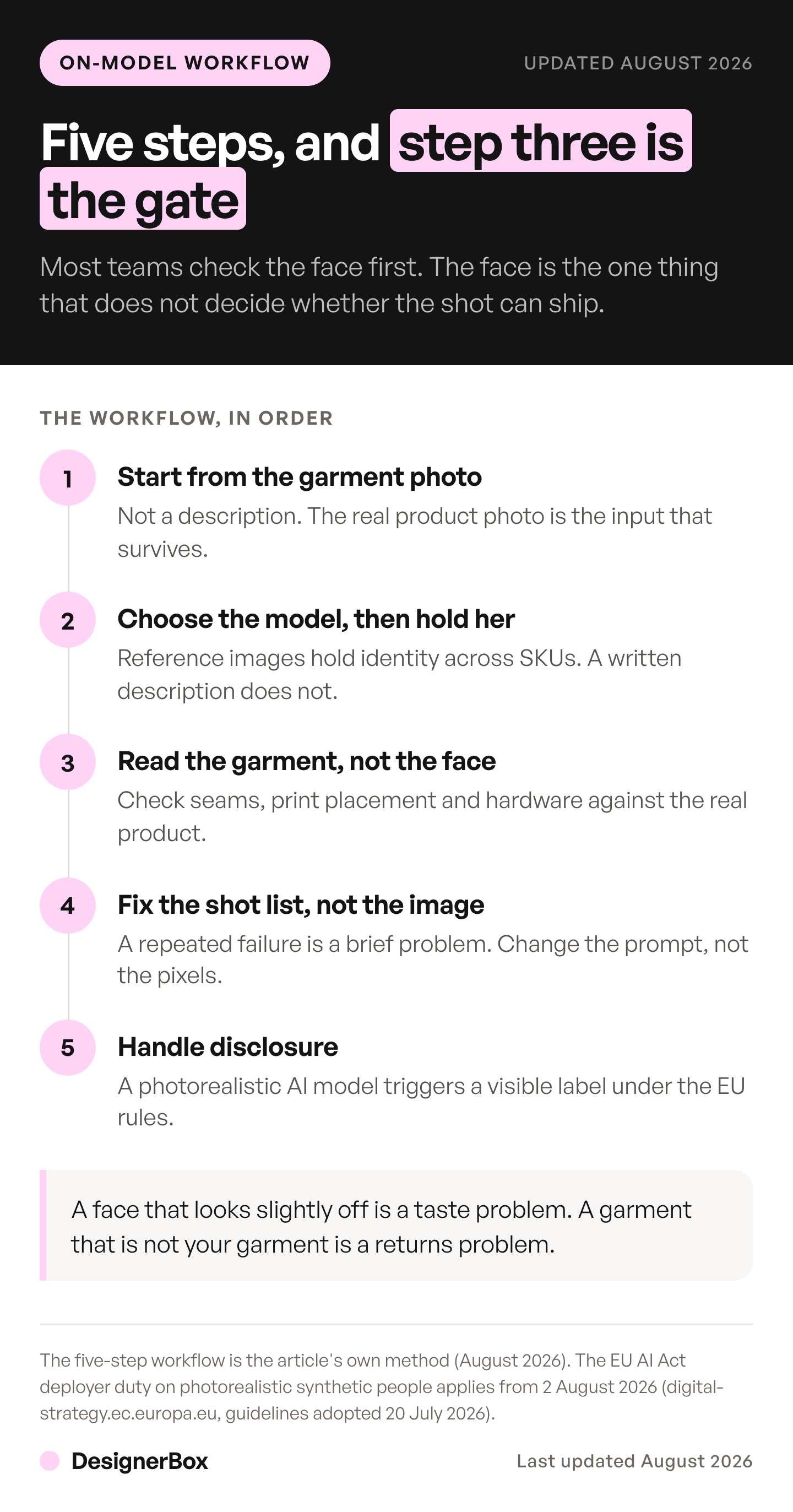
- Start from the garment photo, never a description. A system that reads your photo returns your garment. A system that reads a description of your photo returns a garment like yours, and on a PDP that difference is a return.
- Model consistency is a separate feature, not a side effect of good output. Forty pieces on forty faces is not a lookbook.
- Read the garment, not the face. The face is what your eye checks first and the only part of the image that does not matter commercially.
- Tools that put clothes on a model come in three groups: garment to generated model, garment on your own model, and clothes edits on an approved shot. Pick the group first.
- A professional clothing photo also passes the channel’s written rules: a standing model, the whole garment in frame, no product you do not sell with it, and AI metadata for Google.
- The cost of a run depends on the image model you pick. Check the plan gates for virtual try-on and the commercial license before you commit a catalog.
- Article 50 of the EU AI Act has applied since 2 August 2026. The European Commission’s guidelines, published 20 July 2026, treat photorealistic AI-generated people as likely in scope. On-model shots likely need a visible disclosure. Packshots and flat lays usually do not.
What is an AI clothing model?
An AI clothing model is the output of generating a photograph of a person wearing a garment you already photographed flat. The input is a flat lay, a ghost mannequin shot, or a packshot. The output is on-model imagery for a product page, a seasonal lookbook, a marketplace listing, or a paid ad. The garment stays yours. The model is generated, and never existed.
That last detail has a compliance consequence. A photorealistic person who never existed can trigger disclosure rules on Amazon, in New York State for ads, and under the EU AI Act. A packshot of the same garment usually triggers none of them. The marketplace rules for AI product images sets out which assets need a label and which do not.
The category name oversells the model and undersells the job. For a brand, the model is the container and the garment is the product. A beautiful generated person wearing an approximation of your jacket has produced nothing you can sell. Everything below is organized around protecting the garment.
What you need before you start
- A garment photo shot flat, on a ghost mannequin, or on a hanger, with the whole piece visible.
- A second photo of the back, when the back differs from the front. Without it, the back view is the system’s guess.
- Even, diffuse light on the garment. Hard shadows across a print get baked into the result.
- The garment filling most of the frame. A small garment in a large frame gives the system less to read.
- A decision about the model before you generate the first image, not after the fortieth.
- A small first batch of 10 products. The pilot section below sets out the mix and the numbers that decide it.
- A DesignerBox plan that includes virtual try-on and the commercial license. The plan gates are in the cost section below.
No retouching skill is required. You do need judgment about your own product, and that part stays with you.
The garment photo comes from a finished sample, so the pattern work is already done by this point. If your team is still choosing how to draft and grade that sample, the drafting and grading tools compared by job cover that earlier step.
Which tools put clothes on a model?
Tools that put clothes on a model fall into three groups. Garment-to-model tools take a flat lay, ghost mannequin or hanger photo and return a generated model wearing it. Try-on tools take two images, your model and your garment, and dress that model. Clothes editors change the garment in an on-model photo you already approved. Pick the group before you pick the tool.
| Group | You add | You get back | Tools that state it on their own pages |
|---|---|---|---|
| Garment to generated model | A flat lay, ghost mannequin or hanger shot | A generated model wearing your garment | Claid.ai, Botika |
| Garment on your own model | A model photo and a garment photo | That model wearing your garment | FASHN, Photoroom |
| Clothes edit | An approved on-model shot | The same model and pose in a new garment or colorway | Changing clothes in a photo covers this group |
Claid.ai makes on-model shots from a garment photo. It says “Flatlays, ghost mannequin images, and hanger shots work well”. It offers 8 standard studio poses so a collection looks consistent across SKUs, and you can add other items to style a full outfit (claid.ai/clothing-on-models, September 2026).
Botika makes on-model shots from flat lays, mannequin photos and on-model photos. Its models are AI-generated, not real people (botika.com, September 2026). Our Botika AI review covers its input routes and what its terms say about image rights.
FASHN takes a product photo, a model image, or both. Its homepage example dresses a model you supply in a coat you supply. It also says “AI can still get small details wrong”, and asks you to compare each image with the real product before you publish (fashn.ai, September 2026).
Photoroom starts from “a shot of someone wearing your products or simple flat lays”. You can save your own custom models in Brand Kit and reuse them for later collections. Results come in 2K and 4K (photoroom.com/tools/virtual-model, September 2026).
Test every tool the same way. Take one garment with a print, a logo and hardware, and run it through steps 1 to 3 below. Keep the tool that still shows your garment correctly on the fifth result. For 15 tools side by side, see AI fashion photography tools compared by job. For the same choice sorted by product type, see the best AI on-model photography tools by product. For five on-model tools sorted by the job each one fits, see WearView alternatives. Free try-on routes, and the licenses behind them, are in free AI virtual try-on tools for sellers.
Step 1: Start from the garment photo, not a description
Two workflows look identical in a demo and diverge completely at scale.
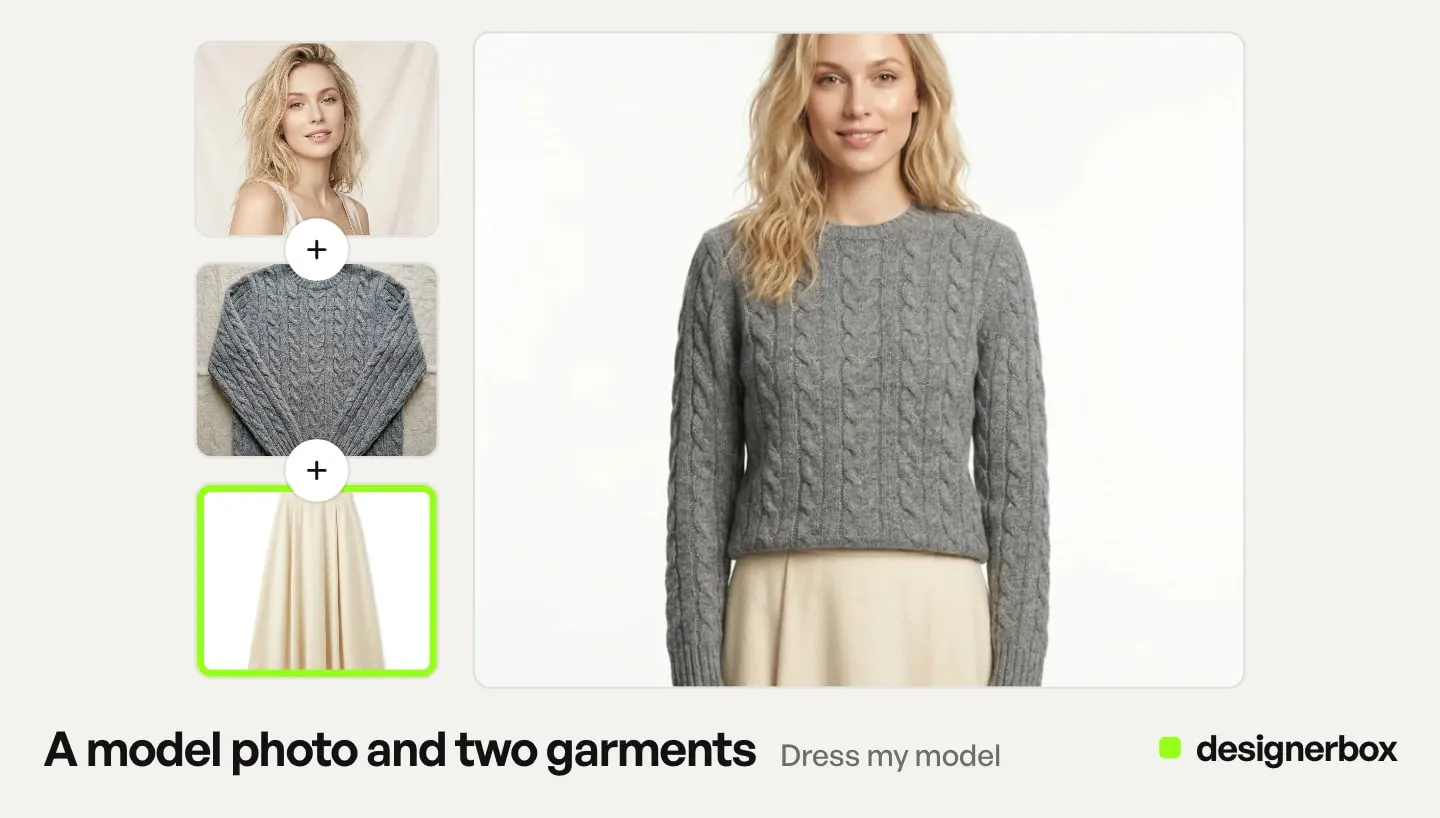
Garment-anchored. Your photo is the source. The system dresses a generated person in the garment from your image, holding the print, the seam lines, the hardware, and the drape. Where the hem lands on that person is the one claim to check by hand, and the dress shot list explains why.
Description-anchored. Your photo becomes a text description, and the system generates a garment matching that description. Fast, flexible, and structurally unable to guarantee the button placket matches.
Only the first one is usable for commerce. Add the flat lay itself to the Clothes on a model app instead of writing a prompt describing it. If your tool also takes a written prompt, end it with a keep line for the garment. If you are still choosing a tool, the on-model generators split on exactly these axes.
A flat lay is not always the right source, either. Structured pieces carry their shape in the shoulder and the lapel, and a laydown records neither. So which input format the garment needs is worth settling before you shoot the whole rail.
Step 2: Choose the model, then hold it across the range
One shot is a demo. A collection is a business.
If your spring range is forty pieces on forty different generated faces, you have not made a lookbook. You have made forty unrelated images. Merchandisers read that as unusable, and customers read it as a brand that is not paying attention.
Decide the mechanism before the first generation, because retrofitting consistency across a finished range means regenerating the range. Kontext Multi, one of the image models on the DesignerBox model list, takes several reference images, which is how one identity and one styling language get held across a set. Black Forest Labs’ own Kontext API takes up to 4 input images (docs.bfl.ai, September 2026).
Also decide your range of model appearance now. It is a merchandising decision with real customer consequences, and it is much cheaper to make deliberately at the start than to audit later.
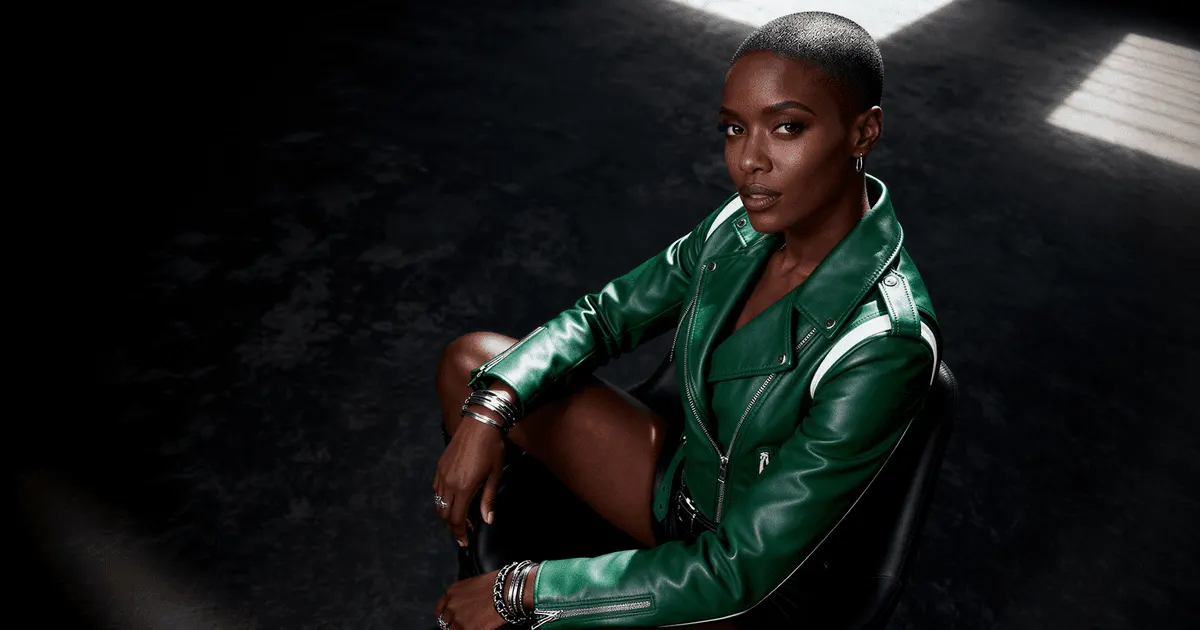
Step 3: Generate, then read the garment, not the face
Your eye goes to the face first. Train it not to. The face is the least commercially important thing in the frame, because no customer is buying it.
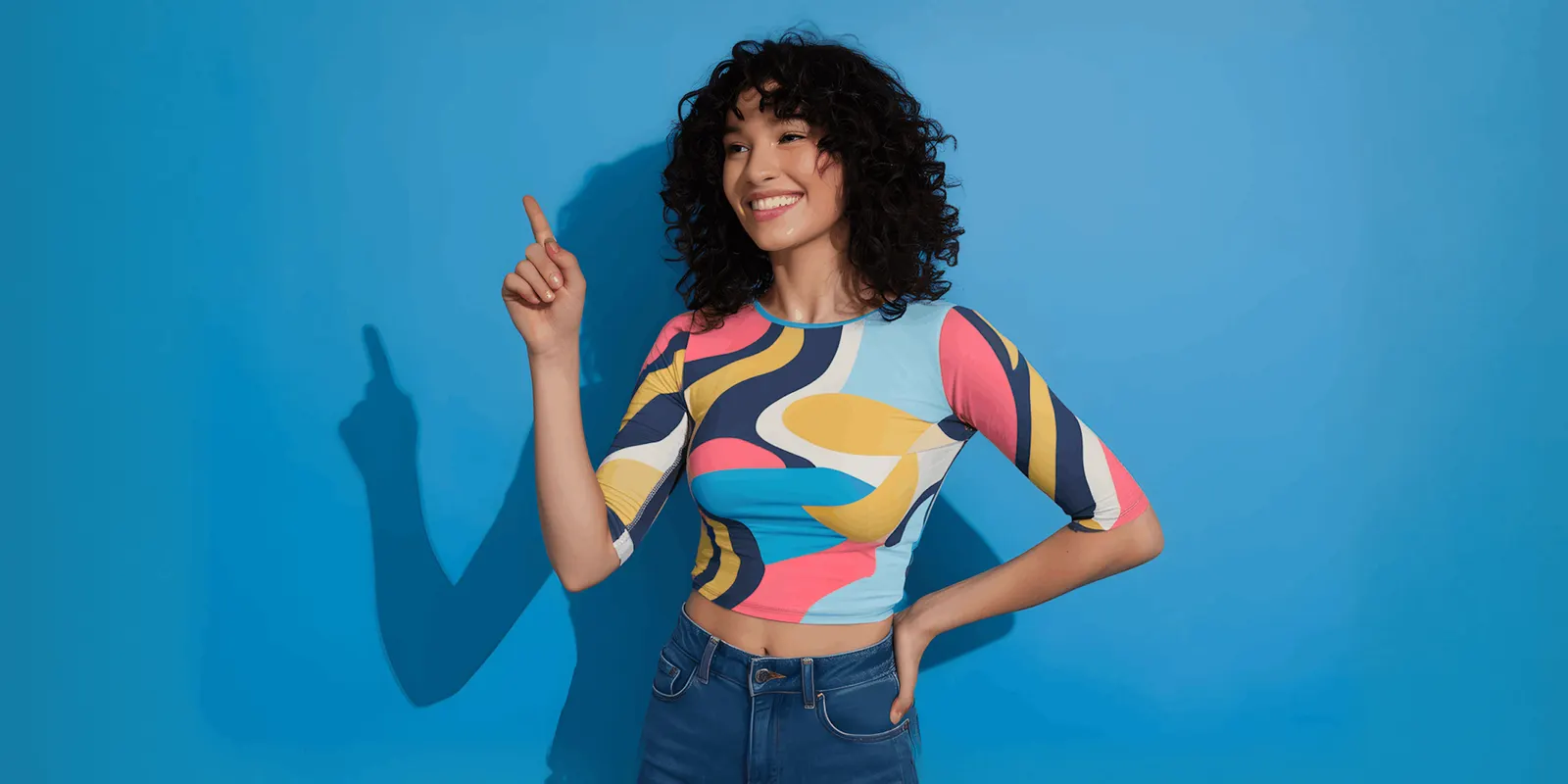
Check these, in this order:
- Print and pattern. Does the repeat run true, and does it stay continuous across seams and folds?
- Hardware. Zip pulls, buttons, eyelets, buckles. Count them against the real garment.
- Seam and panel lines. A jacket that gained a panel is a different jacket.
- Drape and weight. Does a heavy knit hang like a heavy knit, or like poplin?
- Color. Compare against the real product under neutral light, not against the flat lay.
A color error often goes unnoticed until a customer opens the parcel and starts a return. The full accuracy checklist goes deeper on the hard cases.
Step 4: Fix the shot list, not the image
When a result is wrong, the instinct is to regenerate the same pair and hope. That mostly wastes credits.
Change an input instead. Reshoot the flat lay with flatter light, using the two flat lay rules: a level camera and one light direction. Crop tighter so the garment fills the frame. Switch the source from hanger to ghost mannequin so the system sees the garment’s actual volume. Small input changes move the output far more than repeated generations of the same input.
Then generate the rest of the shot list from the same source: front, three-quarter, back, and a detail crop that proves material. That set is the same one a studio day would produce, and it maps onto the seven angles a listing needs. Not every one of those angles needs a generated person on it, which is the slot-by-slot call worth making first. When a second colorway lands after that set is approved, editing the garment in the shot you already have keeps the model, the pose and the light, and changes only the clothing.
Step 5: Handle disclosure, because the rules changed on 2 August 2026
Article 50 of the EU AI Act has applied since 2 August 2026 (European Commission FAQ on Article 50, September 2026). Two parts matter here. This is general information, not legal advice.
Article 50(2) puts the duty on providers of the AI system: outputs must be “marked in a machine-readable format and detectable as artificially generated or manipulated” (AI Act Service Desk, Article 50, September 2026). That is the tool maker’s duty.
Article 50(4) puts a duty on deployers: whoever publishes a deep fake must disclose that the content is AI-generated or AI-edited. The brand is usually the deployer when it uses the AI tool. A brand that only commissions an agency, and does not control how the agency uses AI, is not the deployer. A deep fake is defined in Article 3(60) as content that “resembles existing persons, objects, places, entities or events and would falsely appear to a person to be authentic or truthful.”
Read that definition against an on-model shot, and the Commission’s reading goes against what most brands hoped for. Its guidelines, published on 20 July 2026, say it is enough that a simulated person “can plausibly exist or could have plausibly existed”, and define “persons” to include “realistic AI-generated human avatars or personas” (European Commission, C(2026) 5054, September 2026). The guidelines are not binding. A realistic generated model who resembles nobody real is likely inside the definition.
The practical position: on-model shots likely need a visible disclosure. The same guidelines say relights, background swaps for aesthetic purposes, rescaling and arrangements of existing products usually have only a minor impact. A hidden machine-readable mark does not count as your label. Which assets trigger what is set out in labeling AI-generated fashion images.
Two US rules apply too. Since July 2026, Amazon asks sellers to tag images that show a photorealistic person made fully by AI. The keyword contains-synthetic-performer goes into the image’s XMP dc:subject field before upload (Amazon Seller Central, September 2026). Since 9 June 2026, New York requires an ad to disclose a synthetic performer when the person who makes the ad knows it contains one (New York State Senate, September 2026).
What makes an AI clothing photo look professional?
A professional clothing photo shows the whole garment on a standing model. It uses the same light, crop and background as the rest of the catalog. It also passes the channel’s written image rules. A realistic face does not make a photo usable. A cropped hem, a kneeling pose or a bag the store does not sell can each keep the image out of the main slot.
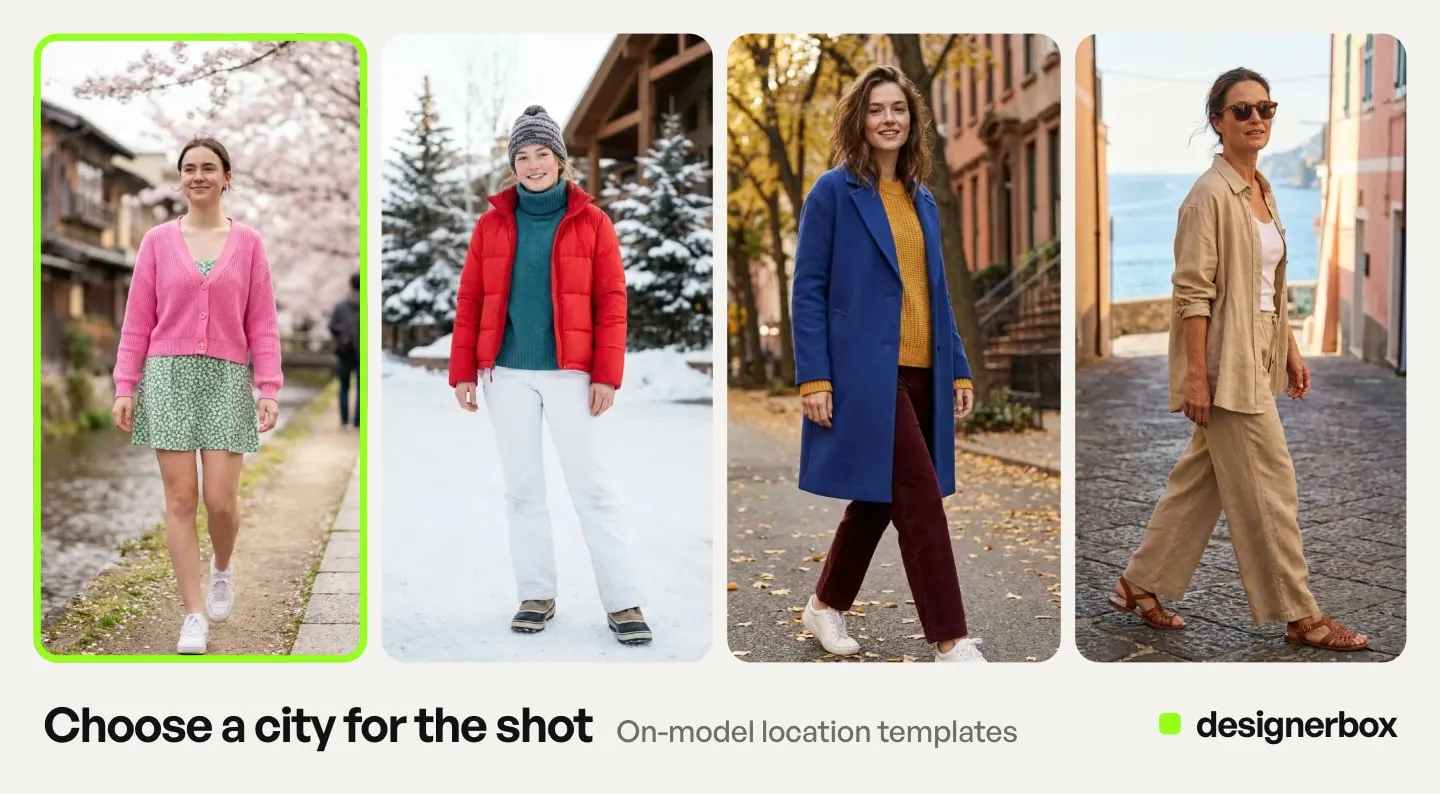
Amazon and Google both publish those rules. Check each result against them before it goes near a listing.
| Check | What the rule says | Source |
|---|---|---|
| Pose | Clothing main image: a standing model and a frontal view. No kneeling, leaning or lying down | Amazon clothing guide |
| Whole garment | Amazon: the product shown completely, with no part clipped. Google, as a best practice: on a full-body image, avoid cropping the model’s head or feet | Amazon, Google |
| Frame | Amazon main image: close to 3:4, the product on 85% of the image area, a pure white background | Amazon clothing guide |
| Styling | Google: no product that is not sold together with the main product. Amazon: no distracting accessories, such as large earrings, bags or sunglasses | Google, Amazon |
| One view | Amazon main image: no multiple positions of the same model and no multiple views of the product | Amazon clothing guide |
| AI metadata | Google: images made with generative AI must carry metadata that marks them as AI-generated, for example the IPTC value TrainedAlgorithmicMedia | Google Merchant Center |
Sources: Amazon image guidelines for clothing, read in September 2026. Google Merchant Center’s image requirements and its clothing and accessories best practices, read in October 2026.
Decide the rest of the outfit before the run
A full-body frame needs shoes. A top needs something on the legs. Decide these pieces before the first run and keep them the same across the range. Plain pieces in quiet colors keep the eye on the garment you sell.
Keep the main image plain. Put a styled outfit in the alternate images, where Amazon allows related products. Google recommends showing clothing on models. This is a best practice, not a minimum requirement (Google Merchant Center Help, October 2026). A clean main frame with styled extras meets both. AI outfit generators for brands shows where an outfit image may run on Amazon and Google.
Give the back its own photo
If you upload only the front, the system invents the back. That is where labels, yokes, back pleats and zips go wrong. The inside back neck is the most common failure on a generated back view. Add a back photo whenever the back differs from the front, and check the result against it.
Run several results and keep one
One result per garment is a lottery. Run several and keep the one where the print, hardware, seams and color match the sample. In a DesignerBox workflow, critic steps score the results of a run, and best-of-N keeps the best one. You still read the garment yourself, in the order from step 3.
The grid needs one more thing: the same file size and crop for every product. One master file for Amazon, Google and Shopify sets out that spec.
A 10-product pilot with a control group
Prove the method on 10 products before you run the whole range. Pick a mix, because ten plain T-shirts will pass and tell you nothing.
- Four easy pieces: plain knits, solid shirts, simple dresses. They set your baseline time per product.
- Three hard pieces: a large print, a visible logo, and a sheer or heavily textured fabric.
- Your best seller, because a bad image costs the most there.
- Your product with the most returns, where a change in fit complaints shows first.
- One new product with no photos yet.
Leave 10 similar products on their current photos as a control group. After 30 days, compare the two groups on reject rate, minutes per accepted image, conversion and return reasons.
Returns carry the most weight. Coresight Research estimates the US online apparel return rate at 23.4% in 2025. Nearly 70% of shoppers who returned clothing bought online named size and fit as the reason (Coresight Research, May 2026, as reported by FashionUnited, 30 June 2026). Returns arrive late, so read the return reasons again at day 60. Ten products rarely give a clean conversion result, so treat conversion as a check that nothing broke.
The fit line on the product page changes too. “Model is 5’9” and wears a size S” describes a person who does not exist. State the garment size and its measured length and chest instead.
Cost of a 40-piece range
DesignerBox is AI creative production for brands and agencies. You build a workflow once with your brand rules and run it on every product. The on-model shots, the video cut and your brand rules sit in one account. You see the cost before each run. DesignerBox for fashion brands shows the on-model, scene and video results from one garment photo.
The cost of a run depends on the image model you pick, so there is no single price for an image.
| What you run | Credits |
|---|---|
| An on-model shot | Shown before the run, depending on the image model |
| An avatar run, building a reusable model | Shown before you start |
| An 8-second clip from the shot | 40 to 560, depending on the model |
Four angles on a 40-piece range is 160 runs, so check the cost of one run before you plan the range. Pick the model that fits the job, and do not budget every run at the highest cost.
Uploading your own photos and the commercial license start on the Pro plan. AI video and virtual try-on start on the Premium plan. Plans and credits are on the pricing page. The free plan cannot make video.
Where this still needs a real shoot
Four jobs still need a real shoot or a human check.
- Fit on real bodies. A generated model tells a customer how a garment looks, not how it fits a specific body. That is still a fit model’s job. Research is starting to close part of that gap, and what fit-aware try-on changes is narrower than the headlines suggest.
- Fabric behavior in motion. Stills hold up well. How a bias-cut skirt moves is a shoot.
- The hero campaign image. The shot the whole season hangs on usually deserves a real photographer.
- Anything with a licensed print or a third-party logo in the source photo. Rights do not become simpler because generation is involved.
The realistic split is AI for catalog breadth and colorway coverage, a shoot for the hero. That combination fills a drop calendar that a shoot alone cannot. Running both means the generated images have to match the ones you already shot.
Anyone can make an AI picture. Making hundreds that still look like your brand is the hard part. Build the workflow once on one garment: your source photo, your model, your light, your shot list. The Clothes on a model app is the step that dresses the model. Save that setup, and the workflow runs the same way on the next piece. Our guide to one model for every garment sets it up for a season. Piece forty gets the same treatment as piece one, which is why you decide the model in step two.
Start from a template, add your brand and your products, and run it. See the templates.
FAQ
Can AI put clothes on a model from one flat lay?
Yes. A flat lay, ghost mannequin shot, or hanger shot all work as the source, provided the whole garment is visible, fills most of the frame and is evenly lit. Use a garment-anchored tool, which takes your photo as the source and holds the print, seams and hardware. A tool that turns your photo into a text description first cannot guarantee the details match. When a result disappoints, change the source photo before you run the same one again.
What app can I use to put clothes on models?
Use a garment-to-model tool if you have only a flat lay. Claid.ai and Botika both start from one. Use a try-on tool if you already have a model photo. FASHN takes a model image and a garment image together. In DesignerBox, the Clothes on a model app does this job inside a workflow, so the next garment runs the same way. Test any app on one garment with a print and a logo before you commit a range.
How much does it cost to put clothes on a model with AI?
The cost changes with the image model. In DesignerBox the cost of each run is shown before the run. Virtual try-on starts on the Premium plan.
Can I use AI on-model images on a product page?
Yes, if the tool’s terms allow commercial use. In DesignerBox, the commercial license starts on the Pro plan. Accuracy is the harder constraint: if the image misrepresents color, fit, or construction, it drives returns regardless of what the license permits. Check the garment against the real product before it reaches a PDP, and confirm the frame meets the channel’s own image spec. The dress version of that check is in AI dress photography.
Do I have to disclose AI-generated model images?
For realistic on-model shots, likely yes. Article 50 of the EU AI Act has applied since 2 August 2026. Deployer disclosure duties attach to deep fakes as defined in Article 3(60), and the European Commission’s guidelines, published 20 July 2026 and not binding, treat realistic generated people as likely inside that definition. Packshots, flat lays, relights and background swaps usually stay outside it. Confirm your own scope with counsel.
How do you create professional clothing photos with AI fashion models?
Start from a clean photo of the real garment, front and back. Pick one model before the first run and hold it across the range, for example with a reference-conditioned model such as Kontext Multi. Run several results for each garment and keep the one where the print, hardware, seams and color match the sample. Then check the frame against the channel’s rules: a standing model, the whole garment in frame, no products you do not sell with it, and AI metadata for Google Merchant Center.
Can I use photos of my own model instead of an AI model?
Yes, if the person gave written consent for this use. The release should name AI editing and the channels where the images will run. What a model release form must contain lists the fields. A real person in a new garment they never wore can still count as a deep fake under the EU rule in step 5, so check the disclosure too.
Sources
- EU AI Act Article 50, transparency obligations for providers and deployers (AI Act Service Desk, accessed September 2026)
- Article 50 application date of 2 August 2026 (European Commission FAQ, accessed September 2026)
- The Article 3(60) deep fake definition, the “can plausibly exist” reading, persons as “realistic AI-generated human avatars or personas”, the minor-edit examples and the deployer role: European Commission Guidelines C(2026) 5054, published 20 July 2026, non-binding (digital-strategy.ec.europa.eu, accessed September 2026)
- Clothing main image rules: standing model, frontal view, no clipped parts, 3:4, 85% of the image area, no distracting accessories, no multiple views (Amazon image guidelines for clothing, accessed September 2026)
- No product not sold together with the main product, and AI metadata (Google Merchant Center image requirements, accessed 2 October 2026)
- Clothing shown on models, and no cropped head or feet on a full-body image, both best practices (Google Merchant Center, clothing and accessories best practices, accessed 2 October 2026)
- Claid.ai inputs, 8 standard studio poses and outfit styling (claid.ai/clothing-on-models, accessed September 2026)
- Botika inputs and AI-generated models (botika.com, accessed September 2026)
- FASHN inputs, model image example and detail warning (fashn.ai, accessed September 2026)
- Photoroom inputs, custom models in Brand Kit and 2K and 4K results (photoroom.com/tools/virtual-model, accessed September 2026)
- Amazon contains-synthetic-performer image tag (Amazon Seller Central, product image requirements, accessed September 2026)
- New York synthetic performer disclosure law, General Business Law 396-b (New York State Senate, accessed September 2026)
- US online apparel return rate and size and fit as the return reason (Coresight Research, May 2026, accessed 24 September 2026), as reported by FashionUnited, 30 June 2026, read 2 October 2026. The Coresight page shows only the report summary without an account
- Black Forest Labs Kontext API input limit (docs.bfl.ai, accessed September 2026)
- DesignerBox avatar cost, video range and plan gating: DesignerBox pricing page (designerbox.ai/pricing), September 2026
This is general information, not legal advice. Read the EU AI Act guidelines against your own assets and confirm your scope with counsel. Individual results vary.