A tote bag photoshoot is the set of photos that sells one tote online. It has to prove four numbers a shopper cannot feel: the width and height, the depth, the handle drop and what fits inside. Add the print and the material, and a tote needs eight to ten frames. A flat front photo answers only the first number.
A tote looks like the easiest bag to shoot. It has no zip to hide and no shape to keep. That is the problem. Empty, a canvas tote folds in on itself. Stuffed with paper, it looks like a box. On a shoulder, the strap often hides the print. And the buyer’s real question, “does my laptop fit?”, sits inside the bag, where most photos never go.
This guide is for a brand selling totes, a print-on-demand shop with dozens of designs, or the agency that shoots for one. It covers the shot list, the setup, the ideas that also prove something, and the rules for each marketplace’s first image.
Key Takeaways
- Four numbers decide the set. Width and height, depth, handle drop and capacity each need a frame that shows them.
- Fill the bag with what it is for. A laptop, a book and a water bottle prove capacity. Tissue paper only proves shape.
- Handle drop needs a body. One frame on a shoulder shows where the bag sits. State the model’s height next to it.
- The print bends on a full bag. Shoot the print flat for the artwork, and filled for the shape.
- Amazon wants it flat. Its image guide says to show clothing accessories flat, without a model, in the main image.
- Etsy wants one real photo. Most listings need one unedited photo of the actual bag. Print-on-demand totes may use an authorized mockup.
What a tote bag photoshoot has to prove
A tote bag photoshoot has to show the bag’s size, depth, handle drop, capacity, print and material, one frame at a time. A shopper cannot hold the bag, lift it or look inside it. Each photo answers one question their hands would answer in a shop. Write the shot list from those questions, not from the poses you like.
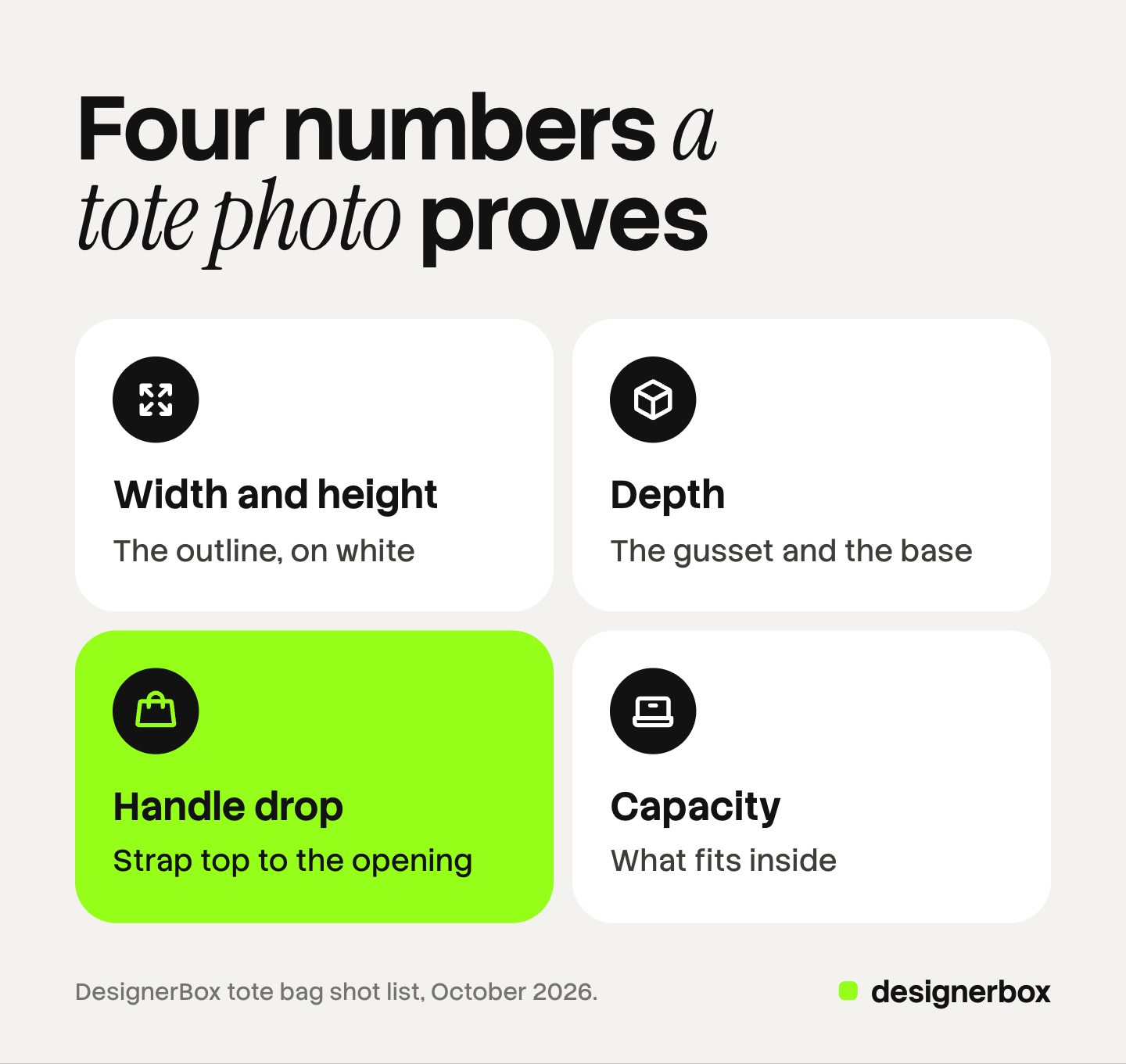
Width and height. The front view on a plain background shows the outline. It cannot show size on its own, because a 13-inch tote and an 18-inch tote look the same on white.
Depth. A tote’s depth comes from its gusset, the side panel, and from its base. A flat tote with no gusset holds far less than one with a 5-inch base. Only a side view or a base view proves it.
Handle drop. Handle drop is the distance from the top of the strap to the bag’s opening. It decides whether the bag goes over a shoulder, over a coat, or only into a hand. A product photo cannot show it. A body can.
Capacity. This is the question behind most tote purchases. Show what fits, with objects the buyer knows.
The tote bag shot list
These ten frames cover a printed canvas tote or a structured leather tote. Cut any frame that does not answer a question your bag raises.
| Frame | What it proves | How to shoot it |
|---|---|---|
| Front | Outline, print, color | Straight on, filled to its natural shape, handles up |
| Back | Back print, pocket, seams | Same framing as the front |
| Side or gusset | Depth | Camera at the side, at the height of the middle |
| Base | Base shape, studs or corners | From below or at 45 degrees from above |
| Inside | Lining, pockets, closure | Top down, bag open, one item in a pocket |
| Handle detail | Strap width, stitching, attachment | Close up, light from the side |
| Material | Canvas weave, leather grain, coating | Close up, side light, real color |
| On the shoulder | Handle drop, size on a body | Full body or hip up, model’s height stated |
| Contents | Capacity | Bag open with its load, or the load laid out beside it |
| Lifestyle | Use and mood | A scene that still shows the whole bag |
The handbag product photography guide covers structured bags with hardware in more detail. A tote with a laptop sleeve has the same problem as a backpack: the buyer pays for the space inside.
How to photograph a tote bag, step by step
- Steam or press the canvas. Fold lines across the front sit on the print. Steam from the inside, or press under a cloth.
- Fill the bag with its real load. Put in what the bag is for: a laptop, a hardcover book, a folded sweater. Add a cardboard insert cut to the size of the base, so the bottom stays flat. Tissue paper alone makes a soft tote look rigid.
- Set the handles. Stand both straps upright for the front frame, the same height on each side. For a long-strap tote, let the straps fall naturally behind the bag, not across the print.
- Set one white balance. Shoot a gray card under your light, and set a custom white balance from it. Natural canvas is off-white. A camera on auto turns it pure white or yellow, and the buyer receives a different color.
- Shoot the front and the back with the same framing. Keep the camera at the height of the bag’s middle. A high camera makes the bag look shorter and wider.
- Turn the bag for the side and the base.
- Open it for the inside. Shoot from above, with one item in the inner pocket so the pocket reads as a pocket.
- Shoot the details with side light. Side light shows the canvas weave, the stitching and the strap edges. Flat front light hides them.
For the camera and lighting setup in general, see product photography setup.
Handle drop and scale on a body
The on-body frame is the one shoppers use to judge size. Shoot it standing, with the bag on the shoulder and the arm relaxed, so the strap does not cover the print. A second frame, carried by hand, shows the bag at its lowest point.
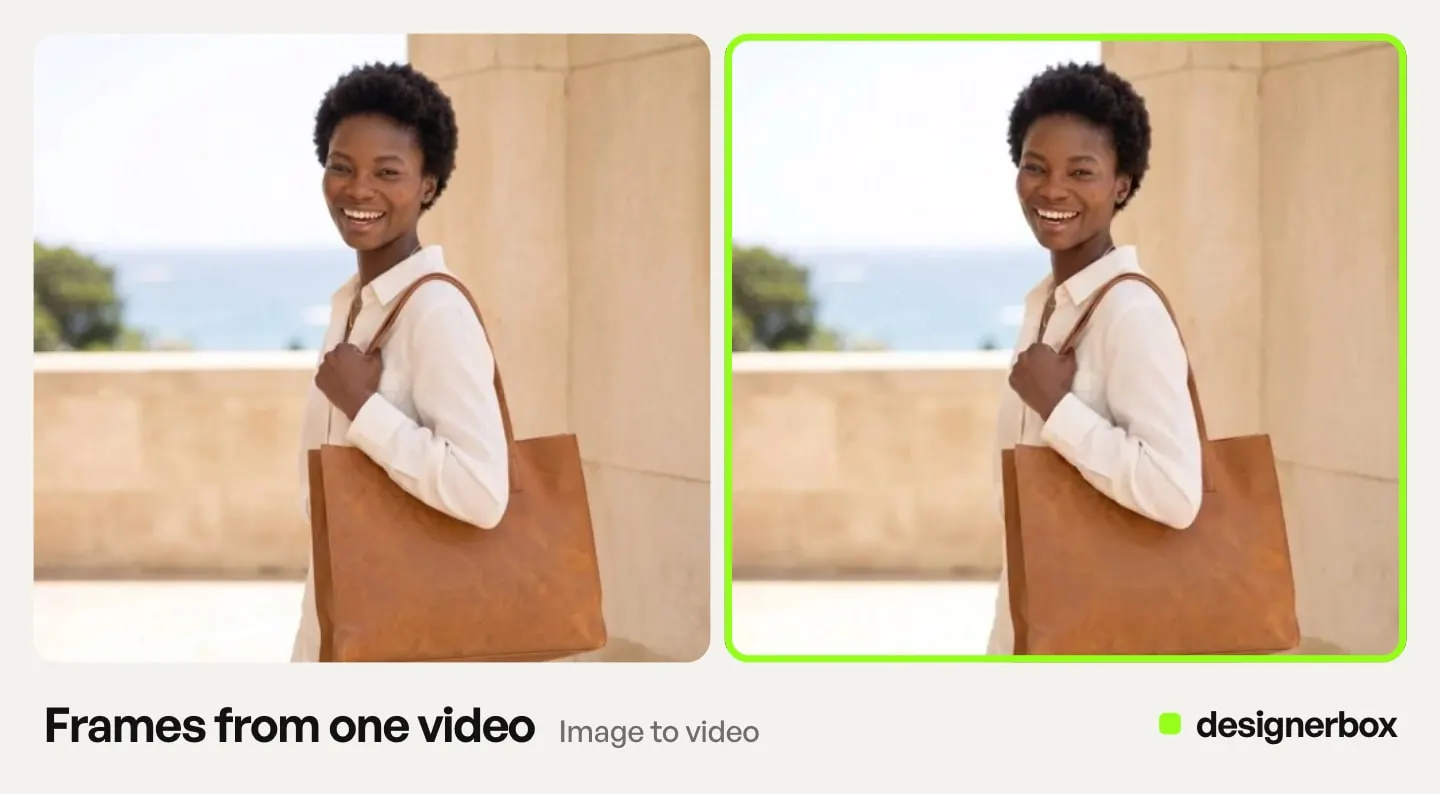
Say who is wearing it. One line under the photo, such as “the model is 5 ft 8 in”, turns a picture of one body into size information. Without it, a small model makes every bag look large.
Keep the hand natural. The fingers should wrap the strap, and the strap should meet the bag at its real stitching point. Hands and straps are where errors show first, in a retouch and in an AI result.
Printed totes: the artwork and the mockup
A printed tote has a second product on it: the design. A filled bag curves, so the print curves with it, and letters at the edges look narrower. Shoot the print once flat, square to the camera, so the artwork reads exactly. Shoot the filled bag for the shape.
Check the print’s size against the bag in every frame. A design that covers most of the front in a mockup may print smaller on the real bag.
Tote bag mockups and the Etsy rule
A tote bag mockup puts your design on a stock photo of a blank tote. It is fast, and for a print-on-demand shop with 60 designs it is the only way to list them all on day one.
Etsy’s listing image rules, last updated on 22 October 2026, allow it in one case. If a production partner prints your original design on a standard base product, you may use a stock photo mockup, if its owner has authorized that use. Every other tote, including one you print or sew yourself, needs at least one unedited photo of the actual bag against a real background (Etsy Listing Image Requirements).
Order one sample of each blank anyway. A photo of the real bag is the only honest proof of the canvas color and weight. Our guide to print on demand product images covers how to make mockup listings look different from every other shop’s.
Tote bag photoshoot ideas that still prove something
A creative frame earns its place when it also carries one of the four numbers. These six do.
- The market carry. The tote over a shoulder at a market stall, with bread or flowers showing at the top. It proves capacity and handle drop in one frame.
- The contents flat lay. The bag lies flat, and what it holds lies beside it: a laptop, a notebook, a water bottle, keys. A buyer reads the capacity in two seconds. Our guide to flat lay photography has the setup.
- The door hook. The tote hangs from a hook on a door or a coat rack. It proves the shape when hanging and the length of the straps.
- The commute. A walking frame on a street, bag on the shoulder. Keep the whole bag in frame and the arm clear of the print.
- The colorway line-up. Every color of the same tote standing in a row on one surface, in one light. It proves the range and the true color of each.
- The hand at the print. A hand holds the top of the bag and lets the front hang. It shows the print surface and how heavy the canvas is.
Main-image rules for a tote on Amazon, Google and Etsy
The first image carries each channel’s written rules. All three pages were read in October 2026. Specs for other channels are in our guide to ecommerce product photography.
| Channel | First image | Other images |
|---|---|---|
| Amazon | Pure white background, product fills 85% of the image, shown once. Clothing accessories flat, without a model | Show the bag on a model, the inside and the details here |
| Google Merchant Center | Show handbags and accessories alone, with the product at 75% to 90% of the image | Show the bag on a model |
| Etsy | First photo horizontal or square, at least 635 pixels wide and high. One unedited photo of the real bag, except for print on demand | 2,000 pixels or more recommended |
Sources: the Amazon product image guide and image guidelines for clothing, which names bags among accessories; Google Merchant Center’s clothing and accessories best practices and image requirements; and Etsy Help on listing images.
Amazon may temporarily remove a listing from search until its main image meets the rules, so a lifestyle shot belongs in the other image slots.
Where AI helps and where it fails
AI image tools do three tote jobs well enough to test. They put a packshot into a market, a street or a room. They show the same bag on a model from a flat photo. And they turn one photographed color into a first draft of the others.
They fail on the parts that make a tote a tote. Check each result beside the real bag.
| Part | What AI tends to change |
|---|---|
| Handles | A strap doubles, merges with a sleeve, or meets the bag in the wrong place |
| Letters turn into wrong letters, a logo loses a line, the design shrinks or grows | |
| Depth | A flat tote gains a gusset, or a deep tote turns flat |
| Material | Canvas weave turns smooth, leather grain turns plastic |
| Contact | Fingers merge with a strap, or the hand holds nothing |
Two platform rules apply. Google Merchant Center says images made with generative AI must keep the metadata that says so, such as the IPTC DigitalSourceType value TrainedAlgorithmicMedia. Amazon asks for the contains-synthetic-performer keyword in the image metadata when a photo shows a person made entirely by AI. Both rules are on the pages linked above.
Tote bag sets in DesignerBox
DesignerBox is AI creative production for brands and agencies. For a tote brand, the job repeats with every design and every color: the same white packshot, the same angles, the same scene and the same crop.
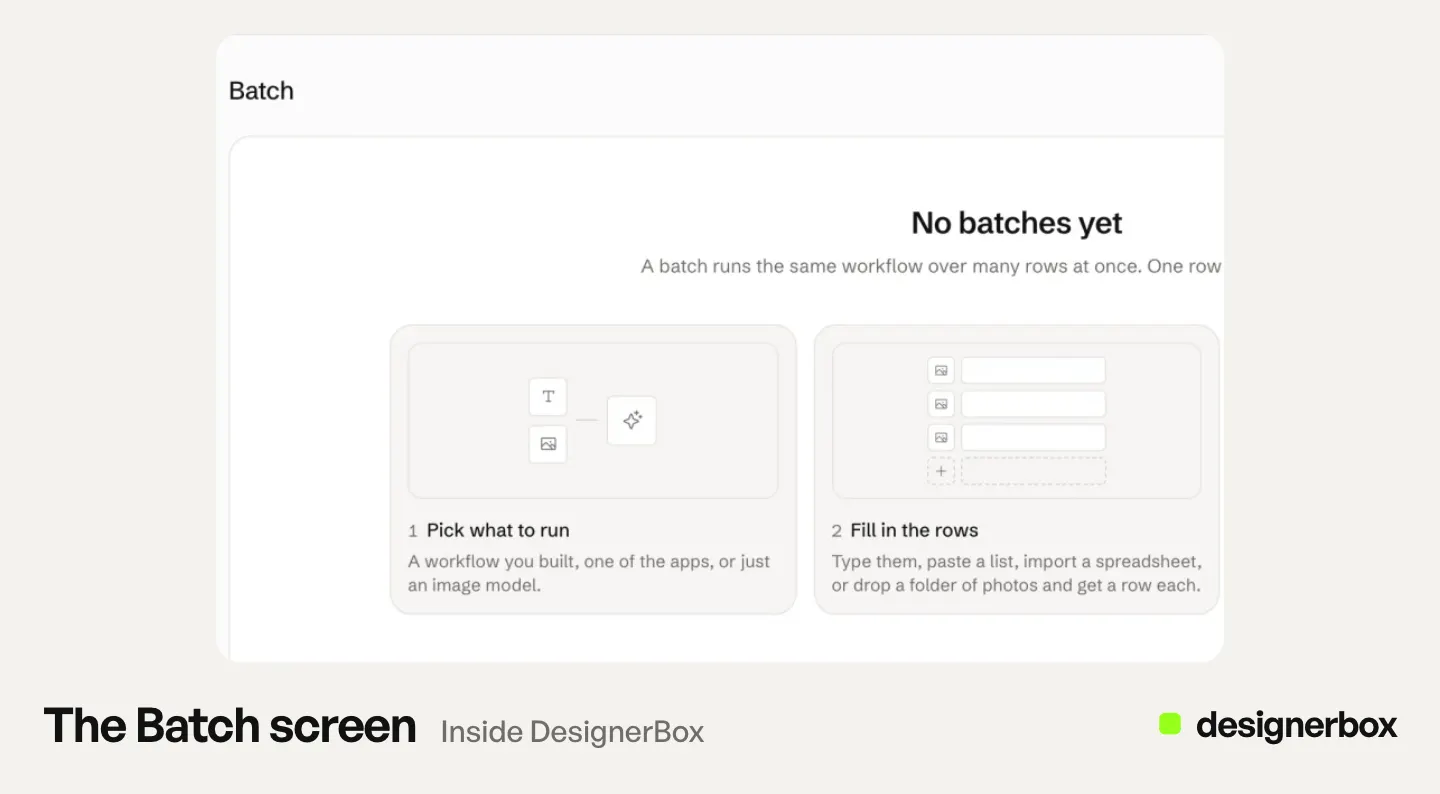
Anyone can make an AI picture. Making hundreds that still look like your brand is the hard part. A shop with 40 designs in 3 colors has 120 totes, and each one needs the same light and framing.
The Pictures for a listing app makes six marketplace pictures from one product photo. Product in other colors makes the other colorways from one photo, as a first draft to check against the real bags. For the full set, you save the steps once as a workflow: the white packshot, the scene, the crop. A batch runs that workflow over a sheet, one tote per row, up to 200 rows a sheet. The cost is shown before the run.
You keep or discard each result, then download the kept ones. The packshots, the scenes and your brand rules sit in one account. More on bags is on the bag and handbag product photography page.
Uploading your own photos and the commercial license start on the Pro plan. Plans and credits are on the pricing page.
The limits are plain. Photograph the inside, the handles and the material from a real sample, because those are the parts AI changes most. On Etsy, keep one unedited photo of the real bag. The free plan runs on sample products.
FAQ
How do you photograph a tote bag for an online store?
Steam the canvas, fill the bag with what it is for, and set both handles upright. Set one white balance from a gray card. Shoot the front and back with the same framing, then the side, the base, the inside and the details. Add one frame on a shoulder and state the model’s height.
What should I put inside a tote bag for photos?
Put in what the bag is for: a laptop, a book, a folded sweater. Add a cardboard insert at the base, so the bottom stays flat. Tissue paper alone makes a soft tote look stiff, and it shows nothing about capacity.
How do I show the size of a tote bag in photos?
Use one frame on a person, with the model’s height stated, and one frame with known objects inside or beside the bag. Write the width, height, depth and handle drop in the listing text too.
Can a tote bag be on a model in the Amazon main image?
No. Amazon’s image guide says to show clothing accessories flat, without a model, in the main image, and its clothing guidelines name bags among accessories. Put the on-model photos in the other image slots.
Can I use a tote bag mockup on Etsy?
Yes, if a production partner prints your original design on a standard tote and the mockup’s owner has authorized its use. A tote you print or sew yourself needs at least one unedited photo of the real bag.
What are good tote bag photoshoot ideas?
A market carry, a contents flat lay, a tote hanging on a door hook, a commute frame on a street, a line-up of every colorway, and a hand holding the top of the bag. Each one also proves size, capacity, color or material.
Sources
- Amazon product image guide: pure white main image, 85% fill, the product shown once, clothing accessories flat without a model, removal from search, the contains-synthetic-performer keyword (sellercentral.amazon.com, read October 2026)
- Amazon image guidelines for clothing: accessories must not be photographed on models, bags named as an accessory (sellercentral.amazon.com, read October 2026)
- Google Merchant Center, clothing and accessories best practices: handbags and accessories alone in main images, on a model in additional images (support.google.com, read October 2026)
- Google Merchant Center, image requirements: 75% to 90% framing, metadata on images made with generative AI (support.google.com, read October 2026)
- Etsy Listing Image Requirements: the unedited photo rule and the print-on-demand mockup exception (etsy.com, updated 22 October 2026)
- Etsy Help, requirements and best practices for images: 635 and 2,000 pixel sizes, horizontal or square first photo (help.etsy.com, read October 2026)
- DesignerBox apps and batch: Pictures for a listing, Product in other colors, up to 200 rows a sheet: DesignerBox apps and batch pages (designerbox.ai/product/apps, designerbox.ai/product/batch), October 2026
- DesignerBox plans and gates: DesignerBox pricing page (designerbox.ai/pricing), October 2026
Marketplace image rules verified on Amazon, Google Merchant Center and Etsy pages in October 2026. The 120-tote figure is example arithmetic, not a measurement. The notes on what AI changes come from reading results, not from a benchmark. Platform rules change often, so check each page before a launch. Individual results vary.