


Bags and leather goods
Bag and handbag product photography with AI
A bag sells on three things. The silhouette, the grain of the leather, and what fits inside it. Build the three-quarter hero, the interior view and the hardware macro from photos you already have. Every picture keeps your brand's look, at any volume.
Last updated
Who it is for
Does that sound like you?
Scaling without compromising quality.
You need more pictures every week for the shop, the ads and the socials. Anyone can make an AI picture. Making hundreds that still look like your brand is the hard part. A shoot for every product costs weeks, and every new generator returns a different look.
- A template or a workflow you build once, with your brand rules
- One run on one product, or a batch over your whole catalogue
- Every result in Assets, with the same look on the first and the last
Cut the waiting time and budget for deliverables.
You make this for clients, and every client has their own look. A shoot for each one costs weeks and most of the budget. A different generator for each one returns a different look, so somebody fixes it by hand before it is delivered.
- Each client's brand rules, saved once and used on every run
- A workflow you build once and run for every client
- A batch over a client's whole catalogue, delivered from Assets
Bags and handbags
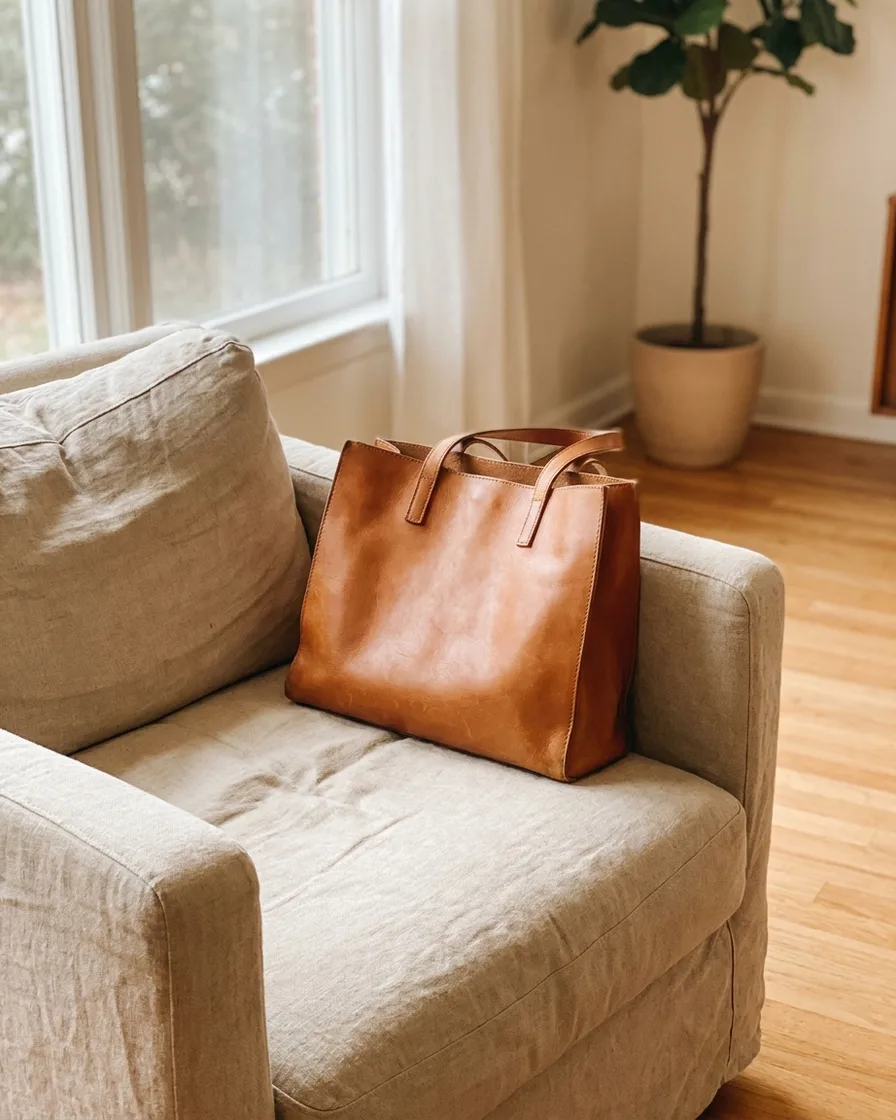
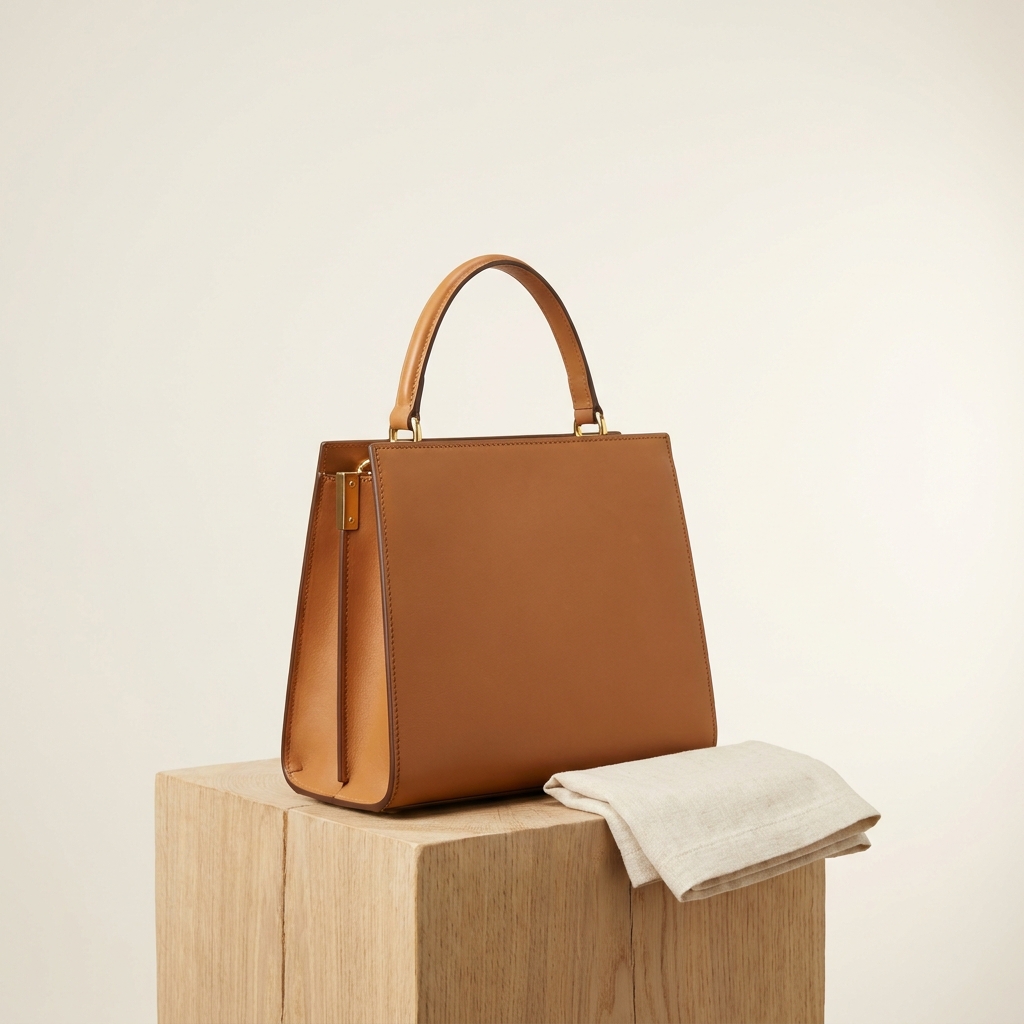
Bag and handbag product photography has one job before any other. The bag has to hold its shape. Soft leather collapses on a table and reads as cheap. Pack the body out until the silhouette matches the one on the shelf. After that come three views a buyer always looks for. A raking light across the grain. A close crop of the hardware. The inside, with its pockets visible. Capacity is the question a flat packshot never answers.
What a bag photo has to get right
Four problems that come from a soft product with hard parts on it.
Shape, not slump
An unstuffed bag sags at the sides and the base rolls under. Fill it with tissue or a cut form until the silhouette matches the pattern it was made to. A slouch bag still needs a controlled slouch. The gap between designed softness and a collapse is obvious to a buyer.
Grain under raking light
Flat frontal light ruins leather. Pebbled, saffiano and full-grain all look like plastic under it. Bring the key light round to the side so it crosses the surface, and the texture appears as thousands of tiny shadows. That one move separates real leather from a render.
Polished metal is a mirror
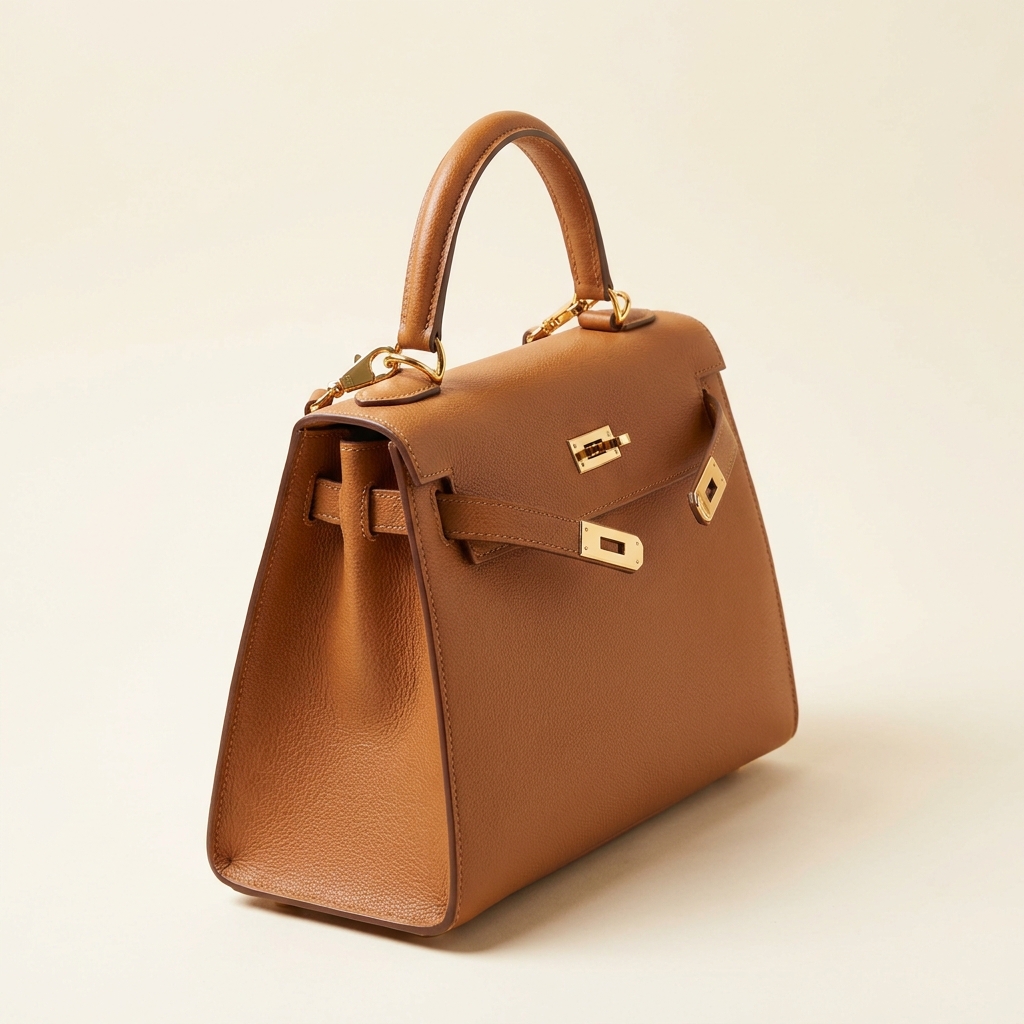
Zips, clasps, feet and chain straps behave like small mirrors. They reflect the room and go grey, which makes gold hardware read as brass and silver read as steel. Light them with a large soft source so the highlight is a long, even band rather than a hot dot.
Inside and how much it holds
A closed bag hides the thing people ask about. Shoot it open with the lining lit, the card slots visible and the inner zip pull in frame. Then give one capacity cue. A laptop, an A4 folder or a water bottle placed inside answers the size question without a paragraph of text.
From a packed bag to a finished gallery
Shape first. Nothing later rescues a collapsed bag.
Bag work runs physical first and digital second. Stuff the bag, set the handles, then photograph. No amount of relighting fixes a base that has rolled under. Once the hero three-quarter is right, every other image is derived from it. Angles inherit the light. The interior shot borrows the same colour balance. The macro crops come from the same file. Save the sequence as a workflow and each new colourway runs the same way. That matters more on bags than on most categories. Black, tan and cream leather all need the same treatment to look like one range.
What a bag listing needs
Four files, and the question each one settles.
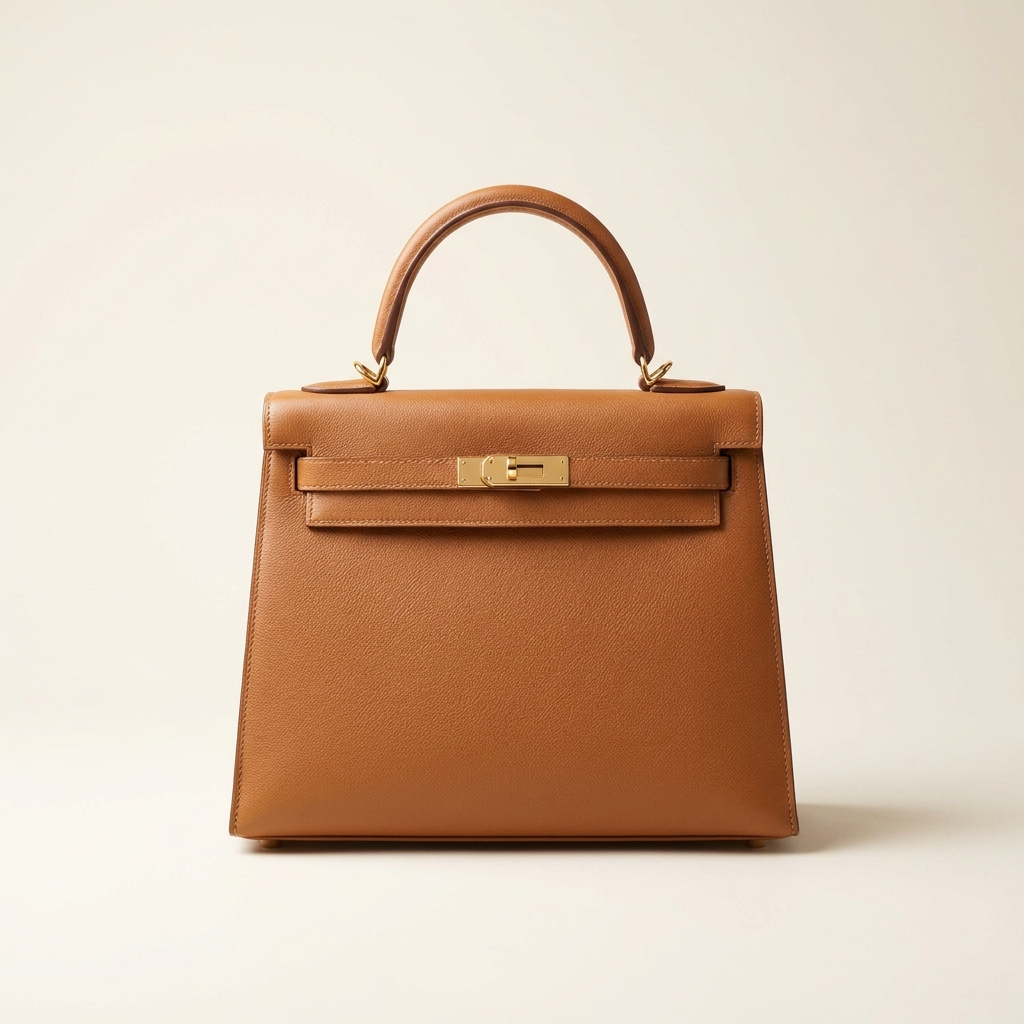
Three-quarter hero
The first image, and the one a category page shows. It has to carry silhouette, depth and grain in a single frame. Shoot it with the light to one side and leave margin so a square crop does not clip the handle.
Open interior view
The bag open, lit inside, with the lining, card slots and inner zip visible. Add one everyday object for capacity. Light the interior separately, because a source aimed at the outside leaves the inside a black hole.
Hardware and edge macro
One close crop of the clasp, the zip pull and the edge paint on a strap. Buyers read build quality from those three. Upscale it at the end so the stitch line stays sharp when someone zooms.
Carried or scale reference
One image with the bag against a person or a known object. Dimensions in centimetres help, but a picture settles it faster. Without one, two bags with the same listed size can look nothing alike.
Questions about bag photography
What bag sellers ask before they photograph a collection.
How do I stop the bag looking collapsed?
Why does my leather look like plastic?
How many images does a bag listing need?
How do I show how much the bag holds?
Can I keep gold and silver hardware the right colour?
Do these images upload to my store automatically?
Other categories
The same craft, written for a different product.
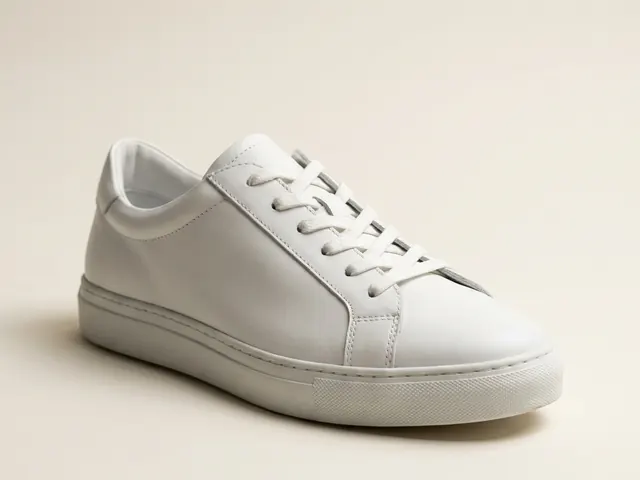
Footwear photography
Three-quarter hero, profile, sole and lace detail from your shoe photos.
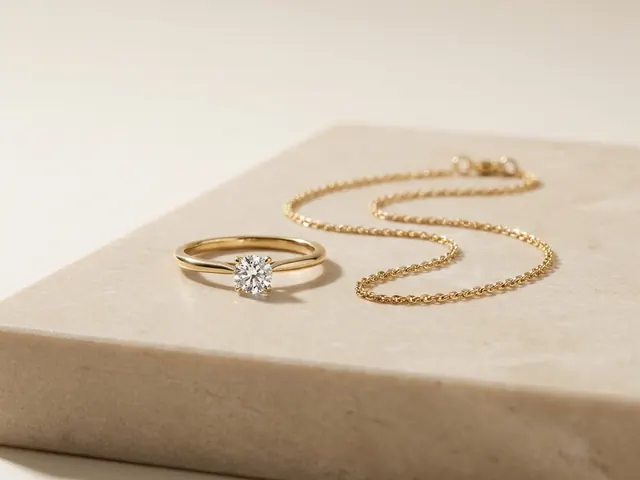
Jewellery photography
Reflection control on metal, stone brilliance, macro detail and a size cue.
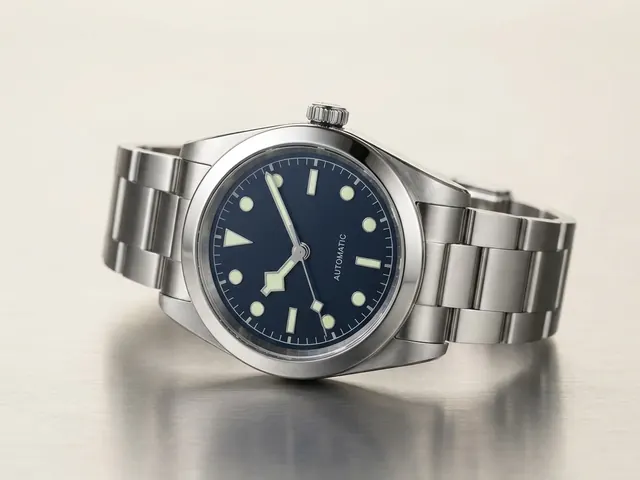
Watch photography
Crystal glare, dial legibility, bracelet finish and the ten past ten hand set.
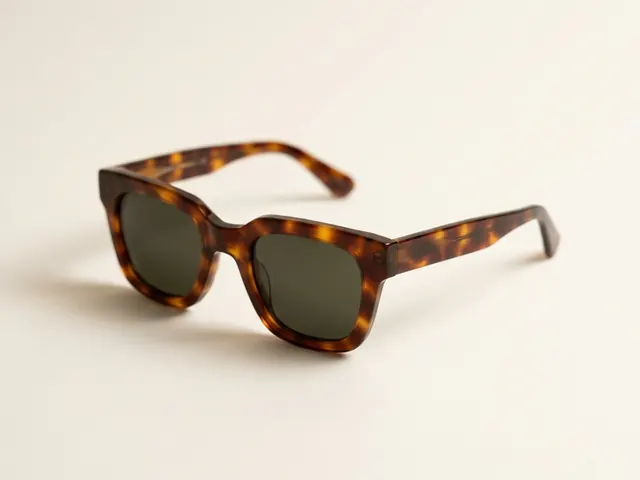
Eyewear and sunglasses
Reflection control, frame angles and on-face fit shots.
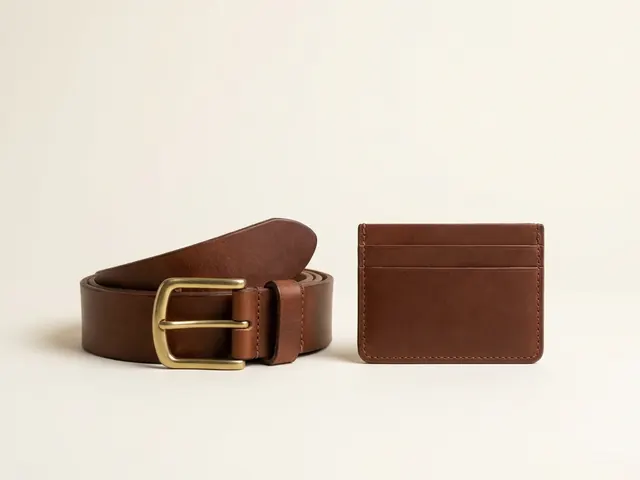
Wallets, belts and small goods
Flat lay sets, open and closed states, edge paint and thickness.
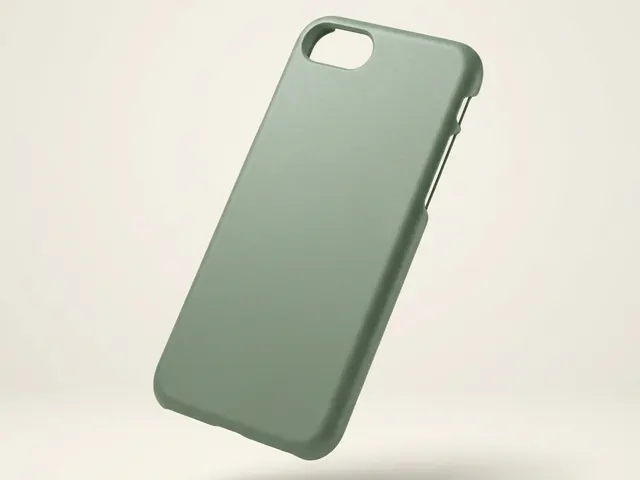
Phone cases
Curved-shell prints, sharp camera cutouts and one look across a whole design range.
Everything you need, in one place
The full workflow from the first product photo to the finished ad, in one subscription.
Scale content without limits.
Generate content for your products or services with AI, starting today, and keep your brand on every piece.








