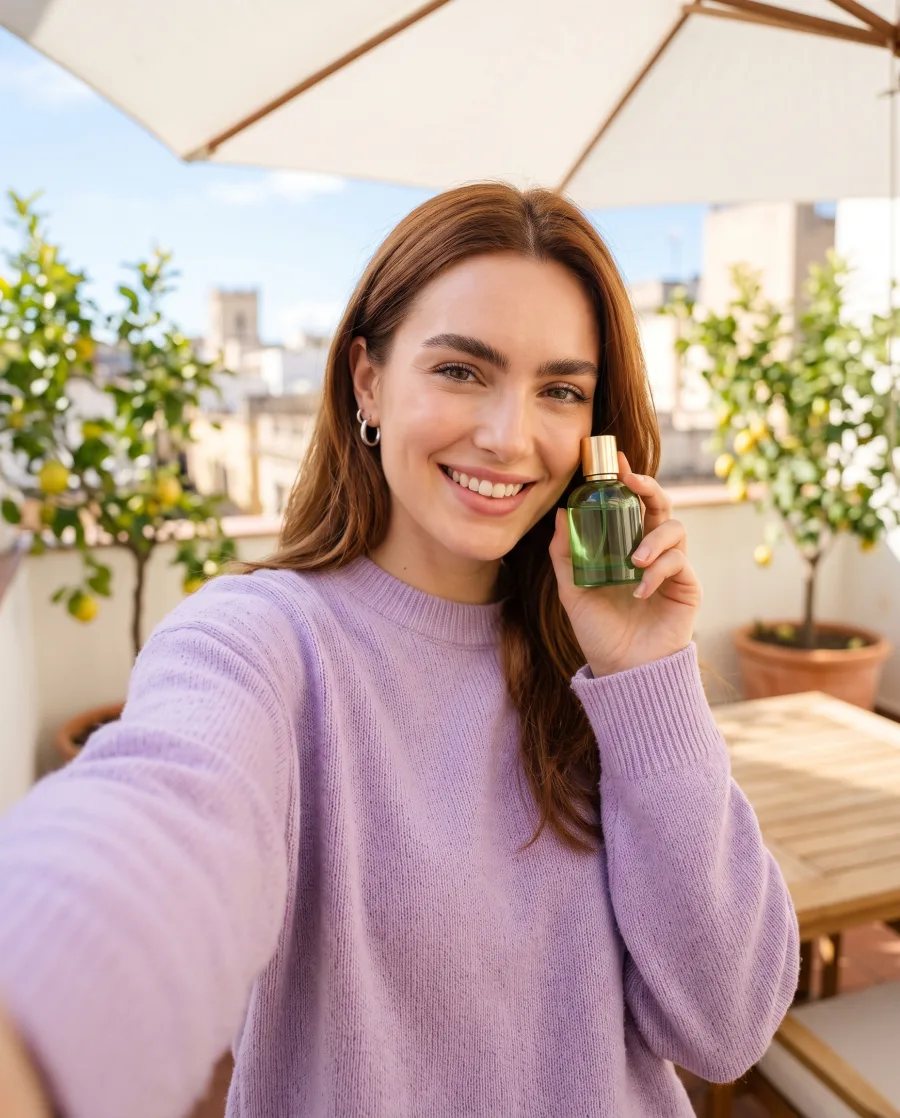
Product imagery · Runs today
Virtual try-on
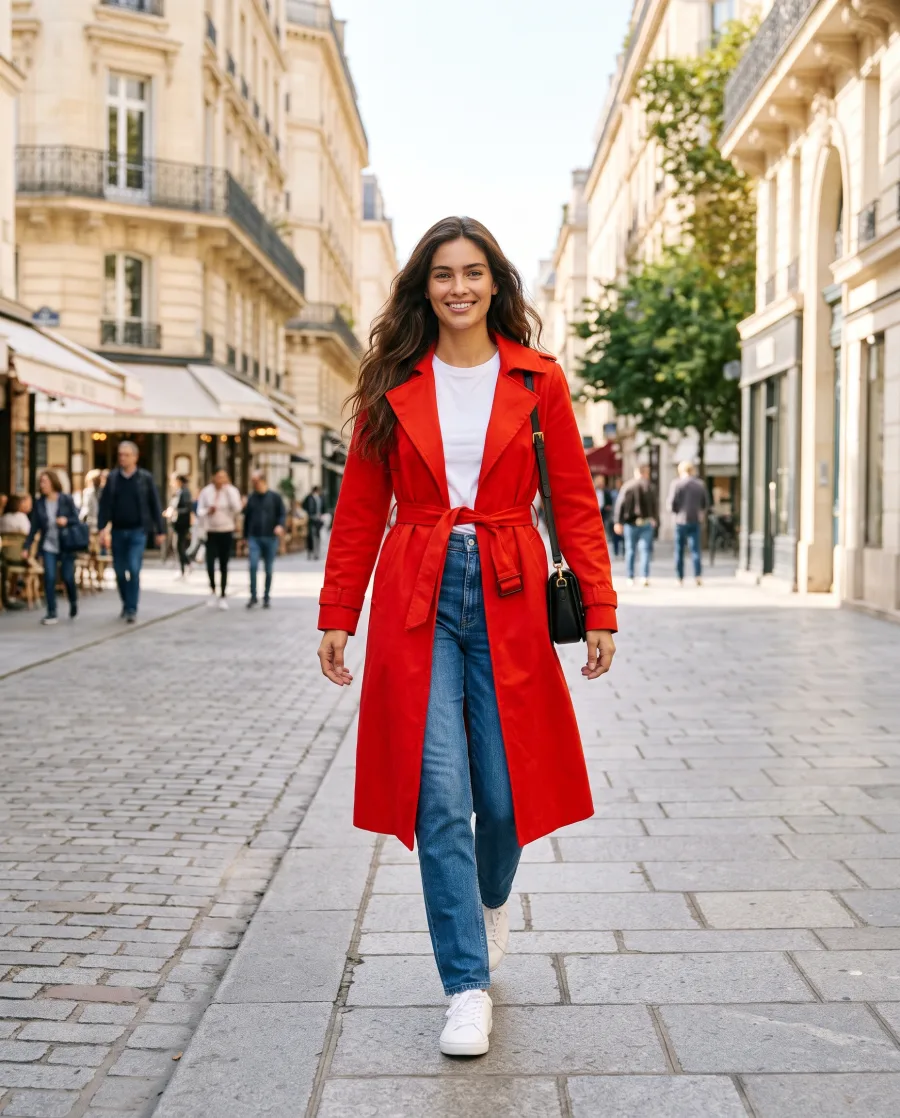
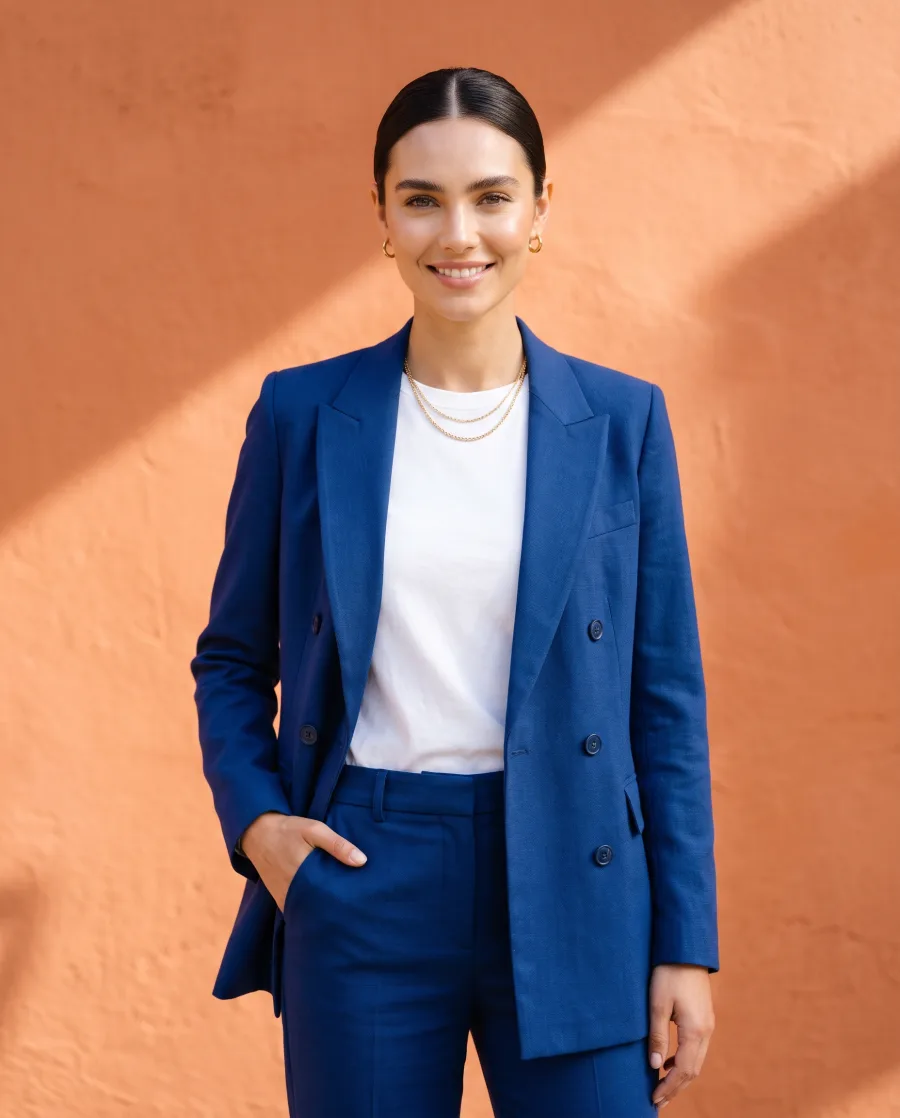
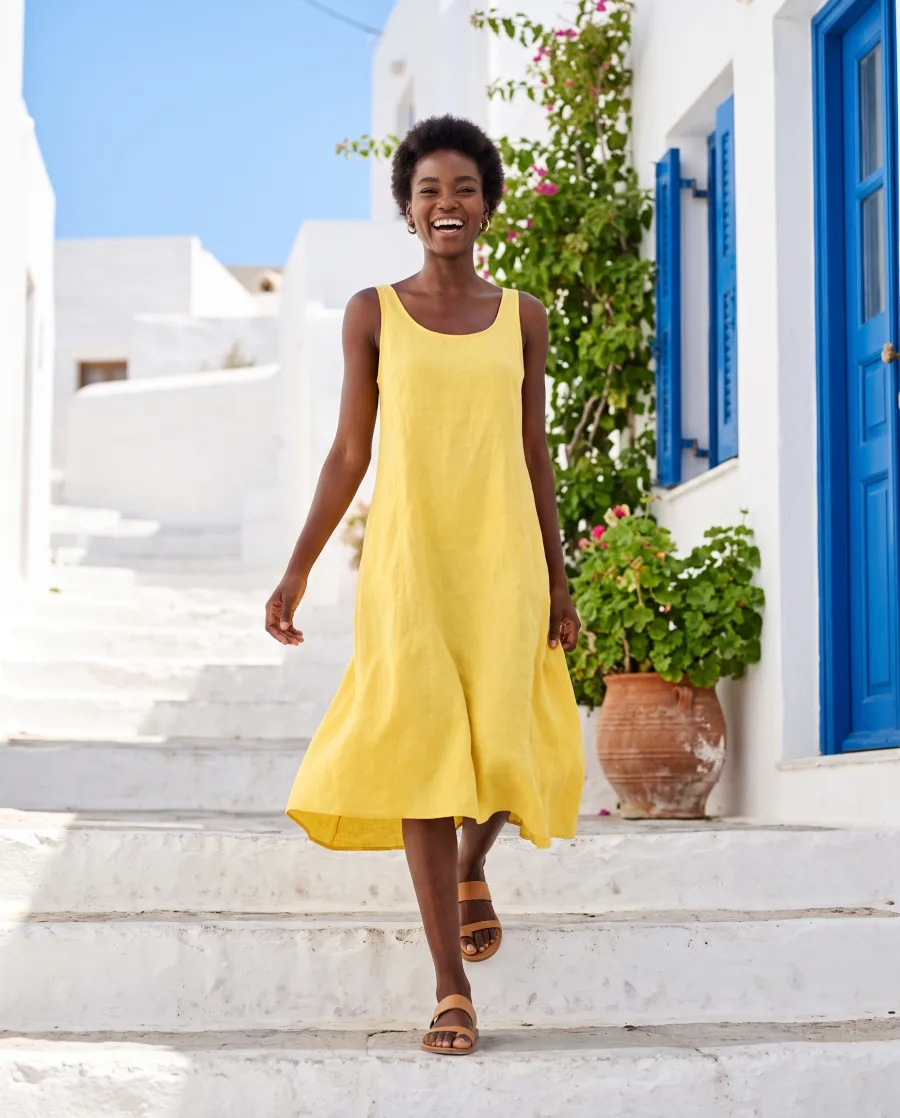
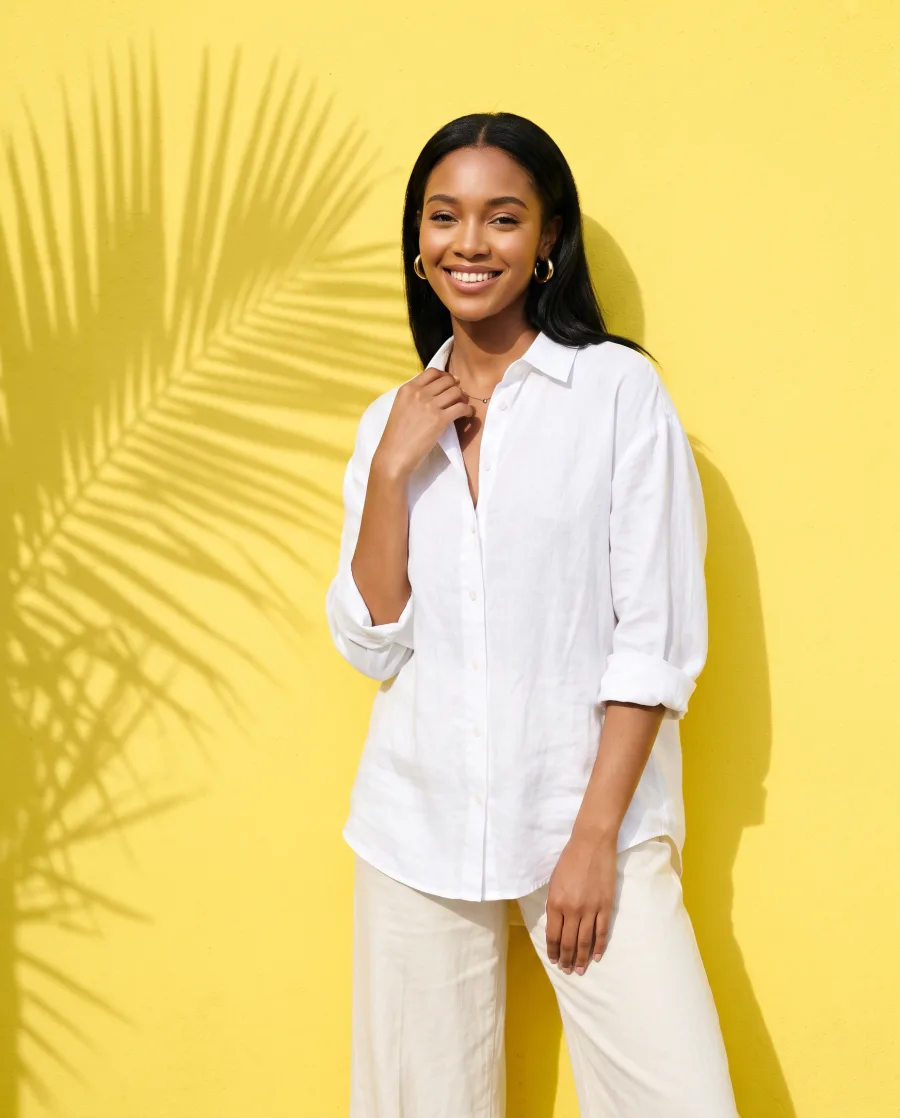
What you get: One garment worn by the person in your photo. Add a photo of the garment and a photo of the model, then press Run. Your brand rules are read before the run, so the result has your look.
Virtual try-on starts on the Premium plan.
What it does
Virtual try-on, in one paragraph
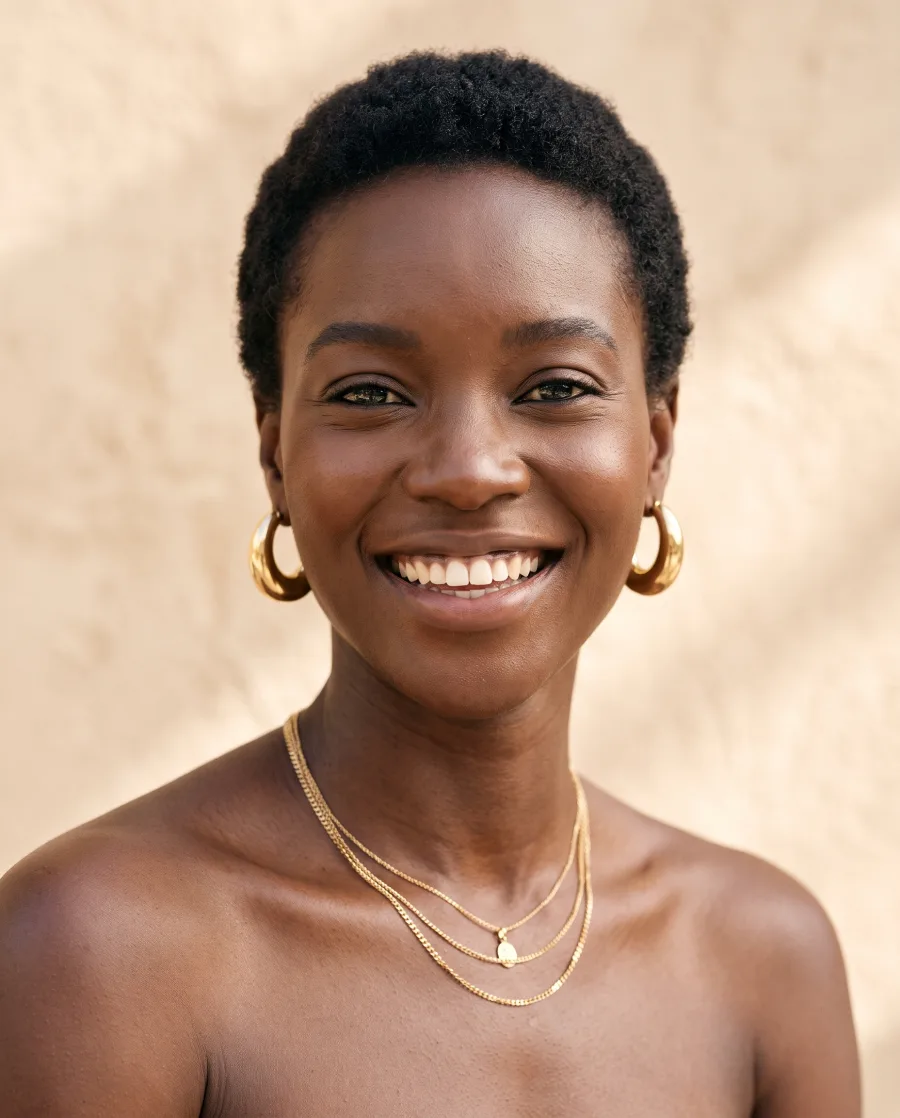
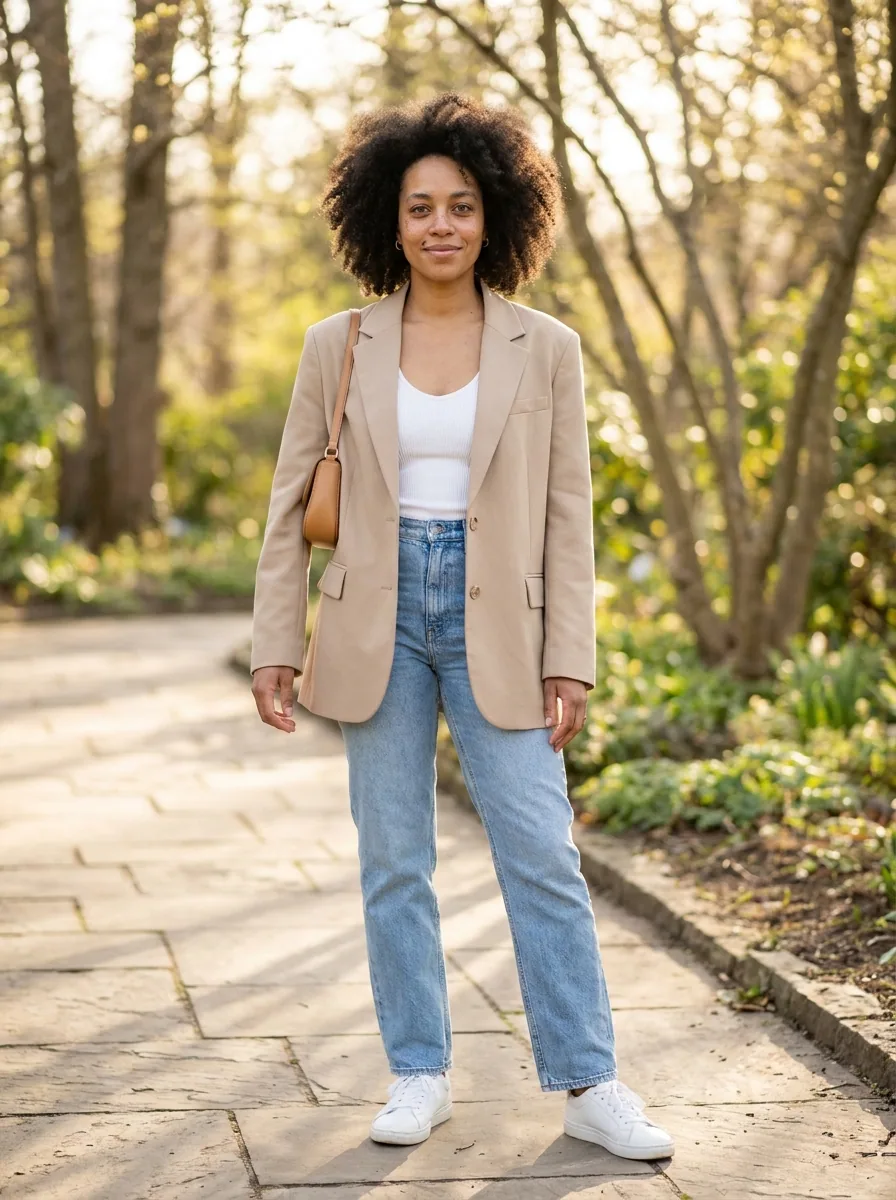
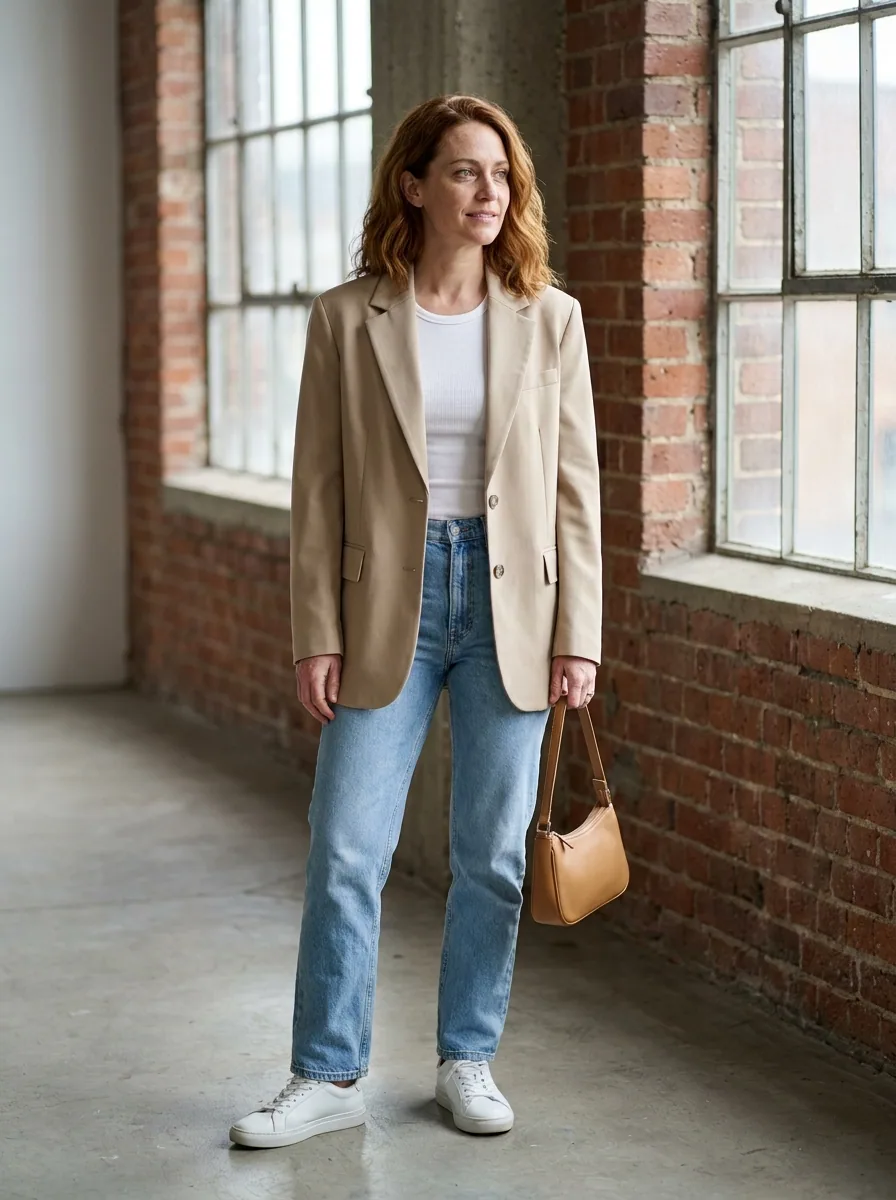
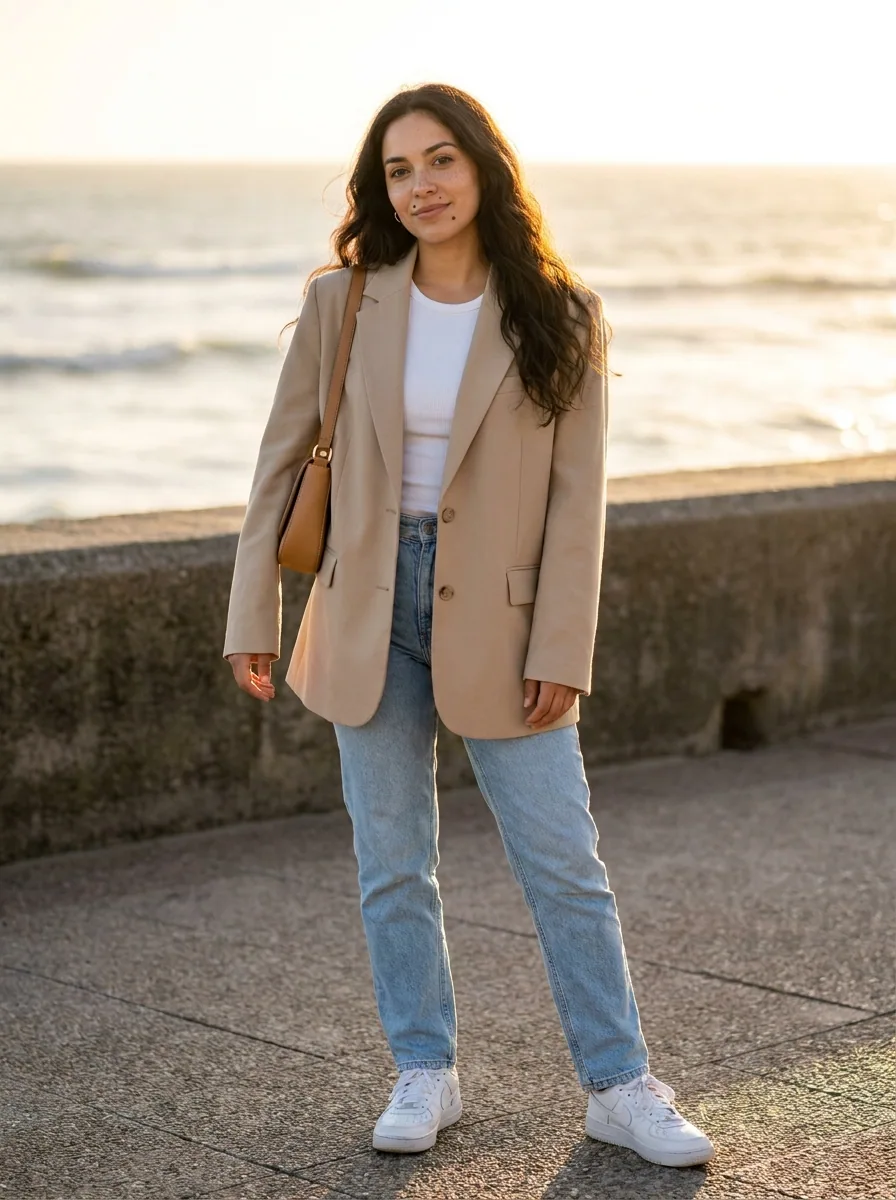
One garment on one person. Add a photo of the garment and a photo of the model, and the garment is put on that model, with the fall and the fit kept. You see a piece worn without booking a fitting. Use a photo of a model who has agreed to it. For a full campaign set of the same face, run the model pose set after it.
How a run works
Four steps from your photo to the results
- 01
Open the template
Press "Open in studio" in DesignerBox. Your own copy opens, with every step in place.
- 02
Add your photo and your words
Add the product photo and the few words the template asks for, like a headline or a place.
- 03
Press Run all
The price adds up as each step runs, and you see it in the app.
- 04
Keep the results you like
The results are saved in Assets. Download them or send them to a client for review.
Start free. You see the price before you make anything.
Your own photos, your own prompts and the commercial licence start on the Pro plan. Video starts on the Premium plan.
More templates
Other product imagery templates
The same job, a different result. Each card says what the template returns.
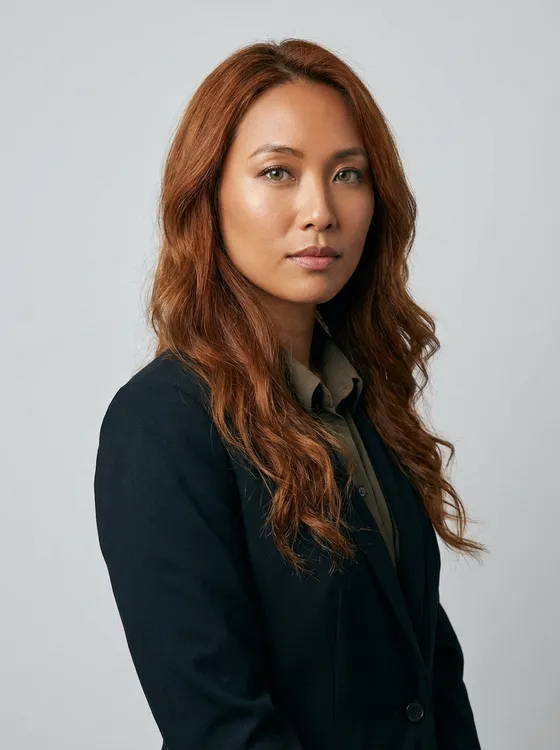 Runs todayModel pose setThe same model in a set of fixed poses
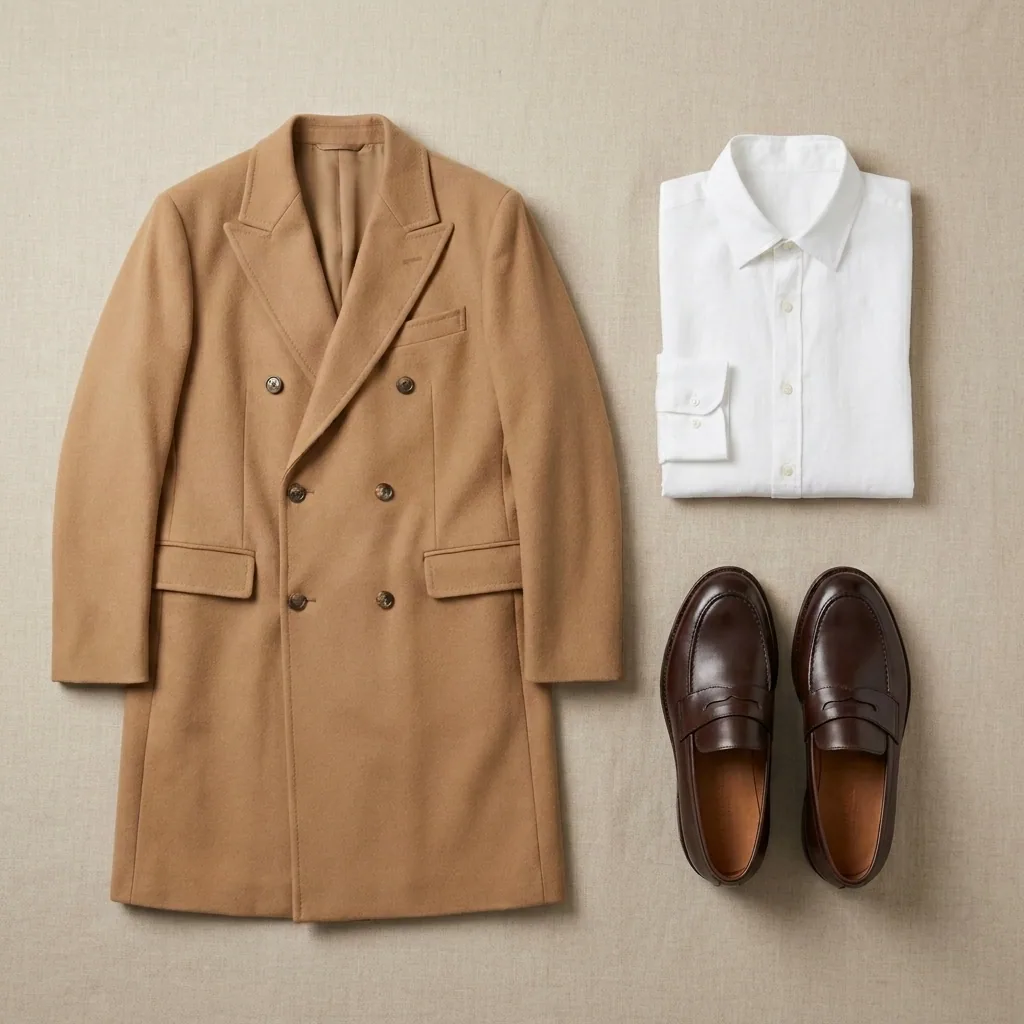 Runs todayGarment flat layYour garment laid flat and photographed from above
 Runs todayMulti-angle photo reshootThe same product shot again from the front, side and back
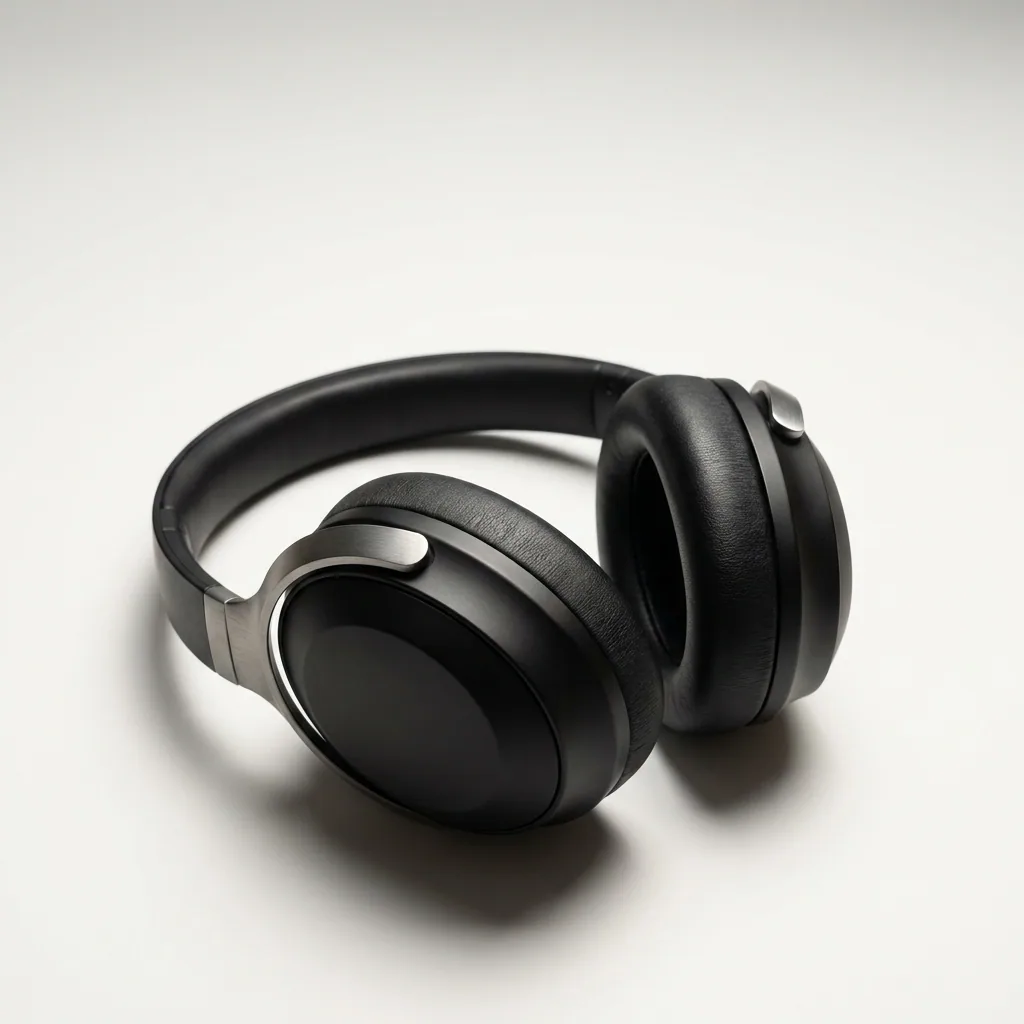 Runs today360° product studioEvery side of your product in one turning video, from a few photos
Guides
Guides that use this template
What does the Virtual try-on template make?
One garment worn by the person in your photo. It runs today in DesignerBox.
What does a run cost?
A template runs several steps and models, so its price adds up step by step as it runs. You see the cost of each step in the app. Each run uses credits from your plan.
Can I change the template?
Yes. When you open a template, you get your own copy. You can add, remove or change any step, then save it as your own workflow.
Which plan do I need?
You can start free. Your own photos, your own prompts and the commercial licence start on the Pro plan.
Make your first pictures today.
Sign up with Google or your email. Nothing to set up.
Get started free- Claude
- ChatGPT
- Cursor