App · Runs today
Marketplace listing images for your product
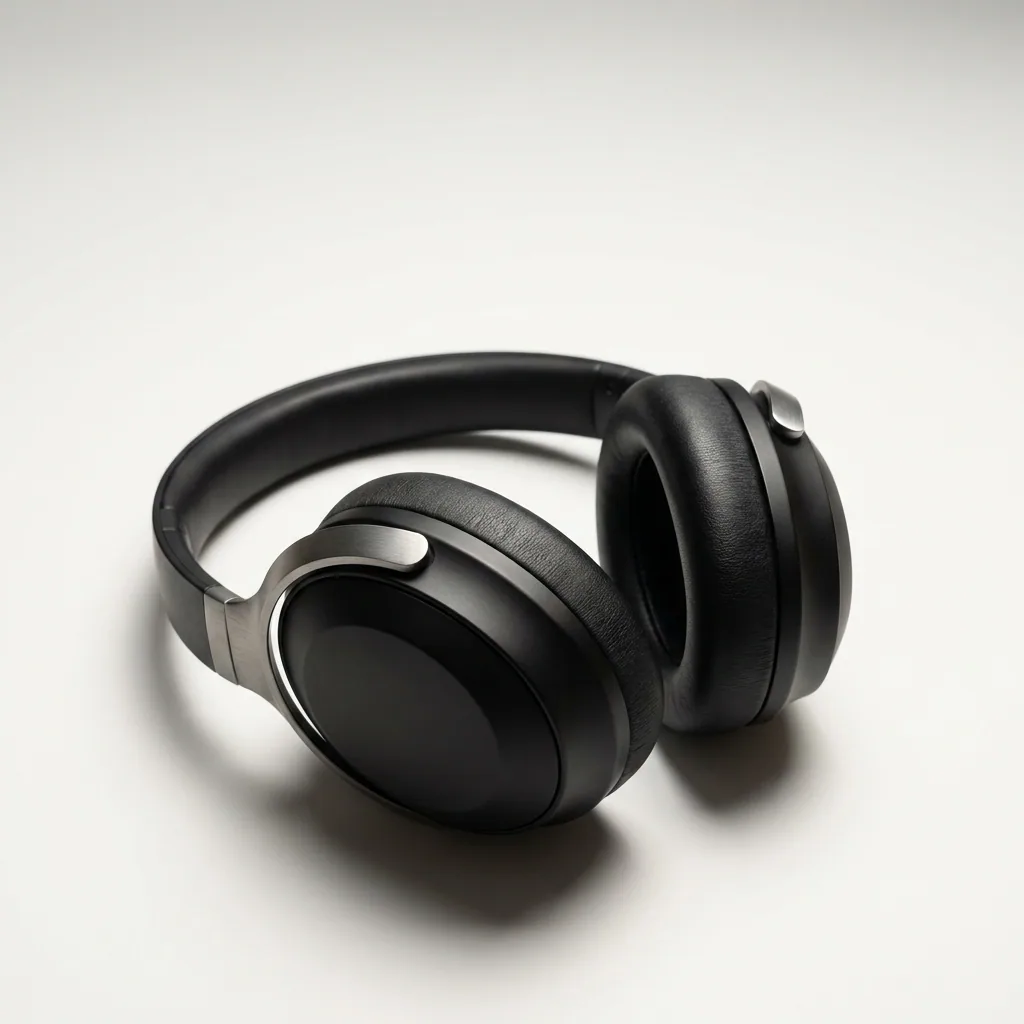
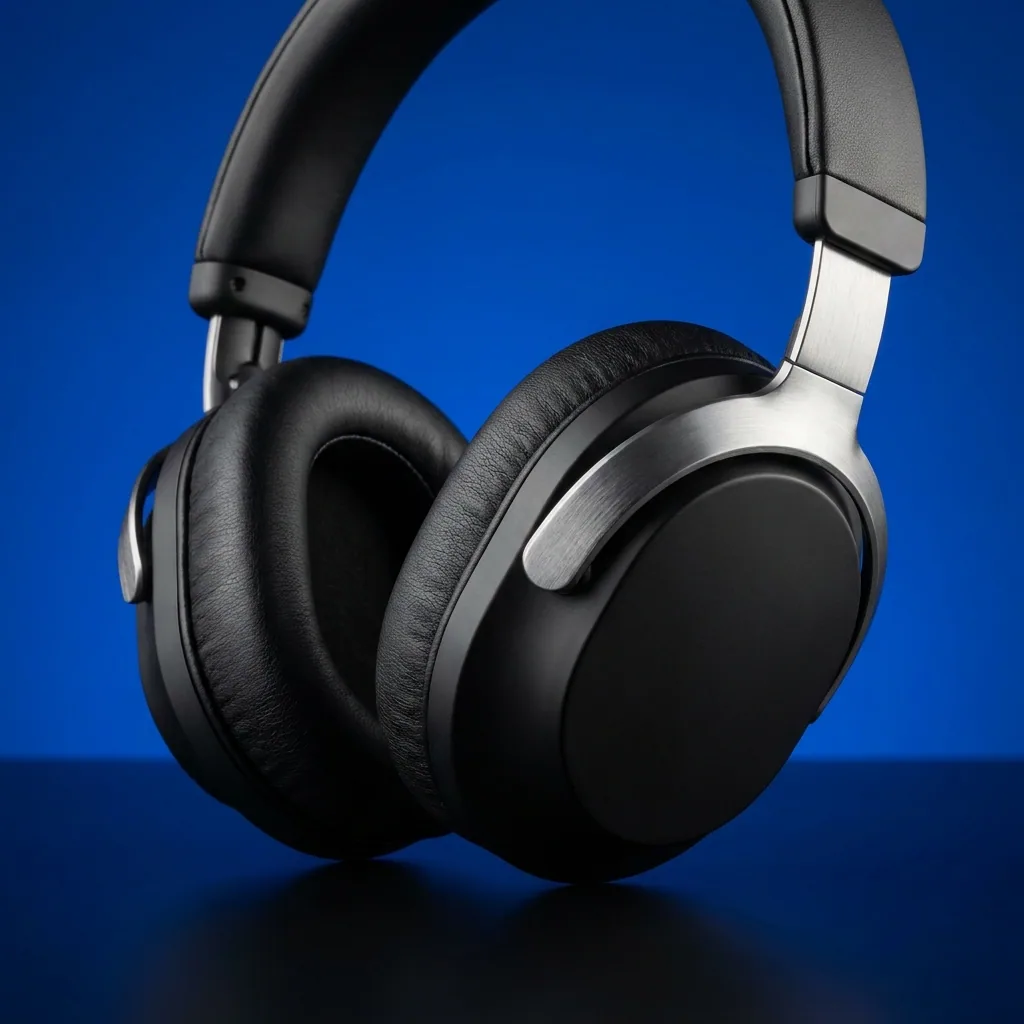
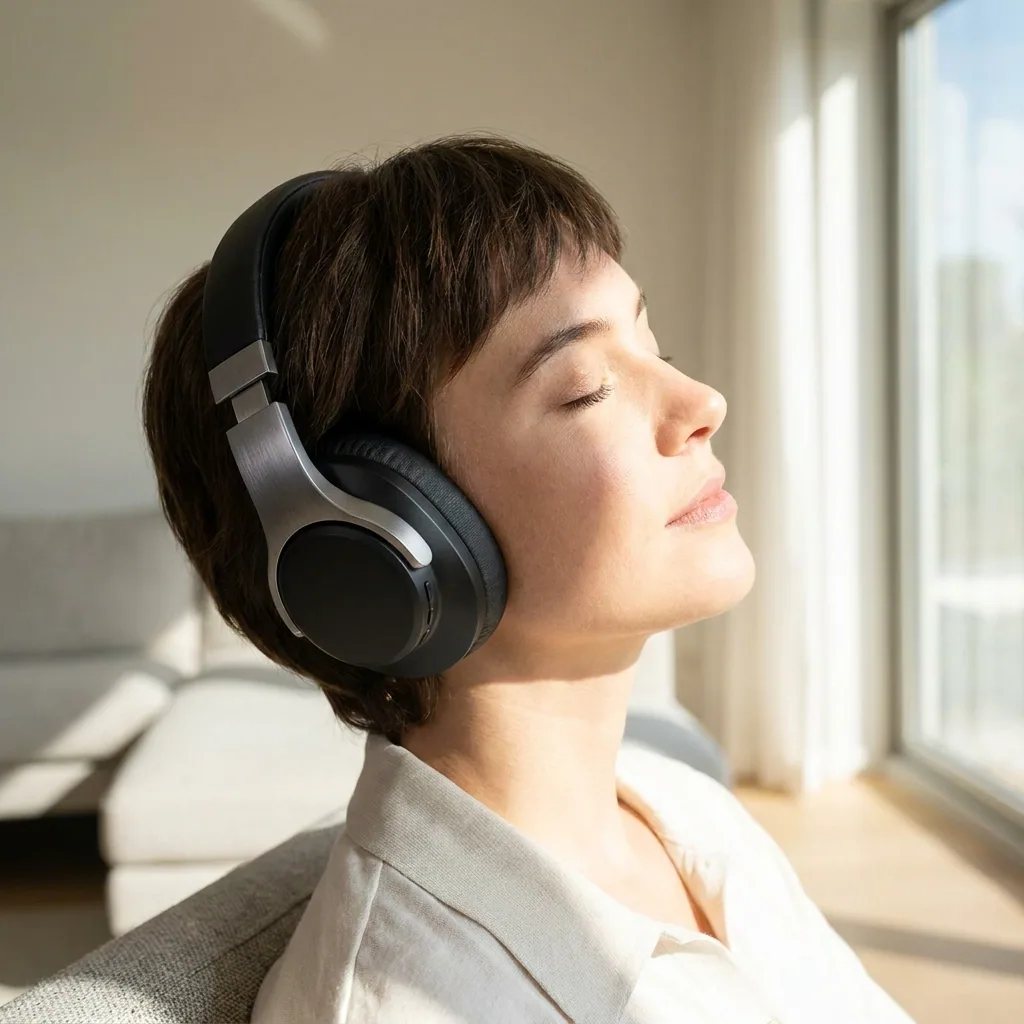
Add your product photo and say what the product is. The app returns the six pictures a marketplace listing needs.
What comes back: Six images, 1600 by 1600.
The form
What you fill in
The whole app is these fields. Fill them, press Run, and the steps behind the form do the rest.
Behind the form
The steps that run when you press Run
- 01
Writes the instructions for the pictures.
- 02
Makes the picture.
- 03
Runs the step once per item.
- 04
Makes the picture.
How a run works
From the form to the results
- 1. Try it with a sample. Every app has a sample, so you can see the result before you use your own photo.
- 2. Fill the short form. Add your photo and fill two or three fields, like a place, the colours or your words.
- 3. Press Run. The price is on the Run button, so you see it before you press.
- 4. Keep the results. The results are saved in Assets. Download them or send them to a client for review.
Start free. You see the price before you make anything.
Your own photos, your own prompts and the commercial licence start on the Pro plan. Video starts on the Premium plan.
More apps
Other apps in DesignerBox
The same shape: a short form, one Run button.
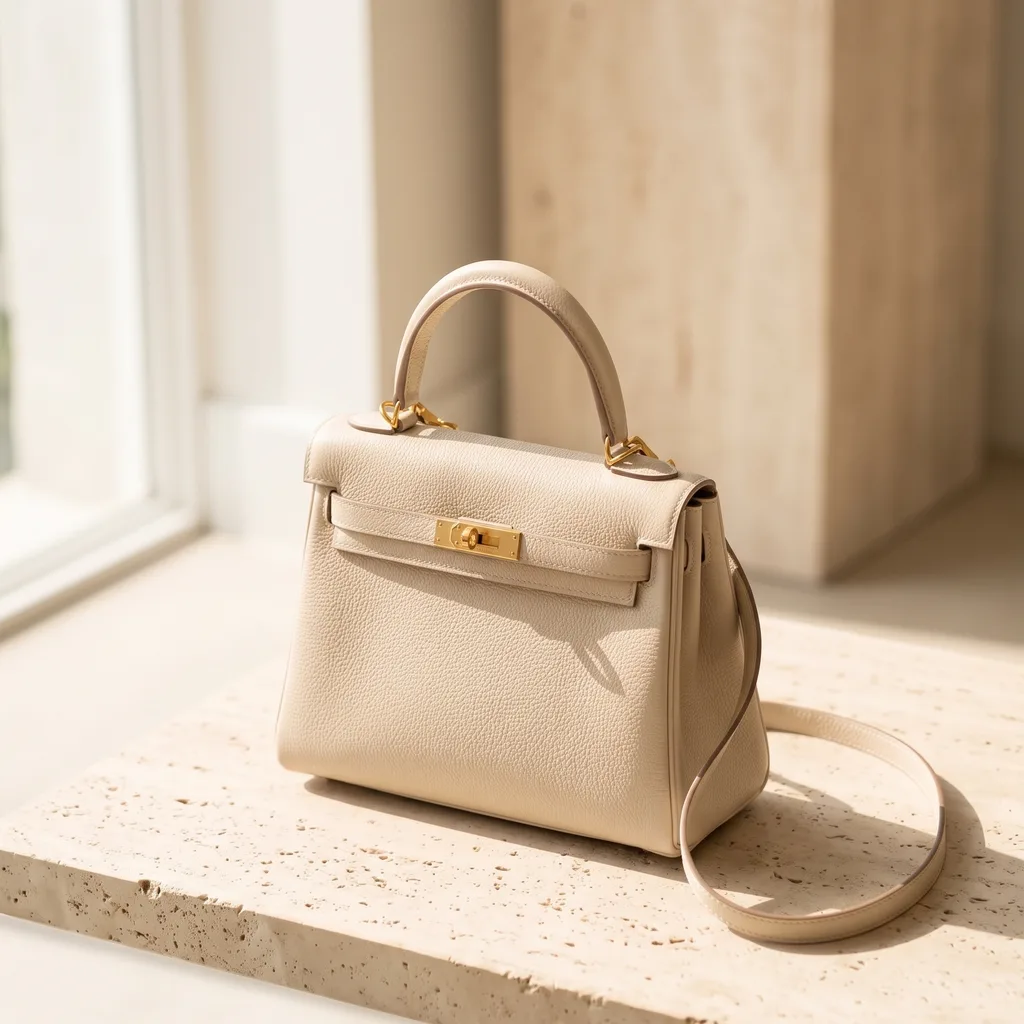 Runs todayProduct coloursShows one product in up to six colours you list, without a second shoot.
 Runs todayAds localizerRebuilds one ad in any language, with the text and the layout redrawn.
 Runs todayAds resizerTurns one ad into the four sizes ad platforms need.
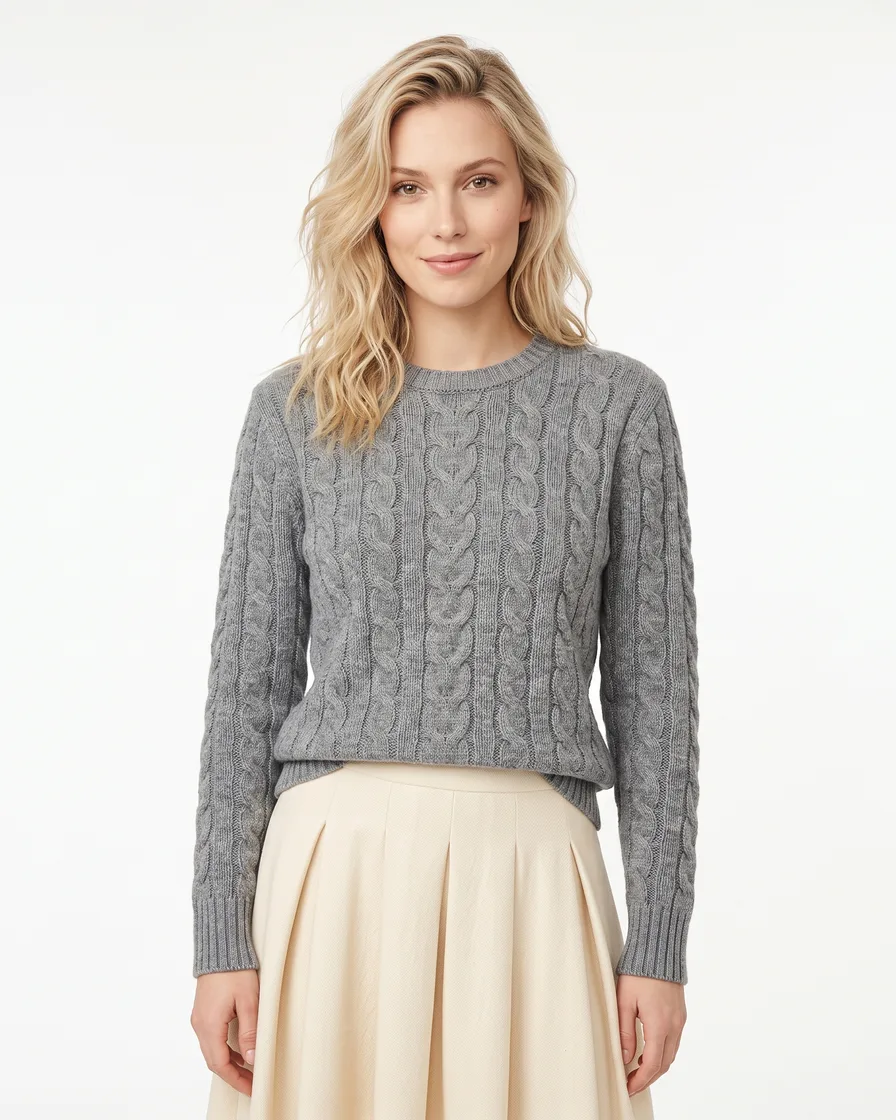 Runs todayDress my modelDresses your model in your garments and makes three photos.
What does Listing image set do?
Makes six listing images for a marketplace, from your product photo. It runs today in DesignerBox.
How much does a run cost?
Each run uses credits from your plan. The price is on the app card and on the Run button, so you see it before you press Run.
Can I try it before I use my own photo?
Yes. Every app has "Try it with a sample", so you can see the result first.
Which plan do I need?
You can start free. Your own photos, your own prompts and the commercial licence start on the Pro plan.
Make your first pictures today.
Sign up with Google or your email. Nothing to set up.
Get started free- Claude
- ChatGPT
- Cursor











