Beauty and wellness brands4 steps
How to photograph a supplement range for a shop listing
Turn your jar and pouch photos into a listing set for a supplement range: the main shot on white, the angles beside it, and a scene that shows the size.
What you get
How it works
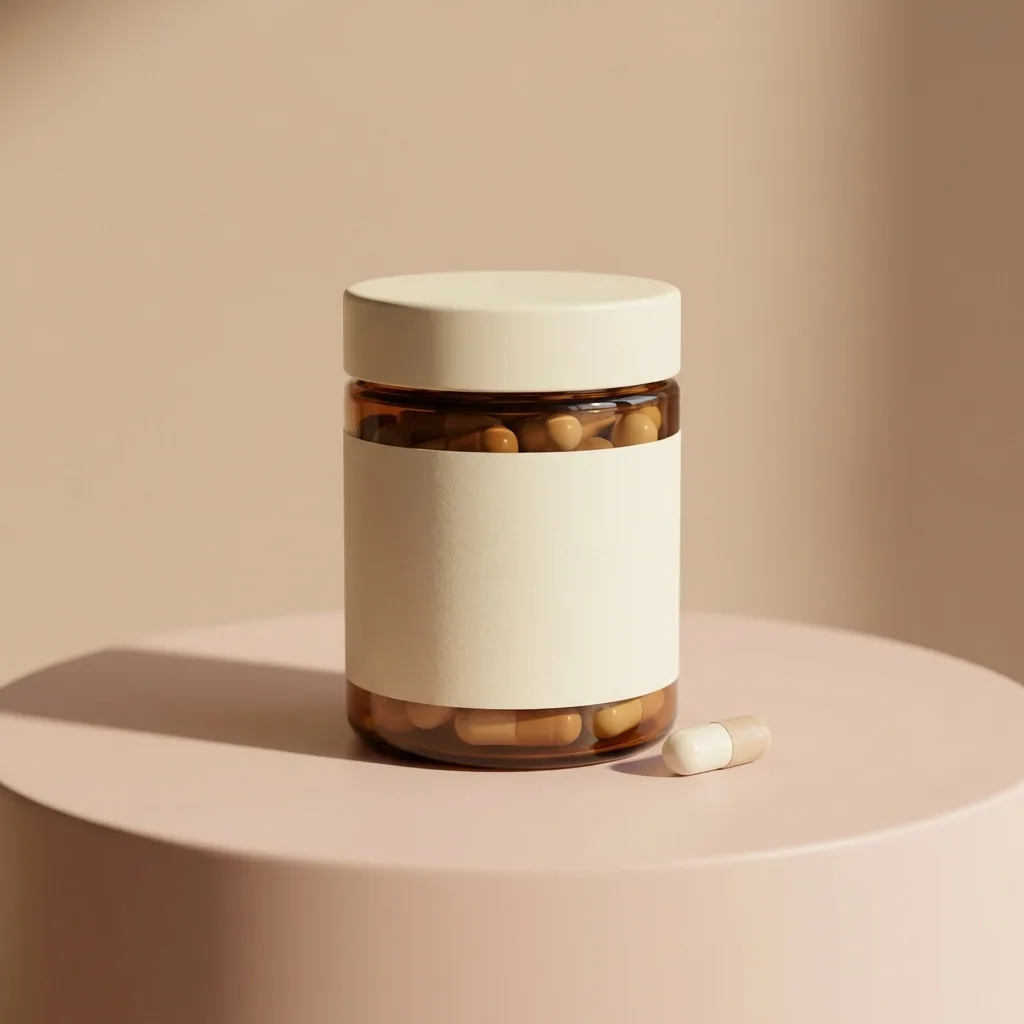
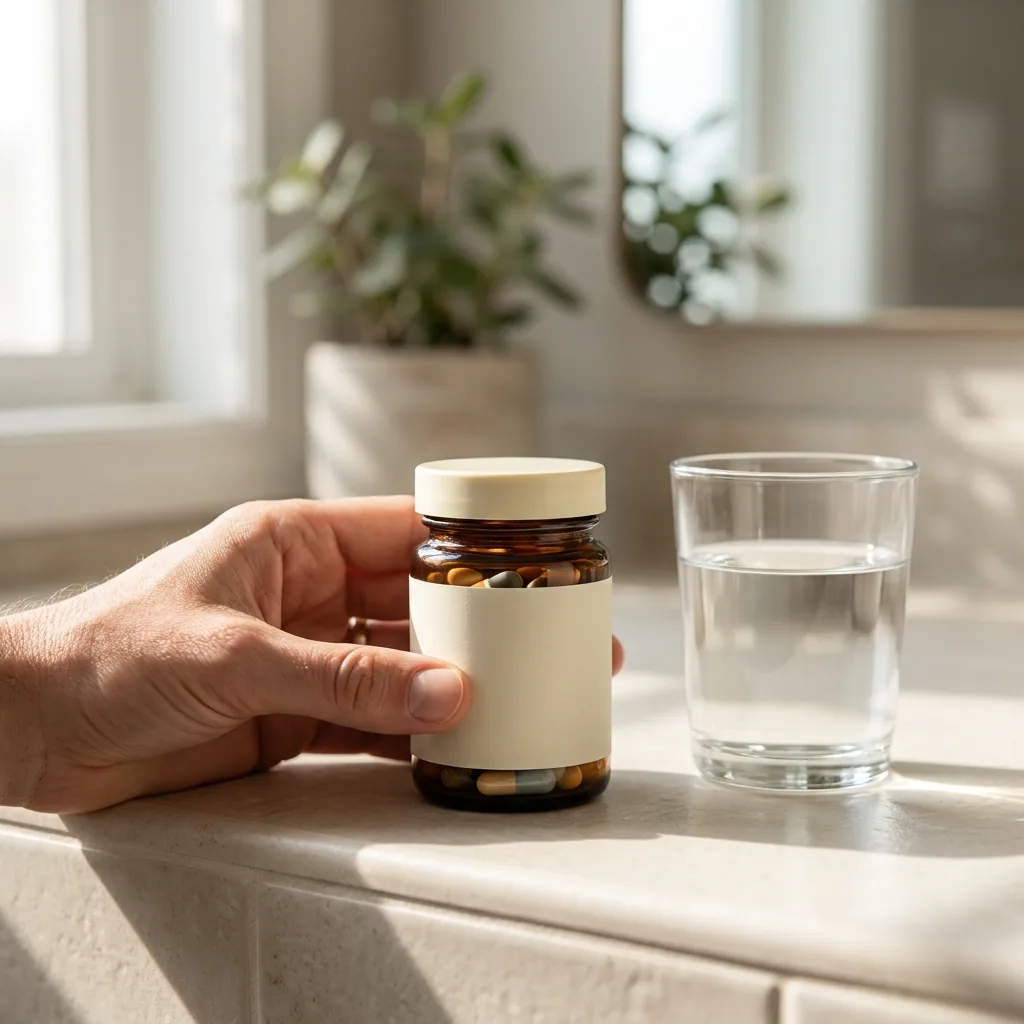
A shop listing sells a supplement on its pictures, long before anyone reads the label. Buyers scan a row of thumbnails. One jar shot on a kitchen table, next to one shot in a studio, reads as two different brands. This recipe starts from your photos of each jar or pouch. It gives you the main picture on white, the angles beside it, and a scene that shows how big the pack is. The hand in one of these pictures is generated, not a photographed person.
Make the main picture and the angles
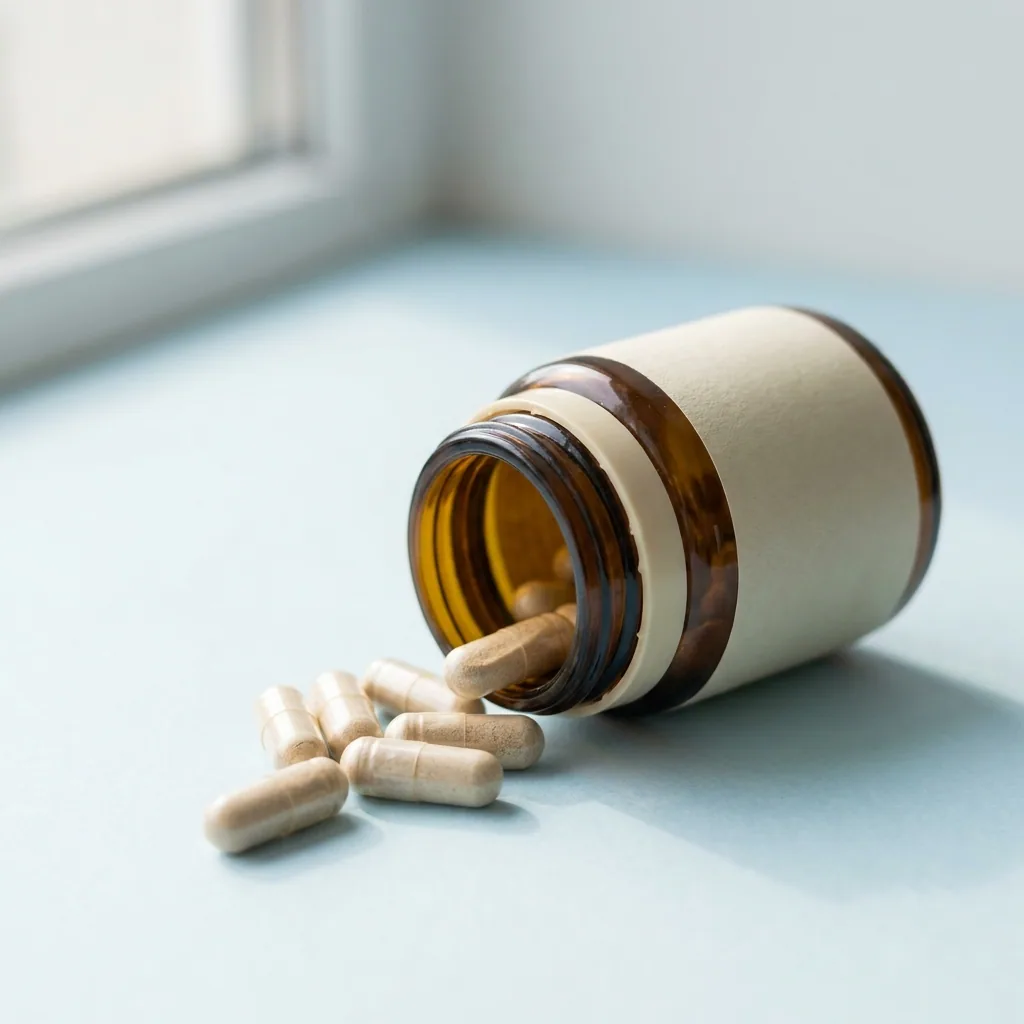
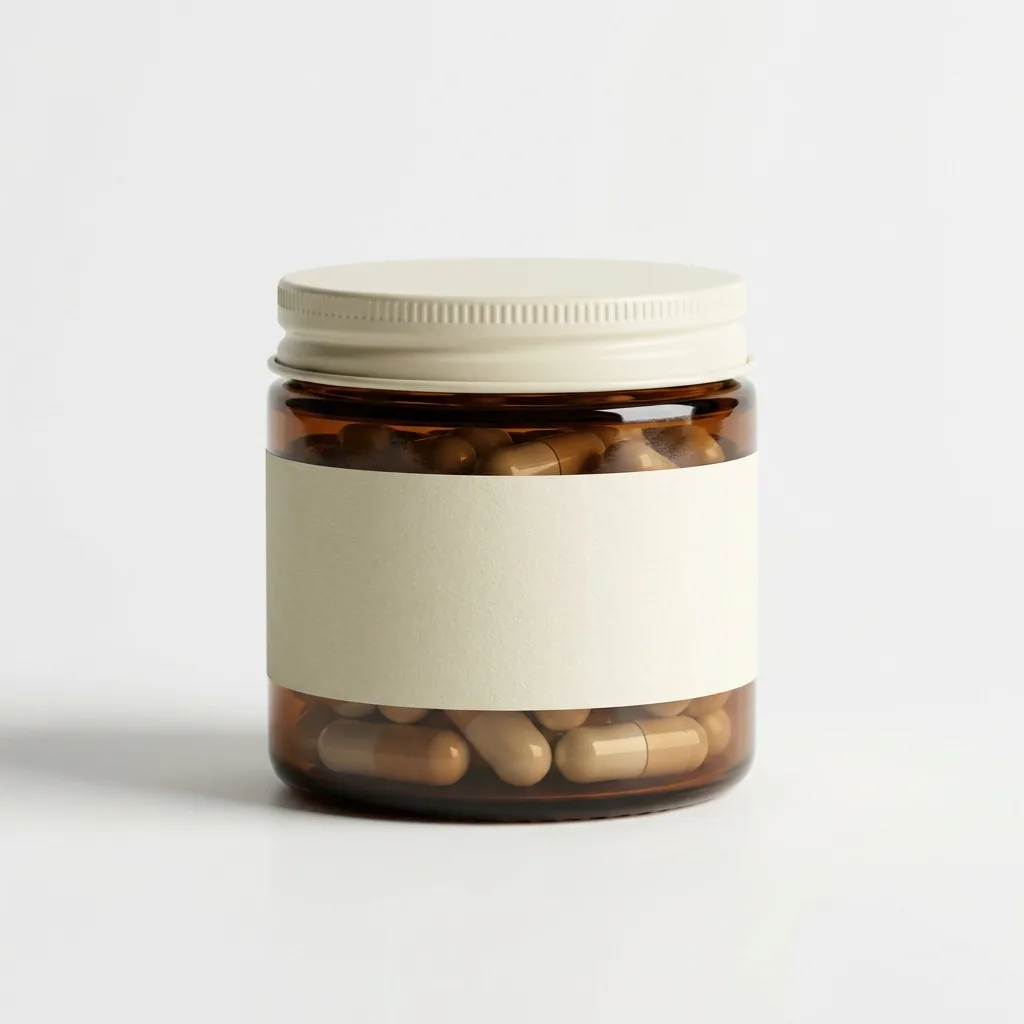
Upload your photo of one jar and run the listing image set. You get the main picture on a plain white background, with the side and back angles beside it. Every picture starts from your own photo of the pack. Read the label in each result, because a buyer must see your real label. Uploading your own photos starts on the Pro plan.
Open Listing image setPick the picture that leads the listing
The first thumbnail does most of the work. Run the hero shot template on the same jar for a brighter lead picture with clean space around the product. Put it next to the white background shot. Keep the one that still reads at thumbnail size.
Open the Hero shot templateShow the size on a real counter
A jar on white gives a buyer no sense of scale. Place the same jar on a kitchen or bathroom counter, where its height reads against a tap, a mug or a glass. Use one counter for the whole range, so every product in the shop sits in the same room.
Open the Scene templateDo the rest of the range in one run
You now have a set that works for one product. Load a photo of every other jar, pouch and size into a batch, one row each. Run the same steps across all of them. Each product comes back with the same background, the same light and the same crop.
See how batch works
Where the pictures go
- Download the set and upload it to your Amazon listing. Put the plain white picture in the first slot, because that is the one the marketplace asks for.
- Upload the same pictures to the product page in your own shop, so one jar looks the same in both places.
- Keep the counter shots for Instagram, where a real surface reads better than a white background.
The next flavour or the next size
Save these steps as a workflow the first time you do them. When you add a flavour or a larger tub, run the saved workflow on its photo. The background, the light and the crop stay the ones you set for the range.
See how workflows workQuestions
Do I need a photographer or a light box?
No. Your phone photos of the jars are the starting point. The steps change the background, the light and the framing, which is the part a phone gets wrong indoors.
Will the jar still look like my jar?
It should. Every picture starts from your own photo of your own pack. Fill the frame and keep the label facing the camera in your photo. Read the label in each result before you use it.
Can the pictures say what the supplement does?
No. These steps make pictures, not words. Any claim about what the product does is your own wording on your own label, and you stay responsible for it.
Can I use these pictures in paid ads?
Yes, on the Pro plan or above. Uploading your own photos and the commercial licence both start there. On the free plan you can try the templates on sample products.