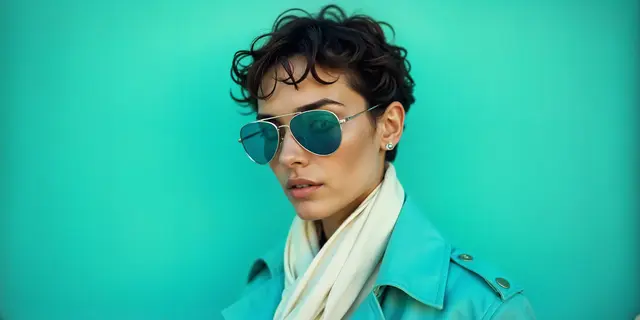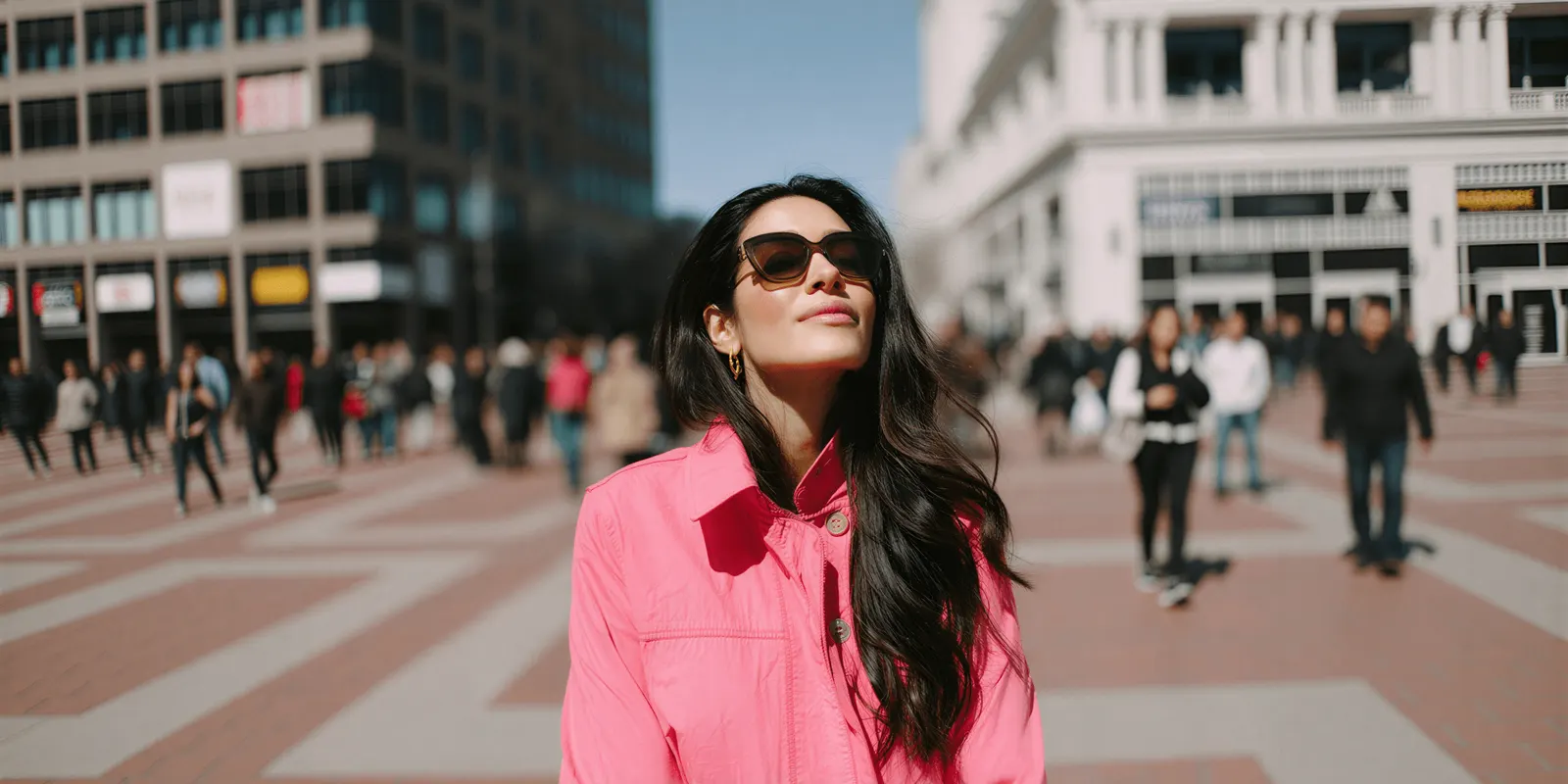
The best AI video generator for a clothing brand’s Instagram is the one that keeps the garment right in a vertical 9:16 frame. There are four routes: Instagram’s own Edits app, the AI video tools inside Meta Ads Manager, a fashion tool that turns a garment photo into an on-model clip, and a general image-to-video model finished in an editor. Pick by where the clip will run.
A drop of 12 new products goes live on Friday. Each product needs a Reel for the grid, a test version for people who do not follow you yet, a Story and two Reels ads. That is 60 vertical videos, and nobody has filmed a garment yet.
This guide covers the Instagram side of that job: what Instagram asks of a clip, what its own AI tools do, which generators start from a garment photo, how Meta labels AI, and how originality rules affect reach. It is written for clothing brands with 20 to 500 products, and for the agencies that run their accounts. DesignerBox publishes this blog and is one of the tools named here. For the wider tool comparison across TikTok and the product page, read our guide to the best clothing brand video maker.
Key Takeaways
- Four routes make an Instagram clip. Edits and Ads Manager are Meta’s own tools. Fashion tools start from a garment photo. General video models need an editor after them.
- Meta’s quick animation avoids people and logos. Its Add animation feature makes a 2-second loop, and Meta advises against using it on images with people or brand logos.
- The frame is 9:16. Organic Reels accept 1.91:1 to 9:16. Reels ads use 9:16 and keep the top 14% and bottom 35% clear of text.
- Long Reels lose reach. A Reel can run to 20 minutes, but Instagram does not recommend Reels over 3 minutes to new audiences.
- Label realistic AI video. Meta requires a label on organic posts with photorealistic video that was digitally created or altered.
- Originality decides recommendations. Reposted clips with minor edits, or clips with a visible watermark, are not eligible for recommendations.
- Test before the grid. Trial reels show a Reel to non-followers first, on professional accounts with at least 200 followers.
Which AI video generator fits a clothing brand’s Instagram?
Choose by what you start from and where the clip runs. If you have product photos only and need a quick Story, Instagram’s Edits app can make a clip from a picture. If you run Reels ads from still images, Ads Manager can turn them into video. If the garment must look right on a model, use a fashion tool that starts from a garment photo, or a general image-to-video model plus an editor.
| Route | Where it runs | You start from | Good for | Where its scope ends |
|---|---|---|---|---|
| Edits app (Meta) | Your phone | A text prompt, a photo or a clip | Quick Stories and mood clips | No garment controls. Still rolling out |
| Ads Manager video tools (Meta) | Your Reels ads | One or more ad images | Turning static ads into motion | English ads and select verticals. Animation avoids people and logos |
| Fashion video tools | The web | A garment photo, flat lay or model shot | On-model clips of your product | Test prints and logos per product |
| General image-to-video models | The web or an API | One still as the first frame | One controlled shot at a time | You cut, caption and resize in an editor |
No prices appear in this guide. Each tool lists its plans on its own site, and plans change often. Every feature below was read on the vendor’s or Meta’s own pages in September 2026.
What does Instagram ask of a clothing video?
Instagram accepts a Reel with an aspect ratio between 1.91:1 and 9:16, at least 30 frames per second and at least 720 pixels (Instagram Help Center, September 2026). Make every clothing clip 9:16. A full-length outfit fills a vertical frame, and every Instagram placement for Reels takes it.
Length has two limits. You can record clips that add up to 20 minutes, but Reels over 3 minutes are not recommended to new audiences (Instagram Help Center, September 2026). A product Reel rarely needs more than 30 seconds. A generated clip is shorter again, so one Reel is usually several clips cut together.
| Placement | Shape | What to know |
|---|---|---|
| Organic Reel | 1.91:1 to 9:16, 9:16 is best | At least 720 pixels and 30 frames per second. Cover photo 420 x 654 pixels |
| Reels ad | 9:16, 1440 x 2560 recommended | Keep 14% of the top, 35% of the bottom and 6% of each side free of text and logos |
| Reels ad length | 0 seconds to 15 minutes | Meta recommends original audio or its Sound Collection, not licensed music |
The Reels ad rows come from the Meta ads guide for Instagram Reels (September 2026). The safe zone matters most for clothing. The bottom 35% is where a model’s trousers, skirt hem and shoes sit in a full-length shot. Frame the garment so the detail you sell sits in the middle of the frame, and put captions above the bottom band.
Generated clips arrive in short pieces. Veo 3.1 makes clips of 4, 6 or 8 seconds in 16:9 or 9:16 (Gemini API docs, September 2026). Seedance 2.0 makes any whole number of seconds from 4 to 15, with 9:16 among its ratios (BytePlus docs, September 2026). Kling 2.6 makes 5 or 10 seconds, and its image-to-video endpoint has no aspect-ratio setting (Kling API docs, September 2026). Frame the still at 9:16 before you animate it.
What can Instagram’s own AI tools make?
Meta ships two kinds of AI video tools. The Edits app makes clips for any post. Ads Manager makes motion from ad images. Both are fast and sit inside tools you already use. Neither is built to hold a specific garment’s print, logo or cut, so check every frame before a clip carries a product.
Edits: a clip from a prompt, a photo or a video
Edits can generate a video clip from a text prompt, a picture or a video. You tap the plus icon on your timeline, tap the AI icon, describe the clip and add media from your camera roll (Instagram Help Center, September 2026). Meta says the feature is being released gradually and is not yet available to all users.
Edits also has Restyle, which redraws an existing clip in a new style from presets. The clip can be 10 seconds at most (Instagram Help Center, September 2026). Restyle suits a mood clip for a Story. It changes the look of the whole frame, so it is the wrong tool when the garment’s color must match the product page.
Ads Manager: video generation and Add animation
Video generation in Ads Manager is a beta that turns one or more images into a multi-clip video with text overlays and music. Meta recommends three or more images, and the feature works only for ads in English and for select verticals (Meta Business Help Center, September 2026).
Add animation is smaller. It makes a 2-second animation that loops to 8 seconds, and those ads run only in Instagram Reels. Meta advises against using it on images with people or brand logos (Meta Business Help Center, September 2026). For a clothing brand that rules out most on-model shots and any garment with a printed logo. It fits a packshot or a flat lay with no branding in the frame.
Which generators start from a garment photo?
Fashion video tools start from the product. You add a photo of the garment on a model, on a mannequin or laid flat, and the tool returns a short clip with fashion motion such as a walk or a turn. This is the route to take when the clip must show your actual garment on a body.
- WearView turns fashion photos into video from templates such as a catwalk or a 360° spin, or from a text prompt. Its page says it works with ghost mannequin images too (wearview.co/ai-video-generator, September 2026).
- The New Black turns a fashion image into a clip of a chosen length. Its FAQ says the video keeps the ratio of the image it starts from, so it tells you to make the still at 9:16 for Reels. Its Model 360 feature turns a front photo and a back photo into a turnaround clip (thenewblack.ai, September 2026).
- Pic Copilot builds fashion Reels from templates. Its page says every template includes music licensed for business use (piccopilot.com/tools/fashion-reels, September 2026).
- DesignerBox (this is us) runs the same video steps on every product. Its Dress my model app puts a garment on a model, and Animate an image turns that still into a clip.
A general image-to-video model is the other path. You make the on-model still first, check it, then animate it with Veo 3.1, Kling or Seedance. You get more control over the camera and the motion. You also do the cutting, captions and sizing yourself in an editor. Our guide to virtual try-on video walks through that still-first method. For the whole job in order, from garment photo to export, see how to make AI video for a clothing brand.
How do you check a clothing Reel before it posts?
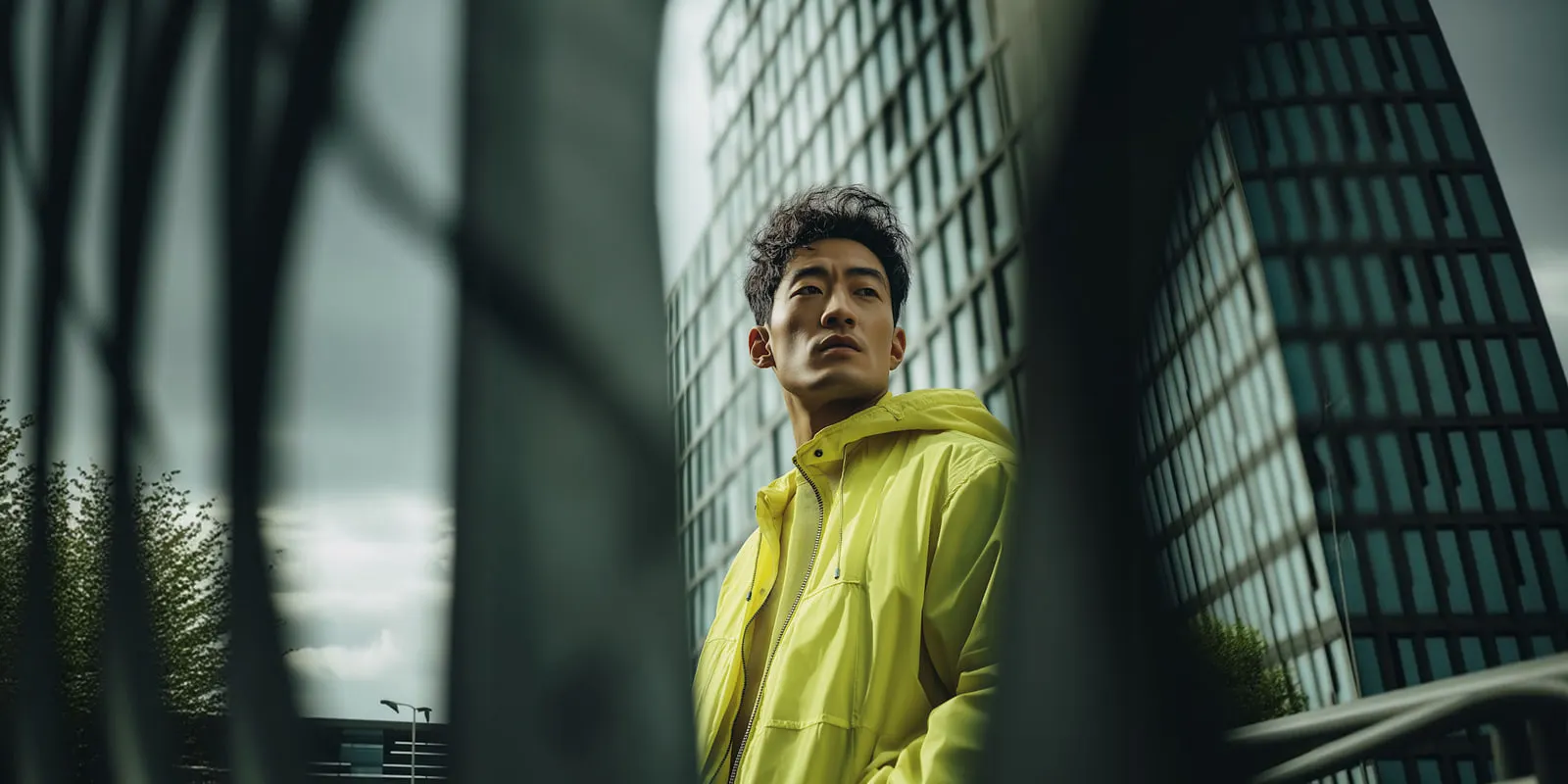
Check the garment at the frame where it moves most, then check the frame at the Instagram level. A generated clip can look right in the first second and change the print by the fourth. Run these five checks on every clip before it goes on the grid or into an ad.
- Print and logo. Pause where the fabric folds or turns. The print must keep its scale and direction, and the logo must stay readable.
- Color. Put the clip next to the product page photo. The garment color must match, because the shopper will compare them.
- Construction. Collars, pockets, seams, hems and closures must stay in place through the whole clip.
- Safe zone. On a Reels ad, no caption or logo can sit in the top 14% or the bottom 35%.
- Cover frame. Pick a cover where the garment is sharp and centered. The cover photo is 420 x 654 pixels, so small details disappear.
For the full motion check, including hands and length, see the six-point check in the clothing brand video maker guide. Our article on AI fashion video covers what the evidence says about video on product pages.
Do AI clothing Reels need a label on Instagram?
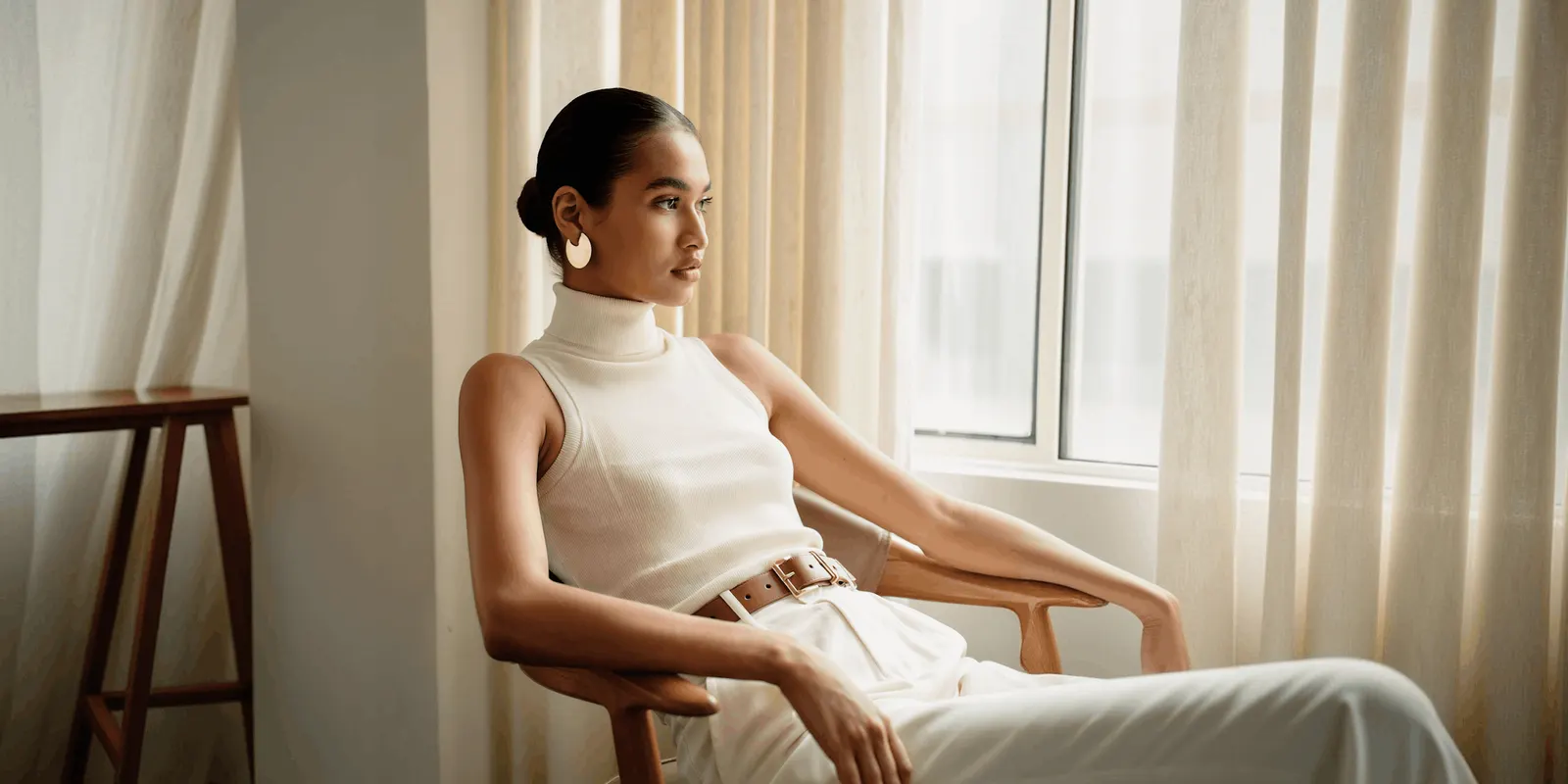
Often, yes. Meta requires people to use its disclosure and label tool when they post organic content with a photorealistic video that was digitally created or altered, and it may apply penalties when they do not (Meta newsroom, February 2024). A realistic clip of a generated model wearing your garment reads as that kind of video. Label it when you post.
Ads follow a different rule. Meta adds an AI info label automatically when you use its AI features, such as image generation or Add animation. It can also label an ad when it detects AI signals from other tools. Advertisers must disclose AI only in ads about social issues, elections or politics (Meta Business Help Center, September 2026). The same page lets advertisers add a disclosure themselves in the European Region, California, New York, India and Taiwan.
Rules change often, so check Meta’s pages in the month the Reel runs. This is general information, not legal advice. Our guide to AI disclosure in ads covers the laws behind the platform rules.
How does Instagram treat AI video for reach?
Instagram recommends original content and holds back content that is not. Its recommendation guidelines list “unoriginal content that is largely repurposed from another source with only minor, immaterial edits” among what it may not recommend (Instagram Help Center, September 2026). A clip you generate from your own product photo is original. A tool’s demo clip reposted with your caption is not.
Watermarks matter too. Instagram lists content with no visible watermarks among what is eligible for recommendations. An account that posts reposted content 10 or more times in 30 days becomes ineligible (Instagram creators blog, 2024). From 30 April 2026 the same protections cover photos and carousels (Instagram creators blog, April 2026). Export generated clips without a tool’s watermark before you post them.
Trial reels let you test a clip before your followers see it. The Reel goes to non-followers only, and your followers do not see it in feed or Reels. A professional account needs at least 200 followers to use it (Instagram Help Center, September 2026). Post two versions of the same product clip as trial reels, then share the one that holds attention.
Music follows its own rule. The Instagram music library is for personal, non-commercial use. Meta’s Sound Collection can be used in ads (Instagram Help Center, September 2026). For a brand account, pick sound from the Sound Collection or from a tool that licenses its music for business.
A Reels plan for one clothing drop
Plan the drop as a set, then make it product by product. The example below uses 12 products and five files per product. It is illustrative arithmetic, not a benchmark. Count your own products and your own placements.
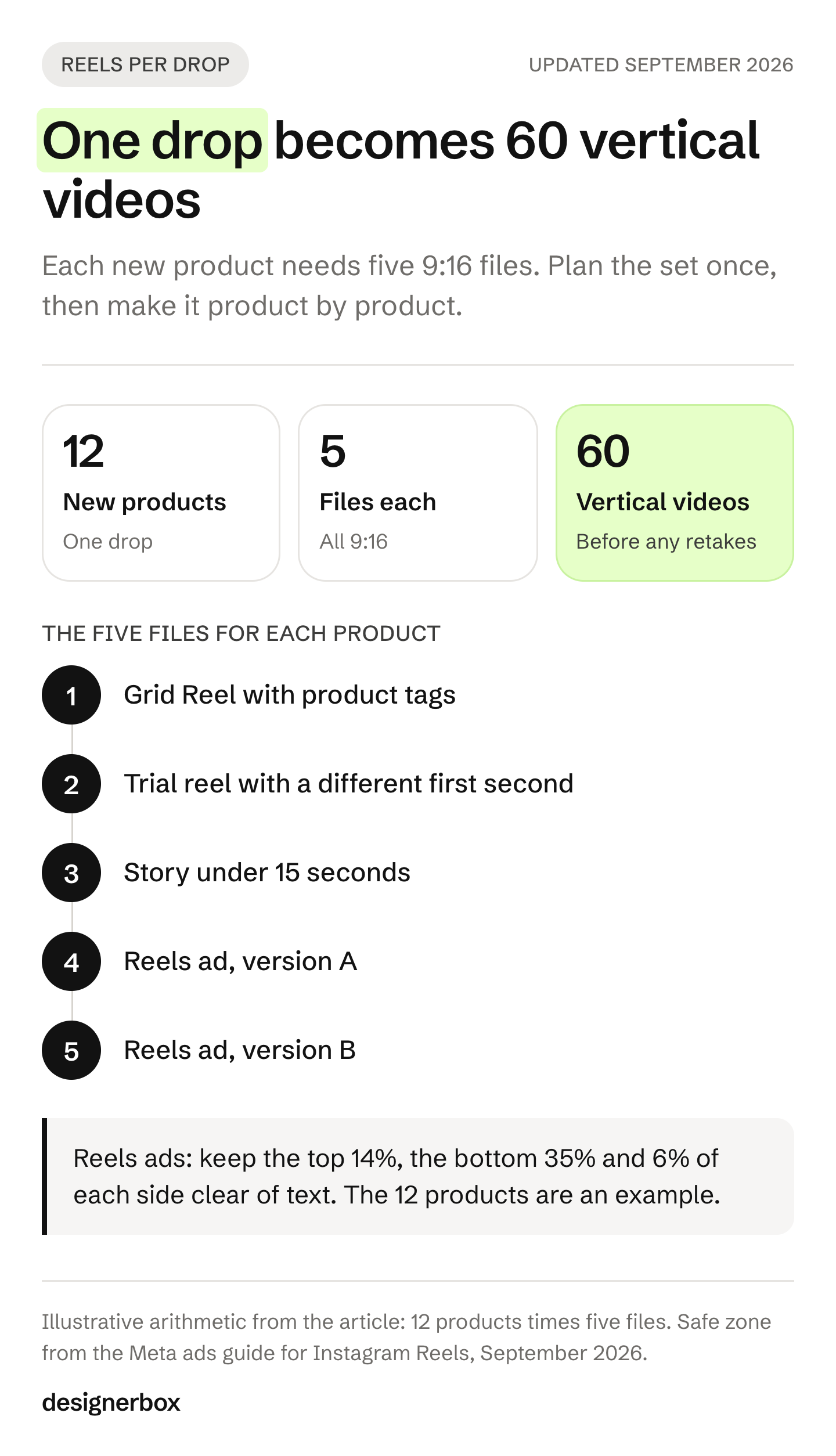
| File per product | Shape | Built from |
|---|---|---|
| Grid Reel | 9:16, 15 to 30 seconds | Two to four generated clips cut together, with product tags |
| Trial reel | 9:16, same length | A second cut of the same clips with a different first second |
| Story | 9:16, under 15 seconds | One clip plus a price or size sticker |
| Reels ad, version A | 9:16, text inside the safe zone | The strongest clip and one line of copy |
| Reels ad, version B | 9:16, text inside the safe zone | A different opening frame or motion |
Twelve products times five files is 60 vertical videos. Businesses with a shop on Instagram can tag up to 30 products or a collection in a Reel (Instagram Help Center, September 2026). A drop Reel can tag every new product, and each product Reel tags its own.
The hard part is the second drop, and the twentieth. The same model, light and framing have to appear on every product, every week. For how to reframe the product photos you already own for the grid, see Instagram product photos. For the wider posting plan across Reels, carousels and stills, see Instagram content with AI.
One Reels workflow for every product
Anyone can make an AI picture. Making hundreds that still look like your brand is the hard part. In DesignerBox you build the Reels job once as a workflow. One step puts the garment on your model, and the next step animates the still at 9:16. Your brand profile holds your logo, fonts, colors and rules, and the workflow reads it on every run.
Then you run the workflow on the next product. Batch runs it over a whole drop, and you review the results in one pass. Critic steps score the results and best-of-N keeps the best one. The video editor is a real timeline, with several tracks, transitions, animated text and audio, so the cut, the captions and the ad versions happen in the same place.
The full workflow from the first product photo to the finished ad, in one subscription. You see the cost before each run. An 8-second clip costs 40 to 560 credits, depending on the model. AI video starts on the Premium plan, and the commercial license starts on the Pro plan. Plans and credits are on the pricing page. What DesignerBox makes for apparel is on its page for fashion brands.
Publishing to Instagram is not built in DesignerBox. You download the results, or send them with a webhook or an S3 step, and post from Instagram or your scheduler.
A free plan for your first run
Start from a template, add your brand and your products, and see the cost before you run it.
FAQ
What is the best AI video generator for a clothing brand’s Instagram?
It depends on what you start from. For a quick Story from a photo, Instagram’s Edits app can generate a clip. For Reels ads from static images, Ads Manager has video generation. For your garment on a model, use a fashion tool that starts from a garment photo, or a general image-to-video model plus an editor. Check the print, color and logo in every clip.
Can Instagram make an AI video for me?
Yes, in the Edits app. It generates a video clip from a text prompt, a picture or a video, and Meta is releasing the feature gradually. In Ads Manager, video generation turns ad images into a multi-clip video for ads in English and select verticals. Add animation makes a 2-second loop for Reels ads.
What size should an AI clothing Reel be?
Make it 9:16. Instagram accepts Reels from 1.91:1 to 9:16, at least 720 pixels and 30 frames per second. Meta recommends 1440 x 2560 for Reels ads. Keep the top 14%, the bottom 35% and 6% on each side free of text and logos in an ad.
How long should an AI Reel for a clothing brand be?
Most product Reels work at 15 to 30 seconds. Generated clips are 4 to 15 seconds each, depending on the model, so a Reel is usually two to four clips cut together.
Do I have to label AI-generated clothing videos on Instagram?
For organic posts, Meta requires a label on photorealistic video that was digitally created or altered, and it may apply penalties when you do not add one. For ads, Meta adds an AI info label when you use its AI tools, and mandatory disclosure applies to ads about social issues, elections or politics.
Will AI videos get less reach on Instagram?
Instagram does not state a penalty for AI content in its recommendation guidelines. It does hold back unoriginal content that is repurposed with only minor edits, and content with visible watermarks is not eligible. A clip you make from your own product photos, exported without a tool’s watermark, meets those rules.
Sources
- Instagram Help Center, reel size and aspect ratios, Reels length, generate a video clip with AI on Edits, Restyle on Edits, recommendations guidelines, trial reels, tag products in reels and music for business, accessed September 2026
- Instagram creators blog, recommendations and originality (2024) and rewarding original creators (April 2026), accessed September 2026
- Meta ads guide, Instagram Reels video specs, accessed September 2026
- Meta Business Help Center, video generation, Add animation and AI info labels on ads, accessed September 2026
- Meta newsroom, labeling AI-generated images on Facebook, Instagram and Threads, February 2024
- Google, Veo in the Gemini API; BytePlus, Seedance 2.0 video generation; Kling, Kling 2.6 image-to-video API, accessed September 2026
- WearView, AI video generator page (wearview.co/ai-video-generator); The New Black, AI fashion video generator page (thenewblack.ai/ai-design-features/ai-fashion-video-generator); Pic Copilot, Fashion Reels page (piccopilot.com/tools/fashion-reels), read September 2026
- DesignerBox, Dress my model, Animate an image, video editor, batch and pricing, September 2026
Instagram and Meta rules and tool features verified on each company’s own pages as of September 2026. Plans, features and rules change often, so check each page before you plan a drop.