





There is no single best AI video model. The best AI video model for you is the one that follows your prompt for your kind of shot. That quality is called prompt adherence. Public benchmarks measure it with fixed prompt sets, and public arenas measure which clip people prefer. Both help. A small test with five prompt types on your own shots tells you more.
Lists of the best model change every month, and most rank how good a clip looks. A team that makes product video needs something else. It needs three bottles when the prompt says three bottles.
Key Takeaways
- Adherence has parts. Benchmarks score count, position, action and camera apart. A model can pass one part and fail another.
- Prompt adherence and visual quality are different scores. VBench keeps them apart: seven dimensions judge the video alone, and nine compare it with the prompt.
- An arena ranks preference. Voters pick the clip they like, and one public arena recomputes its ratings every hour.
- Vendors name their own limits. ByteDance lists text rendering and multi-subject consistency. Runway lists object permanence and causal reasoning.
- Run five prompts on each model. Count, spatial relation, action order, text on screen and camera move. Mark each element pass or fail.
What is the best AI video model?
The best AI video model is the one that passes your prompts. A model that leads a public ranking this week may still miss the count in your shot.
Three kinds of source claim to answer the question: a research benchmark, an arena leaderboard and a vendor study. All three answer a general question. Your question is narrow: which model follows the prompt for the shots you make every week.
What is prompt adherence?
Prompt adherence is how closely a clip matches what the prompt asked for. It covers the objects, their number, their colors, their positions, the actions, the order of the actions, any text on screen and the camera move. Researchers also call it text alignment or video-condition consistency.
It is a separate thing from how good the clip looks. The VBench paper states the two questions. Video quality asks: “Without considering alignment with the text prompt, does the video alone look good?” Video-condition consistency asks: “Is the video consistent with what the user wants to generate?” (arXiv:2311.17982, October 2026).
A clip can pass the first question and fail the second. The light is right, the motion is smooth, and the label shows the wrong word.
Adherence is also different from repeatability, which asks if the second take matches the first. The AI video generator comparison scores six models on that question.
How a video generation benchmark measures prompt adherence
A video generation benchmark is a fixed set of prompts with a scoring method. Software scores the clips, and the authors check the software scores against human ratings. Three public benchmarks matter here.
VBench. The first paper is from November 2023. It splits quality into 16 dimensions. Seven judge the video alone, for example motion smoothness and temporal flickering. Nine compare the video with the prompt: object class, multiple objects, human action, color, spatial relationship, scene, appearance style, temporal style and overall consistency. Temporal style covers camera moves such as “zoom in” and “pan left” (arXiv:2311.17982, October 2026).
T2V-CompBench. This text to video benchmark tests composition, which means several things in one prompt. It has seven categories and 1,400 text prompts. The categories are consistent attribute binding, dynamic attribute binding, spatial relationships, motion binding, action binding, object interactions and generative numeracy. Generative numeracy is counting. The authors write that compositional generation “is highly challenging for current models” (arXiv:2407.14505, October 2026).
VBench-2.0. The same group published a second suite in March 2025. Its paper says recent models “perform increasingly well” on the older metrics, which it describes as “basic prompt adherence”. The new suite scores five harder dimensions: human fidelity, controllability, creativity, physics and commonsense (arXiv:2503.21755, October 2026).
Two things follow for a buyer. First, the benchmarks agree that adherence has parts. Second, neither the VBench list nor the T2V-CompBench list names readable text on screen. If your ads carry words in the shot, test that part yourself.
A fourth paper, VBench++, adds image-to-video scoring (arXiv:2411.13503, October 2026). Most product clips start from a photo, and AI video prompt examples covers how that prompt differs.
What an arena leaderboard measures
An arena shows a voter two clips made from the same prompt, with the model names hidden. The voter picks one.
Artificial Analysis runs a public video arena. Its methodology page says users “select the one they prefer”. It turns the votes into an Elo-like score, and “Ratings are recomputed hourly” (artificialanalysis.ai, October 2026). Each modality has its own pool, so models with audio and models without audio get separate rankings.
Here is what the text-to-video page showed when it was read for this guide in early October 2026. In the pool with audio, Gemini Omni Flash led at 1,233. Wan 3.0 followed at 1,229. In the pool without audio, Wan 3.0 led at 1,335 and Gemini Omni Flash followed at 1,332 (artificialanalysis.ai, October 2026). The page gives each score a 95% confidence interval of 7 to 9 points. A gap of 3 or 4 points sits inside that interval.
So the top of the table is close, and the leader changes with the pool. Treat any position as a reading with a date on it.
The arena also does not check the prompt element by element. A voter may prefer the better-looking clip even when it shows two bottles in place of three.
Vendor studies have the same date problem. Google DeepMind’s Veo page reports a human rating study on 1,003 prompts. It says Veo 3.1 “performs best on its capability to follow prompts accurately”, and it says “Last updated October 2025” (deepmind.google, October 2026). That is Google’s own study, and it is one year old.
What model vendors say about their own limits
Some vendors name the prompt types their model still finds hard. The table quotes four vendors. The Google and Runway pages were read in October 2026, and the ByteDance and Kuaishou pages in September 2026.
| Model | Inputs that help adherence | Limit the vendor states |
|---|---|---|
| Veo 3.1 (Google) | Up to three reference images of one person, character or product. Clips of 4, 6 or 8 seconds | Natural spoken audio in short speech segments “remains an area of active development” |
| Seedance 2.0 (ByteDance) | Up to 9 images, 3 video clips and 3 audio clips as references. Clips of 4 to 15 seconds | ”Room for optimization regarding multi-subject consistency, text rendering accuracy, and complex editing effects” |
| Kling 3.0 (Kuaishou) | Multi-shot clips with 1 to 6 shots. Clips of 3 to 15 seconds | None stated in the launch release |
| Gen-4.5 (Runway) | A text prompt and a first frame. Clips of 2 to 10 seconds | Causal reasoning, object permanence and success bias |
Read the right-hand column as a test plan. ByteDance names multi-subject consistency and text rendering, which are the count prompt and the text prompt below. Runway names object permanence and causal reasoning, which show in a prompt with several actions in order.
The middle column matters as much. A model that takes your product photo has less to interpret than a model that reads only text. Veo alternatives compares what each model accepts as input.
A five-prompt AI video model comparison you can run
This test takes five prompts. Each prompt isolates one skill and has three elements a person can check. Use your own product in place of the examples, and keep each prompt short.
| Prompt type | Example prompt | Three elements to mark |
|---|---|---|
| Count | Three green glass bottles stand in a row on a white table. Static camera. | Exactly three bottles. All green. In a row for the whole clip |
| Spatial relation | A red mug stands to the left of a closed silver laptop on a wooden desk. | Mug on the left. Laptop closed. Both colors correct |
| Action order | A hand opens a small cardboard box, then lifts out a white sneaker, then places it on the table. | Box opens first. Sneaker lifts second. Sneaker rests on the table last |
| Text on screen | A paper shopping bag with the word OPEN printed in black capital letters. Slow push in. | Word spelled correctly. Letters stay readable. Text stays on the bag |
| Camera move | A perfume bottle on a stone plinth. The camera orbits slowly to the right. The bottle does not move. | Camera orbits. Direction is right. Bottle stays still |
Hold everything else equal. Use the same prompt text, the same aspect ratio and the same length on every model. A length of 8 seconds fits all four models in the table above.
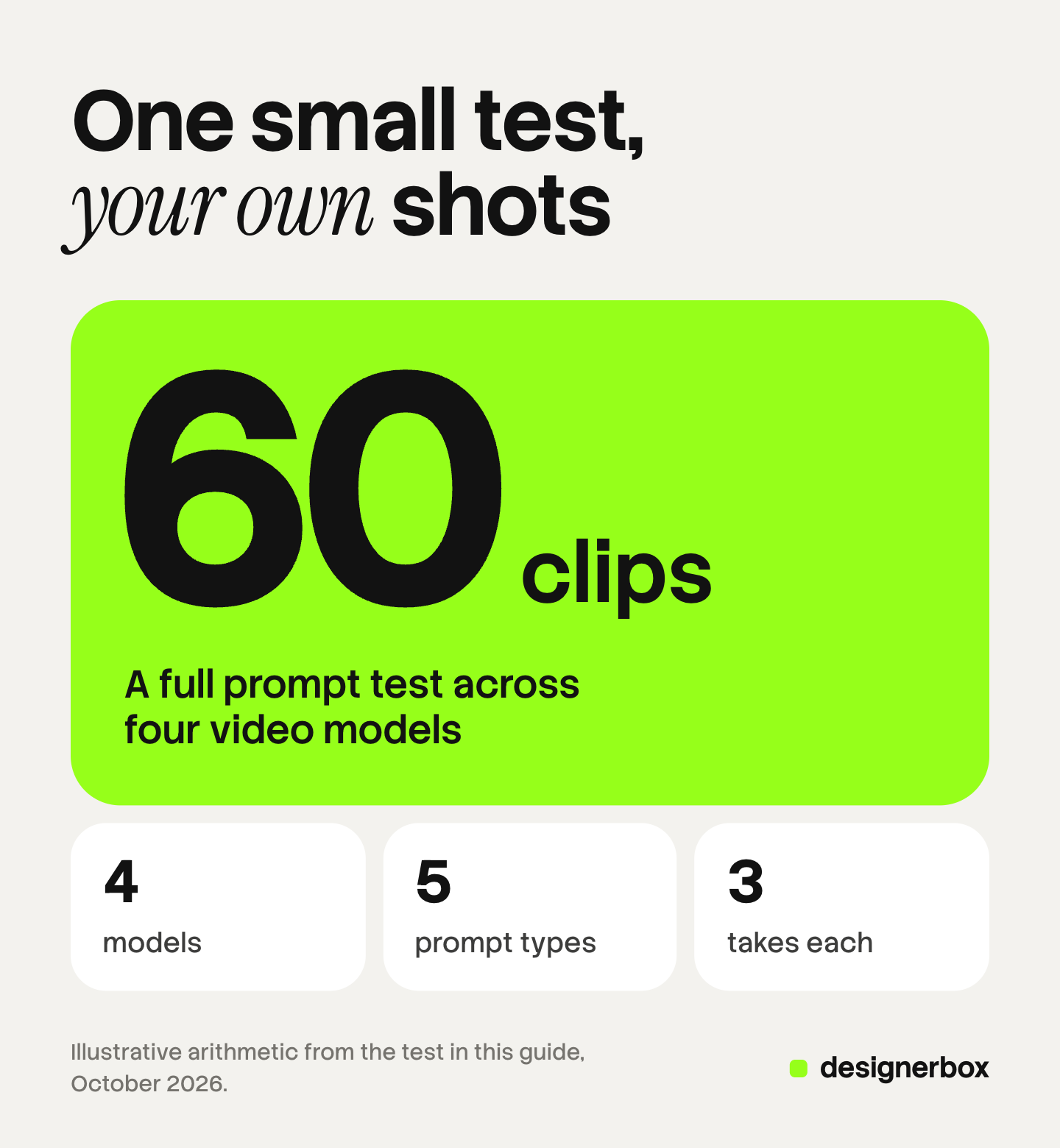
Run three takes of each prompt. One take can pass or fail by chance. Five prompts with three takes is 15 clips for each model. Four models make 60 clips.
Write the elements down before you run anything. The AI video prompting guide shows how each vendor wants a camera move written.
How to score each clip
Give every element a pass or a fail, with no half marks. A bottle count of four is a fail, even when the clip looks good.
- Turn the sound off. Score the picture first.
- Check the last second. A count that holds for six seconds and breaks in the seventh is a fail.
- Use two reviewers. Each one scores alone. Talk only about the marks that differ.
- Count per prompt type. Each model gets a score out of 9 for each type: three elements across three takes.
- Keep the sheet. Write the model version and the date at the top.
Do not add the five scores into one total. A model with 9 of 9 on camera moves and 3 of 9 on text fits an orbit shot. It does not fit a shot with a printed label.

Visual quality is a second pass on the clips that passed. Realistic AI video prompts lists the seven layers that decide how real a clip looks.
What to do with the results
The scorecard matches models to shot types. A team may end with two or three models in use.
- Match the model to the shot. Send count-heavy shots to the model that passed the count prompt.
- Move a weak element out of the prompt. If no model passes the text prompt, add the words in the edit.
- Split a crowded shot. Two simple shots can pass where one crowded shot fails.
- Run the test again when a version changes. The sheet is true only for the model version at its top.
Budget for the test before you start. AI video generation cost lists what the vendors charge per second.

The same test as a saved workflow
DesignerBox is AI creative production for brands and agencies. Anyone can make an AI picture. Making hundreds that still look like your brand is the hard part.
In DesignerBox you build a workflow once with your brand, your products and your rules. The workflow picks the image or video model for each step. So the model that passed your test stays saved in the step, and the next person runs the same prompt on the same model. The workflows page shows how a workflow is saved and run again, and the models page lists the image and video models DesignerBox runs.
A model is one step in a workflow, and the brand rules, the product photo and the edit surround it. The full workflow from the first product photo to the finished ad, in one subscription.
You see the cost of a run before you press Run. An 8-second clip costs 40 to 560 credits, depending on the model.
Here are the limits. DesignerBox publishes no adherence score for any model, so run the test. Not every model in the public benchmarks is in DesignerBox. You download the results, or send them with a webhook or an S3 step. Uploading your own photos and the commercial license start on the Pro plan. AI video, virtual try-on, upscaling, the image editor and the video editor start on the Premium plan. Plans and credits are on the pricing page.
A free plan for your first run
There is a free plan, and it runs on sample products. The free plan does not make video. Get started free
FAQ
What is the best AI video model in 2026?
No single model is best for every shot. Public benchmarks split prompt adherence into parts, and arena rankings change every hour. The best AI video model for a team is the one that passes its own prompts.
What is prompt adherence in AI video?
Prompt adherence is how closely a clip matches the prompt: the objects, their number and position, the actions, any text on screen and the camera move. It is scored apart from visual quality.
What is VBench?
VBench is a public benchmark suite for video models, first published in November 2023. It scores 16 dimensions. Seven judge the video alone, and nine compare the video with the prompt (arxiv.org, October 2026).
Does an arena leaderboard measure prompt adherence?
Only partly. In the Artificial Analysis video arena, voters see two clips from the same prompt and pick the one they prefer. Nobody marks each prompt element (artificialanalysis.ai, October 2026).
How many clips does a model comparison need?
The test in this guide uses five prompts and three takes of each. That is 15 clips for each model, and 60 clips for four models. Three takes show if a pass was chance. Each prompt has three elements, so each model gets a score out of 9 for each prompt type.
Does DesignerBox recommend one video model?
No. The workflow picks the video model for each step, and you can save the one that passed your own test. DesignerBox publishes no adherence score. The cost of a run is shown before the run. AI video starts on the Premium plan.
Sources
- VBench: Comprehensive Benchmark Suite for Video Generative Models (November 2023), 16 dimensions and the two question groups: arXiv:2311.17982, October 2026
- VBench++ (November 2024), text-to-video and image-to-video scoring: arXiv:2411.13503, October 2026
- VBench-2.0 (March 2025), five dimensions of intrinsic faithfulness: arXiv:2503.21755, October 2026
- T2V-CompBench (July 2024, revised January 2025), seven categories and 1,400 prompts: arXiv:2407.14505, October 2026
- VBench code and dimension list: github.com, October 2026
- Artificial Analysis, video benchmarking methodology: artificialanalysis.ai, October 2026
- Artificial Analysis, text-to-video leaderboard, read in early October 2026: artificialanalysis.ai, October 2026
- Google DeepMind, Veo page and human rating study (last updated October 2025): deepmind.google, October 2026
- Google, Veo in the Gemini API, durations and reference images: ai.google.dev, September 2026
- ByteDance Seed, official launch of Seedance 2.0, reference inputs and stated limits: seed.bytedance.com, September 2026
- BytePlus, Seedance 2.0 video generation parameters: docs.byteplus.com, September 2026
- Kuaishou, Kling 3.0 launch release (5 February 2026): prnewswire.com, September 2026
- Runway, Introducing Runway Gen-4.5, stated limits: runway.com, October 2026
- Runway API reference, Gen-4.5 duration: docs.dev.runwayml.com, September 2026
- DesignerBox plans and feature gating: DesignerBox pricing page (designerbox.ai/pricing), October 2026
Benchmark and leaderboard facts checked against each source as of October 2026. Arena ratings change every hour, so read the live page before you rely on a position. Individual results vary.


