The best AI tools for brand videos depend on which part of the brand must stay the same. Avatar tools such as HeyGen and Synthesia hold a presenter’s face and voice. Video models such as Veo, Kling and Seedance hold a real product when you start from its photo. Editors with a brand kit, such as Canva and Descript, hold the logo, fonts and colors.
Clip one looks right. By clip twenty the teal is darker, the logo sits lower and the presenter’s voice has changed. That drift is what breaks a set of brand videos, and no single tool stops all of it.
This guide sorts the tools by the part of the brand each one holds steady. It is written for agencies and brand teams who make the same kind of video for many products or many clients. Every feature was read on the tool’s own pages in October 2026.
Key Takeaways
- Four parts drift. The presenter, the product, the logo and colors, and the final edit.
- Avatar tools hold the presenter. HeyGen and Synthesia both offer brand kits for logos, colors and fonts.
- Video models hold the product only from a photo. Start from the product photo, and use reference images where the model takes them.
- Brand kits hold the type and the colors. Canva’s Brand Controls can restrict a team to the kit’s colors and fonts.
- Agencies need one kit per client. Canva lets admins make several kits for different teams, clients or campaigns.
- Approve the first clip, then repeat it. Consistency comes from reusing one approved setup for every video.
Why brand videos drift
A brand video set has four parts that must match from clip to clip. Each AI tool controls some of them and leaves the rest to you.
- The presenter. The same face, the same voice and the same way of speaking.
- The product. The same shape, label and color in every shot.
- The logo, fonts and colors. The same placement, typeface and exact color values.
- The finished edit. The same caption style, music level, pace and color grade.
Most drift starts when a tool is asked to hold a part it was never built for. A video model will redraw a logo it was never shown. An avatar tool cannot show your product turning in the light.
Which AI tool holds which part of the brand?
Match each part of the brand to the kind of tool that controls it. Most brand videos use two or three kinds together.
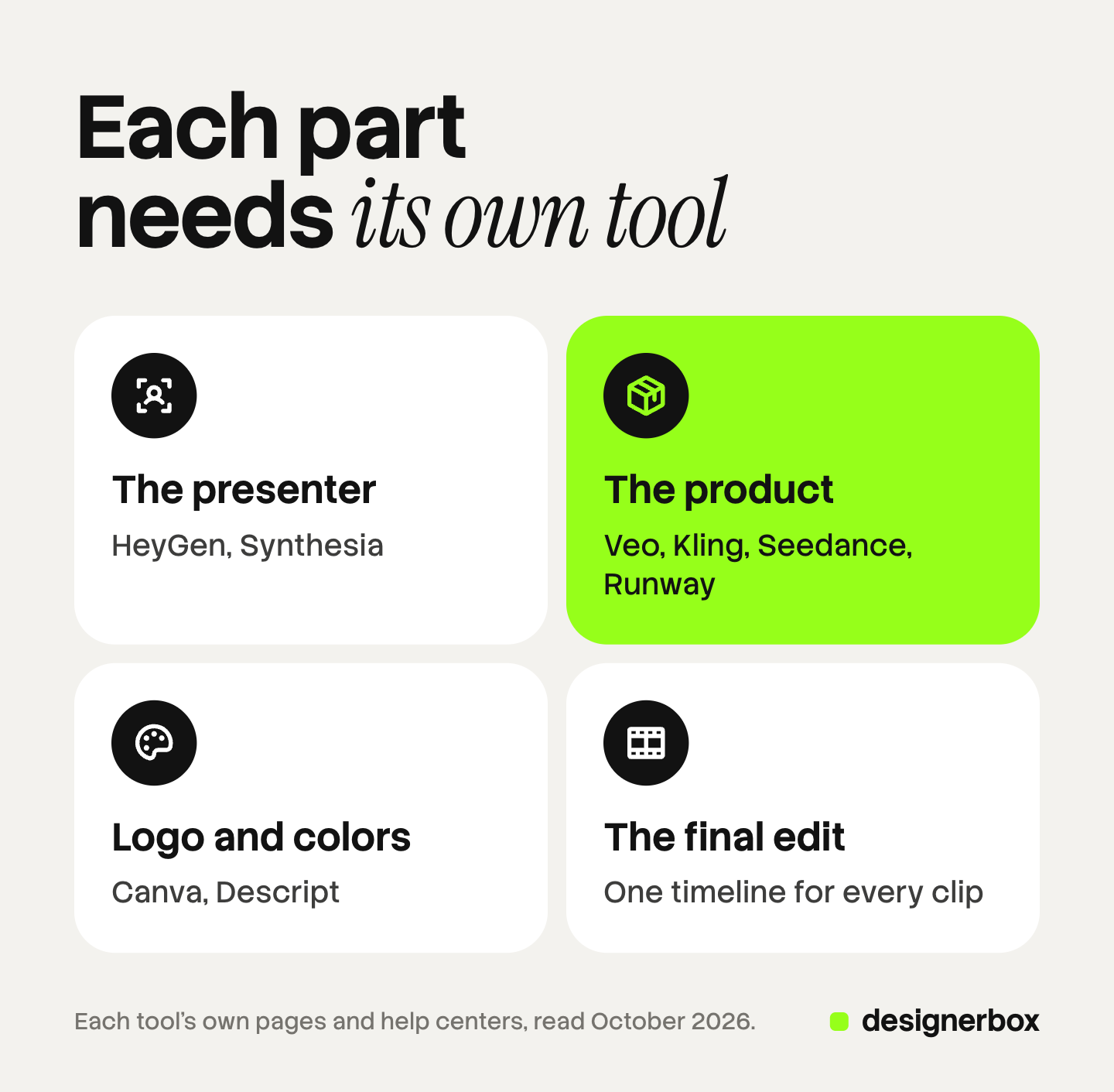
| Part of the brand | Kind of tool | Examples | What it leaves to you |
|---|---|---|---|
| The presenter | Avatar tool | HeyGen, Synthesia | Showing the real product on screen |
| The product | Video model from a photo | Veo, Kling, Seedance, Runway | Exact logo text and brand fonts |
| Logo, fonts and colors | Editor with a brand kit | Canva, Descript | Making new footage of your product |
| The finished edit | Timeline editor | Descript, Canva, DesignerBox | The footage itself |
The presenter: avatar tools
HeyGen. HeyGen says its Avatar V keeps a character consistent “across every angle, every expression, and every video you create” (heygen.com, October 2026). Its brand system stores logos, fonts, colors, images and videos in one place. You can build it from your website URL or by hand, enter exact hex codes, and apply it to backgrounds, text and logos in AI Studio (heygen.com/academy, October 2026).
Synthesia. Synthesia lists AI avatars and voiceovers in more than 140 languages (synthesia.io, October 2026). Its brand kits hold colors, logos and styles. With Brand Kit 2.0 you set a default kit, and Synthesia applies your colors, fonts, logos and avatars when a new video starts. Synthesia’s help center says brand kits are on Enterprise plans (help.synthesia.io, October 2026).
What to check: say the product name aloud in every language you publish. If the presenter is a real person’s likeness, get written consent first. Our guide to the talking avatar covers the setup and the disclosure rules.
The product: video models that start from a photo
A video model keeps your product only when it starts from your product. Text alone gives you a product the model invented.
| Model | What helps it hold the product |
|---|---|
| Veo 3.1 (Google) | Up to 3 reference images, and a first and last frame |
| Kling 3.0 (Kuaishou) | Better element consistency and multi-shot clips, says Kuaishou |
| Seedance 2.5 (ByteDance) | Up to 30 reference images, and extensions that keep the subject |
| Runway Gen-4.5 | Image to video from your product photo |
Sources: Gemini API Veo guide, Kling API capability map, ByteDance Seed on Seedance 2.5 and Runway Help Center, all October 2026.

Model access moves fast. Google shut down the Veo 3.1 preview models in its Gemini API on 22 October 2026 and named Gemini Omni Flash as the replacement (Gemini API deprecations, October 2026). Our guide to text to video AI covers the clip lengths and the three kinds of video tool.
What to check: freeze a frame from each clip and compare the label with the real product. Add the logo and any words in an editor, because a model can redraw them. Our AI product video guide shows the shots that work from one photo.
Logo, fonts and colors: editors with a brand kit
Canva. Canva’s Brand Kits store a team’s official logos, colors, fonts and assets in one place. Admins can make several kits “for different teams, clients, or campaigns”. To keep a team on the kit, Canva says to “set up Brand Controls”, which restrict members to the kit’s colors and fonts (canva.com/help, October 2026).
Descript. Descript’s Brand Studio gives the owner or admin of a Drive one place to manage layout packs, fonts, colors and media. You can upload your brand files and a prompt, and Descript builds a branded layout pack (help.descript.com, October 2026).
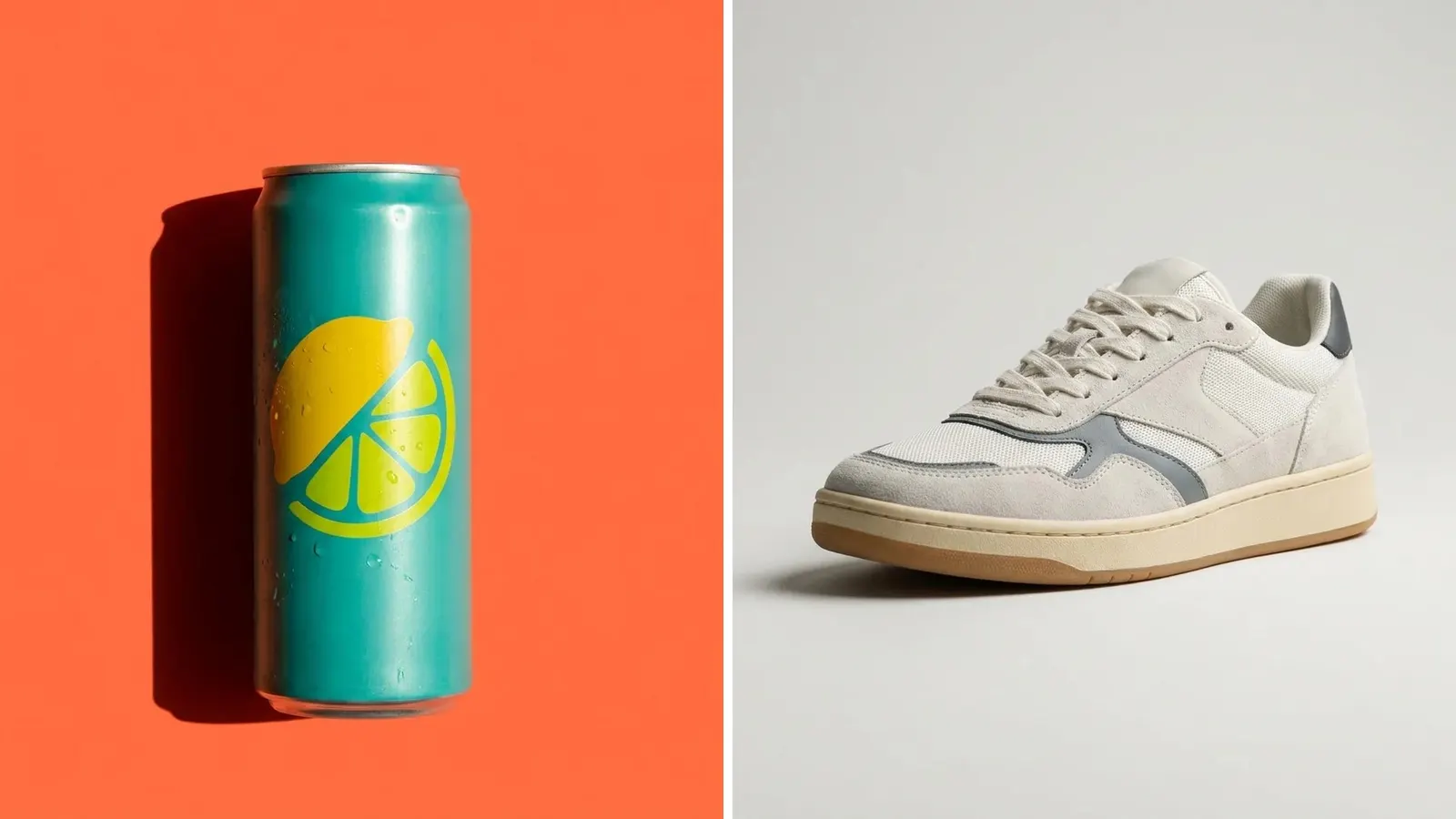
What to check: a brand kit holds the layer on top of the video. The footage underneath still comes from a camera, a stock library or a video model.
The finished edit: one timeline for every clip
The last part to drift is the edit itself: the caption style, the music level, the pace and the color grade. Keep one approved project as the template for the set. Change only the clips and the words for each new video.
Three habits keep a set together:
- One caption style. The same font, size and position in every video.
- One color grade. Apply the same look to every clip, so footage from different models matches.
- One music level. Set it once, under the voice, and keep it.
Our guide to AI brand consistency covers the rules a team writes down before the first run.
How agencies keep twenty clients apart
An agency runs the same kind of video for many brands, so the risk is one client’s color in another client’s video.
- One kit per client. Name it with the client’s name, never “Brand kit 2”.
- Lock what can drift. Use controls such as Canva’s Brand Controls where the tool offers them.
- Approve the first video. The client signs off on one video before the set runs.
- Repeat the approved setup. Change the product and the words. Keep the presenter, the kit and the edit.
Our guide to the AI video production studio covers roles and revision rounds for a team.
Brand rules on every run
In DesignerBox, the brand is a record: the voice, the logos, up to 6 fonts, the named colors and the rules, plus your products and up to 12 reference pictures. A workflow reads the record before it runs. Every template, app and batch uses it.
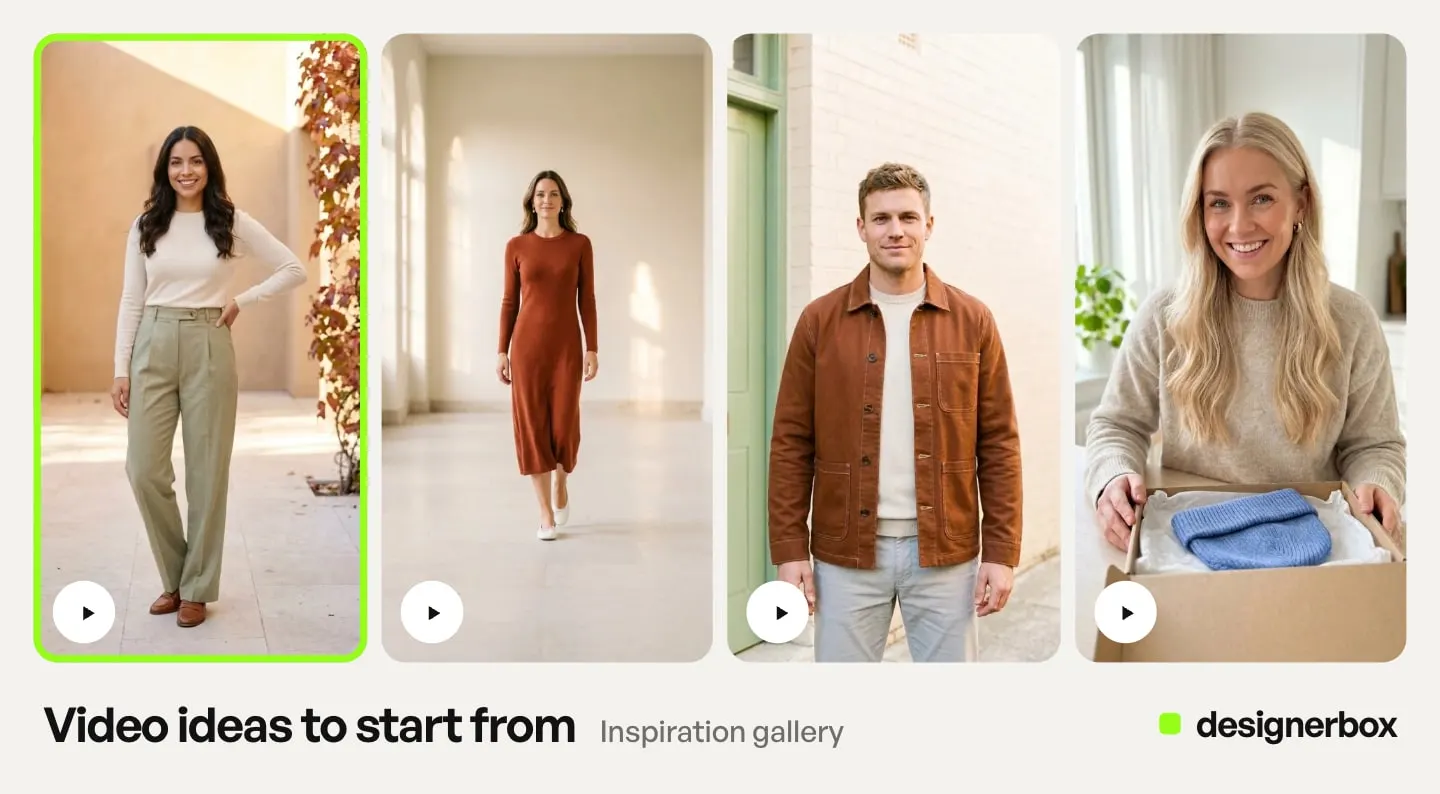
Anyone can make an AI picture. Making hundreds that still look like your brand is the hard part.
An agency keeps one brand record per client and picks the brand a run uses. In the video editor, your brand font and colors carry across every clip. A talking presenter, built from one picture and a script, speaks your lines. An 8-second clip costs 40 to 560 credits, depending on the model, and the cost is shown before the run.
Reviews sends a client a page of still pictures as a link. The client opens it with no account and chooses the ones to keep. The pictures, the video, the edit and each client’s brand record stay in one account.
The limits. Shared brand records and team members are on the Ultra plan, and every plan below Ultra is one seat. DesignerBox does not post videos to a channel for you: you download the results, or send them with a webhook or an S3 step.
There is a free plan, and it runs on sample products. The commercial license starts on the Pro plan. AI video and the video editor start on the Premium plan. Plans and credits are on the pricing page.
One brand record per client
See how an agency runs one workflow for each client brand.
FAQ
What are the best AI tools for brand videos?
Pick by the part of the brand that must stay the same. HeyGen and Synthesia for a presenter. Veo, Kling, Seedance or Runway for a product, starting from its photo. Canva or Descript for logos, fonts and colors. Most brand videos use two or three of these together.
How do I keep a logo the same across AI videos?
Add the logo in an editor, from the original file, at a fixed position. Do not ask a video model to draw it. Save the placement in a brand kit or a template, and reuse it for every video.
What is a brand kit in an AI video tool?
A brand kit is a saved set of your logos, fonts and colors. HeyGen, Synthesia, Canva and Descript all offer one. Some tools also apply it to new videos by default, such as Synthesia’s Brand Kit 2.0.
Can one AI tool keep my whole brand consistent?
Rarely. Avatar tools hold a presenter, video models hold a product only from its photo, and brand kits hold the type and colors. Approve one finished video, then repeat that setup for the rest of the set.
Can I use an AI avatar in a paid ad?
Often yes, with care. Get written consent for any real person’s likeness, check each platform’s rules for AI-generated ads, and never present an avatar as a real customer. This is general information, not legal advice.
How do agencies manage brand kits for many clients?
Keep one kit per client, named for the client, and lock colors and fonts where the tool allows it. Canva lets admins make several kits for different clients. Approve one video per client before the set runs.
Sources
- HeyGen homepage, Avatar V (heygen.com), October 2026
- HeyGen Academy, how to create your brand system (heygen.com/academy), October 2026
- Synthesia homepage (synthesia.io), October 2026
- Synthesia, Brand Kit 2.0 update (synthesia.io/updates) and brand kit help article (help.synthesia.io), October 2026
- Canva Help Center, set up Brand Kits (canva.com/help), October 2026
- Descript Help Center, Brand Studio (help.descript.com), October 2026
- Gemini API, Veo 3.1 guide (ai.google.dev, accessed October 2026)
- Gemini API deprecations, Veo models (ai.google.dev, accessed October 2026)
- Kling API capability map (kling.ai, accessed October 2026)
- ByteDance Seed, introducing Seedance 2.5 (seed.bytedance.com, accessed October 2026)
- Runway Help Center, Creating with Gen-4.5 (help.runwayml.com, accessed October 2026)
- DesignerBox brand, video editor and agencies pages (designerbox.ai), October 2026
- DesignerBox plans and license gating (DesignerBox pricing, designerbox.ai/pricing), October 2026
Features were read on each tool’s own pages on October 22, 2026. Tools and plans change often, so check each page before you choose. Rules on AI ads and likeness are general information, not legal advice. Individual results vary.