Scarf product photography is the image set that sells a square of printed fabric. Three Amazon rules land on the main image at once. Accessories must not be shot on a model, and Amazon prohibits visible mannequins and folded products. That leaves a flat laydown, which shows the print and hides the drape. The gallery has to carry the rest.
Every other apparel category gets a main image that does some selling. A dress on a model shows the fit. A cap, once you rebuild the crown, still reads as a cap. A 90cm silk square laid flat reads as wallpaper. The one thing a buyer is paying for, the way it falls and knots, is the one thing the compliant image cannot contain.
This guide covers the rules that collide, the shot set that works around them, and a piece of fiber physics that reverses the standard advice about silk and glare. It is written for fashion and accessory brands shipping a drop across a marketplace and their own storefront.
Key Takeaways
- Three prohibitions land on the same image. Amazon’s clothing guidelines require main images on a model, then except accessories from that rule, then separately prohibit visible mannequins and folded products. A scarf hits all three.
- Scarves are named in the laydown category list. Amazon’s 2021 imaging guide, which Amazon marks as informational only, groups scarves with belts, ties and cold-weather accessories, and instructs a flat off-figure shot using pins, liner or stuffing.
- Silk is not the glare problem. Mulberry silk’s rounded triangular fiber cross-section refracts and diffuses light. Polyester’s cylindrical fibers reflect directly and produce a hard specular hotspot.
- Split the set into evidence and styling. Evidence images prove what is in the box: dimensions, hem, weave, true color. Styling images sell the knot. Mixing them costs you returns.
- The gallery carries the entire selling load. The rules leave the main image little room to sell, so the images after the first do the selling.
- Color accuracy is a rule, not a preference. Amazon requires the image color to match the product, and US textile regulations reach fiber content claims made in advertising, not only on labels.
What is scarf product photography?
Scarf product photography is the full set of images needed to sell a scarf online: a flat laydown for the marketplace main slot, detail macros of the print and hem, a scale reference, and styled shots showing the scarf tied at the head, the neck or the bag. The scarf itself is a flat plane, so almost everything a buyer wants to judge comes from how it is styled and lit, not from the object at rest.
That makes it unusual. Most product photography documents an object that holds its own shape. Scarf photography documents a material and then demonstrates a set of outcomes the buyer will have to reproduce themselves.
The three rules that collide on your main image
Amazon’s image guidelines for clothing open with a requirement and then undercut it. Main images “must be photographed on a model,” with listed exceptions. One of those exceptions reads, in full: “Accessories must not be photographed on models” (sellercentral.amazon.com, accessed September 2026).
The prohibited list on the same page closes the workarounds. It names “Product shown on a visible mannequin, hanger, or holder.” It also names a separate line item: “Folded products.” Ghost mannequin work, which fills most clothing catalogs, is not available in the slot that matters most, and we cover why in the guide to ghost mannequin photography.
Scarves are not left to interpretation. Amazon’s Seller Imaging Guide for Clothing and Accessories (Spring 2021, marked informational only, accessed September 2026) names them directly in the laydown category list, alongside belts, hats, ties and cold-weather accessories. It instructs that the product be shot off-figure and flat, using pins, liner or stuffing, with seams as a guideline for left-to-right symmetry. The same instruction anchors the shot list in our guide to hat product photography, where the problem is the opposite one.
Read together the brief is narrow. No model. No mannequin. No hanger. No fold. Pure white at RGB 255, the product filling around 85% of the frame, minimum aspect ratio close to 3:4, and at least 1,000 pixels in height or width so zoom activates.
A cap under those rules still looks like a cap once you stuff it. A scarf under those rules looks like a square.
Why a scarf is harder than any other accessory
Most products have a rest shape. A bottle stands. A ring holds a circle. A cap has a crown that collapses but can be rebuilt from the inside, which is an engineering problem with a known answer.
A scarf has no rest shape at all. Its shape in any photograph is entirely a styling decision. That produces three specific gaps between the compliant image and the purchase decision.
Drape is invisible flat. Drape is a function of weight, weave and bias. A 6mm chiffon and a 16mm twill of the same dimensions and the same print photograph almost identically laid flat, and behave nothing alike on a neck. The buyer paying the difference cannot see the difference.
Scale reads wrong. A square of fabric on white has no reference object. A 55cm bandana and a 140cm blanket wrap crop to the same picture. Dimensions in the description do not fix this, because buyers scan images before text.
The use case is plural. One scarf sells as a head tie, a neck knot, a bag wrap and a shoulder drape. A single flat image implies one product with one use. This is the widest gap in the category, and it is why the gallery matters more here than anywhere else in apparel.
The technique worth borrowing is composition discipline from flat lay photography, because a compliant scarf laydown is a flat lay with a symmetry requirement attached.
Silk does not glare the way you have been told
The standard advice says silk glares under hard light, so diffuse everything. The fiber research points the other way, and knowing which way it points changes what you light and what you fix in post.
A report from Docsun Silk Lab used scanning electron microscopy on mulberry silk. It found that degummed fibers form a rounded triangular prism cross-section that refracts and diffuses incoming light, producing a soft pearlescent luster. The same report contrasts this with polyester, whose smooth cylindrical fibers reflect light directly and produce “a sharper specular reflection often perceived as synthetic shine” (texfash.com, reporting the Docsun Silk Lab study, March 2026).
Silk scatters at multiple angles. Polyester returns a hotspot. So the blown highlight killing your print is usually one of two things, and neither is the silk fiber.
It is the weave, not the fiber. A satin weave floats long yarns across the surface, which creates a broad flat reflecting plane regardless of what the yarn is made of. Twill and crepe break that plane up. A satin-weave silk will hotspot where a twill-weave silk of the same fiber will not.
Or it is not silk. Poly-satin behaves exactly as the research describes: a hard, narrow, color-stripping specular return. If your problem SKUs are the polyester ones, you have diagnosed a material, not a lighting failure.
The practical consequence: sort your drop by weave and fiber before you light anything, rather than applying one soft-box recipe to every SKU. Broad diffuse light is the safe default for satin and polyester. Silk twill can take more directional light, and directional light is what reveals the drape you otherwise lose.
The shot set: evidence images and styling images
Split the set by job. Evidence images prove what ships. Styling images sell the outcome. Brands that blur the two get galleries that look editorial and returns that look expensive.
Evidence images.
| Shot | What it proves | Notes |
|---|---|---|
| Flat laydown, square to frame | Print, true color, full dimensions | The marketplace main image. Symmetric, no fold, no mannequin |
| Hem macro | Finish quality, hand-rolled versus machine | The price justifier on a premium silk square |
| Weave macro | Fiber and weave, texture at close range | Distinguishes twill from satin from crepe |
| Scale reference | Actual size | Fold-free draped over a known object, or the folded version placed in the gallery, never the main slot |
| Color-true frame | Color matches the physical item | Shot under controlled light, minimal grading |
Styling images.
| Shot | What it sells | Notes |
|---|---|---|
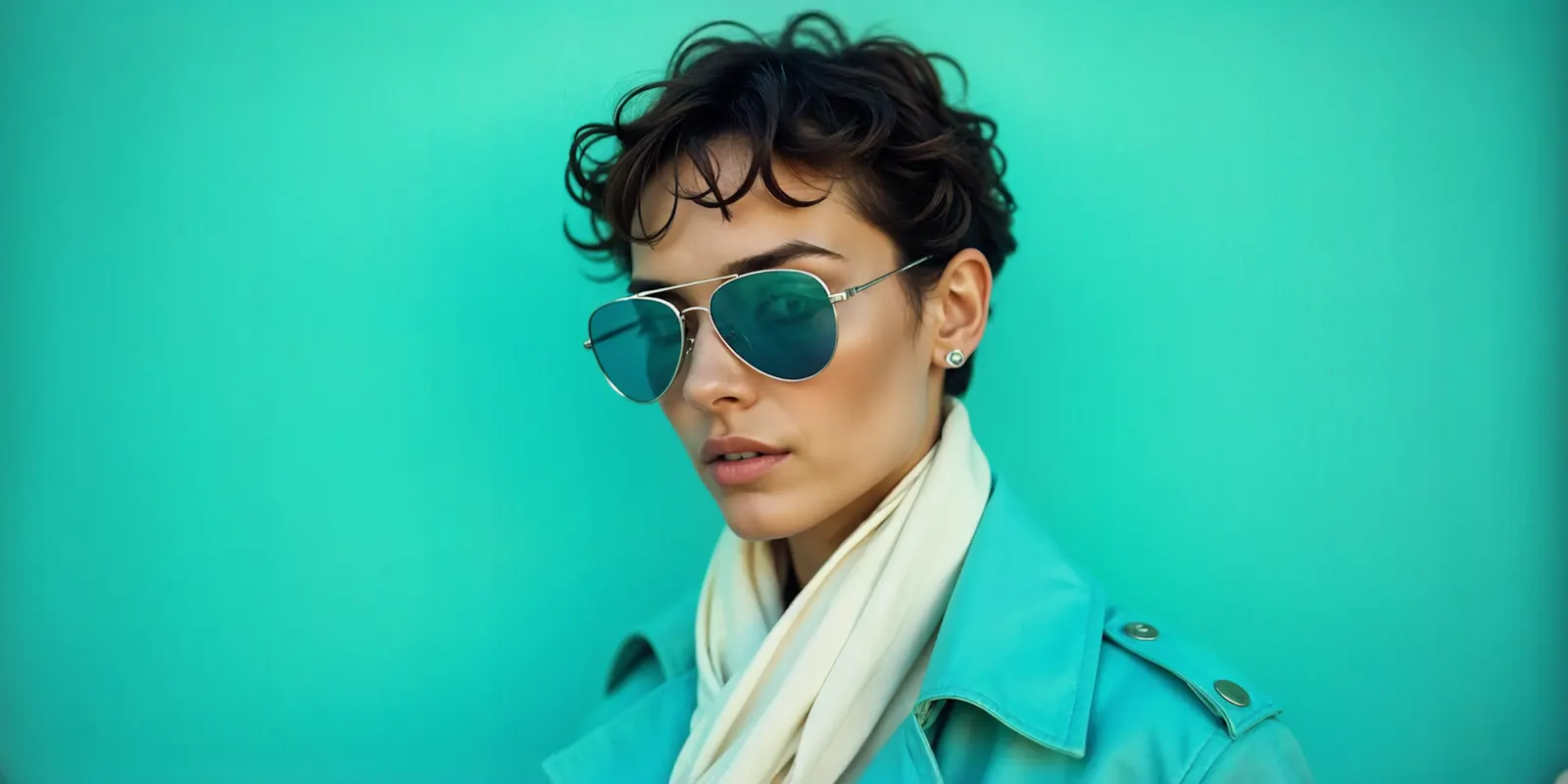
| Neck knot, three-quarter | The everyday use case | Highest-volume styling for most drops |
| Head tie, front and profile | The aspirational use case | Profile shows the tie at the nape |
| Shoulder drape | Weight and fall | The shot that reads drape best |
| Bag or wrist tie | Secondary use case | Cheap to add, widens perceived value |
| In-motion or off-shoulder | Movement | One per drop is enough |
Five evidence images and three to five styling images cover a scarf properly. Amazon allows the main image plus alternates, so the evidence set fits inside the compliant slots and the styling set fills the rest.
What the marketplaces need, side by side
| Platform | Main image | Key spec |
|---|---|---|
| Amazon (clothing) | Flat laydown, off-model, no mannequin, no fold | Pure white RGB 255, around 85% frame fill, aspect ratio close to 3:4, 1,000px minimum side for zoom |
| Shopify | Your choice, on-model allowed | Up to 5000 x 5000px or 25 megapixels, under 20MB, 2048 x 2048px usually displays best for square |
| Your own PDP | Your choice | Lead with the styled shot, keep the evidence set in the gallery |
Shopify’s own documentation sets the ceiling at 5000 by 5000 pixels or 25 megapixels, with files smaller than 20MB. It says 2048 by 2048 pixels usually displays best for square product images (help.shopify.com, accessed September 2026). More detail on sizing sits in our guide to Shopify product image size. The specs for the other channels sit in ecommerce product photography by channel.
Off Amazon the constraint disappears and the discipline should not. A storefront that leads with a styled neck knot and never shows a flat laydown is trading return rate for click rate.
One caution on the pixel floors. Amazon’s own style guides disagree with each other across documents, and several carry a line saying they are informational only. Master well above the highest figure you find and the disagreement stops costing you anything.
Color and fiber accuracy are rules, not preferences
Amazon’s clothing guidelines state plainly that “the color in the image must match the product for sale.” Amazon lists it as a requirement for main and alternate images.

US textile regulation reaches further than most product teams expect. The FTC’s rules under the Textile Fiber Products Identification Act list scarfs among the products the Act covers. The same section also reaches advertising. It says that even an excluded product, such as a belt, loses its exclusion if “any false, deceptive, or misleading representations are made as to the fiber content,” or if an advertisement states fiber content without a full and complete disclosure (ecfr.gov, 16 CFR §303.45, accessed September 2026). This is general information, not legal advice.
The practical read for imagery: grading a polyester scarf until it renders with the soft luster of silk can create a fiber-content representation problem. It also leads to more returns. Keep the material honest in the frame and put the fiber content where the rules require it.
Where generated imagery holds, and where it must not go
Generated imagery is strong on the styling half and weak on exactly the attributes the evidence half exists to prove.
Where it holds. Styling variants. Once you have one true capture of the scarf, generating the neck knot, the head tie, the shoulder drape and a set of locations is fast. It is the half of the set that traditionally needs a model, a stylist and a location. Model diversity across a drop is straightforward. So is producing the same styling across twenty SKUs so a collection reads as one campaign. One rule applies on Amazon. If an image shows a photorealistic person made fully by AI, Amazon requires the keyword contains-synthetic-performer in the image’s XMP dc:subject field before upload (sellercentral.amazon.com, accessed September 2026).
Where it must not go. Anything in the evidence set. Do not generate the flat laydown that serves as the marketplace main image, the hem macro, the weave macro or the color-true frame. Those images exist to make a factual claim about what ships, and Amazon’s color-match requirement and the textile advertising rules both bite there. Capture them.
That split also answers whether AI imagery is allowed at all. It generally is, subject to accuracy and disclosure rules that vary by platform and jurisdiction, and we set those out in AI product photos: marketplace rules and disclosure.
In DesignerBox the split maps cleanly. Product photography covers the product-alone frames. The Clothes laid flat app handles laydown composition for the shots that make no factual claim. The Clothes on a model app is built for garments, so test one scarf on it before you plan the worn styling set around it. It starts on the Premium plan. If you are comparing tools for the product-alone half, the Photoroom comparison covers that ground.
Two limits apply. Uploading your own photos and the commercial license start on the Pro plan. AI video, virtual try-on, upscaling, the image editor and the video editor start on the Premium plan. If your drop is product-only laydowns and macros, you do not need Premium. If it is a lookbook, you do, and how to build a digital lookbook covers the layout side. Plans and credits are on the pricing page.
What a scarf shoot costs, and what to move first
A scarf shoot is two shoots with different cost structures, joined in one quote. That is why quotes vary so widely.
The evidence half is tabletop work. One surface, controlled light, a camera on a copy stand, and a person willing to pin a square of silk flat and symmetric. It is slow rather than expensive, and the slowness is the pinning.
The styling half is the expensive half, because it needs a person. A model, a stylist who can tie a scarf four ways, hair, and either a studio or a location. That is where a day rate, an agency fee and a travel line appear.
Per-image and day rates in this category are not standardized. Published figures vary by an order of magnitude between volume platforms and commercial studios, so treat any single quoted benchmark with care. The structural point holds regardless of whose numbers you use: the half that costs the most is the half a single true capture can be extended from.
Set the styling half once and it stops being a shoot. In DesignerBox you pick your brand rules, the knot, the model, the light and the crop on the first scarf, then save that as a workflow. It runs the same way on the next scarf and again next season, and batch runs it over the whole sheet at once. The rules sit in the workflow, so the result does not depend on who styles that day.
You see what a run costs before you start it. The styled frames and the ads made from them come from one account and one set of brand rules. For Amazon sellers, the Amazon listing images page shows the main image, the lifestyle shots and the detail pictures.
Move the styling half first. Keep the evidence half in-house and shoot it properly. To build the styling half once, start from the templates, add your scarf, and run it.
FAQ
How do I photograph a scarf for Amazon?
Shoot it flat, off-figure and unfolded on pure white at RGB 255, with the product filling around 85% of the frame and at least 1,000 pixels in height or width. Amazon’s 2021 imaging guide, which Amazon marks as informational only, describes pins, liner or stuffing, and uses the seams as a guide so the two sides are symmetric. No model, no visible mannequin, no hanger, no fold.
Can I use an on-model scarf photo as my Amazon main image?
No. Amazon’s clothing image guidelines require main images on a model but except accessories from that requirement, stating that accessories must not be photographed on models. On-model scarf shots belong in the alternate image slots, where they do most of the selling.
Why does my silk scarf look blown out in photos?
Usually the weave or the fiber, not the light alone. A satin weave floats long yarns across the surface and creates a broad reflecting plane, and polyester’s cylindrical fibers return a hard specular highlight. Mulberry silk fibers have a triangular cross-section that diffuses light instead. Check what the SKU is before rebuilding your lighting.
How many photos does a scarf listing need?
Around eight to ten. Five evidence images that prove what ships: flat laydown, hem macro, weave macro, scale reference and a color-true frame. Then three to five styling images: neck knot, head tie, shoulder drape and one secondary use such as a bag tie.
How do I show the size of a scarf in a photo?
Add a scale reference image to the gallery, since a square of fabric on white has no size cue and a 55cm bandana crops identically to a 140cm wrap. Drape it over a known object, or show it worn. Dimensions in the description do not solve it, because buyers scan images first.
Can I use AI-generated images for scarf listings?
For the styling half, generally yes, subject to platform disclosure rules and accuracy requirements. Not for the evidence half. The flat laydown, hem macro, weave macro and color-true frame make factual claims about what ships. Amazon’s color-match requirement and US textile advertising rules both apply to those claims.
What is the best background for scarf photography?
Pure white for the marketplace main image, because it is required. For the gallery and your own storefront, a neutral mid-tone shows edge and drape better than white, which tends to lose a light-colored hem against the background.
Sources
- Amazon Seller Central, Image guidelines for clothing, accessed September 2026
- Amazon Seller Central, Product image guide, accessed September 2026
- Amazon, Seller Imaging Guide: Clothing and Accessories, Spring 2021, laydown category list, marked informational only, accessed September 2026
- Shopify Help Center, Product media types, accessed September 2026
- Electronic Code of Federal Regulations, 16 CFR Part 303, Rules and Regulations Under the Textile Fiber Products Identification Act, accessed September 2026
- texfash.com, Mulberry silk’s triangular fibre structure produces its signature soft lustre, reporting the Docsun Silk Lab micro-structural analysis, March 2026
Marketplace image rules, platform specifications and textile advertising regulations verified from primary sources as of September 2026. Rules change; check the source pages before publishing a listing. Individual results vary.