Fashion brands4 steps
How to shoot flat lays for a whole collection
Turn your garment photos into flat lays for your shop, Instagram and Pinterest. Every piece in the collection gets the same surface, light and shadow.
What you get
How it works
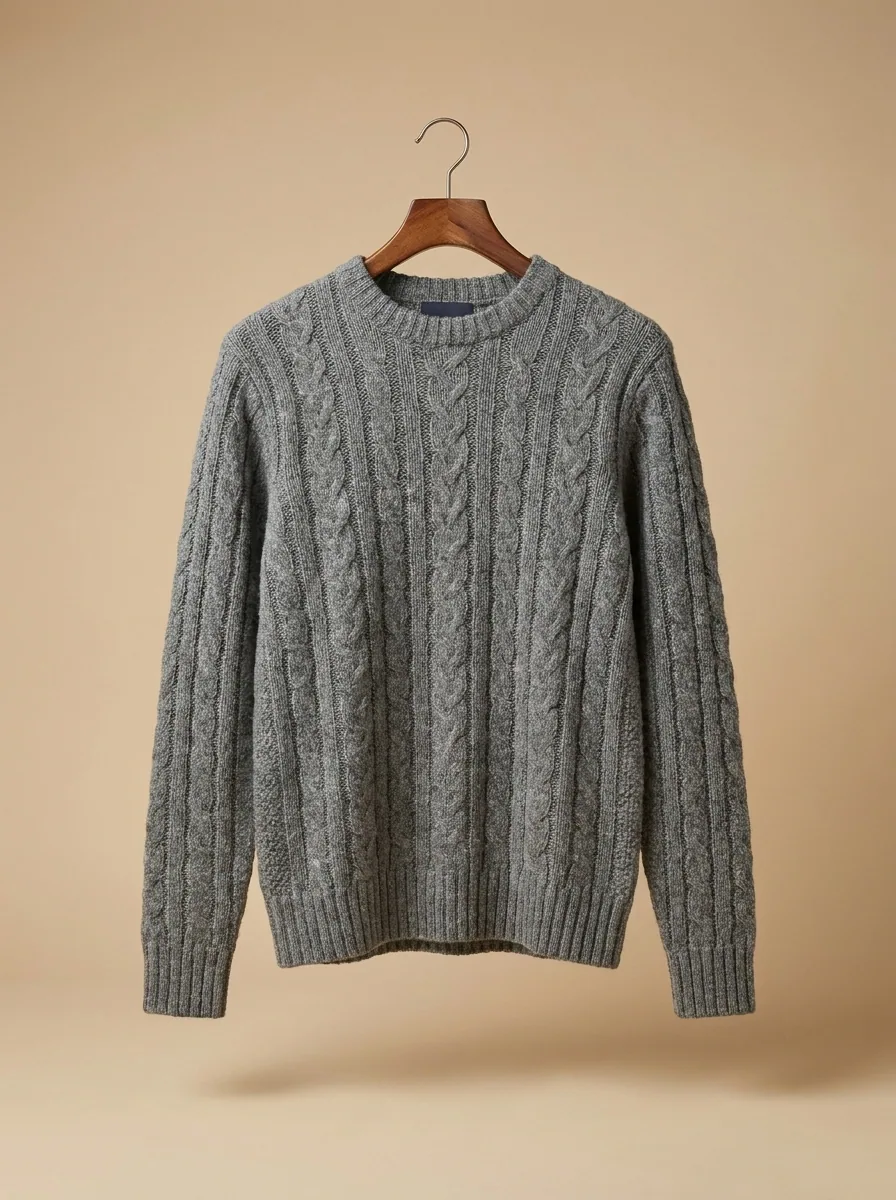
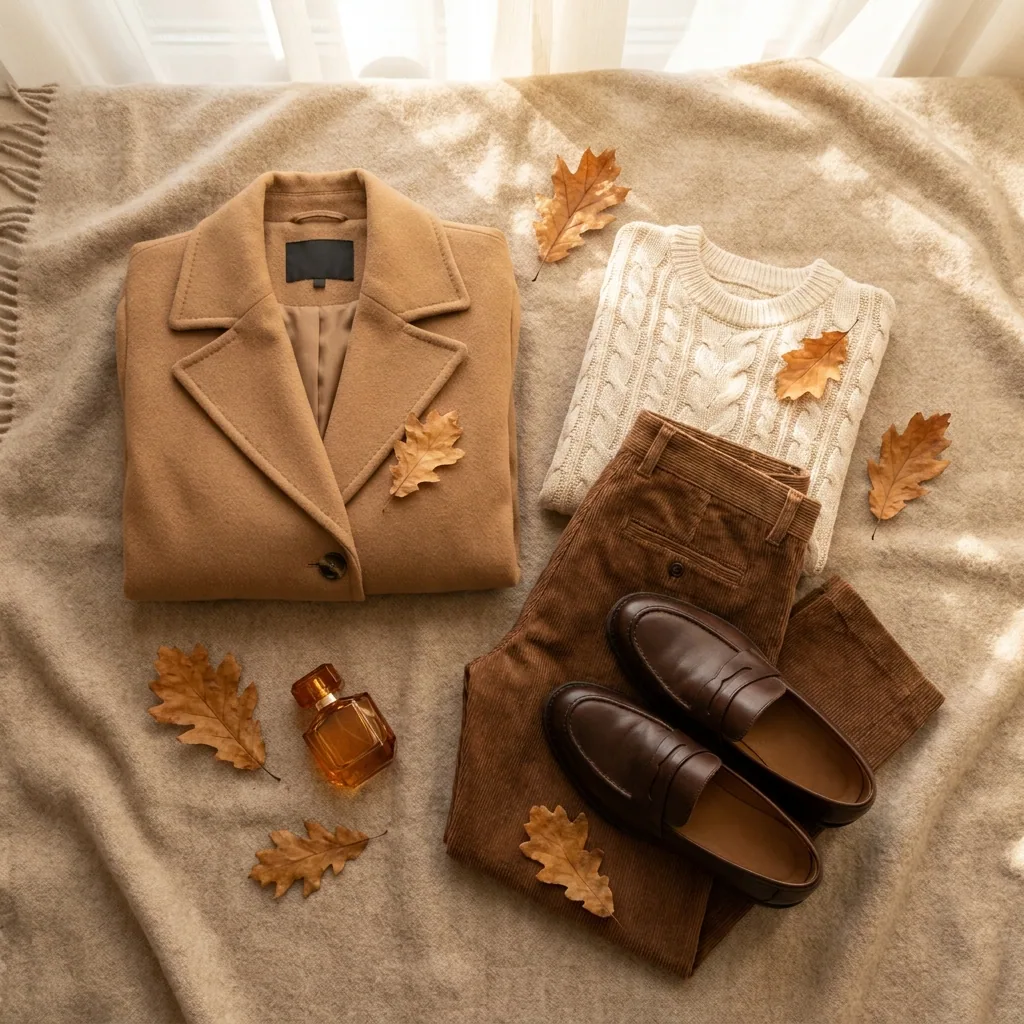
A collection page is a grid of small pictures. When the surface changes from shot to shot, the grid stops reading as one shop. The clothes stop being the first thing a shopper sees. This recipe starts from your photos of each garment laid flat. Every piece then gets the same surface, the same light and the same shadow. You get a flat lay for each product page. You also get outfit shots for Instagram and Pinterest.
Lay one garment on the surface you choose
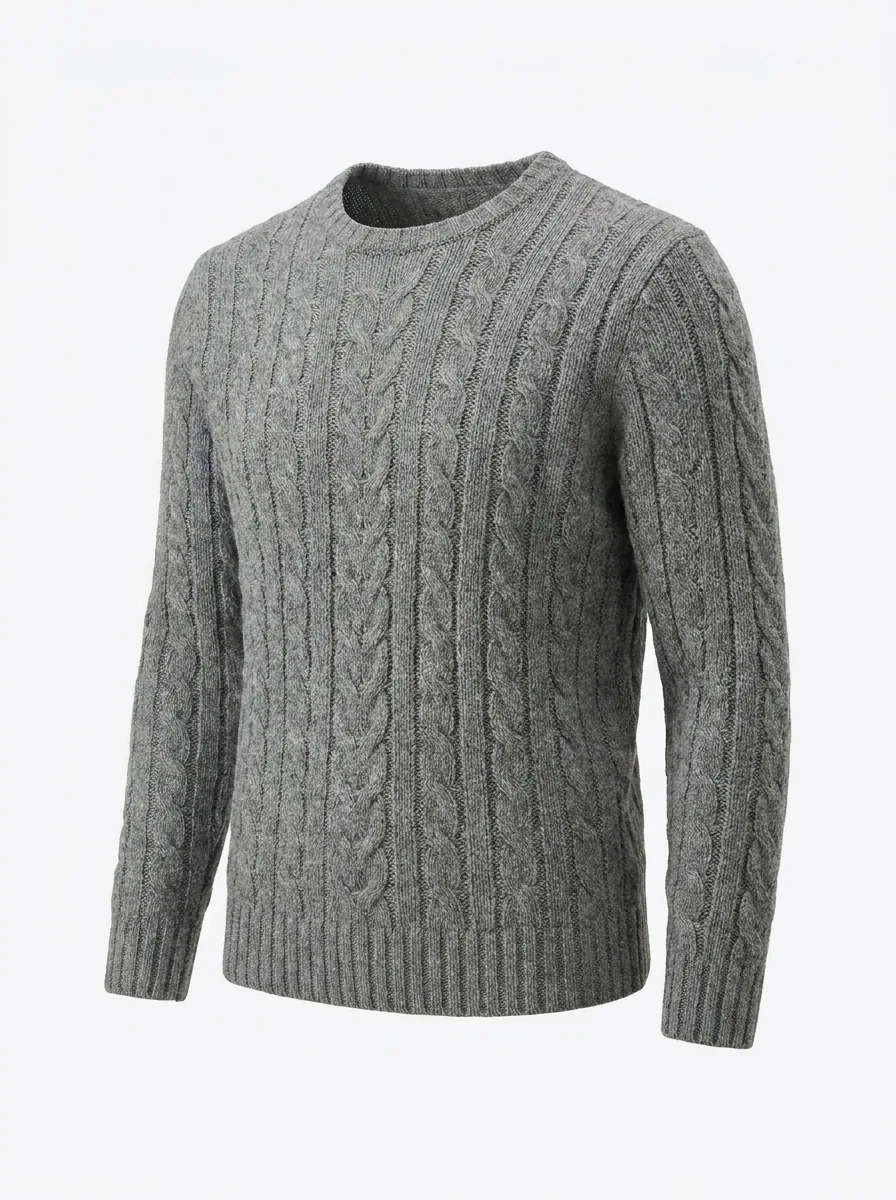
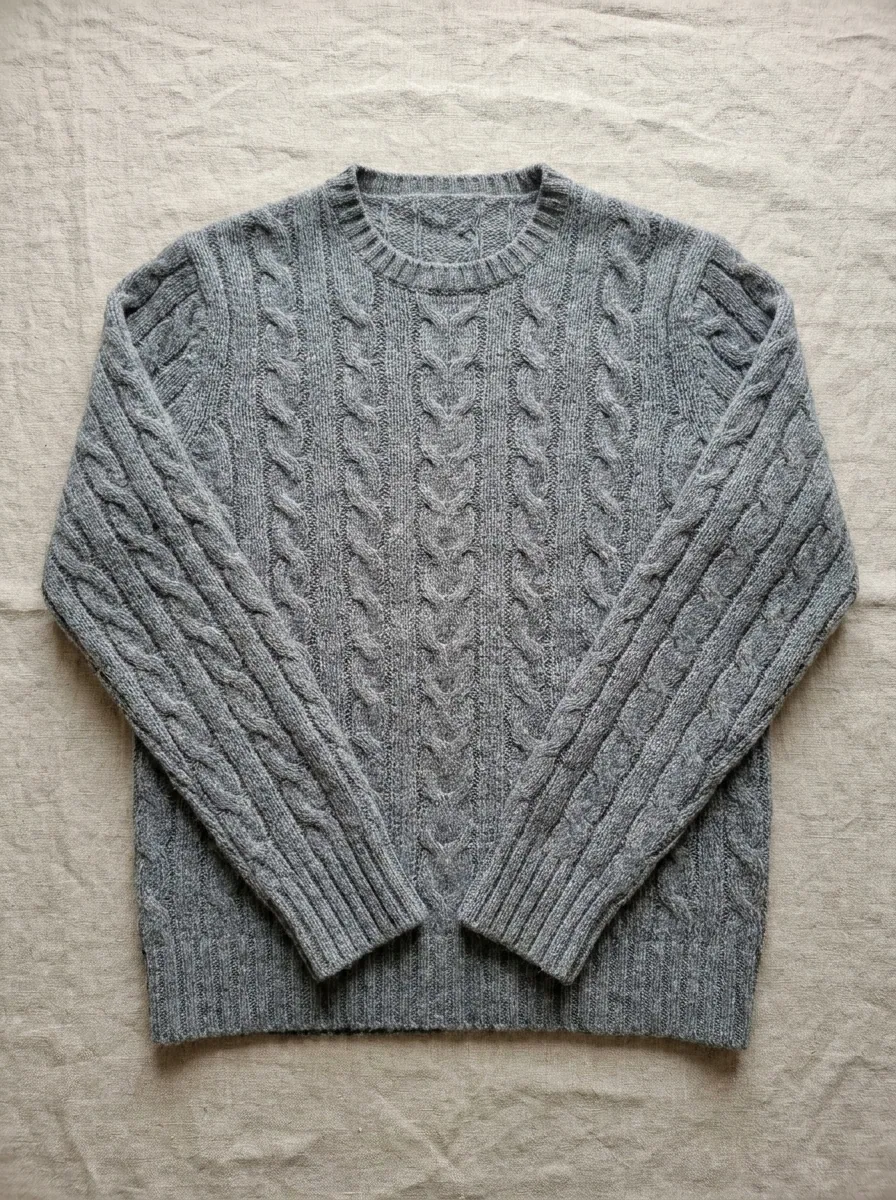
Upload your photo of one piece. Then pick the surface under it, plain paper or linen. The template lays the garment flat, adds a soft shadow and crops the picture square. Run the same template for every piece. The whole collection then sits on one surface.
Open the Flat lay templatePut a whole outfit in one frame
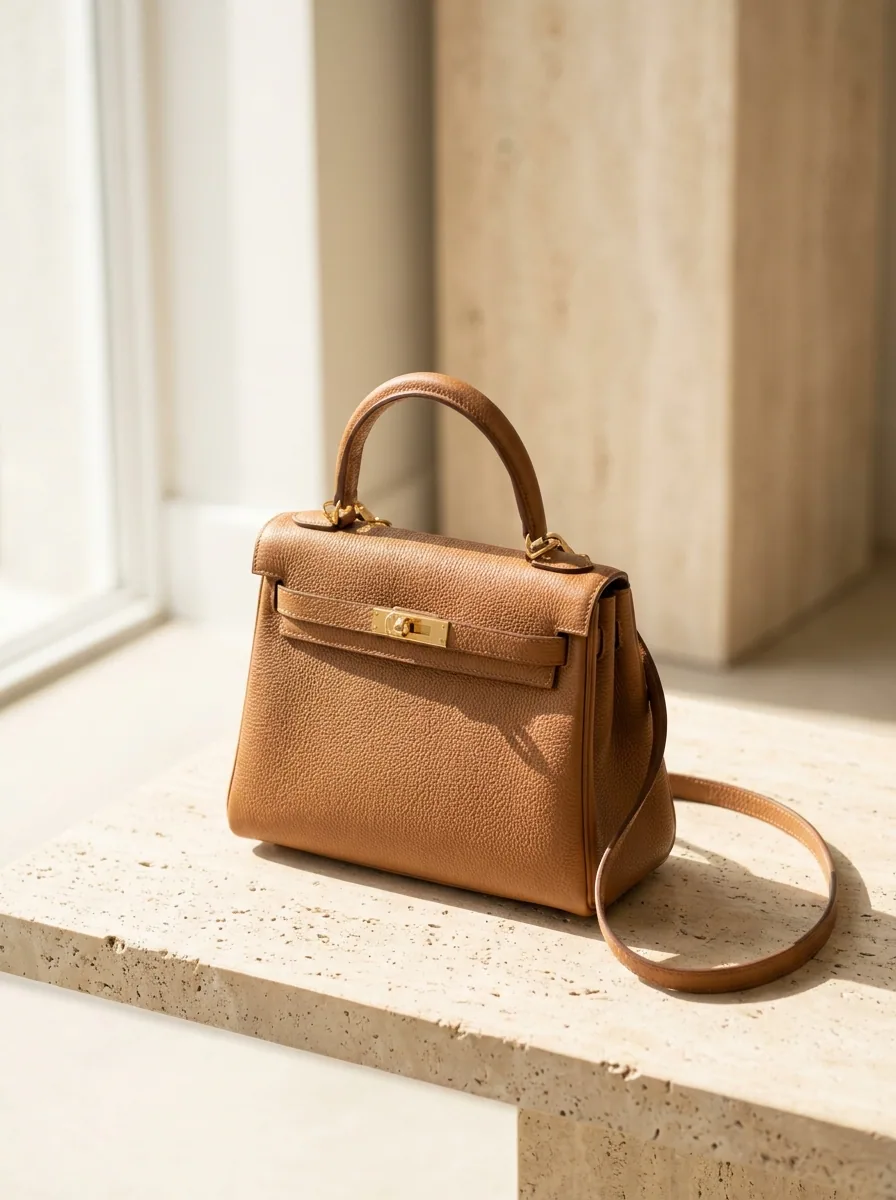
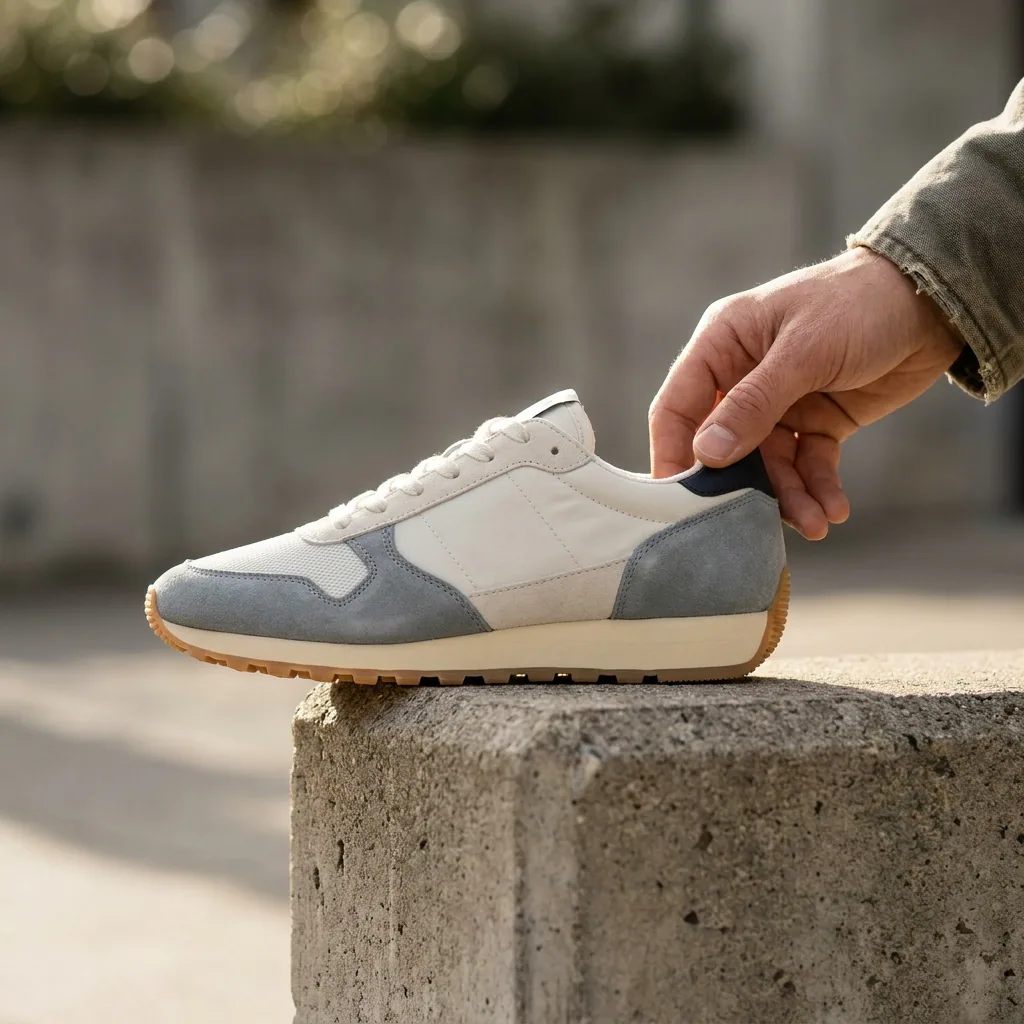
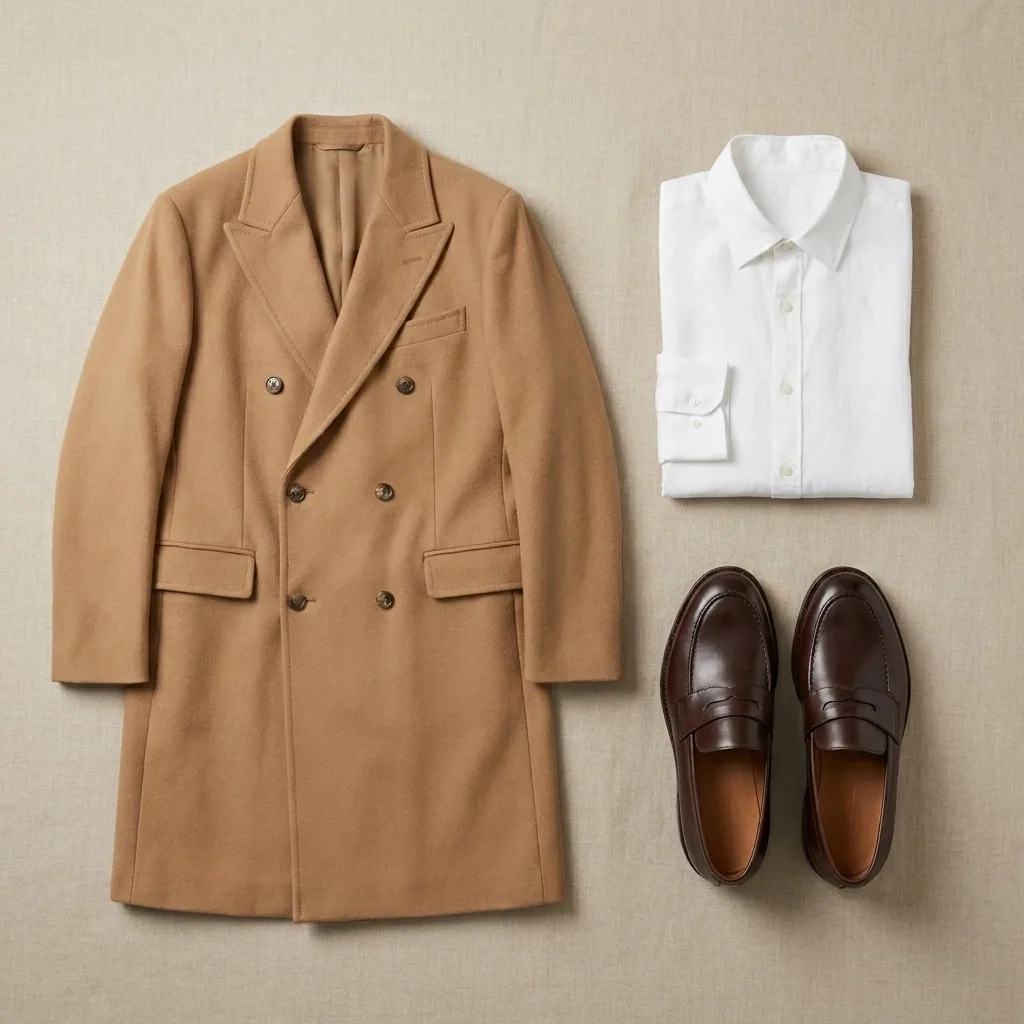
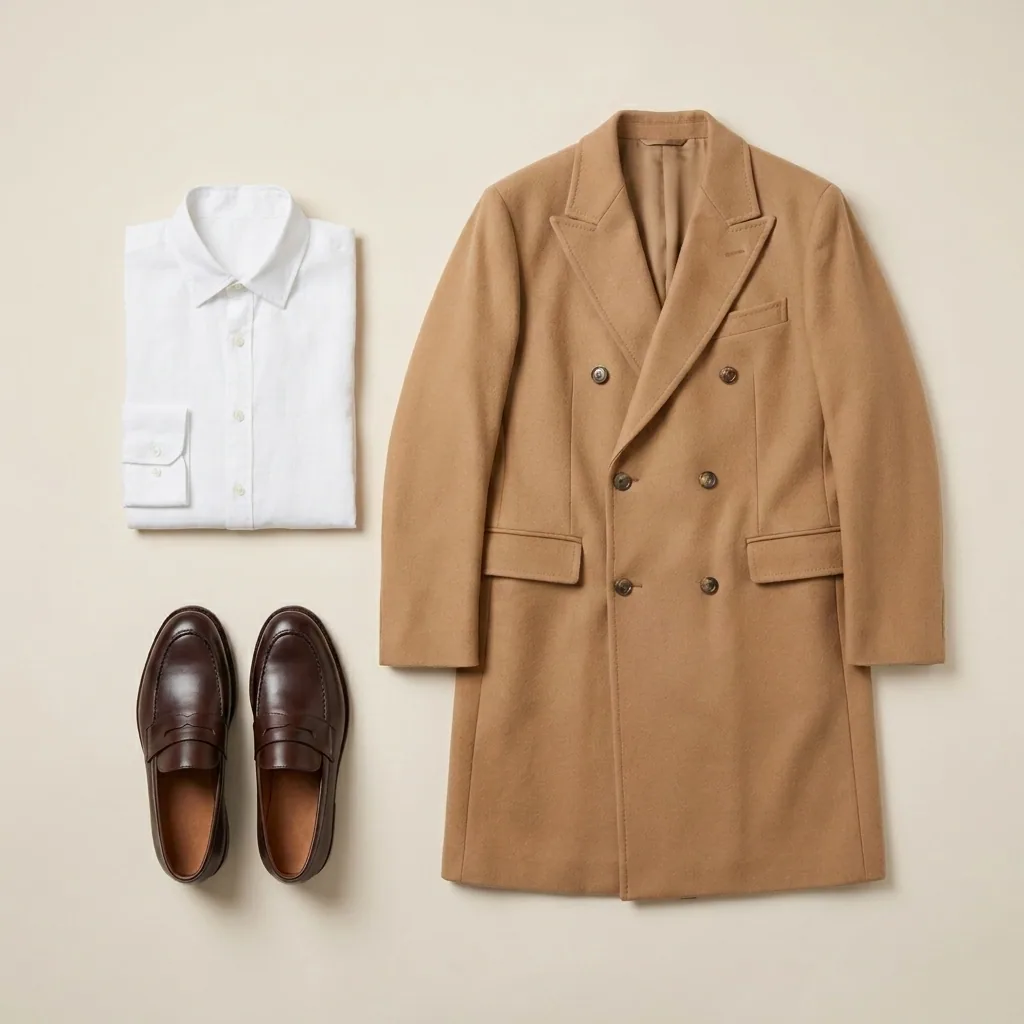
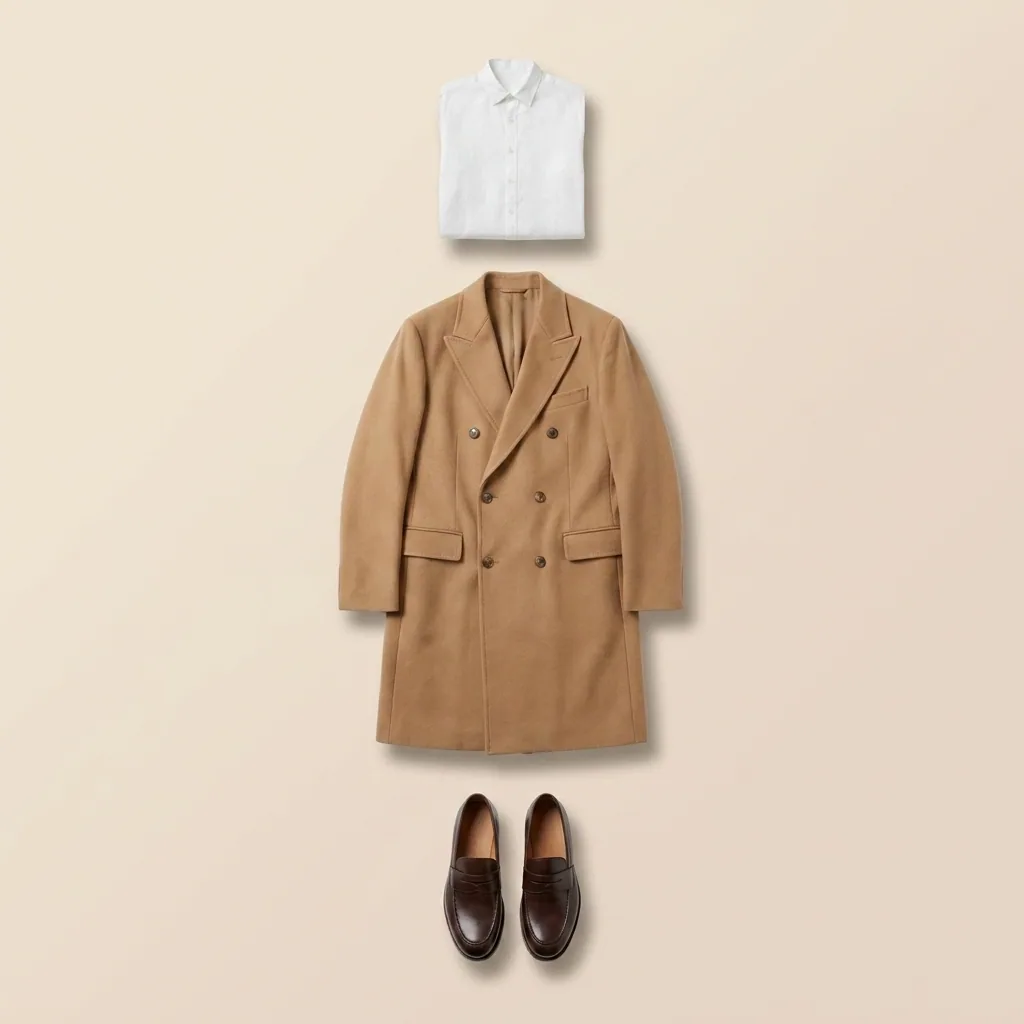
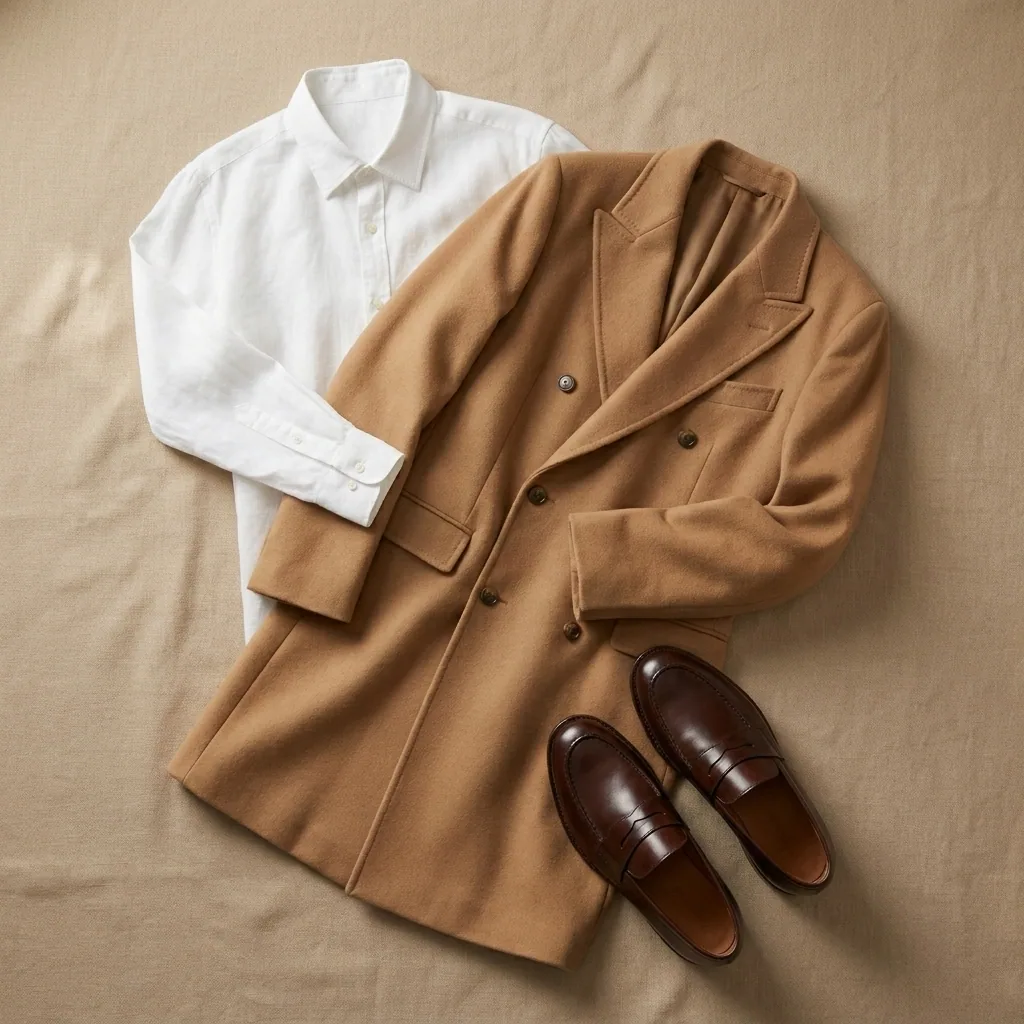
Some pieces are easier to picture as part of a look. Upload the coat, the shirt and the shoes together. You get one frame with the whole outfit laid out. Use these on the collection page and on Instagram. A shopper sees the whole look at once.
Open the Product photoshoot templateThe same flat lay in every colour you sell
A garment often sells in more than one colour. Photographing each one again adds work. Take the flat lay you have and name the colours you stock. You get the same picture in each colour, with the same fold, shadow and crop. The colour is the only thing that changes.
Open Product coloursLock the surface, the colours and the light
Flat lays drift more than any other shot: a new surface, a harder shadow, a cooler light. Save the surface, the colours and the light in your brand profile once. Every later run reads those rules. The jacket you add in October sits beside the shirt you added in March.
See how brand rules work
Where the pictures go
- Download the set. Upload one flat lay to each product page in your shop, next to the on-model photos.
- Upload the outfit frames to Instagram, one look per post.
- Upload the same pictures to Pinterest. Link each pin to the product page it shows.
The next drop, one row per garment
Next season you do not start from blank. Put one row per garment in a spreadsheet. Point each row at its photo. Run the whole collection at once. The surface and the shadow are the ones you already approved.
See how batch worksQuestions
Do I need a camera or a light box?
No. Phone photos of your garments, taken from above in daylight, are enough to start. The recipe changes the surface, the light and the shadow around each garment.
Will the clothes still look like the ones I sell?
Yes. Each picture starts from your own photo of your own piece. The cut, the colour and the fabric stay yours. Photograph the real garment, not a sample you do not stock.
Can I use these flat lays in paid ads?
Yes, from the Pro plan. Uploading your own photos and the commercial licence both start there. On the free plan you can try the templates on sample products.