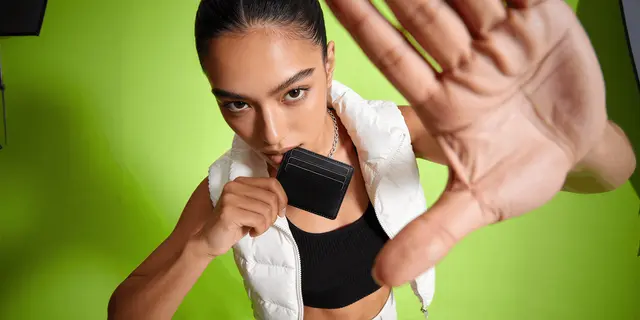
Wallet photography is the image set that sells a small leather good: a front packshot, an open interior showing every card slot, a back view, a macro of the edge paint and stitching, an in-scale frame, and one shot of the wallet loaded. Two of those six carry claims the FTC’s leather guides cover, because wallets are one of the products those guides name in scope.
The first question is which of your six frames a regulator could read as a statement about the product rather than a picture of it. Lighting and backdrops come second: use soft light, avoid direct flash, and watch the fingerprints on smooth calf.
Wallets sit in an unusual place. They are cheap to ship and easy to photograph. Buyers check two attributes closely, what the leather is and how thick the wallet gets when full, and a flattering photo quietly overstates both. This guide covers the shot list, the two regulated frames inside it, the scale problem, what a shoot costs, and where generated imagery belongs against where it has to stop.
Key Takeaways
- Six shots carry a wallet listing: front packshot, open interior, back, macro detail, in-scale, and loaded. The loaded shot shows how thick the wallet gets in use.
- The macro is a material claim. 16 CFR Part 24 names wallets, billfolds, card cases and coin purses in scope. §24.2(d) states that any depiction should not be used if it misrepresents, directly or by implication, that a product is made from animal skin or hide (16 CFR 24.2, Cornell LII, accessed September 2026).
- Thickness is on the same list. §24.1 says it is unfair or deceptive to misrepresent, directly or by implication, the kind, grade, quality, material content, thickness or finish of the product. A slim wallet photographed only empty can read as a thickness claim.
- Scale is the failure buyers punish. Baymard’s product page study found 42% of users try to judge a product’s size from its images. It also found that 28% of 60 major ecommerce sites offer no in-scale image at all (baymard.com, published May 2017, accessed September 2026).
- Generated imagery suits the set and stops at the surface. Backgrounds, surfaces, light and the hand holding the wallet are presentation. Grain, edge paint, stitch density and thickness are the product.
- Retouch drives the cost more than the set. A wallet is a tabletop job with no model or location. The macro and the glare cleanup take the time. Shopify’s pricing guide puts product photographers at $50 to $350 an image (January 2026).
The wallet photography shot list, in six frames
A wallet gallery is small and every frame has a job. Six covers it. Adding a seventh scene does less for conversion than fixing whichever of these six is missing.
| Shot | What it answers | Where it goes |
|---|---|---|
| Front packshot, closed | What am I buying | Main image, white background |
| Open interior | How many cards, is there a bill compartment, does the coin pocket zip | Position 2, the first click |
| Back or reverse | ID window, quick-access slot, monogram placement | Position 3 |
| Macro detail | What is the leather, how good is the edge paint and the stitch | Position 4 |
| In-scale | How big is it | Position 5 |
| Loaded | How thick does it get with my cards in it | Position 6 |
The order matters more than the count. Buyers open a wallet gallery to answer capacity first and craftsmanship second, so the interior belongs at position two and not buried behind three styled scenes.

Two of these six are not styling decisions. The macro states what the material is. The loaded shot states how thick the product gets. Both attributes are named in the FTC guides that cover this category.
The other four are ordinary product work. They follow the same logic as any product photography angle set, and the front, back and three-quarter frames are the same job you would run for any small object.
Why the macro is a material claim, not a styling choice
A macro of a wallet’s edge paint and grain is the closest thing a listing has to letting the buyer touch the product. It is also a statement about what the material is. Photographed at 100mm-equivalent framing with raking light, a coated split leather and a full-grain vegetable-tanned calf can read almost identically. The frame that flatters the cheaper one is a representation about composition.
This is the part that changes how you brief the shot. You are not choosing a flattering angle on a texture. You are deciding how much grain, pore structure and edge finish the buyer will conclude the product has. The FTC’s leather guides treat that conclusion as a claim, and they cover depictions, not only words.
The practical version is simple. If your wallet is bonded, coated, split or synthetic, the macro has to look like what it is. Raking light that invents pore depth on a smooth PU surface is the shot to kill, not the shot to keep. If the wallet is full-grain, the macro is your strongest asset and you should shoot it closer than feels comfortable.
Where this gets sharp is generated imagery. Grain is exactly the kind of high-frequency detail an image model will happily synthesize, because it looks plausible at any magnification. A model asked to produce a leather close-up will produce leather, whatever your product is made of. That is a product photo accuracy problem before it is a compliance one.
What the FTC leather guides say about depictions
The relevant text is 16 CFR Part 24, the Guides for Select Leather and Imitation Leather Products. It applies to wallets by name. §24.0 lists billfolds, wallets, key cases, coin purses, card cases and French purses among the products in scope, alongside handbags, luggage and footwear (16 CFR 24.0, Cornell LII, accessed September 2026).
Four provisions matter to a photographer.
§24.1 covers implication, not just statements. It is unfair or deceptive to misrepresent, directly or by implication, the kind, grade, quality, quantity, material content, thickness, finish, serviceability or durability of the product. Thickness and finish are both on that list, and both are things a photograph asserts whether or not the caption says anything.
§24.2(a) covers material that looks like leather but is not. If all or part of a product is made of non-leather material that appears to be leather, the fact that it is not leather should be disclosed. The listed examples are plain: Not leather, Imitation leather, Simulated leather, Vinyl, Vinyl coated fabric, Plastic.
§24.2(b) covers grain that imitates a different leather. Where a product has been embossed, dyed or otherwise processed to simulate the appearance of a different kind or type of leather, the kind and type used should be disclosed. The rule’s own example is a product made wholly of top grain cowhide processed to imitate pigskin. It may be described as Top Grain Cowhide. Any additional representation about the simulated appearance should come with the disclosure, as in Top Grain Cowhide With Simulated Pigskin Grain.
§24.2(d) covers depictions directly. A trade name, coined name, trademark, or other word or term, or any depiction or device should not be used if it misrepresents, directly or by implication, that a product is made in whole or in part from animal skin or hide. The rule goes on to name devices shaped like a tanned hide or an animal silhouette used on products that look like leather but are not.
Two things follow. First, these are guides. §24.0(b) calls them administrative interpretations of Section 5 of the FTC Act. It says conduct inconsistent with them may result in corrective action by the Commission under Section 5 (16 CFR 24.0, Cornell LII, accessed September 2026). Second, the FTC published the current guides in 1996 and kept them in their current form after a 2008 review. In February 2019 it asked for public comments on whether to repeal, amend or keep them (ftc.gov, accessed September 2026). Check that page for changes before you rely on a specific line. This is general information, not legal advice.
There is one more line worth knowing if your copy sits next to the photo. §24.3 restricts “Waterproof”, “Dustproof”, “Scuffproof”, “Scratchproof”, and the softer “Scuff Resistant” and “Scratch Resistant”. The resistant terms need a basis and a surface that is meaningfully and significantly resistant. A hero shot of water beading on a wallet can read as a waterproof claim in picture form.
None of this stops you photographing leather well, as long as you know which frame is doing the claiming. The same logic runs through jewelry product photography, where the FTC’s jewelry guides say a depiction that shows a gemstone larger than its real size may mislead, unless the true size is disclosed (16 CFR 23.1, Cornell LII, accessed September 2026).
The scale problem a wallet has and a handbag does not
A handbag is photographed against a body and the size resolves itself. A wallet has no such cue. Shot alone on white and cropped to fill the frame, a card holder and a travel wallet look the same, and buyers will draw a size conclusion anyway.
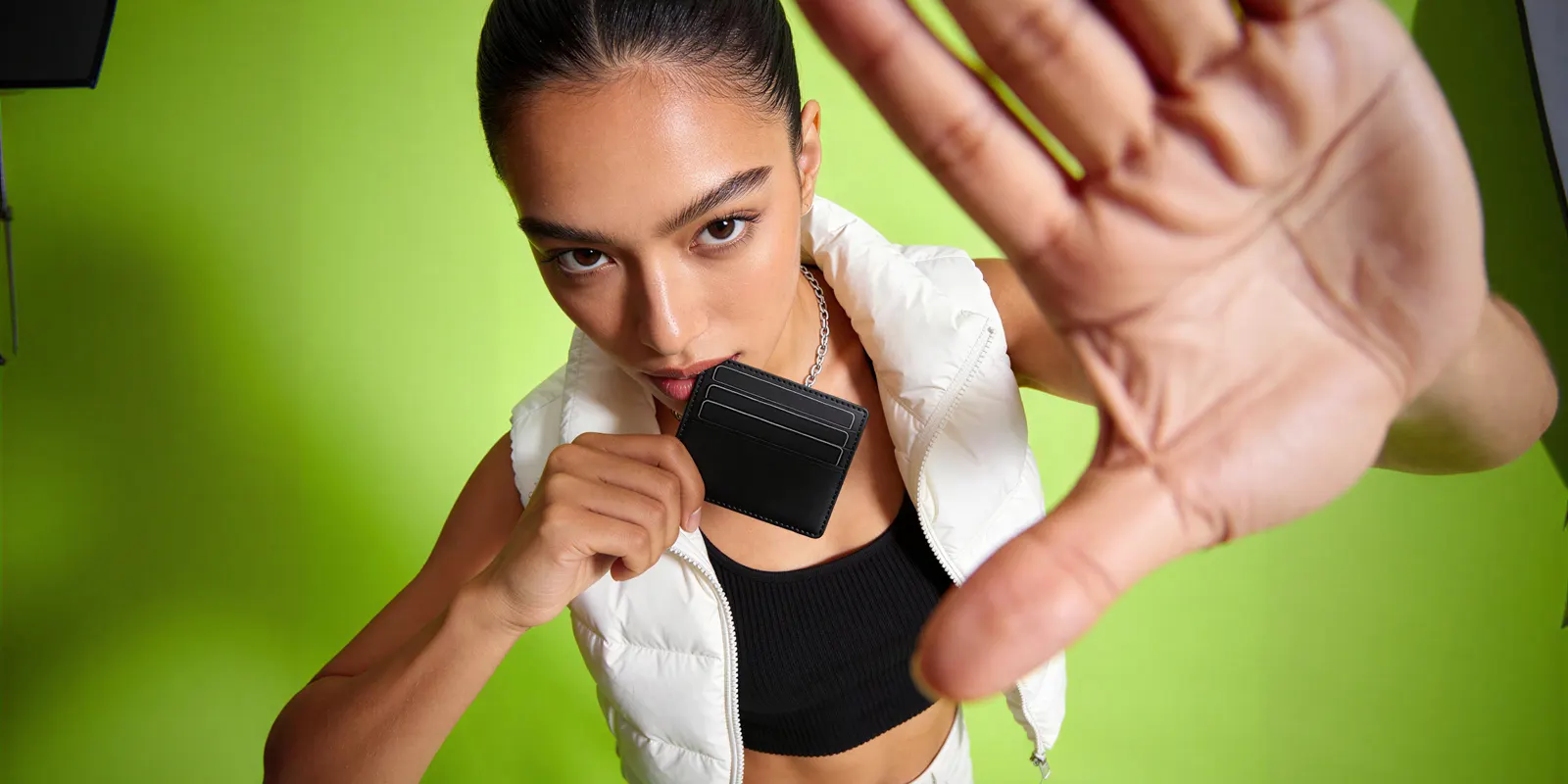
Baymard’s product page usability study found that 42% of users try to grasp a product’s size from its images, and that lacking that, they were repeatedly observed drawing inaccurate conclusions and discarding relevant products. Its benchmark of 60 major ecommerce sites found 28% offer no in-scale image at all (baymard.com, accessed September 2026). The same study found 56% of test subjects began by exploring product images before reading the title or description.
For a wallet there are three workable scale references, in order of usefulness:
- A hand holding it. The strongest, because everyone knows the size of a hand. Baymard’s testing showed exactly this working on a small speaker, where the subject grasped the size instantly from a held shot.
- Cards in the slots. A credit card is 85.6mm by 53.98mm everywhere in the world. Shooting the wallet with real cards inserted gives a precise reference without a model.
- A known object alongside. Keys, a phone, a folded note. Weaker than the first two because the reference is itself variable.
Use the card version even if you also shoot a hand. It doubles as the capacity proof, which is the other thing the buyer came for.
The interior shot, and the spec buyers verify visually
Card capacity is the one wallet spec buyers refuse to take on trust. The listing says six slots. The buyer wants to count them.
The interior shot has to be readable, which means it is a lighting problem as much as a framing one. An open wallet is a deep, dark cavity with a leather lip casting a shadow straight down into the part you need visible. Shooting it flat and lit from directly above kills the shadow but also kills the depth cue that shows a slot is a slot. A soft key at roughly 45 degrees with fill from the opposite side keeps both.
Three specifics for this frame:
- Open it the way it opens. A bifold photographed flattened out to 180 degrees shows all six slots and misrepresents the object, because it never sits that way in use.
- Shoot the coin pocket engaged. If it zips, show the zip partly open. If it snaps, show the snap. A closed pocket is a question, not an answer.
- Show the bill compartment with a note in it. It is the fastest way to prove a full-length compartment is full length.
If you are relighting a dark interior after the fact rather than reshooting, that is what a relighting template is for. It moves the light on a frame you already have without moving the object.
The loaded shot, and the thickness problem
This is the frame that maps directly onto §24.1.
A slim wallet is sold on being slim. Photographed empty, it is as slim as it will ever be. Loaded with six cards and folded notes, a card holder can end up several millimeters thicker than it looks empty, and the buyer who ordered on the strength of the empty photograph finds that out at the door. Thickness is named in §24.1 as an attribute you may not misrepresent by implication, and an empty-only gallery can imply a thickness the product does not have in use.
The commercial argument is stronger than the compliance one. The photos have to answer two buyer questions: is it bigger or bulkier than I expected, and is the leather what I expected? The loaded shot answers the first and the macro answers the second. Both are cheap frames. Neither requires a model.
Shoot it. Six cards, two folded notes, from the side at wallet height so the profile reads. If your slim wallet stays slim when loaded, this frame is your best marketing asset.
Marketplace specs that decide the main image
Your first frame is not an art direction decision. Amazon’s main image rules ask for a pure white background at RGB 255, 255, 255, the product at 85% of the image, the whole product in the frame, and no props that are not included with the product (Amazon product image guide, accessed September 2026). Images need at least 500 pixels on the longest side, and 1,000 pixels or more turns on zoom. The image specs of the other main sales channels are in the guide to ecommerce product photography.
For a wallet that 85% fill is the constraint worth planning around. Hitting it means shooting tight on a small object, which strips out every environmental size cue, which is precisely why the in-scale frame is mandatory somewhere else in the set. The main image rule and the scale requirement pull in opposite directions, and the gallery is where you resolve that, not the main slot.
The wider set of platform rules on generated product imagery, including what has to be disclosed and where, is covered in the marketplace rules for AI product photos.
What wallet photography costs
A wallet is a tabletop still-life job. It does not need a studio the size of a car, a model, or a location. What it does need is macro capability and a retoucher who can handle glare on smooth calf and keep an edge-paint line straight.

Published market rates, from guides that pool many photographers:
| Source | Range |
|---|---|
| Shopify pricing guide, January 2026 | $50 to $350 per image, $500 to $3,000 per day |
| VSCO pricing guide, November 2023 | $25 to $175 per image for product photography |
Sources: shopify.com and vsco.co, both accessed September 2026. The same bands are worked through in product photoshoot pricing.
A six-shot set across a ten-SKU drop is 60 finished images, and the retouch load climbs if the line includes patent or metallic finishes. Handbag product photography covers the same glare problem on a larger object. On a watch, glare in the crystal decides every scene. Watch photoshoot ideas sorts 19 scenes by what the crystal reflects.
The line that surprises brands is the reshoot. A drop where the edge paint reads wrong on three colorways is a return trip, and the second half-day is billed like the first.
In DesignerBox the cost depends on the model you pick, and the cost is shown before the run, so you see the price of a model choice before you start. Uploading your own photos and the commercial license start on the Pro plan, and that is the tier to be on before anything generated reaches a live listing. Plans and credits are on the pricing page.
Where generated imagery fits, and where it stops
The split for wallets is cleaner than for most categories, because the regulated attributes are physical properties of the surface and the object.
Suitable to generate. Backgrounds and surfaces. Studio light and shadow quality. The hand or the desk that supplies scale. Seasonal and campaign scenes. Angle variations built from one accurate source frame, which is what the Photo angles app does. Relighting a frame you already shot.
Not suitable to generate. Grain and pore structure. Edge paint. Stitch density and thread color. Hardware finish. Foil or debossed logo detail. Thickness when loaded. Every one of these is either the material claim or the dimension claim, and every one of them is something a model can render plausibly and incorrectly.
The workable method is to photograph the wallet once, properly, on a plain surface, and treat that frame as the source of truth. Generate the presentation layer from it. Keep the macro and the loaded profile as real photographs, because those two are the frames where the picture and the product have to be the same thing.
That order also gets the economics right. You are paying a photographer for two frames per wallet instead of the whole set. The split between capture work and variation work is covered in will AI replace photographers.
Anyone can make an AI picture. Making hundreds that still look like your brand is the hard part. Settle the treatment on one wallet and save it as a workflow. A saved workflow runs the same way on the next colorway and the next drop, without a second studio day, and batch runs that workflow over a whole sheet of colorways at once.
AI product photography shows the kind of set this makes, and the model list shows the image models a workflow step can use. The wallet and belt photography page shows the flat lay, the open state, the edge-on shot and the macro.
The wallet photos, the angles and your brand rules sit in one account, so the next colorway starts from the same standard.
One caution on the scale frame. Baymard’s own position on computer-generated in-scale visuals is that they work as a supplement rather than a total replacement for real in-scale photography, because they establish size without producing the same response as real product imagery. Generating the hand is fine. Generating every scale cue in the gallery is not the same asset.
Start from a template, add your brand and your products, and run it.
FAQ
What shots do I need for a wallet product listing?
Six. A front packshot on white for the main image, an open interior showing every card slot, a back or reverse view, a macro of the edge paint and stitching, an in-scale frame with a hand or cards for size, and one shot of the wallet loaded with cards and notes. The interior belongs at position two, because capacity is the first thing buyers check.
Do I have to disclose that a wallet is not real leather?
The FTC’s leather guides say you should, if the material looks like leather. 16 CFR Part 24 §24.2(a) states that where all or part of a product is made of non-leather material that appears to be leather, the fact that it is not leather should be disclosed, with examples including Imitation leather, Simulated leather, Vinyl and Plastic. §24.2(d) extends the same principle to any depiction, not only to words (16 CFR 24.2, Cornell LII, accessed September 2026).
Can I use AI-generated images for wallet photos?
For the presentation layer, yes. Backgrounds, lighting, scenes, angles and the hand that supplies scale are all suitable to generate from an accurate source photograph. The macro of grain and edge paint and the loaded profile shot should stay real, because those two frames carry the material and thickness claims that 16 CFR Part 24 covers.
How do I show scale on a wallet without a model?
Put real cards in the slots. A credit card is 85.6mm by 53.98mm worldwide, so it is a precise reference every buyer already knows, and the shot doubles as capacity proof. A hand holding the wallet is the strongest alternative. Baymard’s testing found 42% of users try to judge size from images, so one of these frames is not optional.
Why does my wallet look cheap in photos?
Usually glare and edge paint. Direct flash on smooth calf produces hot reflections and shows every fingerprint, so use a large soft source or diffused window light. Then check the edge-paint line, which is the single strongest craftsmanship signal on a small leather good and the detail that separates a $200 wallet from a $40 one at macro range.
How much does a wallet photoshoot cost?
Shopify’s pricing guide puts product photographers at $50 to $350 per image and $500 to $3,000 per day (January 2026). VSCO’s guide gives $25 to $175 per image for product photography (November 2023). Macro and glare retouching is the line that moves most on smooth or patent finishes.
What is the Amazon main image rule for wallets?
Pure white at RGB 255, 255, 255, the product at 85% of the image, the whole product in the frame, and no props that are not included with the product. Images need at least 500 pixels on the longest side, and 1,000 pixels or more turns on zoom (sellercentral.amazon.com, September 2026). The 85% fill removes environmental size cues, so the in-scale shot has to live elsewhere in the gallery.
Sources
- 16 CFR Part 24, Guides for Select Leather and Imitation Leather Products: §24.0 scope naming wallets, billfolds, card cases and coin purses, and the status of the guides under Section 5 (Cornell LII); §24.1 on misrepresenting kind, material content, thickness and finish by implication (Cornell LII); §24.2(a), (b) and (d) on imitation leather, processed grain and depictions (Cornell LII); §24.3 on waterproof, scuff and scratch resistance terms (Cornell LII), all accessed September 2026
- FTC Leather Guides page, with the 1996 guides, the 2008 retention and the February 2019 request for comments: ftc.gov, accessed September 2026
- 16 CFR 23.1, Note 3, on depicting a gemstone larger than its actual size: Cornell LII, accessed September 2026
- 42% of users attempt to judge product size from images, 28% of 60 benchmarked ecommerce sites provide no in-scale image, 56% of subjects explore images first, and computer-generated scale visuals as a supplement rather than a replacement: baymard.com, published May 2017, accessed September 2026
- Amazon product image guide (G1881), main image and size requirements: sellercentral.amazon.com, accessed September 2026
- Shopify, product photography pricing guide (January 2026): shopify.com, accessed September 2026
- VSCO, photography pricing guide (November 2023): vsco.co, accessed September 2026
- DesignerBox pricing page (designerbox.ai/pricing), September 2026
Leather depiction guides checked against 16 CFR Part 24 on Cornell LII and ftc.gov, scale research against baymard.com, and marketplace specifications against Amazon Seller Central as of September 2026. Photography rates vary by market, product finish and licensing terms. This is general information, not legal advice. Individual results vary.