Marble surfaces
Marble background product photography with AI
Upload a photo of your product. DesignerBox places it on honed or polished marble, with the veining set where it does not cross the product. You choose cool Carrara grey or warm cream, and you get the crops a listing, an ad and a feed post need.
The basics
Marble backgrounds, in short
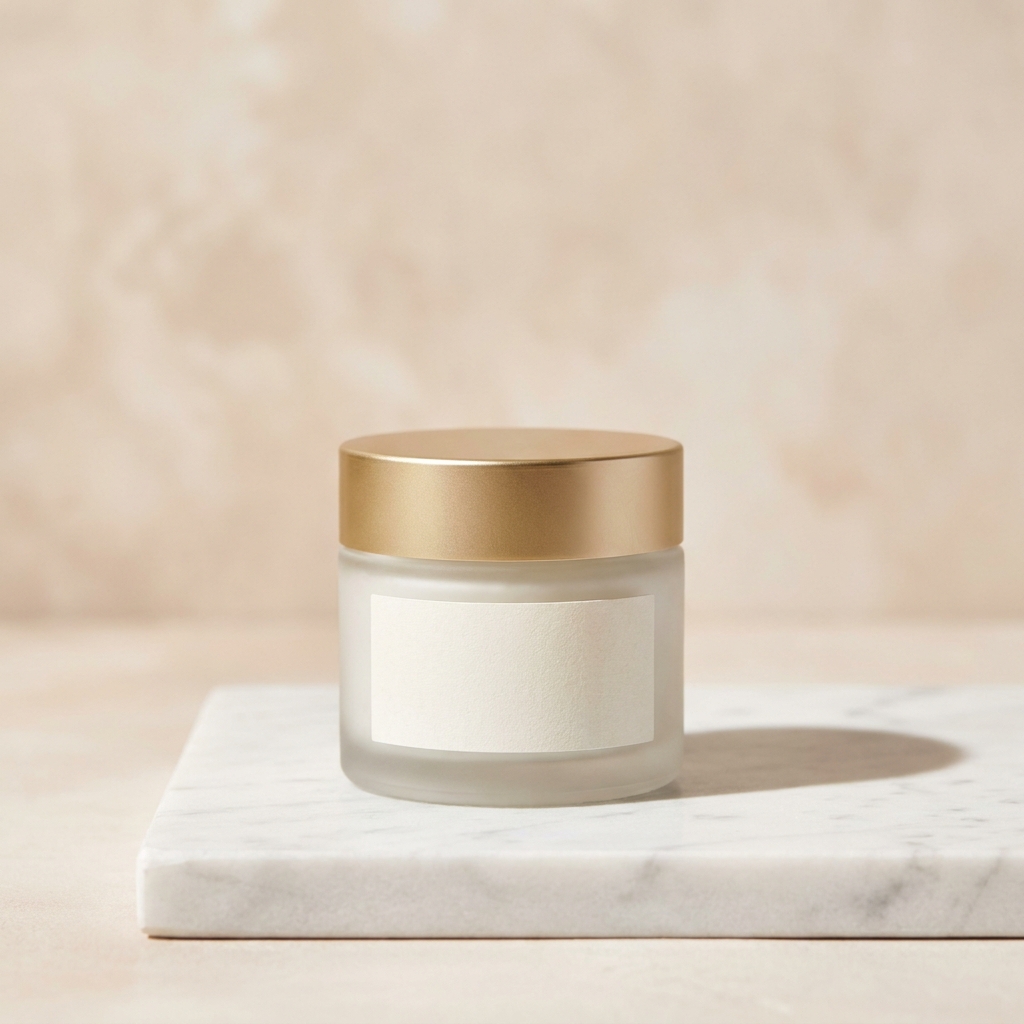
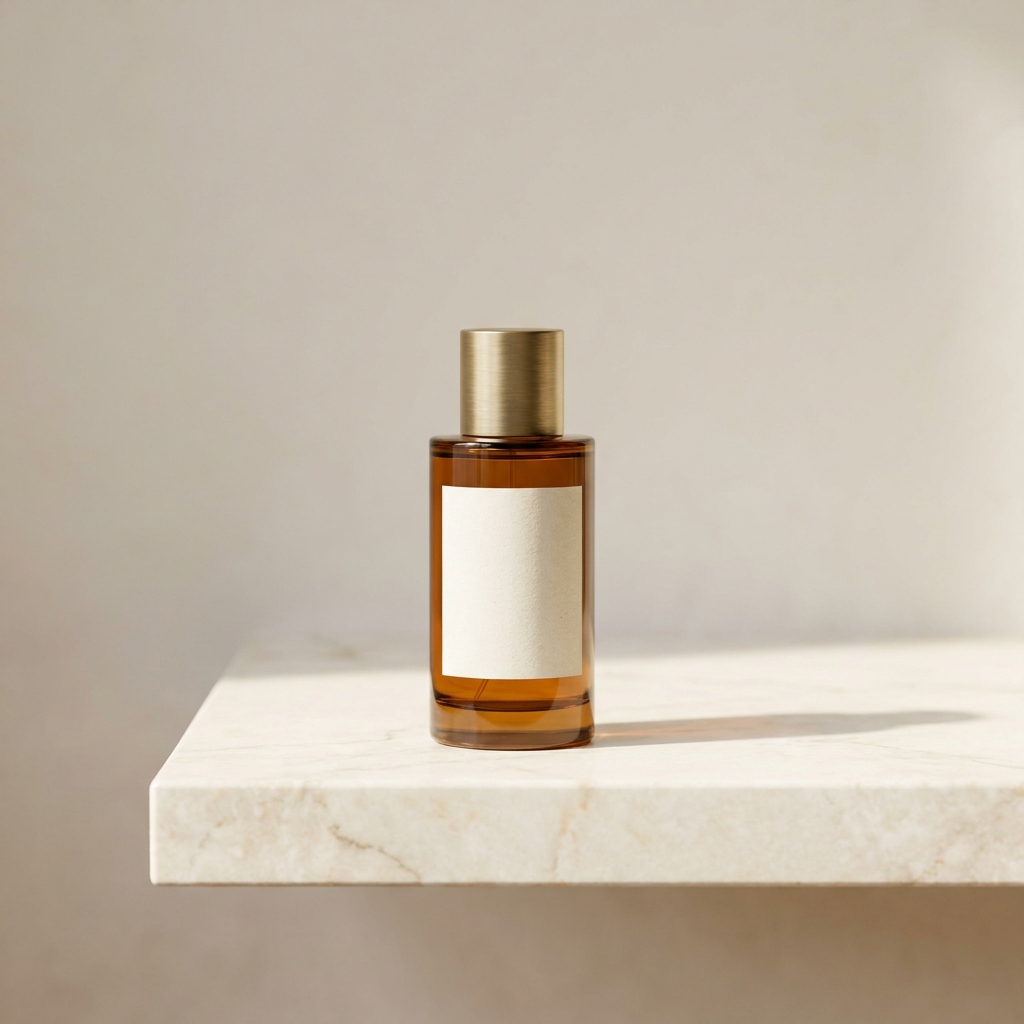
A marble background is a slab of natural stone under the product, honed for a matte finish or polished for a glossy one. Sellers of skincare, fragrance, jewellery and watches choose it because stone looks expensive and supports a high price with no extra text. Two facts about real marble carry straight into the picture. The veining is a pattern, and a pattern competes with the product unless you decide where it runs. Polished stone behaves like a weak mirror, so it reflects light into the base of the product. It also carries a cool or warm cast that shifts the colour of your packaging. Marble is the one surface here that arrives with a design of its own. Everything below is about keeping that design behind the product instead of on top of it.
What to get right
Four craft problems marble creates
What goes wrong on a marble slab, and what to do instead.
- Veins that cross the productMarble veining is a line, and a line reads as an edge. A grey vein running behind a jar can look like a crack or a shadow that is not there. Decide the direction before you generate. Keep the busiest veining in the outer third and leave the area behind the product quiet. A vein that leads in from a corner and stops short of the base works. One that passes under the base does not.See the steps
- Polished stone bounces light upA polished slab works like a weak mirror. It throws light back into the underside of the product, so the base loses its shadow and the product looks like it floats. It also creates a soft reflection under the base that can read as a second, upside down product. Honed marble absorbs that light and keeps a real contact shadow. Ask for honed when the product has a flat base. Ask for polished only when you want the reflection.See the steps
- The stone tints your productWhite Carrara reads cool, in the region of 6000K, with blue grey veins. Cream and Calacatta marble read warm, closer to 4500K. Whatever the slab is, some of that colour lands on the product. A white cream jar on cool Carrara goes slightly blue. A silver ring on cream marble goes slightly gold. Set the white balance on the product, not on the stone, and check the label colour against your real packaging before you publish.See the steps
- White products lose their edgeWhite marble and white packaging sit at almost the same brightness. The product edge disappears and the shape goes soft. Three fixes work. Light the product from one side so one face is a stop darker than the stone. Keep a real contact shadow under the base. Or place the product where a grey vein passes behind it, so the outline has something darker to sit against. Check by turning the frame to greyscale.See the steps
In DesignerBox
Tools for a marble set
Four apps, each doing one part of the job on stone.
- Place the product on marbleProduct scene placement puts your uploaded product onto the stone you describe. Say the type, the finish and the vein direction, not just marble. A prompt like honed white Carrara, soft grey veins running from the top left corner, matte surface gives a usable frame. A prompt that says marble background gives you a random slab with veins in the wrong place.Open Product scene placement
- Fix the bounce and the castRelighting studio changes the lighting on a marble frame you already have. Use it when a polished slab has filled the shadow under the base, or when the stone has tinted a white product. Ask for a single soft source from the left and a short contact shadow. The stone stays the same, so a set of frames keeps one slab and one look. Relighting studio is on Premium.Open Relighting studio
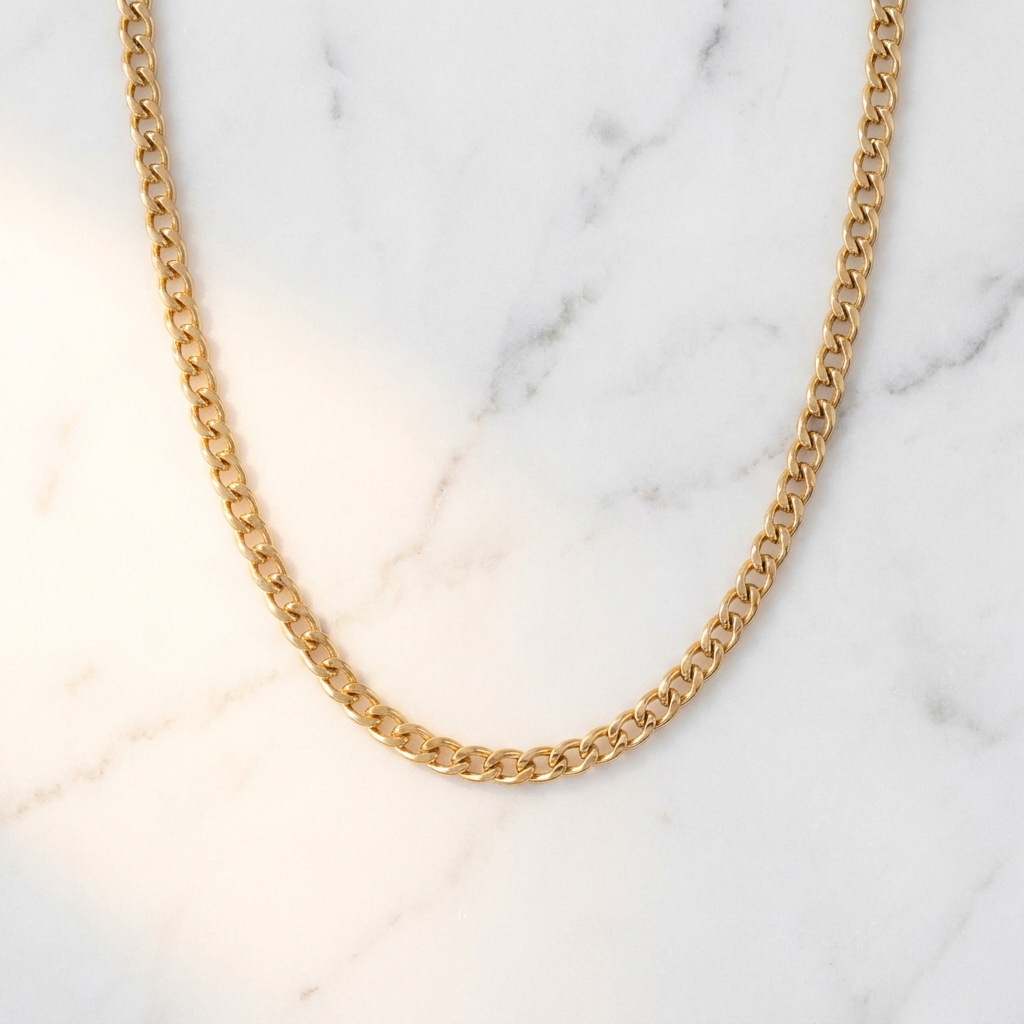
- Overhead layouts on the slabGarment flat lay builds the straight down view, which is the angle marble suits most. Shot from above, the slab becomes the whole frame and the veining is the only pattern in it. Arrange the product in the quiet part of the stone and leave a veined corner empty for a headline. The gold chain shot above is this angle.Open Garment flat lay
- A plain white file tooClean white background cuts the product away from the stone and returns a clean white file and a transparent file. You need both. Marble is a lifestyle frame, and many stores ask for a plain white main image. The transparent file also lets you drop the same product onto a different slab later without a new upload.Open Clean white background
Step by step
Four steps to a marble set
What to do, in order, from upload to finished frames.
- 01
Upload one sharp product photo
Uploading your own product photo is on Pro and above. Photograph the product on any plain surface in daylight. Keep the label straight and in focus. The upload is the only place the real colour of your packaging exists, so shoot it under neutral light. If the base of the product is scratched, clean it, because a marble frame shows every mark at full size.
- 02
Choose the stone and the finish
Pick honed or polished first, because that decides how much light comes back up. Then pick the colour. White Carrara with grey veins suits silver, glass and cool packaging. Cream marble suits gold, brass and amber. Write both into the prompt, plus the vein direction you want, before you press generate.
- 03
Generate four crops and compare
Run the scene four times and look at the veining in each. Reject any frame where a vein crosses the product or ends behind it in a hard line. Then check the white parts of the packaging against your upload. If they have gone blue or gold, the stone colour is wrong for this product. The cost of the run shows before you press Run.
- 04
Relight, upscale and save the setup
Two checks decide whether a stone frame is finished. Look at the base first. If the slab has bounced light back and thinned the contact shadow, send the frame to Relighting studio and ask for a short shadow on one side. Then hold the frame next to your upload and read the white parts of the label, because the stone tints whatever sits on it. Send it to Image upscale, which is on Premium, if the frame is going to print. Then save the setup as a workflow, so product two lands on this exact slab.
Start free. You see the price before you make anything.
Your own photos, your own prompts and the commercial licence start on the Pro plan.
The files
What a marble set contains
Four files, and the test each one has to pass.
- A honed hero frameOne three quarter view on honed stone, with the product left of centre and the veining running behind it. The test is the base. You should see a short, soft contact shadow where the product meets the slab. Without it the product looks pasted on, and the whole frame stops reading as a photograph.Make it in DesignerBox
- An overhead frame with spaceThe straight down view, with the product in the quietest part of the slab and one veined corner left empty. The test is the empty corner. Lay your headline over it at the real size and read it. If the veining runs through the text, move the crop, do not shrink the text.Make it in DesignerBox
- A plain white listing fileThe same product on plain white, plus a transparent version. The test is the edge. Zoom to 200 percent and look for grey marble left in the cut, especially around a glass shoulder or a chain link. A clean cut on a busy stone background is harder than a cut on plain grey.Make it in DesignerBox
- The same hero on two stonesOne hero on cool Carrara and the same hero on cream marble, kept as a pair. Marble comes in two colour temperatures, and your packaging will only look right on one of them. The test is your own upload. Open both frames next to the original photo and look at the white and silver parts. Pick the stone that leaves them the colour they really are, then use that stone for the whole range.Make it in DesignerBox
Order of work
Order of work
Stone first, light second. The finish decides the lighting, so setting the light before you choose polished or honed means doing it twice. A polished slab fills the shadow from below. A honed slab does not. Crop next, because a vein that sits behind the product in a wide frame can sit under it in a tight one. Check the colour after the crop and before the upscale, since a larger file only gives you a larger blue cast. Cut the white listing file last, from the frame you already approved.
Model traits that matter on stone
Marble puts more strain on the surface than on the product. Two failures give a fake slab away. The vein pattern repeats across the frame, or the stone has no grain in it and reads as painted paper. Seedream is the one to try first, because it renders fine mineral speckle, and speckle is what makes a slab look cut rather than printed. FLUX is the second, because it takes vein direction from the prompt, so you can push the busy stone into a corner instead of hoping. Run the same stone prompt through both and judge the surface at full size before you look at the product at all. See the AI models.
Next
Where to go next
Six pages that carry on from a marble set.
- AI product photographyMarble covers the hero and one or two gallery frames. The same beauty listing still needs packaging shots, a scale shot and an in use frame.Open
- Product scene placementThe app that builds these frames. Open it to write your own stone prompt, try honed against polished on the same product, and see the two side by side before you commit.Open
- Image upscaleRaise a finished marble frame to 4K. Worth doing when the stone grain matters, such as a large banner or a printed card, where a soft slab is the first thing a viewer notices.Open
- WorkflowsSave the slab, the vein direction and the light once, then run it for every new product. This is how twenty products end up looking like one shoot on one piece of stone.Open
- All appsThe full list, including Multi-angle photo reshoot, Product static ads and Create static ads. Go there when the marble hero exists and you need the ad and feed versions of it.Open
More backgrounds
Other product photo backgrounds
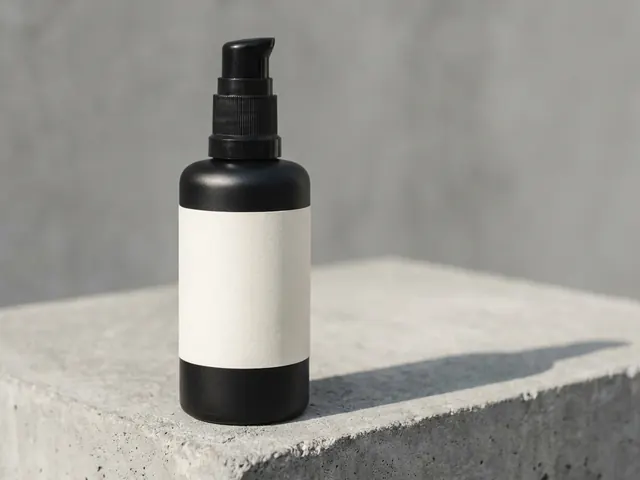 Concrete backgroundHard daylight and one crisp shadow, for streetwear, tech and modern skincare.
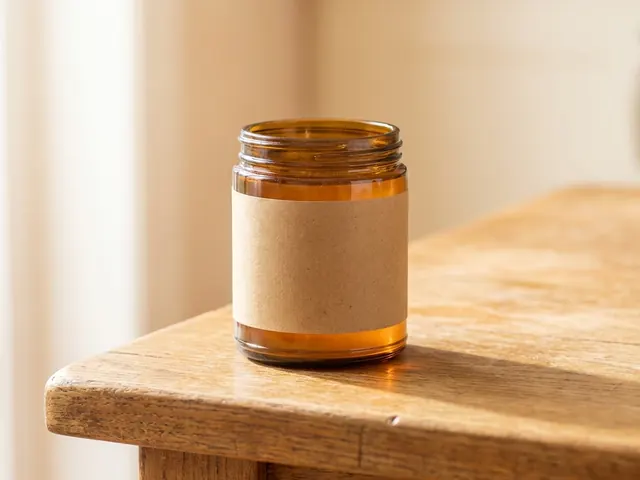 Wood backgroundWarm oak, walnut and ash for food, coffee, candles, soap and handmade goods.
 Linen and cotton clothSoft, tactile cloth for skincare, candles, soap and folded clothing.
 Pure white sweepThe plain white main image, for listings, grids and price banners.
Should I use honed or polished marble for product photos?
Use honed marble for most products, and polished only when you want a reflection. Honed stone has a matte finish, so it absorbs light and keeps a real shadow under the base. Polished stone acts like a weak mirror. It bounces light back into the underside of the product and adds a reflection that can double the shape. Jewellery on polished marble often looks good, because the reflection reads as an extra sparkle. Skincare on polished marble usually looks like it floats.
Why does my white product look blue on marble?
The stone is tinting it. White Carrara is a cool grey stone, so the light bouncing off it carries a cool cast, and a white or cream product picks that up. Two fixes. Set the white balance on the product rather than the slab, so the packaging stays the colour it really is. Or move to a cream or Calacatta marble, which carries a warm cast and suits cream, gold and amber packaging.
How do I stop the veins from fighting the product?
Decide the vein direction before you generate, and keep the busiest area away from the product. Ask for veins that run in from one corner and fade before they reach the base. Then crop so the product sits on a quiet part of the slab. A useful check is to squint at the frame, or blur it. If your eye goes to a vein instead of the product, the crop is wrong. Moving the crop 100 to 200 pixels often solves it.
Can I put marble behind the product as well as under it?
Use one stone plane at a time. A marble wall behind a marble surface doubles the veining, and the product gets lost between two patterns. Keep the stone under the product and ask for a plain warm or grey wall behind it. If you do want stone standing up, ask for a nearly plain slab at the back. Keep the veined one on the surface, so only one plane carries a pattern. Ask for a soft shadow where the two planes meet, or they merge into one flat wall.
What does a marble photo set cost in credits?
The cost of the run shows before you press Run. A working set here is four scene runs and one relight, because vein position is the thing you are choosing between and you cannot judge it from a prompt. Set that against the real slab. A honed offcut big enough to shoot on has to be bought from a tile shop, carried home, and stored somewhere it will not chip at the corners. Then a gold product wants a warm stone, so you buy a second one. The slab is the expensive part of marble photography, and it is the part you are not buying here.
Which products suit a marble background?
Small, high priced products suit marble best: skincare, fragrance, jewellery, watches and candles. The stone reads as expensive, so it supports a high price and looks wrong under a cheap item. Size matters too. The veining should be smaller in scale than the product, so a 30mm ring on a slab with huge veins looks like a toy. For large items, a plain wall or a paper sweep holds the shape better.
Make your first pictures today.
Sign up with Google or your email. Nothing to set up.
Get started free- Claude
- ChatGPT
- Cursor











