Background catalogue
Pick from twelve product photography backgrounds
Each tile below shows one background in a real DesignerBox render. Open a tile to see the lighting, the shadow and the file sizes that background needs. The three groups sort them by how much the background asks of you.
The backgrounds
Product photo backgrounds
Compare twelve backgrounds side by side and pick one for your product.
Studio fields
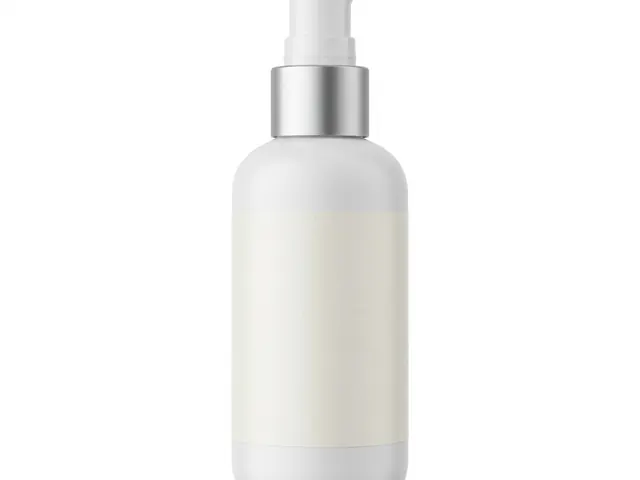 Pure white sweepThe plain white main image, for listings, grids and price banners.
 Gradient backgroundSmooth tone shift for tech, cosmetics and products with a simple shape.
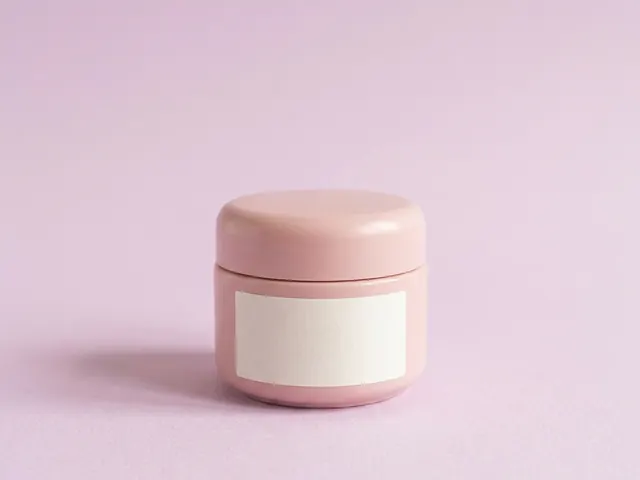 Pastel paperSoft colour paper for beauty, wellness and pale packaging that needs a calm frame.
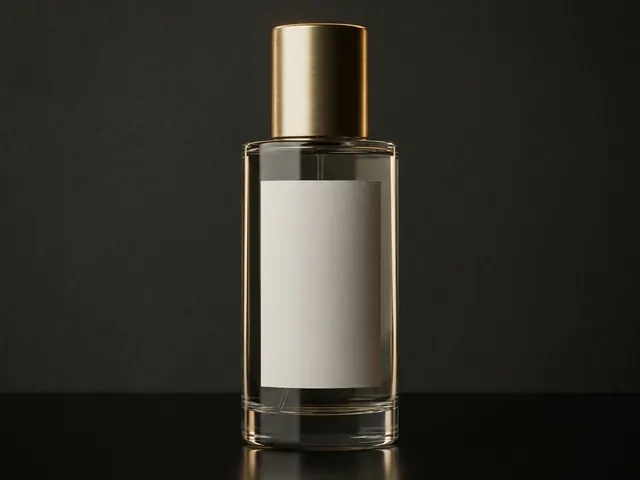 Black backgroundFor fragrance, watches, spirits and premium packaging that read by their edges.
Real surfaces
 Marble backgroundsFor beauty, jewellery and fragrance shots that need a premium stone surface.
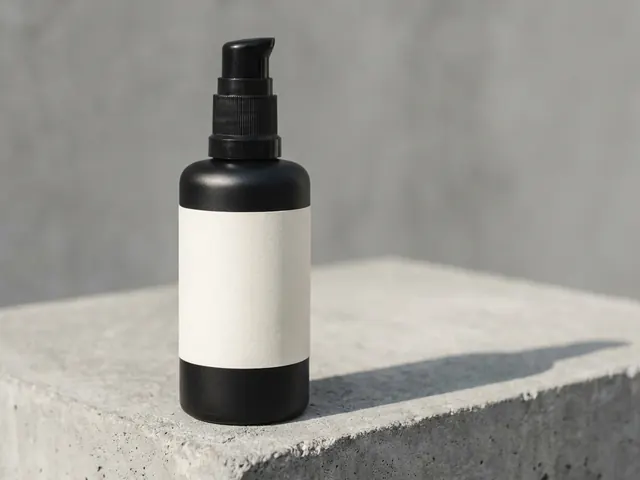 Concrete backgroundHard daylight and one crisp shadow, for streetwear, tech and modern skincare.
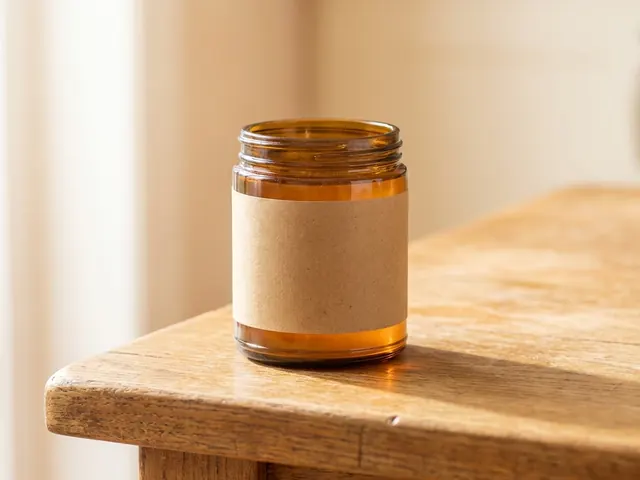 Wood backgroundWarm oak, walnut and ash for food, coffee, candles, soap and handmade goods.
 Linen and cotton clothSoft, tactile cloth for skincare, candles, soap and folded clothing.
Built sets
 Podium and plinthRaises small products on plaster or stone, and leaves clean space for a headline.
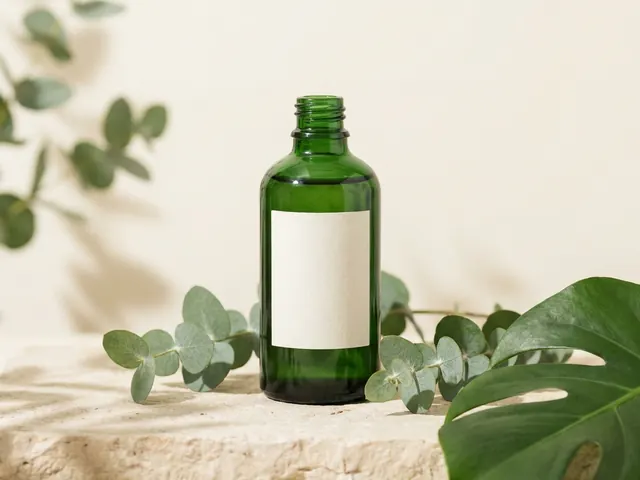 Botanical backgroundFresh or dried foliage around skincare, soap, candles and other natural products.
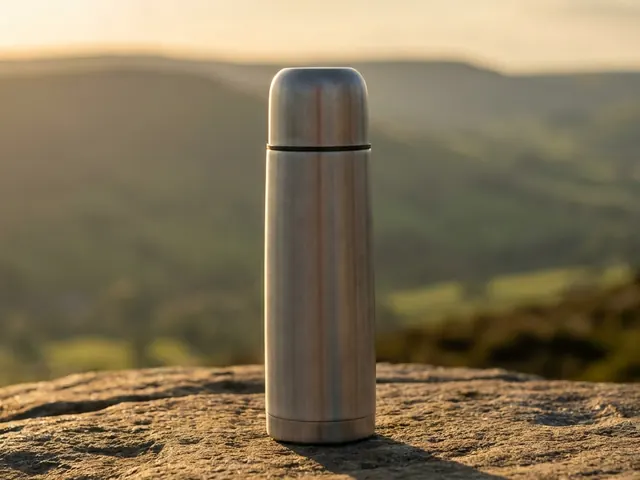 Outdoor natural lightFor active, travel and outdoor goods that need real daylight and a found place.
 Christmas holiday setFor gift products that need to look seasonal in November and December.
What changes
Problems the background has to solve
Four things that change when you swap one background for another.
- Cut-out cost differs by groupA studio field gives a clean edge, so the cut-out is quick and the transparent PNG holds up at small sizes. A surface or a styled set puts texture right against the product edge, and the mask has to be drawn by hand or redrawn by a model. If your listing needs a transparent file, pick a studio background for that shot and keep the set for a second frame.See the steps
- Surfaces push colour into the productConcrete, wood, marble and linen all bounce their own colour back up. Warm oak lifts a white label towards yellow. Grey concrete pulls a beige product towards green. A studio field does not do this, so the product colour stays close to the real item. Check the product against a reference photo after any surface shot, and correct the white balance before you publish.See the steps
- Detail is lost at thumbnail sizeA grid thumbnail can be 200 pixels wide. At that size a botanical or outdoor set collapses into a coloured blob and the product loses its outline. Studio and plain surface frames survive the shrink because there are only two tones in the frame. Before you commit to a styled set, view the frame at 200 pixels and check that the product still reads.See the steps
- One light direction across the setA catalogue reads as one shoot when every frame carries the same light. Studio frames use soft light from above and slightly to the left. A styled set uses daylight from a window, which arrives lower and harder. Mixing the two in one row makes the grid look bought from two places. Pick the light direction first, then pick backgrounds that can carry it.See the steps
Step by step
Four steps to a background decision
Work through these before you spend credits on twelve different looks.
- 01
List where the photo will appear
Write down every place the image has to work. A catalogue grid, an ad layout, a size chart, a feed post. Each place has a shape and a smallest size. A frame that only ever appears at full width can carry a styled set. A frame that appears at 200 pixels cannot.
- 02
Shoot the white frame first
Upload one photo to Background Remover. It returns a clean white file and a transparent file. Keep both. The white file is the fallback for any grid, and the transparent file drops into every other background later without a second upload. Uploading your own product photo is on Pro and above. The cost of the run shows before you press Run.
- 03
Test three backgrounds, not twelve
Pick one from each group: a studio field, a real surface, a styled set. Run the same product through all three in Styled Scene Generator. Put the three results side by side at the size your buyer sees. One will hold the product shape better than the other two. That is your answer, and the cost of the three runs shows before you press Run.
- 04
Save the winner as a workflow
Open Workflows and save the setup that won: the background, the light direction, the ratio and the model. Every new product then runs through the same setup, so product number forty looks like product number one. Change the saved setup once when the season changes, and the whole catalogue follows.
Start free. You see the price before you make anything.
Your own photos, your own prompts and the commercial licence start on the Pro plan.
The files
Files every background has to produce
What to have in hand before a product goes live.
- A white hero at 4KOne frame on pure white, product centred, at 4K after an upscale. This is the file that goes on the catalogue grid and into any selling channel that rejects props. It has to survive a crop to square and a shrink to 200 pixels with the product outline still readable. Image upscale is on the Premium plan.Pick a background
- A transparent PNGThe same product with no background at all, saved with a clean alpha edge. You reuse this file every time you try a new background, so it has to be cut once and cut well. Zoom to 400 percent on the handle, the strap or the spout and check for a white halo before you save it.Pick a background
- One set frame per seasonA single styled frame that carries the mood: a podium, a plant, a table by a window. It runs at the top of the listing and in social posts, where a plain white frame reads as empty. One is enough. Two styled frames in the same gallery start to compete with each other.Pick a background
- The same crop across the rowEvery frame in a gallery should place the product at the same height and the same size in the frame. A buyer scrolling a row sees the product jump when one frame is tighter than the next. Set one ratio and one product height, then hold both across all twelve backgrounds if you use more than one.Pick a background
How do I choose a product photography background?
Choose by where the photo will appear and how small it will be shown. A catalogue grid at thumbnail size needs a studio field, because only two tones survive the shrink. A listing hero or a social post can carry a surface or a built set, because it is shown large. If a photo has to do both jobs, shoot white and add a second styled frame beside it.
How many backgrounds does one product need?
Two is usually enough. One white frame for the grid and for any channel that bans props, and one styled or surface frame for the top of the listing and for social. A third helps only when the product has a seasonal push, such as a gift set. More than three and the gallery starts to look like several different shops.
Can I change the background of a photo I already have?
Yes. Upload the photo to Background Remover. It returns a transparent file. Send that file to Styled Scene Generator and describe the new background. If the original photo has hard light from one side, run Spotlight Relight first, so the light on the product matches the light in the new scene. Spotlight Relight is on the Premium plan. The cost of the run shows before you press Run.
Which background is safest for a listing main image?
Pure white is the safest. Many selling channels require the main image to sit on a plain white field with no props, no text and no logo. A white frame also cuts out cleanly, so the same shot can be reused in an ad layout later. Keep the styled frames for the second and third slots, where the rules are looser.
Does the background change the colour of my product?
A real surface does, a studio field does not. Wood, marble, concrete and linen all bounce their own colour up onto the product. A white label can turn slightly yellow or green as a result. A plain studio field returns almost no colour. If the product colour has to be exact, shoot it on white and keep the surface frame as a second image.
Which of the three groups on this page should I open first?
Open the studio group first if the product sells on a grid or needs a cut-out, because a plain field does both jobs. Open the surfaces group if the material is the thing you are selling, such as leather, oak or ceramic. Leave the built sets until last, because they are only worth it on the listing hero and in social posts. In the end, most shops use one studio background and one from either of the other two groups.
Make your first pictures today.
Sign up with Google or your email. Nothing to set up.
Get started free- Claude
- ChatGPT
- Cursor











