


To remix a reel or carousel in DesignerBox, open Workflows and choose “Remix a reel or a carousel”. Start from the reel or carousel format that works. DesignerBox builds a workflow that keeps the format and puts your product in it. For a reel, keep your own footage and replace the product with yours, or rebuild the reel shot by shot. Then run it, check each result and download.
A brand’s social team sees a carousel format work in its niche: a three-step routine, one step per slide, with the product in every frame. Rebuilding it by hand means new photos, new layouts and new words for each product. Copying it is worse, because the photos, words and music belong to someone else. For the sizes and slide limits on each platform, read our guide to AI social media carousels.
Key Takeaways
- Remix keeps the format. DesignerBox builds a workflow that keeps the structure and puts your product in it.
- A reel has two routes. Keep your own footage and replace the product, or rebuild the reel shot by shot.
- Carousels have a template too. Instagram carousel takes up to ten photos and a headline and returns slides with one look.
- Keep the format and leave the content. Use another brand’s footage, words, music or logo only if you have the rights.
- The workflow repeats. Publish it as an app, or run it in a batch of up to 200 rows.
- Video needs the Premium plan. Your own photos start on the Pro plan.
The job and who has it
A brand’s social team, or the agency that runs the brand’s feed, has this job every week. A post works for another account, and the team wants the same format with its own product, its own words and its own look. The format is the hook, the order of the slides, the pacing of the cuts and where the text sits.
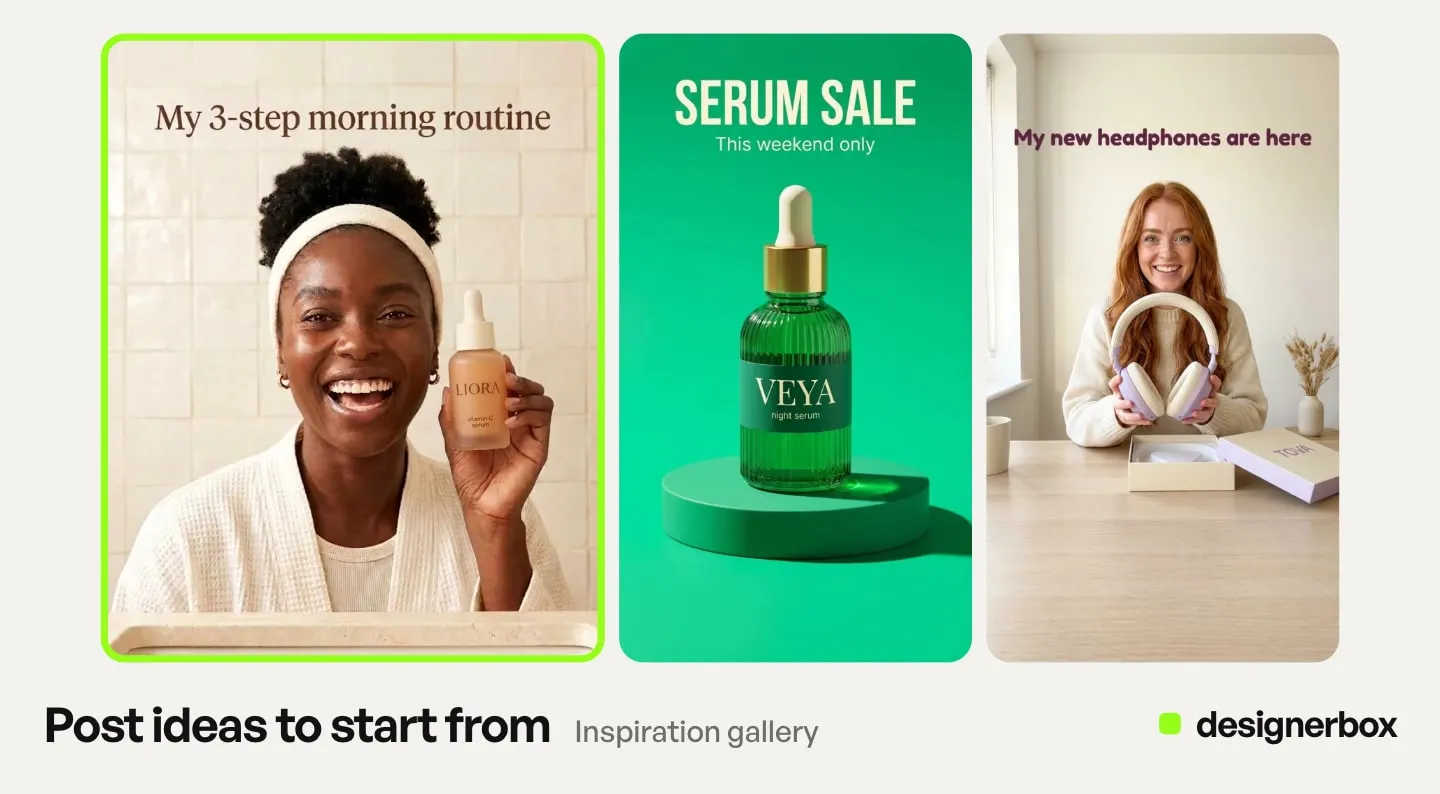
The finished result is a set of carousel slides or a reel in your brand’s look, with your product in every frame. The second time, the format stays and the product changes.
A typical case: a brand remixes a carousel format that went viral and puts its own product in it. Another case is a reel rebuilt shot by shot with no face on camera. Our guide to faceless reels covers six formats of that kind.
Format, footage and rights
A format is a structure: the number of slides, the order of the ideas, the pacing of the cuts and where the text sits. You can follow a structure. The photos, the video, the words, the music and the logo in the original belong to someone else. Do not use them unless you have the rights.
In Remix, “keep the footage” means your own footage, or footage you licensed. It never means another brand’s clip with your product placed in it.
Instagram adds a second reason. Accounts that mainly post unoriginal photos, carousels or reels are no longer shown where Instagram recommends content. A re-upload with only a border, a watermark, subtitles or a credit in the caption does not count as original. Instagram also says “you are responsible for obtaining any necessary permissions before using someone else’s work” (creators.instagram.com, 30 April 2026).
A remix built from your own photos, your own footage and your own words is your work. This is general information, not legal advice.
The surfaces that remix a format
Four parts of the app do this job.
| Surface | What you add | What you get | Plan |
|---|---|---|---|
| Remix a reel or a carousel (Workflows) | The format you found and your product | A workflow that keeps the format, with your product in it | Every plan, video steps on Premium |
| Instagram carousel (template) | Up to ten photos and a headline | Carousel slides with one look | Every plan |
| Social post (a skill in Create) | One sentence and up to 4 pictures | One post for your page | Every plan |
| Video editor | Your clips, a script and music | One reel on a timeline, with captions and a voice | Premium |
Use Remix when you want the format of one post you found. Use the Instagram carousel template when you have the photos and want slides with one look. It sits on the Templates page, and our guide to DesignerBox templates covers how a template runs. Use the Social post skill for one post from one sentence. Use the video editor to cut a reel by hand.
The first remix, step by step
- Name what makes the format work. Write it in one line: the hook, the order of the slides or shots, the pacing and where the text sits.
- Collect your own material. Add your product photos, your own or licensed footage, your headline and your words.
- Start the remix. Open Automation, then Workflows, and choose “Remix a reel or a carousel”. Give it the reel or carousel you found. DesignerBox builds a workflow that keeps the format and puts your product in it.
- Choose the route for a reel. Keep the footage and replace the product with yours, when the footage is yours or licensed. Or rebuild the reel shot by shot.
- Check the steps and press Run all. Each step shows its result on the canvas. Add your words and change any step. Workflows read your brand rules.
- Finish and download. Check that the workflow ends with the steps you need, such as an Instagram carousel step for slides or a social captions step for the caption. For a reel, open the result in the video editor. Add captions, a voice and music you have the rights to.
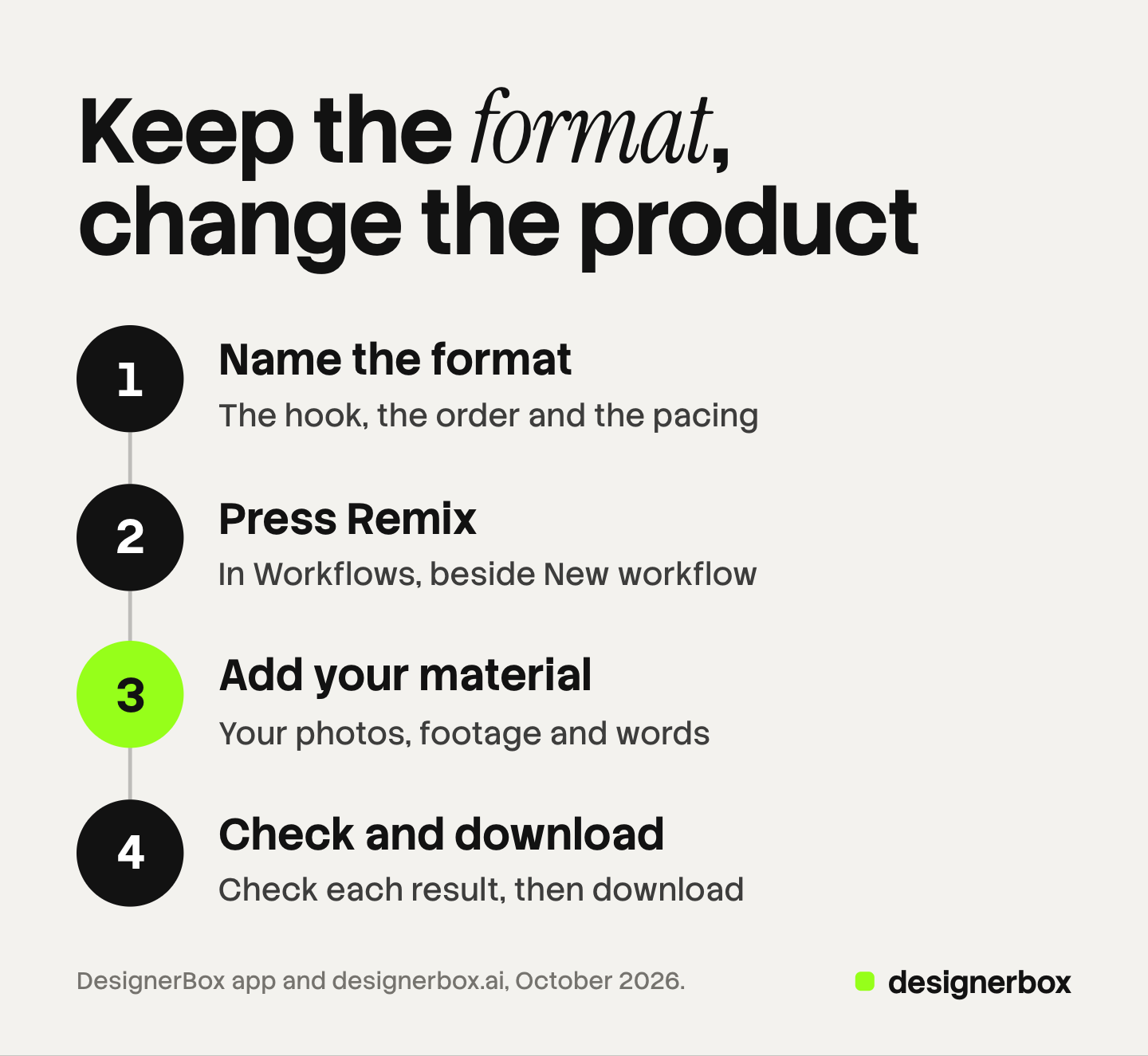
Then download the files and post them yourself.
The next product and the twentieth
The format stays and the product changes. Save a named version of the workflow, so you can return to it.
Publish the workflow as an app for your team. A colleague adds the next product photo and a headline and presses Run, and never opens the steps. Our guide to DesignerBox workflows covers versions, publishing and sharing.
For a whole range, run a batch. Batch runs your workflow published as an app over a sheet of up to 200 rows, one product per row. You choose 1 to 4 runs per row. The sheet shows the credits before you run, and over 20 runs DesignerBox asks you to confirm first.
An agency builds one workflow per client, with that client’s Brand Kit inside. If the slides run as a paid ad, each platform has its own card limits. Our guide to carousel ads on four platforms lists them.
Checking the slides and the reel
Look at every slide and every shot before you post. Check five things.
- The product. The label, the color and the shape match your real product.
- The words. Every headline and caption is spelled right and true.
- One look. The slides share the same light, type and colors.
- Nothing from the source. No logo, watermark, words or faces from the original post remain.
- The sound. The music and the voice are yours or licensed.
You can add critic steps to the workflow. Critic steps (designer, photographer, emotion, ad director) score several results and keep the best. Our guide to critic steps covers where to place them. In a batch, keep or discard each result with the J and K keys.
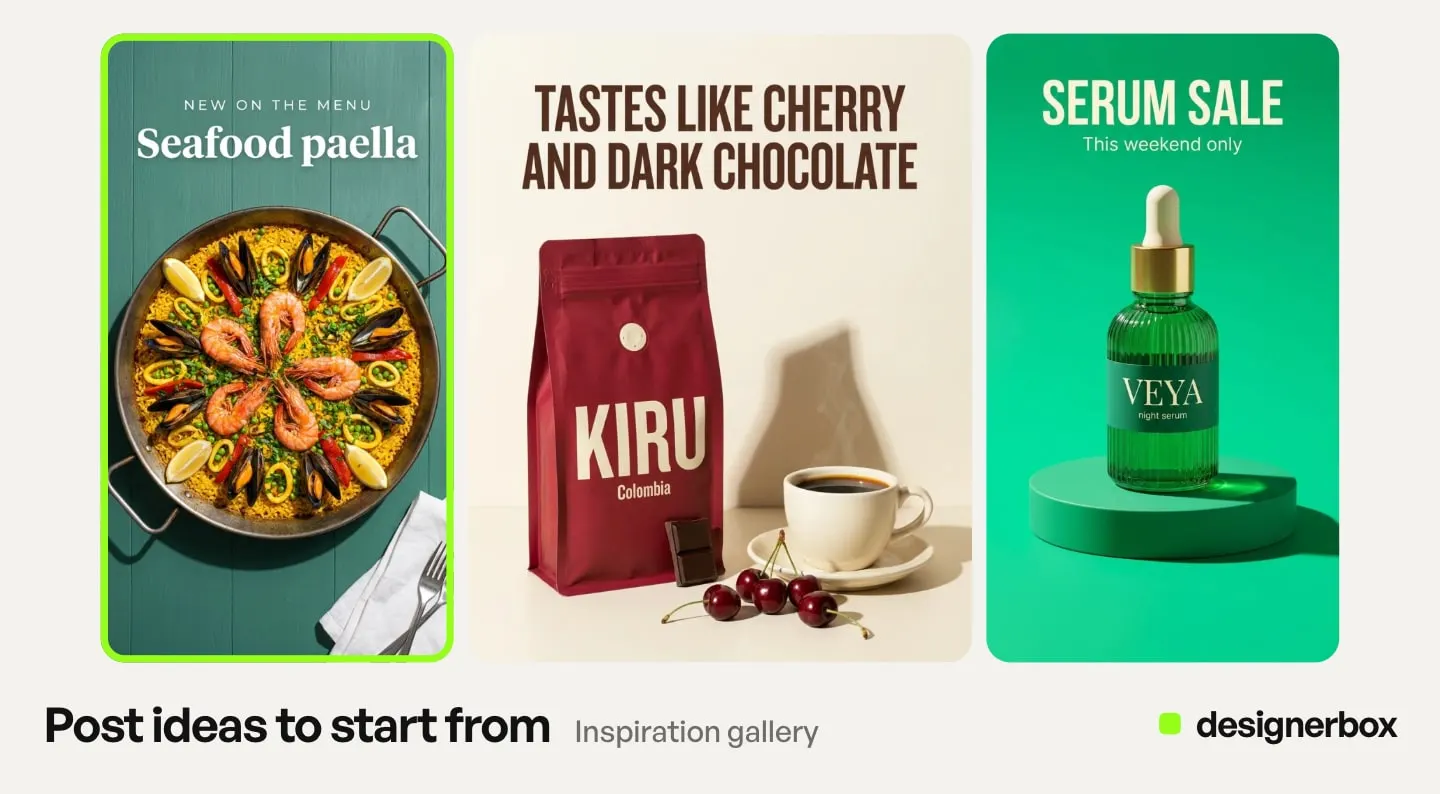
For a client’s choice, Reviews sends the kept pictures as a link. The client opens it with no account and returns the choice. Our guide to DesignerBox Reviews covers that step.
Limits of remixing
These are the limits as of October 2026.
- Remix copies the format only. Your result is only as original as your photos, footage and words.
- DesignerBox does not post to Instagram. You download the results, or send them with a webhook or an S3 step.
- Video needs the Premium plan. The video steps and the video editor start there, and the free plan cannot make video.
- Your own photos start on the Pro plan. The free plan runs on the sample products.
- A sheet holds up to 200 rows. A larger range needs more than one sheet.
- A format can stop working. Test a new format on a few products before you run a full batch.
Remixes in one account
Anyone can make an AI picture. Making hundreds that still look like your brand is the hard part. A remix needs the same look on every slide and every product. The format you found, your product photos, the slides and the reel cut sit in one account.
Templates, apps, workflows, batch and brand are on every plan. Uploading your own photos and the commercial license start on the Pro plan. AI video and the video editor start on the Premium plan. The free plan runs on the sample products and cannot make video. Plans and credits are on the pricing page.
Start with one format and one product. Get started free.
FAQ
How do I remix an Instagram reel with my own product?
Open Workflows in DesignerBox and choose “Remix a reel or a carousel”. Start from the reel you found. DesignerBox builds a workflow that keeps the format and puts your product in it. Keep your own footage, or rebuild the reel shot by shot.
Can I copy a carousel format that went viral?
You can follow the format: the structure, the pacing and the layout. The photos, footage, words, music and logo of the original belong to someone else, so do not use them unless you have the rights. Instagram also does not recommend accounts that mainly post other people’s work.
What does the Instagram carousel template do?
It takes up to ten photos and a headline and returns carousel slides with one look. Templates are on every plan, and uploading your own photos starts on the Pro plan.
Which plan do I need to remix a reel?
Workflows are on every plan. The video steps and the video editor start on the Premium plan. Your own photos and footage start on the Pro plan.
Does DesignerBox post the remix to Instagram?
No. You download the slides or the reel and post them yourself. You can also send them with a webhook or an S3 step.
How do I make the same remix for many products?
Publish the workflow as an app, then run it in a batch of up to 200 rows, one product per row. The sheet shows the credits before you run.
Sources
- DesignerBox Workflows page (designerbox.ai/product/workflows), October 2026: Remix a reel or a carousel, the step kinds, publish as app and batch
- DesignerBox Templates page (designerbox.ai/product/templates), October 2026: the Instagram carousel template
- DesignerBox video editor page (designerbox.ai/product/video-editor), October 2026
- DesignerBox Batch page (designerbox.ai/product/batch), October 2026: up to 200 rows, runs per row and the confirm step
- DesignerBox pricing page (designerbox.ai/pricing), October 2026: plan gates
- The DesignerBox app, read October 2026: the “Remix a reel or a carousel” option in Workflows, the Social post skill in Create and Reviews
- Instagram for Creators, “Rewarding original creators on Instagram”, published 30 April 2026: creators.instagram.com, read 22 October 2026
DesignerBox features verified in the app and on designerbox.ai as of October 2026. Results vary by product and model.