
Product attributes are the recorded facts that define a product and separate it from every other product: its brand, GTIN, color, size, material and pattern. An attribute usually lives in three places: a store field, a feed field and a schema.org property. There are four types: identifiers, descriptive attributes, variant attributes and category-specific attributes. Every attribute a shopper can see must also agree with the image.
This reference names the field each attribute belongs in and quotes the rule the platform publishes for it. Every rule was read in October 2026. The guide is for a brand with 20 to 500 products, and for the agency or operator that maintains its catalog.
Key Takeaways
- There are four types. Identifiers, descriptive attributes, variant attributes and category-specific attributes.
- Google allows 150 characters in a title. It also says shoppers usually notice only the first 70 or fewer.
- A GTIN has 8, 12, 13 or 14 digits. It identifies one trade item, so each variant has its own.
- Google and OpenAI share field names. Brand, gtin, mpn, color, size and material appear in both feeds.
- Visible attributes must match the image. OpenAI describes its color field as the selected color, “consistent with the product image”.
What are product attributes?
A product attribute is a single fact about a product, stored in a field with a name. The brand is an attribute. So are the color, the size, the material and the barcode number. Schema.org, the shared vocabulary that search engines read, defines a product as “any offered product or service” and lists a property for each common attribute (schema.org, October 2026).
An attribute is different from a description. A description is prose for a person. An attribute is a value that a system filters on. “Navy” in the color field lets a shopper filter by color. “A deep ocean tone” in a paragraph does not.
Google says it uses product data “to match your products to the right queries”. It lists “missing or incorrect variant attributes” among the common causes of product problems (support.google.com, October 2026).
The four types of product attributes
The four groups below follow the way the feed specifications are organized, so each one maps to real fields.
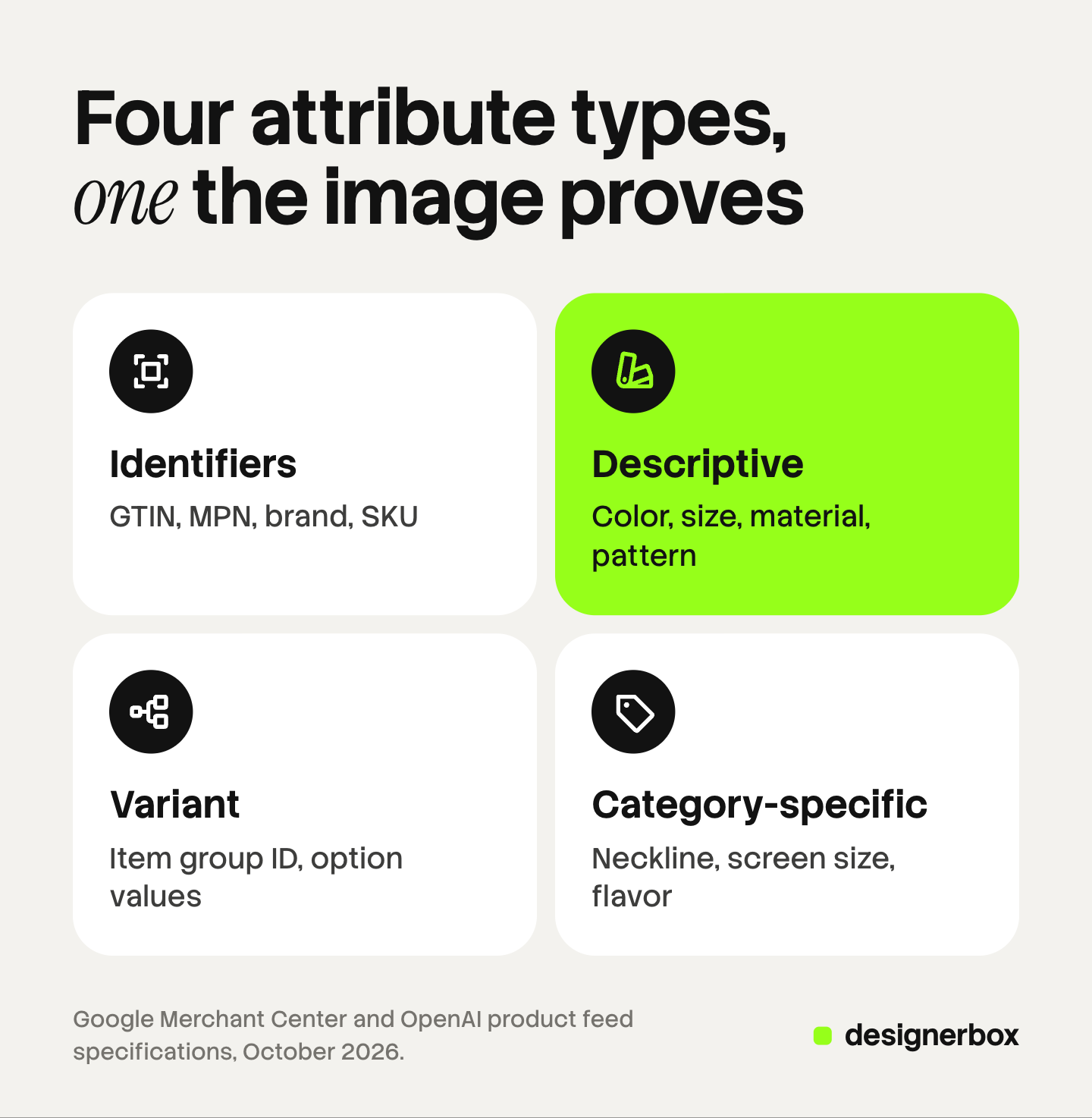
| Type | Product attributes examples | The job it does |
|---|---|---|
| Identifiers | GTIN, MPN, brand, SKU | Prove which exact product this is |
| Descriptive | Color, size, material, pattern, gender, age group, condition | Let a shopper filter and compare |
| Variant | Item group ID, option name and value | Tie the red size M to its product family |
| Category-specific | Neckline, sleeve length, screen size, flavor | Answer questions only one category has |
A descriptive attribute becomes a variant attribute when it separates one version of a product from the next. Color is descriptive for a mug sold in one color. It is variant-defining for a mug sold in five.
Category-specific attributes exist for one kind of product. Google offers the product detail attribute for them and accepts up to 100 details for each product. Schema.org offers a general property named additionalProperty for a characteristic with “no matching property”.
Where does each product attribute live?
A product attribute usually lives in three places at once. The store holds it as an option or a metafield. The feed holds it as a named field. The product page holds it as a schema.org property.

On Shopify, each product can have up to three options and up to 2,048 variants (help.shopify.com, October 2026). Shopify also provides category metafields. Its help center says these “are called product attributes in the taxonomy” (help.shopify.com, October 2026). For a shirt, they include clothing size, neckline and sleeve length type. The rest of the listing is covered in the guide to Shopify product page fields.
The table below maps the common attributes. The feed names are the same in Google’s and OpenAI’s specifications unless the cell says otherwise.
| Attribute | Feed field | schema.org property | What the image must show |
|---|---|---|---|
| Brand | brand | brand | The same logo or label as the product in the box |
| GTIN | gtin | gtin | Nothing. A shopper cannot see it |
| MPN | mpn | mpn | Nothing. A shopper cannot see it |
| Color | color | color | This variant’s color, alone in the frame |
| Size | size | size | The right proportions, when size changes the shape |
| Material | material | material | The real surface: grain, weave or glaze |
| Pattern | pattern | pattern | This variant’s print or stripe |
| Variant group | item_group_id (Google), group_id (OpenAI) | inProductGroupWithID | One framing and one light across the group |
| Count in pack | multipack (Google) | None | The number of units sold together |
| Condition | condition | itemCondition | The real state of a used item |
The first three columns come from the published specifications. The fourth is the check this guide adds.
Which product attributes does Google Merchant Center require?
Google’s product data specification marks each attribute as required, optional or dependent on the product. The table lists the attributes that describe the product itself (support.google.com, October 2026).
| Attribute | Google’s requirement | Limit |
|---|---|---|
| Title | Required | 150 characters |
| Brand | Required for all new products, except movies, books and musical recordings | 70 characters |
| GTIN | ”Strongly recommended if available” | 14 digits for each value |
| MPN | Required only when no manufacturer GTIN exists | 70 characters |
| Color | Required for apparel in six countries, and for all products sold in different colors | 100 characters |
| Size | Required for clothing and shoes in six countries, and for all products sold in different sizes | 100 characters |
| Gender, age group | Required for apparel in six countries | Fixed values |
| Material, pattern | Required when they separate the variants in a set | 200 and 100 characters |
| Item group ID | Required for variants in six countries, and for free listings | 50 characters |
| Multipack | Required when the seller groups identical products, in 12 countries | A whole number |
The six countries are Brazil, France, Germany, Japan, the United Kingdom and the United States. The 12 multipack countries include the United States.
Google wants the real value in the field. Its color guidance says not to “reference the product or image such as ‘see image’”. Google also asks for the same values on the page. Its structured data guide for merchant listings requires a name, an image and an offer. It recommends color, material, pattern, size, gtin, mpn and sku as properties (developers.google.com, October 2026).
For variants on the page, Google’s guide uses the ProductGroup type with three properties: variesBy, hasVariant and productGroupID (developers.google.com, October 2026).
Which product attributes does OpenAI’s product feed name?
OpenAI’s product feed reference requires nine fields on every row. Of the attributes in this guide, only brand is among them. The others are optional fields (OpenAI Developers, October 2026).
The optional attribute fields are gtin, mpn, condition, product_category, material, color, size, gender, age_group, dimensions and weight. The names match Google’s almost one for one.
For variants, OpenAI uses three fields: group_id, listing_has_variations and variant_dict. The last one maps each option name to its selected value, such as color to Black and size to 10. OpenAI adds a warning about duplicates: “Keep top-level attributes consistent with the same options in variant_dict. Neither representation reconciles conflicting values for you.”
The nine required fields are covered in the guide to ChatGPT shopping for sellers, and the protocols in the guide to agentic commerce.
What is a GTIN, and where does it go?
GTIN stands for Global Trade Item Number. GS1, the standards body that issues them, says a company uses a GTIN “to uniquely identify all of its trade items” (gs1.org, October 2026).
Schema.org and OpenAI both give the valid lengths: 8, 12, 13 or 14 digits. GS1 US calls the 12-digit number under a UPC barcode the GTIN-12 (gs1us.org, October 2026). Google’s specification lists the EAN used in Europe as the 13-digit form.
The GTIN goes in three places, each named gtin: the Google feed, the OpenAI feed and the page’s structured data. Three rules apply:
- One GTIN for each variant. OpenAI states that a GTIN “identifies the specific trade item, not the variant group”.
- Never invent one. Google says to provide a GTIN only if you are sure it is correct. It disapproves a product with an incorrect value.
- Leave it empty if none exists. Google’s MPN field covers products with no manufacturer GTIN. OpenAI says to omit the field if no GTIN is assigned.
Google also states the cost of skipping it: “Products with a GTIN but submitted without one may have limited visibility.”
How is a product title built from attributes?
A product title is a short list of attributes in a fixed order. Google’s own example shows the pattern. A dress with size S and color Black takes the title “Sleeveless Polka Dot Skater Dress, Small, Black” (support.google.com, October 2026). The title repeats the values that already sit in the size and color fields.
A working order for most catalogs is brand, product type, defining attribute, material, color, size. Five rules from the two specifications shape the result.
- Length. Google allows 150 characters. OpenAI says to aim for at most 150.
- Order. Google says shoppers “will usually notice only the first 70 or fewer characters”. Put the product type and the variant values early.
- Variants. Google says to add the details that separate each variant, and to submit them through their own fields as well.
- Facts with no field. Google says a design element with no matching attribute, such as flavor, belongs in the title.
- No promotion. Google says not to include promotional text or capital letters used for emphasis.
Google also requires a title made with generative AI to use the structured title attribute. The matching rules for the description field are in the guide to product descriptions for the page and the feed.
Do the attributes agree with the image?
An attribute and an image make the same claim in two formats. If the color field says Navy and the photo shows black, one of them is wrong.
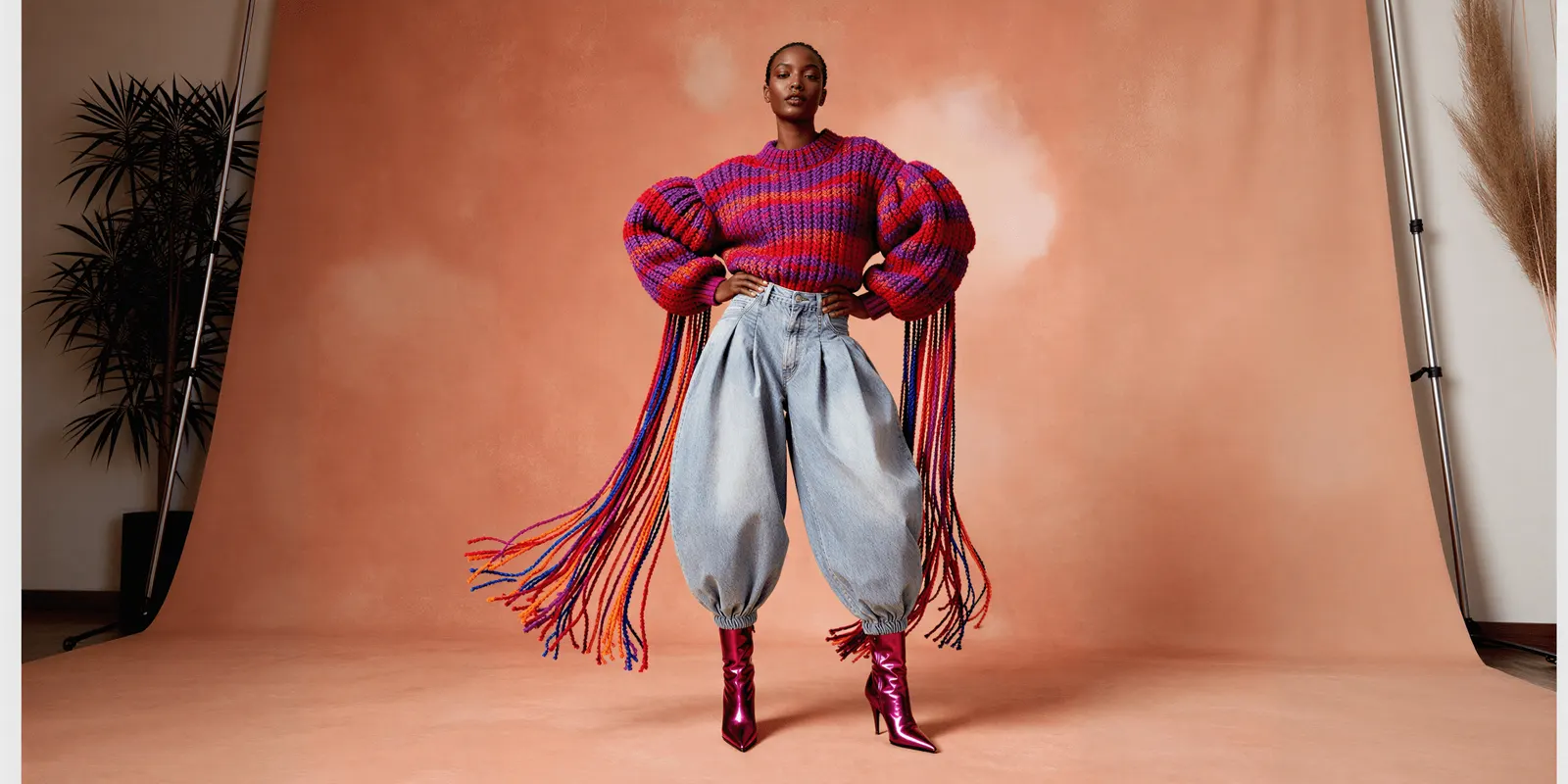
Both specifications state the link. OpenAI describes the color field as the selected color, “consistent with the product image”. Google’s image guidance says the photo must reflect “the exact color, pattern, finish, and material” of the variant (support.google.com, October 2026).
Identifiers and most sizes are invisible, so the image has nothing to prove. Color, material, pattern, count in pack and condition are visible. For each one, the image for that row must show the value in the field.
Three mismatches are common in catalogs that grew fast:
- One photo for every color. The color field changes on each row and the image does not.
- A pack sold with a single-unit photo. The multipack field says 6 and the image shows 1.
- A group photo as the main image. Google says to show one variant in each image and to avoid photos of several colors together.
The image rules themselves, including Google’s size minimum, are in the guide to variant images for AI shopping.
A product attribute check for one variant row
Run this check on one row of the feed, then repeat it. It is the core of product data optimization: one true value in each field, and the same value everywhere. The weekly routine around this check is in the guide to product catalog management.
- Identifier. Does the row carry its own GTIN, or an MPN and a brand?
- Group. Does every variant share one group ID and use the same option names?
- Descriptive fields. Are color, size, material and pattern in their own fields, with one plain value each?
- Title. Does the title repeat the variant values that the fields hold?
- Page. Does the structured data on the page give the same values as the feed?
- Image. Does the image for this row show the color, material, pattern and count that the fields state?
- Vocabulary. Is the same color always spelled the same way across the catalog?
Step 7 is where a large catalog drifts: “navy”, “navy blue” and “dark blue” become three filter values for one color. The division of work between your store and the platforms is covered in the guide to agentic commerce optimization.
Variant images that match the attributes
DesignerBox is AI creative production for brands and agencies. It does not write titles, attributes or feed data, and it connects to no feed. Its part of this topic is step 6: the image that each row’s visible attributes describe.
You build the image set once as a workflow, with your background, your light and your framing. Your brand rules sit in a brand profile, and the workflow reads them on every run. Anyone can make an AI picture. Making hundreds that still look like your brand is the hard part.
Batch runs that workflow over a sheet where each row is one variant. The standard on row one is the standard on row two hundred, and you keep or discard each result. The cost is shown before the run.
A generated colorway is a rendering of a color, so compare each result with the real product before you list it. A new shape or a new print needs a real source photo. Download the results, or send them with a webhook or an S3 step. You attach each image to its row yourself.
The same product photo also feeds the ad and the video: the full workflow from the first product photo to the finished ad, in one subscription. Uploading your own photos and the commercial license start on the Pro plan. AI video, virtual try-on, upscaling, the image editor and the video editor start on the Premium plan. Every plan below Ultra is one seat. Plans and credits are on the pricing page.
There is a free plan, and it runs on sample products. Get started free.
FAQ
What are product attributes?
Product attributes are the recorded facts that define a product, each stored in its own field. Common ones are brand, GTIN, color, size, material and pattern. A system filters and compares on these values.
What are examples of product attributes?
For a shirt: brand, GTIN, color, size, material, pattern, gender, age group, neckline and sleeve length. For a mug: brand, GTIN, color, material, capacity and count in pack.
Is a GTIN the same as a UPC?
A UPC is one form of GTIN. GS1 US calls the 12-digit number under a UPC barcode the GTIN-12. An EAN is the 13-digit form. A GTIN can have 8, 12, 13 or 14 digits, and Google and OpenAI both accept all four lengths in the gtin field.
How long should a product title be?
Google allows up to 150 characters in the title attribute, and OpenAI says to aim for at most 150. Google also says shoppers usually notice only the first 70 or fewer characters. Put the product type and the variant values inside those first 70.
Do product attributes need to match the product image?
Yes, for every attribute a shopper can see. OpenAI describes its color field as the selected color, consistent with the product image. Google says the image must reflect the exact color, pattern, finish and material of the variant.
Sources
- Google Merchant Center Help, Product data specification: requirement and limit for title, brand, GTIN, MPN, color, size, gender, age group, material, pattern, item group ID, multipack and product detail, read October 2026.
- Google Merchant Center Help, Title and structured title: the 150-character limit, the first 70 characters, variant details and titles made with generative AI, read October 2026.
- Google Merchant Center Help, Image link and Item group ID: the variant image guidance and the landing page match, read October 2026.
- Google Search Central, Merchant listing structured data and Product variant structured data: required and recommended properties, read October 2026.
- OpenAI Developers, Products feed reference: required fields, optional attribute fields, variant fields and the GTIN rules, read October 2026.
- Schema.org, Product: the definition of a product, the gtin property and additionalProperty, read October 2026.
- GS1, Global Trade Item Number, and GS1 US, What is a GTIN?: the definition of a GTIN and the GTIN-12, read October 2026.
- Shopify Help Center, Adding variants and Category metafields: options, variants and category metafields, read October 2026.
- DesignerBox pricing, October 2026.
Feed and structured data rules verified from Google, OpenAI, schema.org, GS1 and Shopify documentation as of October 2026. Platform specifications change often, so confirm a limit on the live page before you build to it. Individual results vary.