Restaurants and cafes4 steps
How to photograph your restaurant for its Google listing
Turn the phone photos you already have into bright dish and room pictures for your Google Business Profile. Every new photo keeps the same look.
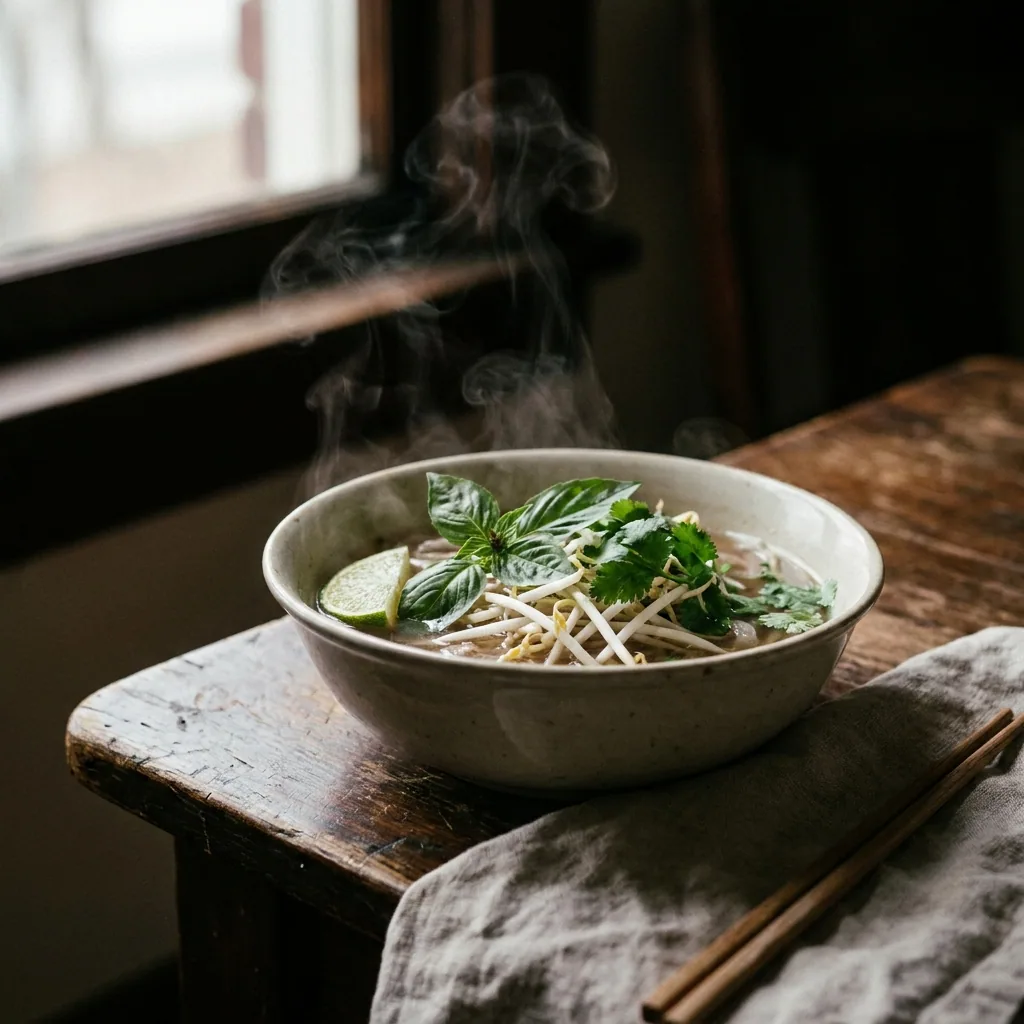
What you get
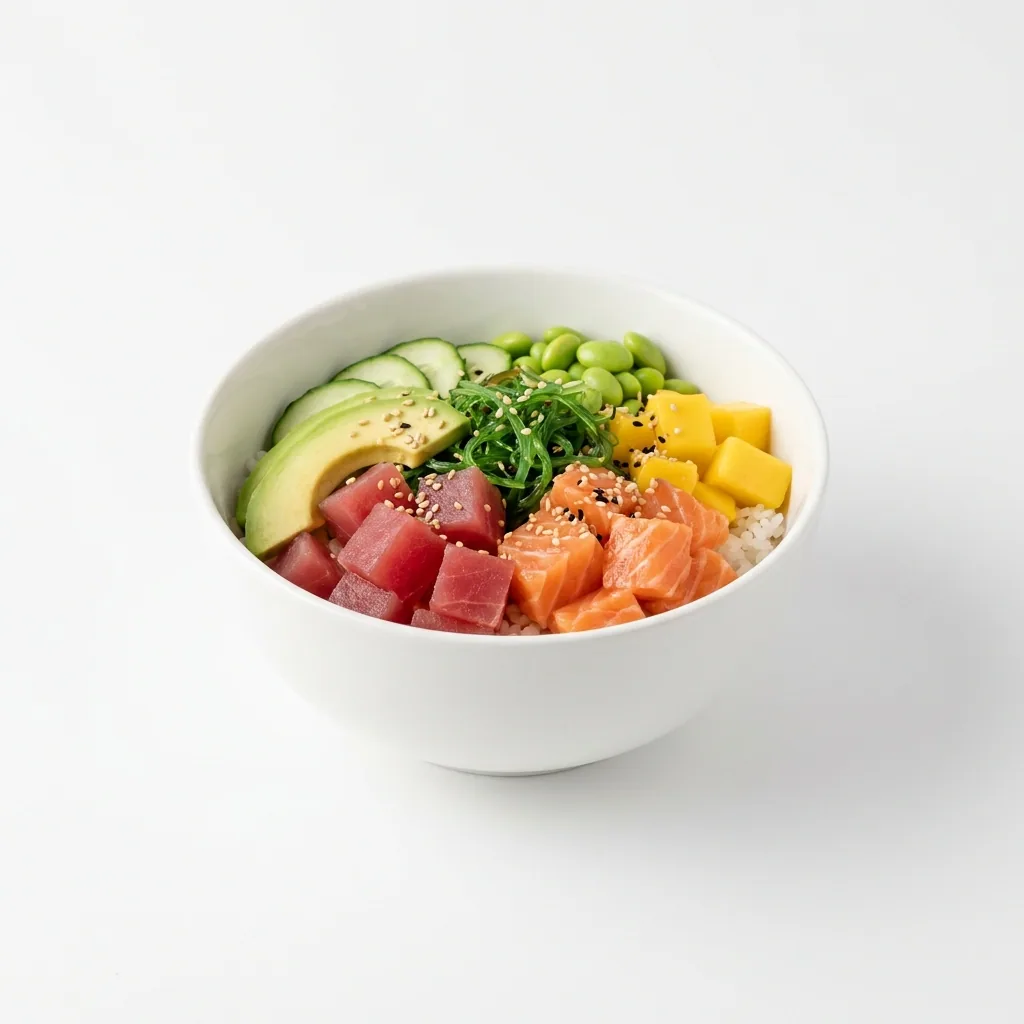
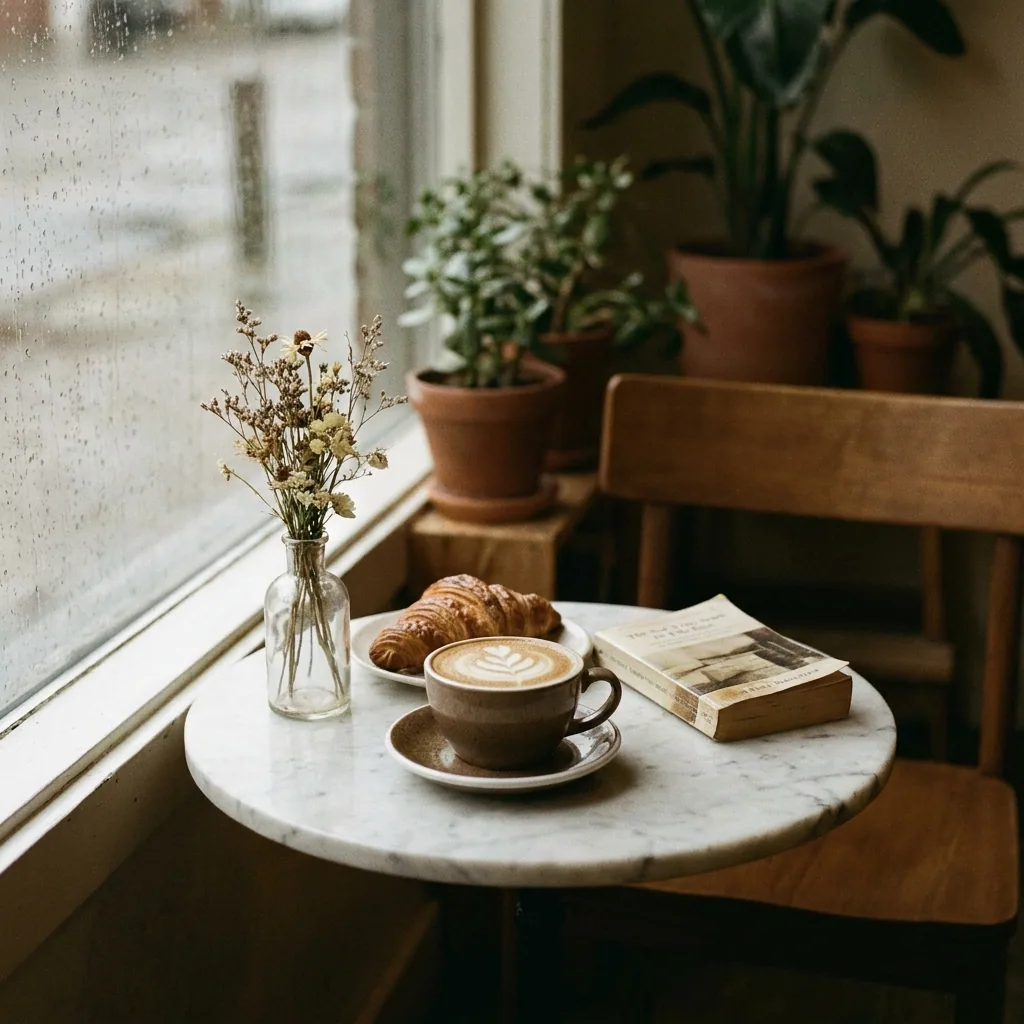
How it works
People choose where to eat from a row of small pictures. Your Google listing shows those pictures before it shows your menu, your reviews or your address. This recipe takes the photos already on your phone. It makes them bright, clean and consistent. It then fills the gaps for the dishes nobody has photographed yet.
Fix the light on the photos you already have
Upload your dish photos and ask for brighter light, a cleaner table and a tighter crop. The food stays the food you cooked. Only the light, the clutter and the framing change. The picture still matches the plate a guest gets.
Open Edit an imagePhotograph the dishes nobody has photographed
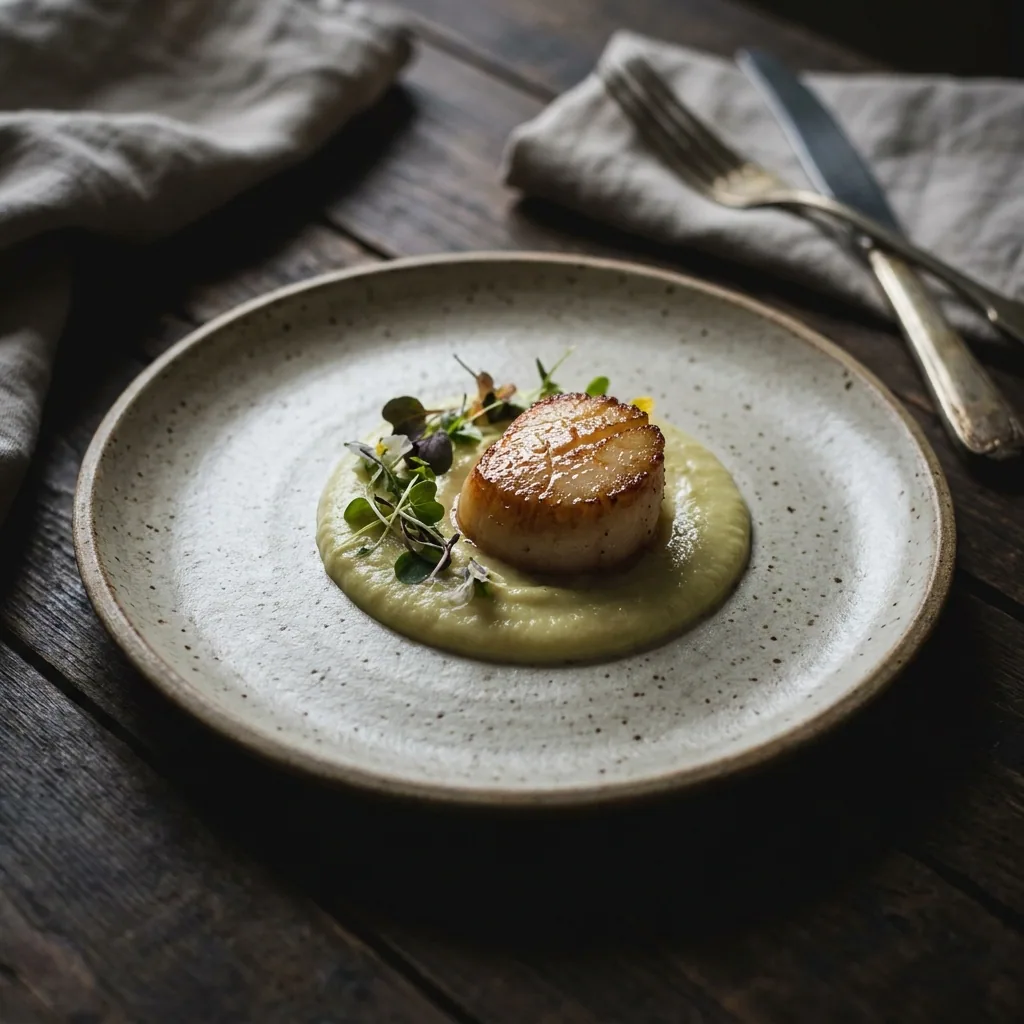
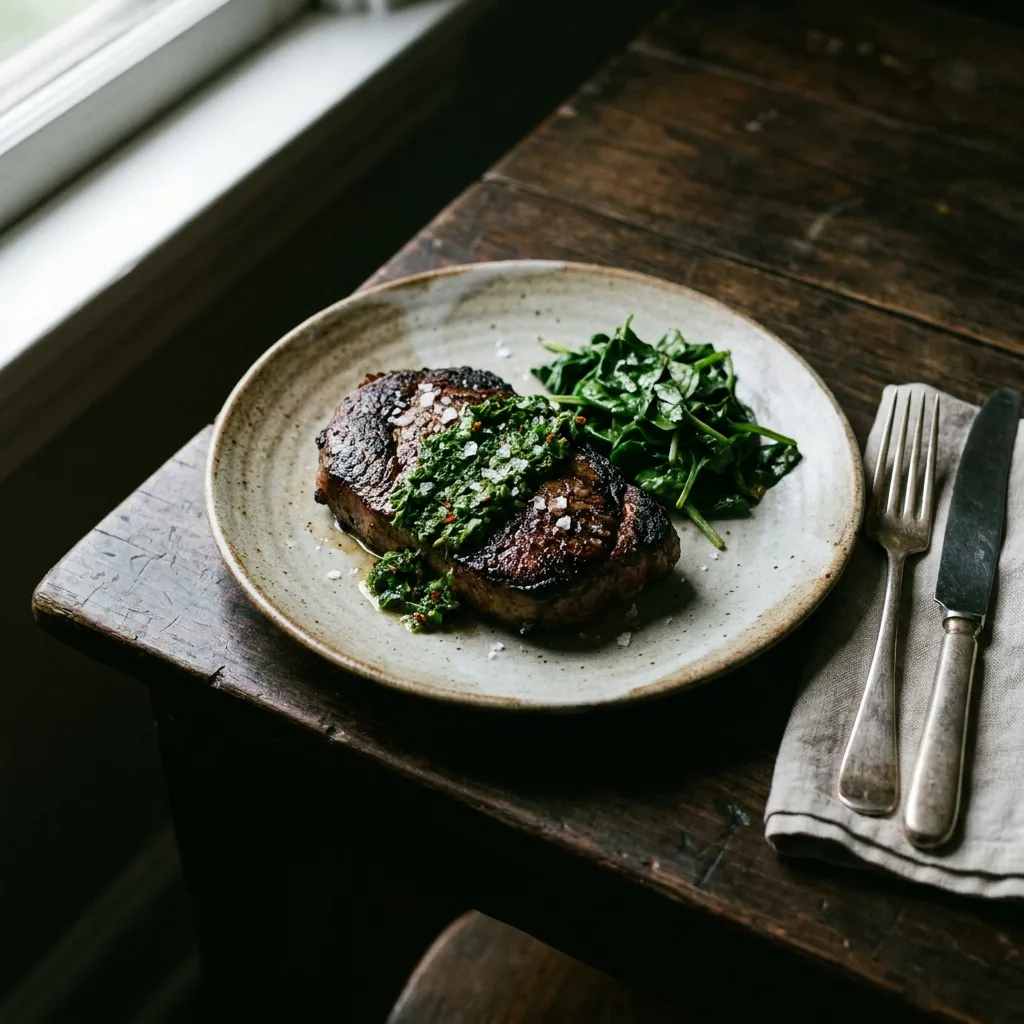
Most menus have four or five dishes with no usable picture. Photograph each one on the pass with your phone. Then run it through the still life shoot template. That gives you a clean plate on a plain background and a warmer table version.
Open the Still life shoot templateBrighten the room and the front of the building
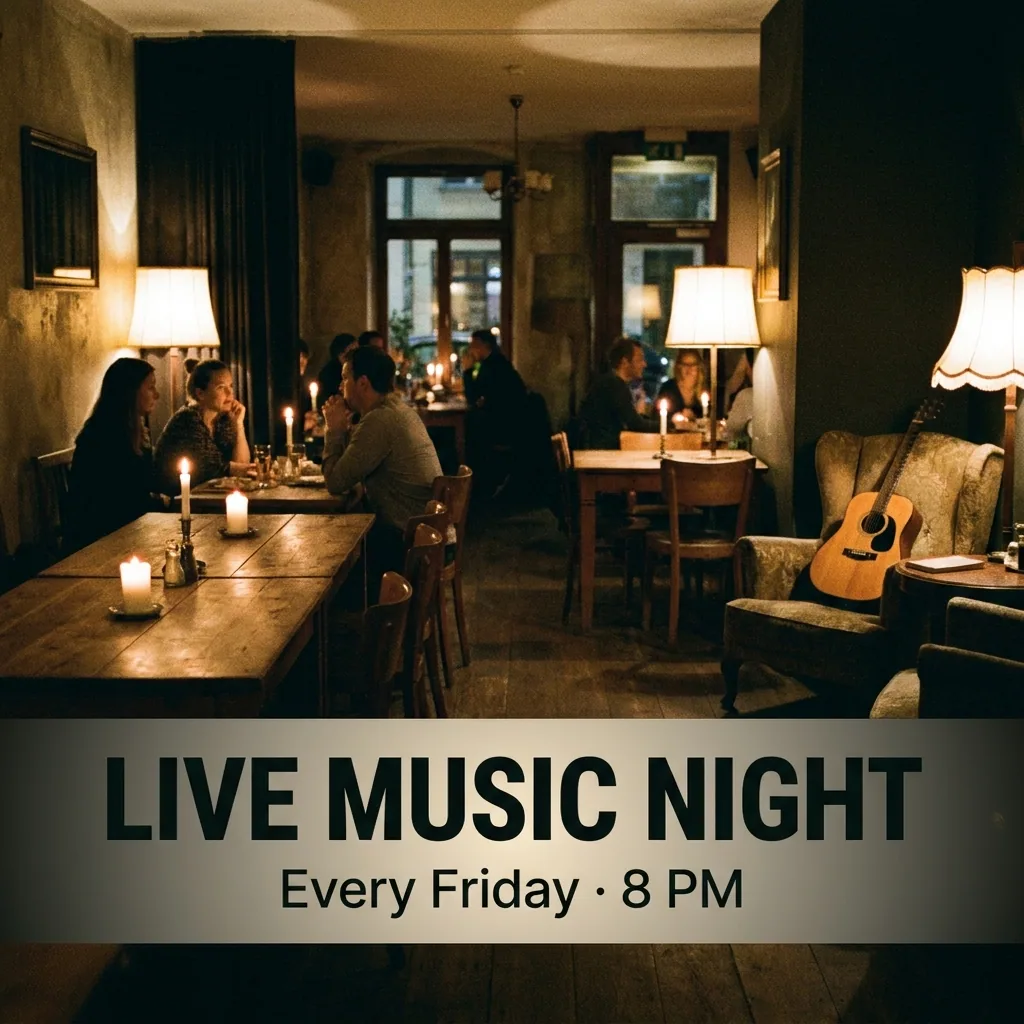
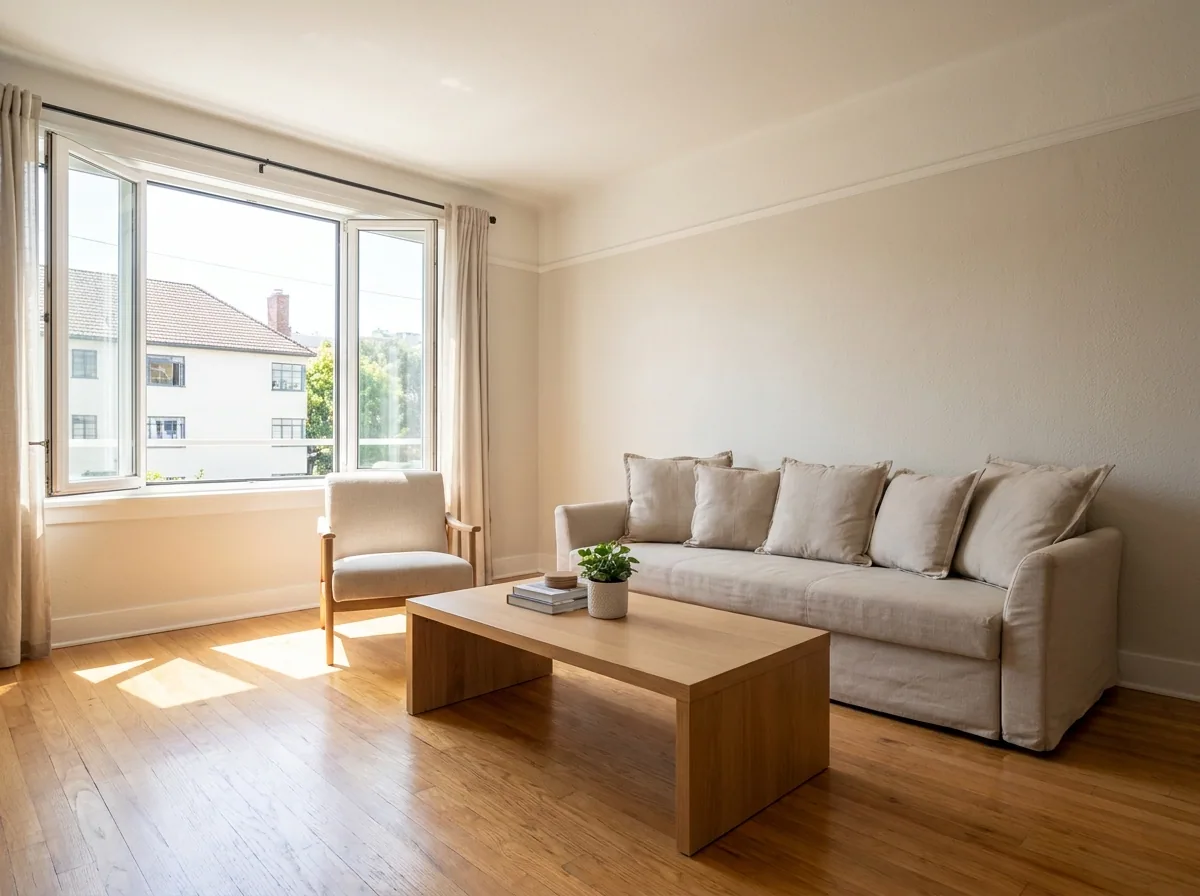
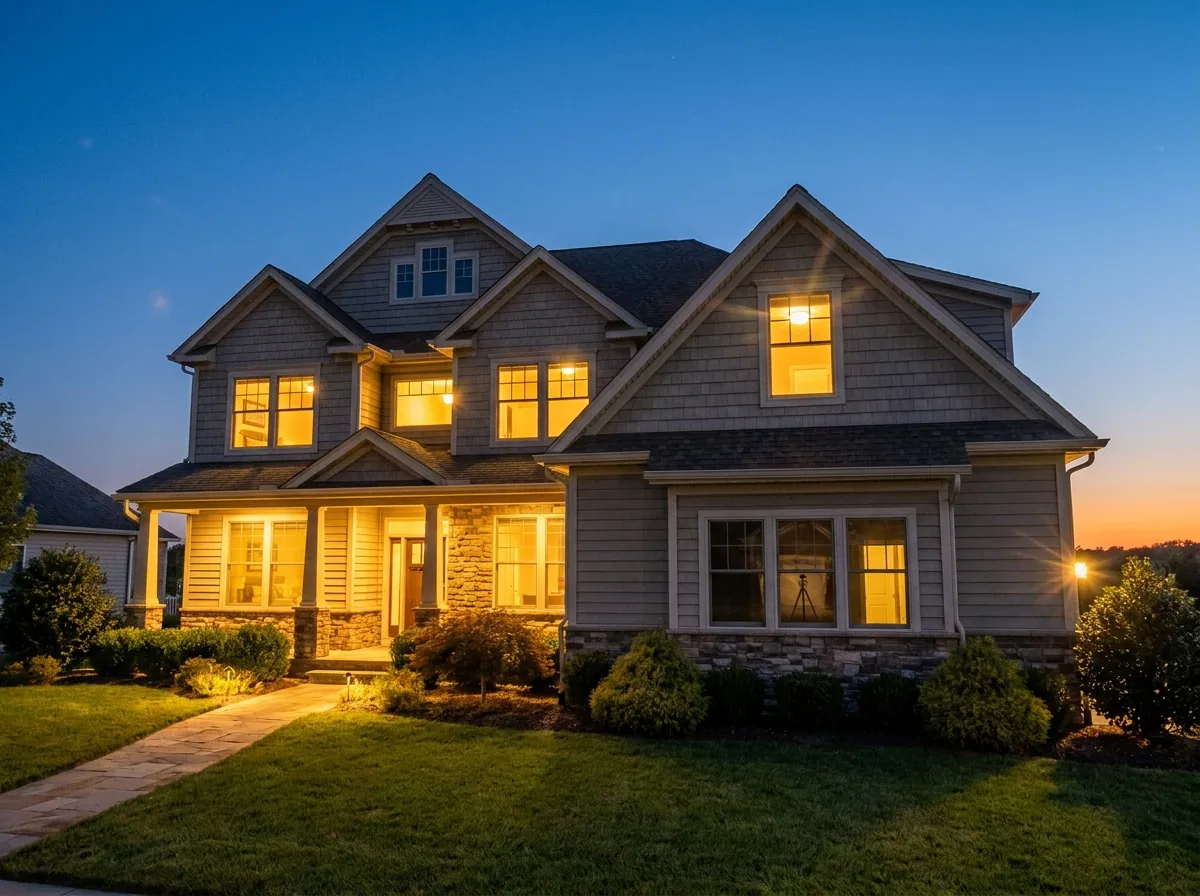
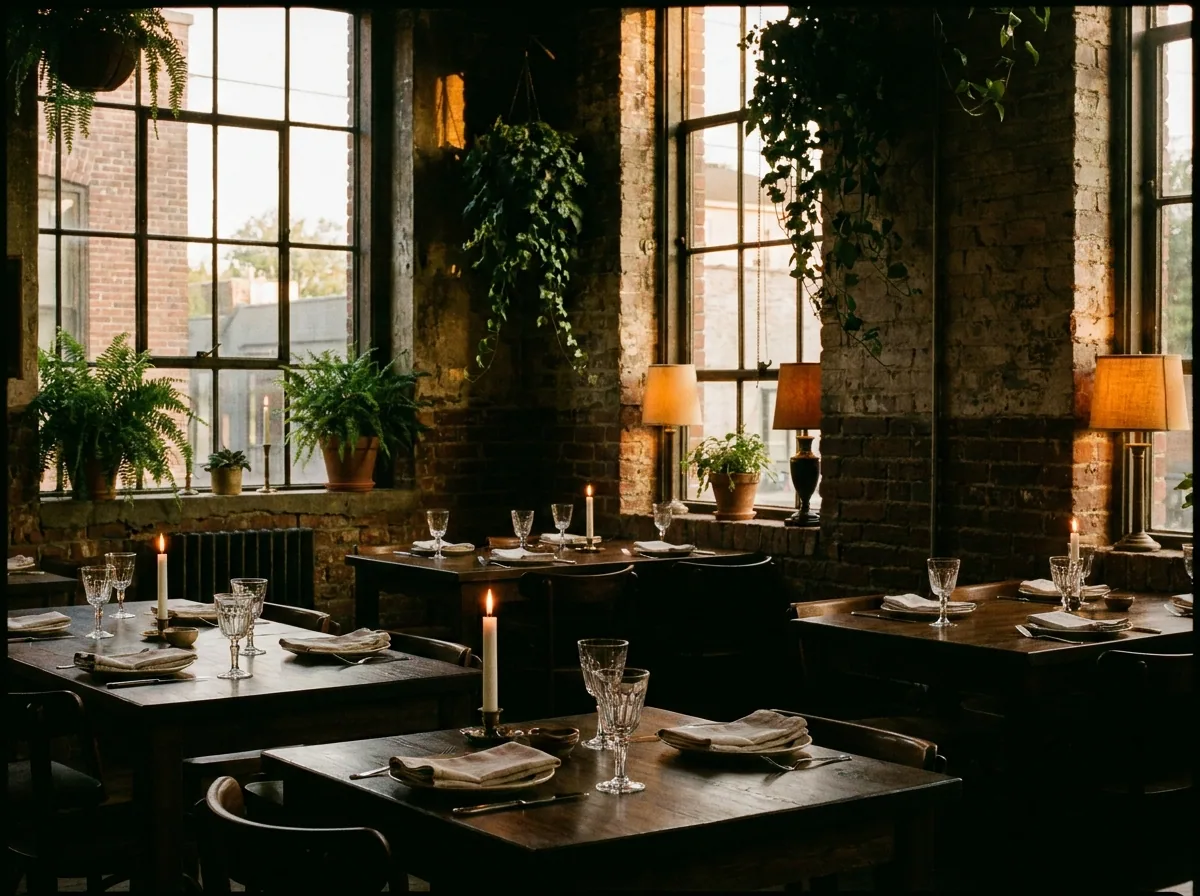
A dining room shot at service is usually too dark to read. Relight it so a guest can see the tables, the windows and the space. Do the front of the building as well. That is the picture people match to the street.
Open the Relighting studio templatePut every picture in the same look
Save your colours and the light you want in your brand profile. Each run then reads those rules. The dish you add in March sits beside the dish you added in January. Both look like the same restaurant.
See how brand rules work
Where the pictures go
- Sign in to your Google Business Profile, open Photos, and upload the set. Google sorts them, so add your three strongest first.
- Use the same dish pictures on your own menu page. A guest then sees one restaurant in both places.
- Keep the plain background dish shots. Delivery platforms and printed menus ask for those.
The same job when the menu changes
Save the steps above once. When the menu changes, run the saved job on the new dishes instead of starting again. The light, the crop and the colours stay the ones you approved.
See how workflows workQuestions
Do I need a camera or a photographer?
No. The recipe starts from phone photos. It changes the light, the background and the framing. That is the part a phone gets wrong indoors.
Will the food still look like my food?
It should, because each picture starts from your own photo of your own plate. Use the dish photos you took, not a picture of a dish you do not serve. Google asks that photos show the real food and the real place, so check each result before you upload it.
Can I use these pictures in paid ads?
Yes, on the Pro plan and above. Uploading your own photos and the commercial licence both start on Pro. On the free plan you can try the templates on sample photos.