Beauty and wellness brands5 steps
How to photograph a skincare range so it looks like one range
Turn your photos of each bottle, jar and tube into clean product pictures that share one surface and one light across the whole skincare range.
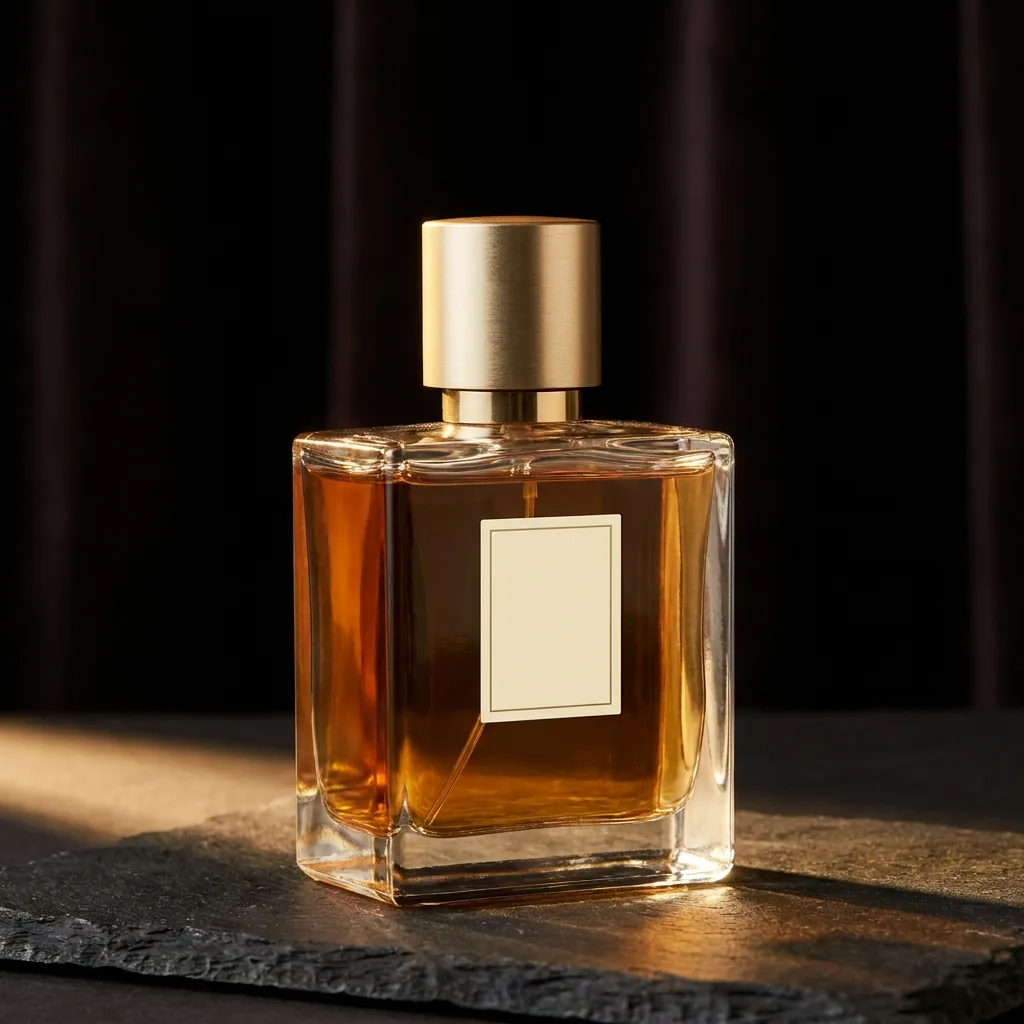
What you get
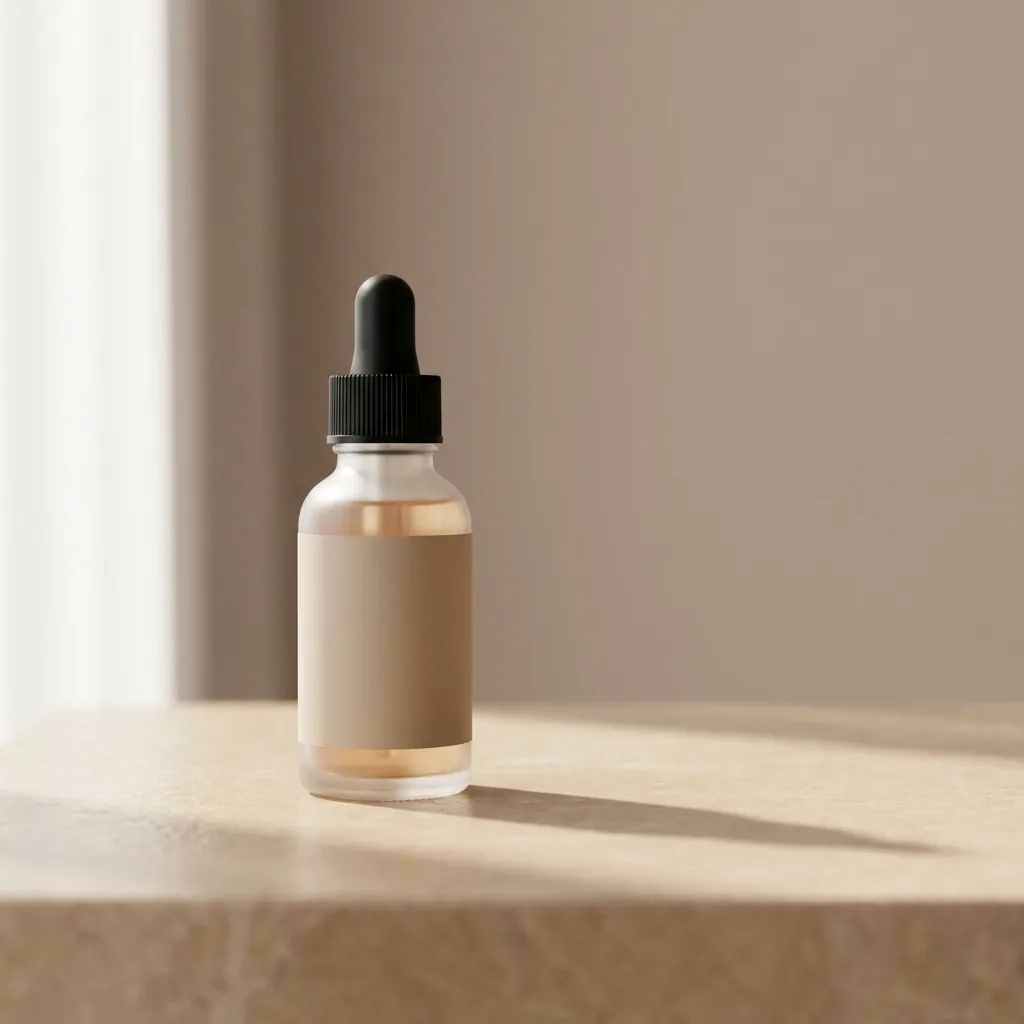
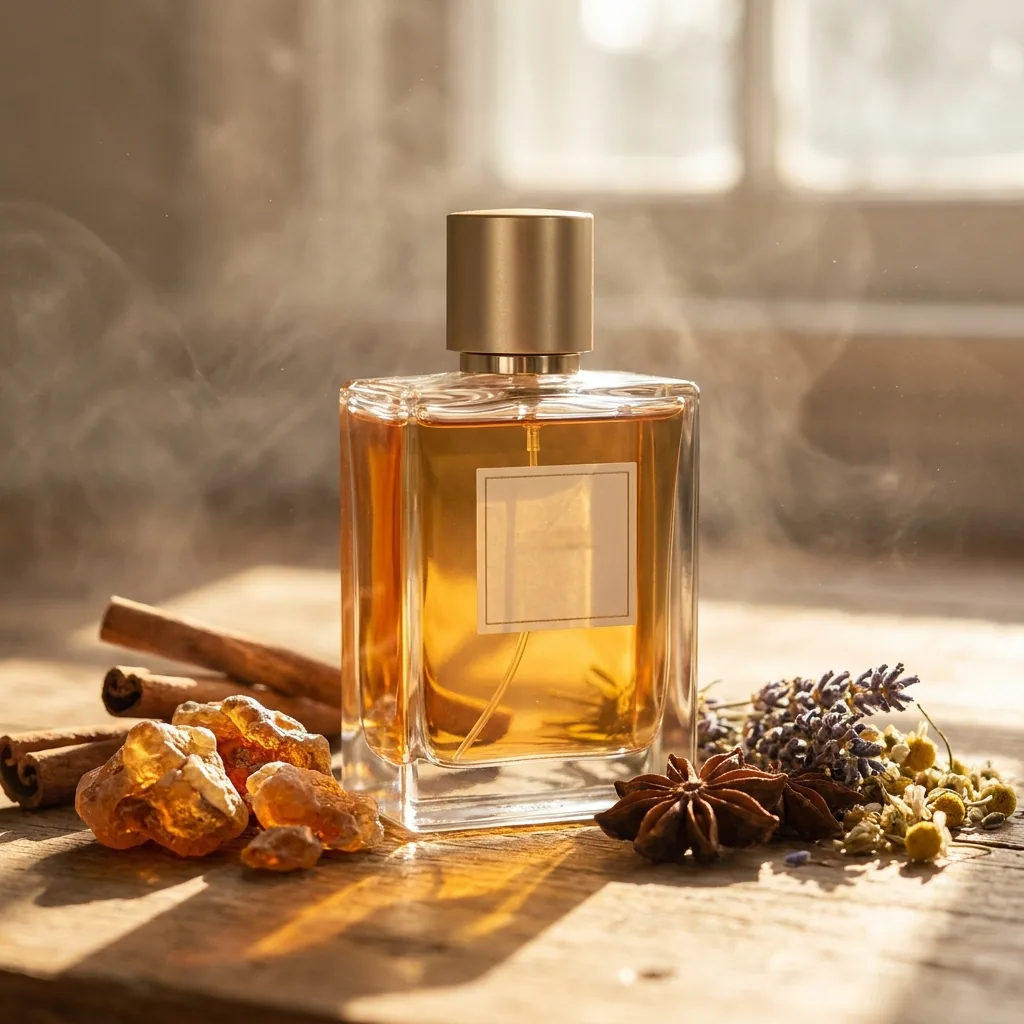
How it works
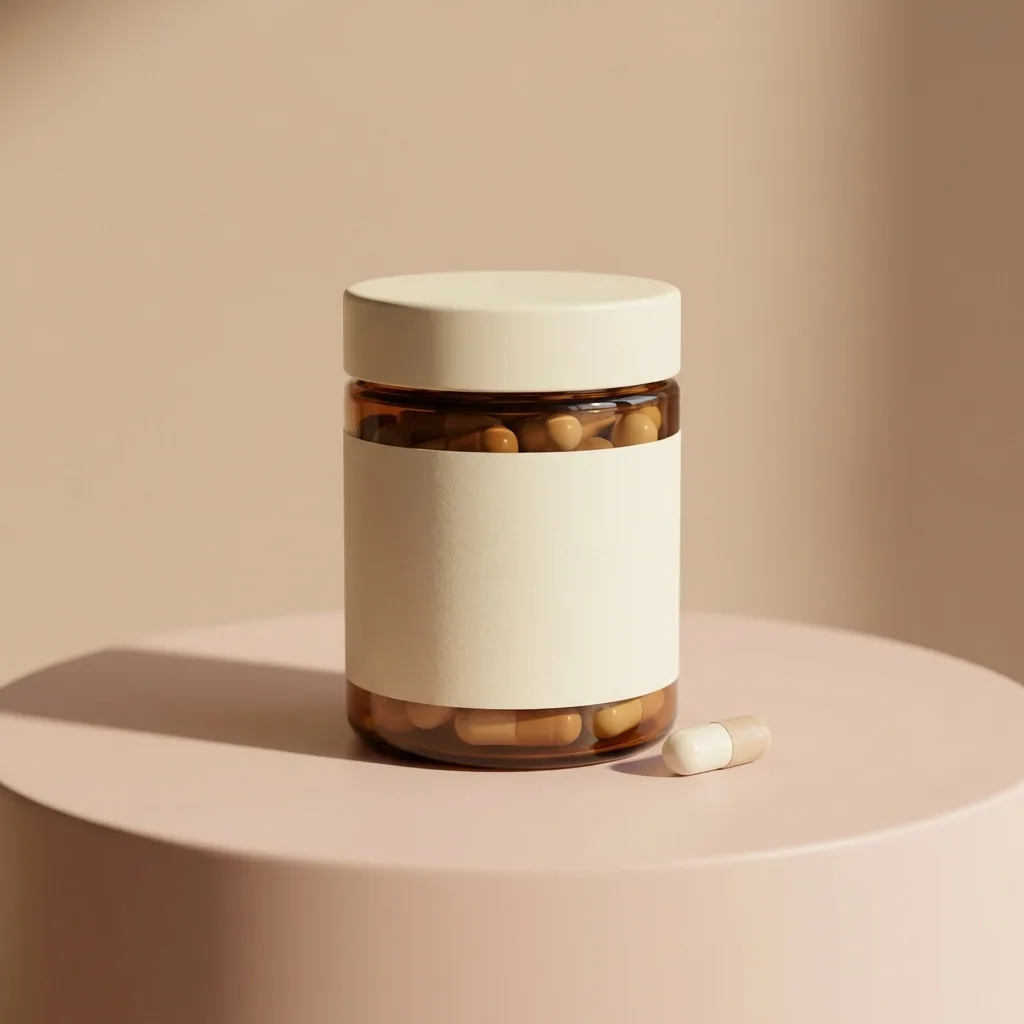
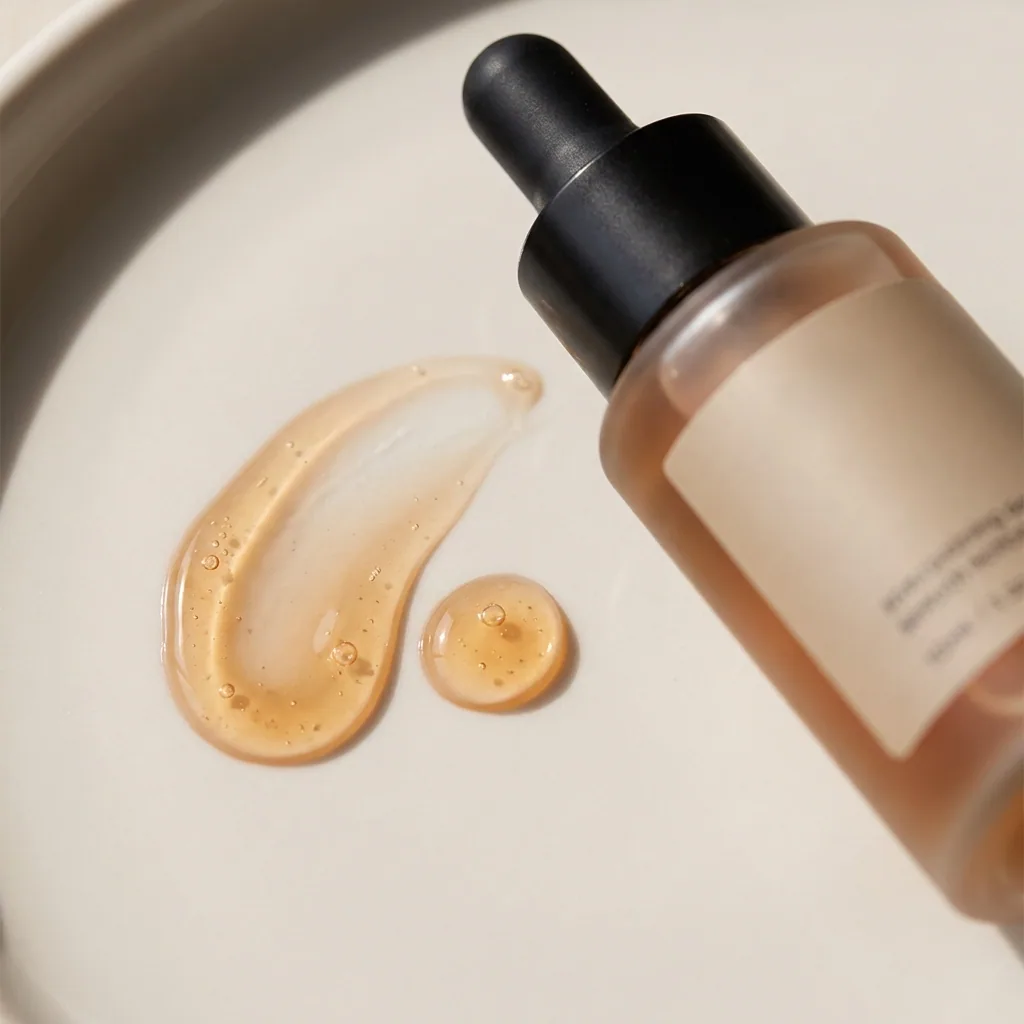
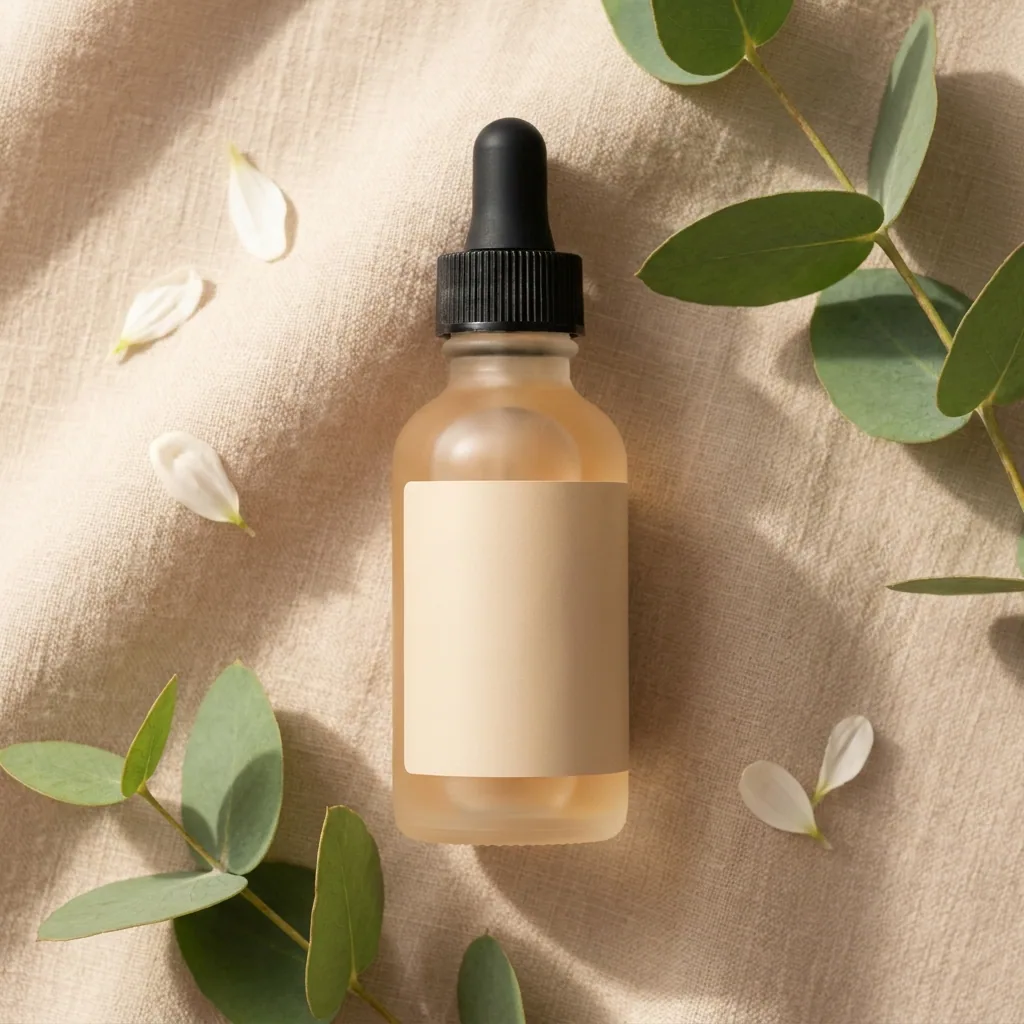
A skincare range should look like one range. You photograph each bottle on a different day, on a different table. The row on your shop page then looks like products from several brands. This recipe starts from your photos of each bottle, jar and tube. It puts them all on the same surface and in the same light. You end with a clean picture of every product, one main picture for the range, and one picture of the products people buy together.
Start from the photo of each bottle
Upload your photo of the first product and choose a clean background. The bottle, the cap and the label should stay as they are, so read the label in the result. Only the table, the light and the crop change. Do the same for every jar and tube, so the whole range starts from one surface. Uploading your own photos starts on the Pro plan.
Open Quick product shotMake the main picture for the range
Take the product you chose and open the hero template. Pick the light you want, soft window light or a harder shadow. This picture sets the look for everything else. Keep the one you would put at the top of your shop page.
Open the Hero shot templatePut two or three products in one frame
Most ranges sell as a set: the cleanser with the serum, or the full routine. Load those products together. The template places them in one frame, on the same surface as the single shots. You get the picture the bundle page needs. You do not photograph the products a second time.
Open the Bundles templateShow the box beside the bottle
A shopper wants to see what arrives in the parcel. Add your carton and your label artwork. The template places the box next to the bottle, in the same light. The picture also shows the size, which a marketplace listing often asks for.
Open the Packaging templateLock the surface, the light and the shadow
Save the surface, the light and the shadow you chose in your brand profile. Every new run then uses those rules. The bottle you photograph in March lands on the same stone as the one you photographed in January. The shadow is the same. The whole range then matches.
See how brand rules work
Where the pictures go
- Download the set. Upload one picture to each product page in your shop. Put the picture of the set on your bundle page.
- Upload the main picture and the linen picture to Instagram. The range then looks the same in the feed as it does in your shop.
- Keep the plain background shots for your marketplace listings. Marketplaces usually ask for a plain first image.
A new product joins the range
You do not start from blank when the range grows. Add the photo of the new bottle to a batch and run the same steps. The batch uses the surface and the light you already saved. The new picture matches the products you photographed months ago.
See how batch worksQuestions
Do I need a photographer or a light box?
No. Clear phone photos of your products, taken near a window, are enough to start. The recipe changes the surface, the light and the background. The bottle should stay as it is.
Will my label still be readable?
It should, because every picture starts from your own photo of your own bottle. Keep the label clean and facing the camera. Read the label in each result before you use it, and run the step again if a word is wrong.
Can I use these pictures in paid ads?
Yes, on the Pro plan and above. Uploading your own photos and the commercial licence both start on Pro. On the free plan you can try the templates on sample products.