Home, food and pet brands5 steps
How to photograph a drinks range for a campaign
Turn your can and bottle photos into a campaign set for a drinks brand: clean pack shots, cold studio shots with ice, and scenes for social.

What you get
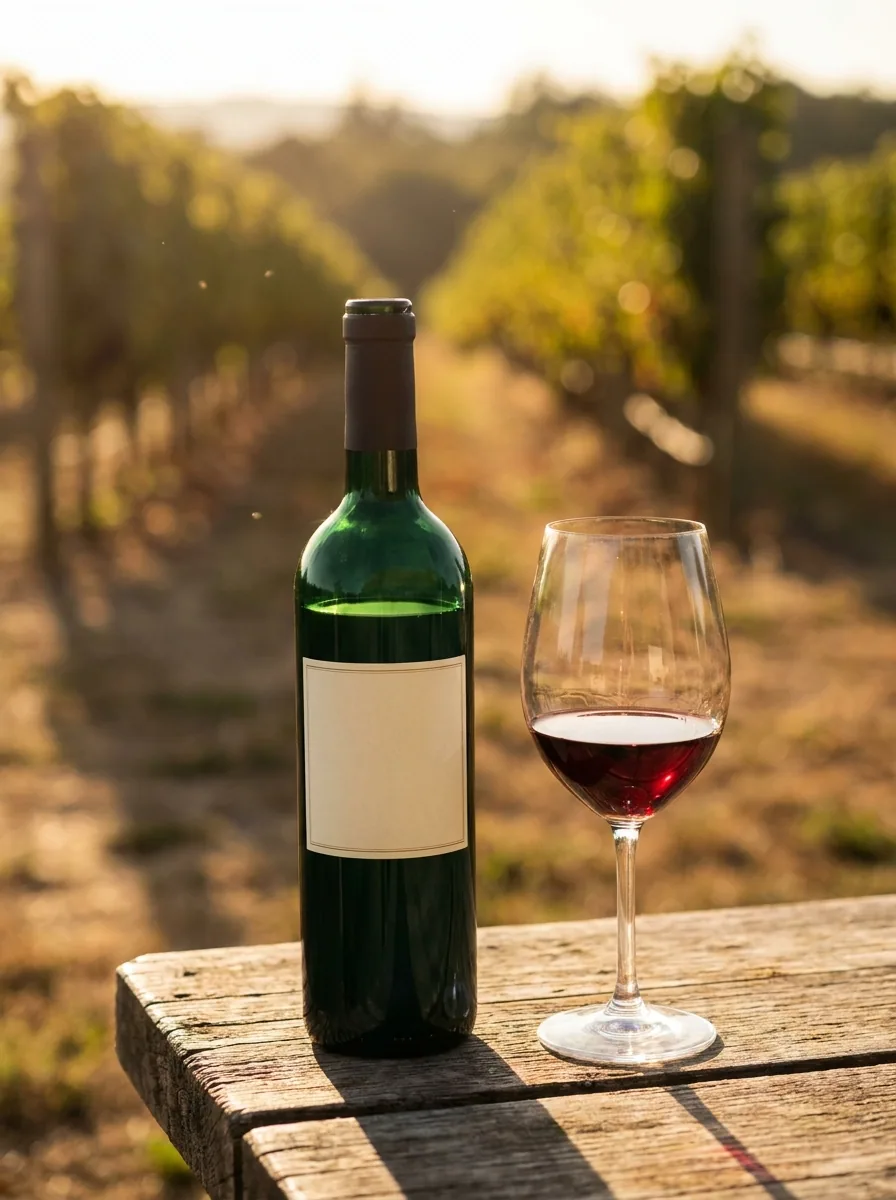
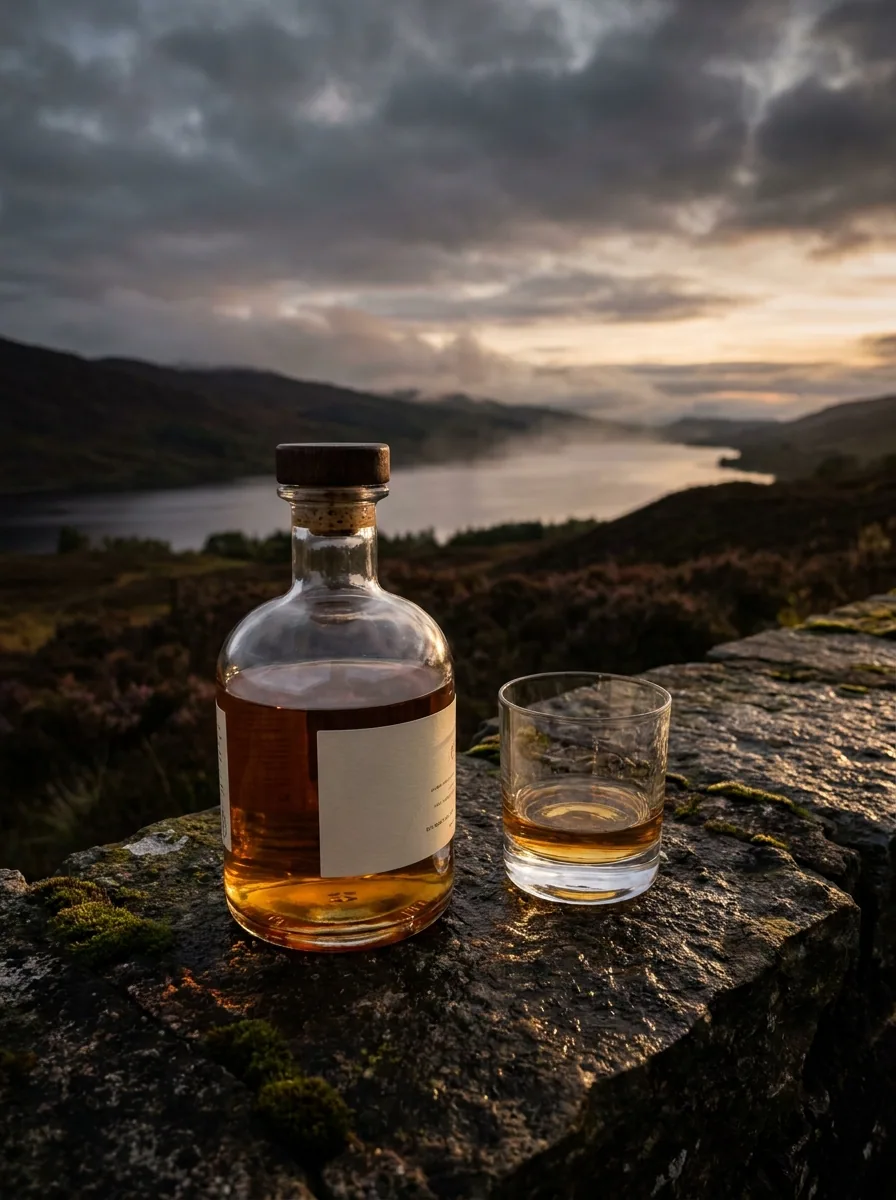
How it works
A drinks range sells on the pack. A shopper sees the can before they read a word. A trade buyer wants the same can in four shapes: clean, cold, in a scene and as an ad. Booking a studio for every flavour takes a day you do not have. The flavour you add in June then looks nothing like the one you shot in March. This recipe starts from your photos of the can or bottle. It builds the whole set around them. You check the printed label in every result before you use it.
Start from your own photo of the can
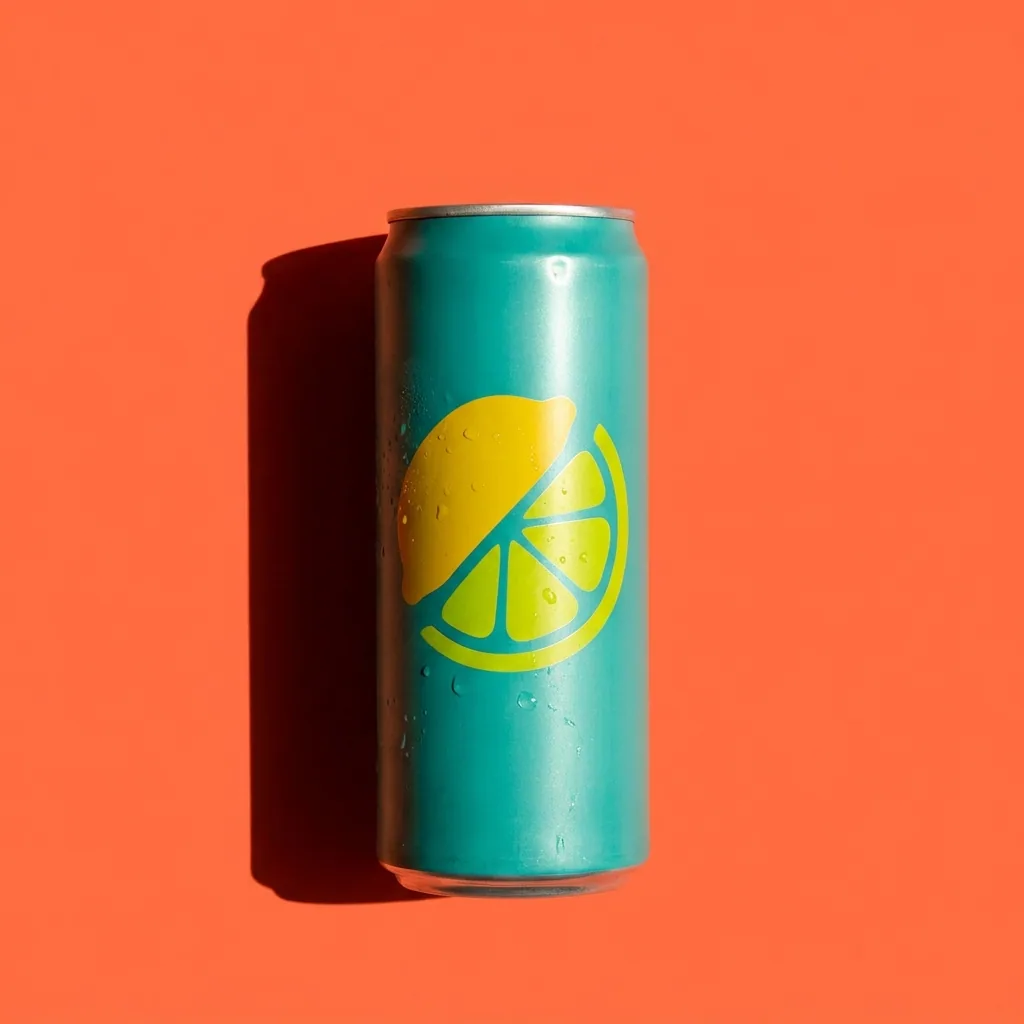
Upload the photo you took and ask for a clean pack shot on a plain background. The label, the barcode and the small print should stay as printed. Read them in the result before you keep it. If a word or a mark is wrong, run the step again with a sharper photo.
Open Quick product shotAdd the cold studio shots
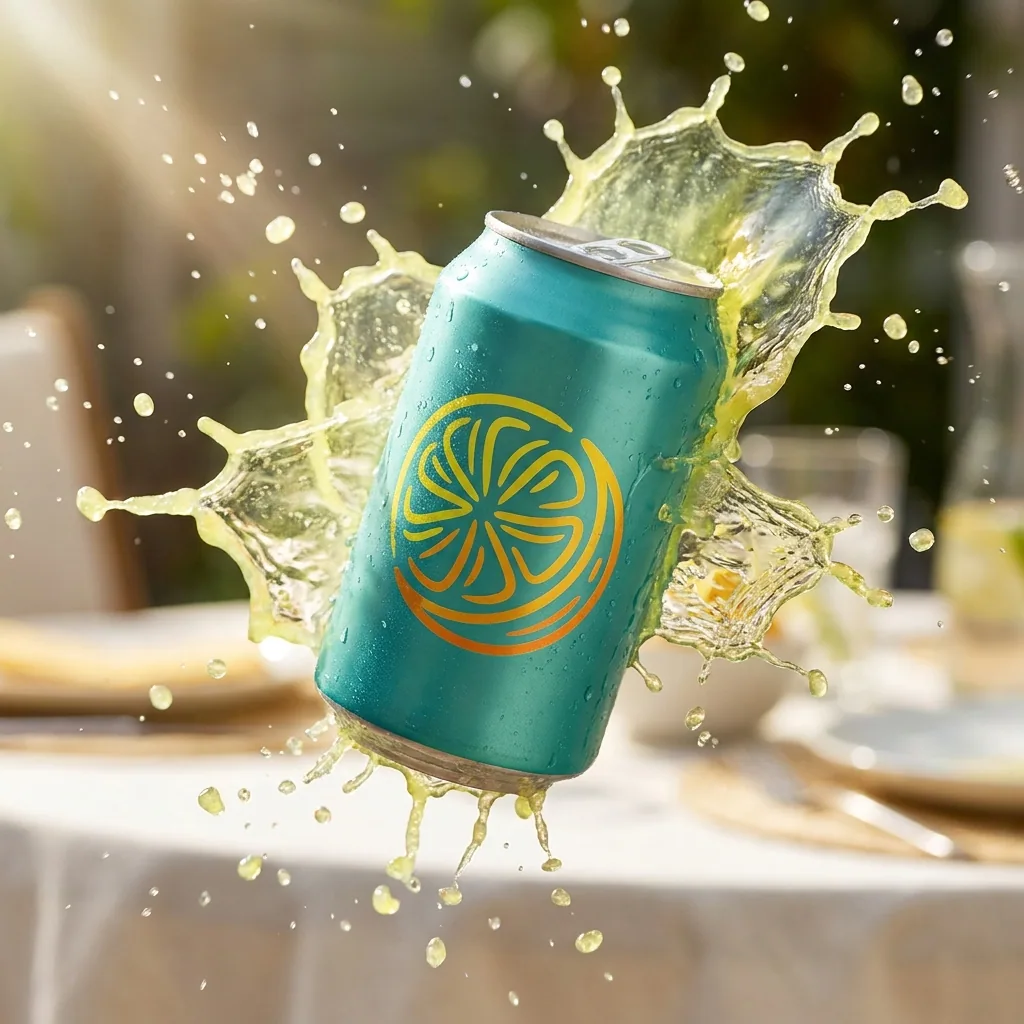
Use the pack shot from step one in the drinks studio template. It puts the can in a studio set with ice, condensation and a poured glass. These pictures make the drink look cold and fresh. They work on a shop page next to the plain pack shot.
Open the Drinks studio templatePut the drink in a real scene
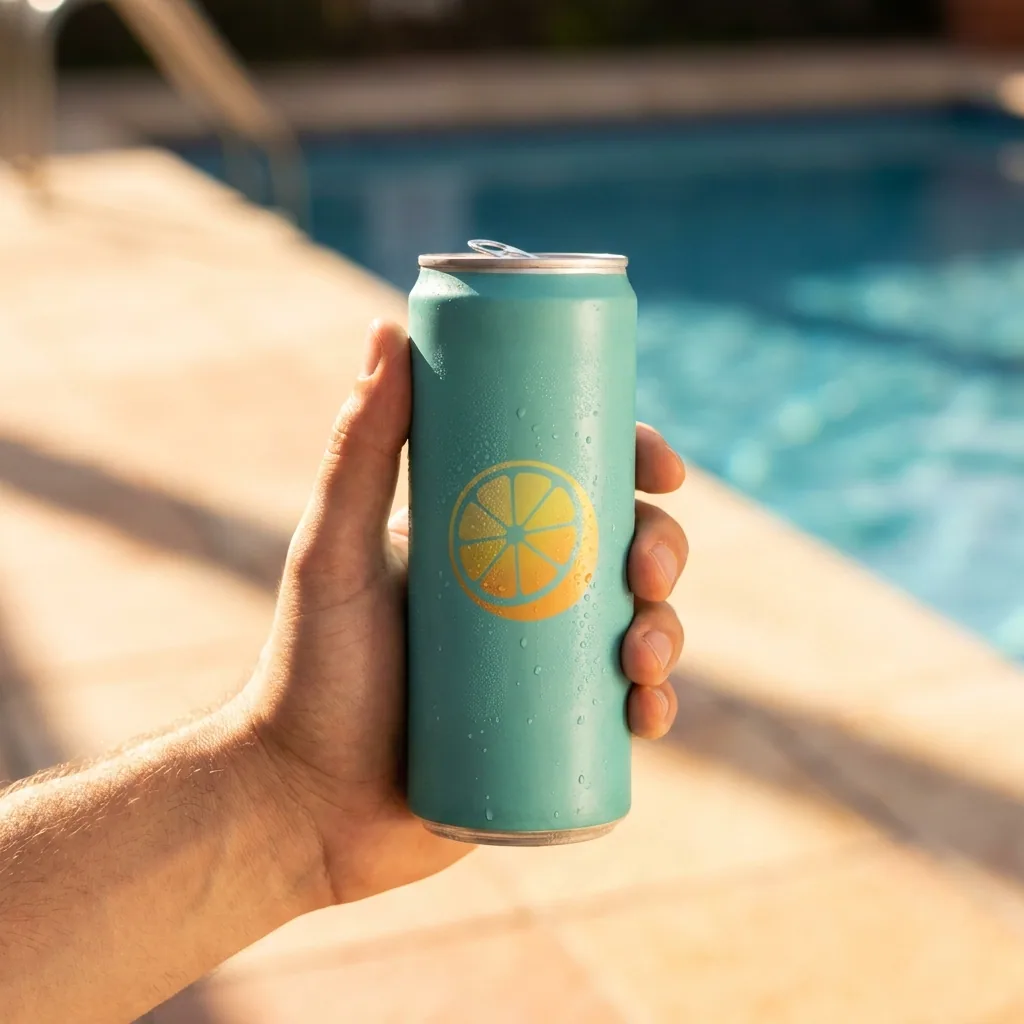
The scene template places the same can on a table, in a hand or beside a pool. Pick two or three settings that match where people drink it. Every person and every hand in these pictures is generated. They are not photos of real customers.
Open the Scene templateBuild the ad from the same picture
The ads template places your picture at ad sizes. It leaves room for the words you type. You write the line. The template adds it to the picture. Keep the pack large and the text short, because the picture is small in the feed.
Open the Drinks ads templateKeep the same look on every flavour
Save your colours, your light and your background rules in your brand profile. Each run then reads those rules. The lime flavour you add in June sits beside the berry one from March. The two still look like one range.
See how brand rules work
Where the pictures go
- Download the set and upload it to your shop. Use one clean pack shot and two scene shots per flavour.
- Add the ice and splash pictures to your Instagram grid. The feed then shows the drink cold, not only on a plain background.
- Keep the plain background versions for trade sites and wholesale buyers. They usually ask for a white background.
The same set for a new flavour
Save these steps once as a workflow. When a new flavour joins the range, run the saved workflow on its photo. The same four shapes come back. The colours, the light and the crop stay the ones you approved for the rest of the range.
See how workflows workQuestions
Will my label still be correct?
It should be, because every picture starts from your own photo of your own can. Read the label, the barcode and the small print in each result before you use it. Run the step again if a word is wrong.
Do I need a studio or a photographer?
No. Clear phone photos of your cans in daylight are enough to start. The background, the ice and the studio light are built around them.
Can I use these pictures in paid ads?
Yes, from the Pro plan. Uploading your own photos and the commercial licence both start there. On the free plan you can try the templates on sample products.