Home, food and pet brands4 steps
How to photograph a pet range with and without the pet
Turn your pet product photos into clean shop pictures, a kitchen scene, a flat shot from above and a shot with a generated dog, all in one look.
What you get
How it works
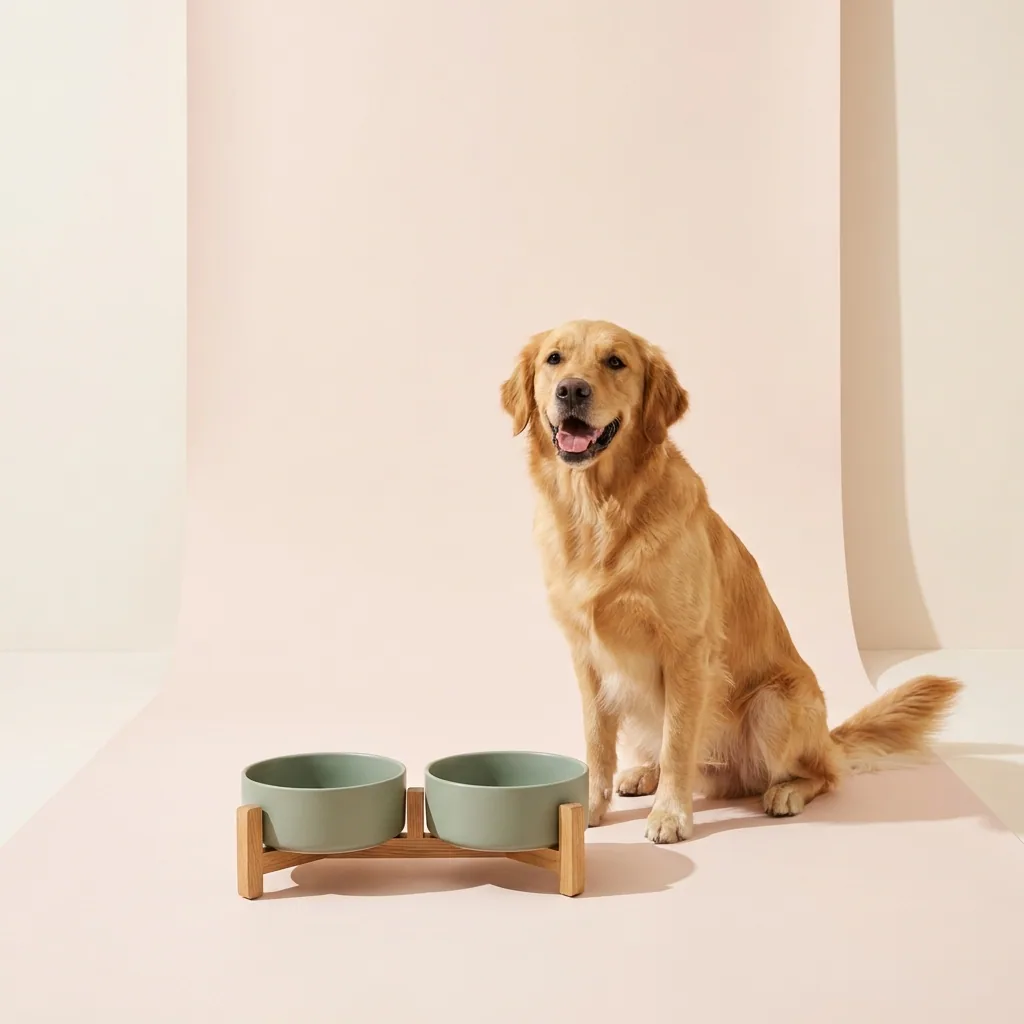
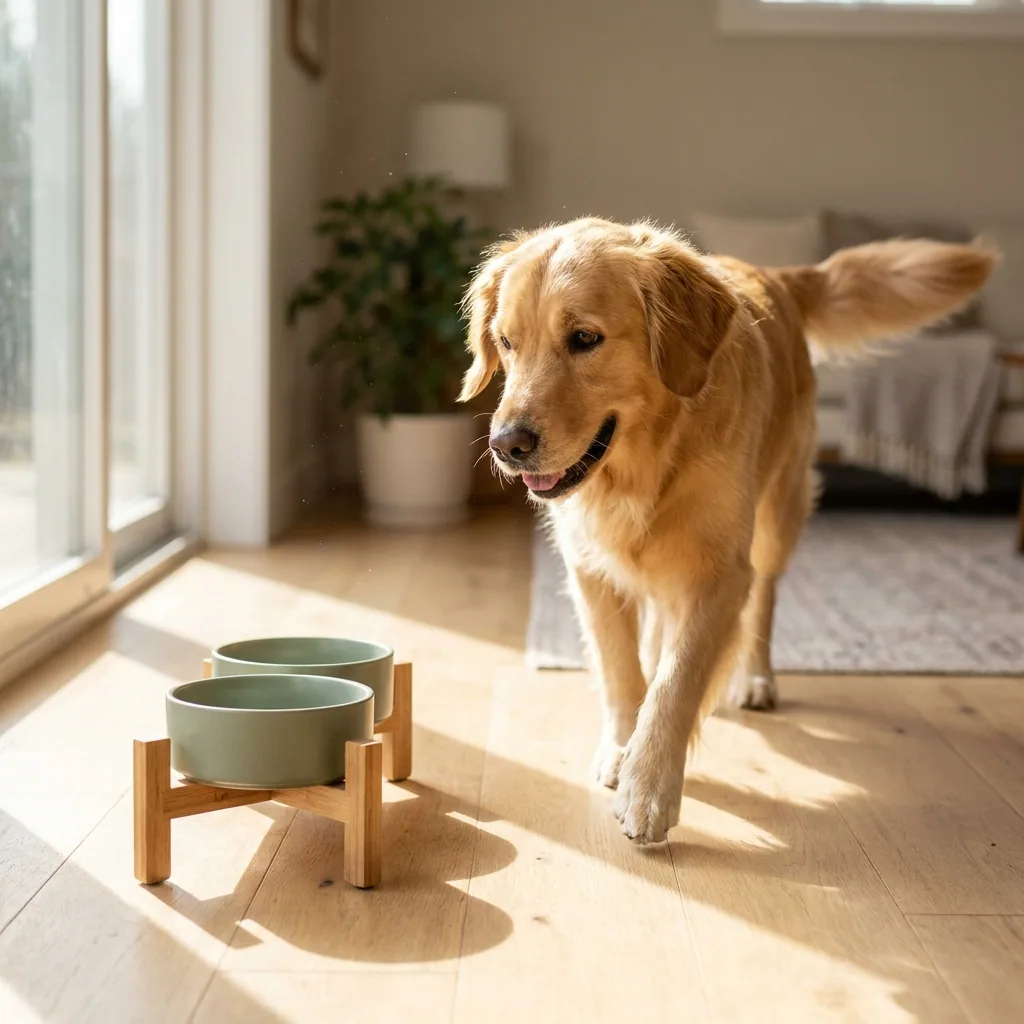
Someone buying a pet bowl wants two things from your pictures. They want to see the bowl clearly, and they want to see a dog using it. Most small pet brands have the first picture and not the second. A photo shoot with an animal is hard to arrange. This recipe starts from your photos of each product. It builds the whole set: the product alone, the product in a kitchen, the flat shot from above, and the shot with a dog. The dog in these pictures is generated, not a real pet.
Shoot each product on a clean background
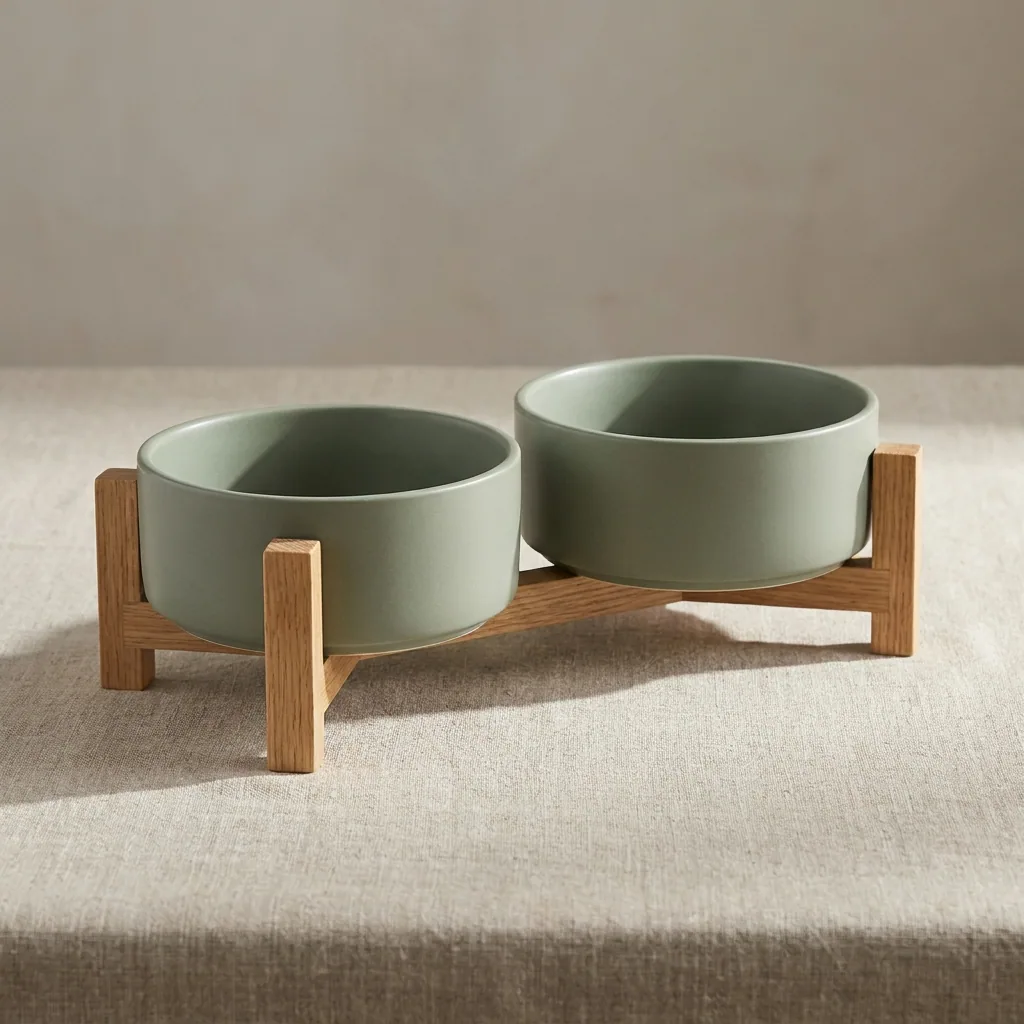
Upload the photo of one product. Ask for a plain background and even light. You get the bowl, the bed or the lead on its own. It is ready for your shop page and your marketplace listing. Do this once for every product in the range.
Open Quick product shotPut the product in a real room
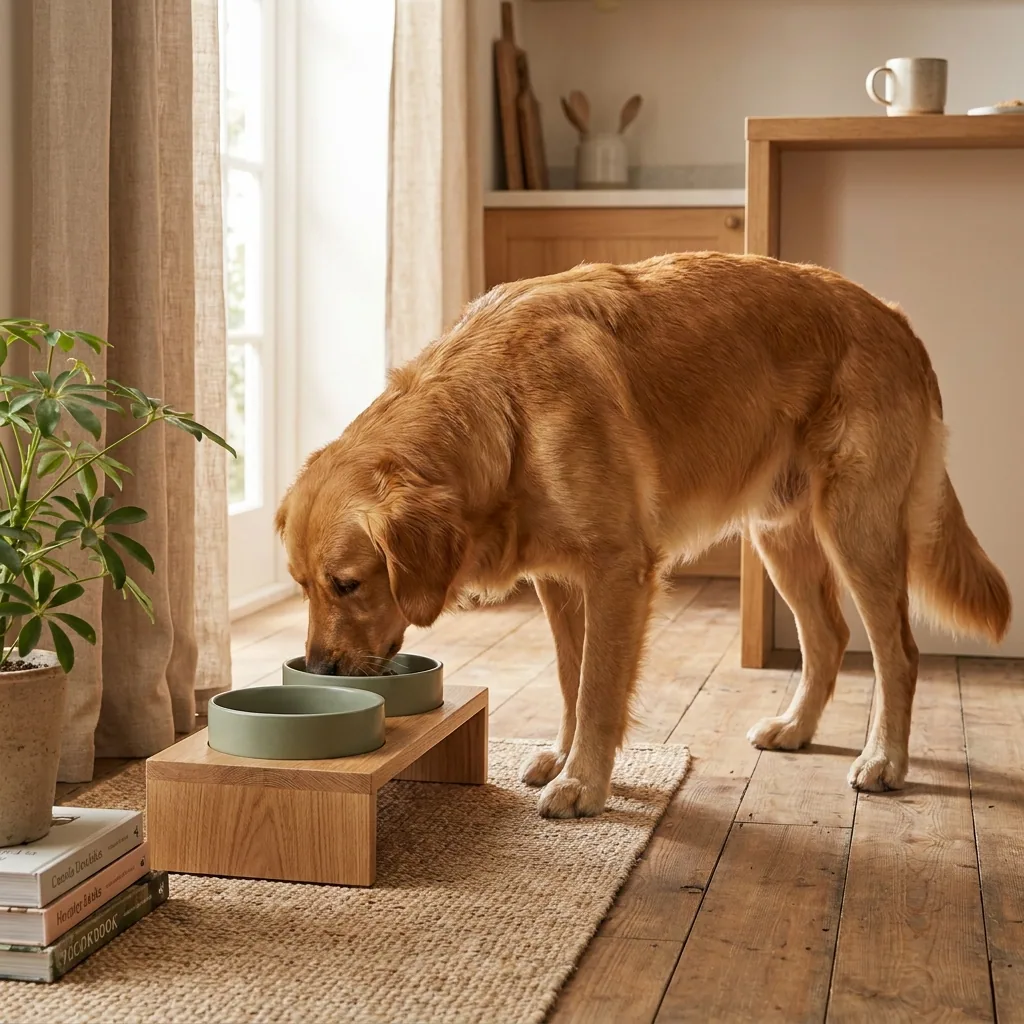
The same product now goes into a kitchen or a hallway, at its real size. This picture shows how big the product is. It also shows where the product sits in a home. Ask for a dog in the frame when the product needs one to make sense, such as a bowl on the floor.
Open the Scene templateAdd the flat shot from above
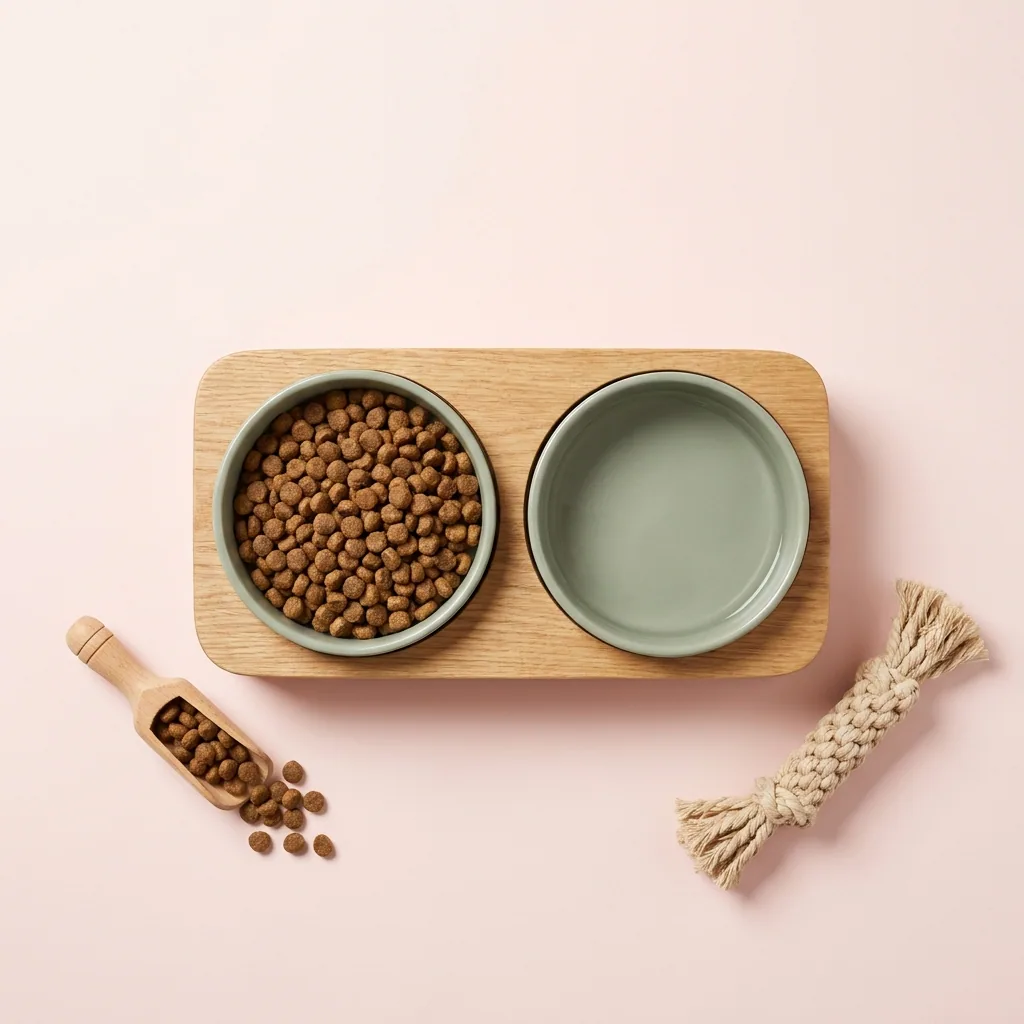
Shoot from above, with dry food and a wooden scoop beside the bowl. That gives your shop page a third angle. Use it as the second or third picture in a listing. This is where a buyer checks the detail. The same picture reads well as an Instagram square.
Open the Still life shoot templateRun the whole range at once
One bowl is quick. A range with several sizes and colours is the real job. Batch takes one row for each product. It makes the same three pictures for all of them. The whole range gets the same light and the same style.
See how batch works
Where the pictures go
- Download the set and sign in to your shop. Upload the plain background picture as the first image on each product page.
- Upload the kitchen shot and the dog shot to Instagram. There the room and the animal show more than a plain photo can.
- Keep the plain background versions for your marketplace listings. Most marketplaces ask for a plain first image.
The same set for the next product
Save these steps as a workflow once. When you add a product to the range, run the saved workflow on its photo instead of starting from blank. The background, the room and the angles stay the ones you already approved.
See how workflows workQuestions
Will the product still look like my product?
It should, because each picture starts from your own photo of the real item. Only the background, the light and the room are meant to change. Check the shape, the colour and the finish in each result before you use it.
My range has six colours. Do I repeat every step six times?
No. Run the steps once on one colour, then use batch with one row for each colour. Every colour gets the same background and the same light.
Can I use these pictures in paid ads?
Yes, from the Pro plan. Uploading your own photos and the commercial licence both start there. On the free plan you can try the templates on sample products.