Home, food and pet brands4 steps
How to show furniture in a room without a location shoot
Turn plain photos of your furniture into a clean studio shot and a room scene for each piece. You give the real size, and you check the scene against it.
What you get
How it works
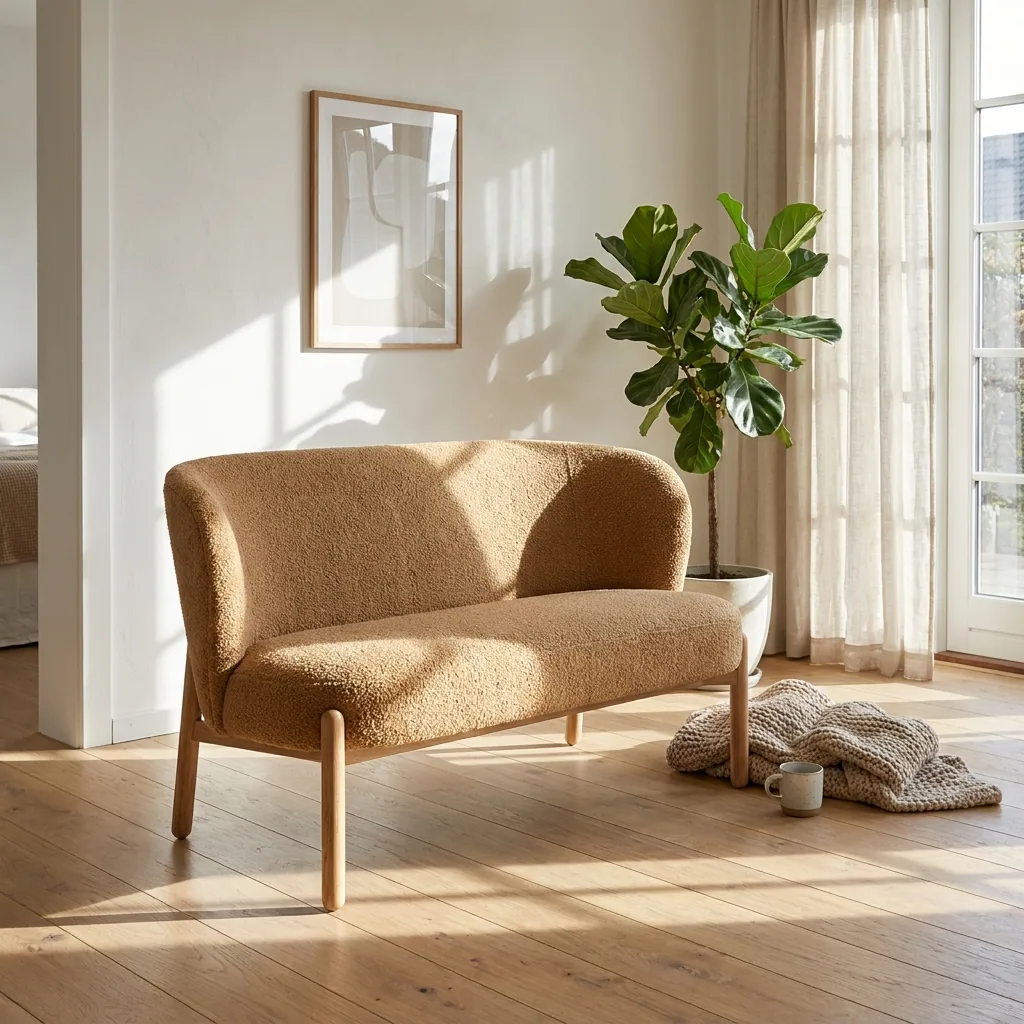
A chair on a white background tells a buyer the shape. It does not show how the piece sits in a room. That room picture is the one that sells it. Booking a house, a stylist and a van for one sofa takes time you do not have. This recipe starts from the photo you already took against a plain wall. You get both pictures. The clean shot goes on the product page. The room scene goes on Instagram and Pinterest.
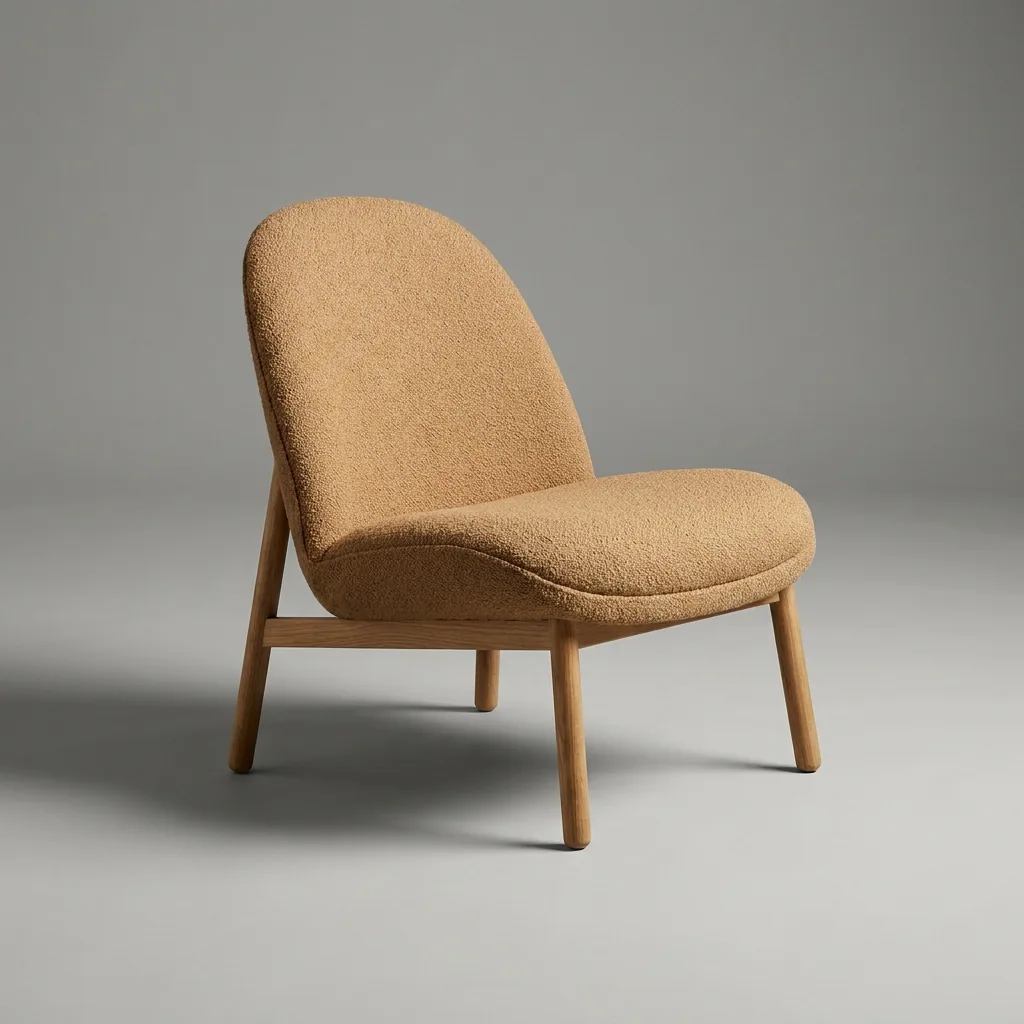
Make the clean shot for the product page
Upload your photo of the piece. Ask for a plain studio background and even light. The frame, the legs and the fabric should stay as they are. Check the result against the chair you ship. Keep this picture for the product page, where people compare one piece against another.
Open the Furniture studio templatePlace the piece in a room
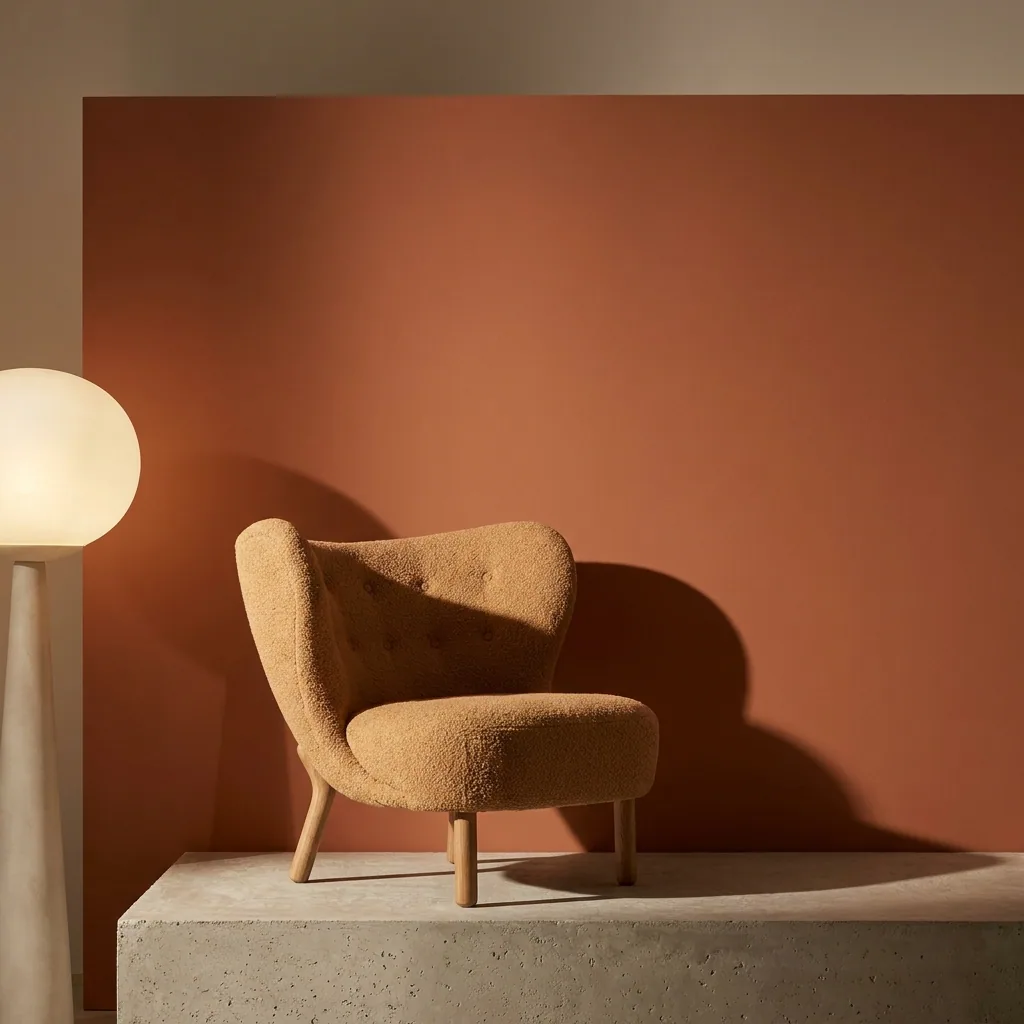
Take the same photo. Set the piece inside a room with a window, a floor and a wall colour. Give the template the real width and height of the piece. Then check the result against the door, the window sill or a side table. A sofa that looks like a small chair is the mistake buyers see first. Reject any room where the size is wrong.
Open the Scene templateBuild the room sets for a season
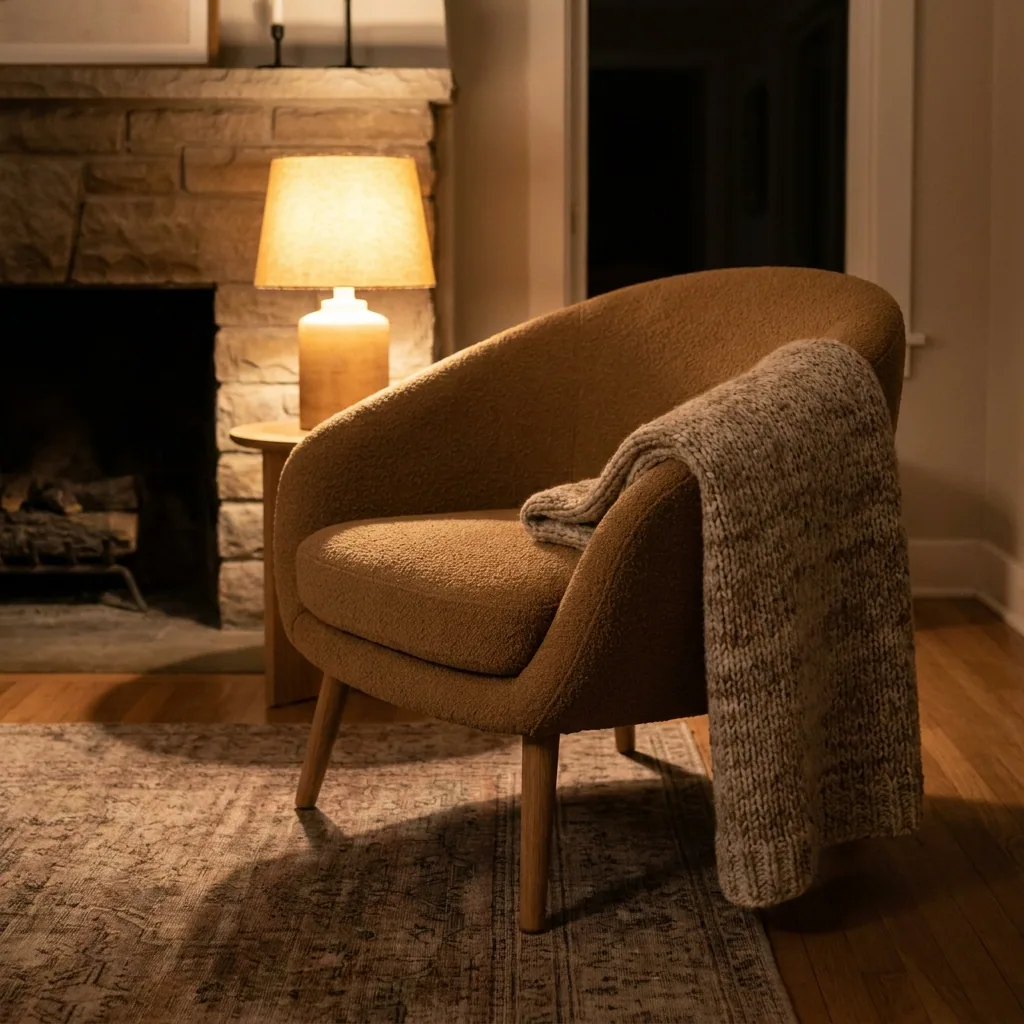
One room is not a lookbook. Run the campaign template to get the range in several room sets. Try a bright morning room, a fireplace in winter and a plain floor in summer. Pick three or four rooms and keep them for the whole season. The range then looks like one collection.
Open the Furniture campaign templateShow every fabric you sell
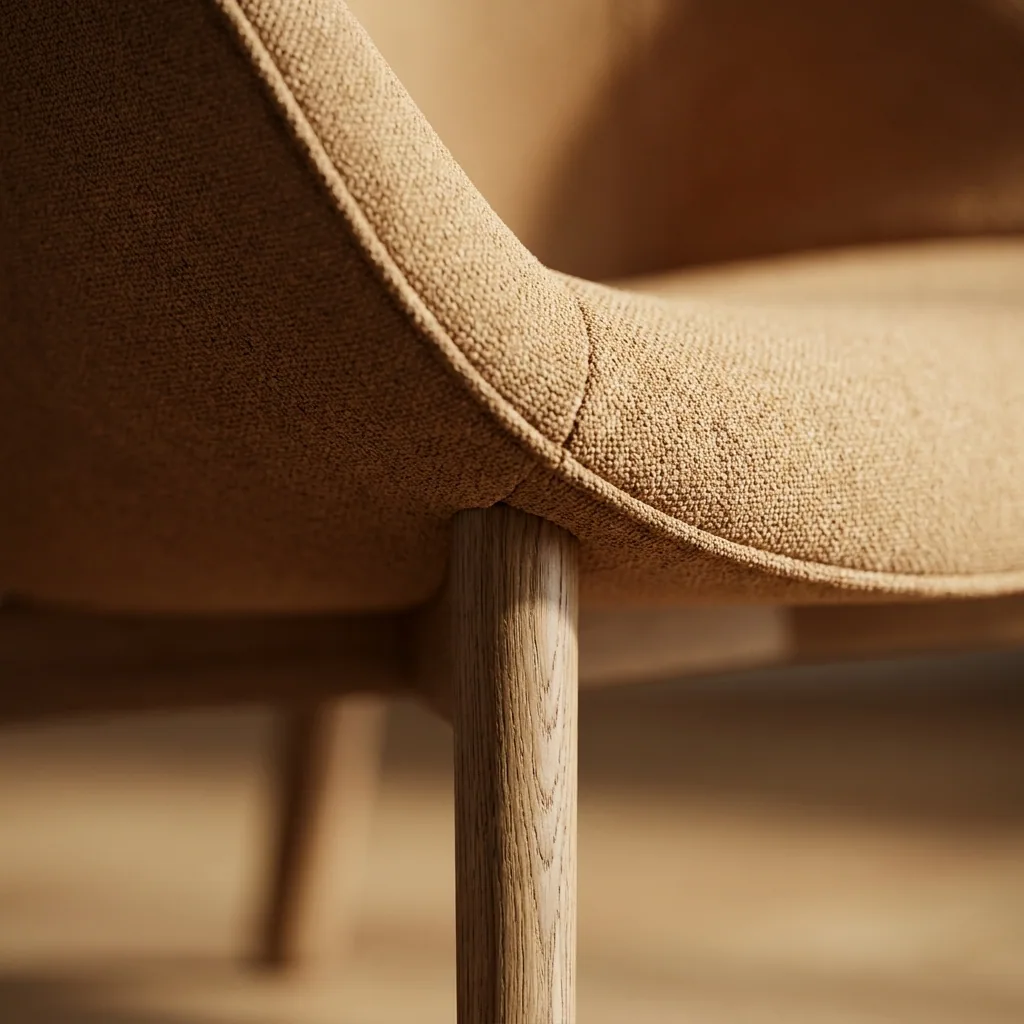
A piece often sells in several fabrics. Photographing each one means another shoot. Upload the room scene you approved and change the fabric colour. Each colourway then gets its own picture. Hold the picture next to your real swatch before you use it. The buyer will do the same when the piece arrives.
Open Product colours
Where the pictures go
- Download the plain studio shots. Upload one to each product page in your shop, as the first image.
- Upload the room scenes to Instagram and Pinterest yourself. Link each one to the product page it shows.
- Keep the room sets for your email and your printed lookbook. The same rooms then appear everywhere the range is sold.
The whole range in one run
Your range is bigger than one chair. Send all the pieces in one run. Check each result on its own before you download it. The room, the light and the framing stay the same as the first piece you approved.
See how batch worksQuestions
Will the room shot keep the real size of the piece?
It does when you give the template the real width and height. Then you check the result. Compare the piece against the door, the window or a side table in the room. If it looks small, run it again before you use it.
Do I need a photo studio for the first picture?
No. A photo taken against a plain wall in daylight is enough. Step one replaces the wall with a clean studio background and makes the light even.
Can I use these pictures in paid ads?
Yes, from the Pro plan. Uploading your own photos and the commercial licence both start there. On the free plan you can try the templates on sample products.