Online shops4 steps
How to photograph handmade products for a shop listing
Turn phone photos of your handmade pieces into the shots a shop listing needs: a clean background, a prop shot, a worn shot and the extra angles.
What you get
How it works
A handmade listing sells on its pictures. A buyer cannot hold the piece. The photo has to show the metal, the stitch or the glaze. This recipe starts from your phone photos of each piece. It makes the four shots a listing needs: the piece on a clean background, with props, worn, and from more angles. Every picture starts from your own photo, so the listing shows the piece you send.
Start from the photo you already have
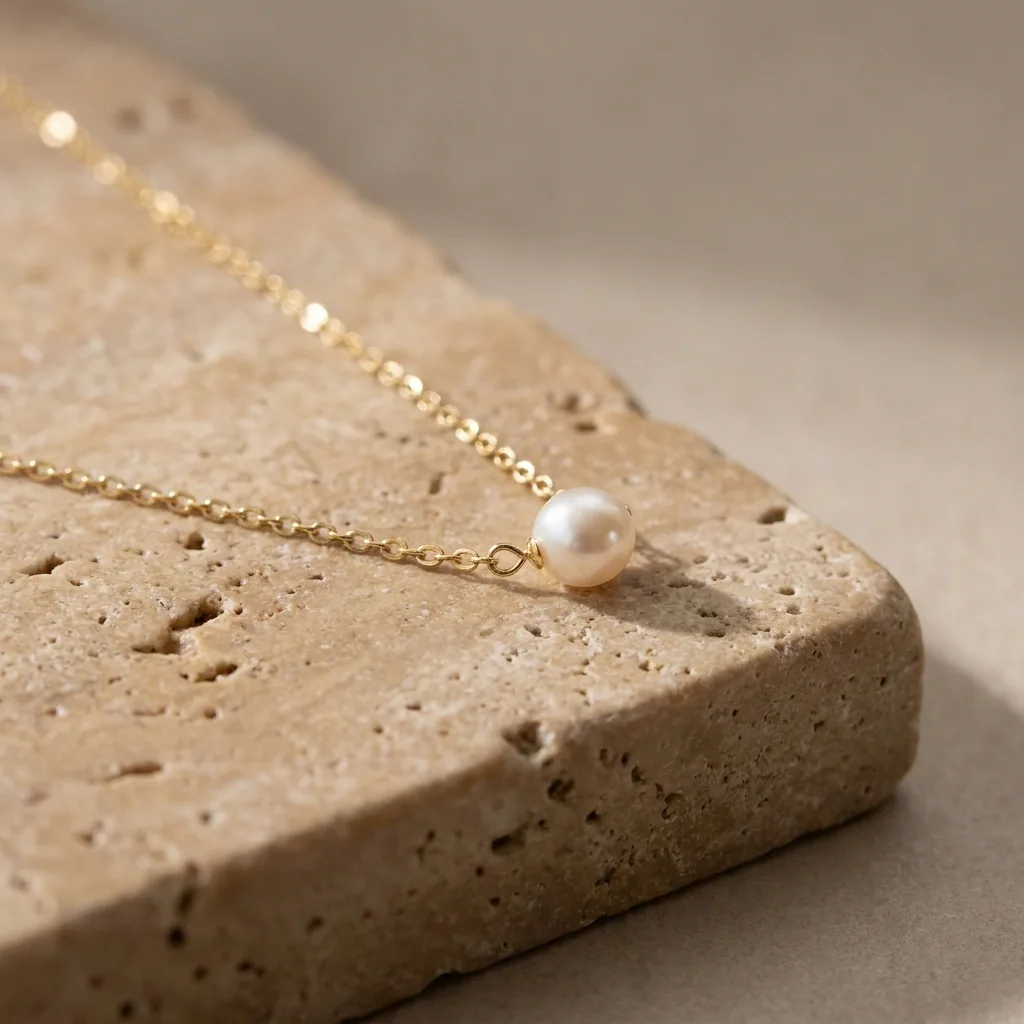
Upload your phone photo of the piece. It returns on a clean, even background. The light shows the metal, the wool or the glaze. The piece itself should not change, so check the picture against what you ship.
Open Quick product shotAdd a second look with props
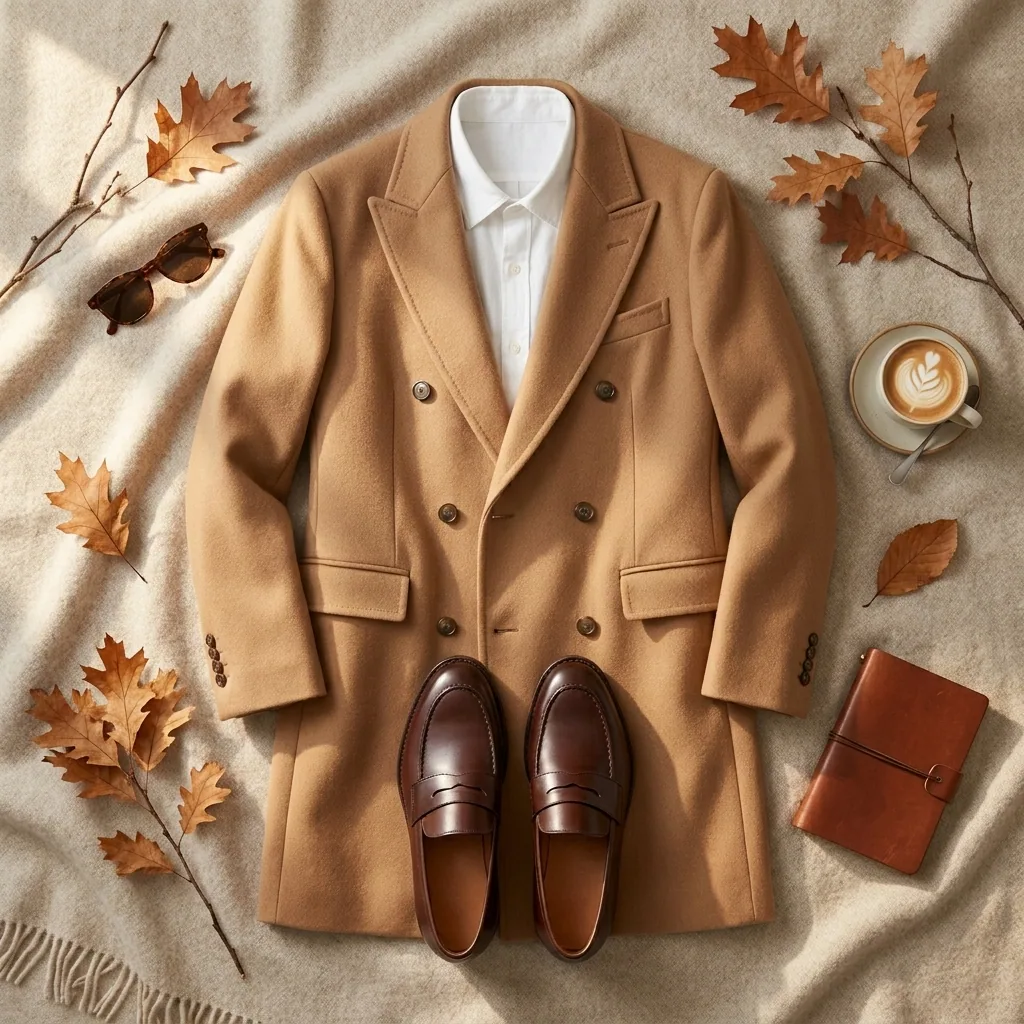
One picture is rarely enough for a listing. Run the same piece through a still life set. It sits on a table with a few props. Buyers use that shot to judge the size of the piece. It also shows the piece in their own home.
Open the Still life shoot templateShow the piece worn
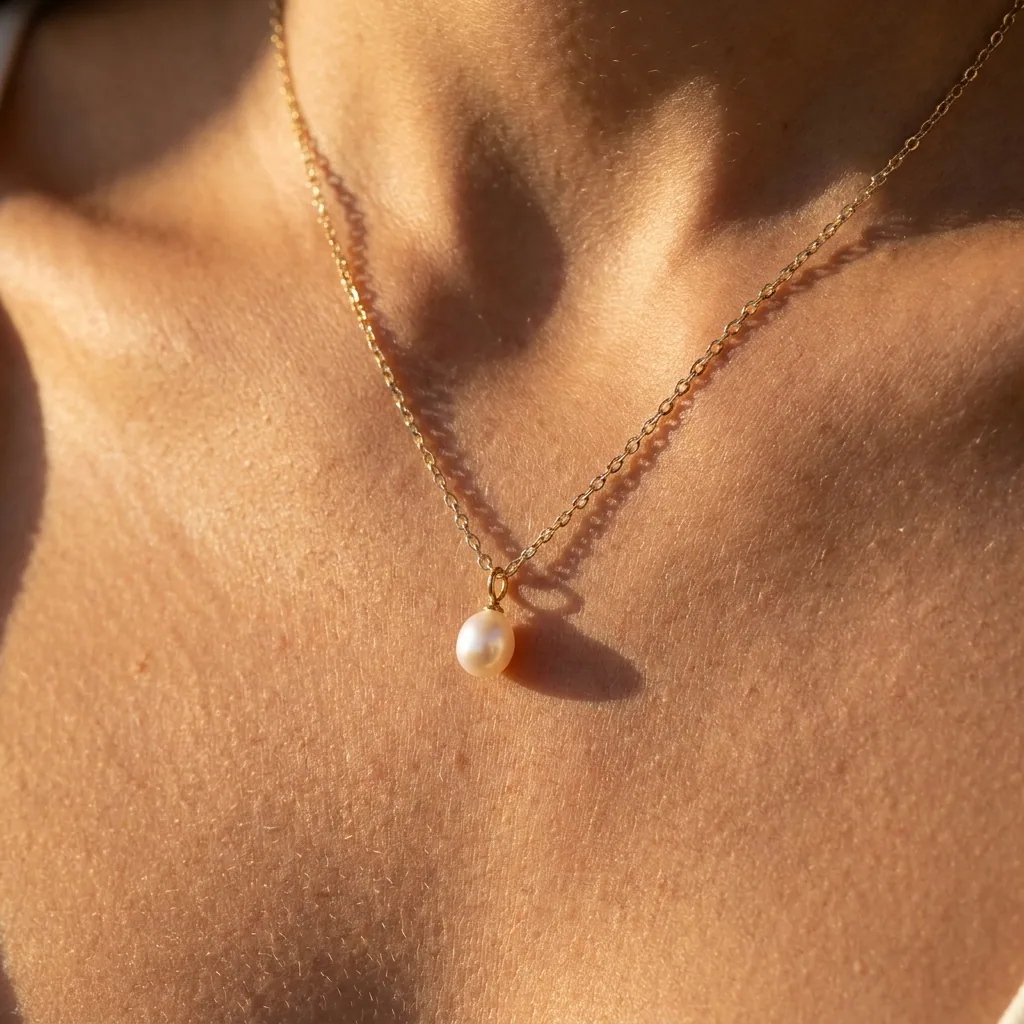
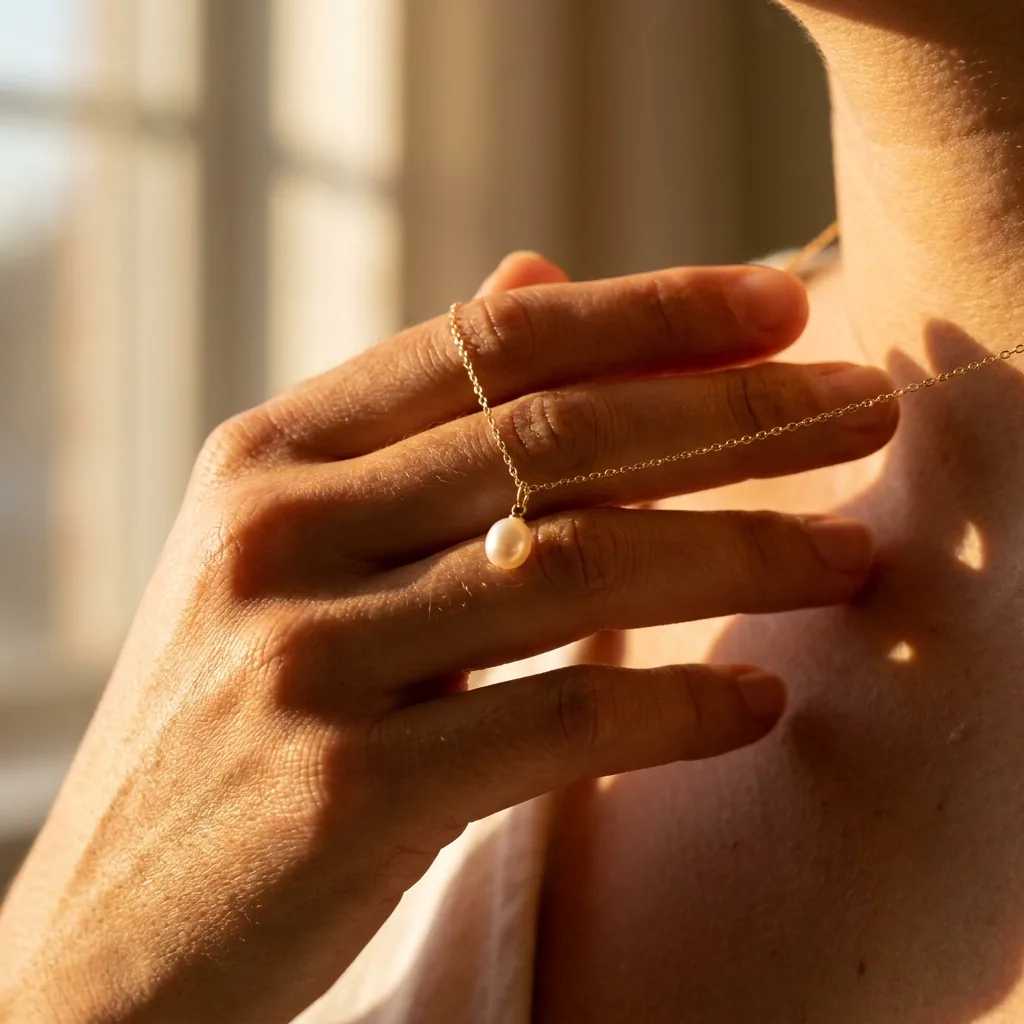
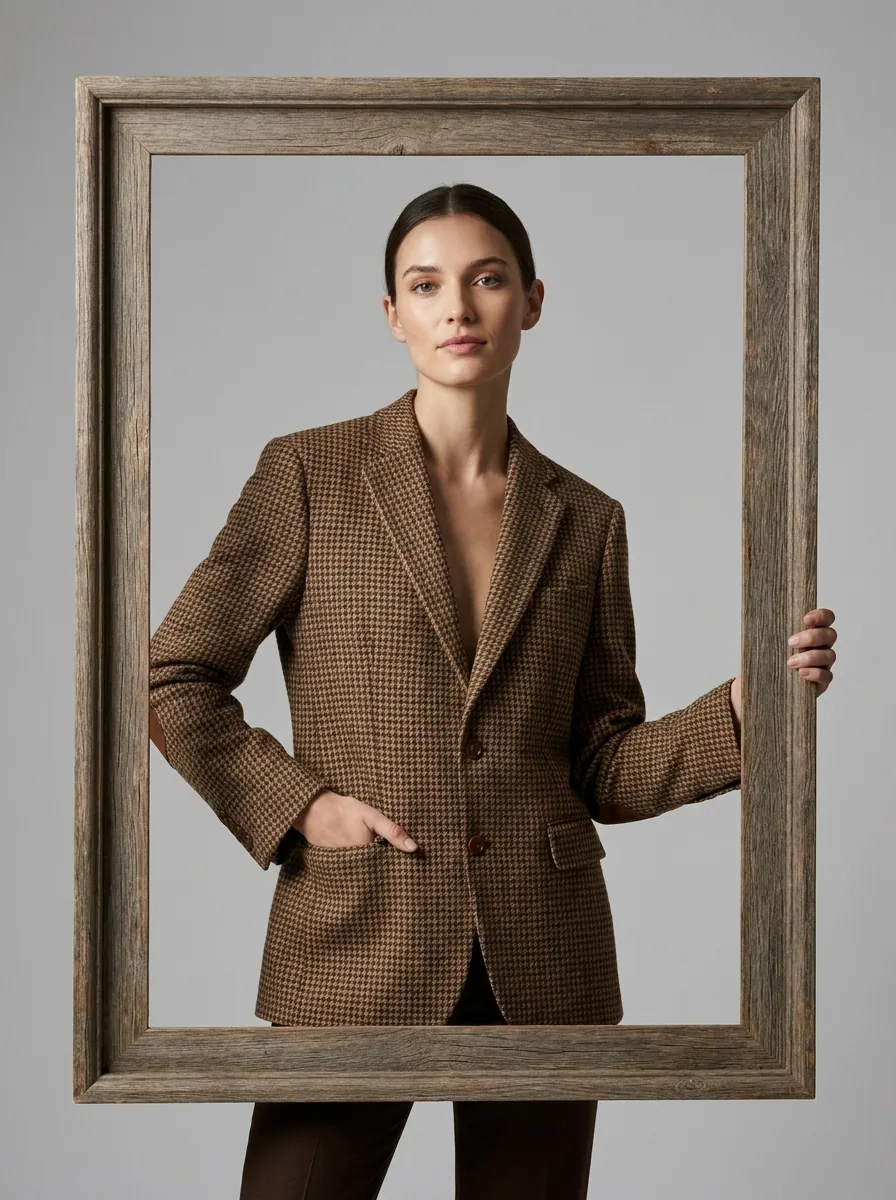
A buyer wants to see the piece on a person. This template puts your piece on a model. A necklace sits on a neck. A ring sits on a hand. The people in these pictures are generated. Your piece is the real one, taken from your own photo.
Open the On-model templateAdd the angles a listing needs
Shop listings ask for several photos of one item. This template makes the other views from the photos you have: the back, the side and a close view of the detail. Check each view against the real piece before you use it. The buyer receives that piece.
Open the Multi-angle template
Where the pictures go
- Download the set and upload it to your Etsy listing. Put the clean background shot first and the worn shot second.
- Upload the same pictures to the product page on your own site. The piece then looks the same in both shops.
- Keep the prop shot and the worn shot for Instagram. They suit a feed better than a plain background.
The same look for every new piece
You make new pieces all year. Save these steps once as a workflow. Every new photo runs through the same steps. The background, the light and the crop stay the ones you picked. Your whole shop then matches.
See how workflows workQuestions
Will the picture still show the real piece?
Yes. Every picture starts from your own photo of the piece you made. Check the new picture against the piece in your hand before you use it. The buyer receives that piece.
Do I need a model for the worn shots?
No. The people in the on-model pictures are generated. Your piece is the real one, taken from the photo you uploaded.
Can I sell with these pictures?
Yes, from the Pro plan. Uploading your own photos and the commercial licence both start there. On the free plan you can try the templates on sample products.