Online shops5 steps
How to turn your phone photos into a full set of shop pictures
Turn daylight phone photos of your products into the main shot, the angles and the room scenes, in every size your shop, marketplace and ads ask for.
What you get

How it works
One picture does not fill a shop listing. Your own site wants a clean main shot, a marketplace wants angles on white, and Instagram wants the product in a room. Many small shops have a phone photo per product and no time for another shoot. This recipe starts from the photos you have and builds the rest of the set around them. Every listing then looks like the same shop.
The main shot on a clean background
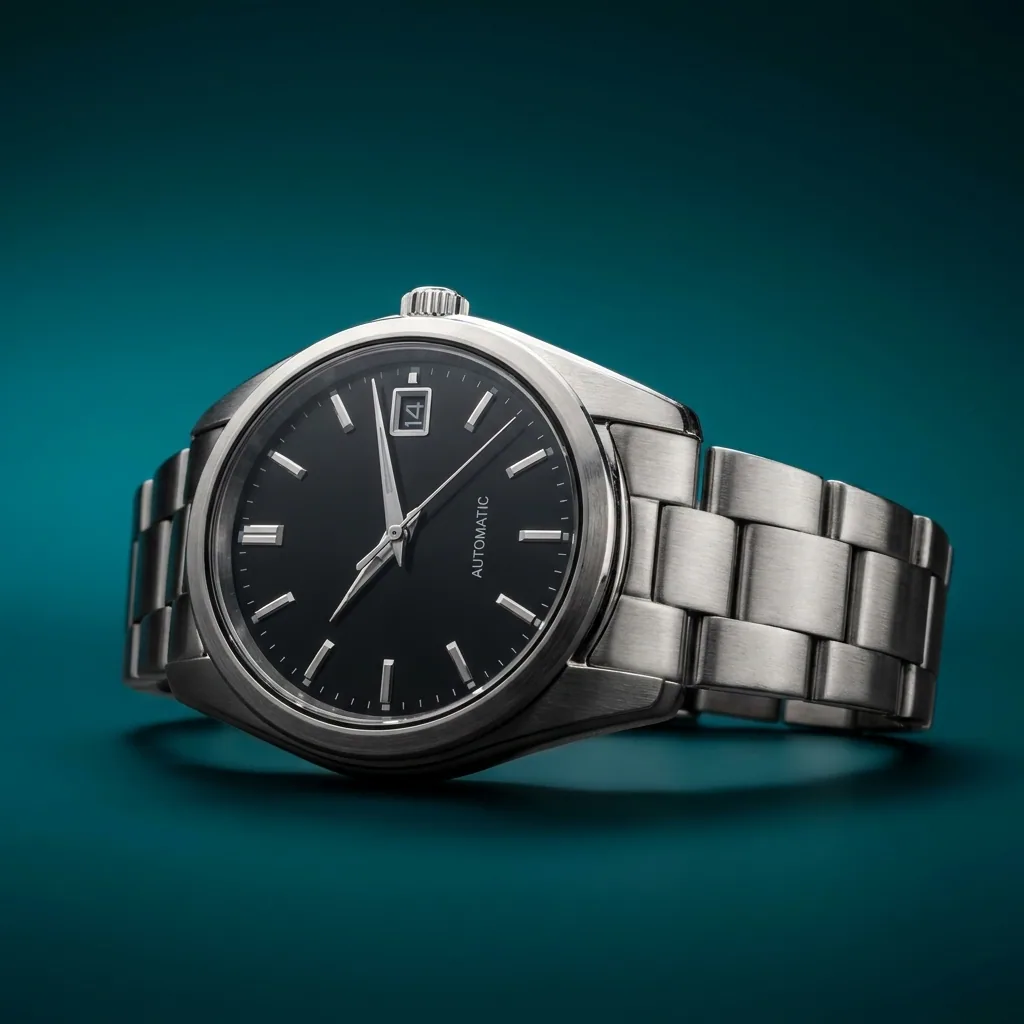
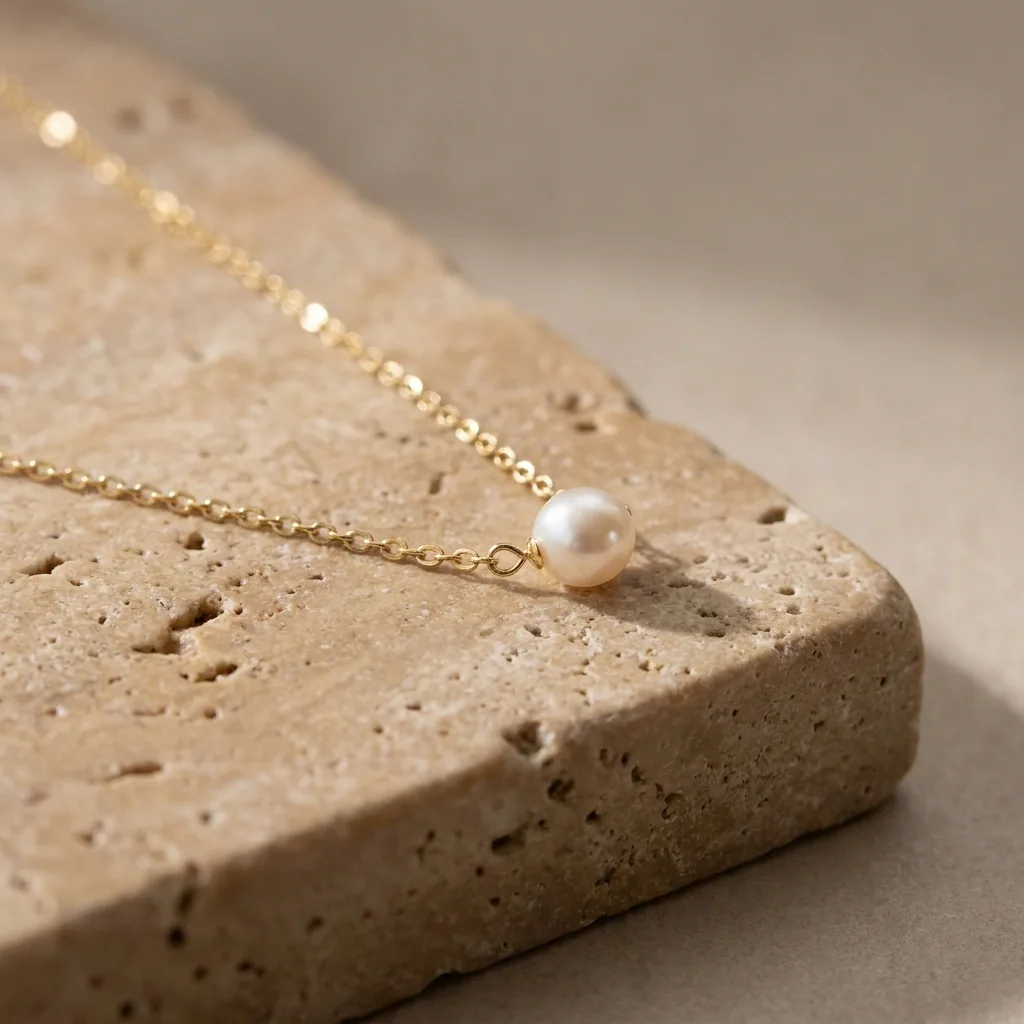
Upload the phone photo to Quick product shot and run it. You get the main shot: your product on a clean, even background, with the table and the clutter behind it gone. This is the first picture in a listing, and the one most marketplaces look at. Uploading your own photos starts on the Pro plan.
Open Quick product shotThe other angles from the same photo
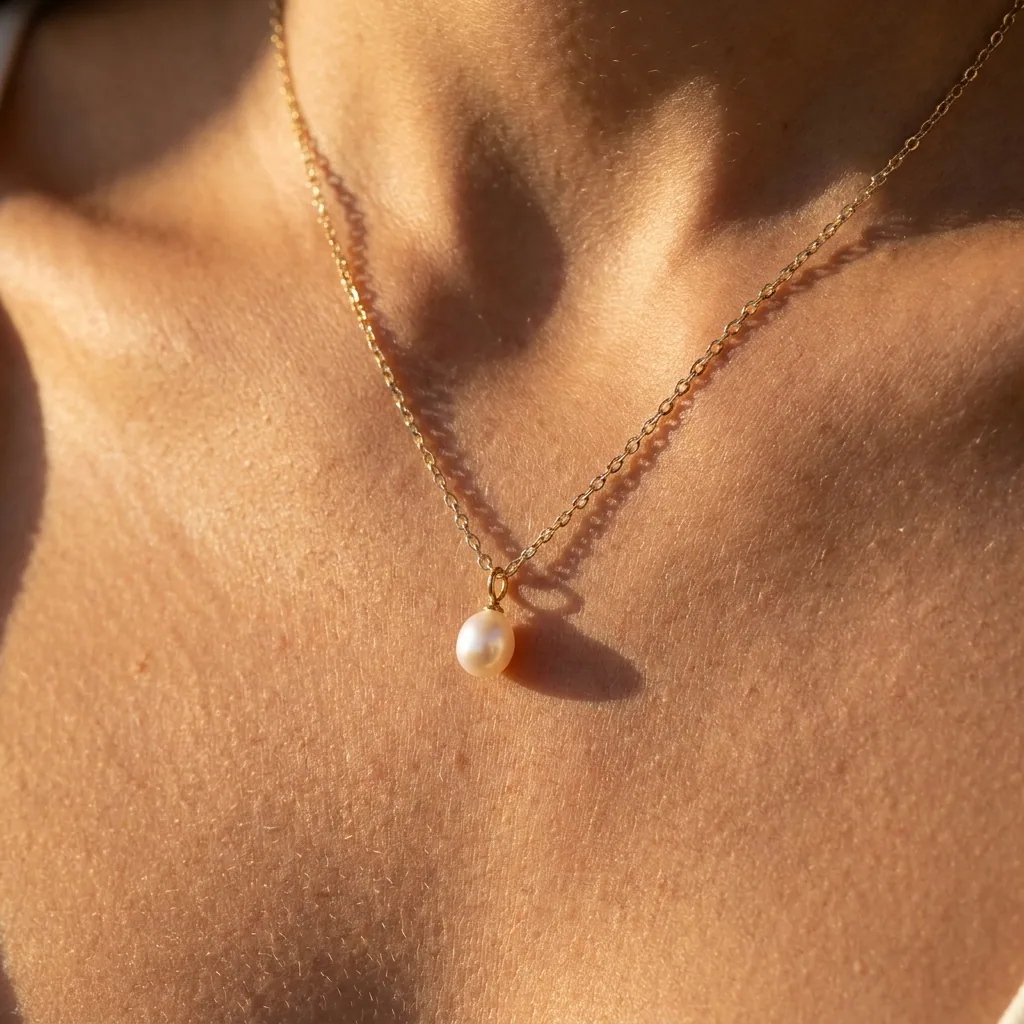
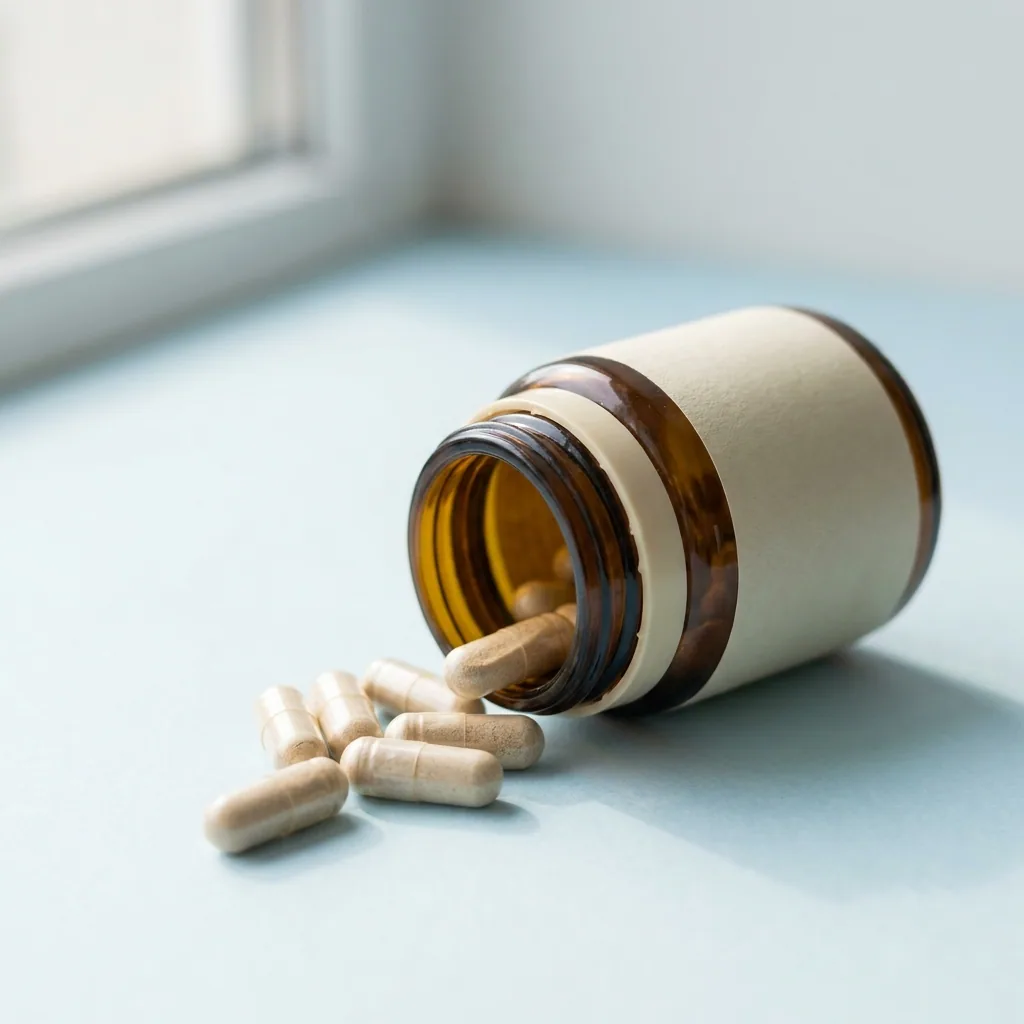
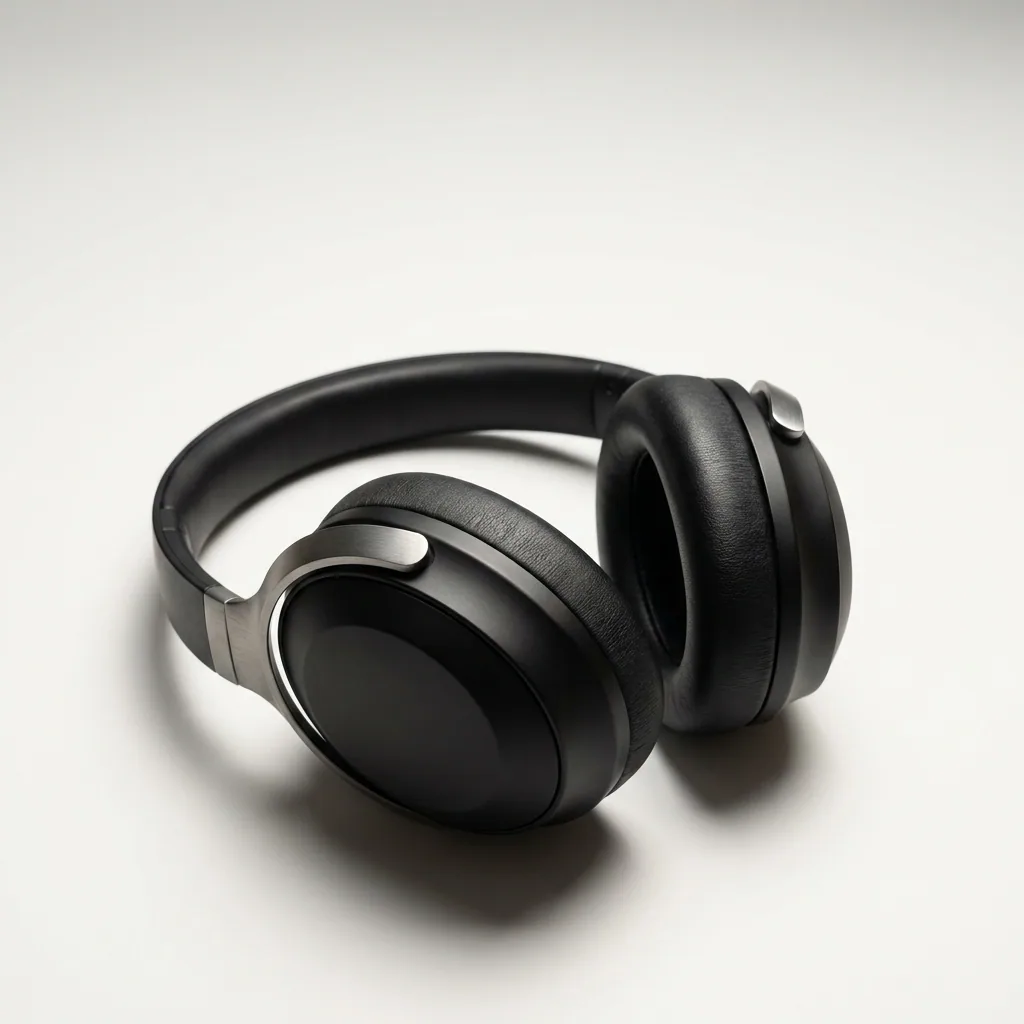
Marketplaces ask for more than one view of the same product. Run the same photo through the multi-angle template to get those extra views, all in one light. The product should stay the product you photographed. Check the set against what arrives in the box.
Open the Multi-angle templateThe product in a room
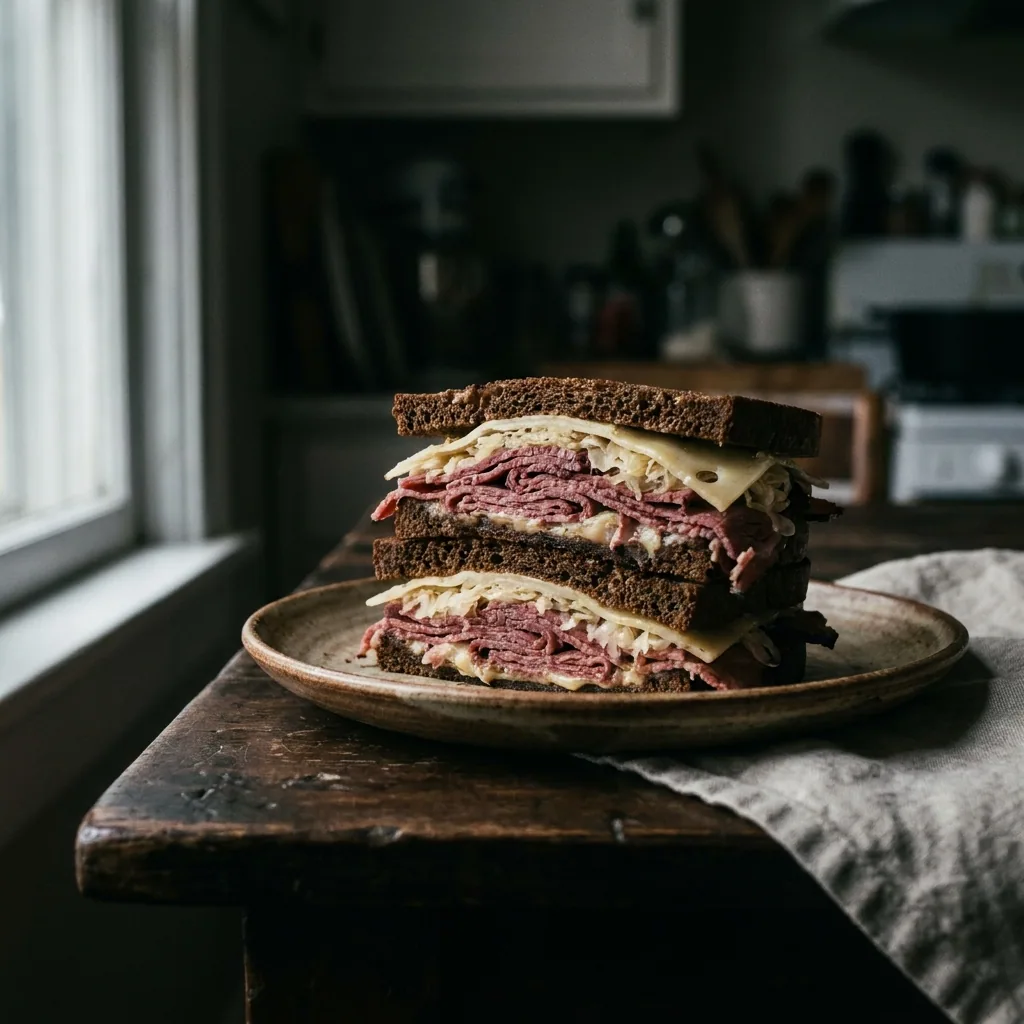
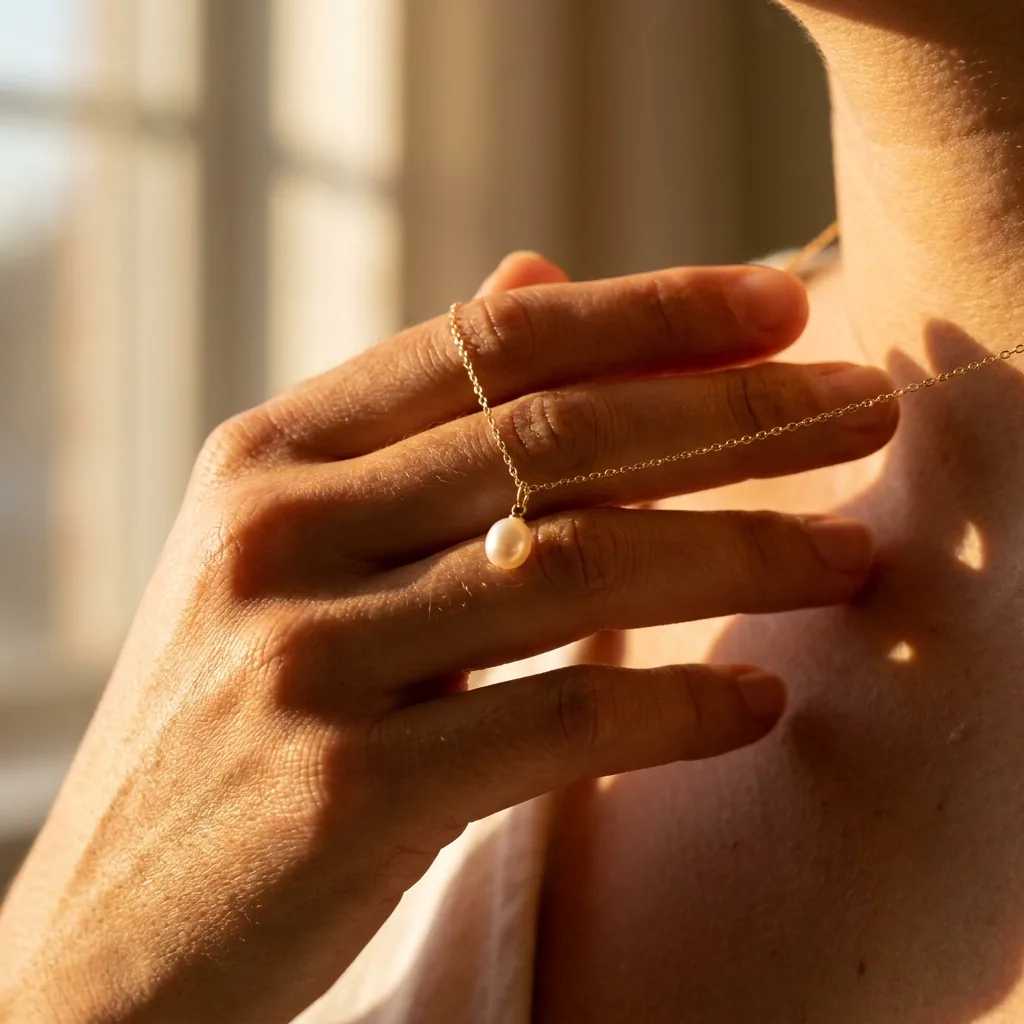
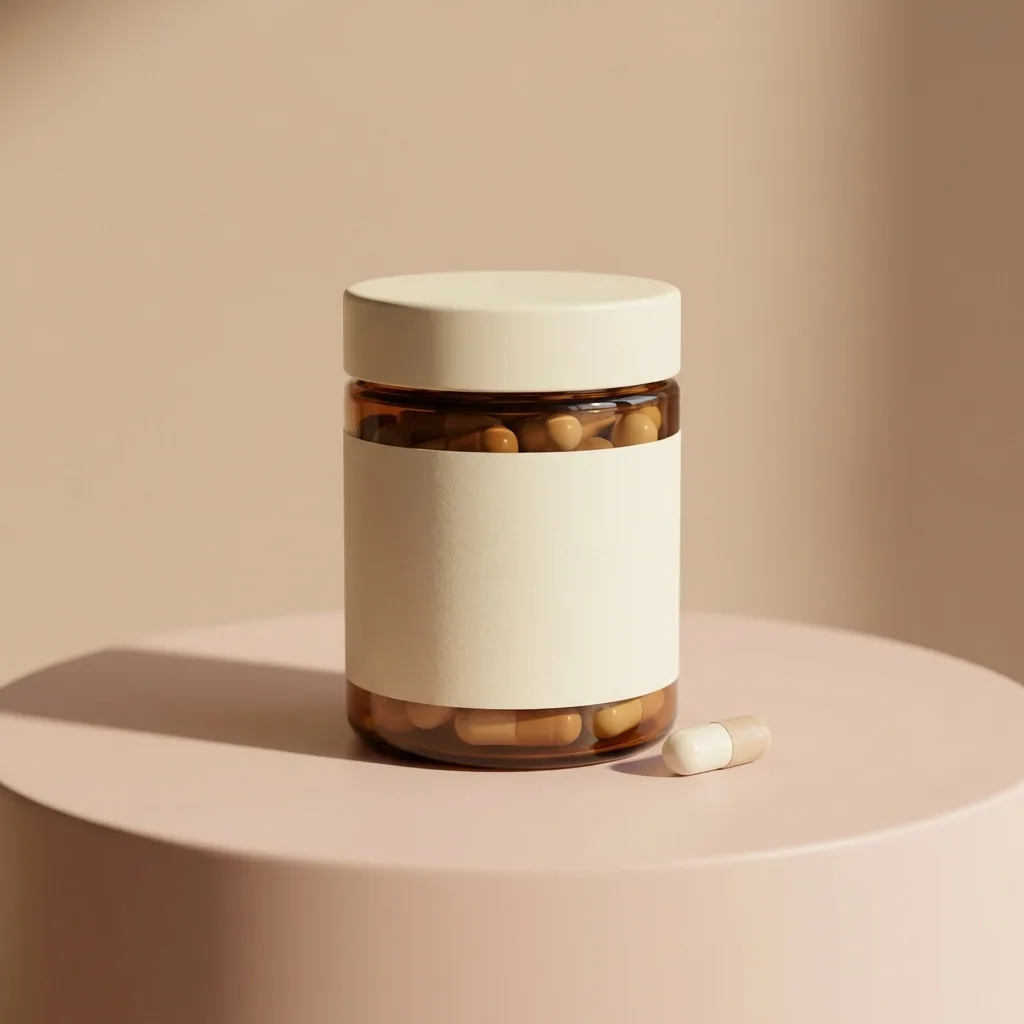
A plain background suits a listing page. A real room suits a social post. Place the same product on a wooden table, a bathroom shelf or a kitchen counter. That is the picture for Instagram and for the top of your product page.
Open the Scene templateEvery size the listing asks for
Your shop, the marketplace and the ad each want a different shape. Load the pictures you like into Ads resizer and pick the sizes you need. Each one comes back with the whole product inside the frame.
Open Ads resizerOne place for the whole set
Keep every picture of one product together in Assets, under the name you sell it by. When you list the product on a new marketplace, you open that folder instead of searching your phone again. Months later it is still the quickest place to find the picture.
See how Assets works
Where the pictures go
- Download the set and add the main shot to your product page first. That is the picture a buyer sees in search results.
- Add the same main shot and angles to each marketplace listing. One product then looks the same everywhere you sell it.
- Use the room picture on Instagram. Send people to the product page it belongs to.
The same set for the next hundred products
The first product takes the longest, because you are learning the steps. After that, put your photos and your product names in a spreadsheet. Run the same set on all of them at once. You get the same main shot, the same angles and the same sizes for every line in the sheet.
See how batch worksQuestions
Do I need a photographer or a light box?
No. Phone photos taken in daylight are enough to start. The steps change the background, the angles and the sizes. That is the part a phone cannot do on its own.
Will the product still look like the one I ship?
Yes, because every picture starts from your own photo of your own product. Use a photo of the item you sell, not one that looks close to it.
Can I use these pictures in my shop and my ads?
Yes, on the Pro plan and above. Uploading your own photos and the commercial licence both start on Pro. On the free plan you can try the templates on sample products.