Short-stay rentals4 steps
How to show an empty holiday let as a furnished one
Show the empty rooms of your holiday let with furniture in them, in one style across the property, made from your room photos. Label each staged picture.
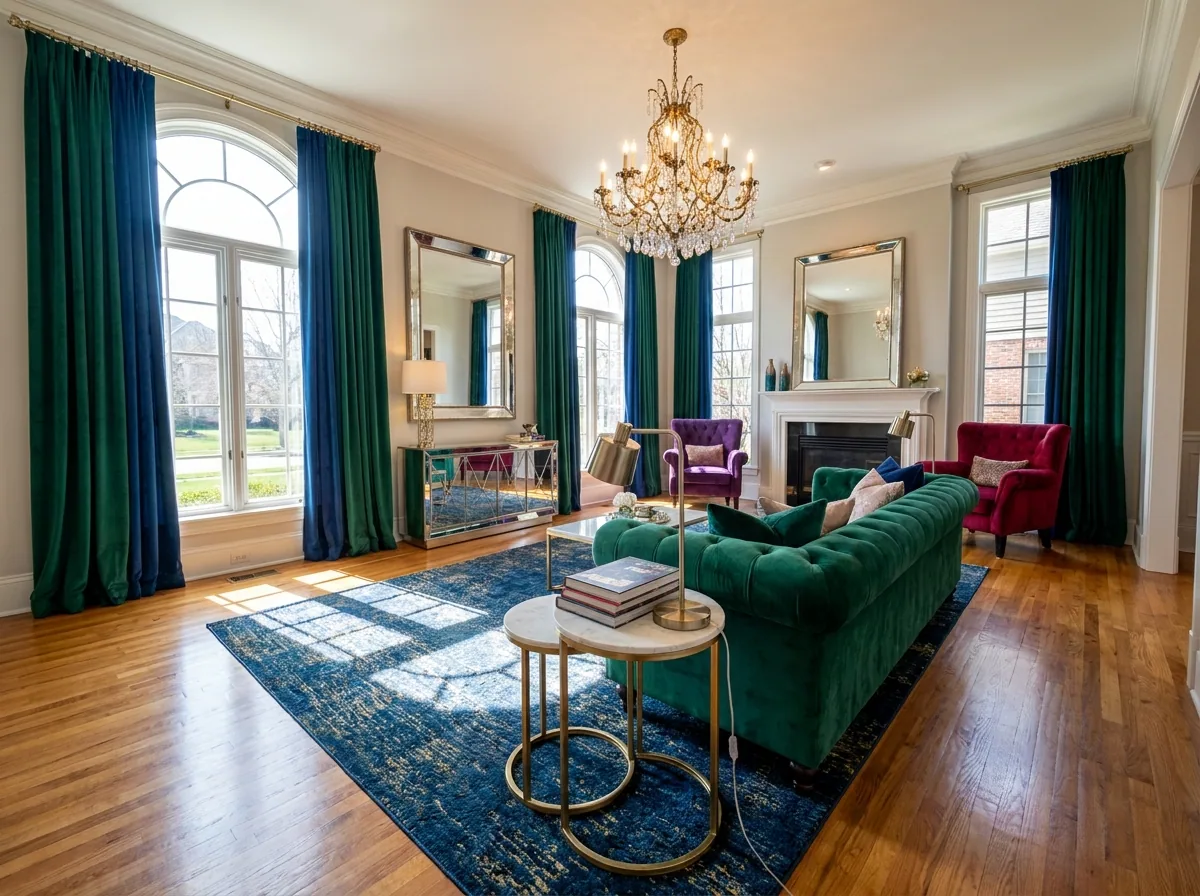
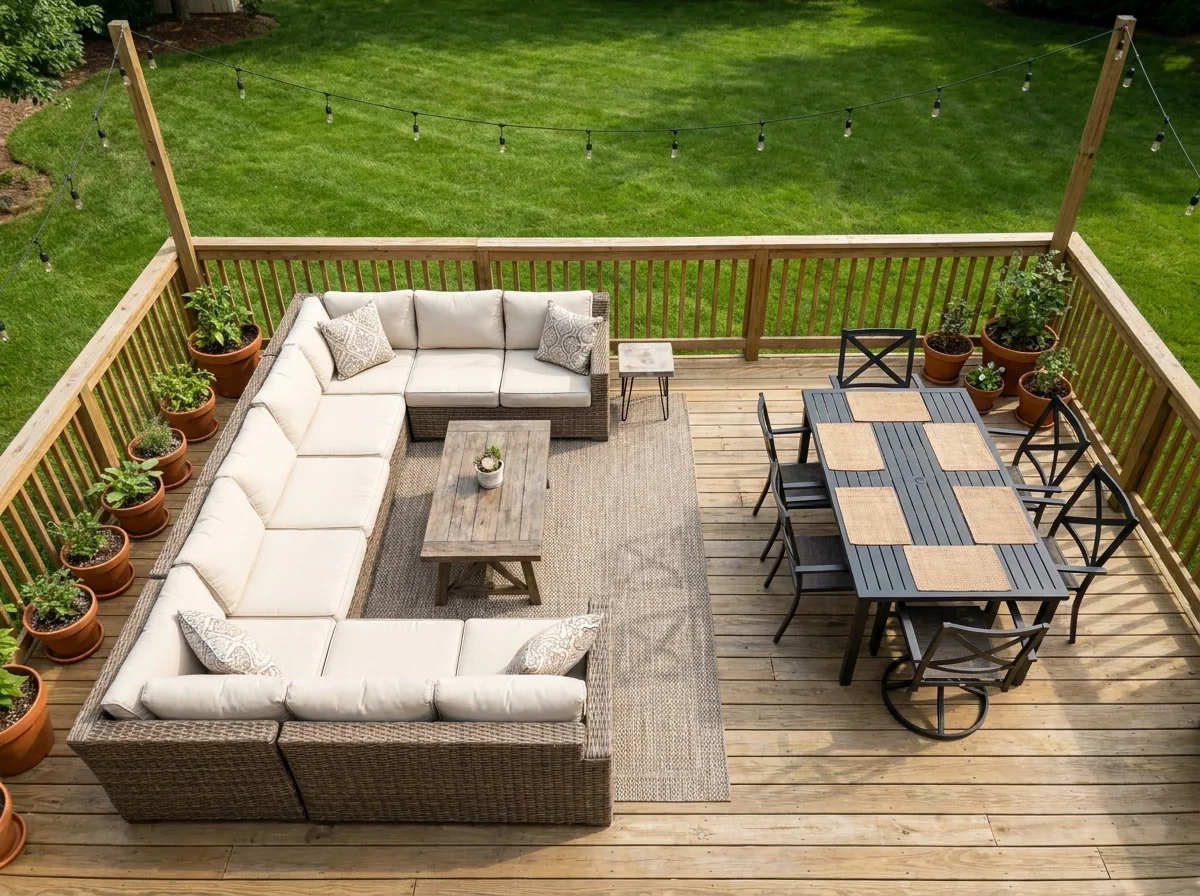
What you get
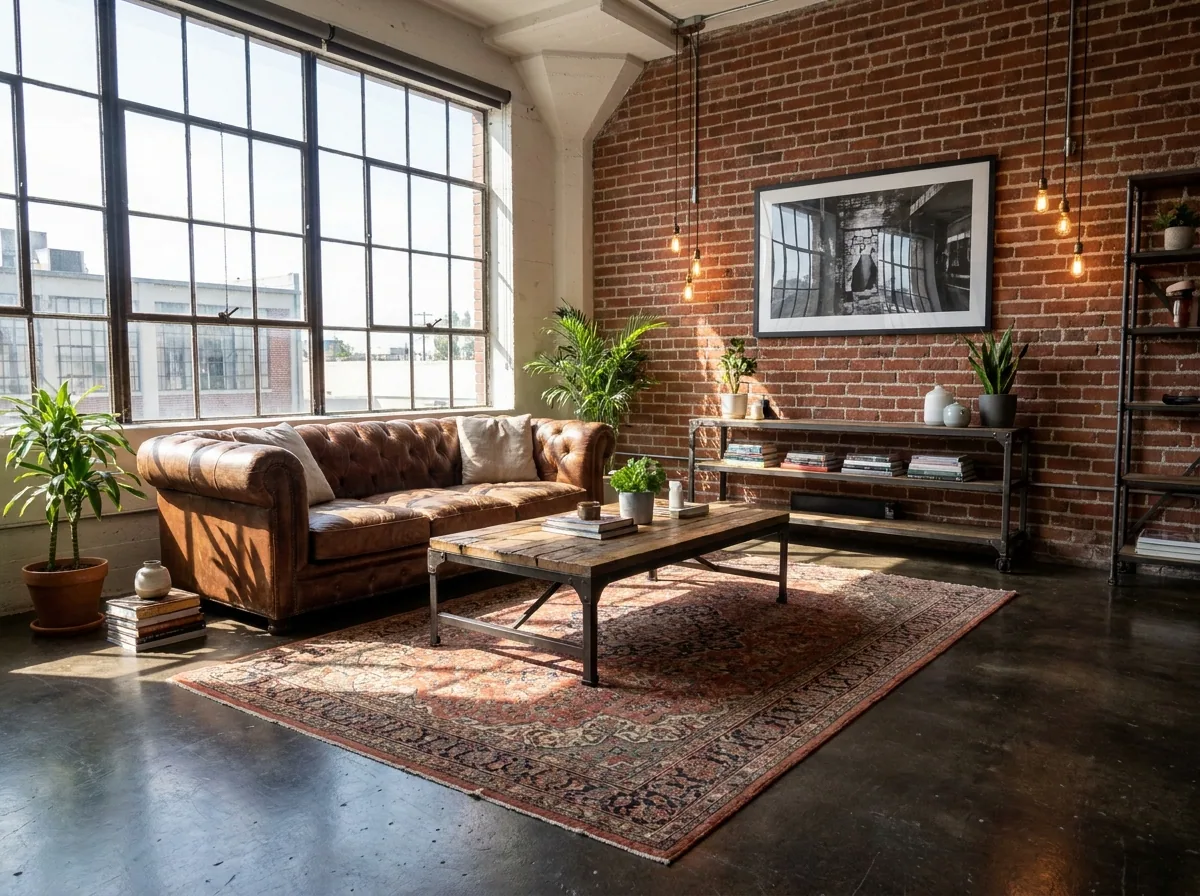
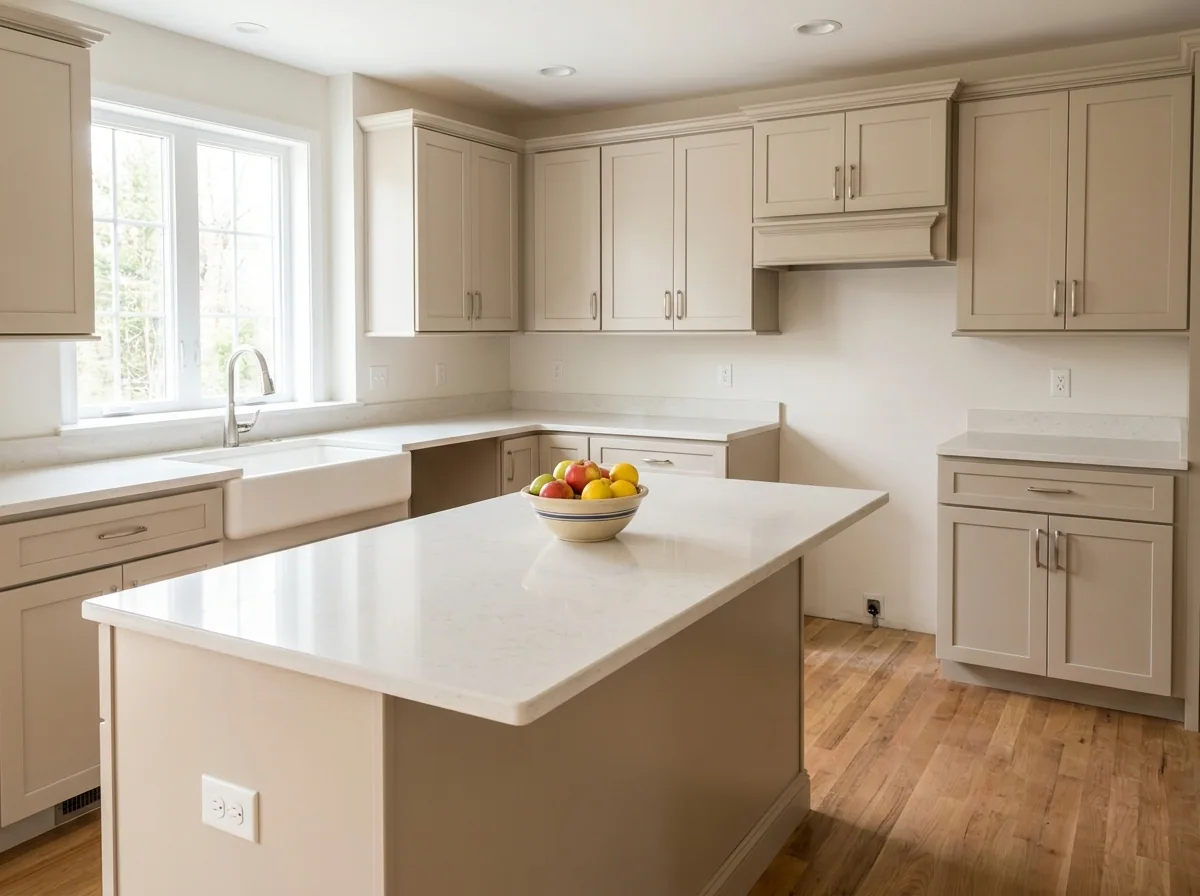
How it works
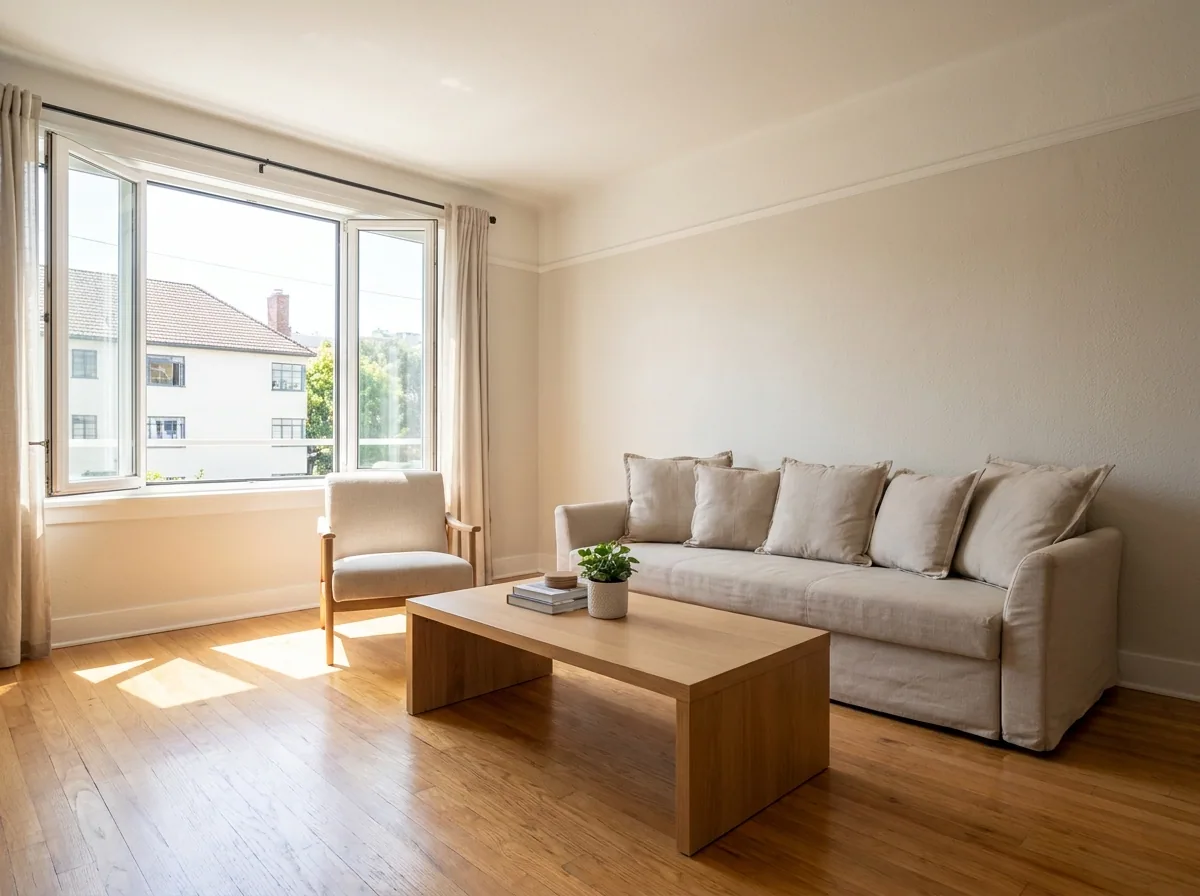
An empty room is hard to book. A guest who scrolls a listing cannot tell how big the bedroom is. They cannot tell how much space the living room has. This recipe starts from your photo of each empty room. It shows that room with furniture in it. One style runs across the whole property. The walls, the windows and the floor stay the real ones. Label every staged picture as staged, because the guest books the room itself.
Clear the room before you furnish it
Most empty rooms still hold something. Upload the room photo. Mark the paint tins, the ladder, the old mattress or the boxes left in the corner. You get the same room back with the floor clear. That is the clean start the next step needs.
Open the Object removal templatePut furniture in the empty room
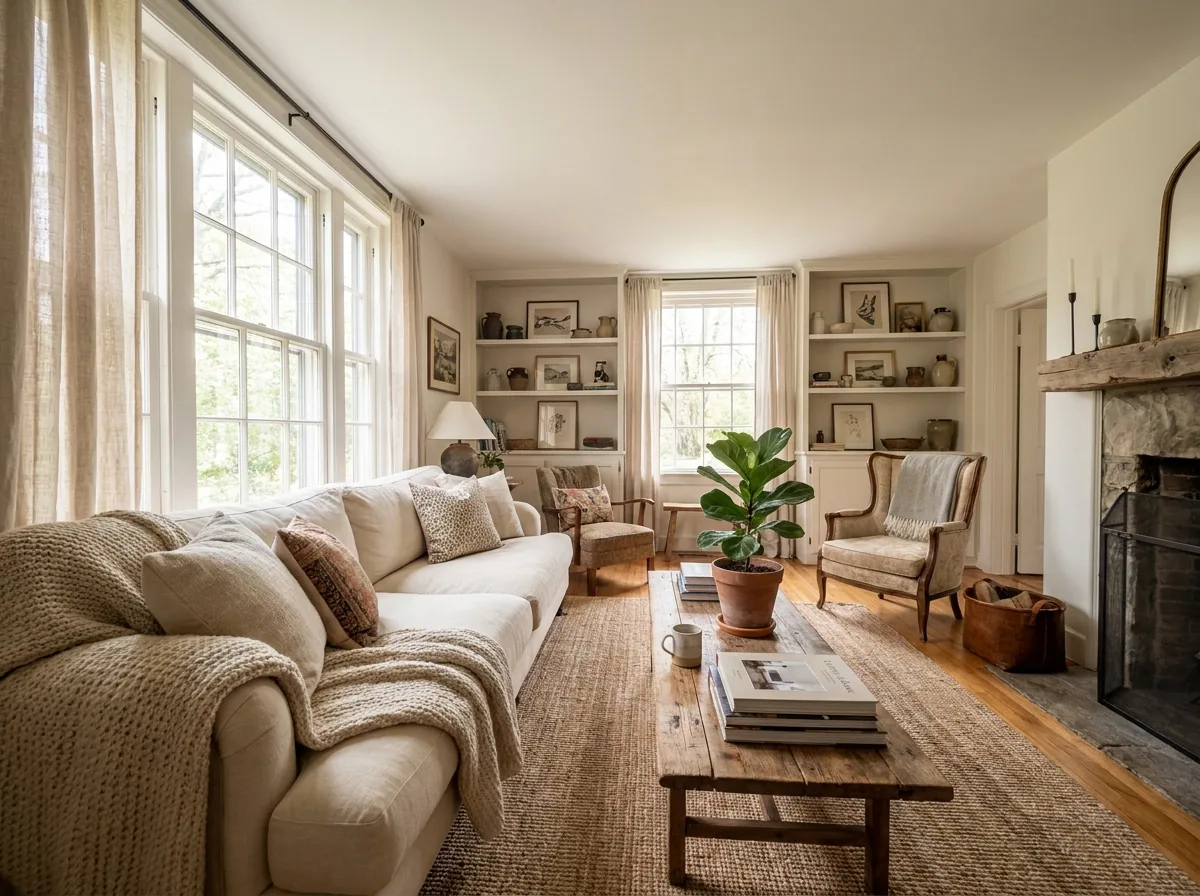
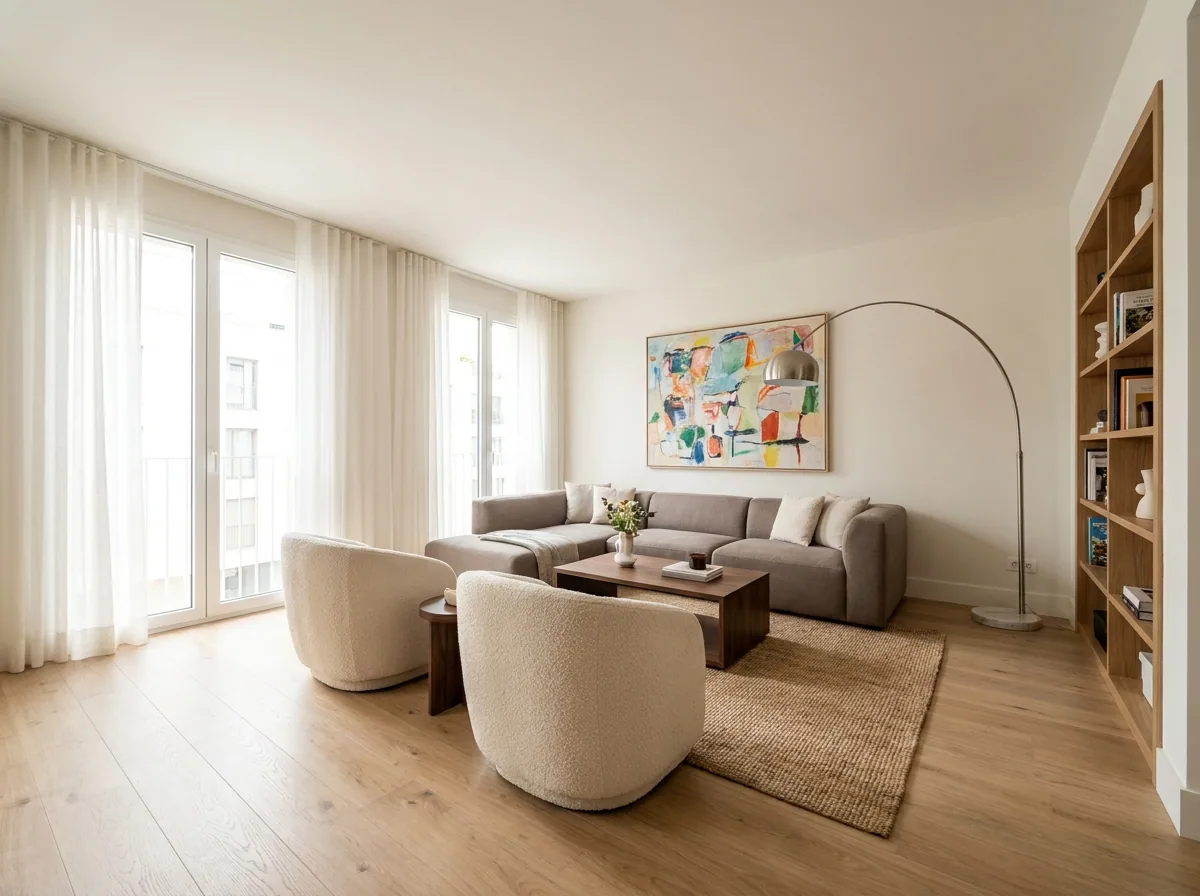
Upload the cleared room. Pick one style for the whole property: plain and modern, warm and soft, or something closer to the building. You get the room back with a bed, a sofa or a dining table in it. Each piece is sized to the space you photographed. Do the terrace and the balcony the same way.
Open the Property photographer templateChange one piece without redoing the room
The room is right, but the rug is wrong. Or the bed looks too big for the wall. Open the picture, say what to change, and only that part changes. The room, the light and the rest of the furniture stay as you approved them.
Open Edit an imageOne style across every room and every property
Save the colours and the furniture style you picked in your brand profile. Every room you stage later uses the same rules. A room you stage today matches a room you staged last month. A second property then starts from that look instead of a blank page.
See how brand rules work
Where the pictures go
- Download the set. Sign in to Airbnb. Upload one picture per room in the photo manager for that listing.
- Add the same pictures to your Booking.com extranet and to your own site. A guest then sees one property in all three places.
- Label each staged photo as staged in its caption. Keep a photo of the real empty room in the set.
Every room and the next property
A property has several rooms, and the next property has the same again. Send all the room photos in one batch. You get the same furniture style back on every picture. You pick the style once, not once per room.
See how batch worksQuestions
Is it fair to show furniture that is not in the room?
Only if you say so. Write in the caption that the photo is virtually staged, and keep a photo of the real empty room next to it. Airbnb and Booking.com ask that photos show the real place. The walls, the windows and the size must be the real ones.
What if the property is already furnished?
Then you do not need the staging step. Use the first step to clear the clutter. Use the third step to fix one piece that spoils the picture.
Can I use these pictures in a paid ad for the listing?
Yes, from the Pro plan. Uploading your own photos and the commercial licence both start there.