Short-stay rentals4 steps
How to make your holiday let photos look professional
Turn the phone photos of your rooms into bright, tidy listing pictures for Airbnb and Booking.com. The room stays the room a guest arrives to.
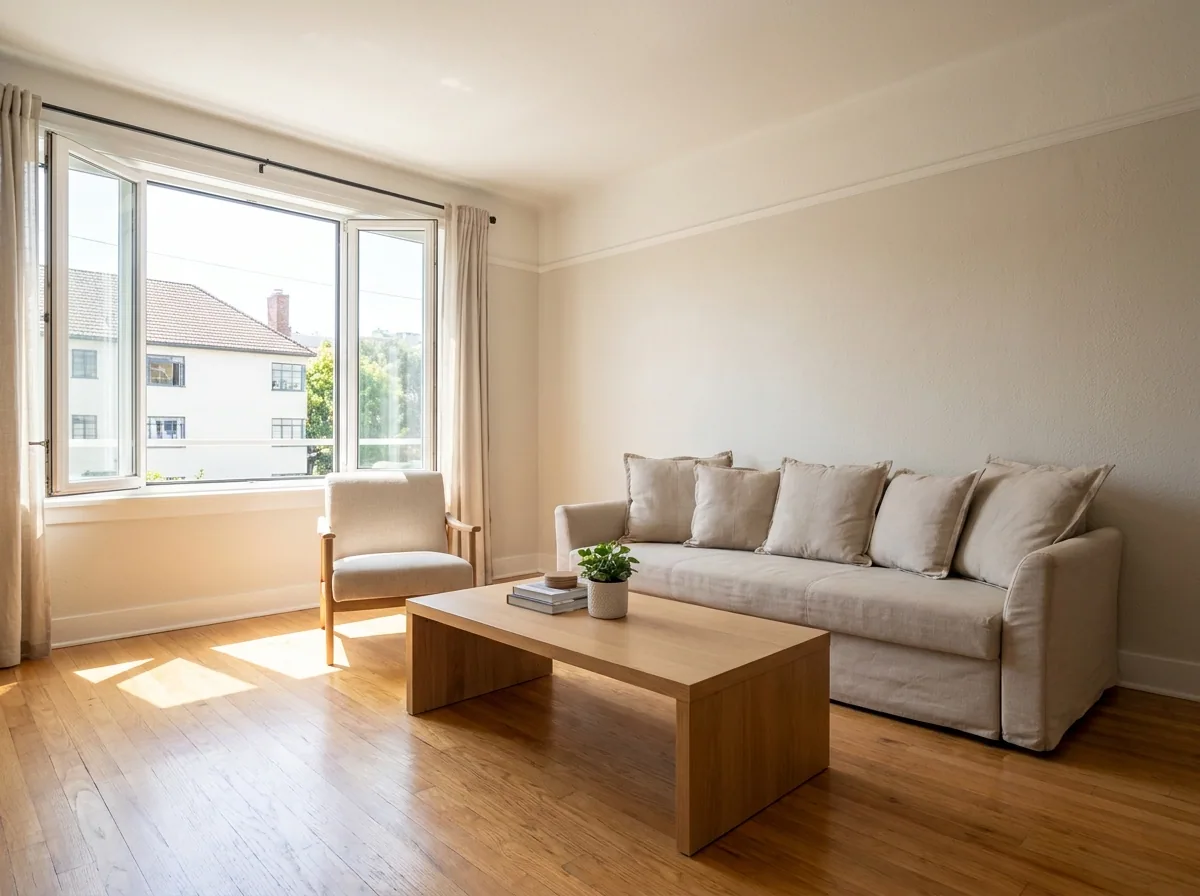
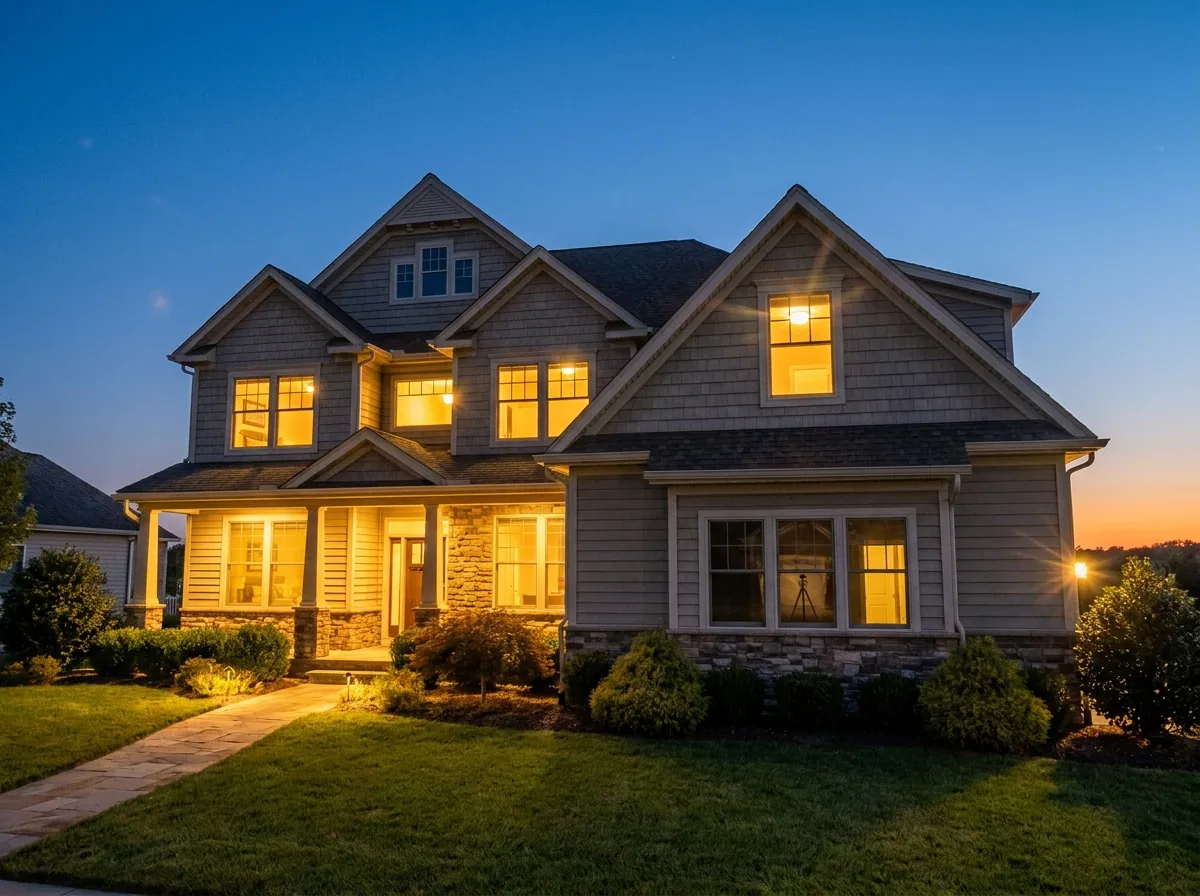
What you get
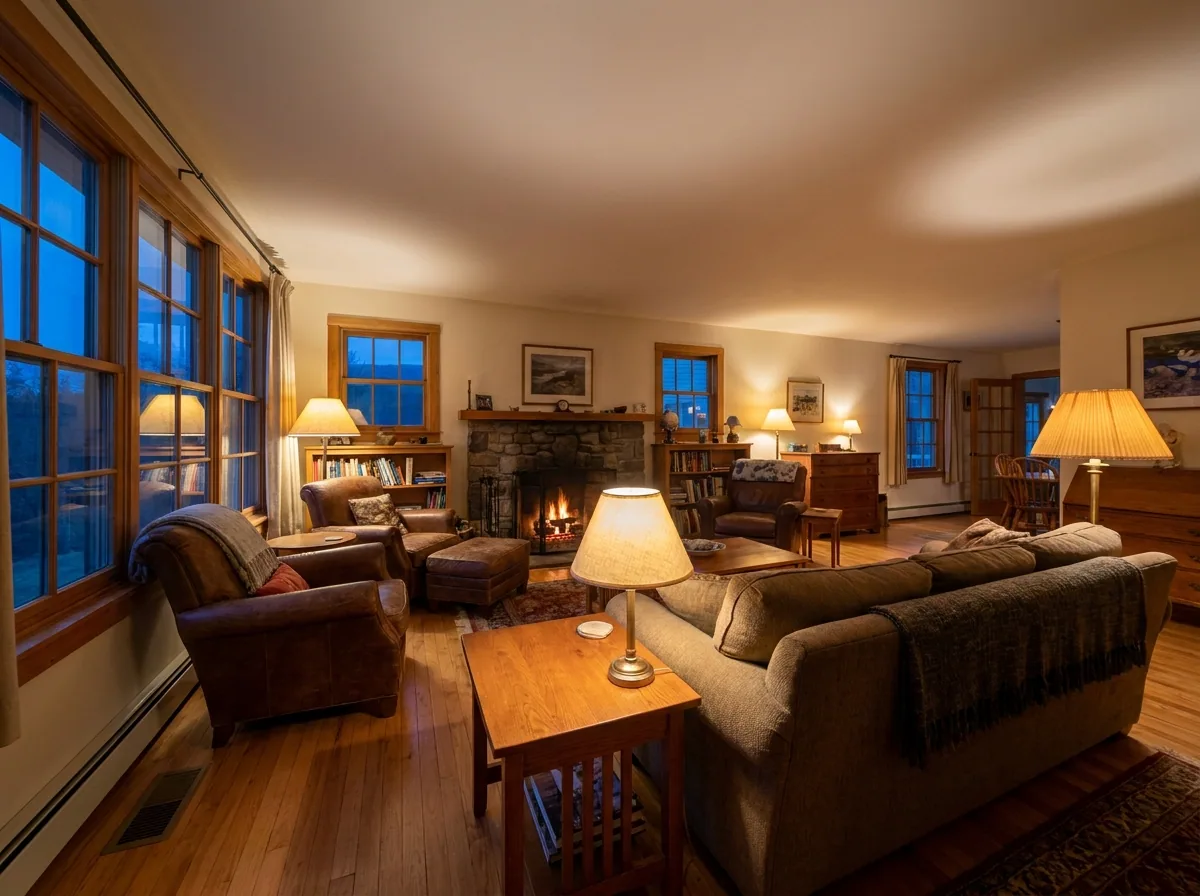
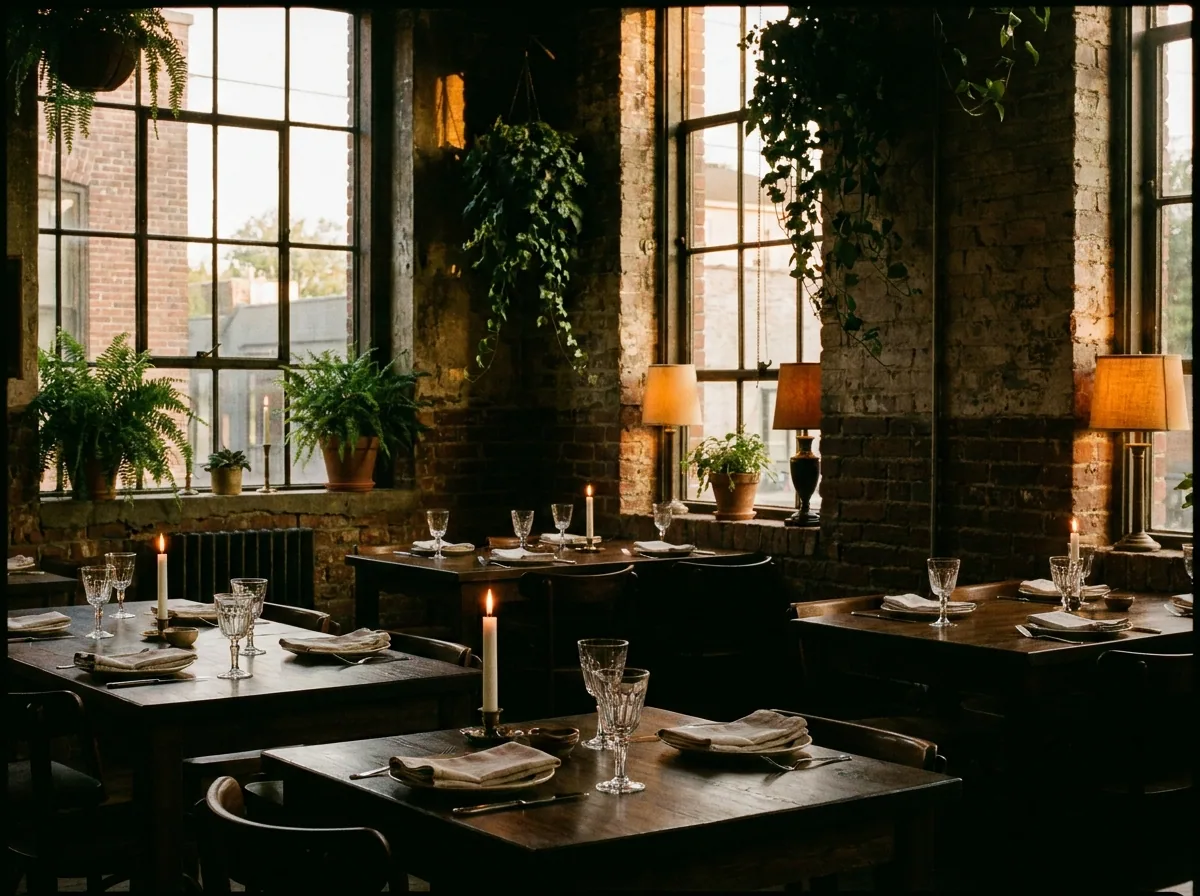
How it works
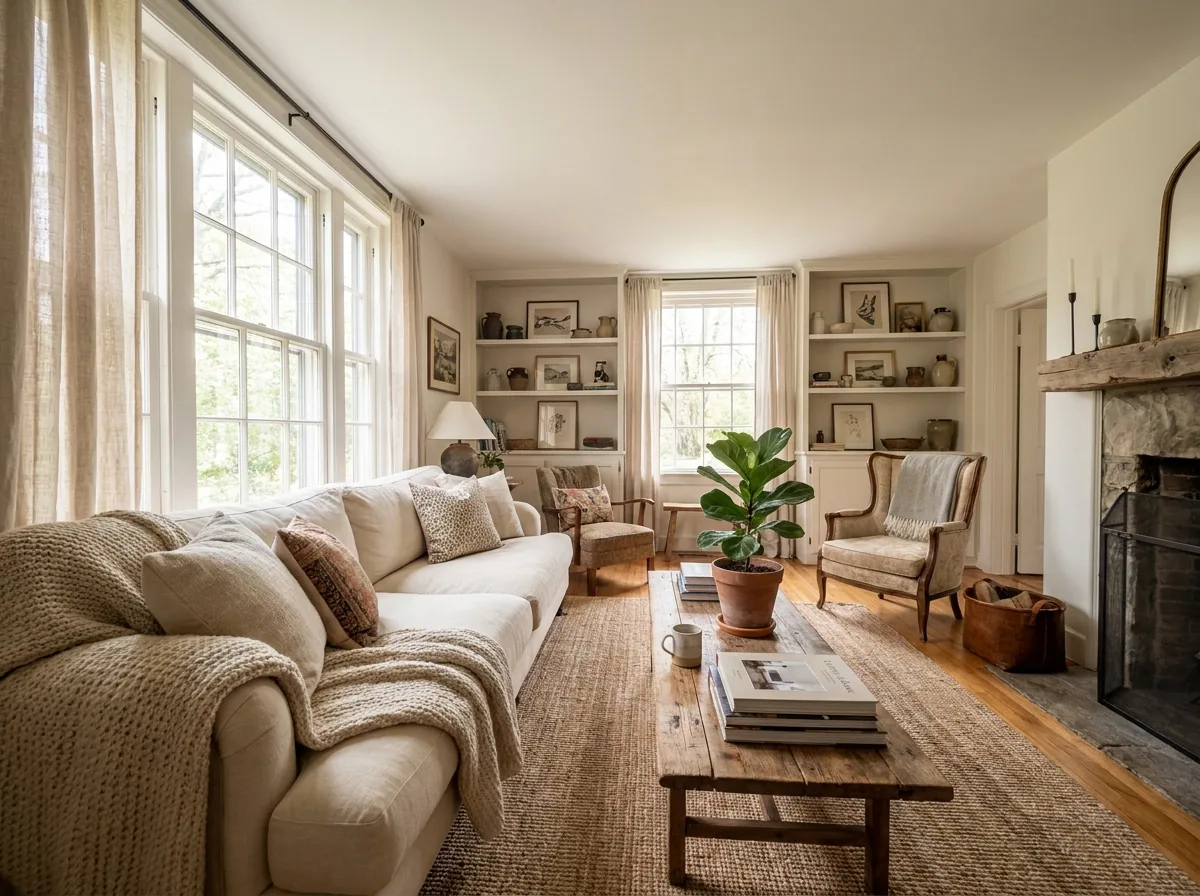
Guests read your pictures before they read a word. A dark hallway sends them to the next listing. So does a drying rack in the corner of the lounge. This recipe starts from the phone photos you already have of each room. It makes them bright, tidy and warm. The room stays the room. The guest who books recognises it on the day they arrive.
Brighten the room and straighten the walls
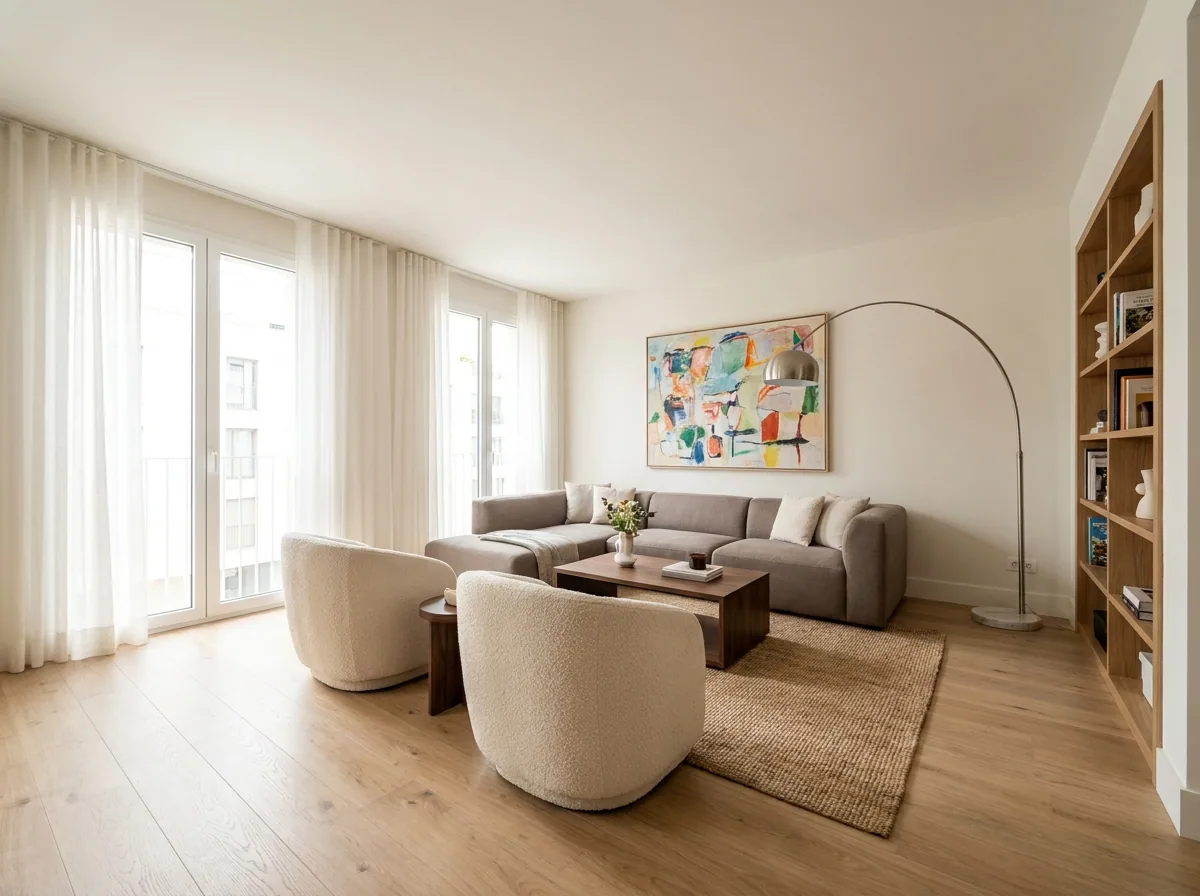
Upload the photo you took from the doorway. Ask for brighter light, a level floor and straight walls. A leaning wall is what a phone lens does indoors. It makes a good room look badly photographed. The furniture, the layout and the view out of the window stay where they are.
Open Edit an imageRemove the clutter from the shot
Run the same photo again. Name what should go: the bin, the charging cable, the drying rack, the shampoo bottles on the bath. You get the same room back with those things gone. Remove only what you would move yourself before a guest arrives. Never a wall, a window or a piece of furniture.
Open the Object removal templateWarm the light on a grey day
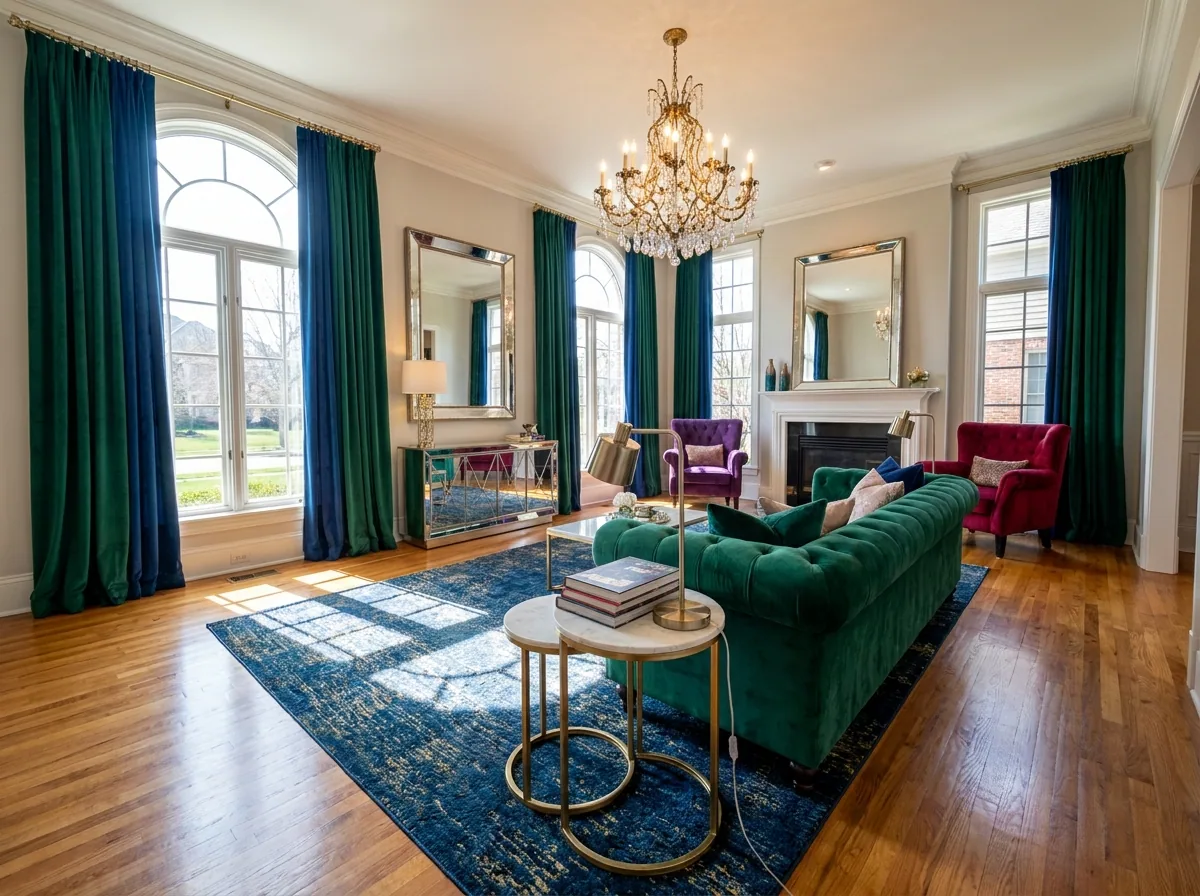
You take the photos on the one free afternoon you have. The sky is grey. Relight the room so the lamps look warm. Show the fireplace lit only if it works. That is how the room looks on the evening a guest arrives. The light changes, the room does not.
Open the Relighting studio templateDo the whole property in one pass
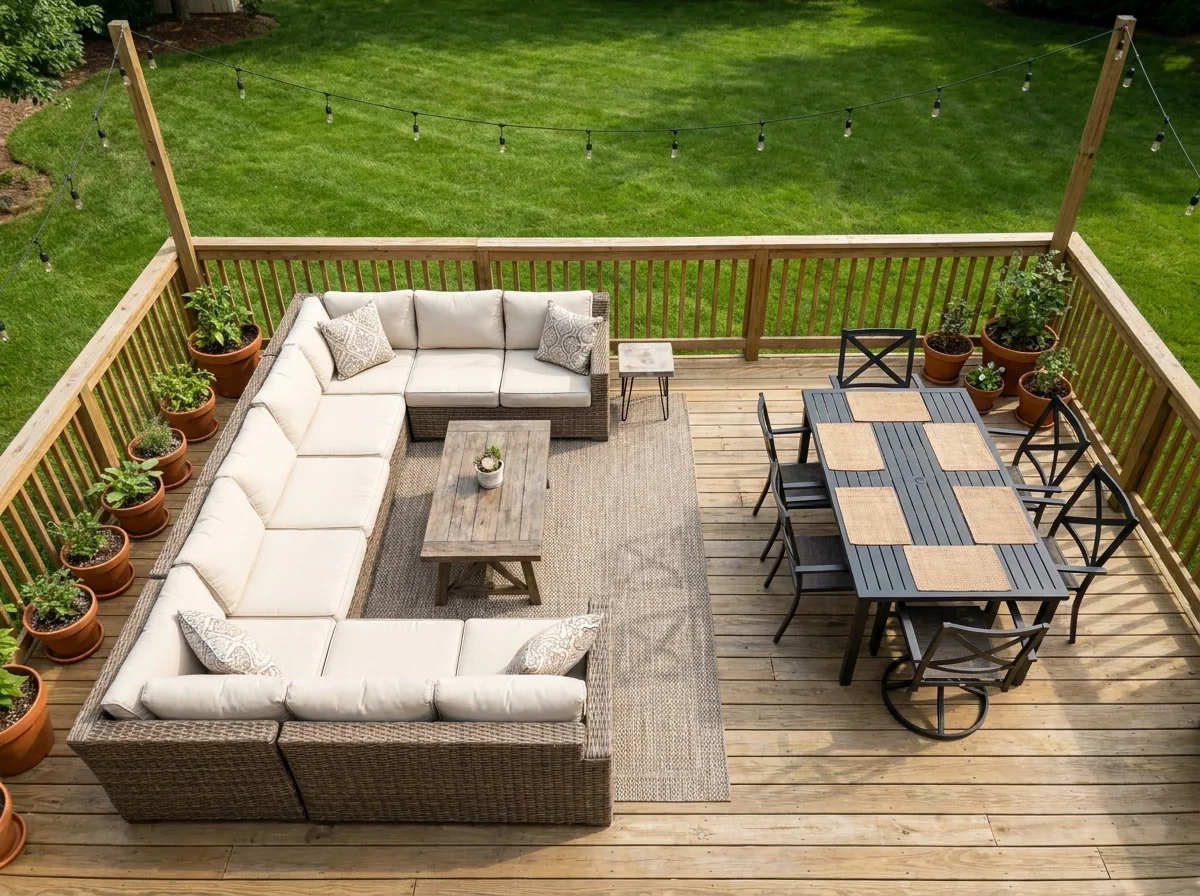
Once one room looks right, run the rest the same way, room by room. Load each photo into the property template. It holds one light and one look across the set. A listing looks like one home when the bedroom, the kitchen and the terrace match.
Open the Property photographer template
Where the pictures go
- Download the set, then sign in to Airbnb and upload it to your listing. Put the living room or the view first. That first picture is the one shown in search results.
- Upload the same set to Booking.com and to your own site. A guest who compares the two then sees one property.
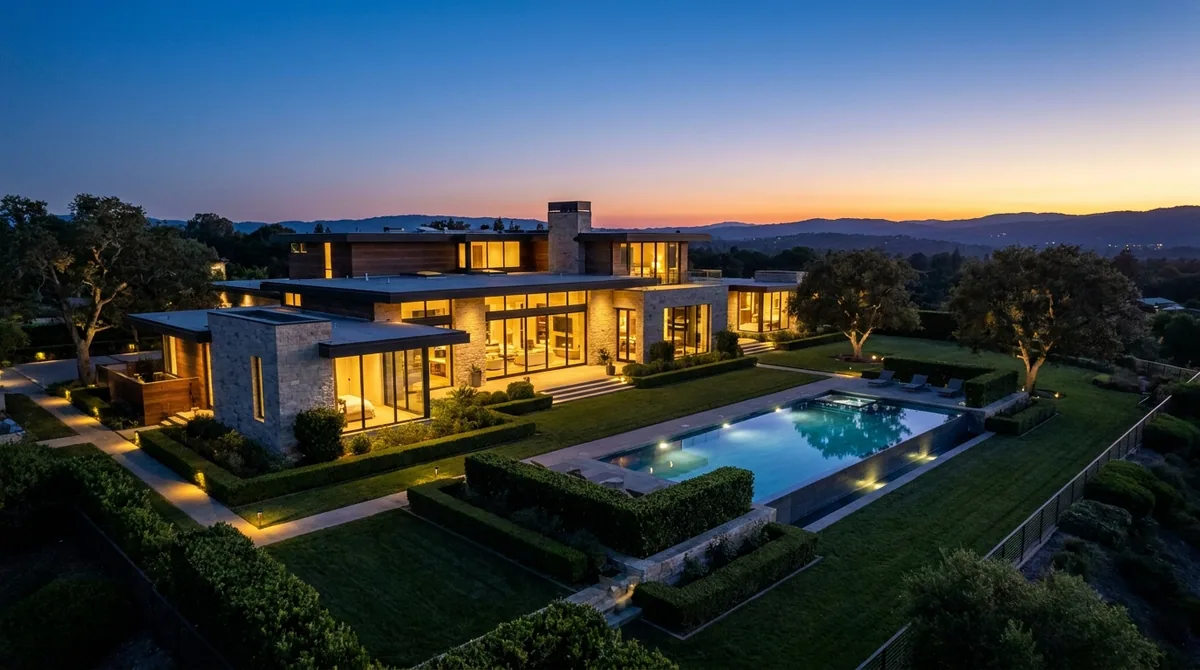
- Keep the dusk picture as the cover shot. Put the plain daylight room shots in the room by room list further down the page.
The same look next season
Save these steps once as a workflow. When you change the sofa, paint a bedroom or add a second property, load the new photos. Run the saved workflow on them instead of starting from blank. The light, the crop and the look stay the ones you approved.
See how workflows workQuestions
Will the photos still look like my property?
Yes, when each picture starts from your own photo of your own room. The recipe changes the light and the clutter, not the room. Check each result before you upload it. A guest should recognise the space when they walk in.
Am I allowed to edit my listing photos?
Yes, within limits. Airbnb and Booking.com ask that listing photos show the real place. Fix the light, the framing and the mess on the worktop. Do not add a balcony, a hot tub or a sea view the property does not have.
Do I need a camera or a photographer?
No. The recipe starts from phone photos taken in daylight. It fixes the light and the leaning walls. That is the part a phone gets wrong indoors.