Estate agents4 steps
How to get listing photos from your own phone photos
Turn the phone photos you already took into listing photos. Straighten the rooms, brighten them, clear the sky, and keep every listing in one look.
What you get
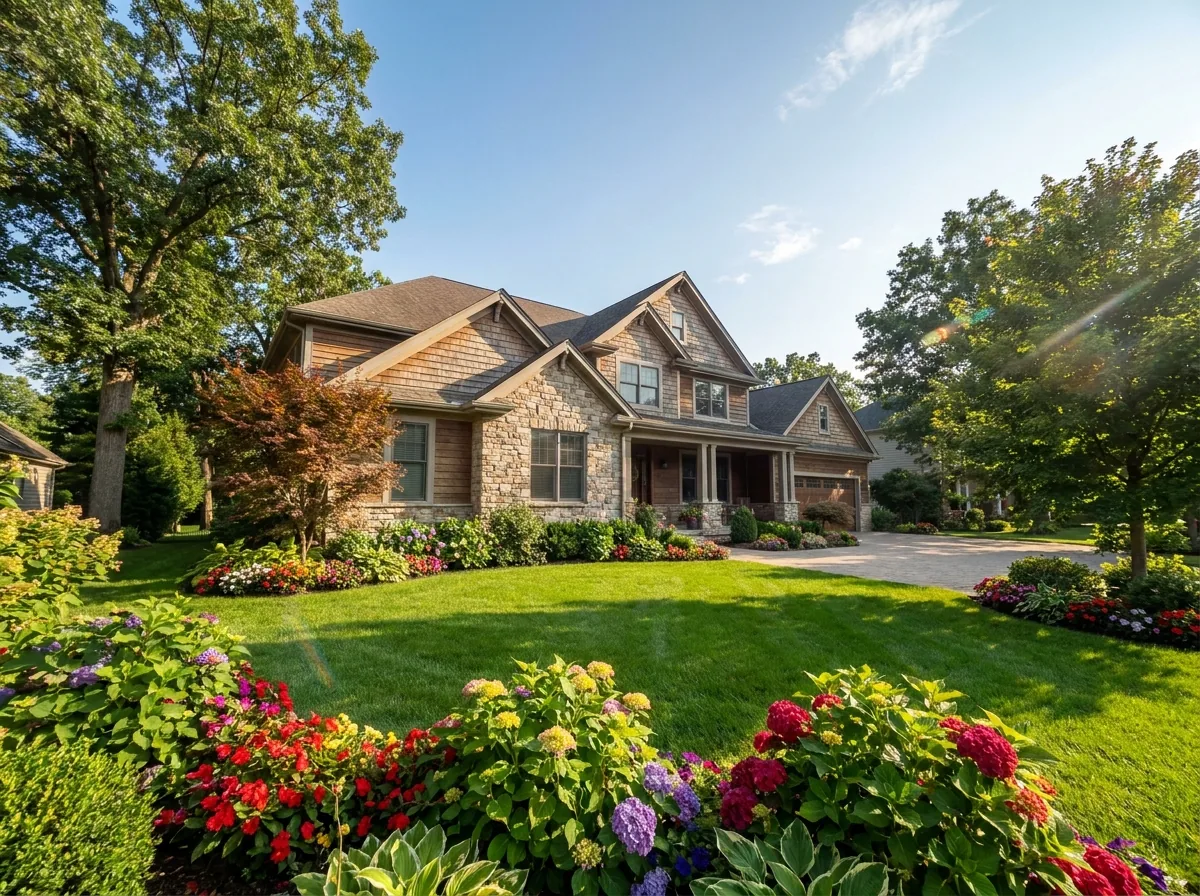
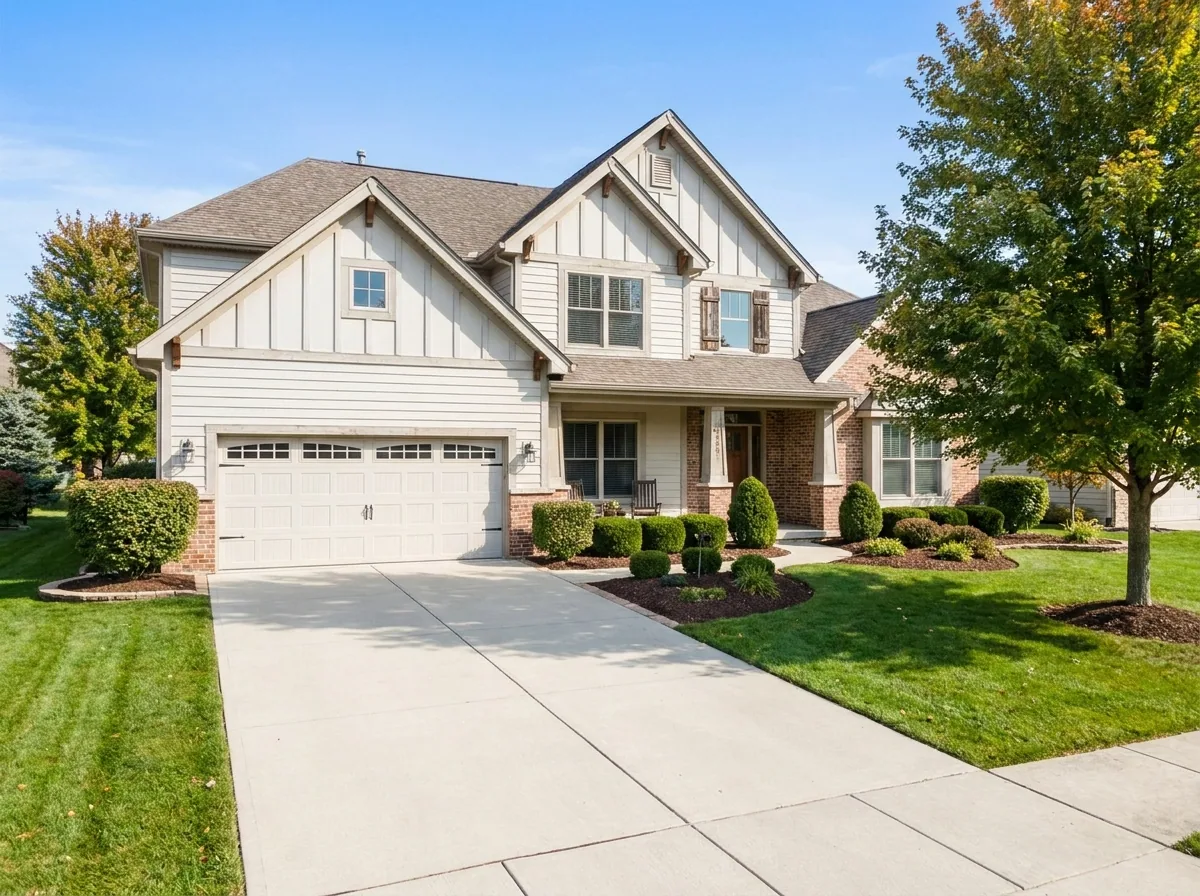
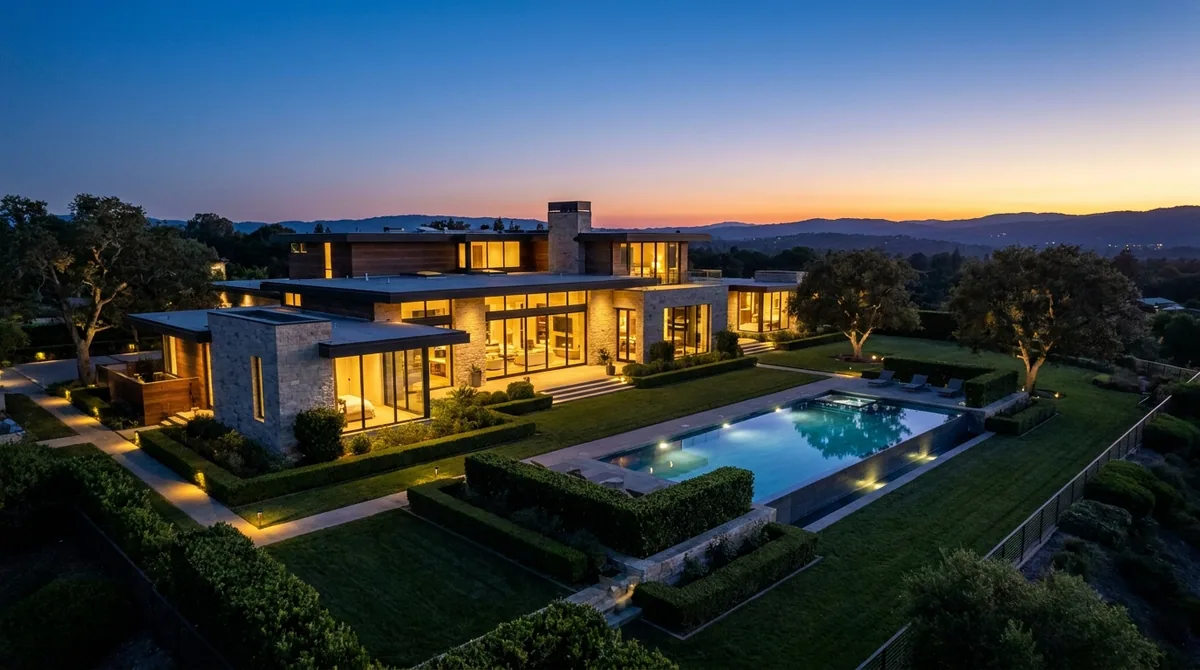
How it works
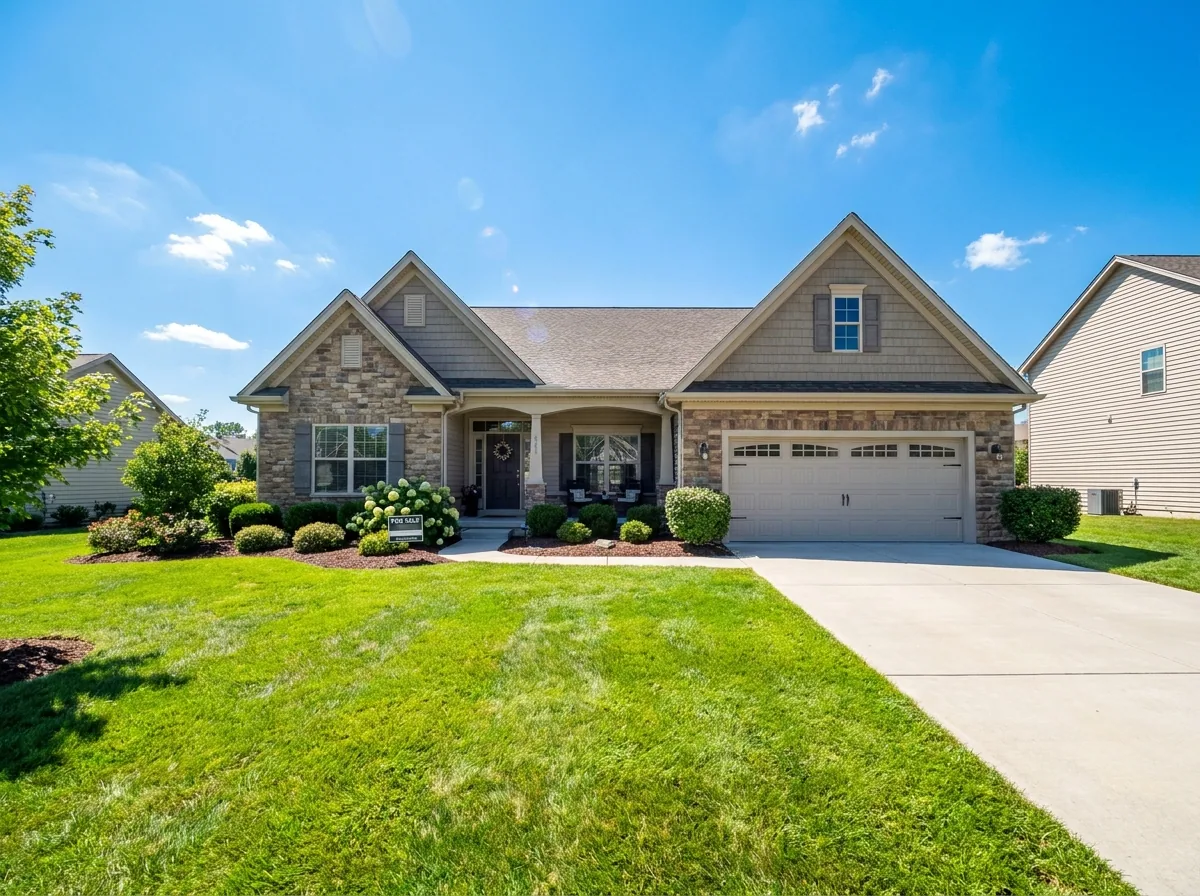
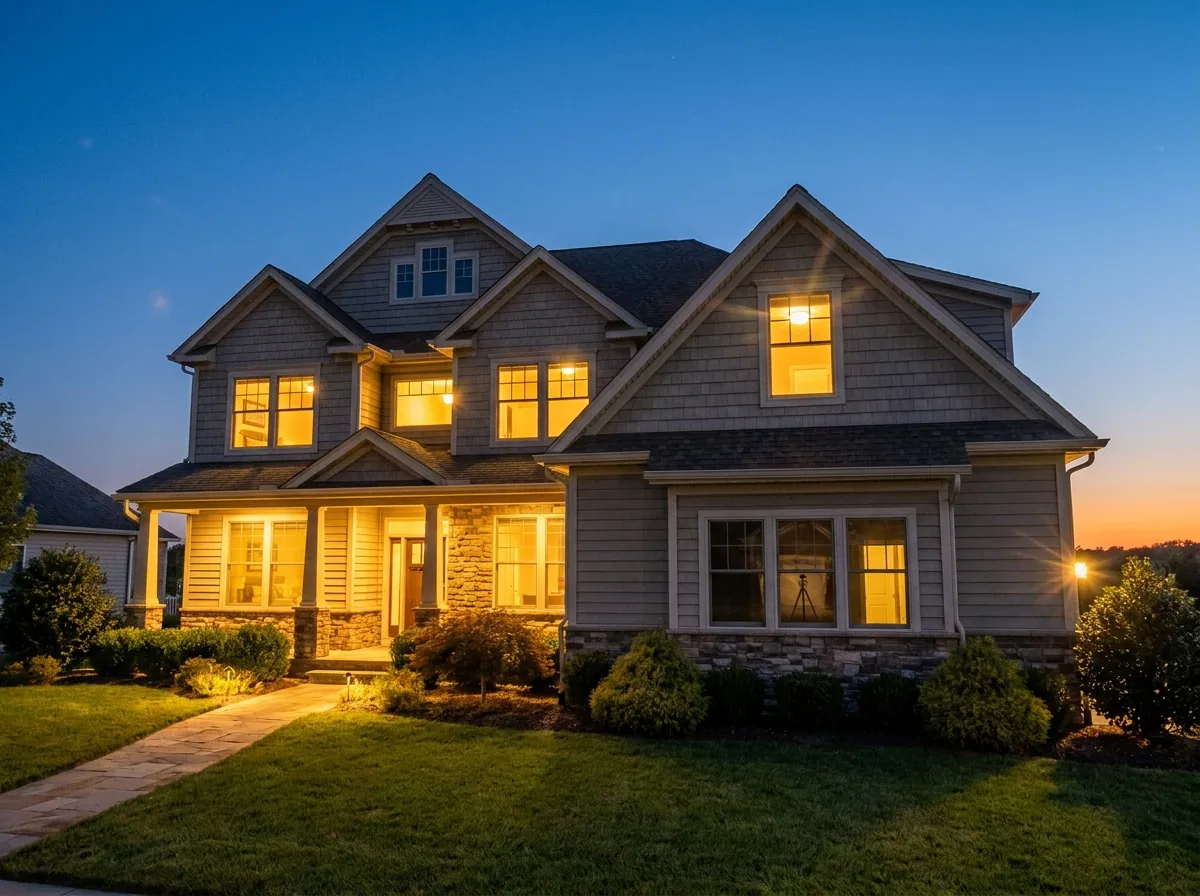
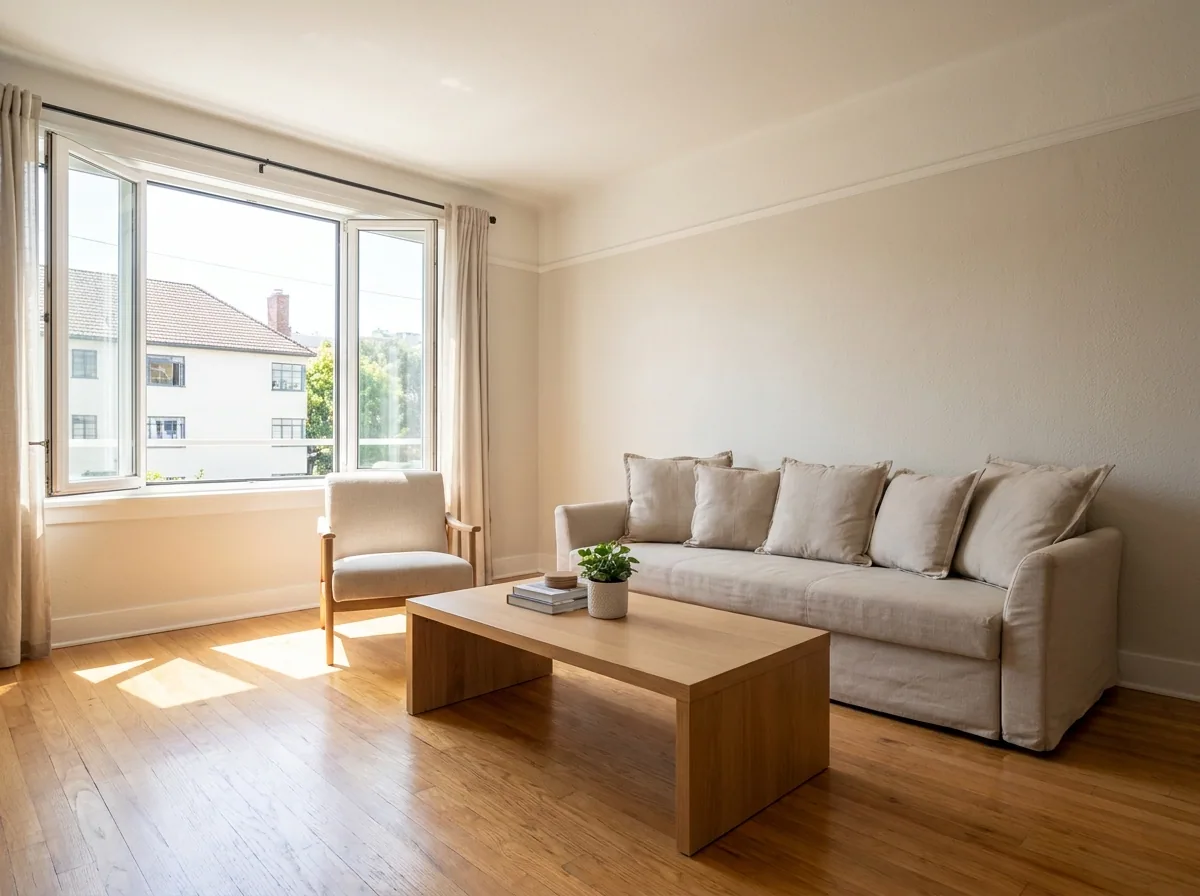
Buyers pick from a row of small pictures on a portal. They decide in a second. A dark room, a leaning wall or a grey sky makes buyers skip the listing. This recipe starts from the photos you already shot on your phone. You get back a listing set with level rooms, clear surfaces and a sky that works. Every picture ends in the same light. The whole listing looks like one house on one day.
Straighten and brighten each room
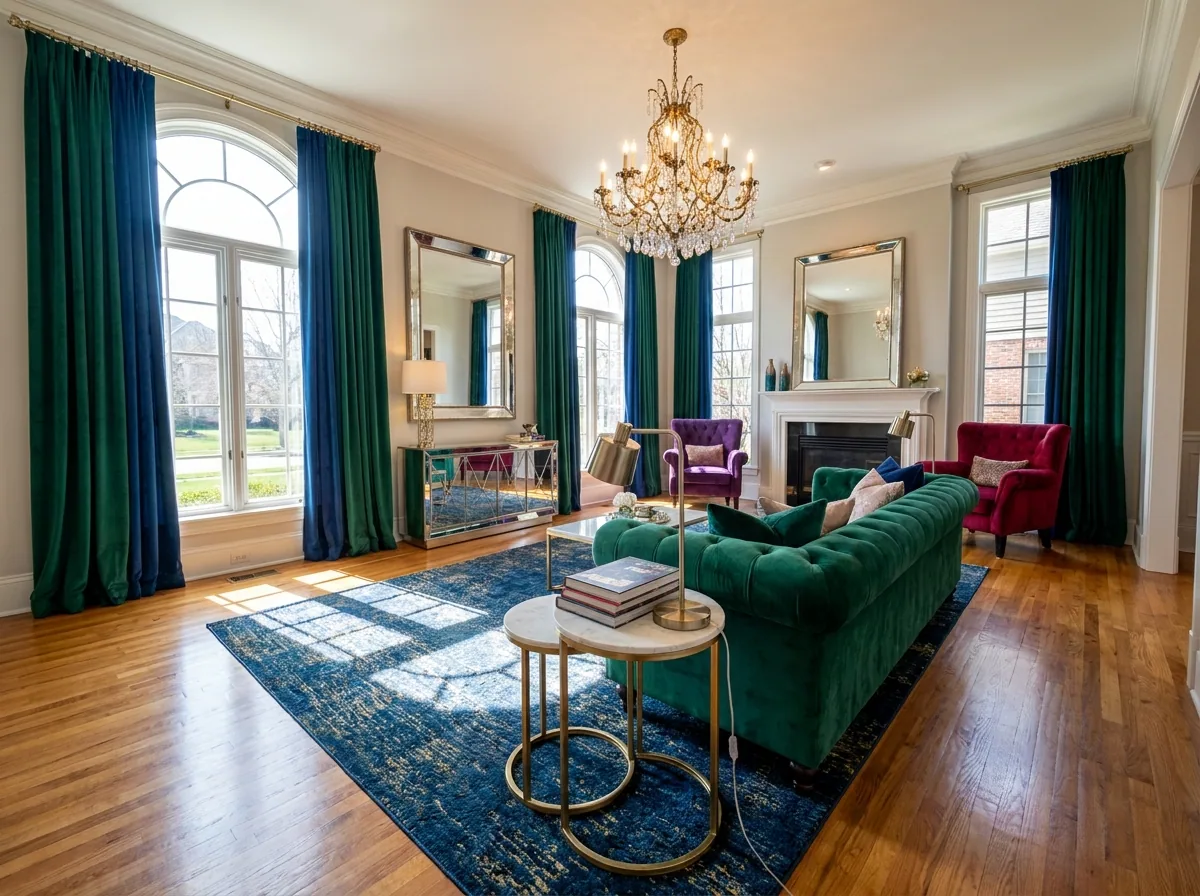
Upload a room photo and type one line: straight walls, more light, a clear floor. You get the same room back, level and bright, with the cables, the bins and the laundry gone. Do every room. Start with the two you want at the top of the listing. Uploading your own photos starts on the Pro plan.
Open Edit an imageFix the sky on the outside shot
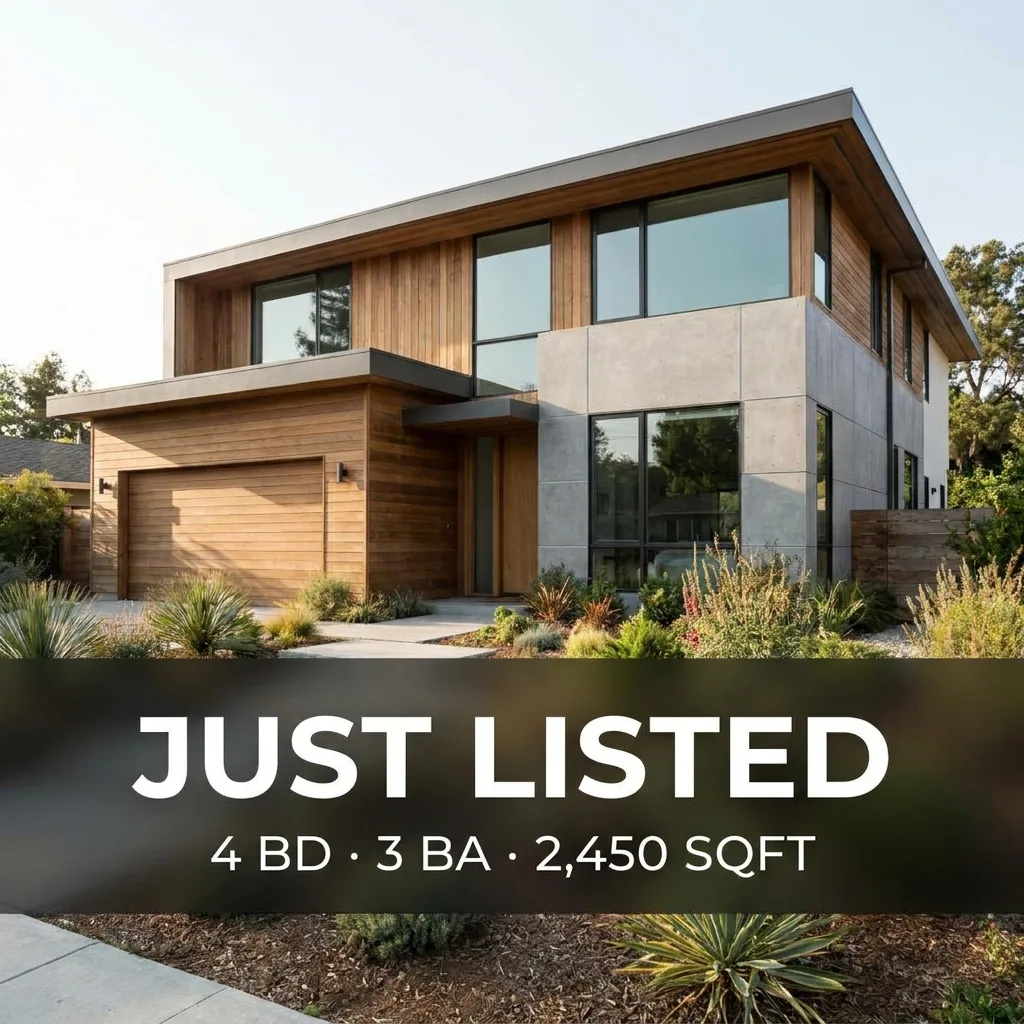
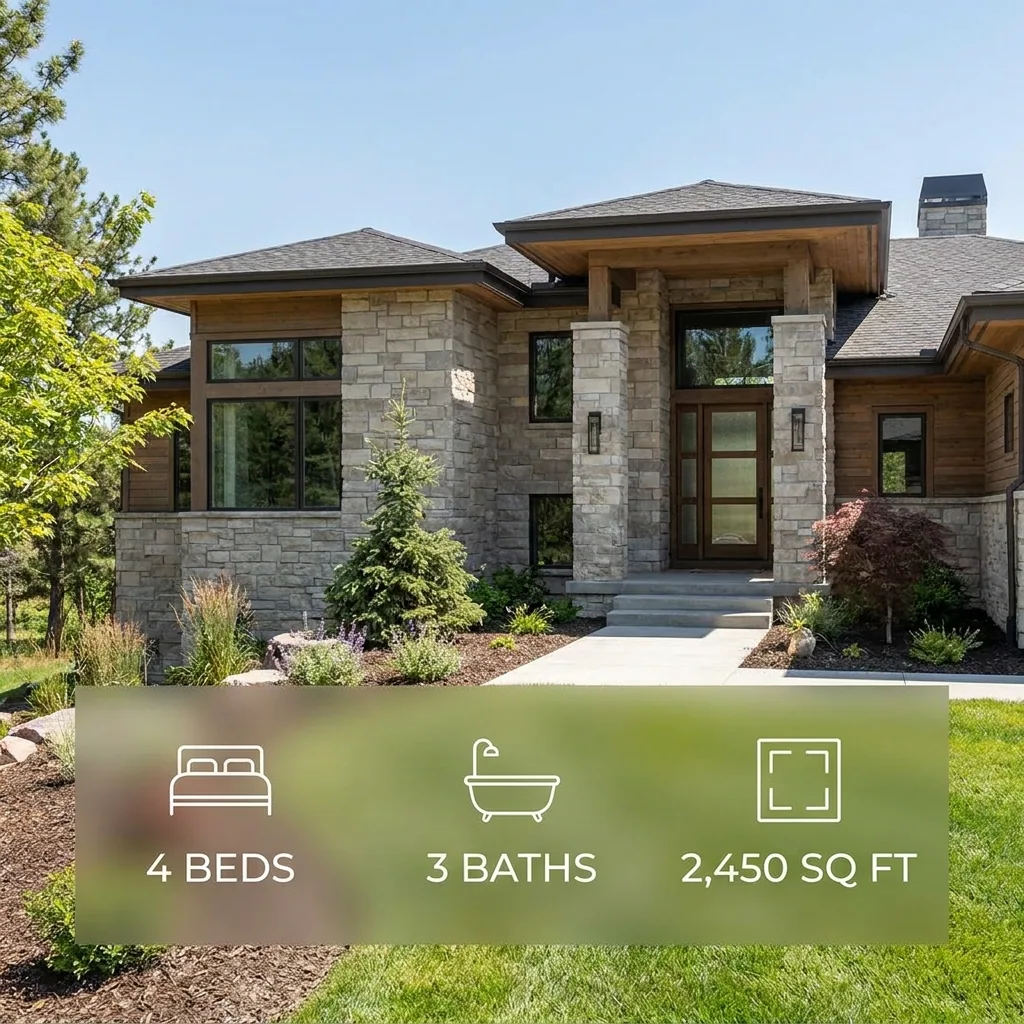
Load the photo of the front of the building. Pick the light you want. A grey day becomes a clear blue sky. The same house also works at dusk, with the windows lit. Say in the listing text when you change the sky or the season, so nobody is misled.
Open the Relighting studio templateBuild the full set, room by room
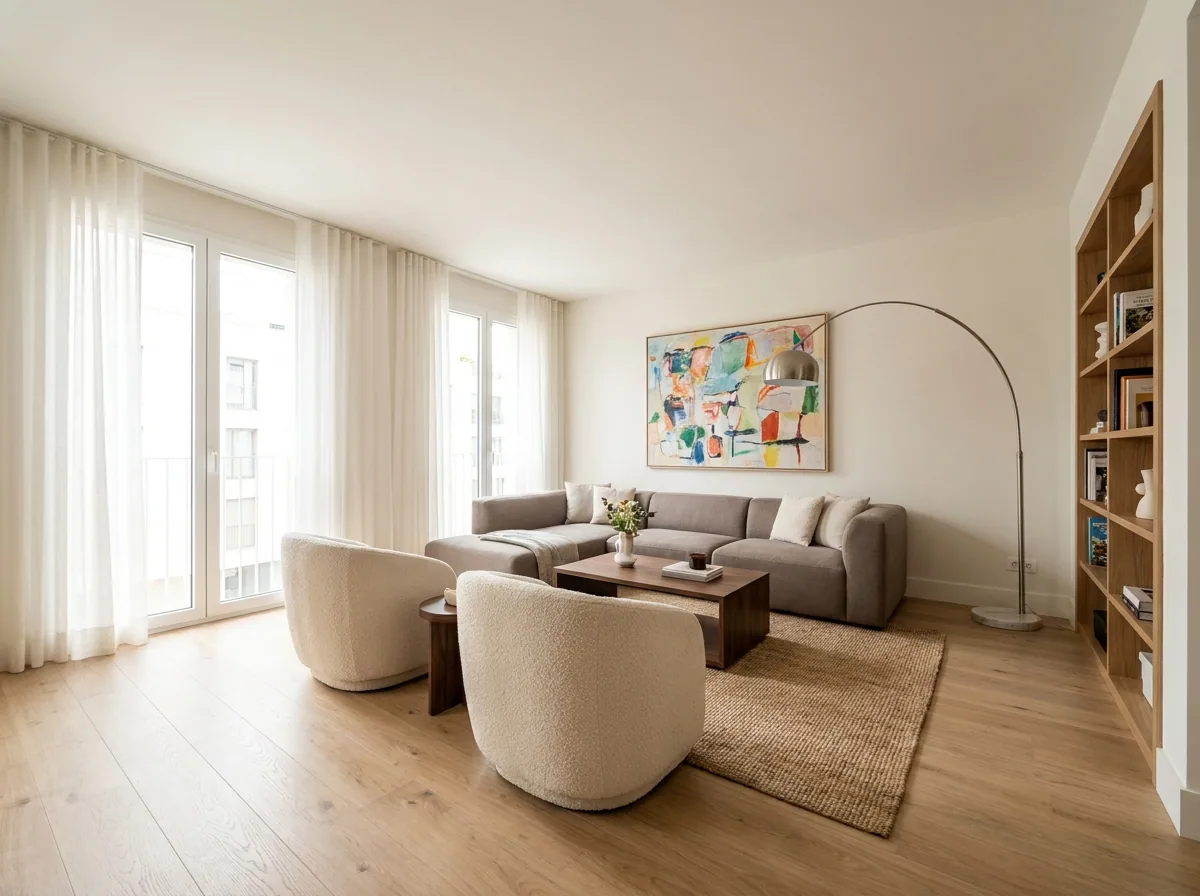
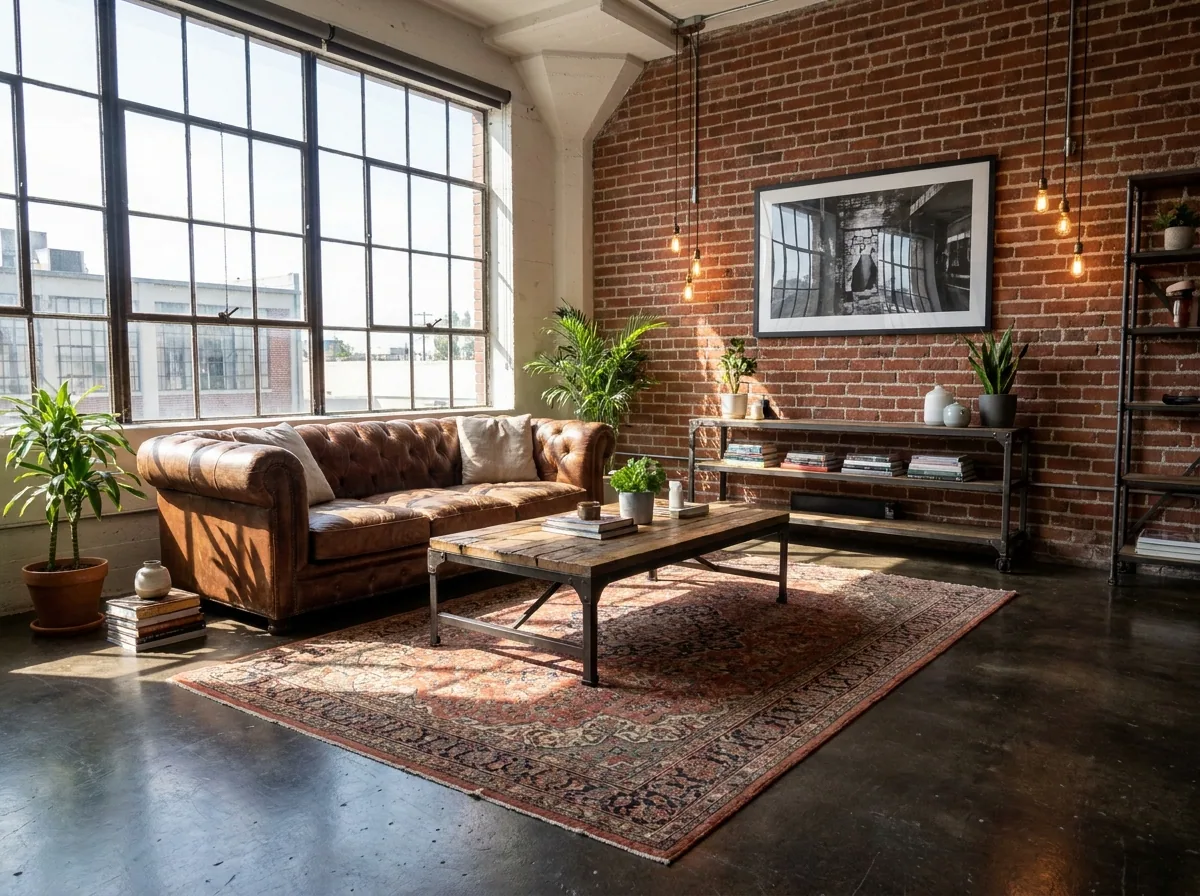
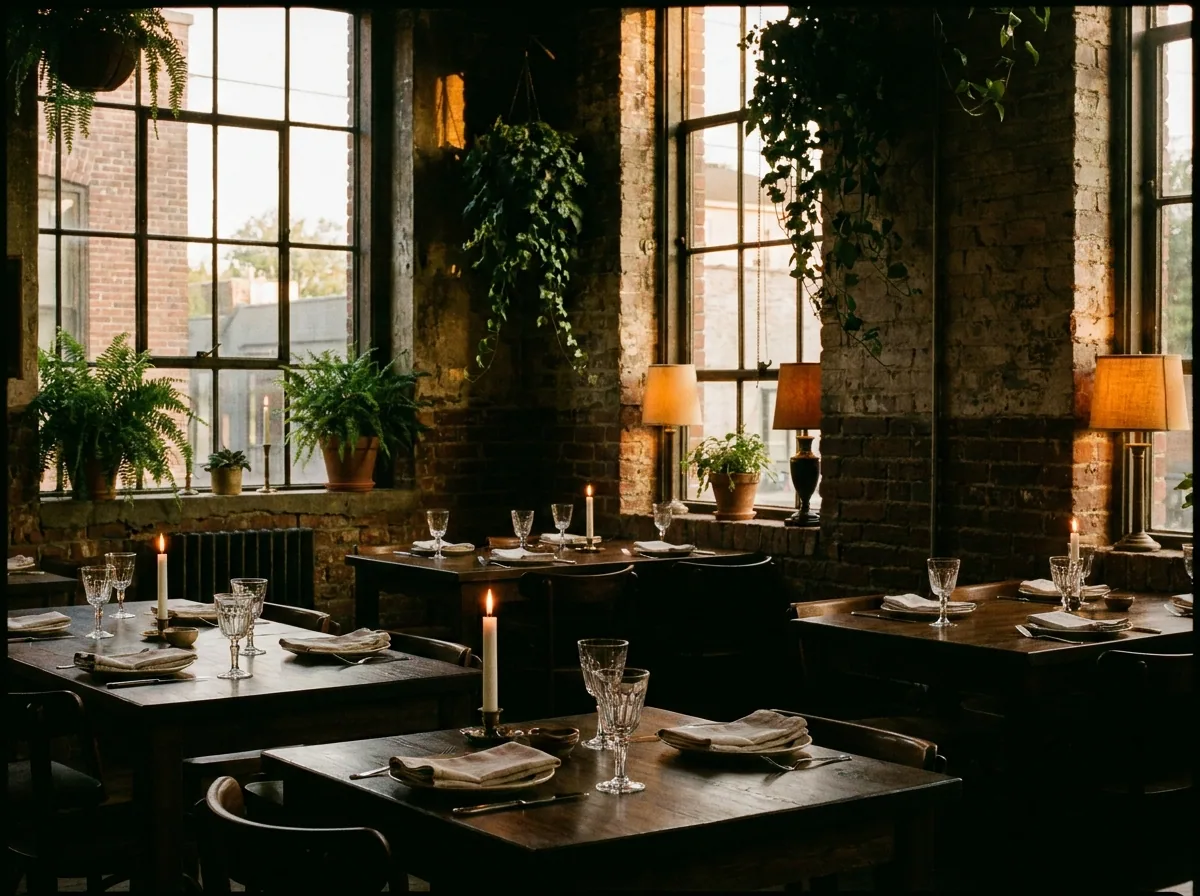
Send the rest of the rooms through the property photographer, one at a time. Each one gets the same light, the same warmth and the same crop. The kitchen and the bedroom look like one visit. Add the hall and the garden, because buyers count the rooms in the pictures.
Open the Property photographer templateKeep every listing in one place
Save the finished set to Assets under the address of the property. Every picture of every listing sits in one place. You can find the photos from last spring when the price drops, or when a second portal asks for them. You search by address instead of scrolling your phone.
See how Assets works
Where the pictures go
- Download the set. Upload it to your property portal. Put the outside shot first, because that is the picture people see in the search list.
- Upload the same set to the listing page on your own site. The property then looks the same in both places.
- Keep the room photos for the brochure and the window card, because the print shop asks for the same files.
The same set for the next listing
On Monday there is another house. Put the photos for one listing into one batch, or every listing you took this week. Start the batch once. You get the set back in the look you already approved.
See how batch worksQuestions
Do I need a camera or a wide angle lens?
No. The recipe starts from phone photos. Hold the phone level and get the whole room in the frame. The steps above fix the light, the clutter and the crop.
Will the rooms still be the real rooms?
Yes. Each picture starts from your own photo of that room. The light, the clutter and the framing change. The room stays the room a buyer walks into.
Can I use these pictures in a paid advert?
Yes, from the Pro plan. Uploading your own photos and the commercial licence both start there.