Estate agents4 steps
How to stage an empty property without a stager
Furnish the empty rooms of a property from your listing photos, clear what the last owner left, and keep one style. Label every staged picture.
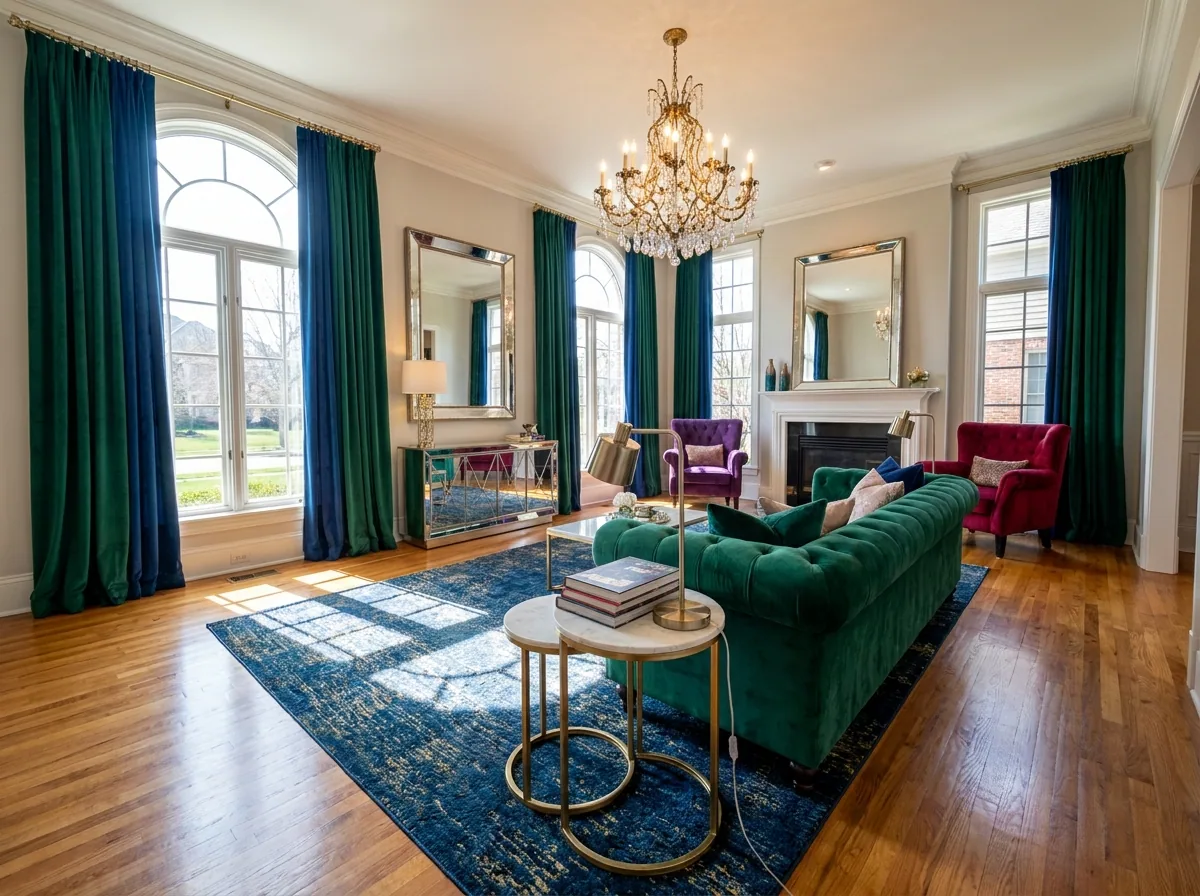
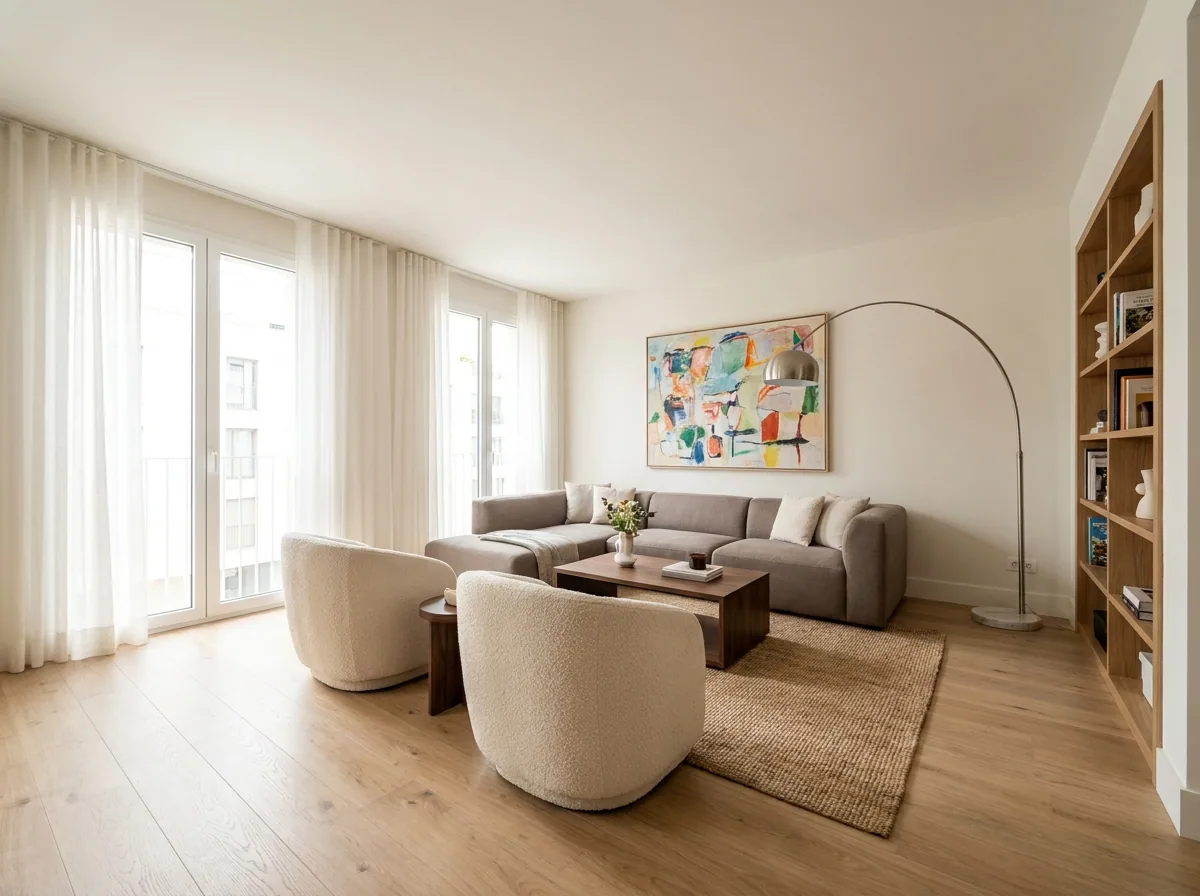
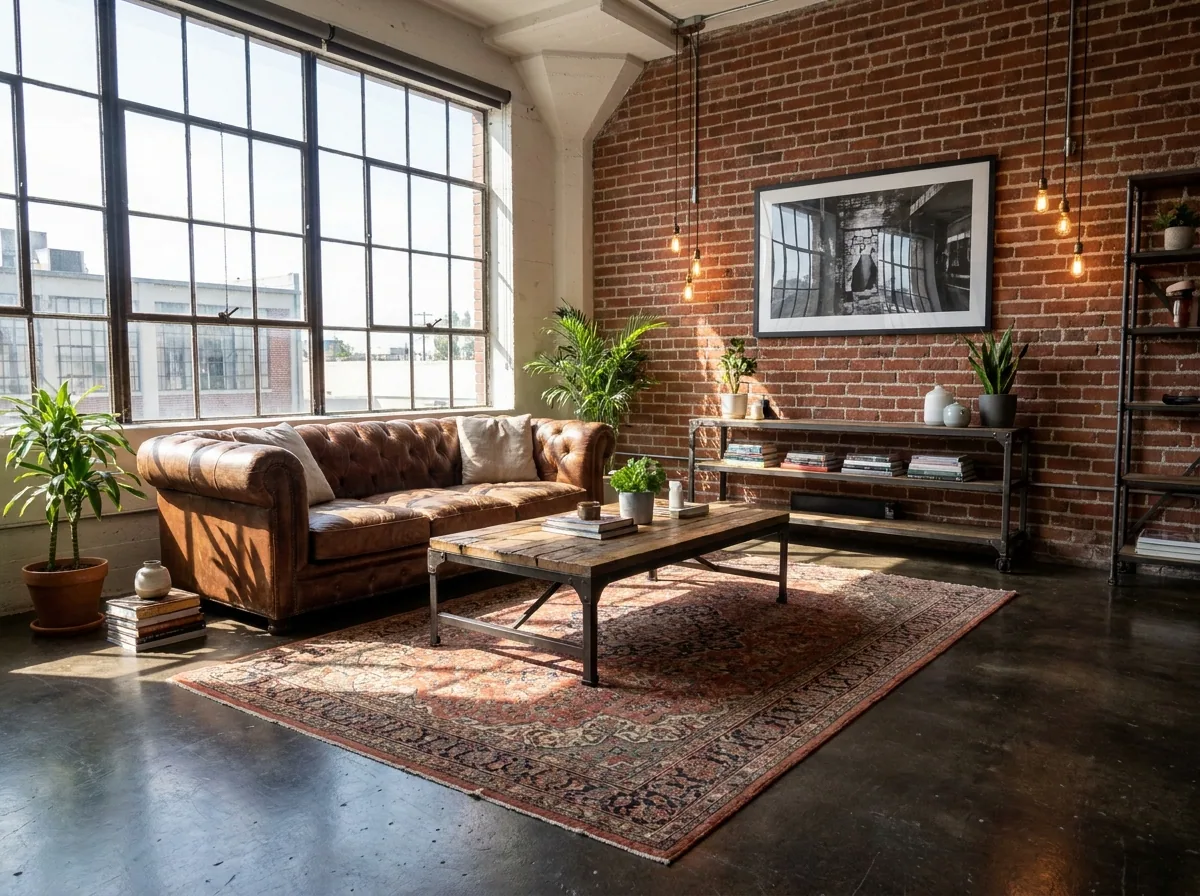
What you get
How it works
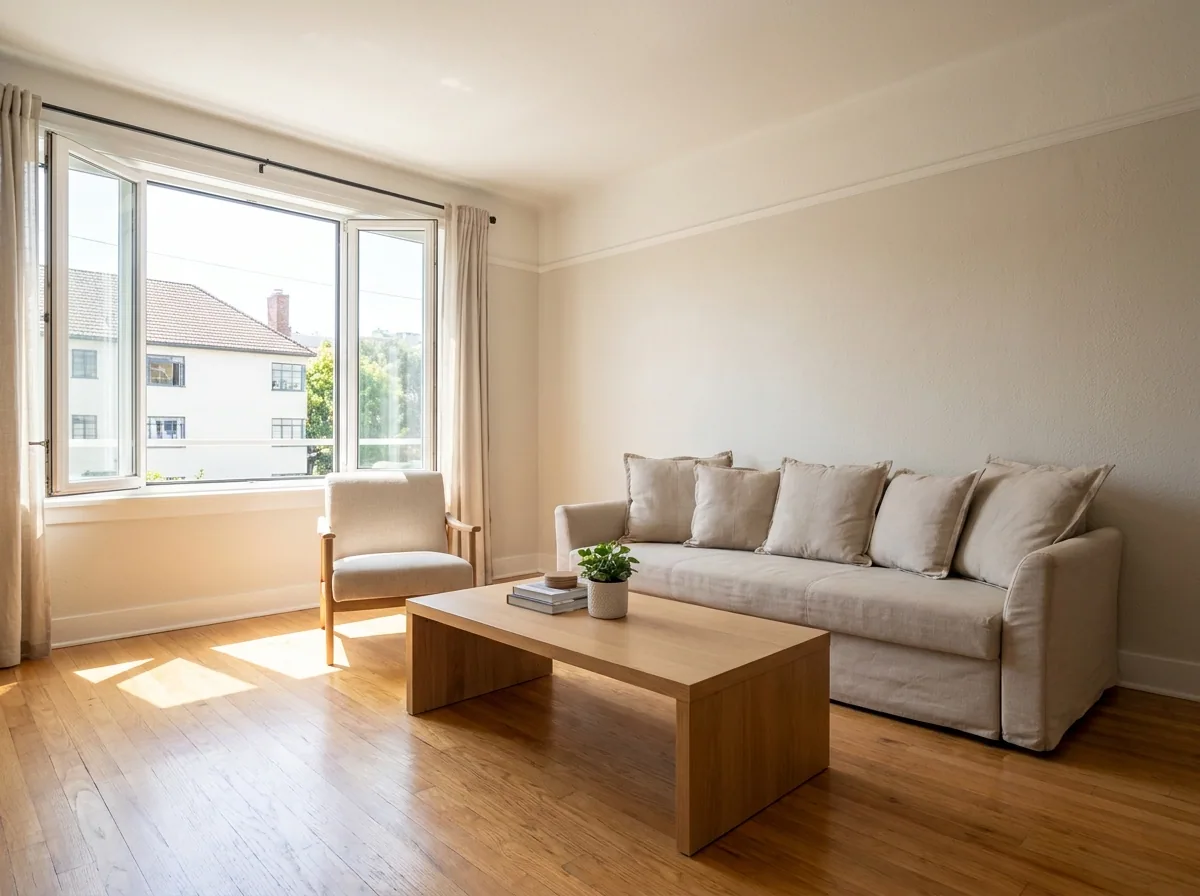
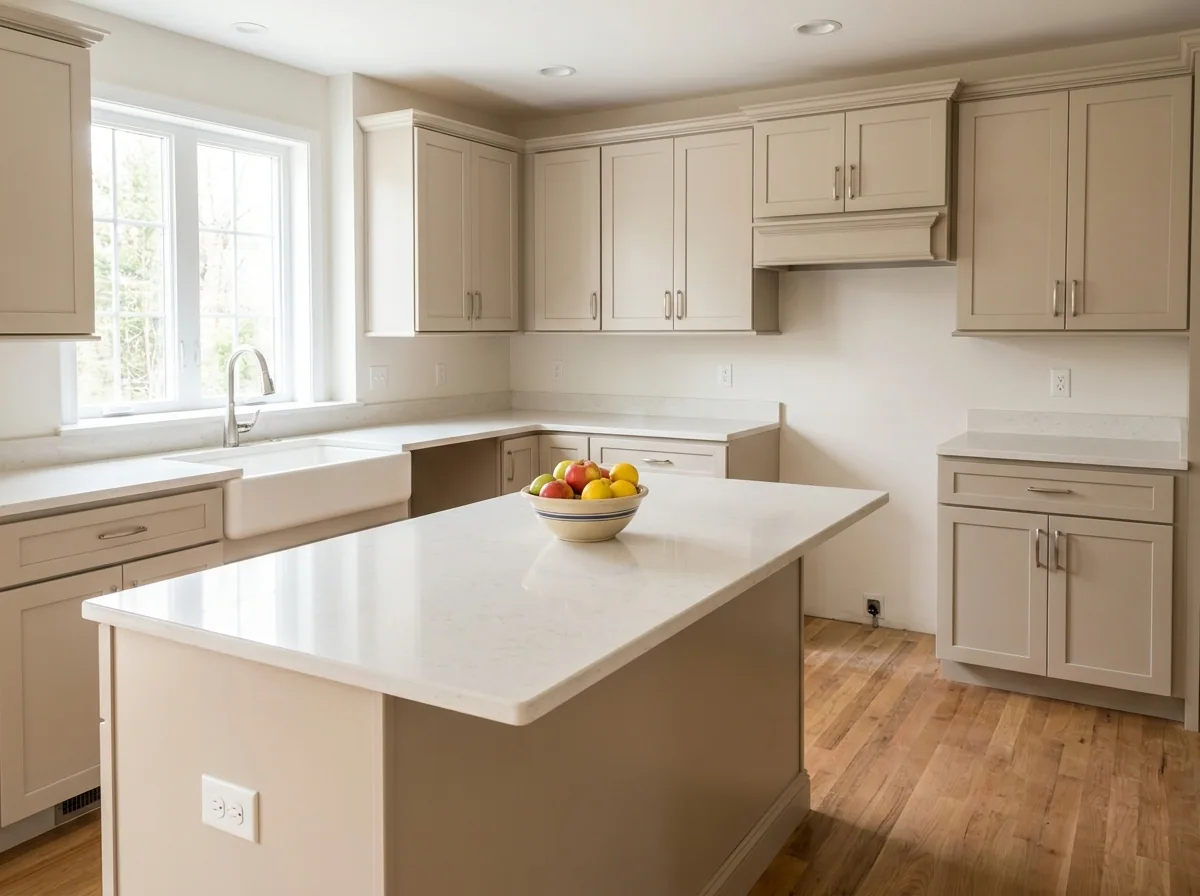
An empty room is hard to read. A buyer cannot tell where the sofa goes, how big the room is, or which wall the bed sits against. So they look at the next listing instead. This recipe starts from your photo of each empty room. It furnishes every room in a single style. The whole property then reads as one home. It also clears the boxes and the old furniture left after a move. Every staged picture must be labelled as staged on the listing. The steps below say where to do that.
Clear the room before you furnish it
Upload the photo of the room as it is today. Mark the packing boxes, the old sofa and the bin bags the last owner left. The result is the same room, empty and clean. That is the picture the next step needs.
Open the Object removal templateFurnish each room in one style
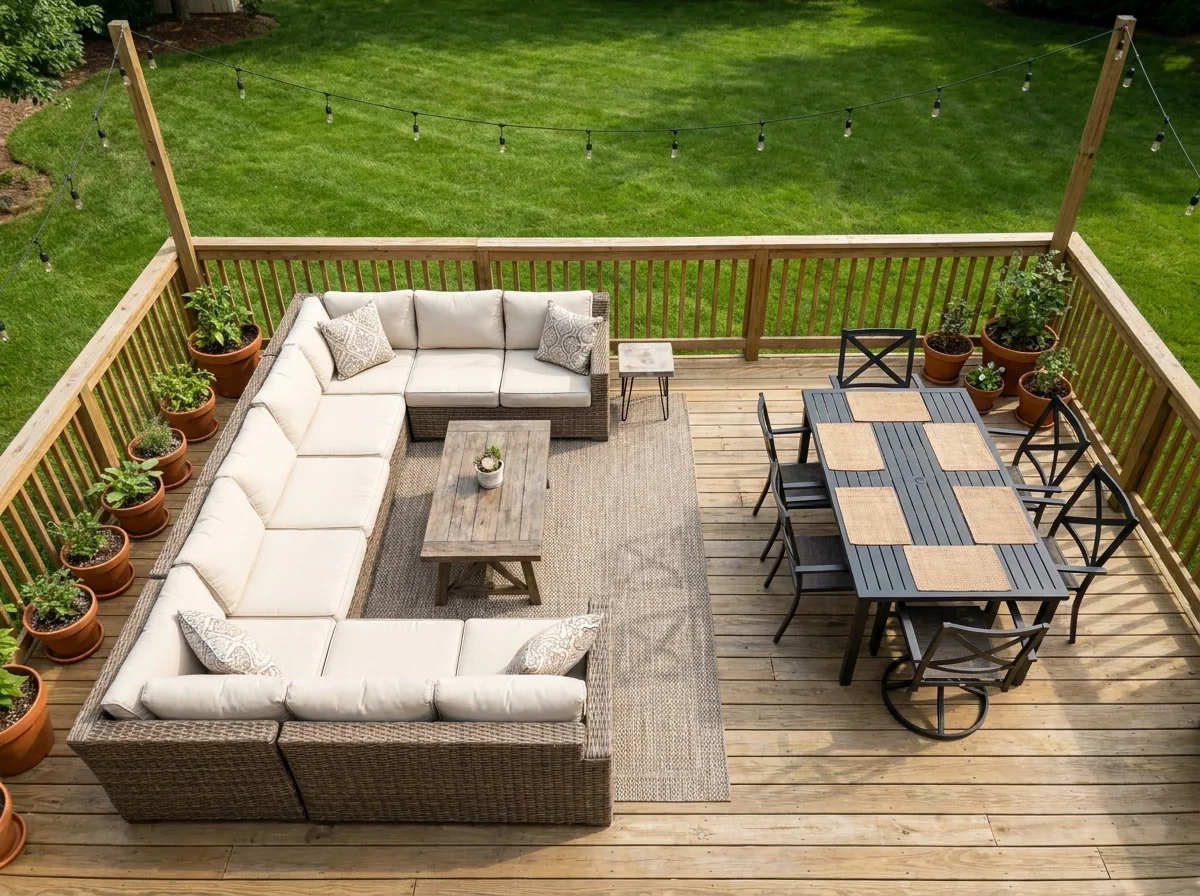
Choose one style for the whole property and keep it. Run each room through the template with that style, starting with the living room and the main bedroom. Only furniture should be added. Check that the walls, the windows and the floor match your photo, because the buyer sees them at the viewing.
Open the Property photographer templateSwap one piece of furniture
Sometimes one chair is wrong, or the vendor wants a double bed instead of a single. Open the finished picture and ask for that one change. The rest of the room stays as you approved it. You never run the whole room again for a small fix.
Open Edit an imageDo the whole property in one run
A whole property means many rooms. Doing them one at a time takes the afternoon. Load every room photo together and apply the same style across all of them. Check the set in one pass. The listing can go on the portal the same day.
See how batch works
Where the pictures go
- Download the set and upload it to the listing on each portal you use. Put the room that sells the property first.
- Label every staged picture as virtually staged. Many portals and markets require it, and the buyer sees the empty room at the viewing.
- Use the same pictures on your own site and in the printed brochure. The property then looks the same in all three places.
The same styles on the next listing
Save one style for flats and one for family houses. When you list the next property, run the saved workflow instead of choosing the furniture again. Every new listing then matches the one before it.
See how workflows workQuestions
Do I have to tell buyers the photos are staged?
Yes. Label each staged picture as virtually staged on the listing. Many portals and markets require it, and the buyer sees the empty room at the viewing.
Can I stage a room that still has the old furniture in it?
Yes. Run the room through the object removal step first to clear what is there. Then furnish the empty room in your chosen style.
Can I use these pictures in a paid advert for the property?
Yes, on the Pro plan and above. Uploading your own photos and the commercial licence both start on Pro. On the free plan you can try the templates on sample photos.