Estate agents4 steps
How to make the social posts for a new listing
Turn the listing photos you already have into a first post, a card with the beds, baths and size, and a carousel of the property.

What you get

How it works
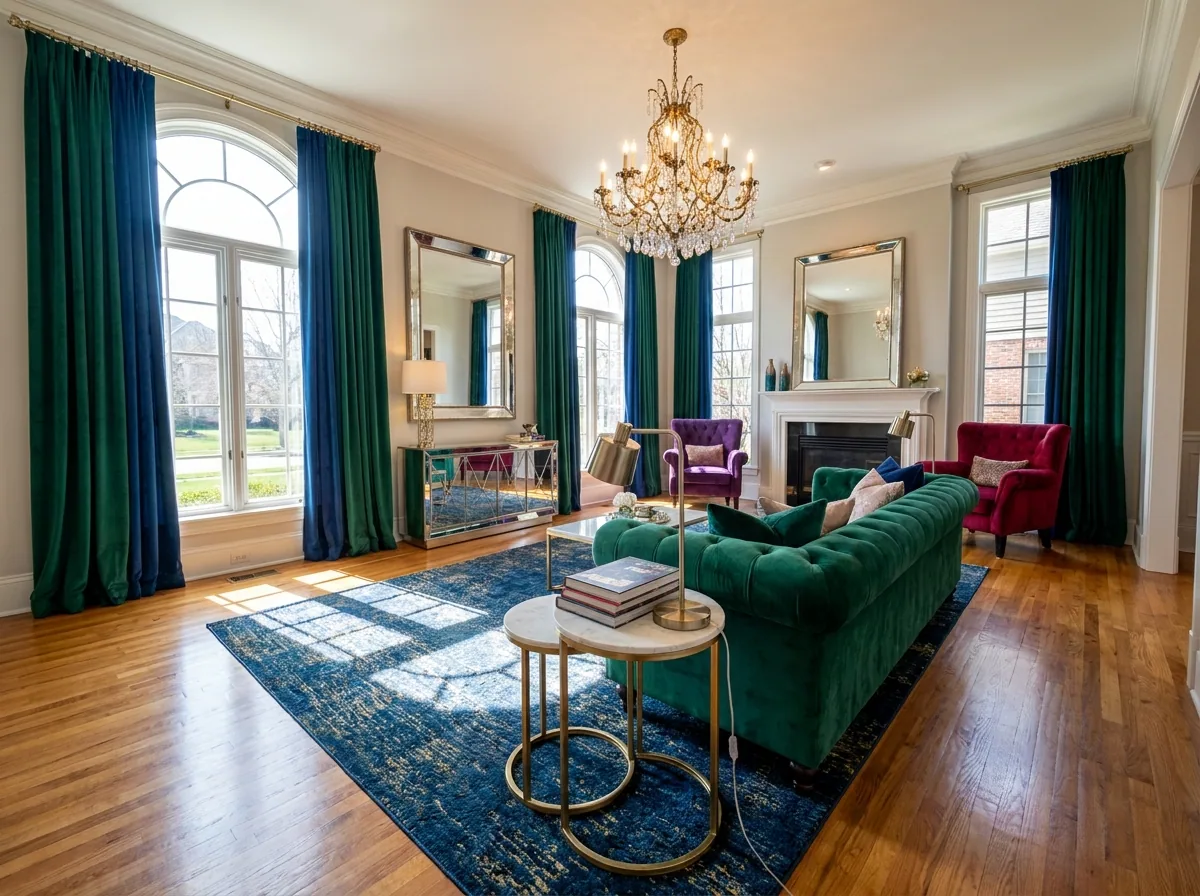
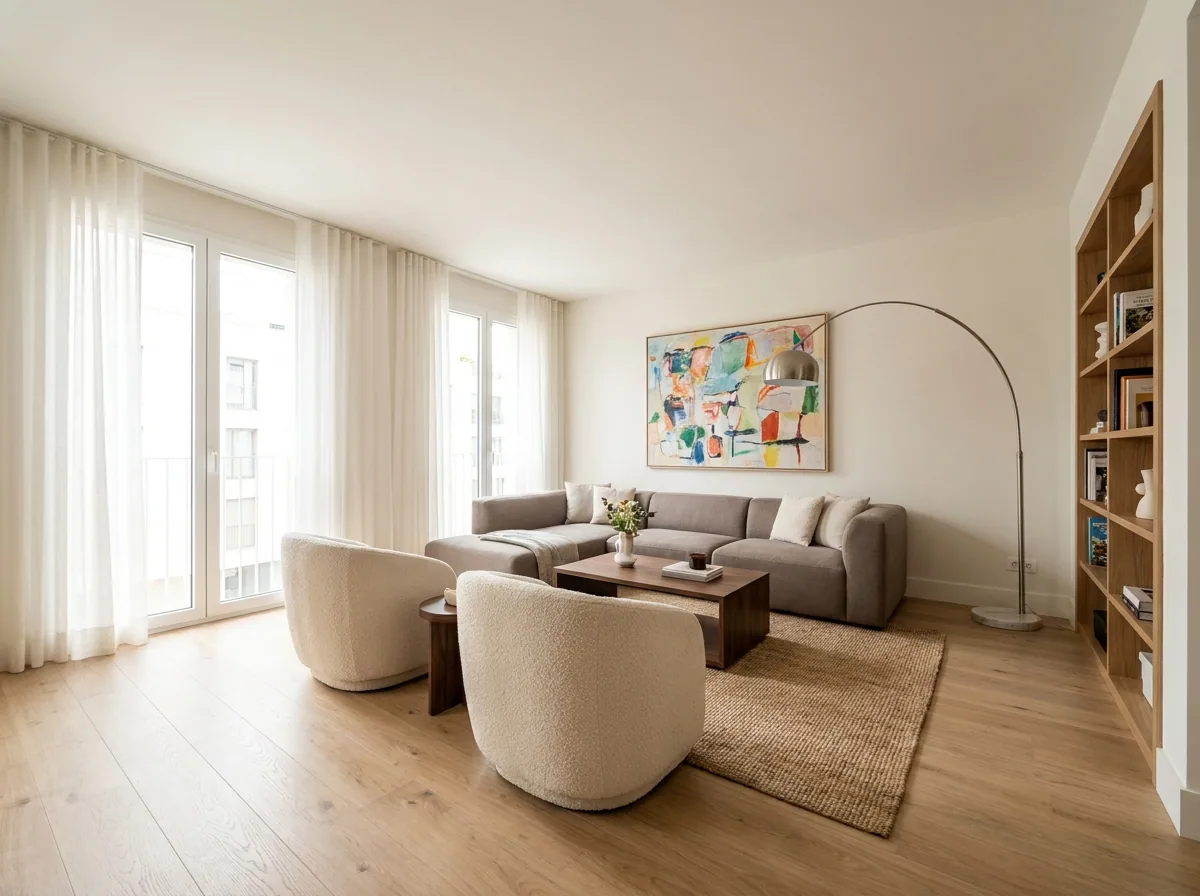
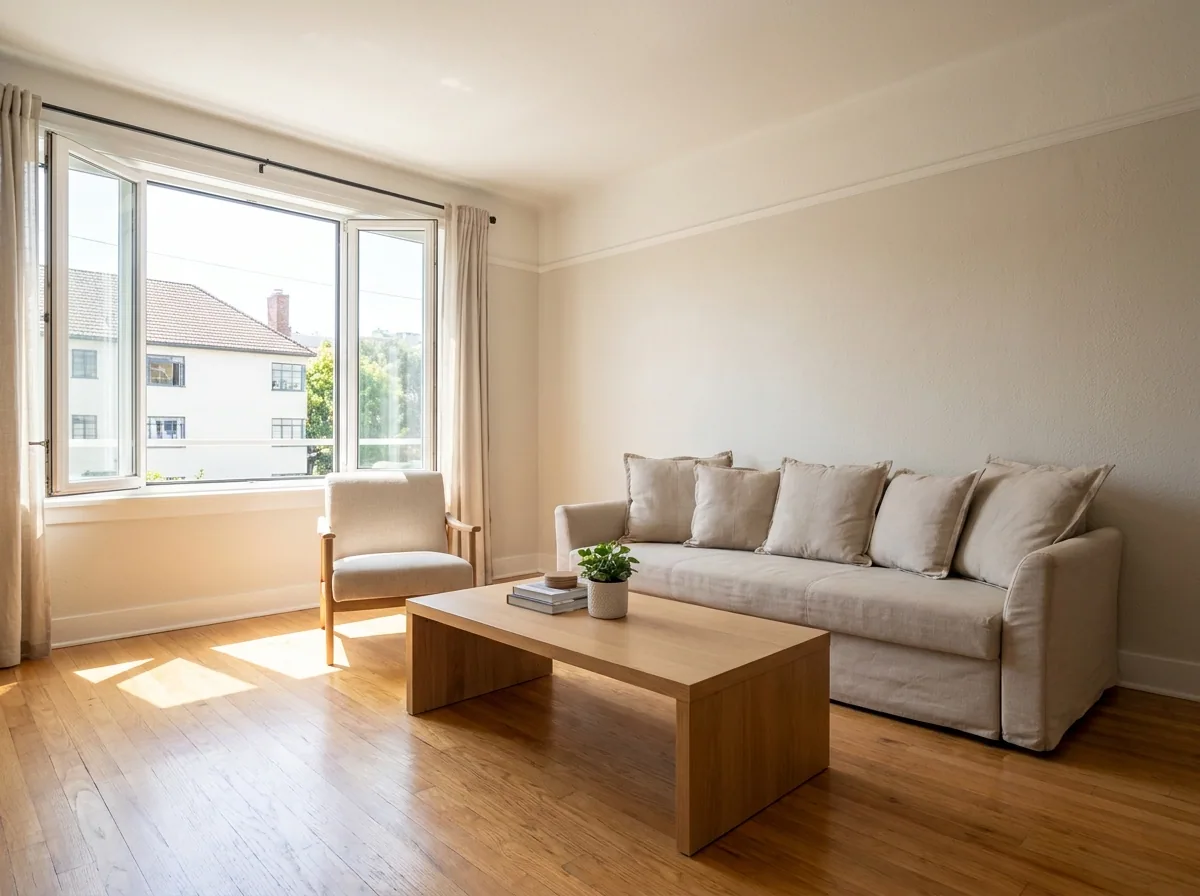
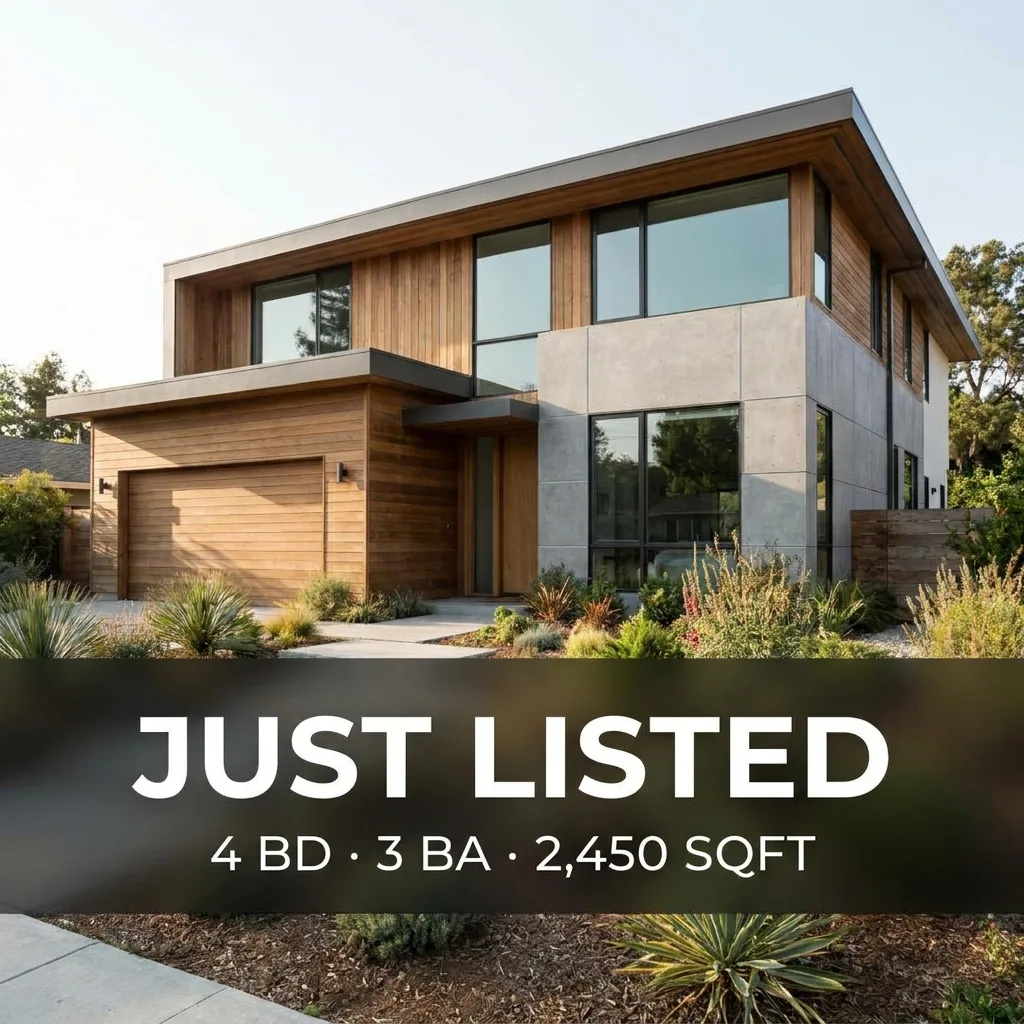
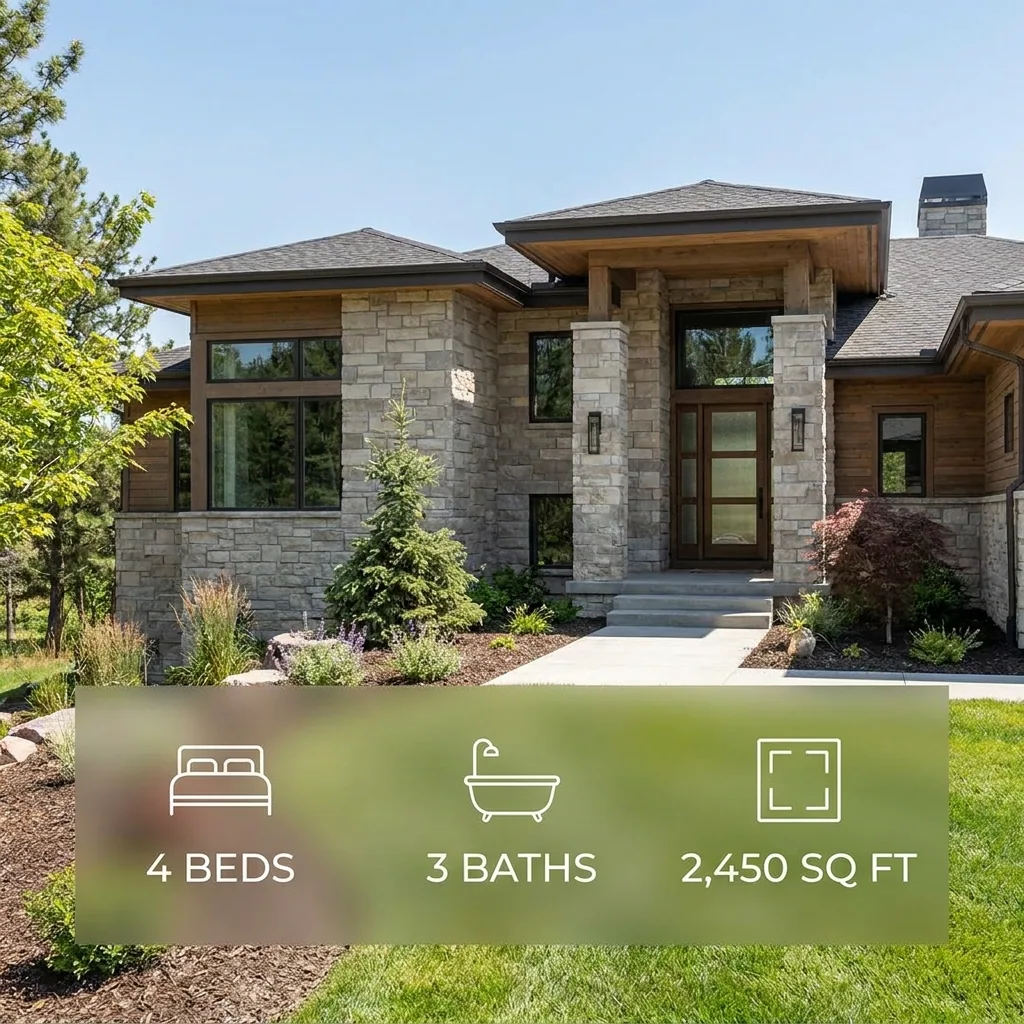
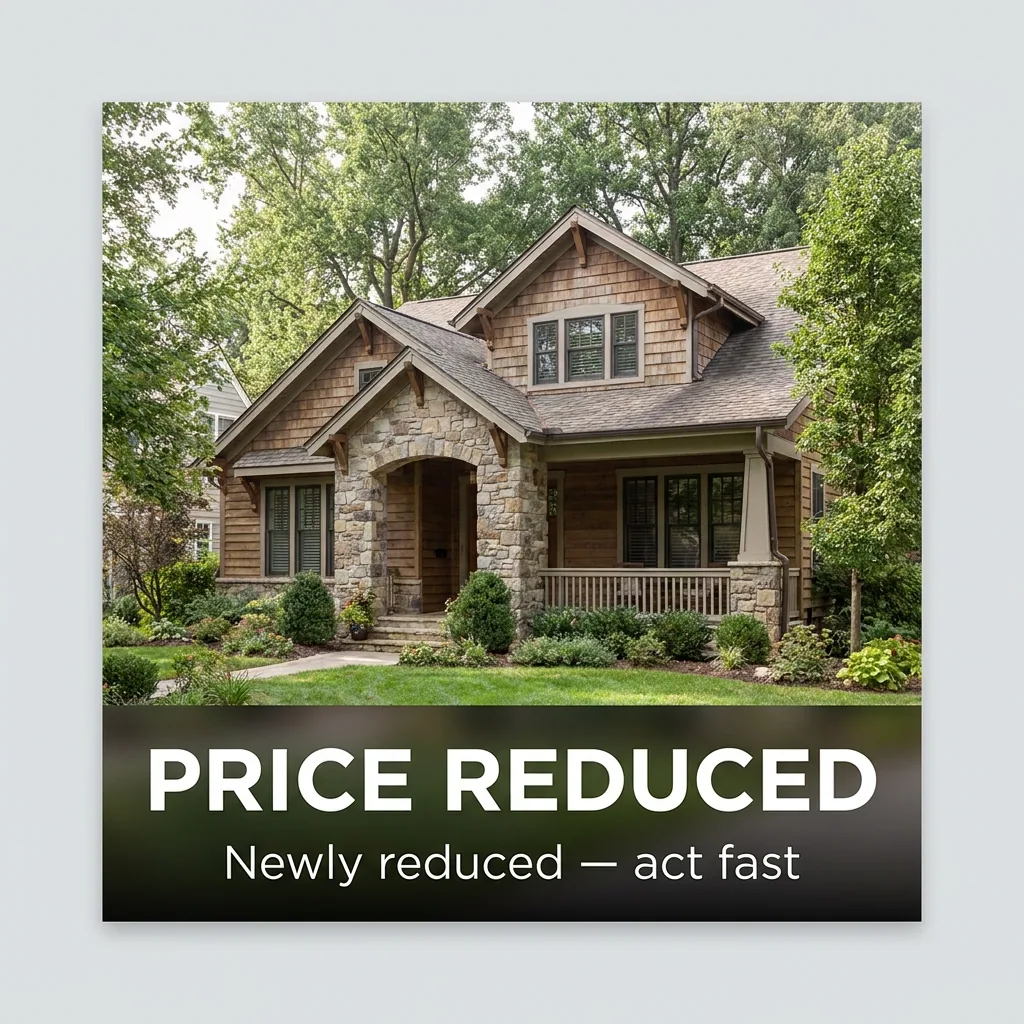
A new listing gets the most attention in its first few days. The picture in the feed is what makes a buyer stop and read the address. This recipe turns the listing photos into a first post. It also makes a card with the beds, baths and floor area. The third step makes a carousel of the whole property. The figures and the people in the example pictures are generated. You type your own numbers and you use your own photos.
Make the first post from your own listing photo
Upload the best photo from the listing. Type the facts you want on it: the price, the beds and baths, the floor area and the viewing date. The template lays your words over the picture. It saves the post in the sizes Instagram and Facebook need. Use the photo of the property you are selling, so the post matches the listing.
Open the Static posts templateBuild the set for the week
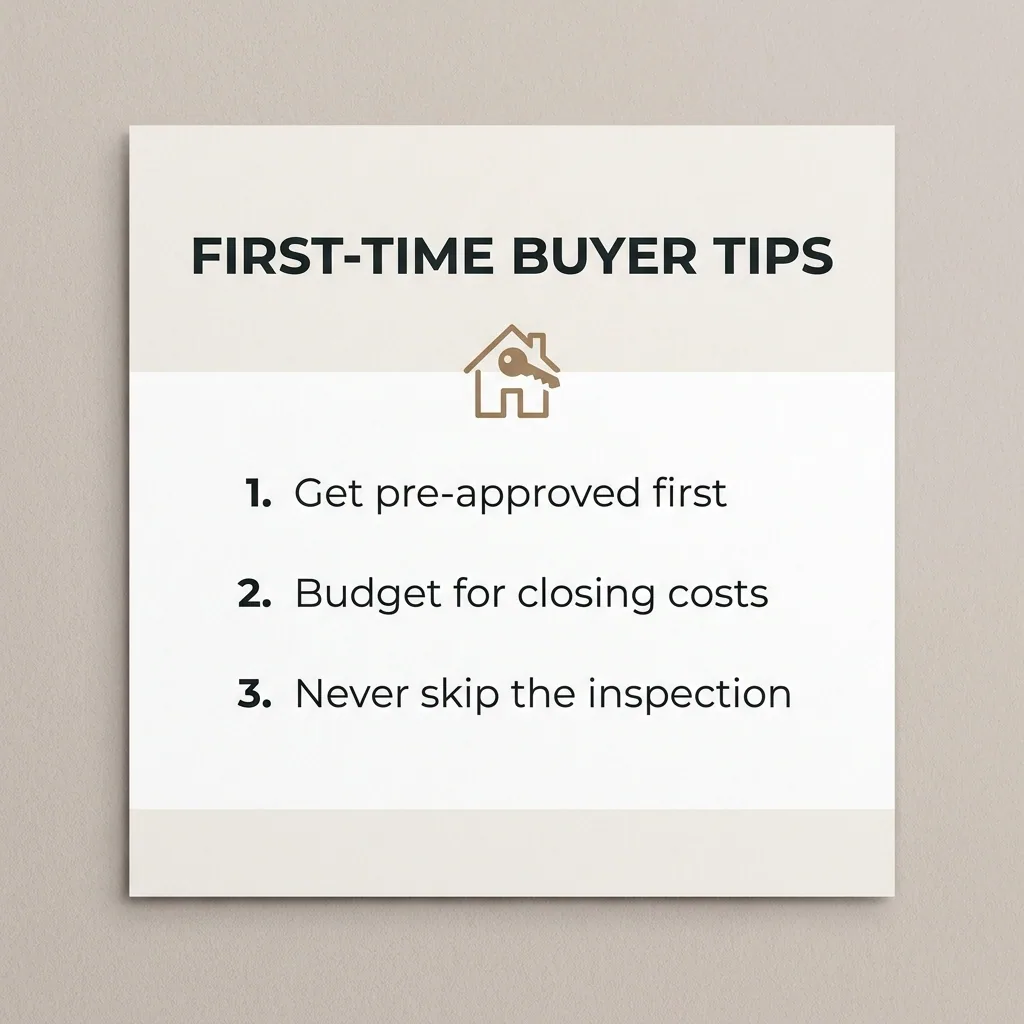
One post is rarely enough for a new listing. Run the kit on the same photos to get the rest of the week: the kitchen, the garden, the street. You also get a tips card for first-time buyers. You type the three lines. The template places them on the card. Every picture uses the same colours and the same layout.
Open the Social content kit templatePut the whole property in one carousel
Pick six to eight photos. Put them in the order you would show the house to a buyer. Start at the front, then the main room, the kitchen and the garden. The template sizes every slide the same and keeps one look across them. A buyer sees the whole property in one post.
Open the Carousel templateSave your colours, logo and typeface
Add your colours, your logo and your typeface once, in your brand profile. Every run then reads those rules. The card you make in March matches the one you made in January. A buyer who follows your page sees the same look every week.
See how brand rules work
Where the pictures go
- Download the set, then upload the square pictures from your phone to Instagram and Facebook.
- Upload the carousel as one Instagram post. Use its first picture on the listing page of your own site.
- Keep the card with the beds, baths and floor area. It works again in the window display and in the email you send your buyer list.
The same posts for the next listing
Every listing needs the same set and the same facts, only the property changes. Save the job as an app with a short form: the photos, the price, the beds and baths, the date. A colleague types the details for a new listing and gets the full set back.
See how apps workQuestions
Can I use my own listing photos?
Yes. Every step starts from the photos you already took for the listing. The template changes the size, the layout and the words on the picture, not the property.
Who writes the words on the cards?
You do. You type the price, the room counts and the date. The template places them on the picture. The figures on the example pictures above are made up. Never copy one onto a real listing.
Can I use these pictures in paid ads?
Yes, from the Pro plan. Uploading your own photos and the commercial licence both start there.