Restaurants and cafes4 steps
How to photograph every dish on your menu
Turn phone photos of your dishes into menu pictures for a restaurant: a plain background shot for delivery apps and a warm table shot for your menu.
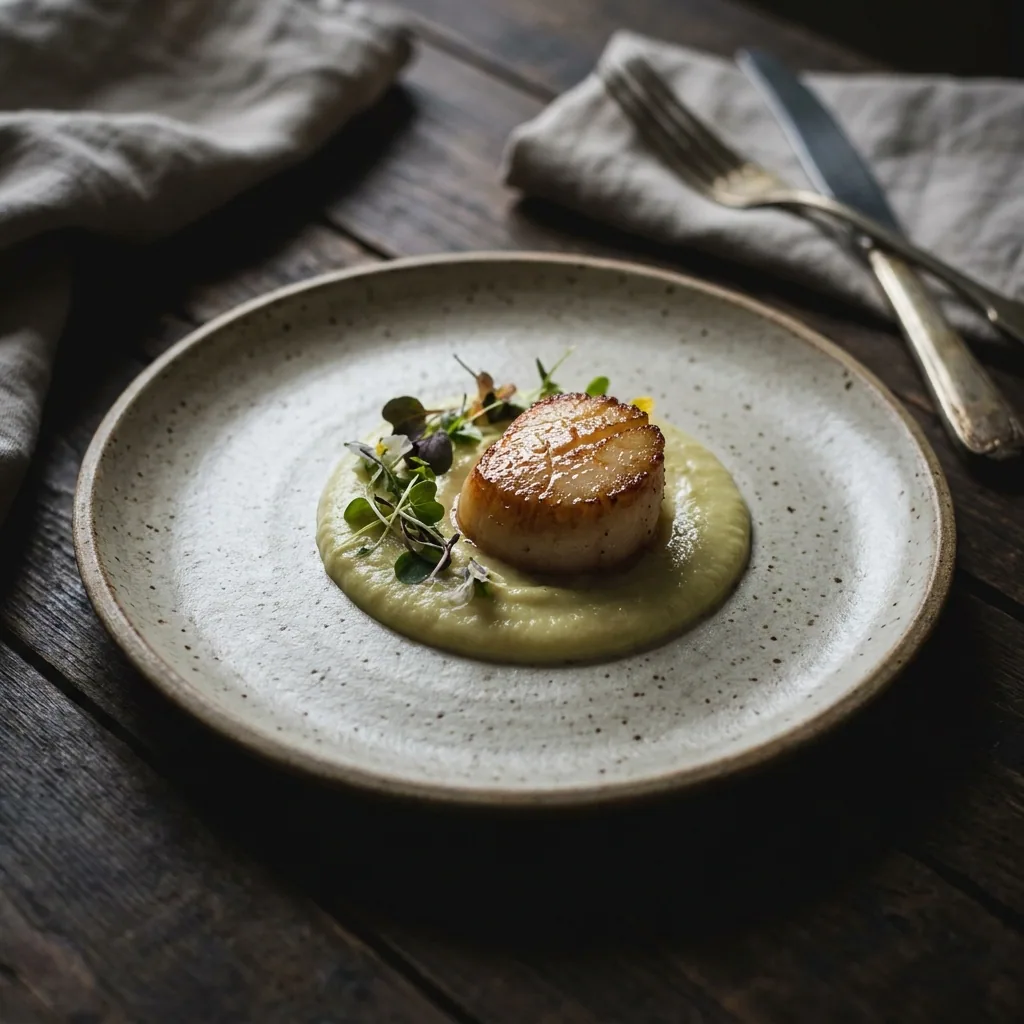
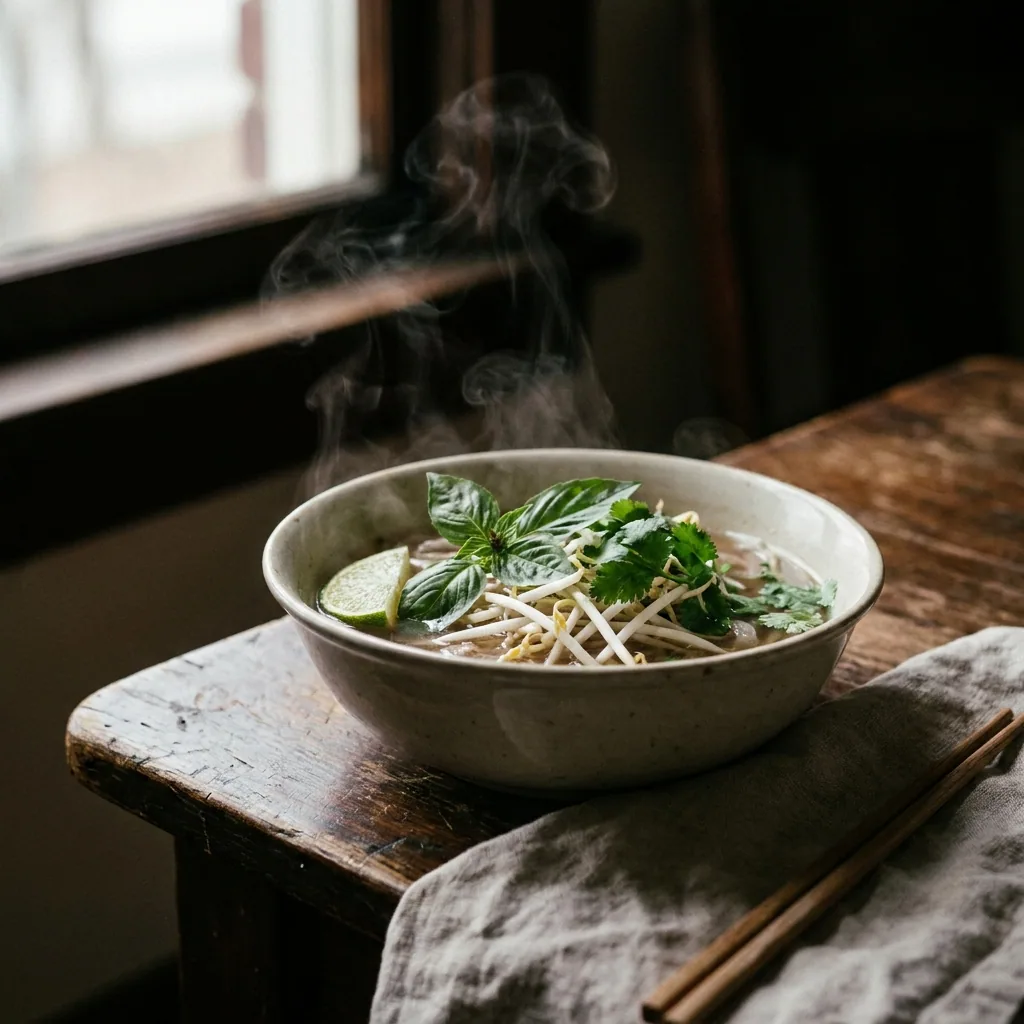
What you get
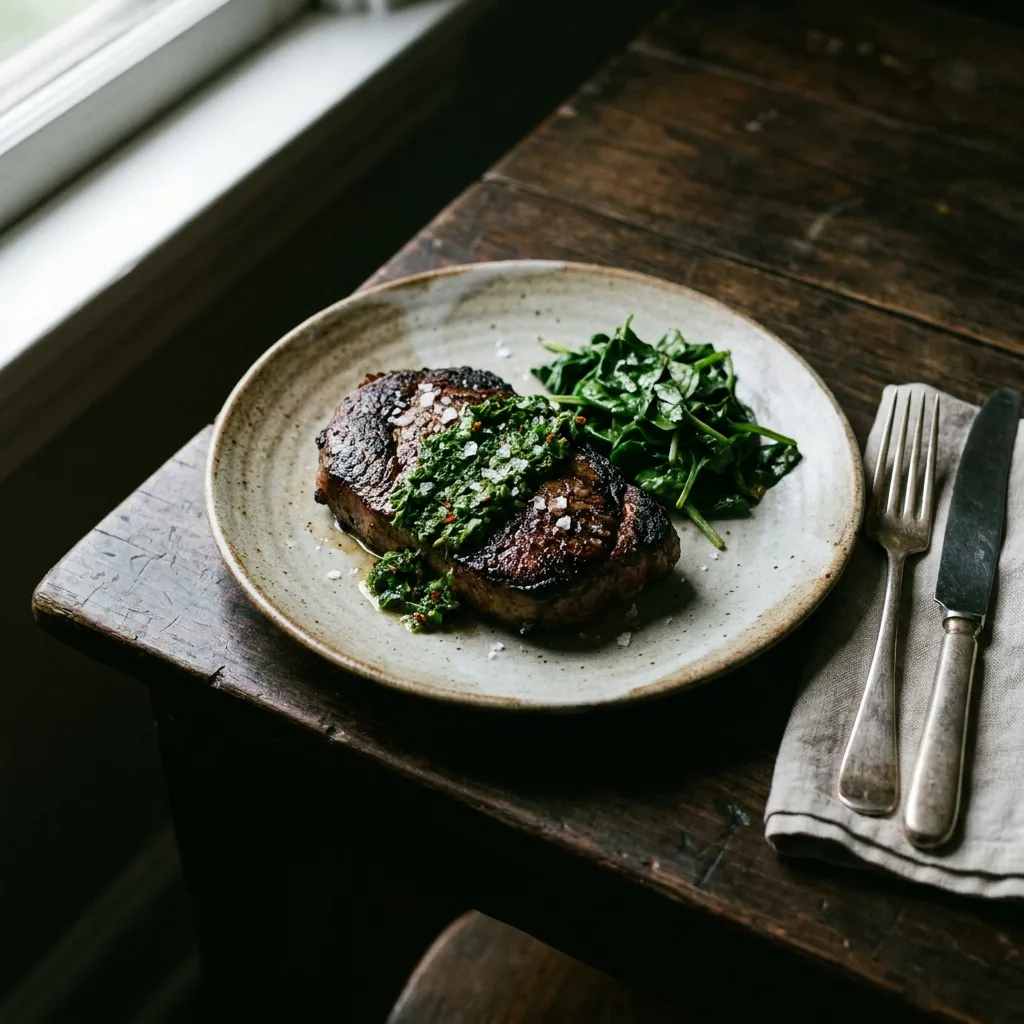
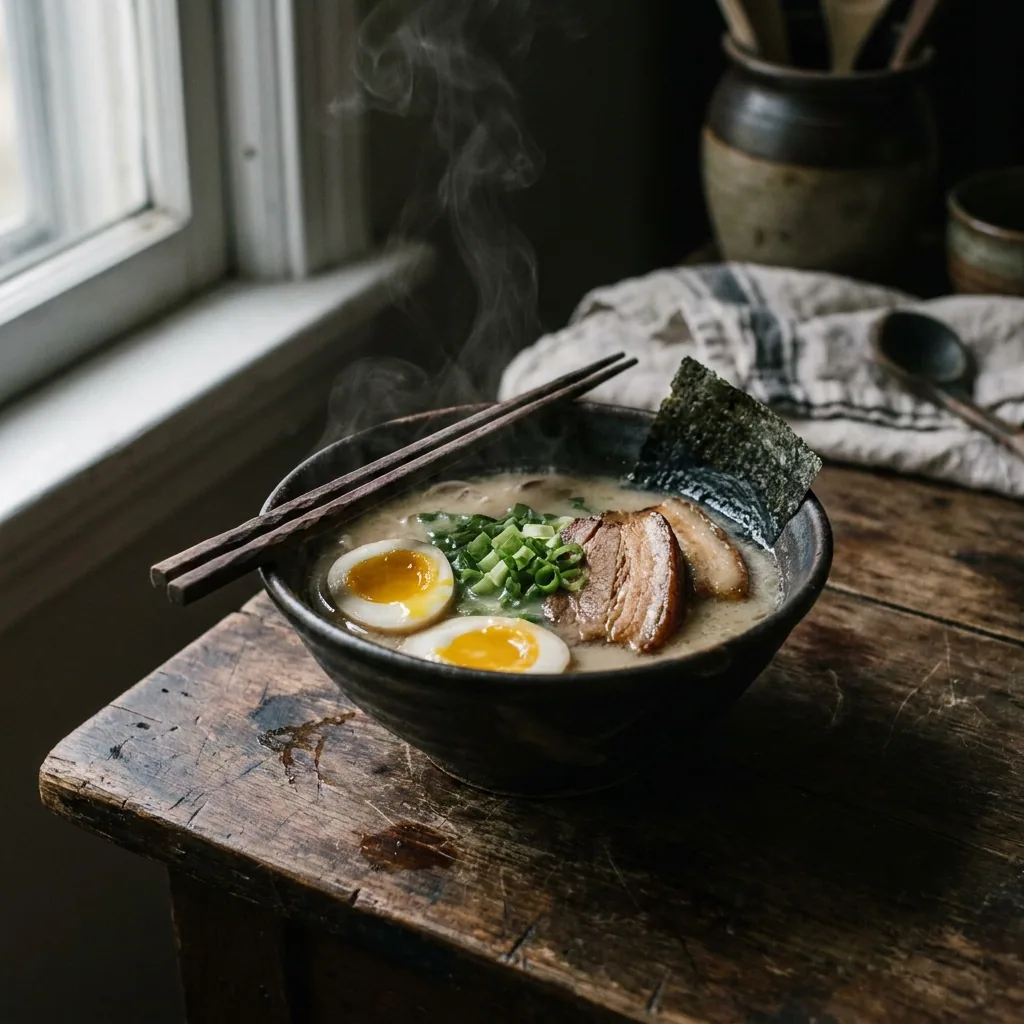
How it works
A dish with no picture is the dish nobody orders. Delivery apps show a small square next to every item. Your own menu page does the same. This recipe starts from your phone photo of each dish, taken at the pass. You get two versions of it. One is a clean shot on a plain background for the apps. One is a warmer table shot for the top of your menu.
Start from the photo you took at the pass
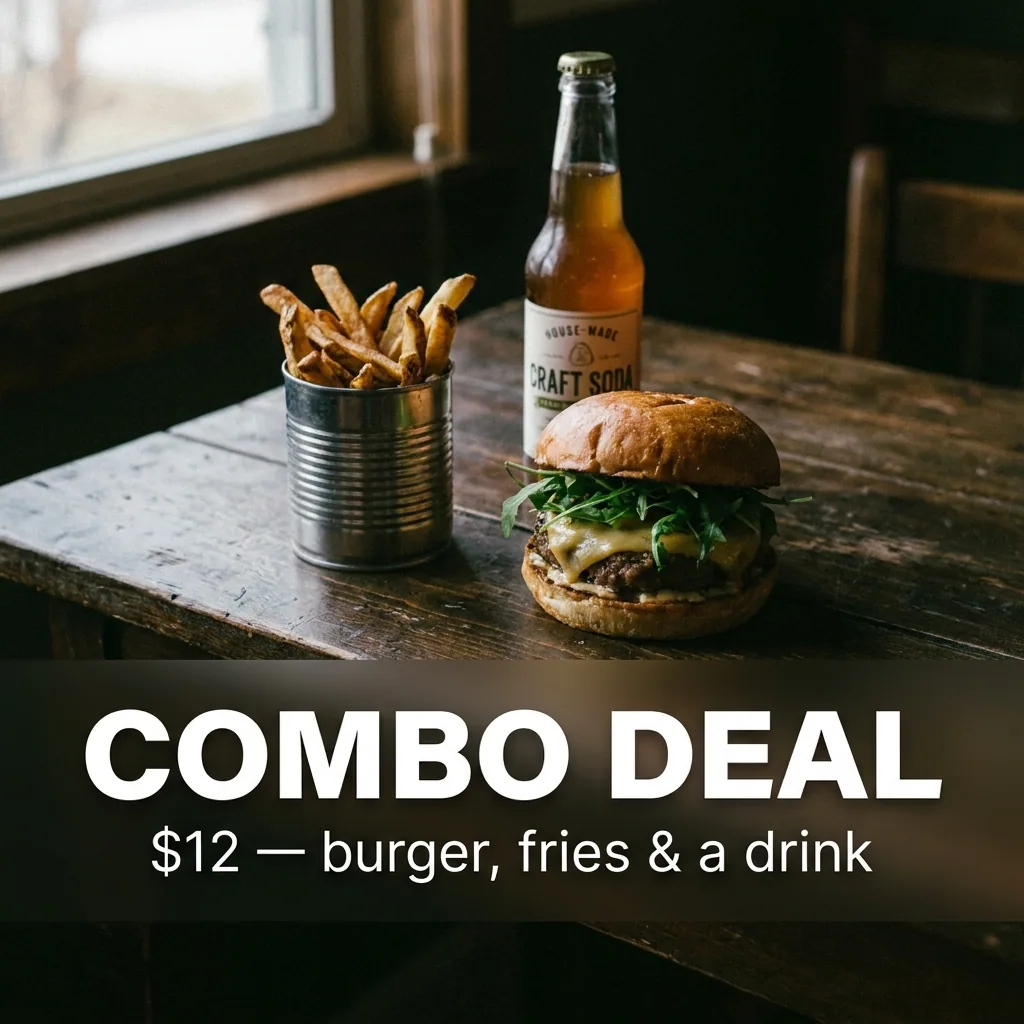
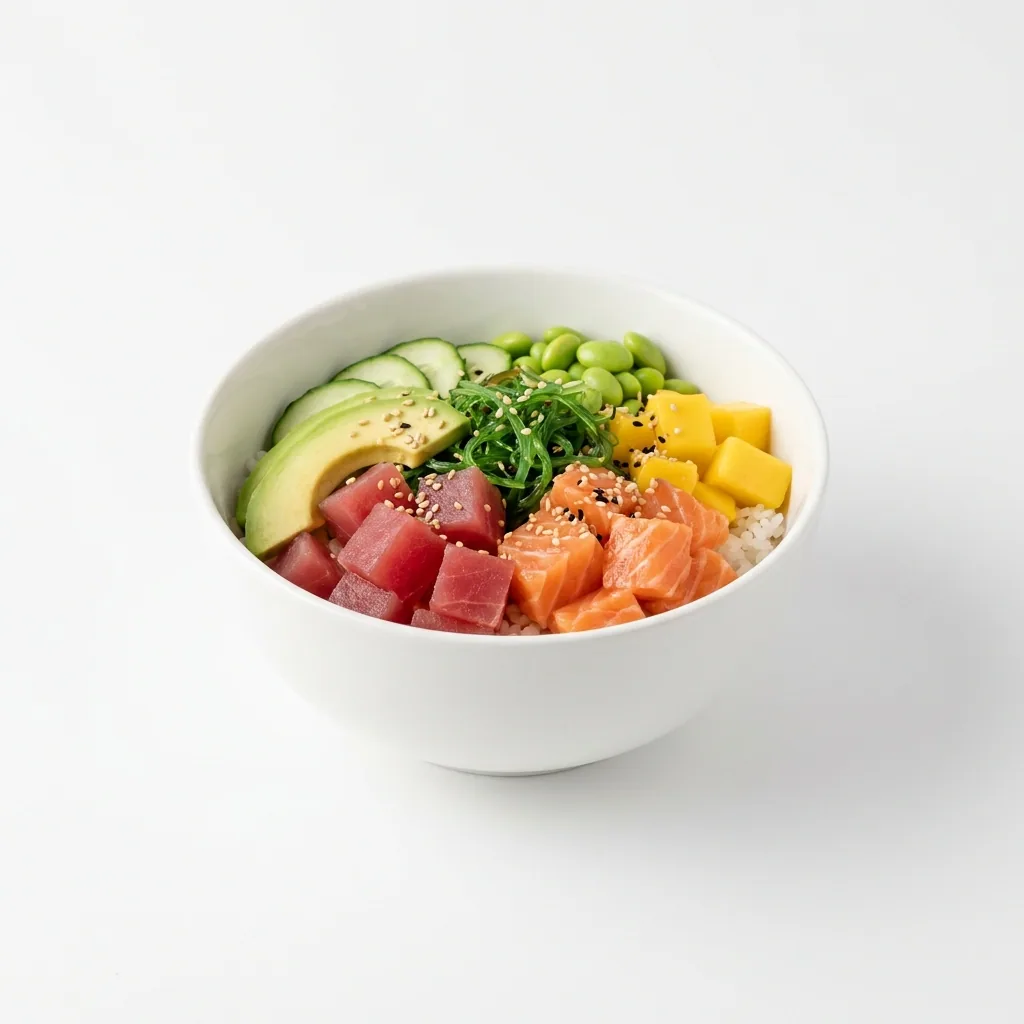
Upload your phone photo of the dish. Ask for a clean shot on a plain background. The result is the same plate, without the tray, the ticket rail or the kitchen behind it. Do one dish at a time, in the order they sit on the menu.
Open Quick product shotMake the warm table version for your menu header
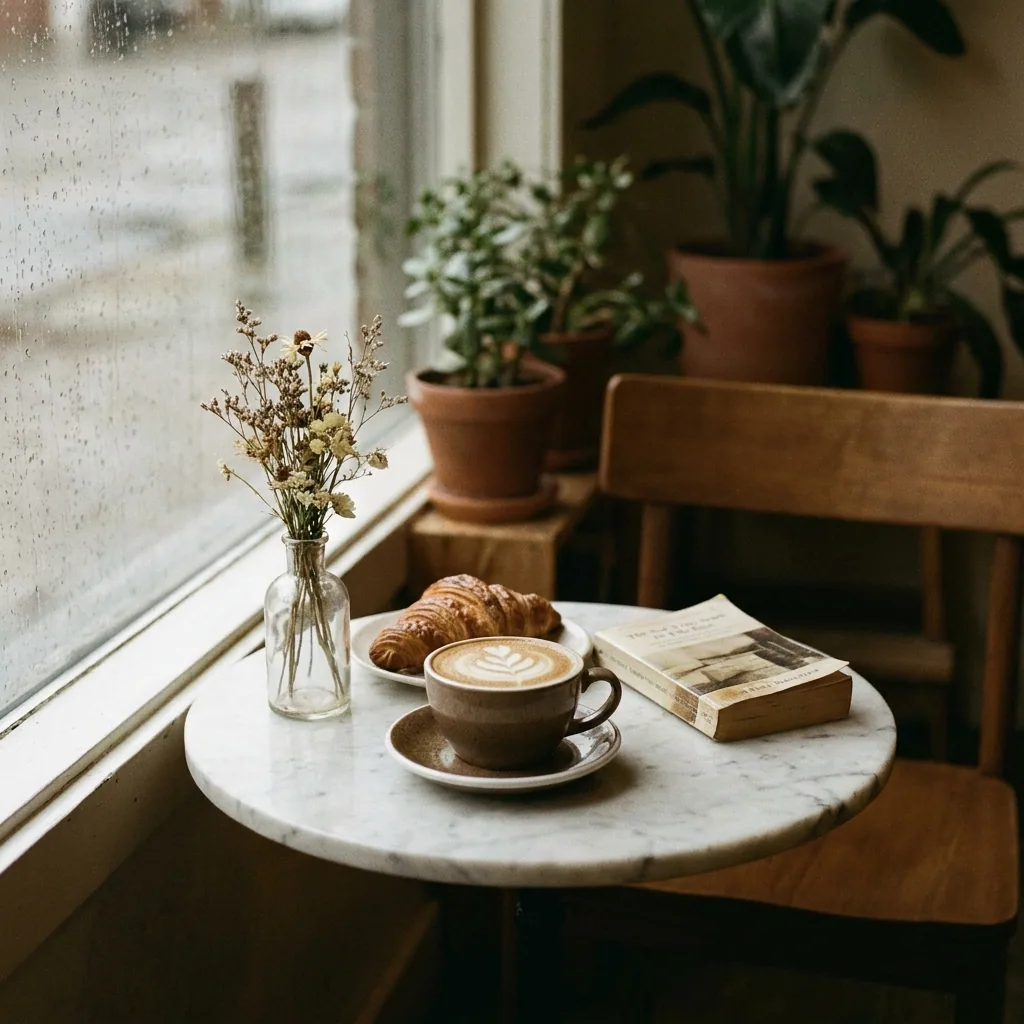
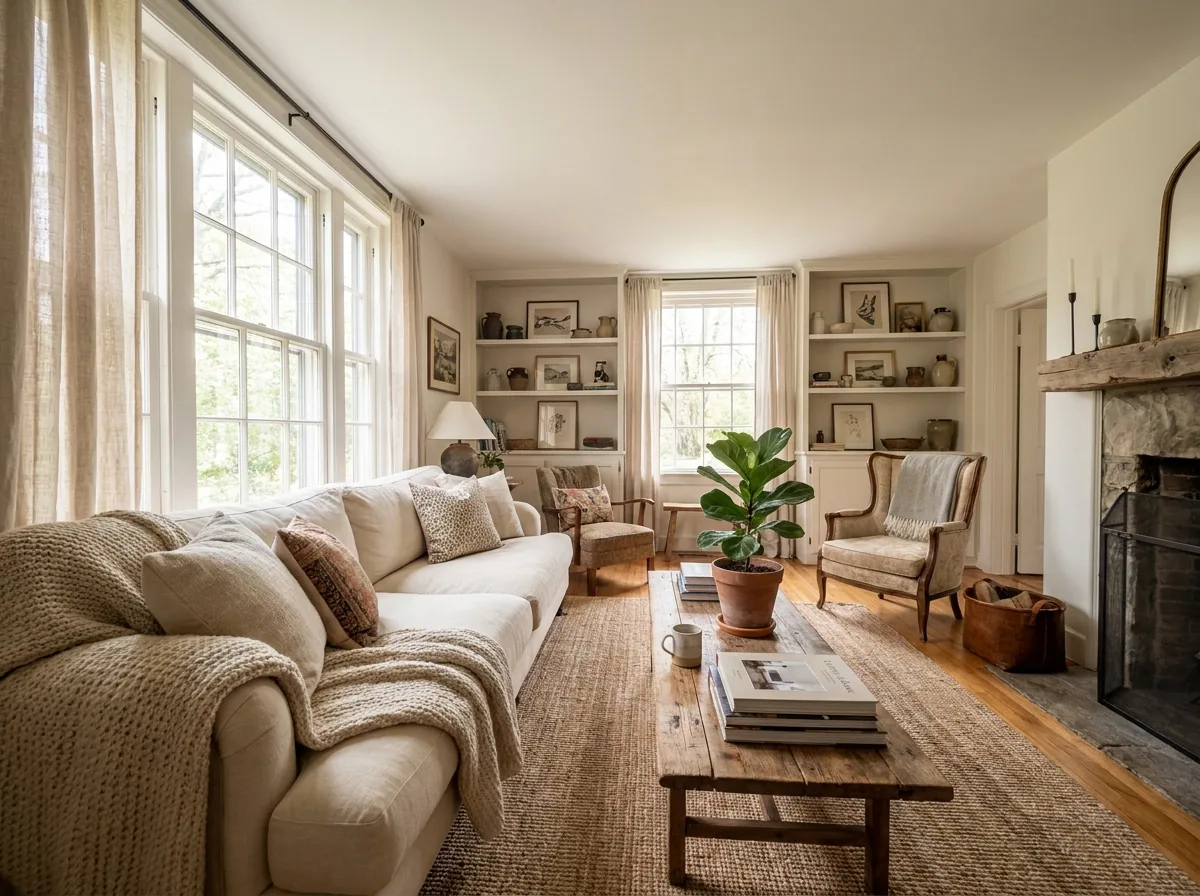
Use the same photo in a still life set. The dish sits on a table, with props and softer window light. This is the picture for the top of a menu section. It works for the dish of the week too. Keep it for the dishes you want people to order first.
Open the Still life shoot templateMatch the background the delivery app asks for
Most delivery platforms want a plain background and a fixed square crop. Open the dish picture. Swap the background for plain white. Crop it to the size the app names in its rules. Each dish now has two pictures. The plain one goes to the apps. The warm one goes on your own menu.
Open the Background swap templateRun the whole menu at once
A whole menu is one spreadsheet. Each row is one dish, with the photo you took of it. Batch runs them together and gives you both versions of each dish. Check the set, then download the ones you want.
See how batch works
Where the pictures go
- Sign in to each delivery app and open the menu editor. Upload the plain background picture for each item.
- Put the warm table shots on the menu page of your own website. Place one at the top of each section.
- Keep both versions in one folder per dish, named after the dish. The next person who needs a picture can then find it.
The same job when a dish changes
Save these steps once as a workflow. Add a dish, or change a plate. Run the saved workflow on the new photo, instead of starting from blank. The crop, the background and the light stay the ones you approved.
See how workflows workQuestions
Do I need a photographer or a light box?
No. Each picture starts from a phone photo taken at the pass. The steps change the light, the background and the crop. Those are the parts a phone gets wrong in a kitchen.
Will the dish still look like the dish I serve?
Yes, because every run starts from your own photo of your own plate. Photograph the portion you send to the table, not a larger one.
Can I use these pictures on delivery apps and in ads?
Yes, on the Pro plan and above. Uploading your own photos and the commercial licence both start on Pro. On the free plan you can try the templates on sample photos.