Restaurants and cafes4 steps
How to post your restaurant on Instagram every week
Turn the photos of your dishes and your room into a week of Instagram posts. The offer, the price and the day go on the picture.


What you get
How it works
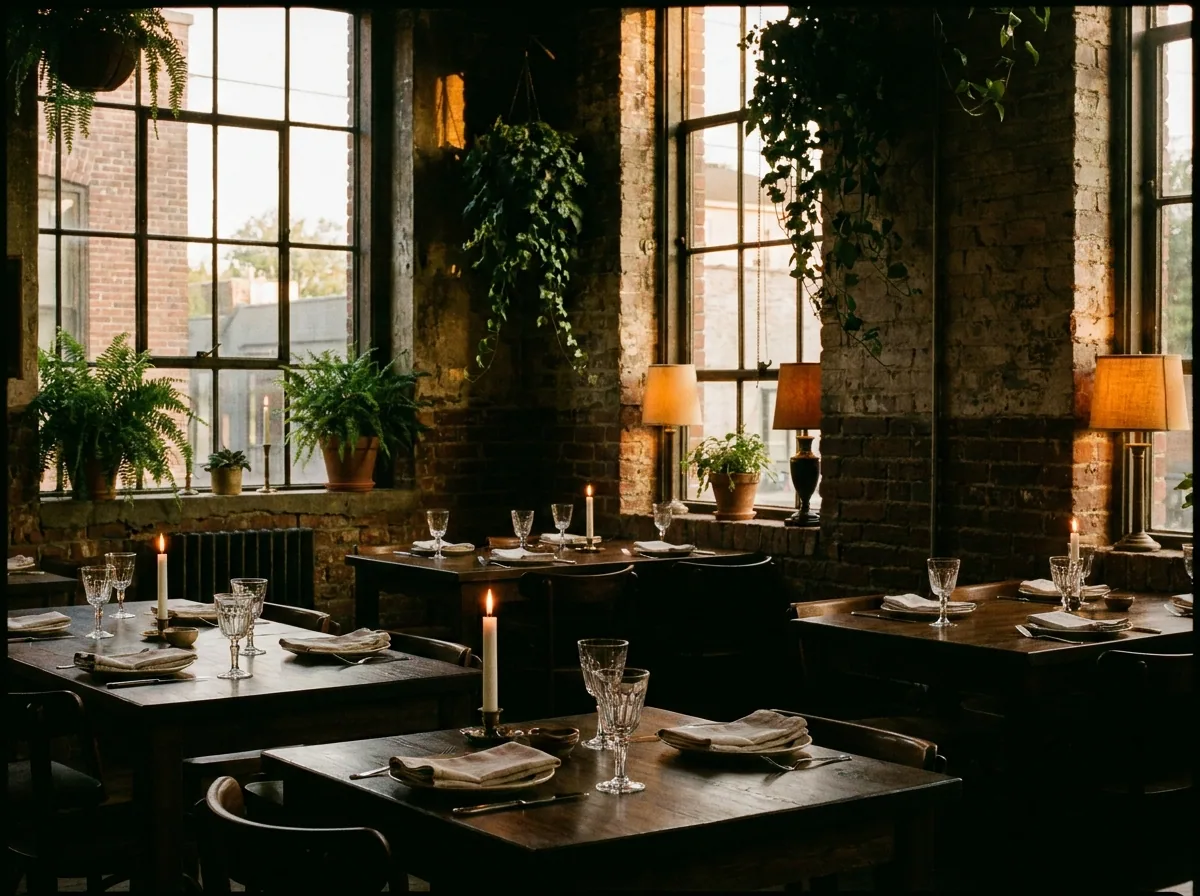
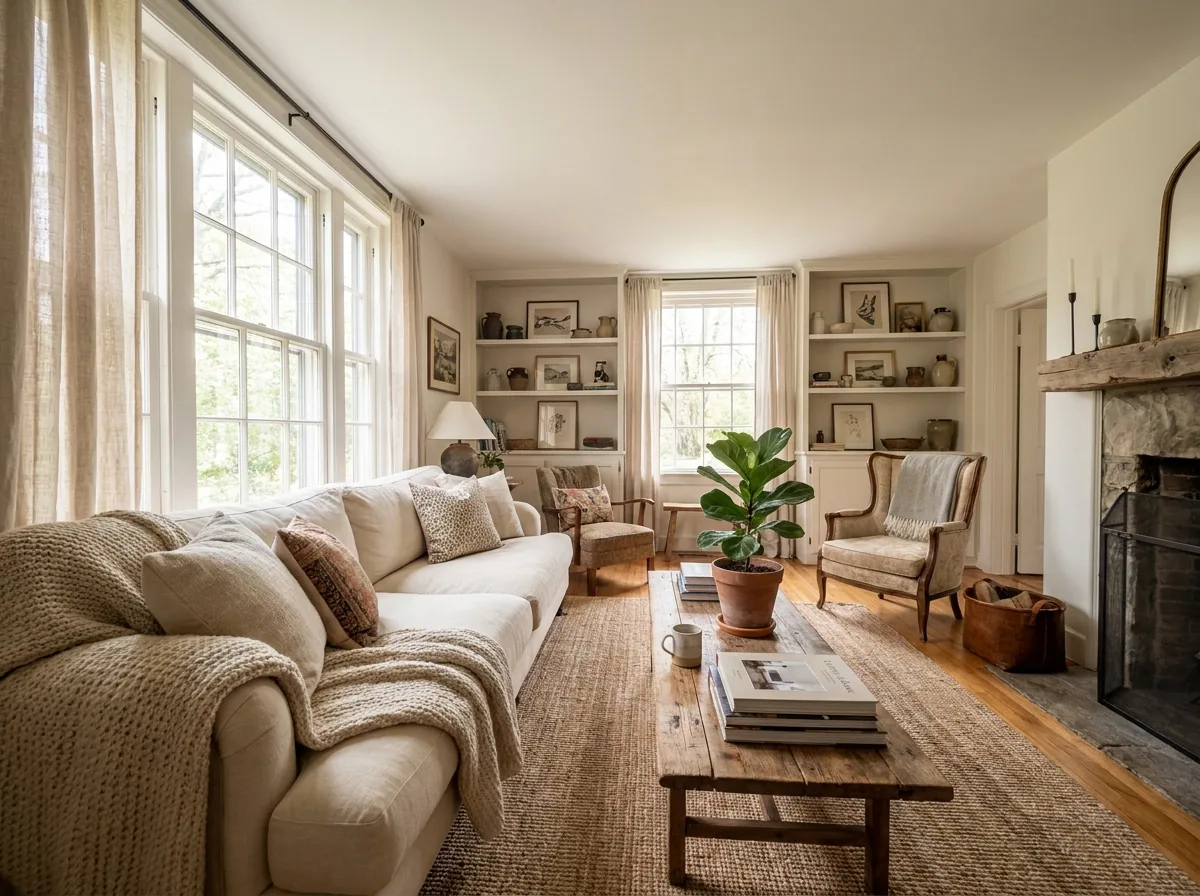
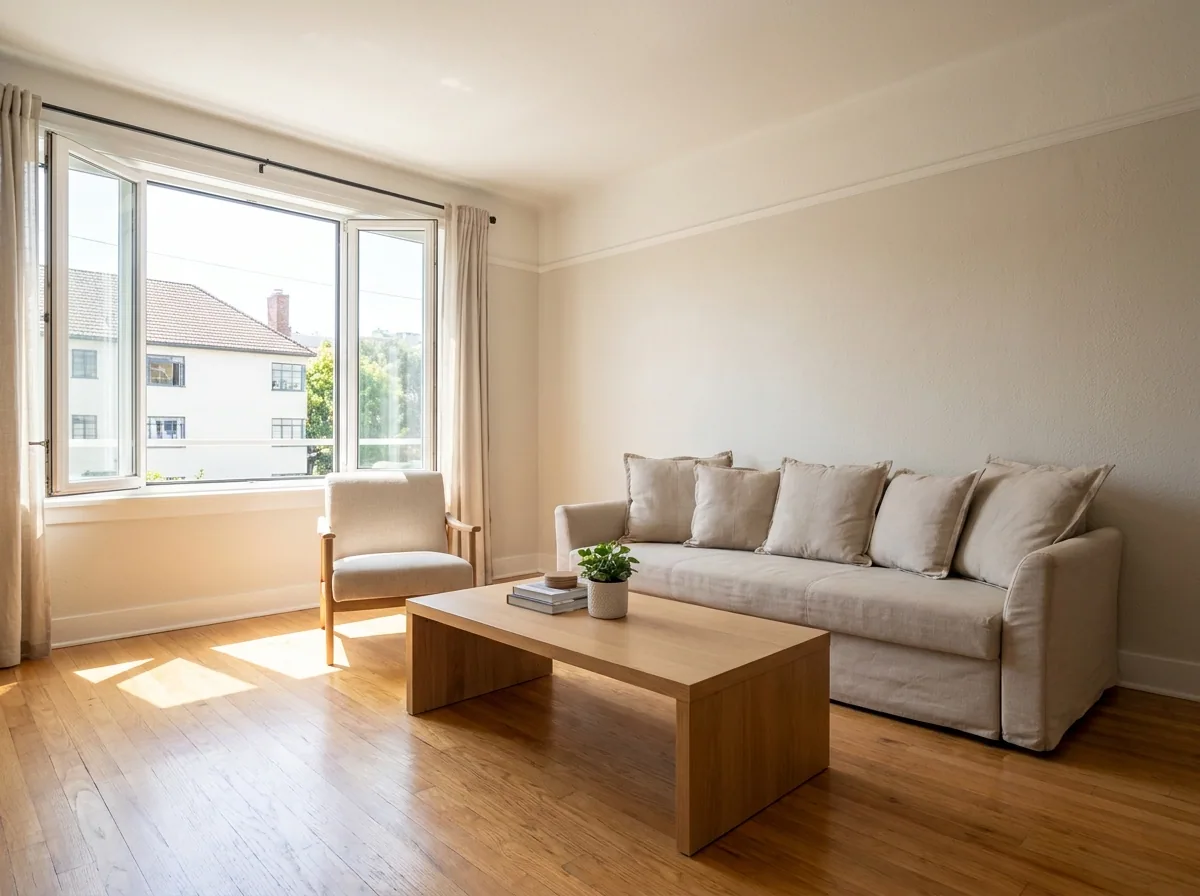
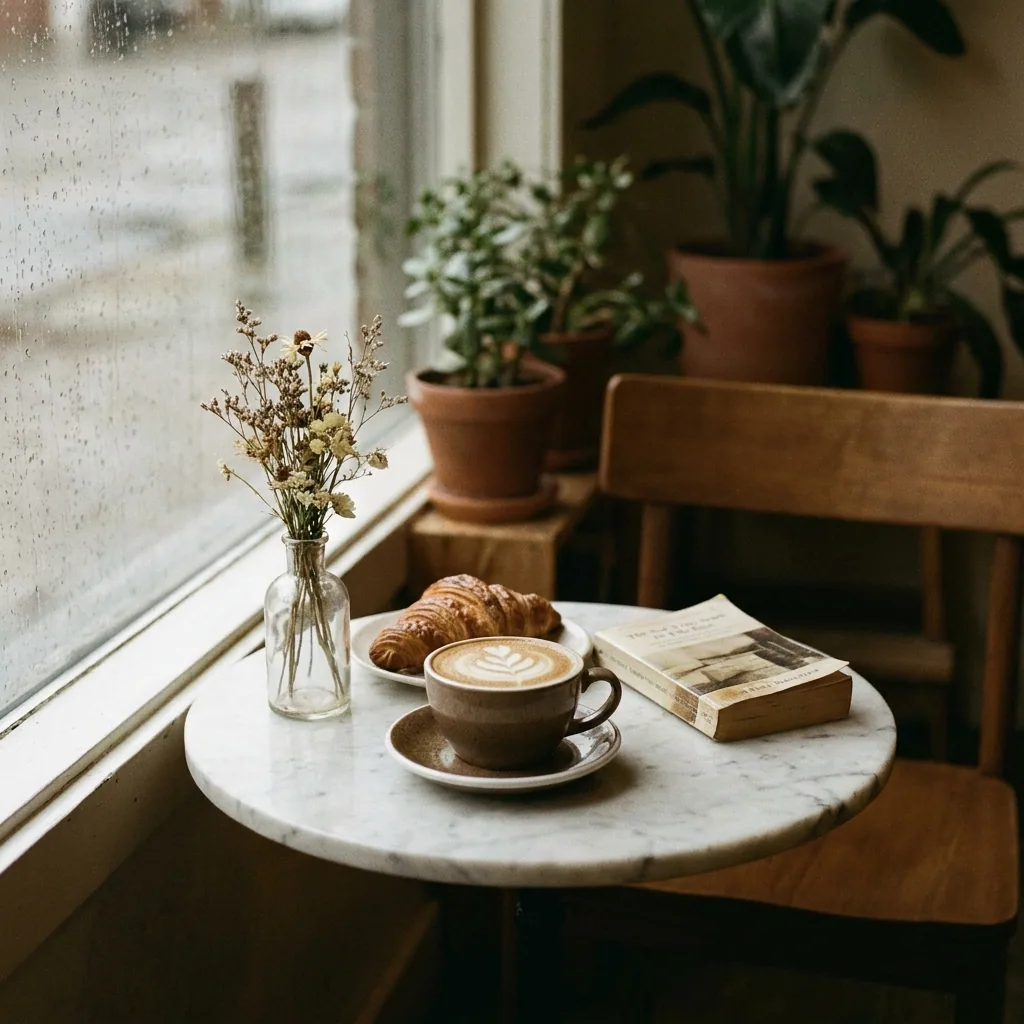
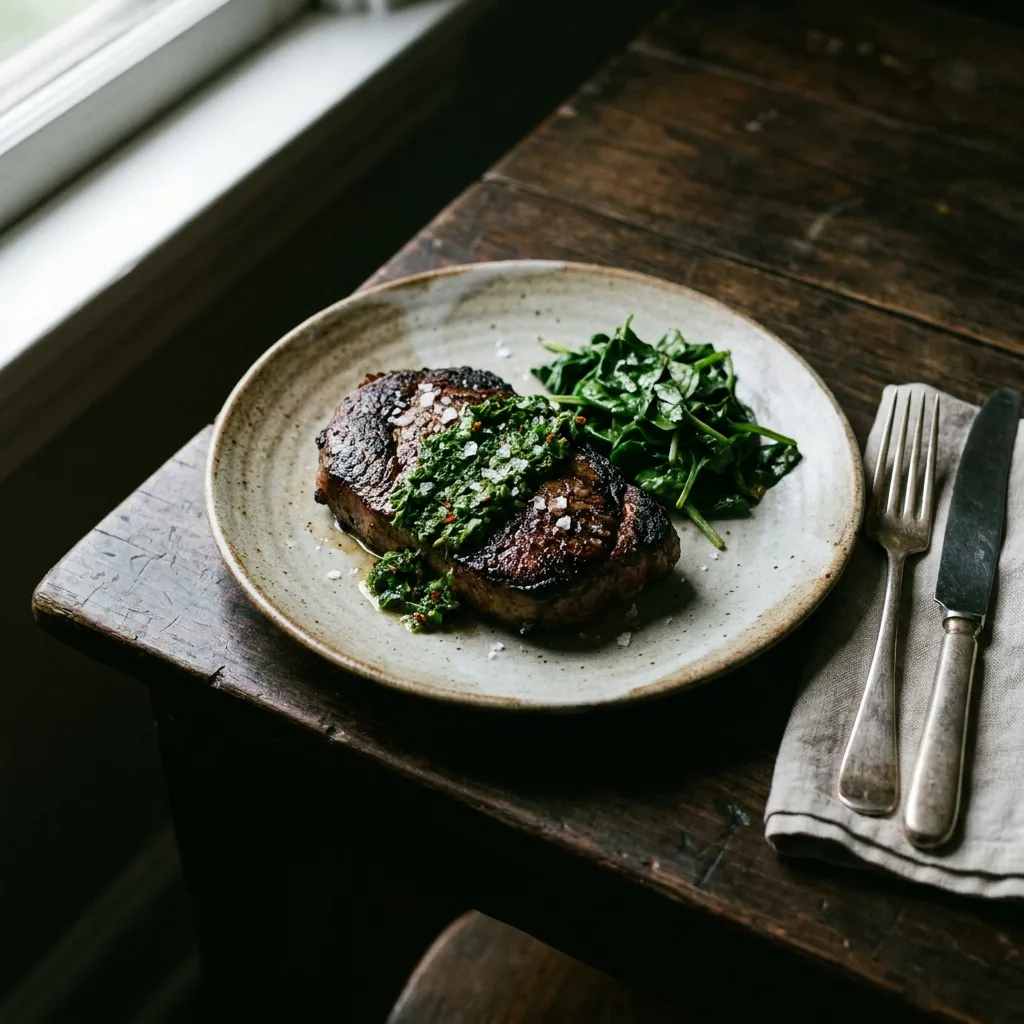
A restaurant needs pictures every week, not once a year. Your dish of the day changes, your offer changes, and the feed goes quiet when nothing is ready. This recipe starts from the photos you already have of your dishes and your room. It makes a set of posts for the week. Two of them carry the words on the image. The price and the day are readable before anyone reads the caption. The guests in the example room picture are generated, not photographed customers.
Make the week from the photos you have
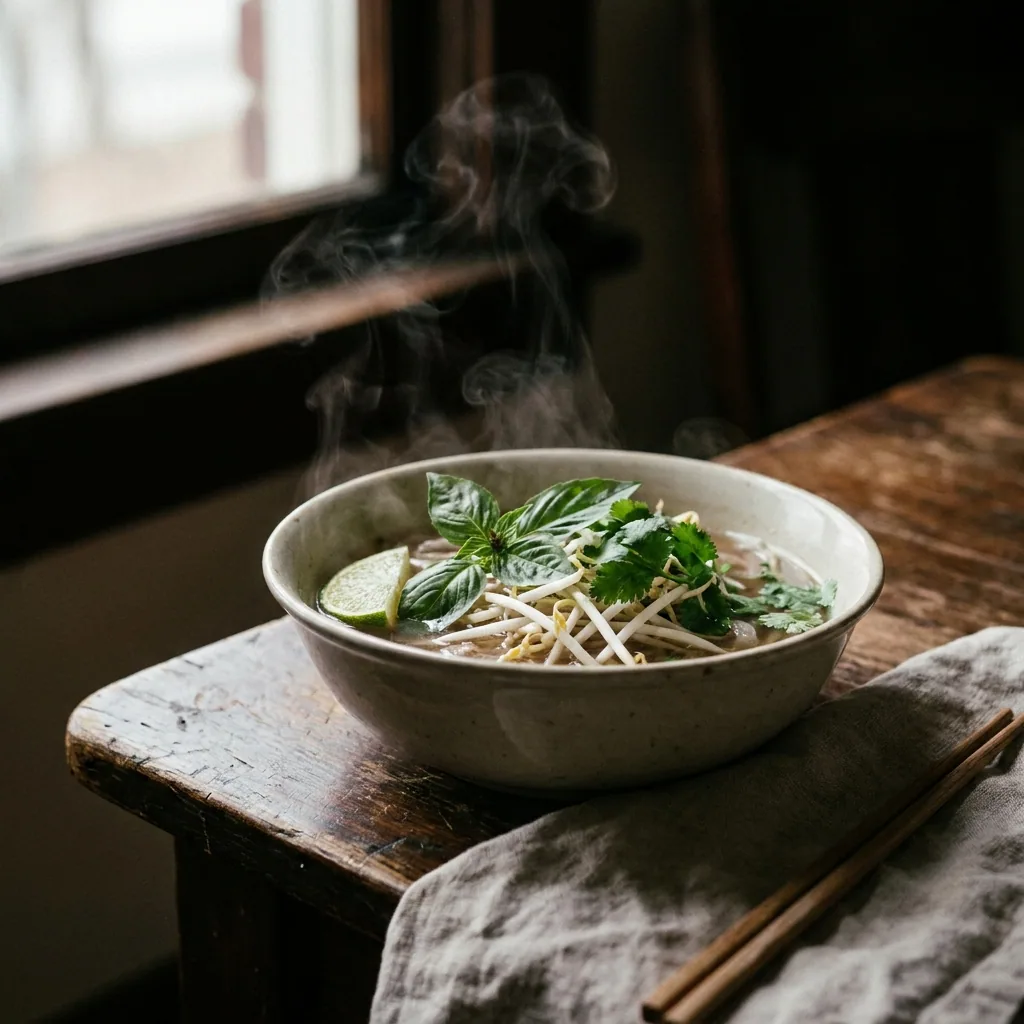
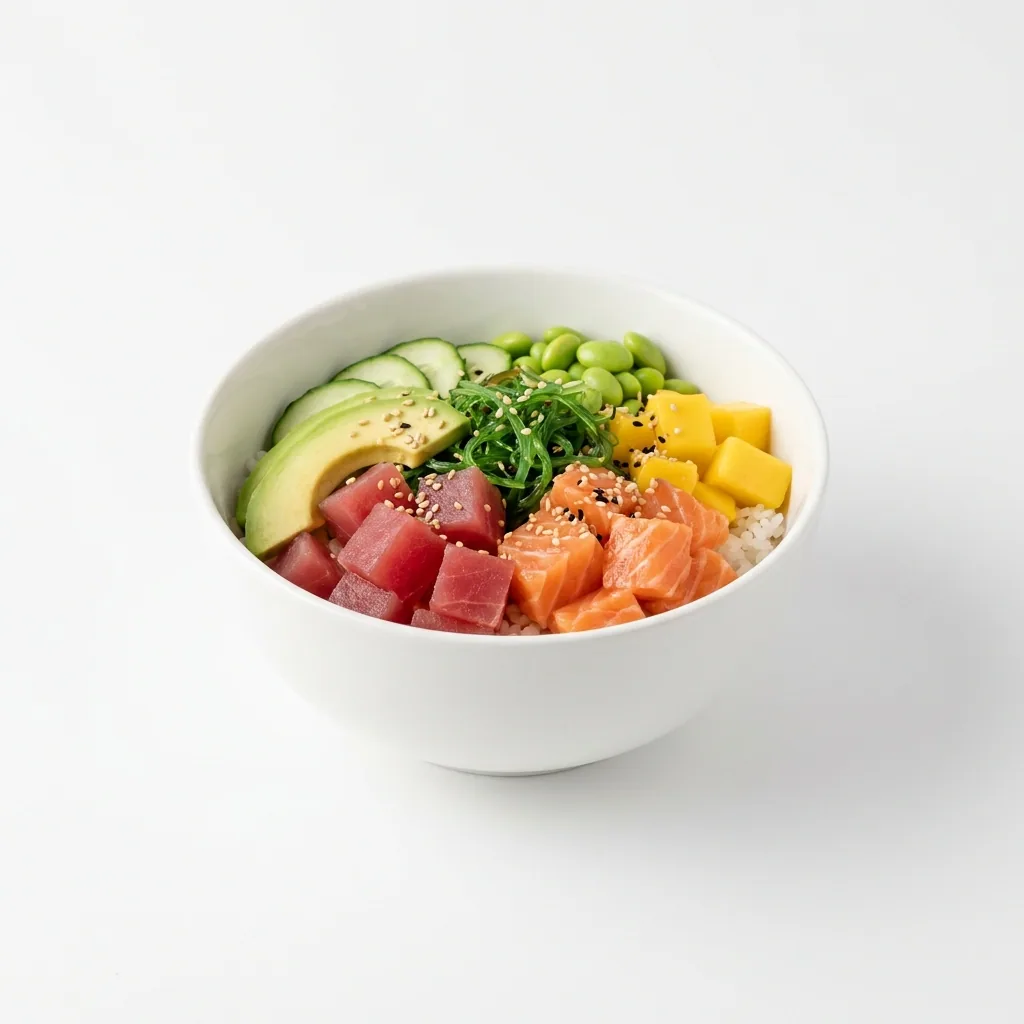
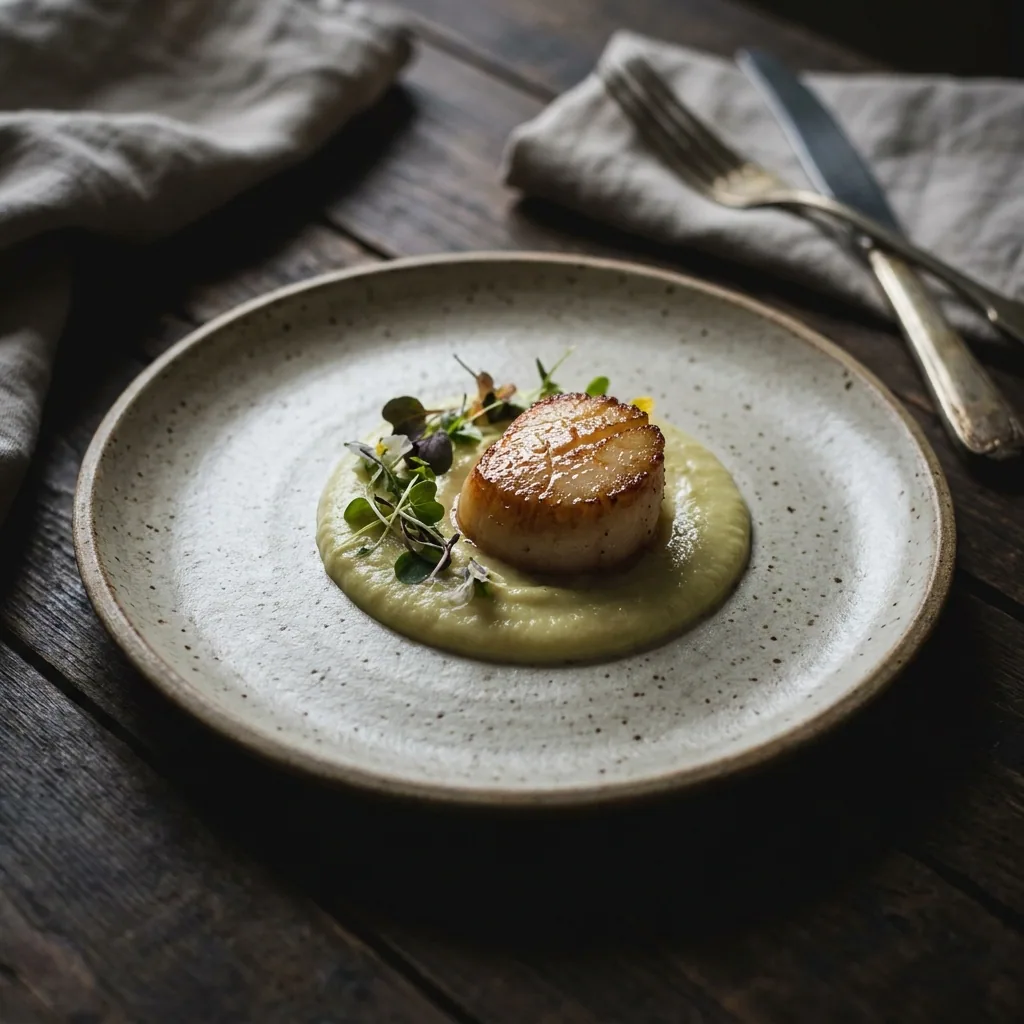
Upload your dish and room photos. Ask for one set of posts for the week. One run gives you several finished pictures, in the same light and the same crop. Keep the ones that match the menu this week. Save the rest for later. Uploading your own photos starts on the Pro plan.
Open the Social content kit templatePut the offer and the day on the picture
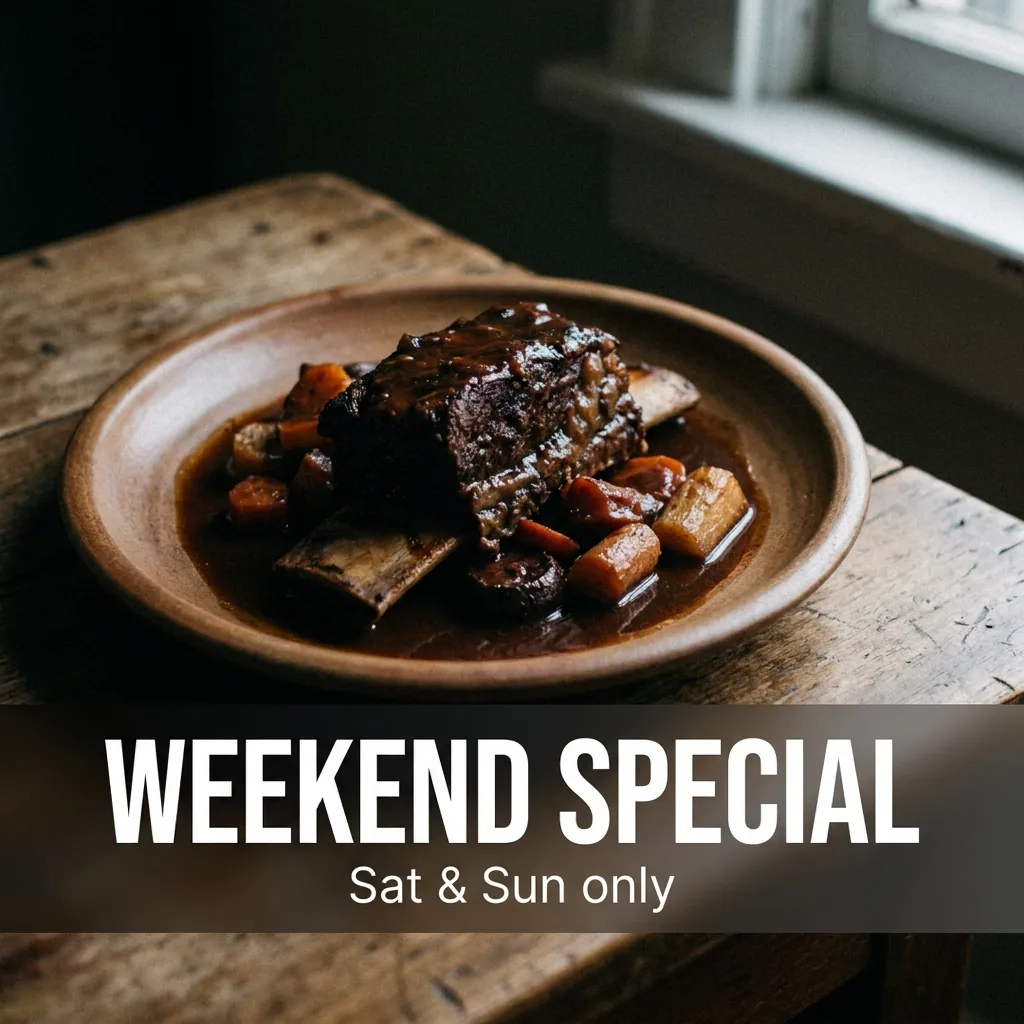
You type the offer, the price and the day it runs. The template places those words on the food photo. They sit where people read them. Many people never open the caption, so the message belongs on the image itself.
Open the Static posts templateShow several dishes in one post
Pick four or five dishes and build them into one post people swipe through. One post then shows five dishes instead of one. Use it for a new menu, a set lunch, or the dishes your guests order most.
Open the Carousel templateKeep every post in the same look
Save your colours and your typeface in your brand profile. Each run reads those rules. The post you make in March then matches the post you made in January, so the feed looks like one restaurant. Set it once, then stop deciding it again every week.
See how brand rules work
Where the pictures go
- Download the set. Open Instagram and upload one picture a day across the week.
- Upload the same pictures to your Facebook page, so both pages show the same week.
- Keep the offer picture. You can print it for the door, the table or the menu board.
The same week of posts, next week
Save this job as an app. It becomes a short form. Someone adds this week's photos and the offer, presses one button, and receives the same set. A colleague can run it without learning the steps.
See how apps workQuestions
Do I need a photographer for this?
No. Every picture starts from a photo you already took on your phone. The steps change the light, the crop and the words on the image.
Who writes the captions?
You do. DesignerBox makes pictures and video, not words. In step two you type the offer yourself and the template places it on the photo.
Can I use these pictures in a paid ad?
Yes, on the Pro plan and above. Uploading your own photos and the commercial licence both start on Pro. On the free plan you can try the templates on sample photos.