The first rule of any AI video prompting guide is that no universal prompt structure exists. Google documents cinematography first, ByteDance documents camera movement fifth of eight parts, and OpenAI stated that longer prompts reduce the model’s creative range rather than improving it. A prompt tuned for one model degrades when pasted into another, so the fix is to learn the five documented structures and convert between them.
One formula and one prompt library do not cover this. The same prompt returns a clean dolly-in on one model and a shaky zoom on the next. You blame the prompt. You rewrite it four times. The prompt was fine. It was written in the wrong dialect.
Every major provider now publishes its own prompt guide, and those guides do not agree. Two of them warn against padding a prompt with more detail.
This guide puts the five structures side by side, names exactly where they disagree, and gives you a conversion routine so one shot brief survives a model switch. Instead of a long list of prompts, it gives you the rules those prompts were written against, which is the part that transfers.
Key Takeaways
-
Five providers, five structures. Google, OpenAI, ByteDance, Runway and Kuaishou each publish a different prompt shape. None of them is wrong, and none of them is portable as written.
-
Camera position is the biggest split. Google’s Veo 3.1 guide opens with cinematography (cloud.google.com, accessed September 2026). ByteDance’s Seedance 2.0 formula puts camera movement fifth of eight parts (docs.byteplus.com, September 2026). Front-loading the camera helps one and fights the other.
-
Longer is not always better. OpenAI states plainly that “longer, more detailed prompts restrict the model’s creativity” (developers.openai.com, September 2026). OpenAI removed Sora 2 and Sora 2 Pro from its API on 24 September 2026 (OpenAI API deprecations, accessed September 2026). ByteDance sets only a recommended ceiling for Seedance 2.0, 1,000 English words. Padding a brief with adjectives narrows the result.
-
One camera move per clip. Every guide converges here. Runway’s own guidance is to choose one primary movement per prompt (runway.com, published November 2025, accessed October 2026).
-
Starting from an image changes the job. With a product photo as the first frame, the image fixes subject, composition, color and light, so the prompt should describe motion and nothing else (help.runwayml.com, September 2026).
-
Video needs Premium. AI video starts on the Premium plan in DesignerBox, so check the plan gate before you budget a shot list.
How to prompt AI video: which structure to follow
An AI video prompt should follow the structure the target model documents. Every model’s guide asks for the same decisions in a different order. To prompt Veo 3.1, lead with the camera. To prompt a single-shot Seedance 2.0 clip, lead with the subject.
Every documented structure names the same five decisions: the subject, what it does, where it is, how the camera behaves, and the look. They differ in the order those decisions appear and in how much text each gets. Order matters because these models weight early tokens more heavily. Length matters because OpenAI warns that longer prompts restrict the model, and ByteDance asks for descriptions that are as concise as possible.
So a prompt is portable at the level of content and not at the level of form. You can carry the same five decisions across every model. You cannot carry the same paragraph.
The five documented prompt structures, side by side
Five published guides cover the video models most teams use. Four come from the model makers, and the Kling guide comes from fal.ai, a model host. Here is what each one documents.
| Model | Documented structure | Where camera sits | Length guidance |
|---|---|---|---|
| Veo 3.1 | Cinematography, Subject, Action, Context, Style and ambiance | First | Not specified |
| Sora 2 Pro (removed from OpenAI’s API on 24 September 2026) | Prose scene description, then separate Cinematography, Actions and Dialogue blocks | Own block | Shorter grants more range, longer restricts it |
| Seedance 2.0 | Subject, Action, Scene, Lighting and color, Camera movement, Visual style, Image quality, Constraints | Fifth of eight | Up to 1,000 English words, as concise as possible |
| Runway Gen-4.5 | Camera movement, Scene, Action, Details | First | Start simple, add detail after |
| Kling 2.6 | Scene setting, Subject, Motion, Style, “not necessarily in this order” | After scene and subject | Not specified |
Sources: cloud.google.com, developers.openai.com, docs.byteplus.com, runway.com, help.runwayml.com and fal.ai’s Kling 2.6 Pro prompt guide, all accessed September 2026.
Read the first two columns together and the design intent shows. Google built a formula for people who think like a director, so the shot comes first. ByteDance built one for people who think like a writer, so the subject comes first and the camera arrives once the scene exists. OpenAI split the two apart entirely and told you to label them.
The parts that are the same everywhere
Underneath the ordering, the guides agree on more than they disagree on:
- Name one subject and one action. Compound actions chained with “then” or “after that” break in a five-second clip.
- State the environment concretely. “Abandoned warehouse at dusk” carries information that “dark building” does not.
- Pick one primary camera move. Two moves in one prompt fight each other.
- Expect several takes. Runway’s guidance says professional creators generate five to ten variations per shot (runway.com, November 2025).
Those four hold on every model in the table. Build your brief on them, then reshape the brief per model. If you want the fuller version of what a brief has to name before ordering ever comes up, the seven layers a realistic prompt specifies covers subject, camera, light, motion, continuity, grade and delivery in detail.
Where the guides disagree, and which side to take
The AI video prompt guides disagree in three places that change your output: where the camera move goes, how long the prompt runs, and how to phrase an exclusion. The rest is style.
Disagreement 1: where the camera move goes
Google’s Veo 3.1 guide opens its formula with cinematography, defined as the camera work and shot composition (cloud.google.com, accessed September 2026). Runway’s public prompting guide does the same, leading with camera movement (runway.com, November 2025). ByteDance’s Seedance 2.0 formula runs subject, action, scene, lighting and color, then camera movement (docs.byteplus.com, September 2026).
That is a real split. ByteDance’s guide also asks for only one type of camera movement in a single shot, because asking for push, pull and pan together “will increase image instability” (docs.byteplus.com, September 2026). For multi-shot prompts, the same guide puts the camera move first in each shot, so the order changes with the prompt type.
Which side to take: follow the model. Lead with the camera on Veo 3.1 and Gen-4.5. Establish the subject first on a single-shot Seedance 2.0 prompt, and the scene and subject first on Kling 2.6. On Sora 2 Pro, the camera had its own labeled block, so the order did not matter. OpenAI removed Sora 2 Pro from its API on 24 September 2026, and Sora alternatives by job covers what replaces it.
Disagreement 2: how long the prompt should be
More detail does not always help. OpenAI documents the trade:
“Shorter prompts give the model more creative freedom. Expect surprising results.” and “Longer, more detailed prompts restrict the model’s creativity.” (developers.openai.com, September 2026)
ByteDance gives Seedance 2.0 a recommended ceiling of 1,000 English words and asks for descriptions that are as concise as possible, with no redundancy (docs.byteplus.com, September 2026). Runway’s image-to-video guidance is to start simple, with the most critical motion, and add detail as needed, so you see how each change affects the result (help.runwayml.com, September 2026).
Which side to take: length is a control dial more than a quality dial. Write short when you are still finding the shot and want variety across takes. Write long when the shot is locked and you need it reproduced. Padding a prompt with adjectives narrows the model’s options without adding instruction, which is the worst of both.
Disagreement 3: how to say what you do not want
Runway’s guide bans negation outright, on the grounds that the model can latch onto the word you are negating: “When you write ‘No camera shake,’ the AI might focus on the word ‘shake’ and give you exactly that” (runway.com, November 2025).
Google’s Veo 3.1 guidance is different. It keeps the exclusion but demands it be concrete, recommending “a desolate landscape with no buildings or roads” over the vaguer “no man-made structures” (cloud.google.com, accessed September 2026).
Which side to take: state the positive first, then the exclusion only if the positive cannot carry it. “Locked-off tripod, no camera shake” gives the model a thing to do and a thing to avoid. “No camera shake” alone gives it only the word shake.
How to write a camera move the model can execute
Camera vocabulary is the part of prompting that looks hardest and is the most standardized. The documented sets overlap heavily.
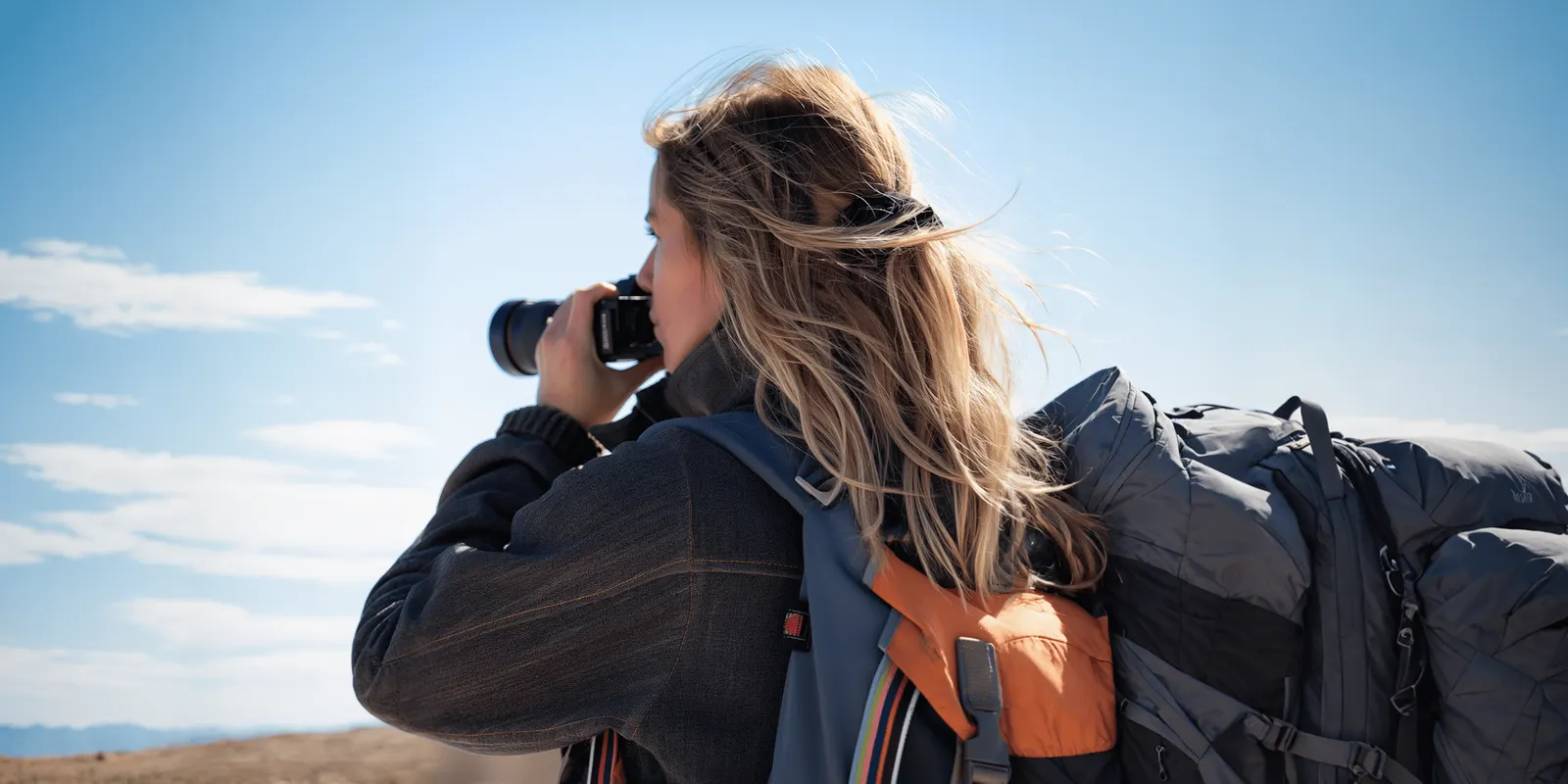
Veo 3.1’s guide lists dolly shot, tracking shot, crane shot, aerial view, slow pan and POV shot for movement, with wide shot, close-up, extreme close-up, low angle and two-shot for composition, and shallow depth of field, wide-angle lens, soft focus, macro lens and deep focus for optics (cloud.google.com, accessed September 2026). Seedance 2.0’s guide says the model understands standard camera terms, and gives medium shot, close-up, wide shot, slow push-in, smooth lateral tracking and fixed shot as examples (docs.byteplus.com, September 2026). For full prompts built from these terms, see the AI video prompt examples for product ads.
Those two lists are close enough that one vocabulary covers both. When a move fails, the cause is almost always the physics behind the word. For clothing, fashion videography techniques show which camera moves show a garment.
The four rules that decide whether a move lands
Give a dolly something to move past. A dolly-in with a flat background reads as a zoom, because parallax is what distinguishes them. The camera moves through space, so objects near the lens should shift faster than the background. Put an object near the lens.
Keep arcs short. fal.ai’s Kling 2.6 Pro guide warns that a 360-degree rotation around a subject while zooming in often produces warped geometry (fal.ai, accessed September 2026). A short arc gives the model less new geometry to invent. If you need a full turn, split it across shots.
Prefer slow and simple. When a clip distorts, the same guide says to reduce complexity, ask for stable camera movement, and break complex movements into simpler instructions (fal.ai, accessed September 2026). A slow move also gives the model fewer changes per frame.
Give the move an ending. “Tracking shot following from the side, then settling back into place” resolves. A move with no endpoint drifts until the clip runs out.
When a move still breaks the subject rather than the frame, the cause is usually elsewhere. Distortion has four separate failure modes and each has a different fix, none of which is a better camera term.
What changes when the shot starts from your product photo
Everything above assumes text to video. Most commercial work does not start there. It starts with a real product photo, and that changes the prompt’s job completely.
Runway’s image-to-video guidance is the clearest statement of the split: the image fixes the subject, the composition, the color palette and the lighting, so the prompt’s only job is to describe how the frame evolves over the next few seconds (help.runwayml.com, September 2026). Describing what is already visible in the image wastes the prompt and can fight the reference. The still itself needs its own prompt. For clothing, prompts for clothing product photos show how to keep the print and the color in that first frame.
OpenAI documented the same anchoring for Sora 2 Pro before its API removal on 24 September 2026. The model “uses the image as an anchor for the first frame, while your text prompt defines what happens next” (developers.openai.com, September 2026). The input image had to match the target video resolution.
So the image-to-video prompt is a motion brief:
| Text to video | Image to video |
|---|---|
| Describe subject, environment, light, camera, style | Describe motion only |
| The model invents the product | The photo is the product |
| Style drift between takes | Composition and color held by the reference |
| Longer prompt, more decisions to make | Shorter prompt, most decisions already made |
That is the practical reason a campaign built from one real packshot holds together across a dozen clips while a text-only workflow drifts. Frame one is your actual product, so every clip starts from the same product, light and framing. Which input mode a shot starts from compares the three options and what each one protects.
Reference handling differs by model, and it is worth knowing before you plan a sequence. Veo 3.1 and Veo 3.1 Fast accept up to three reference images of a single person, character or product, and all three Veo 3.1 models generate the move between a supplied first and last frame (ai.google.dev, September 2026). DeepMind’s Veo page also describes style references, but Google’s API docs do not document them. Seedance 2.0 accepts up to nine images, three video clips of 2 to 15 seconds, and three audio clips, with a limit for each type and no total (docs.byteplus.com, September 2026). Kling 2.6 Motion Control copies the movement in a reference video of 3 to 30 seconds onto your character (kling.ai, September 2026).
If a character has to survive the whole sequence rather than one clip, references alone will not do it. Keeping a character consistent across clips covers the anchoring method that does.
Audio is prompted separately, and the syntax is not shared
Audio has its own syntax per model, and getting it wrong is a common cause of a clip that looks right and sounds wrong.
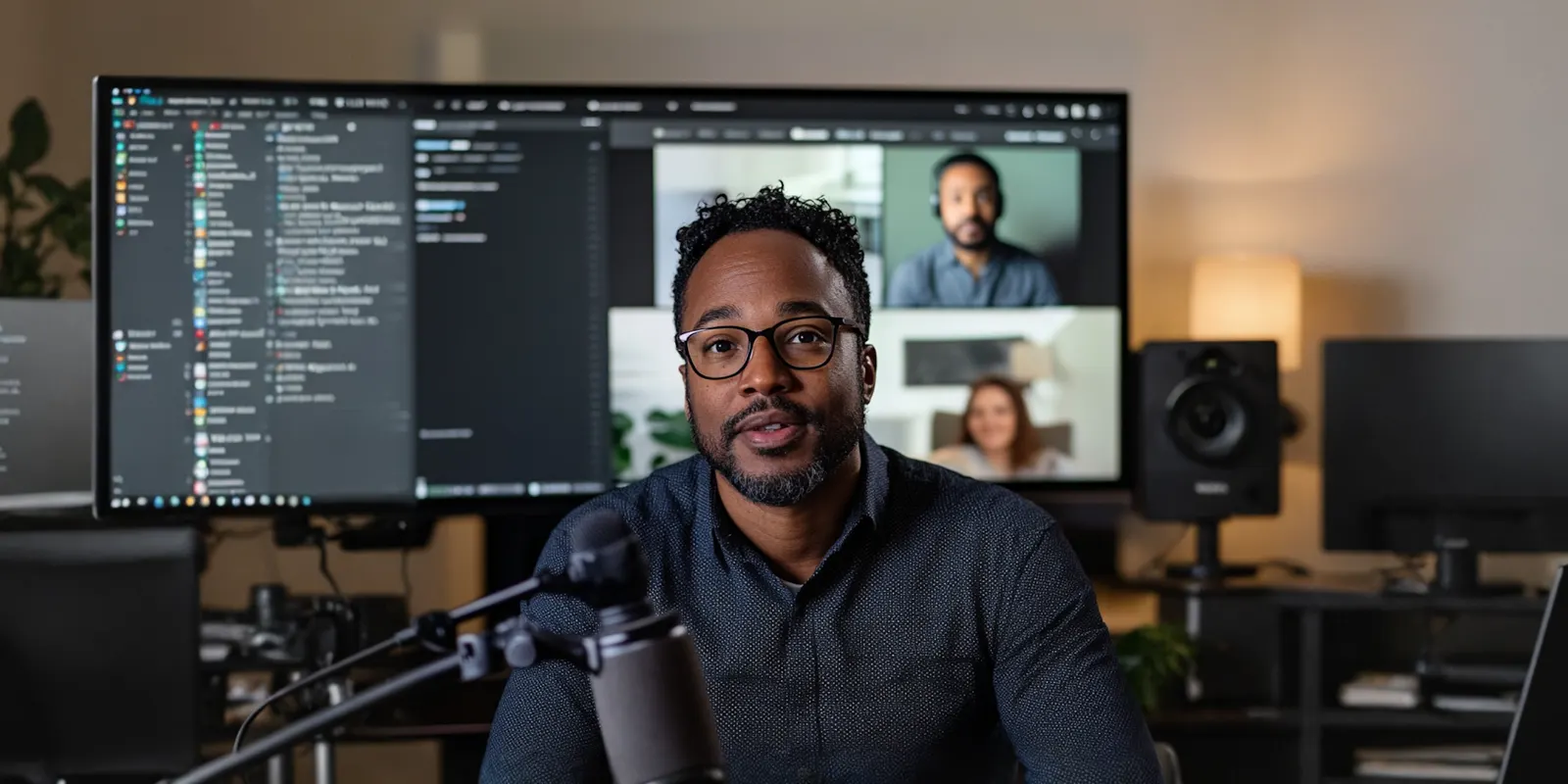
Veo 3.1 documents three formats: quotation marks for dialogue, an SFX label for sound effects, and an ambient noise label for the background soundscape (cloud.google.com, accessed September 2026). Sora 2 Pro, which OpenAI removed from its API on 24 September 2026, wanted dialogue in a dedicated block below the prose description (developers.openai.com, September 2026). The block kept spoken lines apart from the visual description, with speaker labels when more than one character talked.
Two practical notes. Audio comes with the render on the models that support it, so a re-roll to fix the sound costs you a whole clip. Lock the visual take first. And most paid social plays silent, so a clip destined for a muted feed does not need audio at all.
Convert a prompt from one model to another
To convert an AI video prompt from one model to another, run six steps on the shot brief. To choose the target model first, see the best AI video model by prompt adherence.
- Strip the prompt to its five decisions. Subject, action, environment, camera, look. Write each as one clause. This is your portable brief.
- Reorder for the target. Camera first for Veo 3.1 and Gen-4.5. Subject first for a single-shot Seedance 2.0 prompt, scene and subject first for Kling 2.6.
- Resize to the target’s guidance. Keep Seedance 2.0 prompts concise and cut anything that repeats. On Gen-4.5, start with a simple prompt and add detail later.
- Rewrite negations as positives. “Locked-off tripod” instead of “no camera movement”.
- Check the move against physics. One primary move, an endpoint, depth cues for a dolly, arcs under about 30 degrees.
- Move audio into the target’s syntax. On Veo 3.1, put dialogue in quotation marks, and label sound effects and the ambient noise.
Run a cheap draft first. Block the framing, light and motion on a fast model, confirm the shot works, then spend the expensive render once on the take you already trust. Cutting re-rolls is also the main way to make AI videos fast. A longer clip costs more, so the cost of a bad prompt grows with the length of the clip you attach to it. For a multi-shot sequence the cheapest draft is not a clip at all, and boarding the shots as still frames settles the framing before any video budget is committed.
The prompt inside a saved workflow
DesignerBox is AI creative production for brands and agencies. A model is one step in a workflow, and the model page lists them. You pick the model for each step when you build the workflow, and every run after that uses it. A template comes with its model already picked. To test a second model, you change the model in the video step. The rest of the workflow stays the same, so you only convert the prompt.
The workflow that makes the conversion routine cheap starts from your product photo. Add the packshot and animate it. The prompt only has to describe motion, because the image already holds the product. The image to video app animates a single photo in one run.
Once a prompt works for a model, save the shot as a workflow. Anyone can make an AI picture. Making hundreds that still look like your brand is the hard part. You set the brand once, and the workflow reads it on every run. The next product gets the same framing, the same light and the same move, and nothing is rebuilt. Publish the workflow as an app, and a colleague completes a form and presses Run. Batch runs one workflow over a whole sheet of products. That is the difference between a prompt library and a production system.
The image editor, the video editor, your brand rules, your Assets and the AI models sit in the same place. The full workflow from the first product photo to the finished ad, in one subscription.
Two honest limits. Uploading your own photos and the commercial license start on the Pro plan. AI video, virtual try-on, upscaling, the image editor and the video editor start on the Premium plan. Plans and credits are on the pricing page. And the model you pick changes the cost: an 8-second clip costs 40 to 560 credits, depending on the model. The cost is shown before the run, which is why the draft-cheap, finish-expensive order pays here more than anywhere else. Which models publish enough spec to plan a shot list against scores the video catalog on documentation quality, which is a real selection criterion in a category that changes monthly. If an AI chat is writing the prompt for you, using Claude as a video generator explains what it can and cannot judge about the result.
Start from a template, add your brand and your products, and run it. See the templates.
FAQ
What is the best structure for an AI video prompt?
The one the target model documents. Veo 3.1 opens with cinematography, then subject, action, context and style. Seedance 2.0 runs subject, action, scene, lighting and color, camera movement, visual style, image quality and constraints. Sora 2 Pro used a prose description with separate cinematography, action and dialogue blocks, and OpenAI removed it from its API on 24 September 2026. The five decisions are the same across all of them. The ordering is not.
How long should an AI video prompt be?
Short prompts give variety, and long prompts give control. Before OpenAI removed Sora 2 from its API on 24 September 2026, its guide said shorter prompts gave more creative freedom and longer ones restricted it (developers.openai.com, September 2026). ByteDance sets a recommended ceiling of 1,000 English words for Seedance 2.0 and asks for concise descriptions. Write short while you are still finding the shot, long once you need it reproduced exactly.
Should I use negative prompts in AI video?
Prefer positive phrasing. Runway’s guidance warns that writing “no camera shake” can push the model toward shake, because it latches onto the word (runway.com, November 2025). Google’s Veo guidance allows exclusions but wants them concrete rather than abstract (cloud.google.com, accessed September 2026). Safest pattern: state what you want, then add the exclusion only if the positive cannot carry it.
Can I use the same prompt across different AI video models?
The content transfers, the form does not. Keep the same five decisions, then reorder for the target model, resize to its documented length guidance, and rewrite the audio syntax. Expect the same brief to need three edits to move between models.
Why does my camera movement prompt not work?
Usually physics rather than vocabulary. A dolly with no foreground or background objects reads as a zoom because there is no parallax. A long orbit in a short clip warps geometry, and fal.ai’s Kling 2.6 Pro guide names a 360-degree rotation while zooming in as a common cause (fal.ai, accessed September 2026). Two camera moves in one shot fight each other. And a move with no stated endpoint drifts until the clip runs out.
How do I prompt camera movement when starting from a product photo?
Describe motion only. The image already fixes the subject, composition, color and lighting, so the prompt’s job is how the frame evolves (help.runwayml.com, September 2026). “Slow push-in, product held center frame, steam rising” is a complete image-to-video prompt. Re-describing the product in the photo wastes the prompt and can fight the reference.
How many takes should I expect per shot?
Plan for five to ten. That is the number of variations per shot Runway’s guidance gives for professional creators (runway.com, November 2025). So block the shot on a fast model first. Then spend the expensive render once, on the take you trust.
Sources
All accessed September 2026 unless dated otherwise.
- Veo 3.1 prompt formula, camera and composition vocabulary, audio syntax and negative-prompt guidance: Google Cloud blog, accessed October 2026
- Veo 3.1 reference images and first-and-last-frame behavior: ai.google.dev, accessed October 2026
- Veo style references as described by DeepMind: (deepmind.google, September 2026)
- Sora 2 prompt template, prompt-length trade-off, dialogue block syntax, and image-as-first-frame anchoring: OpenAI Sora 2 prompting guide, September 2026
- Sora 2 and Sora 2 Pro removal from OpenAI’s API on 24 September 2026: OpenAI API deprecations, accessed October 2026
- Seedance 2.0 eight-part formula, camera terms and the one-camera-movement note: Seedance 2.0 prompt guide, September 2026
- Seedance 2.0 recommended prompt length of no more than 1,000 English words, and reference input limits: BytePlus video generation API, September 2026
- Runway image-to-video guidance on what the image controls versus what the prompt controls, and the start-simple structure: help.runwayml.com, September 2026
- Camera-first formula, positive phrasing, one primary movement per prompt, and the five-to-ten variations figure: runway.com, published November 2025, accessed October 2026
- Kling 2.6 Pro prompt structure and distortion guidance: (fal.ai, accessed September 2026)
- Kling 2.6 Motion Control reference video length: kling.ai, September 2026
- DesignerBox plans and feature gating: DesignerBox pricing page (designerbox.ai/pricing), September 2026
Prompt structures verified from cloud.google.com, ai.google.dev, deepmind.google, developers.openai.com, docs.byteplus.com, help.runwayml.com, runway.com, fal.ai and kling.ai as of September 2026. Google’s Veo prompting guide and Veo docs, Runway’s prompting guide, ByteDance’s Seedance 2.0 prompt guide and OpenAI’s Sora 2 prompting guide were re-checked on 2 October 2026. Provider documentation in this category changes monthly. Individual results vary.