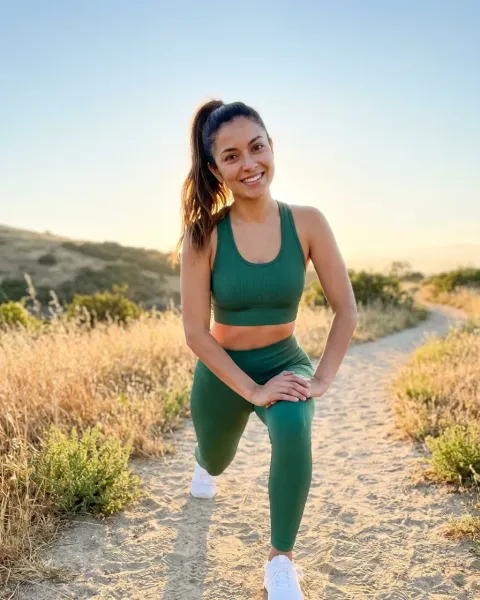
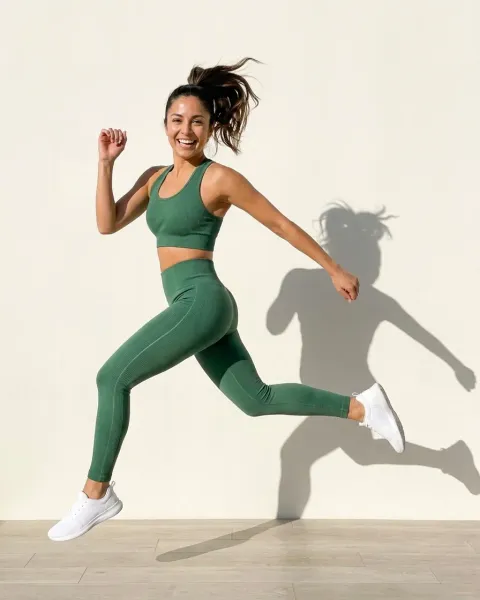
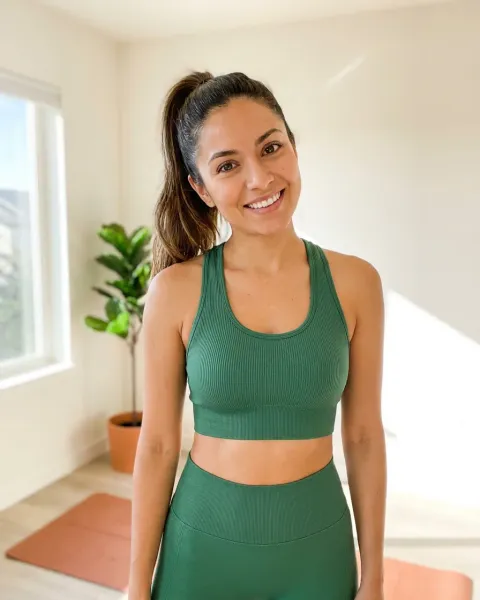
Changing clothes in a photo with AI means replacing the garment while keeping the person, the pose, the light and the background from the original shot. Here is how to change clothes in a photo with AI: mask the clothing, give the model an image of your real product, then regenerate. The result only ships if the garment in it is the garment you sell.
That last sentence is the whole article. Consumer “AI clothes changer” tools are built to try a different look for fun, and for that they are fine. A brand editing an on-model photo has a harder bar: the garment on the model has to be the exact garment the customer receives, down to the trim, the print scale, and the colorway. Miss that and the edit becomes a claim you cannot honor.
Here is the version you have already lived. The on-model set for the drop is shot and approved. Then merchandising adds the black colorway that was not on the call sheet. Or a retailer wants the jacket shown over a different base layer. Or the same look has to run again next season in a new fabric. The photograph exists. The garment in it is now wrong, and the next studio day is eight weeks out.
This guide is written for fashion brands, ecommerce teams and the agencies that edit their images for a live storefront. It covers what the edit does and the three different jobs people file under “changing clothes”. It also covers how to do one so it survives a PDP zoom, how to run the same edit across a whole colorway range, and what it costs. The last part is the rights layer that decides whether a photo of a real person can ship after you have altered it.
Key Takeaways
- Changing clothes in a photo keeps the person and swaps the garment. It is the mirror image of an AI head swap, which keeps the garment and swaps the person.
- The result is only sellable if the new garment is your real product. A garment invented from a text prompt looks plausible and misrepresents what ships. Anchor the edit to your actual product photo.
- Region-locked editing is documented but approximate. Black Forest Labs states FLUX.1 Kontext makes “targeted modifications of specific elements in an image without affecting the rest” (bfl.ai, accessed September 2026). Budget for several tries and check at full resolution, not thumbnail.
- A real model’s image is not yours to alter freely. California’s AB 2602 (effective 1 January 2025) counts an appearance whose “fundamental character” has been “materially altered” as a digital replica, and can void contract terms that allow one without a specific description of the uses (leginfo.legislature.ca.gov, accessed September 2026).
- EU disclosure can apply. Article 50 of the AI Act has applied since 2 August 2026, and it requires deployers to disclose manipulated image content that constitutes a deep fake (AI Act Service Desk, accessed September 2026). Altering a real person’s photo is the case to plan for.
What “change clothes in a photo with AI” means
Changing clothes in a photo with AI is a targeted image edit. The model identifies the clothing region in an existing photo, holds the face, skin, hands, pose, and background steady, and renders a new garment into the space the old one occupied. The output is a single photograph of the same person wearing something different.
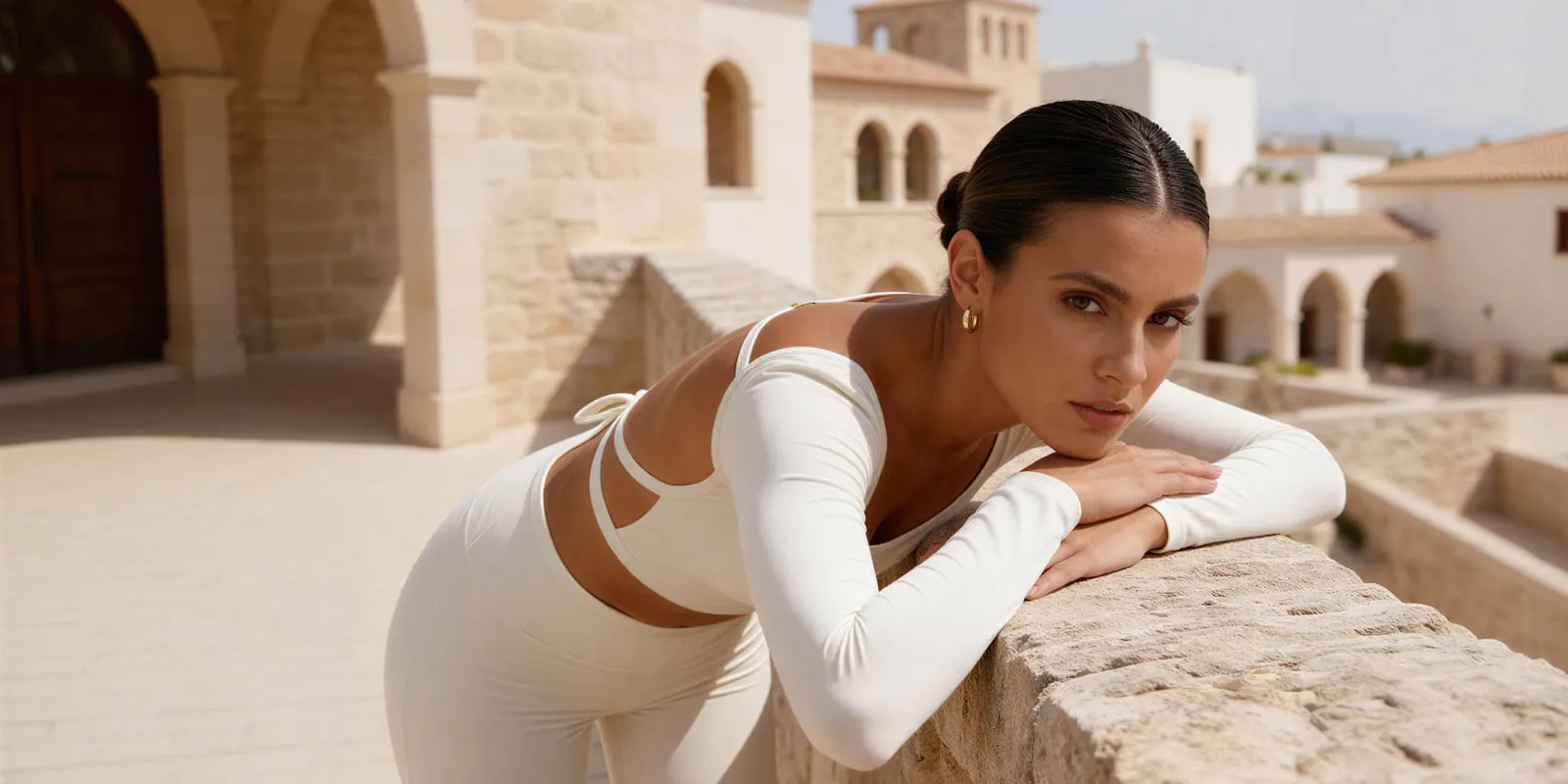
Two things vary between tools, and they matter more than the button labels. The first is how the new garment is defined: described in words, or supplied as your own product image. The second is how well the person and the lighting survive the edit. A good result reads as one photograph. A weak one reads as a person standing behind a cut-out.
Three edits people call “changing clothes”
“Change the clothes” arrives as one request and splits into three different jobs. Name which one you have before you start.
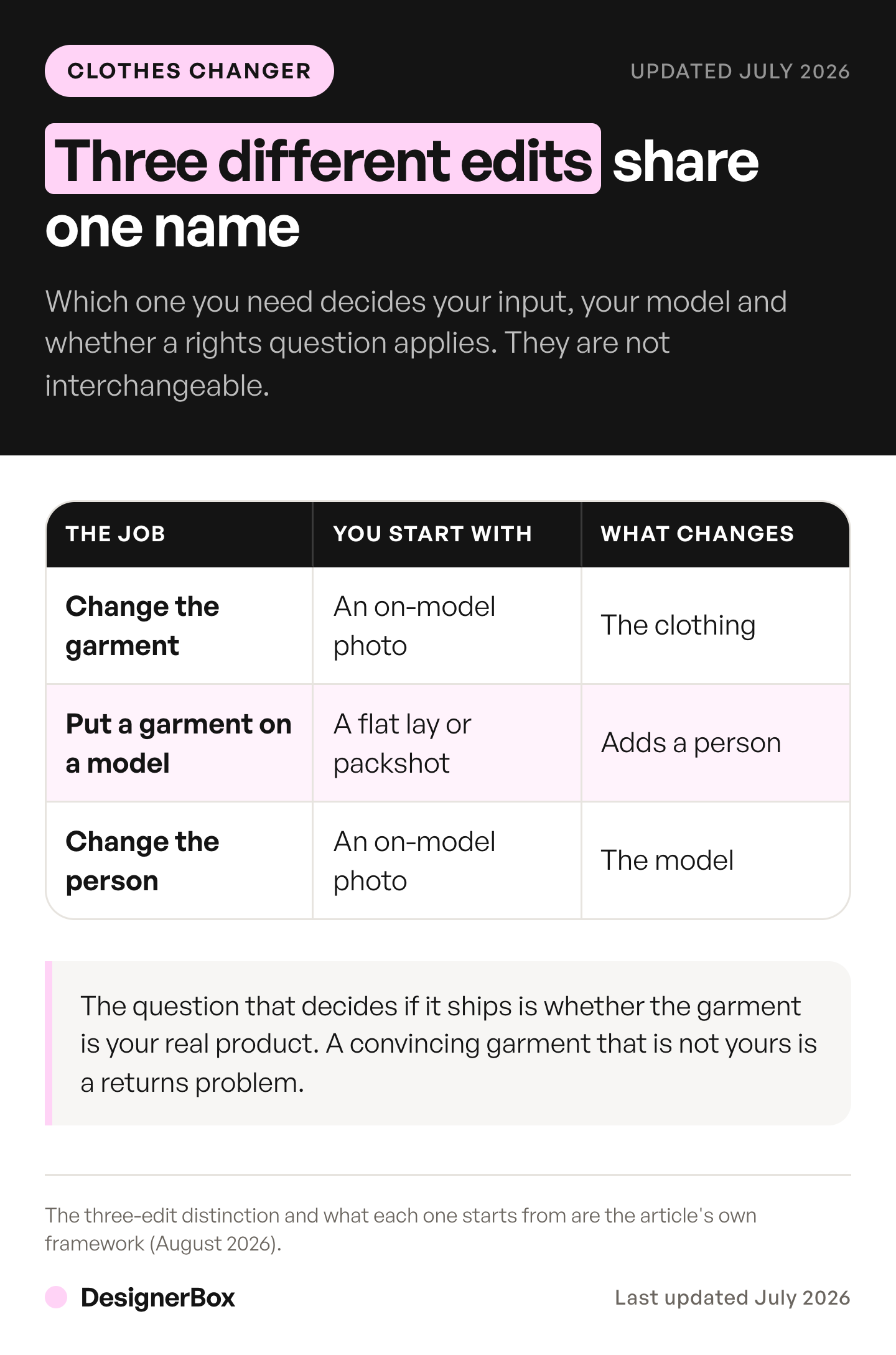
| The job | What you start with | What stays | What changes |
|---|---|---|---|
| Change the garment | An on-model photo | The person, pose, background | The clothing |
| Put a garment on a model | A flat lay or packshot | The garment | Adds a person |
| Change the person | An on-model photo | The garment, pose | The model |
This article is the first row. If the garment stays and only its color changes, that is a recolor, covered in the AI clothes color changer guide. If you have a flat garment shot and no body yet, that is the second job, covered in putting clothes on a model with AI. If the garment is right and the model has to change, that is the third job, covered in changing the model in a product photo. The three read as one problem and behave as three, because the rights and the failure points move each time. To show several of your garments together on one model, see AI outfit generators for brands. If the garment has to change in a moving clip, the tools and checks are in the AI video clothes changer comparison.
The row that surprises teams is the second one. When the garment in your reference is not on a body yet, you are generating a new photo rather than editing an existing one. The on-model generators split on whether they anchor to your real garment or reinvent it. We compared the on-model generators on exactly that question.
The question that decides if it ships: is the garment your real product?
Every clothes-changing tool does one of two things, and the difference is the difference between a usable asset and a liability.
Prompt-described garment. You type “red satin slip dress” and the model invents one. It will look convincing. It will not be your dress. The neckline, the strap width, the hem, the sheen, and the exact red are the model’s guess. On a moodboard that is fine. On a product detail page it is a photograph of a garment your customer will never receive.
Reference-anchored garment. You give the tool an image of your actual product, and it renders that garment onto the person. The output starts from the real thing: your print, your trim, your colorway. You still check it against the real garment. This is the only version that can belong on a storefront, in a catalog, or in a paid ad, because it is the only one that can match what ships.
DesignerBox is built around the second approach. The edit starts from your real product photo, not a text description. The Clothes on a model app takes your garment image and puts it on a model. Virtual try-on starts from the same image. The new clothes come from the product you sell.
The test is simple. Put the edited photo next to the real garment on a table. If a customer would notice a difference when the parcel arrives, the edit is not done.
How to change clothes in a photo with AI, step by step
If reference-anchored editing is the right call, this sequence produces the fewest retries. Steps 1 and 3 decide the result.
- Start from the highest-resolution source you have. Edits compound. Beginning with a web-sized JPEG means the join between the new garment and the body is soft before you touch it.
- Supply the new garment as an image, not a description. A flat lay or packshot of the real product. This is what keeps the edit honest.
- Write the instruction as preservation, not replacement. Name what must not change: the face, the pose, the hands, the light direction, the background. Telling the model what to keep does more work than telling it what to swap.
- Mask the clothing region if the tool allows it. Constraining the edit to the garment area protects the parts of the photo that were already right.
- Generate, then check the seams at full resolution. The garment edge against the arms and neck fails first, the same way a hairline fails first in a head swap. Zoom to PDP size, not thumbnail size.
- Check the drape and the fit against the real product. A generated garment can hang in a way the real fabric never would. Fabric texture, seam lines, and how the cloth falls are where fidelity is won or lost.
- Save the approved setup as a workflow. The model, the mask, the preservation instruction and the reference slot become a thing you rerun rather than rebuild.
- Log what you edited and from what. If disclosure is required later, you need a record of which images were altered and which are straight photography.
Step 5 needs the most care. Clothes-changing output can look correct at thumbnail size and wrong at the size a shopper inspects. The same resolution and accuracy discipline that governs any generated product image applies harder here, because the garment is the thing being sold.
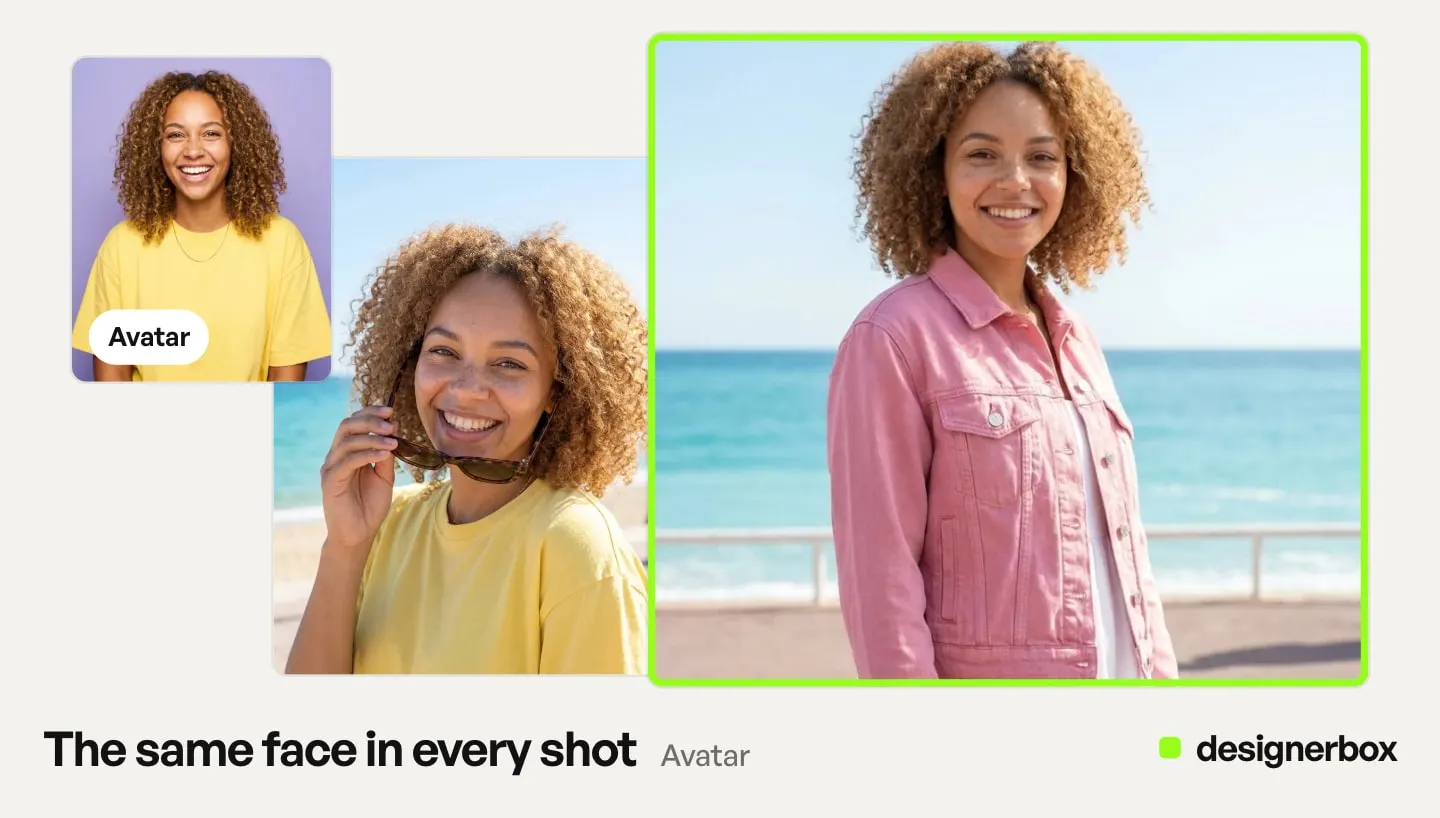
Which models hold a garment, and where they break
Editing one region of a photo while holding the rest is a documented capability, not luck. Reading what the providers claim tells you where to set expectations.
Black Forest Labs documents FLUX.1 Kontext as able to “make targeted modifications of specific elements in an image without affecting the rest,” and to “preserve unique elements of an image, such as a reference character or object in a picture, across multiple scenes and environments” (bfl.ai, accessed September 2026). That preservation is exactly what a garment change needs: the person is the element that must survive untouched. Their docs add that “for new projects, we recommend FLUX.2 with multi-reference support and up to 4MP output”, and that Kontext results are about 1MP in total (docs.bfl.ai, accessed September 2026).
Google documents Nano Banana Pro, its Gemini 3 Pro Image model, with detailed editing and output at 1K, 2K or 4K (ai.google.dev, accessed September 2026). Google also says advanced features such as masked editing “may sometimes produce unnatural results” (deepmind.google, accessed September 2026). The high-resolution output is the part that matters for a PDP file, where a small preview export will not do.
Read the marketing copy carefully, though. Phrases like “preserves everything you did not touch” describe the intent, not a guarantee. In practice, region-locked editing is approximate across every major provider. The garment boundary, the hands near the fabric, and any reflective surface are where the artifacts appear first. Plan for two or three passes rather than a clean first result, and judge every one at full size.
In DesignerBox, the model is one step in the workflow. Kontext Multi and Nano Banana Pro are both among the image models DesignerBox runs, and the model list names the rest.
What changing clothes in a photo with AI costs
Start with fit, not price. The consumer clothes-changers and the fashion tools are built for different bars, and the bar decides whether the file is usable on a live listing.
| Tool | Best for | What it covers |
|---|---|---|
| Magic Hour AI Clothes Changer | Fast garment swaps on a single photo | Its product page says free users get photos with no watermark (magichour.ai, September 2026). Check the output resolution against your PDP spec before production |
| FASHN AI | On-model imagery and try-on for fashion teams | Its API page lists virtual try-on, product-to-model and model swap (fashn.ai/products/api, September 2026) |
| Pixelcut | General image editing | Lists a virtual try-on API alongside its editing tools (pixelcut.ai/api/try-on, September 2026) |
If FASHN heads your shortlist, what else to weigh it against compares five options from each vendor’s own page. Our bias is plain: we make DesignerBox. Each of the three tools above covers garment edits, and each is the better pick for some teams. For 16 tools compared on garment source, output size and commercial rights, see the best AI clothes changer for product photos. For the free routes and what their terms let you publish, see free AI virtual try-on tools sellers can use.
In DesignerBox the cost of an edit depends on the model you pick, and the cost is shown before the run. You choose the model against the bar the shot has to clear. A three-pass edit is then a cost you agreed to before you started. Run the first colorway, read the cost, and plan the range from that number.
Uploading your own photos and the commercial license start on the Pro plan. You need the license to use the result as paid media or on a live PDP. Virtual try-on starts on the Premium plan. Plans and credits are on the pricing page.
Running the same edit on every colorway
One garment change is a task. Forty of them is the job, and the two behave differently.
The failure at forty is drift. Someone re-types the instruction and drops the light direction. Someone picks a different model for shot 23 because it was quicker that afternoon. Nine shots later the range no longer reads as one shoot, and the person who spots it is a customer comparing two PDPs. To count the images a range needs first, see how to plan a catalog photoshoot, which also covers when to reshoot, recolor or reuse a color variant.
Set it once instead. When the first edit is approved, save it: the source photo, the model, the mask, the preservation instruction, the reference slot. Rerun that workflow for the next colorway, the next base layer, the next season’s fabric. Nothing gets re-typed, so the black colorway comes out of the same setup as the ivory one.
The brand rules sit in the same place. You set the brand once in a brand profile, and the workflow reads it on every run, so nobody has to remember a PDF on a Friday afternoon. The source photo, the brand rules, the edit and the download all sit in one account, so the black colorway does not come from a second tool with a second look. For plain color changes, the Product in other colors app makes the range from one product photo.
At range scale, batch runs that one workflow over a sheet of up to 200 rows, one colorway per row. You keep or discard each result, and you re-run one row when a result misses. Someone still checks each result at full resolution, because the garment is the thing being sold.
The rights layer when there is a real person in the shot
For a brand, this section decides whether the edited photo can ship. This is general information, not legal advice.
Changing the garment on a generated model who is not a real, identifiable person usually carries no likeness question. A stock model is a real person, and their release may not cover an AI edit. Changing the garment on a photograph of a real model you hired raises the same question. Their image is licensed to you under the terms of the original shoot, and altering what they appear to be wearing can exceed those terms.
Altering a real appearance can create a digital replica. California’s AB 2602, effective 1 January 2025, defines a digital replica as “a computer-generated, highly realistic electronic representation that is readily identifiable as the voice or visual likeness of an individual”, including where “the fundamental character of the performance or appearance has been materially altered”. It can void a contract term that allows a digital replica, unless the term gives a reasonably specific description of the uses, or the person had a lawyer or a union (leginfo.legislature.ca.gov, accessed September 2026). Whether a garment swap crosses that line is a judgment about how much you changed, and it is a judgment a brand should make before publishing, not after a complaint.
Right-of-publicity law still governs the base case. Using an identifiable person’s image commercially, beyond what their release granted, is the ordinary right-of-publicity question that predates AI. In the US it comes mainly from state law (law.cornell.edu, accessed September 2026). A model release is a private contract, and most were written before AI editing existed, so they rarely address it. Tennessee’s ELVIS Act took effect on 1 July 2024 and protects a person’s voice as well as their likeness. It can also make someone liable for making available a tool whose primary purpose is to produce a real person’s photograph, voice or likeness without permission (Tennessee Public Chapter 588, accessed October 2026). Treat AI modification as a term to negotiate into the release, not an assumption.
The clean way around the likeness question is to not have a real person’s likeness in the result at all. Generating the on-model image from your garment onto a model who resembles nobody in particular usually removes the need for a likeness license, because no identifiable individual is depicted. Disclosure can still apply: in New York, an ad that you know contains a synthetic performer must say so, since 9 June 2026 (nysenate.gov, accessed September 2026).
What the platforms require when the edited image runs
Disclosure is separate from consent. Clearing one does not clear the other, and the rules differ by market.
EU AI Act Article 50 has applied since 2 August 2026. Deployers of an AI system that manipulates image content constituting a deep fake “shall disclose that the content has been artificially generated or manipulated,” and providers of the AI system must mark outputs in a machine-readable format (AI Act Service Desk, accessed September 2026). A realistic garment swap on a real, identifiable model is likely a deep fake, so it is the case to plan disclosure around. An edit that makes the product look better than it is can also count, according to the Commission’s guidelines, which are not binding. The machine-readable marking duty falls on the tool maker. The disclosure duty falls on you.
The two big ad platforms are not symmetric, and a lot of published advice gets this wrong. Meta adds an “AI info” label to ads made or changed a lot with its own AI tools, and not to minor edits such as resizing or color correction. It also checks ads for signs of third-party AI, such as C2PA metadata, and labels them when it finds signals (facebook.com, accessed September 2026). Its advertiser self-disclosure duty covers only ads about social issues, elections or politics (transparency.meta.com, accessed September 2026). Google says AI rules in the EU, India and New York require labels on some ads with AI-made or AI-edited assets, and it offers an AI label setting (support.google.com, accessed September 2026). Election ads have their own rule: advertisers must tick a box for synthetic or altered content (support.google.com, accessed September 2026).
Check platform policy on the platform’s own help pages before each campaign, including the rules described here. Meta and Google changed their AI labeling rules several times in 2025 and 2026.
What this does not solve
Changing the garment does not fix a bad source photograph. The pose, the lighting, and the camera angle come from the original, and a new garment on an awkward pose is an awkward pose. It does not reliably survive a PDP zoom on the first pass, which is why the full-resolution check is a step and not a suggestion.
It does not grant rights you did not have over the person in the image. And a one-off edit does not hold a garment identical across a whole range; that is a brand consistency problem solved by reference conditioning and a saved workflow, which is the section above.
Whatever route produces the image, it still has to earn its slot in the PDP gallery. A truthful garment on a clean on-model shot does that. An invented one undermines it the first time a return cites “not as pictured.”
When the body in the frame should be generated rather than hired, start from a model pose set template.
FAQ
How do you change clothes in a photo with AI?
You open the photo in an AI editing tool, mask or select the clothing, supply the new garment as an image of your real product or describe it, and regenerate. The model holds the face, pose, and background while rendering the new garment. For anything that goes on a storefront, use a reference image of the actual product rather than a text description, and check the result at full resolution before it ships.
Is there a free AI clothes changer?
Yes, several tools offer free tiers. Magic Hour’s product page says free users get photos with no watermark (magichour.ai, September 2026). DesignerBox has a free plan too, and it runs on sample products. Free tiers are for testing the workflow. Production files need full resolution and no watermark, so check both before a file goes on a product page.
Can I change the clothes on a real model’s photo and use it in ads?
Only with rights that cover the alteration. A standard model release rarely addresses AI modification, and altering a real appearance can create a digital replica under laws like California’s AB 2602 (leginfo.legislature.ca.gov, September 2026). Generating the on-model image on a model who is not a real, identifiable person usually avoids the likeness question, though New York still requires ads with a synthetic performer to say so. If a real person stays in the frame, get written consent for the AI edit before running it.
Will the AI change my garment into something that is not my actual product?
If you describe the garment in words, yes, the model invents its own version. The neckline, color, and print will be the model’s guess rather than your product. To keep it accurate, supply your real product photo as a reference so the tool renders the actual garment. This is the difference between a moodboard image and a photo you can put on a product page.
Do I have to disclose that a product image was AI-edited?
In the EU, plan for it. Article 50 of the AI Act has applied since 2 August 2026 and requires deployers to disclose image content that has been artificially generated or manipulated where it constitutes a deep fake. A realistic edit of a real person’s photo is the case most likely to trigger it. Ordinary retouching, such as color correction, usually does not. Ad-platform rules are separate and vary by market, so check current advertising policy before a campaign ships.
What is the difference between changing clothes and a head swap?
They are opposites. Changing clothes keeps the person and swaps the garment. An AI head swap keeps the garment and swaps the person. Pick garment change when the model is right and the product has to update, such as a new colorway on an approved shot. Pick a head swap when the garment is right and the person has to change.
Which DesignerBox plan do I need to change clothes in a photo?
Virtual try-on and the image editor start on the Premium plan. The cost of an edit depends on the model you run, and the cost is shown before the run. Uploading your own photos starts on the Pro plan. So does the commercial license you need to put the edited image on a live PDP or in paid media.
Sources
Accessed September 2026, unless a line gives another date.
- FLUX.1 Kontext’s targeted region editing and reference preservation across scenes: bfl.ai
- FLUX.1 Kontext output size and legacy status: docs.bfl.ai
- Nano Banana Pro output at 1K, 2K and 4K: ai.google.dev
- Google’s caveat on masked editing: deepmind.google
- Magic Hour’s statement on watermarks for free users: magichour.ai, September 2026
- FASHN’s API coverage of virtual try-on, product-to-model and model swap: fashn.ai/products/api, September 2026
- Pixelcut’s virtual try-on API: pixelcut.ai/api/try-on, September 2026
- California AB 2602’s digital replica definition and the conditions that void a contract term, effective 1 January 2025: leginfo.legislature.ca.gov
- Right of publicity as mainly state law: law.cornell.edu
- Tennessee’s ELVIS Act, in effect since 1 July 2024, and its reach over tools: Tennessee Public Chapter 588, accessed October 2026
- New York General Business Law 396-b on synthetic performers in ads: nysenate.gov
- EU AI Act Article 50 disclosure and machine-readable marking duties: AI Act Service Desk
- Meta’s AI info label and third-party AI detection: facebook.com/business/help
- Meta’s self-disclosure duty for social issue, election and political ads: transparency.meta.com
- Google’s statement that EU, India and New York rules require labels on some AI ads: support.google.com
- Google’s AI label setting and the election ad checkbox: support.google.com
- DesignerBox feature gating: DesignerBox pricing page (designerbox.ai/pricing), September 2026
Tool capability and policy claims verified from magichour.ai, fashn.ai, pixelcut.ai, Black Forest Labs, Google, the European Commission, leginfo.legislature.ca.gov, nysenate.gov and Meta as of September 2026. The text of Tennessee’s ELVIS Act was re-checked on 2 October 2026. This is general information, not legal advice. Likeness and disclosure law varies by jurisdiction and changes quickly, so check current requirements for your markets before publishing. Individual results vary.