




An Instagram DM funnel is an Instagram sales funnel with four stages: a Reel that earns a comment, an automation that turns the comment into a DM, a link inside that DM, and a product page that converts. For a brand it replaces the link in bio, so a Reel about one SKU sends that SKU’s page. Stages one and four are creative production, and they decide the result.
Disclosure: I founded both DesignerBox and CreatorFlow. This piece names both because they sit at different stages of the funnel below. No plan price appears for either one. Both pricing pages are named at the bottom so you can read the live figure yourself.
Anyone can make an AI picture. Making hundreds that still look like your brand is the hard part. That creative work is the half of this funnel that grows with your calendar.
Key Takeaways
- The funnel is four stages, and the tool is only one of them. Reel, comment, DM, product page. DM automation is stage two.
- Stage two is cheap and fixed. CreatorFlow bills a flat monthly rate by DM volume rather than per contact, and it has a free plan (creatorflow.so/pricing, September 2026). A drop that performs does not raise it.
- Stage one is the constraint. No comment means no trigger. Automation multiplies engagement, it cannot manufacture it.
- Stage four leaks the most. The DM’s link lands on a PDP. If that page has one gray packshot, you paid for the click and lost the sale.
- You have 7 days to reply, 24 hours to converse. The comment gives you a week to send one private reply; the 24-hour window opens only once they answer. Restock alerts are still ruled out, so design inside the window.
- Creative is the line that moves with your calendar, so build it once and run it again. The next product gets the same brand record and the same shot list.
- There is no flat price per asset. The model on each step sets the rate, and you see what a run costs before you start it.
The four stages of an Instagram DM funnel
| Stage | What it does | What it costs | Fails when |
|---|---|---|---|
| 1. The Reel | Earns a comment | Creative production | Nobody comments |
| 2. The automation | Comment becomes a DM | A small flat subscription | Wrong keyword, wrong account type |
| 3. The DM | Delivers the link | Included above | Message buries the thing they asked for |
| 4. The PDP | Converts the click | Creative production | Images do not sell the product |
Stages one and four are the same job. Both are creative production. Both are where the money and the hours go. Stage two, the tool with the monthly subscription, is the cheapest thing in the table and the only one that does not grow when you add products.
It is easy to spend all the research time on stage two. Then the automation runs on a Reel nobody comments on, and it sends people to a PDP nobody buys from.
Stage 1: the Reel has to earn the comment
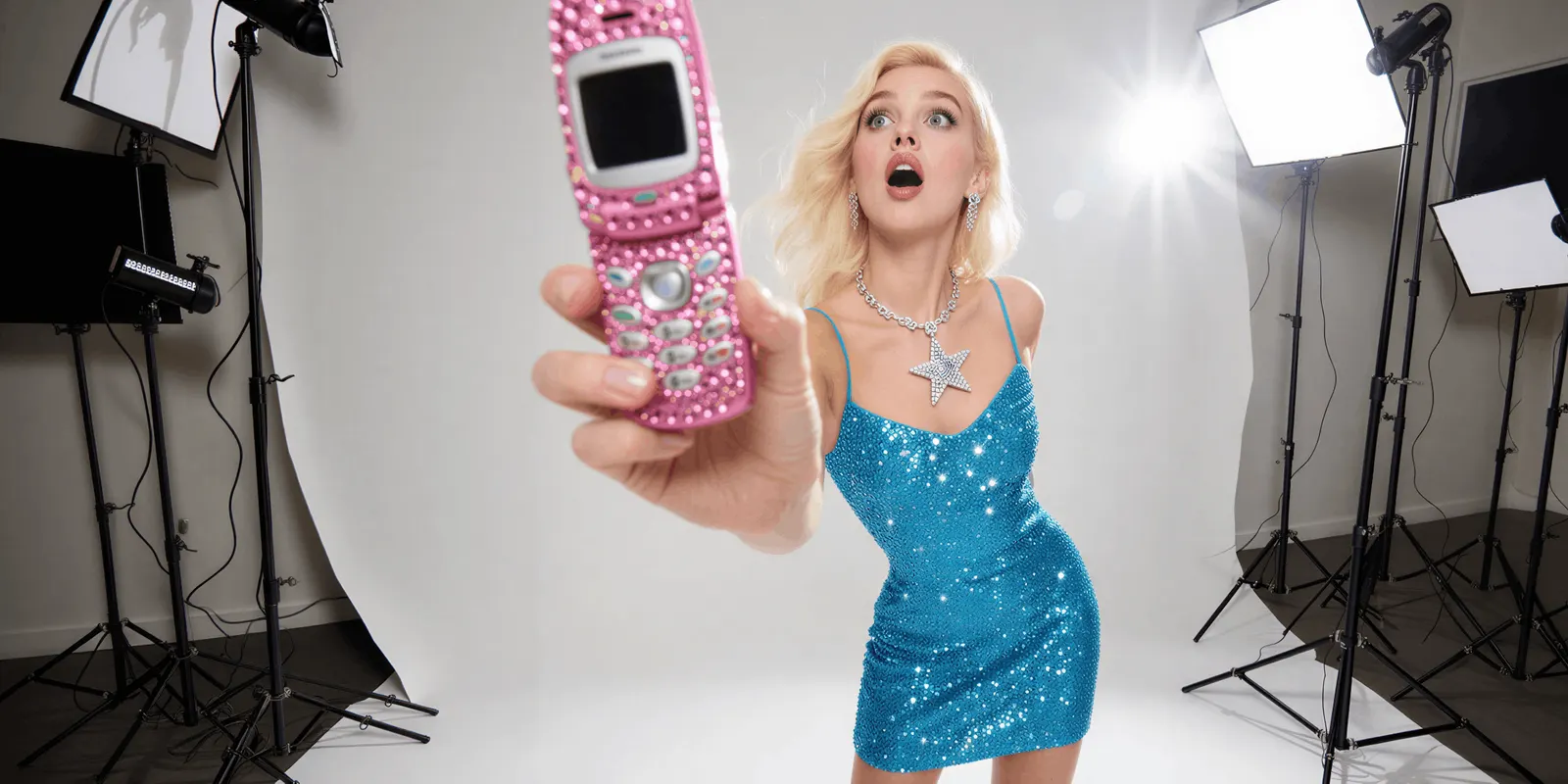
The trigger for every DM funnel is a person typing a word. Everything downstream is plumbing.
So the real question is “why would anyone comment on this”, and the answer is specificity. A Reel that promises one exact thing, and says the word out loud, gets the word typed. A Reel that gestures at value does not.
The volume problem is real, and it is the reason this half is expensive. You do not know which Reel earns comments until you post it. That means more creative than one shoot produces, on a drop calendar that does not move.
DesignerBox for ecommerce brands is built for that half. You set the brand, the products and the framing once, then run the same workflow again for the next drop with the product swapped. The result is the set a drop needs: packshots, angles, on-model shots, styled scenes and social creative. Every asset starts from your real product photo and your brand record, so the same model, light and framing appear on every product. The stills, the ads and the video cuts come from one account and one set of brand rules.
The model on each step sets the credit rate, and you see the cost of each run before you start it.
The gate that matters here: uploading your own photos and the commercial license start on the Pro plan. If the funnel ends in a sale, that is the minimum plan you need. AI video and virtual try-on start on the Premium plan, and the free plan cannot make video.
Video is priced by the second, and the model moves it a long way. An 8-second clip costs 40 to 560 credits, depending on the model. That is a fourteenfold spread on the same 8 seconds. AI video cost works through what drives it, and the AI video ads page shows what the run looks like.
For volume: scaling ad campaigns and scaling creative production. For keeping fifty variants looking like one brand: brand consistency. For the format-by-format production side of stage one, including Reels, carousels, and a reusable brand avatar: Instagram content with AI.
Stage 2: the comment becomes a DM
This is the automation, and it is the simple part.
Someone comments your keyword. A tool running on Meta’s Private Replies API sends them a DM with that product’s link, in seconds, without you touching anything.
The rules are Meta’s:
- 750 private replies per hour per Instagram professional account, for comments on posts and reels (Meta Graph API rate limits, October 2026). This is the documented ceiling. The “200 per hour” figure repeated across this category, and on CreatorFlow’s own site, is not a Meta rule and does not appear in Meta’s docs.
- A Business or Creator account is mandatory. Personal accounts cannot use the messaging API. The same account types apply to creators, and Instagram affiliate marketing explains them.
- The two windows. A comment gives you 7 days to send that person a private reply. Once they answer, a 24-hour messaging window opens in which you may keep talking, promotional content included (Meta’s messaging policy, October 2026). Past that you need an approved message tag.
- No restock alerts. One-time Notification, the tag for follow-up outside the window, is not available on the Instagram Messaging API (developers.facebook.com, October 2026). Brands ask for this constantly. The platform does not allow it.
- Disclose the automation. Meta’s policy recommends telling users they are talking to an automated chat even where no law requires it (developers.facebook.com, October 2026). Disclosure rules differ by market, and this is general information rather than legal advice, so check the rules where you sell.
CreatorFlow does this stage. Its free plan covers one account with unlimited keyword triggers. The paid plans raise the DM allowance and the number of accounts, and add an email gate, link click tracking and team seats. Billing is flat by DM volume rather than per contact, so a drop that performs does not raise the bill. Plans are on its own pricing page (creatorflow.so/pricing, September 2026).
It is a Meta Tech Provider that uses Instagram’s official API (creatorflow.so, October 2026). It is Instagram-only: no WhatsApp, SMS or email channels appear on its plans, so a brand running full lifecycle marketing needs something broader alongside it.
The full tool comparison covers how to pick one. The setup guide covers the mechanics and the keyword rules.
Stage 3: the DM has one job
Deliver the thing they asked for, in the first line.
They commented because you promised something specific. The DM that opens with a greeting, a brand story, and then the link at the bottom loses people who were already sold. Lead with the payload.
The email gate is the one worthwhile complication, and for a brand it is usually worth it. Asking for an email before delivering the link converts a follower into a contact you own, on a channel Instagram does not control. It costs some completion rate.
It is also the workaround for the restock problem. The 7-day private reply deadline blocks a genuinely delayed DM. An email address does not expire.
Whether the trade is worth it depends on whether you email the list. If you do not, skip the gate and deliver the link.
Stage 4: the page the link points at

The funnel does not end in the DM. It ends on a product page.
This is the stage that leaks the most. You produced the Reel, paid for the tool, earned the click, and it lands on a PDP with one gray packshot from 2023.
Worse: the Reel that earned the comment was styled, lit, and on-model. The PDP is a cutout on white. The customer arrives somewhere that does not look like the thing they wanted, and leaves.
Product page images do measurable work, and the same production that fed stage one feeds this. PDP images and conversion covers what moves the number. Product photography angles covers getting a full set from one source photo.
The loop closes here. The Reel that earned the comment and the PDP that converts the click come out of the same run, with the same brand rules applied to both. Build the workflow once, and row one and row two hundred hold the same standard. The PDP then stays close to the ad.
The honest arithmetic
Run the numbers on a DTC brand posting weekly with a monthly drop.
Stage two is a fixed line. A CreatorFlow plan costs the same whether the drop lands or flops, because it bills by DM allowance rather than by result.
Stages one and four move with the work. Plans and credits are on the pricing page. Credits are charged per model, so the same plan stretches much further on a cheap image model than on an expensive one. Pick the cheap model for tests and the expensive one for the shot you ship.
Video sits above that. A clip costs more than an image, and the video model decides how much more.
| Line | Plan | Where the price is | What it buys |
|---|---|---|---|
| Stage 2 automation | A CreatorFlow paid plan | creatorflow.so/pricing, September 2026 | A monthly DM allowance across a set number of accounts, billed flat |
| Stages 1 and 4 images | DesignerBox Pro | designerbox.ai/pricing | The commercial license starts here |
| Stage 1 video | DesignerBox Premium | designerbox.ai/pricing | AI video starts here |
What this says: the automation line is fixed. The creative line moves with how many drops you run and which models you pick. It is the only line you can reduce by deciding earlier.
Where this does not apply: your Reels may already earn plenty of comments, and you may answer them by hand. Then stage two is the only part you need to add. Automation is worth most to brands that already have demand to convert.
The drop calendar is the real argument
A one-off funnel is a project. A drop calendar is a system, and that is where both halves compound.
Every drop needs the same creative set: the launch Reel, the PDP angles, the on-model shots, the social variants. Every drop needs the same automation, with one keyword changed.
DesignerBox saves the job as a repeatable content workflow and reruns it for the next product. The CreatorFlow automation is already configured; you swap DROP24 for DROP25. The launch becomes a rerun, the idea behind creative automation. That is how a two-person team can ship monthly without a photoshoot per drop. A three-week streetwear drop plan lays out one of those calendars week by week, and social media marketing for clothing brands plans the posts around a drop.
That is also what keeps the set consistent at 40 SKUs instead of 4. A person following a brand PDF forgets. A workflow reading a brand record does not.
The plan caveat: team features, shared brand kits and white label are on the Ultra plan, and every plan below Ultra is one seat. A marketing team that shares the calendar needs Ultra.
The two-product question
Recommending a second product needs a better reason than “I built both”.
Creative production and message delivery are different jobs. They share no assets, no models, no library and no failure modes. When a DM funnel breaks, the cause is a keyword, an account type or a policy window. When creative breaks, the cause is a warped print, a wrong colorway or a crop that is off brand. One tool doing both would do both worse, and you would find out on launch day.
DesignerBox does the repeated creative work: the shot list for the drop, the on-model set, the PDP angles and the ad frames, run again for the next product. CreatorFlow does the delivery: comment in, DM out, inside Meta’s rules. The boundary between them is clean, which is why they are two subscriptions rather than one bundle.
Stage one is the expensive stage, and it is the one worth setting up first. The social creative page is where a first post gets made. There is a free plan, and it runs on sample products.
FAQ
What is an Instagram DM funnel?
A four-stage flow: a Reel earns a comment, an automation converts the comment into a DM, the DM delivers a product link, and a PDP converts the click. For a brand it replaces the link in bio, giving every Reel its own destination. Stage two is the cheap stage. Stages one and four are creative production, and they carry the real cost.
How much does an Instagram DM funnel cost a brand?
The automation is the cheap part. CreatorFlow has a free plan and lists its paid plans on its own pricing page (creatorflow.so/pricing, September 2026). Creative production is the larger line, and it grows with every drop. Credits are charged per model, so the same allocation stretches much further on a cheap image model than on an expensive one.
Can I send restock alerts through an Instagram DM funnel?
No. The private reply deadline is 7 days from the comment, which closes before most restocks land. One-time Notification, the tag designed for follow-up outside the window, is not available on the Instagram Messaging API (developers.facebook.com, October 2026). Capture an email with an email gate while the conversation is open and send the restock note by email.
Why is nobody commenting on my product Reels?
That is a creative problem, and no automation tool fixes it. The usual cause is a Reel that gestures at value instead of promising one exact thing and naming the keyword out loud. Automation multiplies existing engagement. It cannot manufacture it.
Should I collect emails in the DM?
For a brand, usually yes. An email gate trades some completion rate for a contact on a channel Instagram does not control. It lets you follow up after the 24-hour window closes. It is a poor trade only if you have no email program. On CreatorFlow the email gate sits on a paid plan (creatorflow.so/pricing, September 2026).
What does the video for a Reel cost in credits?
The model you pick sets the cost of a Reel clip, and you see the cost of a run before you start it. Test on a cheap model, and spend the top rate on the cut that already won.
Can DesignerBox run my DM funnel?
No. DesignerBox produces the creative for stages one and four: the Reel that earns the comment and the product images that convert the click. CreatorFlow runs stage two. They are separate products with separate subscriptions, from the same founder, sitting on either side of the same funnel.
Sources
- CreatorFlow free plan, DM allowances by plan, account limits, email gate and flat-rate billing: creatorflow.so/pricing (accessed 2 October 2026)
- CreatorFlow Meta Tech Provider status and channel coverage: creatorflow.so (accessed 2 October 2026)
- Instagram Private Replies API rate limits: Meta Graph API Rate Limits (accessed 2 October 2026)
- 24-hour standard messaging window, message tags, One-time Notification unavailability on IG, and automation disclosure guidance: Messenger Platform and IG Messaging API policy (accessed 2 October 2026)
- DesignerBox plans, the video credit range and the plan gates: designerbox.ai/pricing (accessed September 2026)














