




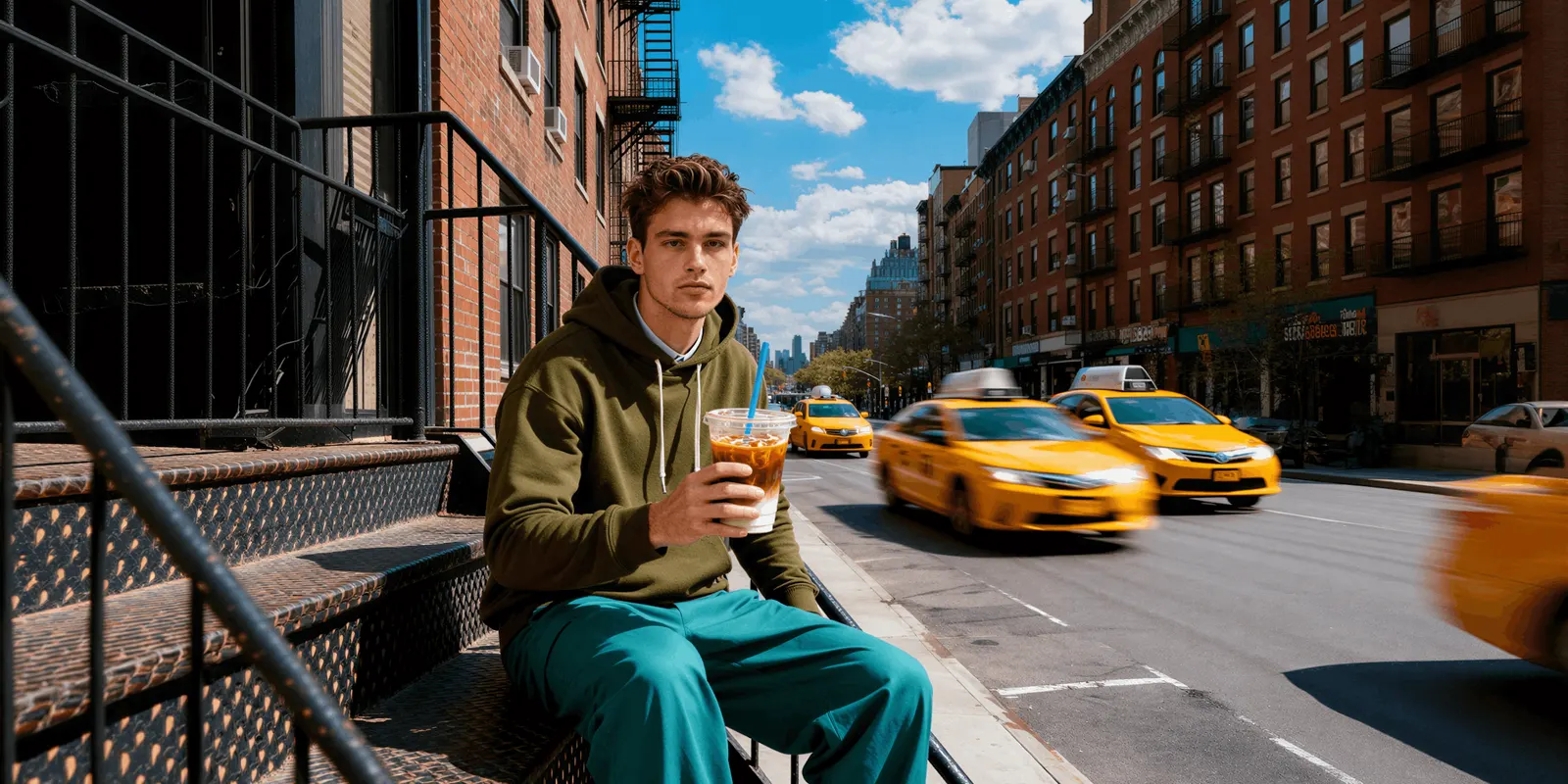
A streetwear drop campaign is the run of images and video that builds anticipation in the three weeks before a drop, not after it. It needs a silhouette shot, a set of campaign images sharing one look, roughly two weeks of teasers, and product photos of the real sample. Generate the first three from the sample photo. Shoot the last one.
The problem is order. Your sample lands nine days out, the drop date is already posted, and the shoot you booked assumed the sample would arrive on time. You pay for a production day before the run has sold anything, and the whole month’s revenue lands in one weekend.
This is for drop-based labels running four to twelve releases a year with one or two people on content. It covers a three-week countdown you can reuse every drop, which assets each stage owes, where each one comes from, and the exact point where a generated image stops being enough.
Key Takeaways
- Anticipation needs three weeks of content, and the stock arrives in one. The campaign has to exist before the product does, which is a calendar problem, not a photography problem.
- Get the silhouette on a body in week one. Fit and proportion carry most of the judgment in streetwear, and a flat garment photo shows neither.
- Build a world, then bring every piece into it. Six images in one setting read as a season. Six images in six settings read as a folder.
- Week minus one uses more content than it produces. Plan 10 to 20 teasers, and treat them as crops and variants of the campaign set, not as new shoots.
- The product page is where generation stops. Etsy requires original photos of the actual product, and TikTok Shop does not allow digital renderings in any product image (Etsy and TikTok Shop seller pages, September 2026).
Why does a streetwear drop campaign start before the stock arrives?
A streetwear drop campaign starts early because the drop concentrates a month of revenue into 48 hours. That works only if demand is stacked before the store opens, which means the audience has already seen the piece, understood the fit, and decided. Anticipation gets built in the three weeks prior. The stock, and the sample, usually turn up in the last one.
That inversion is the whole difficulty. Every other retail model photographs what it already has. A drop photographs what it is about to have, and the calendar does not care that the factory shipped late.
The second squeeze is cash. A production day is paid before the run sells, out of a balance that is currently mostly inventory. A label doing eight drops a year books eight of those days against sample dates it does not control.
How do you get a late sample onto a body in week one?
Photograph the sample flat the day it arrives, on a clean surface, in even light, front and back. That single file is the input for everything else. From it you can generate an on-model image showing drape, break and proportion, which is what people judge, without booking a casting or a studio day.
Do this the day the box opens, not the day the shoot was scheduled. The point is to see the silhouette early enough to change your mind about it.
Three things to get right in that flat shot, because everything downstream inherits them:
- Shoot the whole garment, uncropped, on a plain background. Cut-off sleeves and hems cost you the proportion read later.
- Keep the light flat and even. Hard shadows bake into the generated version and fight whatever lighting you set for the campaign.
- Take a second frame at 30cm for texture. Ribbing, wash, stitch density and print edges separate a real piece from a rendering.
Then put it on a body. A virtual try-on template puts the flat garment on a model. Check the result against the sample: prints, logos and collar ribbing are where AI images go wrong. What survives that step and what does not is covered in on-model photography with AI.
Be realistic about what this frame is for. It is a teaser. It shows shape and styling direction. It is not the fit reference a buyer sizes from, and treating it as one is how you generate returns.
How do you build a campaign instead of a single photo?
Set the world once, then bring every piece into it. Decide the location, the time of day, the light and the styling before you generate anything, write it down, and reuse the same description for every frame in the drop. Six images in one world read as a season. Six images in six worlds read as six separate uploads. The digital lookbook guide covers the layout of a streetwear lookbook.
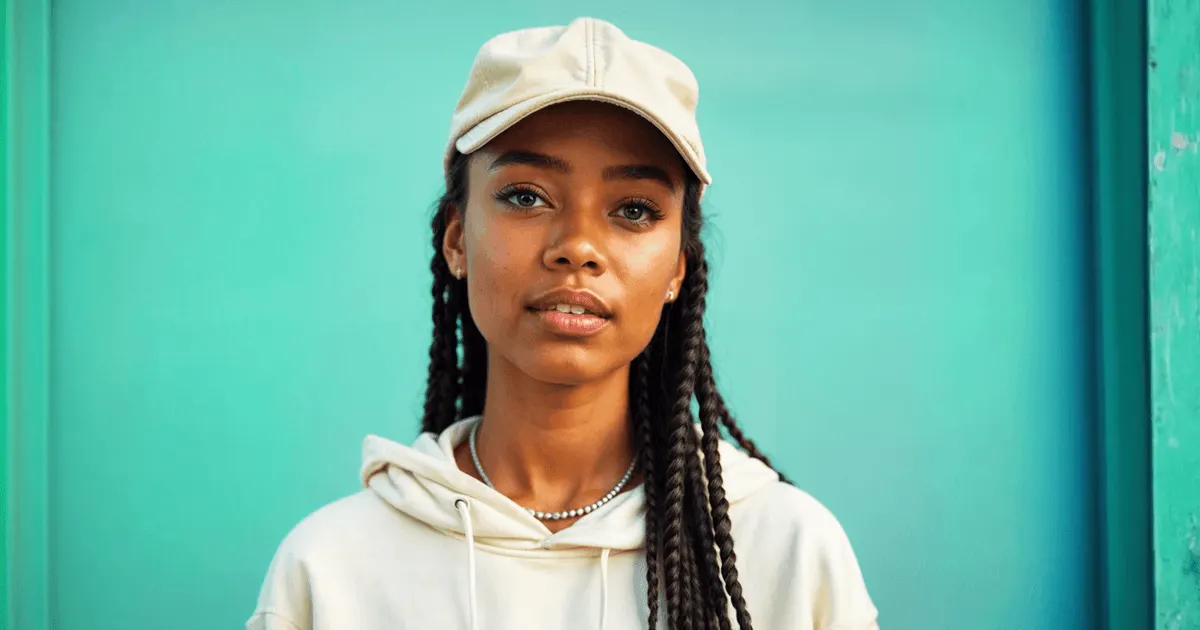
A drop with a hoodie, two tees, a cap (its own frames are in hat product photography) and shorts has five pieces that need to look like one afternoon and one roll of film.
Fix these five inputs and do not vary them inside a drop:
- Location. One street, one interior, one wall. Name it specifically.
- Time and light. Late afternoon, overcast, low sun. Whatever it is, keep it constant.
- Camera language. A 35mm street frame and an 85mm portrait do not sit in the same lookbook. The other three things that have to stay locked across a book are in the lookbook shot list.
- Casting. The same one or two people across the whole drop.
- Grade. The color treatment applied to every frame at the end.
A scene placement template puts the piece into that fixed setting. Save the setup as a workflow. A saved workflow runs the same way on the next piece, so you do not rebuild it. That rerun is the part that matters at drop four. The mechanics are in consistent AI fashion images.
What does the three-week drop countdown look like?
Three weeks, four stages, and each stage owes a specific asset with a specific job. Week minus three proves the shape exists. Week minus two proves it is a season. Week minus one feeds daily posting. Drop day proves the thing is real. Build the calendar once and rerun it every release.
| Stage | Days to drop | What ships | Where it comes from | What it has to prove |
|---|---|---|---|---|
| Week minus 3 | 21 to 15 | 1 silhouette frame, 1 detail crop | Flat sample photo, generated on-model | The shape is real and the fit reads |
| Week minus 2 | 14 to 8 | 6 to 10 campaign images, one world | Same sample photo, fixed scene inputs | This is a season, not a folder |
| Week minus 1 | 7 to 1 | 10 to 20 teasers, 2 to 4 short clips | Crops and variants of the week-2 set | Something new, every single day |
| Drop day | 0 | Product page set, fit shots, packaging | Real photographs of the finished run | This is exactly what ships |
| Week plus 1 | +1 to +7 | Restock cards, sold-out cards, worn shots | Real photographs plus generated variants | It sold, and it looks good on people |
Two things here are load-bearing. Week minus one creates nothing new. It recuts week minus two, which is why the campaign set has to be over-produced on purpose. Drop day then changes to real photographs, because that is the moment a buyer decides with money.
Drop day also brings comments that ask for the link. CreatorFlow, built by the same team as DesignerBox, sends the link by DM to everyone who comments a keyword such as DROP. It works on Reels, posts and Stories (creatorflow.so, September 2026). The full funnel is in the Instagram drop funnel guide.
Where do two weeks of teasers come from?
From the campaign set you already made. One campaign frame yields a full-bleed post, three crops, a detail, a short motion clip and a text-over version. Ten campaign images become roughly forty usable posts without a second generation. Plan the campaign set at 8 to 10 frames, precisely so the last week has material to recut.
Motion is what the final week wants. A garment turning, a walk cycle, a fabric close-up with movement in it. A fashion video template animates a campaign still, so the video comes from the same world as the images rather than from a separate shoot with a separate look. How that holds up is covered in AI fashion video.
In DesignerBox, an 8-second clip costs 40 to 560 credits, depending on the model. Image cost also depends on the model. You see the cost of each run before you press Run. Plan two to four short clips rather than twenty. Choose the video model for the shot instead of taking the default.
Uploading your own photos and the commercial license start on the Pro plan. AI video, virtual try-on, upscaling, the image editor and the video editor start on the Premium plan. For a label doing on-model drop work, Premium is the realistic tier. Plans and credits are on the pricing page.
Where does a generated image stop being enough?
At the product page, and at any marketplace listing. A generated on-model image sets expectation. A product page image is what a buyer commits money against, so it has to be a photograph of the finished run, in the real color, with the real texture and the real fit. That line is a platform rule on some marketplaces and a returns problem everywhere.
| Asset | Where it comes from | Why |
|---|---|---|
| Teaser silhouette | Generated on-model | Sets shape and styling, nobody buys from it |
| Campaign and lookbook frames | Generated scene | Sells the season, not the individual SKU |
| Crops and story frames | Either | Fine if the detail shown is genuinely real |
| Product page hero and gallery | Real photograph of the run | The buyer decides on this image |
| Fit, sizing and fabric close-ups | Real photograph | Returns are created here |
| Marketplace listing images | Real photograph | Etsy and TikTok Shop rules ask for it |
Two platform rules matter to a streetwear label. Etsy says “we require sellers to use original photos of the actual product buyers will receive, not renderings or stock photos”, with two exceptions for mockups (Etsy Listing Image Requirements, September 2026). TikTok Shop’s product listing policy says “Placeholders and digital renderings of a product are not allowed” in any product image (TikTok Shop Seller University, September 2026). TikTok Shop also says content is not penalized only for using AI, and it requires creators to disclose content that is fully made or heavily edited with AI (TikTok Shop Seller University, September 2026). Both rules point the same way for a physical garment. The full platform-by-platform position is in AI product photos and marketplace rules.
Disclosure is a separate obligation from accuracy. Article 50 of the EU AI Act has applied since 2 August 2026 (European Commission FAQ, September 2026). AI tool makers must mark their output in a machine-readable way. Whoever publishes a deep fake must disclose it. The Commission says a realistic AI person can count as a deep fake if the person could plausibly exist. If your campaign frames show a realistic AI person, that is a labeling question, handled in labeling AI-generated fashion images. This is general information, not legal advice.
Keep the set usable at listing scale while you are at it. Shopify says 2048 x 2048 pixels usually displays best for square product images, and it accepts images up to 5000 x 5000 pixels or 25 megapixels, under 20 MB (Shopify Help Center, September 2026).
How do you keep drop four looking like drop one?
By fixing the inputs, not the output. Save the location description, the light, the casting, the camera language and the grade as a reusable set, then start every drop from that file instead of a blank prompt. A label becomes recognizable when someone identifies a frame as yours before they read the logo.
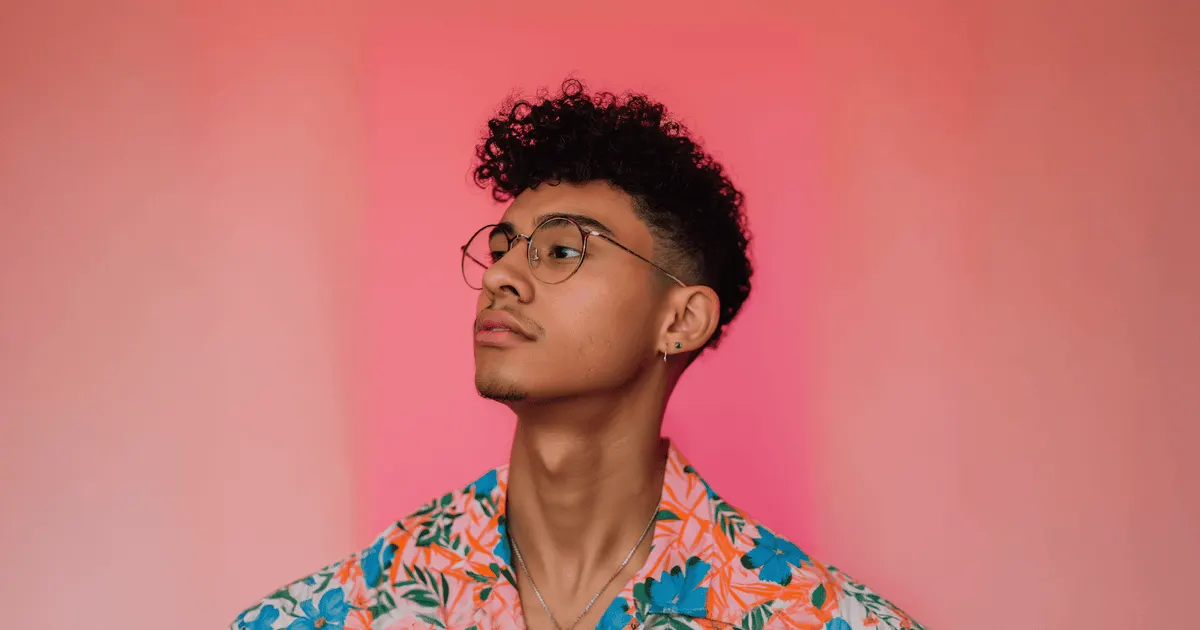
The failure mode is drift by accident. Drop one is a rooftop at golden hour. Drop two lands in a studio because that is what the freelancer had. Drop three is warm, drop four is cool, and the grid stops reading as one brand.
Three rules that hold a look across a year:
- Write the world down. One paragraph, not a mood board. Location, light, lens, casting, grade.
- Change one variable per drop, at most. A new location is fine. New location plus new casting plus a new grade is a new brand.
- Keep the previous drop open while you make the next one. Consistency is judged side by side, so judge it side by side.
Team features and shared brand kits are on the Ultra plan. Every plan below Ultra is one seat, so one person holds the standard. That works for a two-person label. It stops working the moment three freelancers touch it.
What does this change about the drop budget?
It moves spend from one fixed production day to a per-drop variable, and it takes the reschedule risk out of a late sample. You still shoot the finished run for the product page. What you stop doing is booking a full campaign shoot around a sample date the factory controls, then paying for it before the run has sold a unit.
The shoot does not disappear. It shrinks, and it aims at the product page instead of the whole campaign. The comparison is worked through in cut fashion photography costs, and the wider view sits in AI product photography. The hoodie photography page covers the flat lay, the cutout and the on-model view, and the fashion drop guide shows the steps for the launch set.
The compounding part is drop two. Once the world, the casting, the camera language and the grade are saved as a workflow, the next release is a rerun with a new garment in it rather than a new build. Drop twelve is that same workflow again. It holds the standard drop one set because the inputs never moved. Your brand rules sit in one record, and the workflow reads them on every run. Every drop after the first then has the same light and grade as drop one.
The full workflow from the first product photo to the finished ad, in one subscription. A drop goes from the flat sample photo to the finished ad in one place. Start from a template, add your brand and your products, and run it.
FAQ
How far ahead should a streetwear drop campaign start?
Three weeks is a workable default. Week minus three establishes that the piece exists, week minus two builds the campaign world, and week minus one runs daily teasers into the release. Longer than four weeks and attention decays before the store opens. Shorter than two and there is no time to stack demand.
Can I use a generated on-model image as my product page photo?
Not for a physical garment. Use it for teasers, campaign frames and social. The product page and any marketplace listing need photographs of the finished run, because that is where the buyer commits money and where platform rules apply. Etsy requires original photos of the actual product, and TikTok Shop does not allow digital renderings in any product image.
What do I do when the sample arrives nine days before the drop?
Photograph it flat the day it lands, generate the on-model silhouette that afternoon, and post within 24 hours. Build the campaign set from the same file over the next three days. You lose week minus three, so compress the calendar rather than skipping stages.
How many images does one drop actually need?
Plan 8 to 10 campaign frames, 2 to 4 short clips, and 10 to 20 teaser cuts derived from those frames. The teasers are crops, variants and motion versions of the campaign set, not new work. Add the real product photographs on top, usually 5 to 8 per SKU.
Does the same model have to appear across the whole drop?
Yes, within a drop. One or two people across the full set is what makes the images read as a single shoot rather than a folder of separate uploads. Across drops you can change casting, but change one variable at a time so the brand still reads as continuous.
What does a drop campaign cost in credits?
The cost of an image depends on the model, and DesignerBox shows the cost before the run. An 8-second clip costs 40 to 560 credits, depending on the model, which is why two to four clips is a sensible ceiling. Premium is where virtual try-on and AI video start.
Do I have to label campaign images as AI-generated?
If the image shows a realistic AI person and you publish in the EU, treat it as a disclosure question under Article 50 of the EU AI Act, which has applied since 2 August 2026. A realistic invented person can count as a deep fake. Product accuracy is separate and applies everywhere: the listing image has to be the real item regardless of how the campaign images were made.
Sources
- European Commission, transparency obligations under Article 50 of the AI Act (digital-strategy.ec.europa.eu), accessed September 2026. Article 50 has applied since 2 August 2026, and the deep fake disclosure duty.
- Etsy listing image requirements (etsy.com), accessed September 2026. Original photos of the actual product, and the two mockup exceptions.
- TikTok Shop product listing policy, product image requirements (seller-us.tiktok.com), accessed September 2026. Placeholders and digital renderings are not allowed in a product image.
- TikTok Shop guidance on AI-generated content and creator disclosure (seller-us.tiktok.com), accessed September 2026.
- Shopify product media types, image dimensions and file limits (help.shopify.com), accessed September 2026. 2048 x 2048 recommended, up to 5000 x 5000 or 25 megapixels, under 20 MB.
- DesignerBox plans and feature gating (DesignerBox pricing, designerbox.ai/pricing, September 2026).
- CreatorFlow comment-to-DM on Reels, posts and Stories, and email capture before the link: creatorflow.so, accessed 26 September 2026
Platform listing-image rules and EU AI Act Article 50 obligations checked against Etsy, TikTok Shop, Shopify and European Commission pages as of September 2026. This is general information, not legal advice. Individual results vary.

