




A social media workflow is the repeatable set of steps a team runs to take a post from idea to published. It covers five stages: plan, make, review, schedule and measure. Each stage has one owner and one hand-off. Written down, it stops posts stalling in a chat thread, and it keeps every product looking like the same brand.
Without a workflow, a team has a group chat, a shared drive and one person who remembers what was agreed. That works at four posts a month. At forty posts across four channels, with a new drop every six weeks, it breaks in three places. The brief is verbal. The assets live in someone’s downloads folder. Nobody knows what is scheduled for Thursday.
This guide sets out the five stages, names the owner of each, and shows where the work stalls. A worked example then takes one product post through all five. It is written for brand and ecommerce teams with a product catalog, and for the agencies running that job for several clients at once.
Key Takeaways
- A workflow is five stages: plan, make, review, schedule, measure. Anything that does not fit one of the five is not part of the process.
- One owner per stage. Two owners means no owner. A common failure is a review stage that belongs to everybody.
- Write the brief down. A verbal brief is the first place a post stalls, before any design work starts.
- Making and publishing are two different jobs and usually two different tools. Treating them as one is why assets sit finished and unposted.
- Brand rules belong in the system. Set them once, and every product follows them. Rules in one person’s head leave with that person.
- Measure at the stage, not at the end. If you only look at engagement, you cannot tell whether the problem was the idea, the asset or the timing.
What a social media workflow is
A workflow is the path a single post takes, written down, with a named owner at each hand-off. It is not a calendar. A calendar tells you what goes out on Thursday. A workflow tells you how Thursday’s post got made, who approved it and what happens when it is rejected on Wednesday night.
The test is simple. Ask two people on the team to describe how a post gets made. If the answers differ, there is no workflow, and the gap between the two answers is where posts go missing.
The five stages
Stage 1: Plan
Decide what the post is for before deciding what it looks like. At this stage you name the product, the channel, the format and the claim. A brief that says “something for the new jacket” produces three rounds of revisions. A brief that says “jacket, Instagram, carousel, fabric close-up plus on-model, lead with the waterproof rating” produces one.
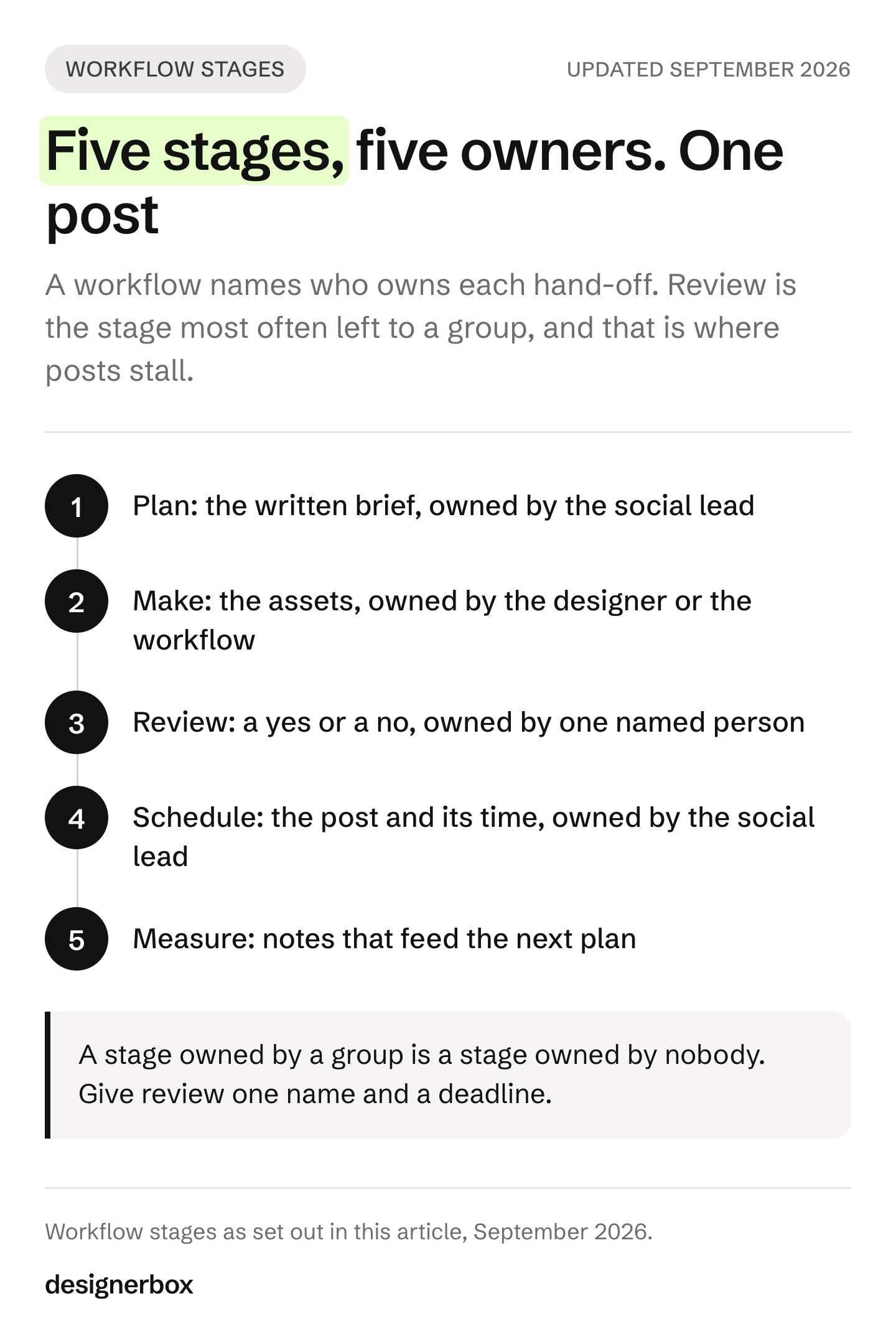
Owner: whoever owns the calendar. Usually a brand or social lead.
Stage 2: Make
This is where the creative assets come from: product stills, on-model shots, short video, the ad cut-downs. For a brand with a catalog this is the stage that scales badly, because every new product needs the same set again.
Owner: the designer or the studio, with a saved workflow for the work that repeats.
Stage 3: Review
Someone checks the asset against the brand rules and the claim. For a written review standard, see brand compliance for AI creative. The failure here is structural: when review belongs to everyone, it belongs to nobody, and assets sit in a folder waiting for a comment that never comes. Give review one named person and a deadline.
Owner: one person. Never a channel or a group.
Stage 4: Schedule
The approved asset becomes a scheduled post: the right crop per channel, the caption, the first comment, the time. When this stage has no owner, finished assets sit in a folder and never reach a channel.
How often to post is its own question, and how often to post on social media works out what each cadence costs in assets a month. For a clothing brand, social media marketing for clothing brands plans the post set per garment and per drop.
Owner: the social lead, or whoever holds the publishing tool.
Stage 5: Measure
Record what happened against what you expected. Engagement is only one part of it. Note whether the asset arrived on time, how many revisions it took and whether the claim in the brief survived to the post.
Owner: the same person who owns the plan, so the loop closes.
Worked example: one jacket post
Here is one post going through the five stages. The brand is launching a waterproof jacket, and the post is an Instagram carousel.
- Plan. The social lead writes the brief in one line: jacket, Instagram, carousel, fabric close-up plus on-model, lead with the waterproof rating. The brief goes into the calendar with a post date and a review date.
- Make. The designer runs the saved workflow on the jacket photo. The workflow returns the shots the brief names. The brand rules come from the brand profile, so nobody types the colors or the logo treatment again.
- Review. One named reviewer checks each result against the brief. Does the close-up show the fabric? Does the first slide carry the waterproof rating? The reviewer keeps or discards each result, and the designer runs again only the shots that failed.
- Schedule. The social lead crops the approved images to the carousel specs for the platform, writes the caption and the first comment, and sets the time. The post is scheduled on the day it is approved.
- Measure. After the post goes out, the social lead writes down three things. Did the assets arrive on the review date? How many rounds of changes did they need? Did the waterproof claim reach the first slide? Those notes go into the next brief.
For the next jacket in the drop, only the product line of the brief changes. Stage 2 runs the same workflow on a new product photo.
Where the creative comes from
Stage 2 is the one that breaks first, because the work repeats. Forty new products, each needing a hero shot, three angles, a lifestyle frame and a marketplace crop, is the same job done forty times. Producing those assets from one set of rules is called creative automation.

DesignerBox is AI creative production for brands and agencies. Build the workflow once with your brand rules, then run it on every product. You see the cost before each run. For a post, the Social post skill in Create and the Instagram carousel template start from your product photo. The AI product photography page shows the packshots, extra angles and styled scenes one photo becomes.
In the five stages above, DesignerBox covers stage 2 and ends at the finished file. There are four ways to run the same workflow, and how it works explains each one.
A template is a workflow somebody already built: open it, add your photo, run it. A workflow is your own set of steps, built once with your brand rules and run again. An app is a workflow with a form, so a colleague completes it and presses Run without opening the steps. Batch runs one workflow over a whole sheet of products.
Nothing is rebuilt between the four. Each one widens who can run it. Step one is one photo. Step four is the whole catalog.
Anyone can make an AI picture. Making hundreds that still look like your brand is the hard part. You set the brand rules once, and the workflow reads them on every run. That keeps product forty looking like product one.
The image editor is a design canvas with text, shapes, layers and ready sizes for social posts. Critic steps score the results of a run, and best-of-N keeps the best one. In a batch, you keep or discard each row and re-run one row alone. For stage 3, Reviews sends a page of pictures as a link, and the person who reviews needs no account.
The making, the editing, the brand rules and Assets sit in one account, so a post never leaves it before it is scheduled. Uploading your own photos and the commercial license start on the Pro plan. The image editor and AI video start on the Premium plan. Team features, shared brand kits and white label are on the Ultra plan, and every plan below Ultra is one seat. Plans and credits are on the pricing page.
Where the posts go out
Making the asset and posting it are two different jobs. DesignerBox finishes at the asset: you download the results, or send them onward with a webhook or an S3 step. Getting a finished file onto seven channels, at the right size, at the right time, on a repeating schedule, is a separate tool’s job. A one-person account has the same split, and our guide to AI tools for content creators sorts the tools by weekly job.
That is what PostNext does. It is a social media scheduler and content calendar built by the same team. It covers stage 4, and DesignerBox stops at stage 2.
What it handles at stage 4:
- Seven channels from one calendar: X, Instagram, LinkedIn, TikTok, YouTube, Threads and Bluesky (postnext.io, October 2026).
- Official APIs only. Every post goes out through each platform’s own API using OAuth 2.0. No password is stored and nothing is scraped. PostNext says this keeps accounts in good standing (postnext.io, October 2026).
- A drag-and-drop calendar so you can see what is scheduled where, and move a post by dragging it.
- Recurring posts and an evergreen queue, which is how a product asset gets used more than once instead of being posted and forgotten.
- First comment scheduling, so the links and hashtags sit in the comment rather than the caption.
- Brand profiles per brand, which keep the voice, the assets and the channels separate when you run several brands.
Two limits to check first. PostNext does not publish to Facebook or Pinterest yet, so if either is central to your calendar, check the channel list before anything else. And it schedules the post: it does not make the product photo, which is stage 2’s job.
PostNext has a free plan, so you can test stage 4 before you commit to it.
A post that works brings comments that ask for the link. CreatorFlow, built by the same team as DesignerBox, answers a keyword comment on Instagram with a DM that holds the link. It works on Reels, posts and Stories (creatorflow.so, October 2026).
Who owns each stage
| Stage | Owner | Hand-off | Fails when |
|---|---|---|---|
| Plan | Brand or social lead | Written brief | The brief is verbal |
| Make | Designer, studio or workflow | Finished asset | Every product restarts from blank |
| Review | One named person | Approved or rejected | Review belongs to the group |
| Schedule | Social lead | Scheduled post | Assets finish but never get posted |
| Measure | Brand or social lead | Notes into next plan | Only engagement is recorded |
The last column matters most. Each failure has a different fix. Another designer does not help when the problem is a review stage with no owner.

Three failure points and their fixes
The brief is verbal. Symptom: three rounds of revisions on a simple post. Fix: a written brief naming product, channel, format and claim. The reviewer then has something to check the asset against.
Every product starts from blank. Symptom: the second drop takes as long as the first. Fix: save the job once as a workflow, then run it on the next product. Our guide to building an AI creative workflow covers how to set up the steps, and brand consistency in AI covers the rules the workflow reads on every run.
Finished assets never get posted. Symptom: a folder of approved work and a quiet calendar. Fix: give stage 4 an owner and a tool, and schedule the post at the moment it is approved rather than later.
Scale content without limits.
Generate content for your products or services with AI, starting today, and keep your brand on every piece.
There is a free plan. Get started free and run your first workflow on a sample product.
FAQ
What is a social media workflow?
It is the repeatable set of steps a team runs to take a post from idea to published, with one named owner at each hand-off. The five stages are plan, make, review, schedule and measure. A workflow differs from a content calendar: the calendar says what goes out and when, while the workflow says how it got made and who approved it.
How many stages should a social media workflow have?
Five is enough for most brand and ecommerce teams: plan, make, review, schedule, measure. Adding stages tends to add hand-offs rather than clarity. If a step does not have its own owner and its own result, merge it with the stage next to it.
Who should own the review stage?
One named person, with a deadline. Review often belongs to a group, and a stage owned by a group is a stage owned by nobody. The owner does not have to be senior. They have to be reachable and accountable for a yes or a no.
Do I need separate tools for making and scheduling content?
Usually yes, because they are different jobs. Creative production tools make the asset. Schedulers put it on a channel at a set time. DesignerBox covers production and finishes at the download or an outbound step, and a scheduler such as PostNext covers the calendar and the posting.
How do I keep the brand consistent across hundreds of posts?
Put the rules in the system, where the whole team can use them. In DesignerBox you set the brand once, and the workflow reads it on every run. It applies the same colors, fonts, logo treatment, light and framing to every product. Consistency fails when the rules live in a PDF that nobody opens.
How often should the workflow itself be reviewed?
Once a quarter, or after any drop that went badly. Look at where posts stalled rather than how they performed. A workflow review asks which stage ran late, not which post did best.
Sources
- PostNext channels, publishing method and features, postnext.io, accessed 2 October 2026.
- CreatorFlow comment-to-DM on Reels, posts and Stories, creatorflow.so, accessed 2 October 2026.
- DesignerBox plans and credits, DesignerBox pricing page, September 2026.
- DesignerBox model, DesignerBox how it works page, September 2026.
Workflow stages and tool capabilities verified from product documentation as of September 2026. PostNext and CreatorFlow facts re-checked on 2 October 2026. Individual results vary.














