
An AI design agent is software that takes a design brief in plain words and decides the steps itself. It reads the brief, picks a tool or a saved skill, shows a plan, runs image or video models, and returns results. You review them and ask for changes. A person still supplies the brand rules, the product pictures and the final check.
A brand team or an agency asks one question: can a chat that makes ads and product pictures take real work? This guide covers the six steps, a brief you can copy, five named tools, and the review that catches the errors.
Key Takeaways
- The work has six steps. Read the brief, pick a skill, show a plan and a cost, run, show results, take a correction.
- A good brief has six lines. Job, product, brand, format, limits and a cost check.
- Four errors repeat. Invented product details, a wrong logo, text errors and off-brand color.
- A person runs the review. The agent makes the pictures. It does not approve them.
What is an AI design agent?
An AI design agent is a program that receives a design goal and then directs its own work. It decides which tool to call, in which order, and with which settings. A design AI agent differs from an image generator in one way: the generator takes one prompt and returns one picture, and the agent may take many steps before you see anything.
Anthropic’s engineering guide gives the clearest line. Workflows are “systems where LLMs and tools are orchestrated through predefined code paths”. Agents are “systems where LLMs dynamically direct their own processes and tool usage” (anthropic.com, October 2026). In a workflow, a person fixed the steps. In an agent, the model picks the next step.
Most products mix the two: the chat chooses a saved skill, and the skill is a fixed set of steps. Agentic workflows for creative work explains the fixed part.
What an AI design agent does, step by step
Six steps repeat across the products read for this guide.
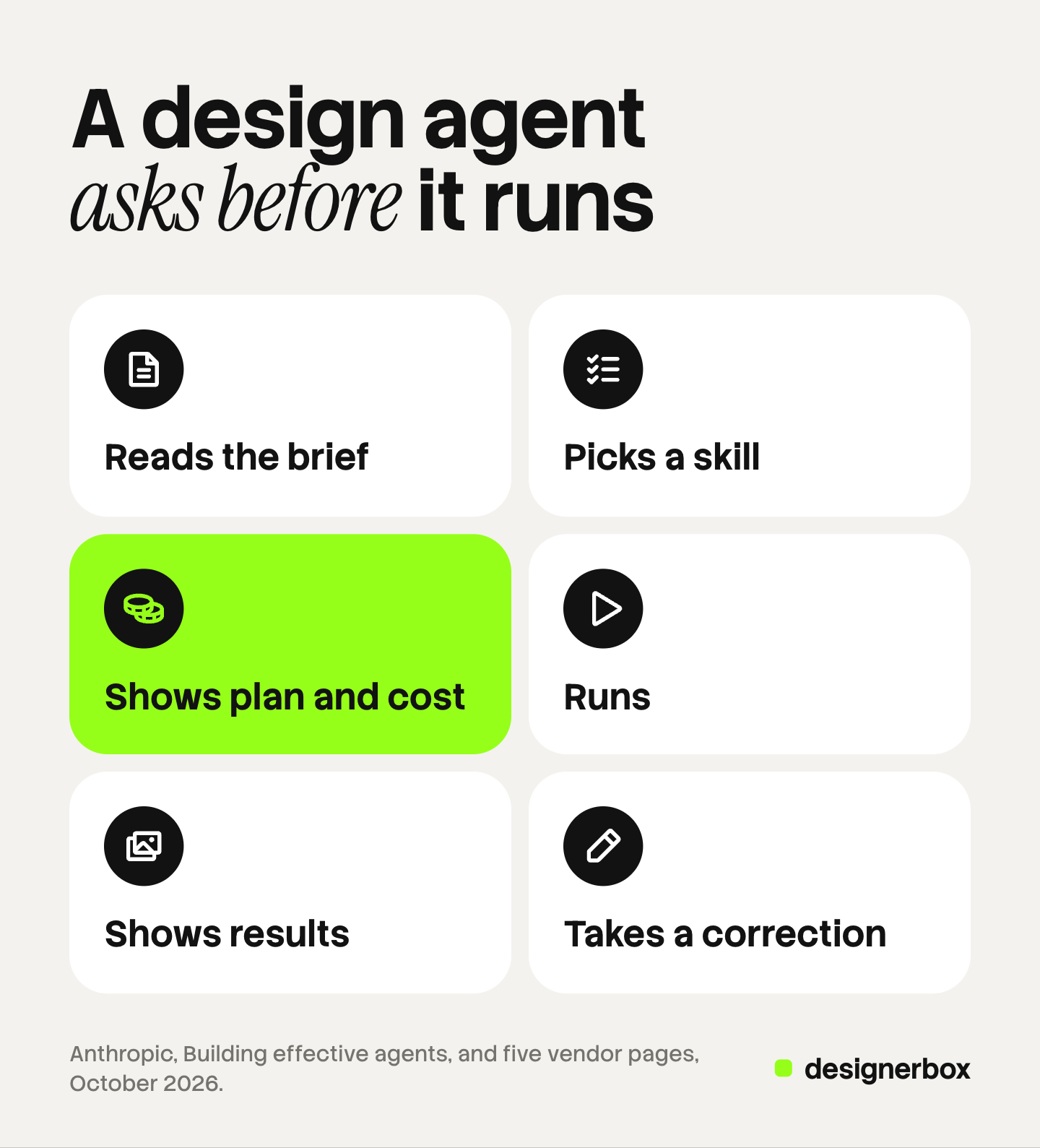
- It reads the brief. The agent reads your words and any file you attach.
- It picks a tool or a skill. A skill is a saved recipe for one kind of job, such as a static ad or a product photo.
- It shows a plan and a cost. The plan says what the agent will make. The cost says what the run will spend.
- It runs. Image or video models make the pictures from your product photo and your brand rules.
- It shows results. You see the pictures, often several versions of each.
- It takes a correction. You say what is wrong in one sentence. The agent changes that thing and keeps the others.
Step three matters most for a budget. An agent that runs before it shows a cost spends your credits on its own guess. Ask every vendor one question: does anything run before I say yes?
What does a design agent need from you?
An agent cannot invent three things. You supply them once, and every later job reads them.
| Input | What to give | What happens without it |
|---|---|---|
| Brand rules | Logo file, color codes, font names, and short rules for what a picture must show | The agent picks a look, and the look changes with every run |
| Product pictures | A clear, real photo of each product | The model draws a product that looks close to yours and is not yours |
| References | Two or three pictures with the light and mood you want | You describe a mood in words, and the agent reads the words differently |
Write the rules as short sentences. “Daylight only.” “No text on the picture.” “Show the product in use.”

Store the inputs where the agent reads them on every run. Several tools below have a brand kit or a design library for this. A creative request form collects the same inputs from colleagues before the job reaches the agent.
A six-line brief you can copy
A brief for an AI agent for graphic design has six lines. Each line removes one guess.
- Job. What you need and how many. “Three static ads.”
- Product. Which product, with its photo attached.
- Brand. Which brand the job is for. Name it, even if you have only one.
- Format. The placement and the size. “Instagram feed, 4:5.”
- Limits. What must stay and what must never appear. “Keep the label as in the photo. No people.”
- Cost check. “Show me the plan and the cost, and wait for my yes.”
Here is a brief that uses all six lines:
Make three static ads for the oat soap bar in the attached photo. The brand is Norde. Instagram feed, 4:5. Keep the bar and its label exactly as in the photo. No people and no extra text. The headline is “Soap that lasts”. Show me the plan and the cost, and wait for my yes before you run.
Give the exact headline. An agent that writes its own headline may also write a claim you cannot support. For a longer brief, start from a creative brief template.
Tools that call themselves design agents
Five products follow. Four use the word agent on their own pages. Adobe uses the word assistant for a similar product. Each row quotes the vendor’s page, read on 7 October 2026.
| Tool | What its own page says it does | Where it works |
|---|---|---|
| Lovart | Calls itself an AI design agent. “Upload a brand guide, enter one prompt, and Lovart generates a full campaign kit in your brand style” (lovart.ai, October 2026) | Its own canvas |
| Figma’s agent | Is “an AI design agent built into Figma Design. It reasons, takes action, and runs multi-step design tasks on your canvas” (figma.com, October 2026) | Figma Design, for interface work |
| Luma | Says “Agents research, generate, and refine across video, image, audio, and text” (lumalabs.ai, October 2026) | Its own app |
| Kittl Agentic AI | Says “it automatically selects the AI model, writes the prompt, and applies the settings needed to produce it” (kittl.com, October 2026) | Kittl, for product brands and print-on-demand sellers |
| Adobe Firefly AI Assistant | Says “the assistant orchestrates multi-app workflows and suggests actions” (adobe.com, October 2026) | The Firefly web app |
Figma’s page also states the limit: “you review every output and override anything that is off the mark” (figma.com, October 2026). That holds for every tool in the table. For more vendors, see our guide to AI creative agents. For ad accounts, see the three kinds of AI ad agent.
Where does a design agent fail?
An agent fails where the image model under it fails. OpenAI’s own documentation lists the limits of its image models. On text, the model “can still struggle with precise text placement and clarity”. On consistency, it “may occasionally struggle to maintain visual consistency for recurring characters or brand elements across multiple generations” (developers.openai.com, October 2026).
Four errors follow from those limits.
| Error | What it looks like | The check |
|---|---|---|
| Invented product details | An extra button, a changed cap, a pattern that moved | Compare with the real photo at full size |
| Wrong logo | Bent letters, a wrong shape, a logo in a new place | Compare with the logo file |
| Text errors | A misspelled headline, a made-up word on the label | Read every word letter by letter |
| Off-brand color | A brand green that turned yellow | Sample the color and compare the code |
An agent adds one more risk. Anthropic’s guide warns of “higher costs, and the potential for compounding errors” (anthropic.com, October 2026). A wrong reading in step one becomes ten wrong pictures in step four.
The review step that catches it
A person runs the four checks in the table above on every picture that will ship. The agent makes the pictures. It does not approve them.

Review at full size, never in the chat preview. Send a failed picture back with one note, such as “The cap is the wrong color. Keep everything else.”
Decide who approves before the first run. In an agency it is the account lead, and then the client.
Create, the chat inside DesignerBox
DesignerBox is AI creative production for brands and agencies. Anyone can make an AI picture. Making hundreds that still look like your brand is the hard part.
Create is a chat inside the app. It follows the six steps above, with a stop before the run.
- The brand comes first. The heading reads “Pictures and videos for” your brand’s name. A Brand picker changes the brand.
- You type, or you pick. The page says “Type what you need, or pick a card.” A plus button adds a picture.
- Skills name the job. The row lists Static ad, Social post, Product photo, Creator video and Analyze ad. Analyze ad judges the ad you attach “on hook, hierarchy, brand, offer, craft and fit, then offers fixes.”
- Two modes. Chat is for a request in a sentence. App takes you to an app, which is a workflow with a form.
- You approve the run. The page says “You see the app and the price before it runs.” It also says “Nothing runs until you press Run.”
The brand comes from the Brand page, which holds your products, logo, colors, fonts, rules and reference pictures. The workflow reads the rules before every prompt. The app states the limit itself: “Nothing checks the result.” A person still reviews. Our guide to DesignerBox Create covers the page step by step.
A job you repeat becomes an app with a form, and a batch runs it over a sheet of products. The full workflow from the first product photo to the finished ad, in one subscription. An AI chat such as Claude, ChatGPT or Cursor can also run DesignerBox through 74 tools over MCP. For other servers and connectors, see MCP for marketing.
Here are the limits. You download the results, or send them with a webhook or an S3 step. Every plan below Ultra is one seat. Uploading your own photos and the commercial license start on the Pro plan. AI video starts on the Premium plan. Plans and credits are on the pricing page. There is a free plan, and it runs on sample products.
Start with one request, read the app and the price, and press Run when both are right. Get started free
FAQ
What is an AI design agent?
An AI design agent is software that takes a design brief in plain words and decides the steps itself. It picks a tool or a saved skill, shows a plan, runs image or video models and returns results. You review the results and ask for changes.
Can an AI design agent replace a designer?
No. An agent makes versions fast, and it makes errors a person has to catch. The designer’s work moves toward the brief, the brand rules and the review.
Is an AI creative director the same thing?
No. The software can propose a plan and make the pictures. A person still decides the direction and approves the results.
How do I brief an AI agent for graphic design?
Write six lines: the job, the product, the brand, the format, the limits and a cost check. Attach the product photo and the logo file, and give the exact headline.
What does an AI design agent cost?
Each vendor sets its own plans, so read its pricing page. In DesignerBox, the cost is shown before the run.
Sources
- Anthropic, “Building effective agents”: the definitions of workflows and agents, and the note on cost and compounding errors: anthropic.com, October 2026
- OpenAI, image generation guide, the Limitations section on text rendering and consistency: developers.openai.com, October 2026
- Vendor pages for Lovart, Figma’s agent, Luma, Kittl Agentic AI and Adobe Firefly AI Assistant (lovart.ai, figma.com/solutions/ai-design-agent, lumalabs.ai, kittl.com/features/agentic-ai, adobe.com/products/firefly/features/ai-assistant.html), October 2026
- The DesignerBox app, Create page and Brand page, read October 2026
- DesignerBox Brand page (designerbox.ai/product/brand), DesignerBox MCP page (designerbox.ai/mcp) and DesignerBox pricing page (designerbox.ai/pricing), October 2026
Vendor features were read on each company’s own pages in October 2026, and they change often. The brand in the example brief is invented. Individual results vary.