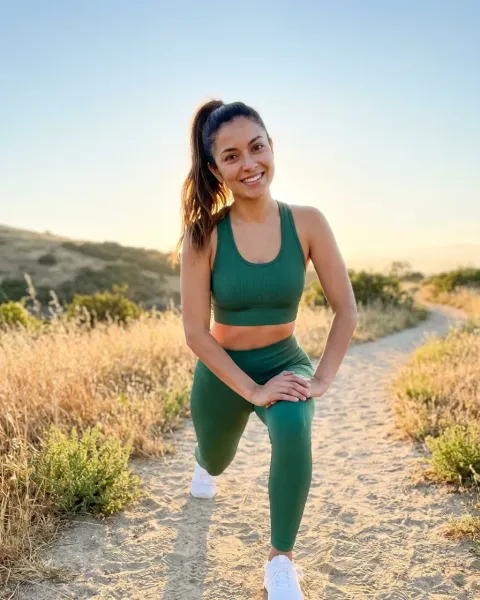
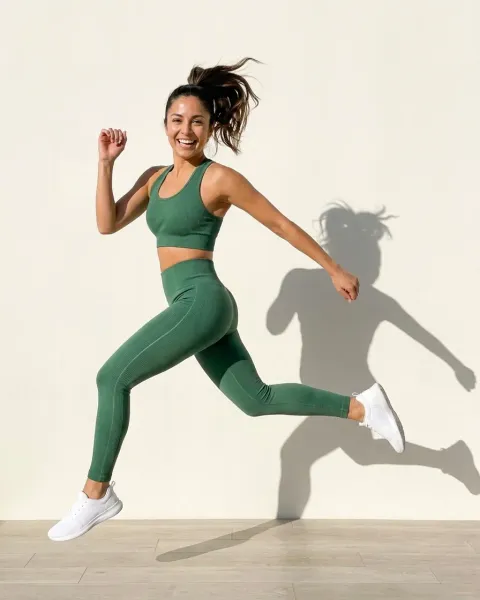
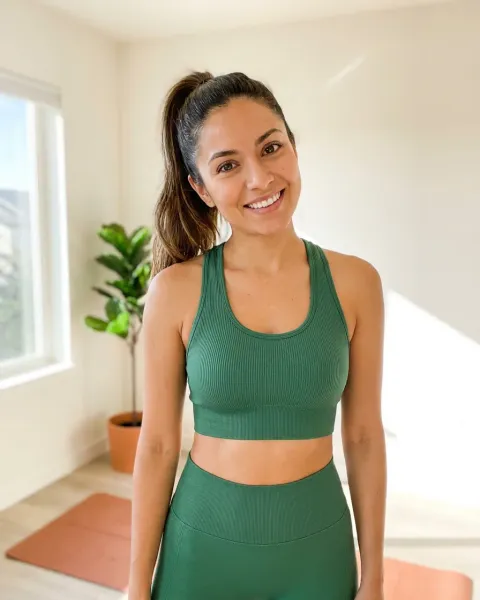
AI dress photography turns one photo of a dress into on-model and scene imagery using a generative model. It works well for campaign frames: backgrounds, colorways, crops and lifestyle scenes built off a base capture. It works badly for the frames a marketplace specifies. Amazon’s clothing rule fixes the pose, the background and the fill, and it wants an AI-person tag written into the file before upload.
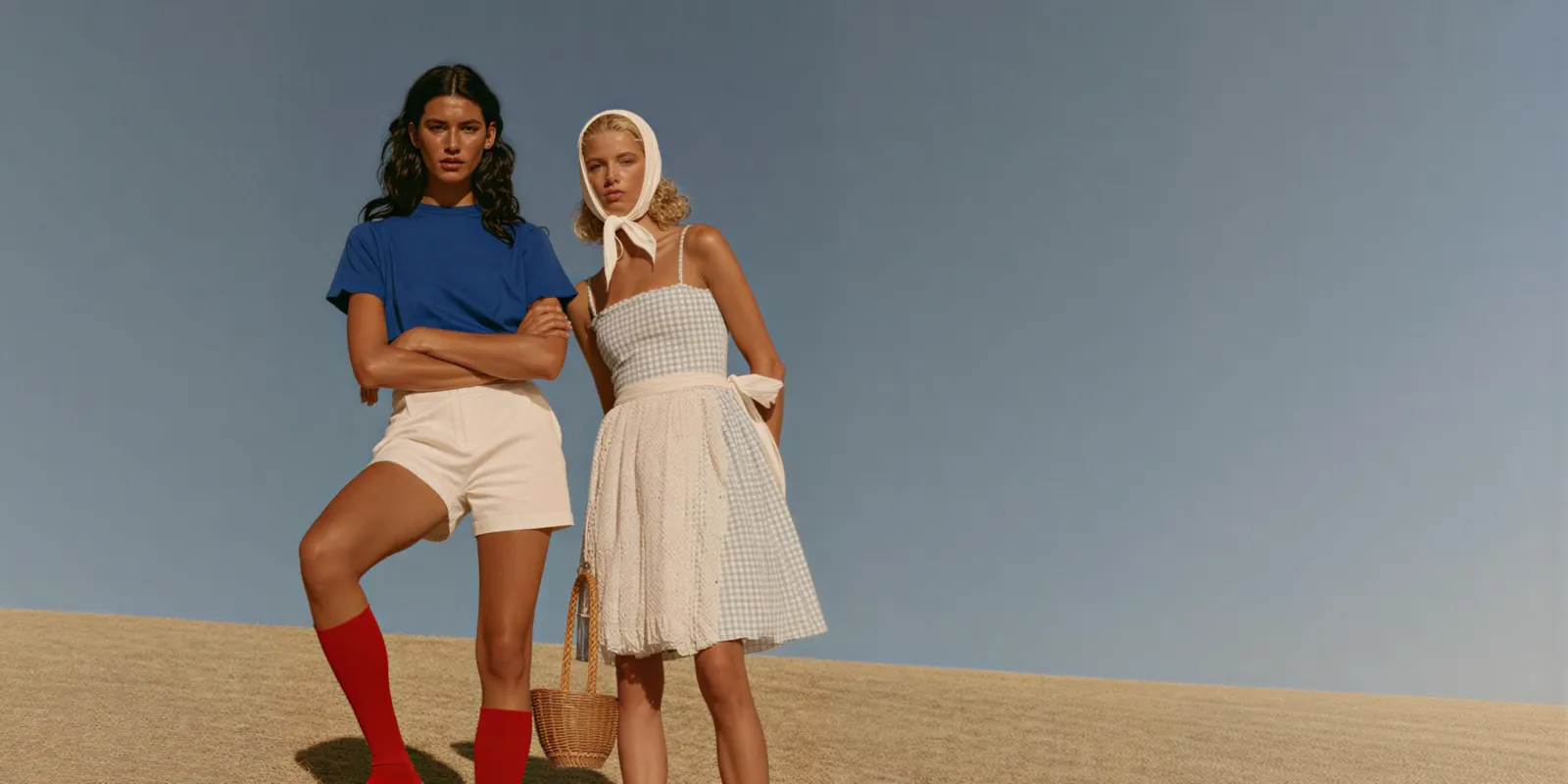
A terrace, a garden, a coastal balcony and golden hour on sand are all campaign frames. None of them can be a dress listing’s main image, and the rule that says so has been published on Seller Central the whole time.
This guide runs in the order the work happens. The platform rule first, because it decides the compulsory frames before you write a prompt. Then the split between what you have to capture and what you can multiply. Then the boundary on what a model does and does not know about a dress, and the tag you write into the file on the way out.
Key Takeaways
- Amazon fixes the brief for the clothing main image. On a model, pure white at RGB 255-255-255, frontal, nothing clipped, roughly 3:4 and 85% of the frame filled (Amazon Seller Central, Image guidelines for clothing, accessed October 2026).
- The same page rules out most editorial poses. Models must stand, not kneel, lean or lie down. Eyes open, mouth closed, arms along the body, legs not spread. Visible mannequins, hangers and holders are prohibited, and so are graphical representations, because only photos are allowed in the main slot.
- Amazon requires a tag on AI people. Media containing an AI-generated person must carry the keyword contains-synthetic-performer in the XMP dc:subject field before you upload it (Amazon Seller Central, How to tag media that contains an AI-generated person, accessed October 2026).
- Split the set in two. Compulsory frames are specified by the channel and need a verified base capture. Campaign frames are yours to choose, and that is where generation pays.
- Generation multiplies scenes, not facts. Backgrounds, colorways, crop ratios and lifestyle context all derive cleanly from one good frame. Hem drop on a specific body, fabric weight and how a bias cut falls are properties of the physical garment.
- In the EU the disclosure question is live. Article 50 transparency obligations have applied since 2 August 2026, and a photoreal generated person is likely in scope of the deep fake definition.
What is AI dress photography?
AI dress photography is the practice of generating a dress’s product and campaign imagery from an existing capture rather than shooting each frame. You supply a flat, hanger, mannequin or on-model photo of the real garment. The model holds the dress fixed and generates what surrounds it: the person, the pose, the background, the light.
The useful distinction is what stays locked. A general text-to-image prompt invents a dress. A dress photography workflow treats your sample photo as a reference it has to preserve, so the print, the neckline and the seam placement come out as yours.
That distinction sets the whole boundary of the technique. Anything outside the garment is generated and cheap to vary. Anything about the garment itself was decided by the capture you fed in. For the basics on any product, not only dresses, see AI for product photography.
Why a dress is the hardest garment to generate on a model
A t-shirt is a color, a fit and a print, and a flat laydown covers most of what a buyer checks. A dress fails that test on four counts at once.
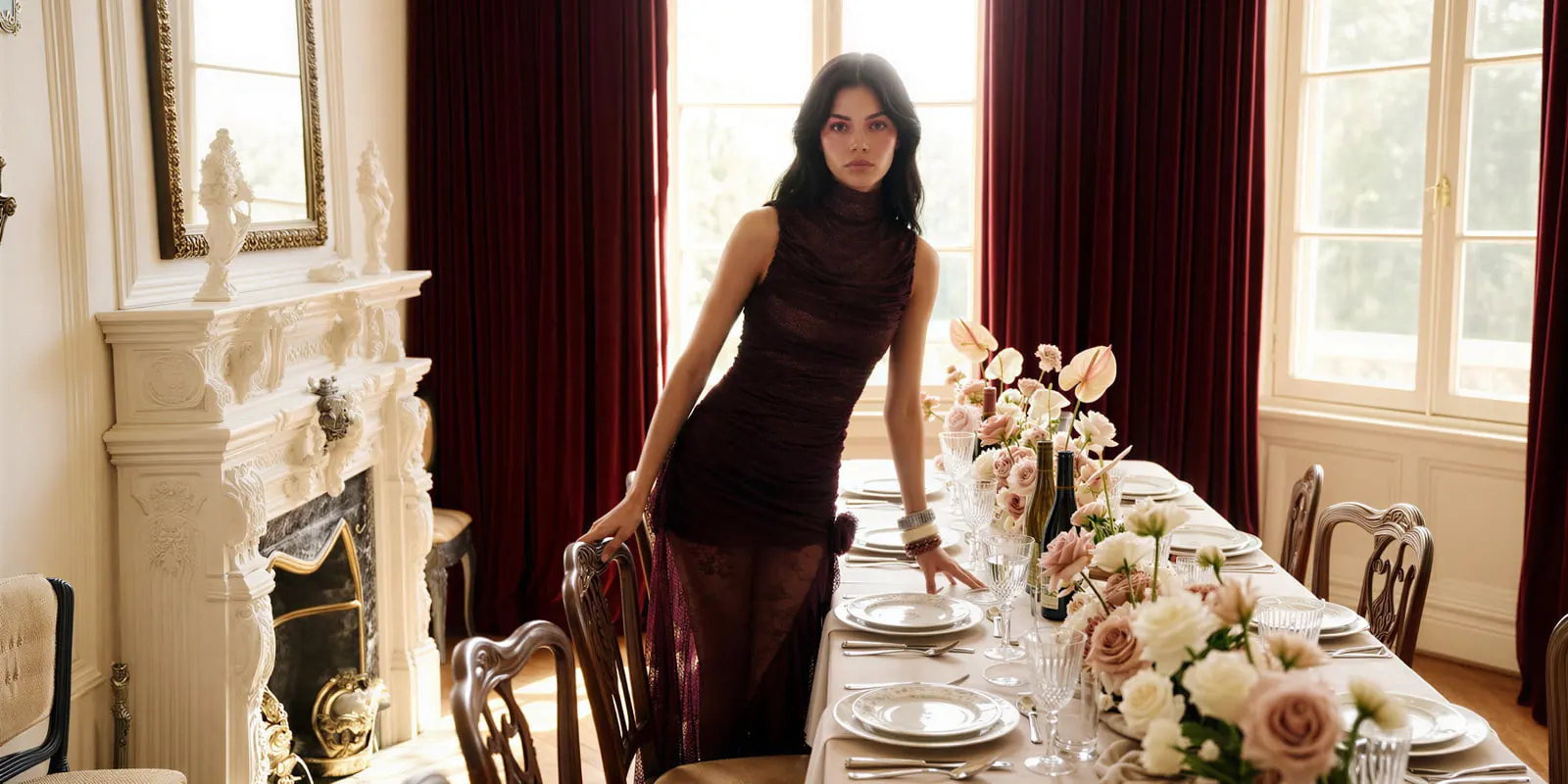
Silhouette only exists when something is inside the garment. Drape only reads when the fabric hangs under its own weight. Color has to survive both the capture and the generation. And the hem lands somewhere on a body, which is the single most-checked fact on a dress page and the one a flat photo cannot show.
Three of those four are recoverable from a good base frame. The hem is not, because it is a relationship between a garment and a specific body rather than a property of an image. That asymmetry is the reason a dress set has to be planned in two piles instead of one. The hem decides a dress shot list before the camera comes out, and it decides the prompt list too.
Amazon’s clothing rule sets the frame before you prompt
Amazon publishes a detailed main-image brief for clothing. The main image must be photographed on a model, on a pure white background at hex #FFFFFF. It must show a frontal view with no part of the product clipped. The aspect ratio is close to 3:4, and the product fills 85% of the image area.
The prohibitions matter more than the requirements. Backgrounds in any color other than pure white are out. So are sketches, drawings and graphical representations, because only photos are allowed. So are borders, logos, watermarks and text. So is any visible mannequin, hanger or holder. Poses are constrained too: the model has to be standing, legs not spread, eyes open, mouth closed, arms along the body, with no suggestive expression and no distracting accessories such as large earrings, bags or sunglasses.
Read that list against a typical AI dress scene library. A terrace at midday, a walking street shot, golden hour on sand, a model laughing over her shoulder. Every one of those fails the main slot on background alone, and several fail again on pose. They are good campaign frames filed in the wrong slot.
The alternates are where they belong. Amazon allows up to eight alternate images per SKU, explicitly to clarify use, detail, fabric and cut, and it puts no white-background rule on them. That is a large, legitimate surface for generated scene work, and it is the one worth filling.
Amazon wants an AI-generated person tagged in the file
If your image or video contains an AI-generated person, Amazon requires you to add the keyword contains-synthetic-performer to the XMP dc:subject field before upload. The stated reason is compliance with jurisdictions that require disclosure of AI-generated people in product media. Amazon documents three ways to write it: the Keywords pane in Preview on macOS, the Tags field on the Details tab in Windows File Explorer, and exiftool on the command line.
Two details are easy to get wrong. On Windows, the Subject field and the Tags field write to different metadata locations, and only Tags is correct. With exiftool, the append operator adds the keyword without overwriting existing ones, but running it twice writes it twice.
Build the tagging step into the export, so nobody has to remember it. A generated on-model dress frame that reaches a listing untagged is a compliance miss that no visual QA pass will catch, because there is nothing to see.
The EU adds a second disclosure question
Article 50 of the EU AI Act has applied since 2 August 2026. It puts two duties in play: the model provider marks outputs in a machine-readable format, and the deployer discloses when content is a deep fake. A brand that uses the AI tool itself is usually the deployer. If a brand only hires an agency and does not control how the agency uses AI, the agency is the deployer (European Commission, Guidelines on transparency obligations, accessed September 2026).
The definition is the part that catches fashion work. A deep fake is AI-generated image content that resembles existing persons, objects, places, entities or events and would falsely appear authentic (European Commission, EU Icons for labeling AI-generated content, accessed September 2026). The Commission’s guidelines list realistic AI-generated human avatars or personas as persons, and say it is enough that the person could plausibly exist. So a photoreal generated model in a studio shot is likely in scope. The guidelines are not binding.
The Commission publishes an optional icon set for the visible half of the disclosure. Using the icons is voluntary. The obligation is not. This is general information, not legal advice. The full jurisdictional picture, including the French and Norwegian retouching notices and the US position, sits in the guide to labeling AI-generated fashion images.
Split the set: compulsory frames and campaign frames
With both rules stated, the dress set sorts itself.
| Frame | Pile | Why |
|---|---|---|
| Main listing image | Compulsory | Pose, background, fill and crop are specified by the channel |
| Front, back, side detail | Compulsory | Buyers check zip, tie, cutout and closure before they buy |
| Fabric and texture close-up | Compulsory | Weave, sheen and weight are properties of the real garment |
| Colorway variants | Campaign | Derives from a verified base frame |
| Location and lifestyle scenes | Campaign | Nothing about the garment changes |
| Crop ratios for paid social | Campaign | Reframing, not reshooting |
| Seasonal and campaign restyles | Campaign | The dress is fixed, the world around it is not |
Compulsory frames need a verified capture behind them, because a mistake there is a wrong fact on a product page. Campaign frames need a good base frame and nothing else, because a mistake there is a scene you regenerate.
The arithmetic that makes the technique worth it lives entirely in the second column. A dress reshot from the beginning for every colorway and every seasonal campaign is the line item that scales badly, and it is the one worth removing first. To count the full image set across products, colors and channels before you plan it, see the catalog photoshoot guide.
What generation reliably does with a dress
Everything in the campaign column is a version of one job: hold the garment, change the world around it. Backgrounds and locations, colorways off a verified base, crop ratios for paid social, seasonal restyles. None of those asserts anything new about the dress, which is why they are safe to multiply.
The campaign pile is also where lookbook frames live, and a lookbook has its own shot list that a product page cannot reuse. The fashion lookbook shot list covers what separates the two.
The variable that repays the most planning is model consistency. Six dresses generated as six different people read as six brands, and a drop only reads as a campaign if the identity holds across it. The mechanics are in keeping one AI model consistent across a set. To pick a tool, the best AI on-model photography tools by product sorts the tools by what the model wears.
For the underlying model choice, Black Forest Labs says FLUX.1 Kontext, which runs as Kontext Multi in DesignerBox, “excels at character consistency, even after multiple edits” (docs.bfl.ai, September 2026). Google documents up to 5 character images per request for Nano Banana Pro (ai.google.dev, September 2026). What each model is best for sits on the model list. You pick the model for each step when you build the workflow, and every run after that uses it. A template comes with its model already picked.
What no model can tell you about a dress
Three facts are properties of a physical garment on a physical body, and no amount of prompting produces them.
Where the hem lands on a given size. A midi on a 5’4” body is a knee-length on someone taller. Generated frames render a plausible hem, not your hem.
How the fabric weighs. Drape is a function of gsm, weave and cut. A generated frame can show a convincing hang the real garment does not have, and a shopper finds out on delivery.
How a bias cut falls. Bias is the hardest case, because the whole point of the cut is that the fabric behaves unusually under its own weight.
Overstate any of the three and you are making a fit claim you cannot support, in the category where fit is already the return reason. The frame-by-frame version of which shots carry a claim about the garment is in the dress photography shot list. If fit accuracy is the specific question, how close virtual try-on gets on fit covers what try-on does and does not resolve.
A production order that survives both checks
- Capture the garment once, properly. Steamed, even light, no bunching at the shoulder. Flat on a clean surface or on a mannequin front. The generated set inherits every flaw in this frame.
- Shoot or verify the compulsory frames. Main image to the channel’s spec, plus front, back, side and a fabric close-up. Back detail matters more on dresses than on any other garment, because that is where the zip, tie and cutout live.
- Lock one model identity for the drop. Decide body, skin tone, age range and pose energy once, then reuse it. A saved identity from the model creator template keeps it stable across SKUs.
- Generate the campaign frames off the verified base. Colorways, locations, seasonal restyles, social crops. This is the pile that multiplies. Starting from a flat photo, putting clothes on a model with AI walks the base step.
- Tag before export. Write contains-synthetic-performer into any file containing a generated person, and apply your EU disclosure where the content is published in the Union.
- Save the sequence as a workflow. The second dress should not need the first dress’s decisions made again. A saved workflow is the reusable version of steps 3 to 5.
Step six is where the work stops being a photoshoot and becomes a system. You settle the model identity, the base capture spec, the campaign frames and the tagging step once, on one dress. A saved workflow runs the same way on the next dress. It uses the same pose, the same person and the same white-background check, because you do not make those decisions again. Batch runs one workflow over a whole sheet of dresses.
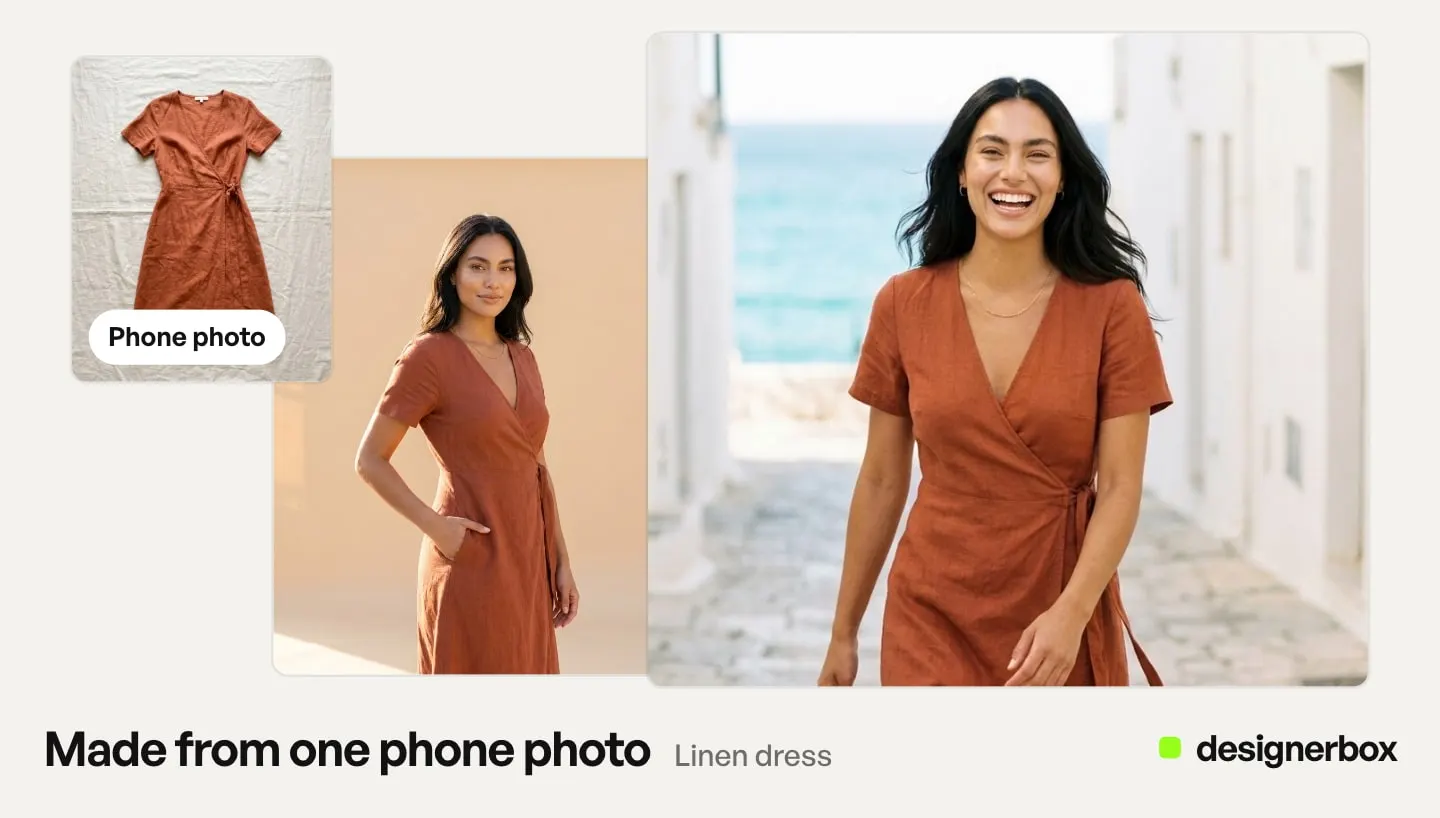
Anyone can make an AI picture. Making hundreds that still look like your brand is the hard part. In DesignerBox, the garment photo, the model, the try-on, the editor and your brand rules sit in one account, so the twelfth dress never leaves it. The dress photography page covers the hem line, the fall of the skirt and the crop for a square slot.
Plan gates and the cost of a dress drop
Two things decide whether this fits your operation.
The first is the plan gate. Uploading your own photos and the commercial license start on the Pro plan. Virtual try-on and the image editor start on the Premium plan. A brand that puts generated on-model dress imagery on a live PDP needs Pro for the license. It needs Premium if the workflow uses virtual try-on. The Clothes on a model app puts the garment on a person in one form.
The second is the cost of the run. Each image model draws a different number of credits, so a 12-dress drop costs more on one model than on another. The cost is shown before you press Run, so you check the drop against your plan first. Plans and credits are on the pricing page.
There is a free plan, and it runs on sample products. Start from a template, then add your own dress photo on the Pro plan.
FAQ
Can I use an AI-generated dress photo as my Amazon main image?
Only if it meets the clothing main-image spec, and most generated scene work does not. The main image has to be on a model, on a pure white background at RGB 255-255-255, frontal, unclipped, close to 3:4 with 85% fill, with the model standing and arms along the body. If the frame satisfies all of that, tag it with contains-synthetic-performer before upload.
Does AI dress photography preserve the actual garment?
It preserves what you photograph. Print, neckline, seam placement and closure carry through from the base capture. Hem drop on a specific body, fabric weight and bias behavior do not, because those are properties of the physical garment rather than of the image.
What photo of the dress should I upload to start?
One clean, steamed capture in even light. Flat on a bed, on a hanger against a plain wall, or a mannequin front all work. Avoid shadow-heavy angles and fabric bunched at the shoulder, because the generated set inherits both.
Do I have to disclose that a dress model is AI-generated?
On Amazon, yes, via the contains-synthetic-performer metadata keyword. In the EU, Article 50 disclosure applies to deployers where the content is a deep fake. The Commission’s guidelines, which are not binding, say a realistic person who could plausibly exist can count as a deep fake, so a photoreal generated model is likely in scope.
How many frames does a dress listing need?
A main image plus front, back, side and a fabric close-up covers the compulsory set. Amazon allows up to eight alternates per SKU, which is where lifestyle and scene frames belong. Back detail earns its slot on a dress more than on almost any other garment.
Is a ghost mannequin shot acceptable for a dress?
Not in the Amazon main slot for adult clothing, because visible mannequins, hangers and holders are prohibited there and the main image must be on a model. Ghost mannequin frames belong in the alternates, where they are a clean way to show cut and interior finish.
Can I generate a whole collection from one model?
Yes, and you should. Locking a single model identity across a drop is what makes the frames read as one campaign. Six dresses generated as six different people read as six brands.
Sources
- Main-image requirements for clothing, the prohibited-image list, pose constraints and the eight-alternate allowance: Amazon Seller Central, Image guidelines for clothing, accessed October 2026
- The contains-synthetic-performer XMP keyword, the stated compliance rationale and the macOS, Windows and exiftool procedures: Amazon Seller Central, How to tag media that contains an AI-generated person, accessed October 2026
- The deep fake definition, the Article 50(4) deployer disclosure duty and the optional EU icon set: European Commission, EU Icons for labeling AI-generated content, last updated 24 September 2026
- Article 50 applicability from 2 August 2026 and the provider and deployer split: European Commission, Guidelines on transparency obligations, accessed August 2026
- Who counts as the deployer, realistic AI-generated personas as persons, and the non-binding status of the guidelines: European Commission, Guidelines on transparency obligations for providers and deployers of AI systems, published 20 July 2026, accessed September 2026
- FLUX.1 Kontext character consistency across edits: Black Forest Labs, Kontext image editing, accessed September 2026
- Nano Banana Pro character image limit: Google, Gemini API image generation, accessed September 2026
- The commercial-license gate at Pro and the virtual try-on gate at Premium: DesignerBox pricing page (designerbox.ai/pricing), September 2026
Platform requirements verified from Amazon Seller Central and EU obligations from the European Commission as of September 2026. The two Amazon pages were re-checked on 2 October 2026. Policy in this area moves quickly. This is general information, not legal advice.