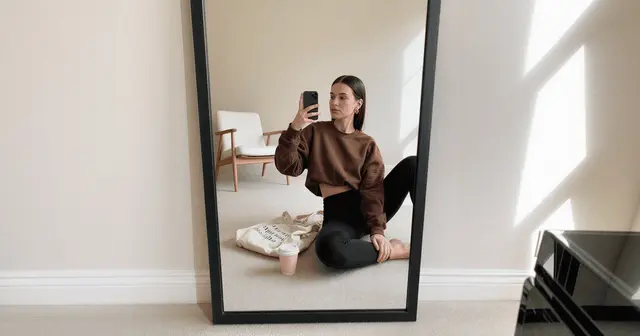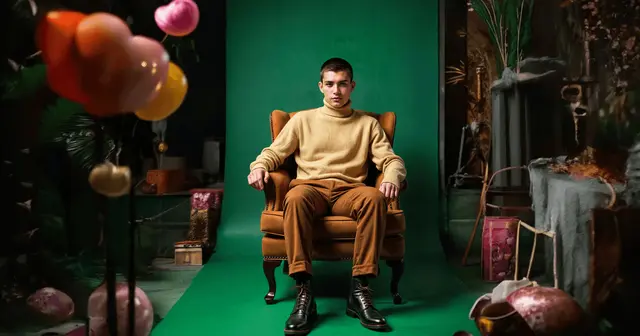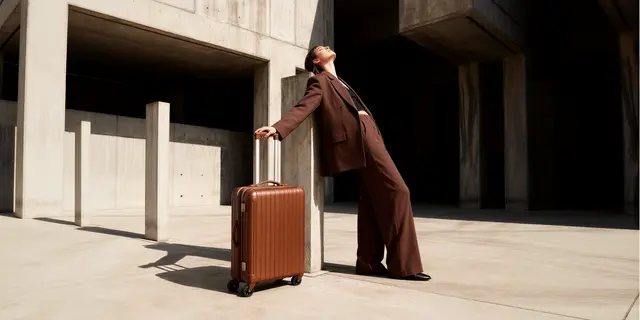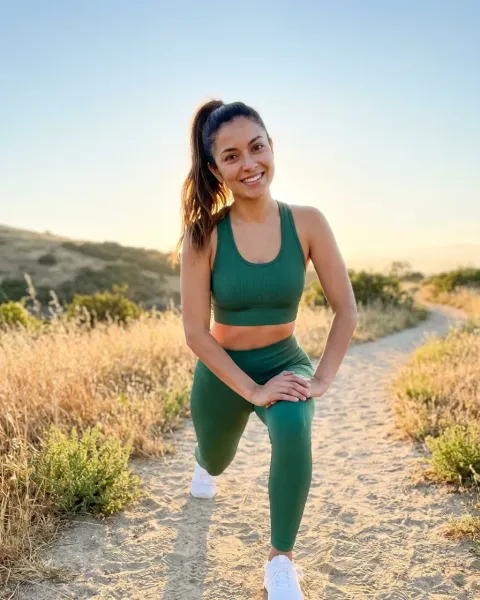
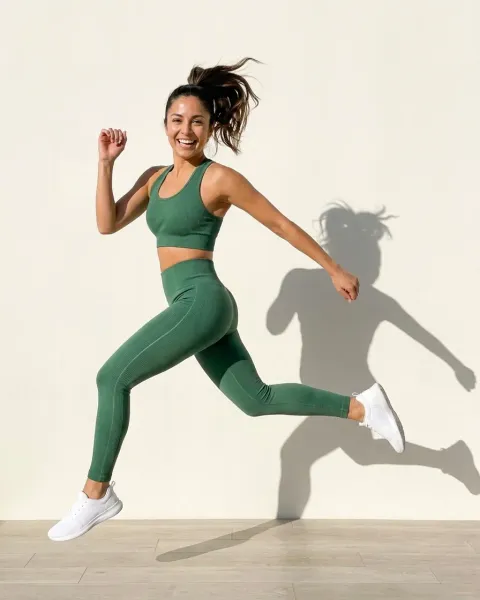
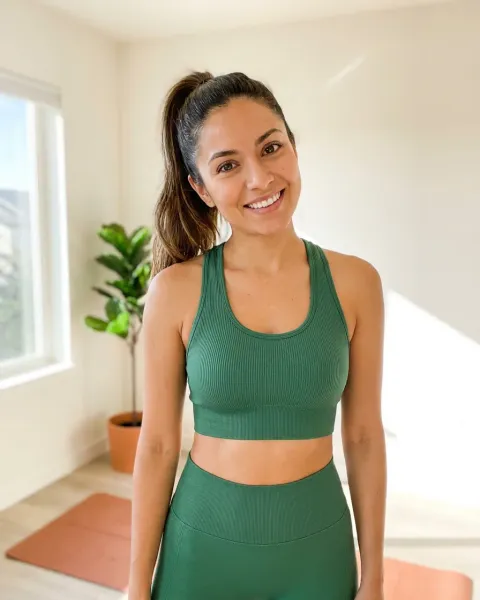
Consistent on-model product images come from locking four things before you generate: model identity, lighting, camera distance and garment fidelity. Lock them once, save the pass, then run it on every SKU in the drop. Pick your route first, re-dressing a model you already have or generating one from a face reference. Then anchor identity with reference images and check every output against the real garment.
You have 40 SKUs and one drop date. The first eight on-model shots look great on their own. Put them in a grid on the collection page. The face has changed twice, the light has moved from soft to hard, and one garment has grown a seam that does not exist on the real product.
That grid is where AI fashion imagery gets caught. This guide covers the two routes to a repeatable model, what drifts between generations, how to lock each axis, the check that decides whether a shot ships to a PDP, and how to see what a 40-SKU drop costs before you run it. Once the look holds inside the drop, keeping it on brand across every channel it ships to is the next problem. If the drop also has to sit beside shots you already own, matching an existing catalog is a separate constraint.
Key Takeaways
- Four things drift, not one. Model identity, lighting, camera distance and garment fidelity each break independently. Fixing the face does nothing for the light.
- Reference images are the lock, prompts are not. A written description of a model regenerates a new person every time. A reference image anchors the same one.
- Two routes, different failure modes. Re-dressing a model you already have fixes identity but inherits one pose. Generating from a face reference frees the pose but has to anchor identity deliberately.
- More references is not the goal. Black Forest Labs says FLUX.1 Kontext edits without fine-tuning and “excels at character consistency, even after multiple edits” (docs.bfl.ai, accessed October 2026). Reference quality beats reference count.
- Garment fidelity is the only check that matters commercially. NRF estimated that 19.3% of online sales would be returned in 2025 (nrf.com, October 2025), and an image that misrepresents the product feeds that number.
- The model you pick moves the price. Run one SKU first, read its cost, and scale it to the drop.
- Save the pass, not just the images. The next drop then starts from the same references and the same set language.
What makes on-model product images consistent?
Consistency in on-model product imagery means four variables hold steady across every generation: the model’s identity, the lighting setup, the camera distance and angle, and the accuracy of the garment against the real product. Each is controlled separately. A model that nails facial likeness will still shift the light between shots unless the set is locked too, which is why single-fix approaches fail on the grid.
Many tools lead with the first variable. FASHN, for one, lists Model Create and Face to Model endpoints for making a fashion model from a face (fashn.ai/products/api, September 2026), which addresses the face. The light, the crop and the fabric are separate locks on any tool.
The four things that drift between generations
Treat these as four separate locks. Check them in this order, because a failure early makes the later checks meaningless.
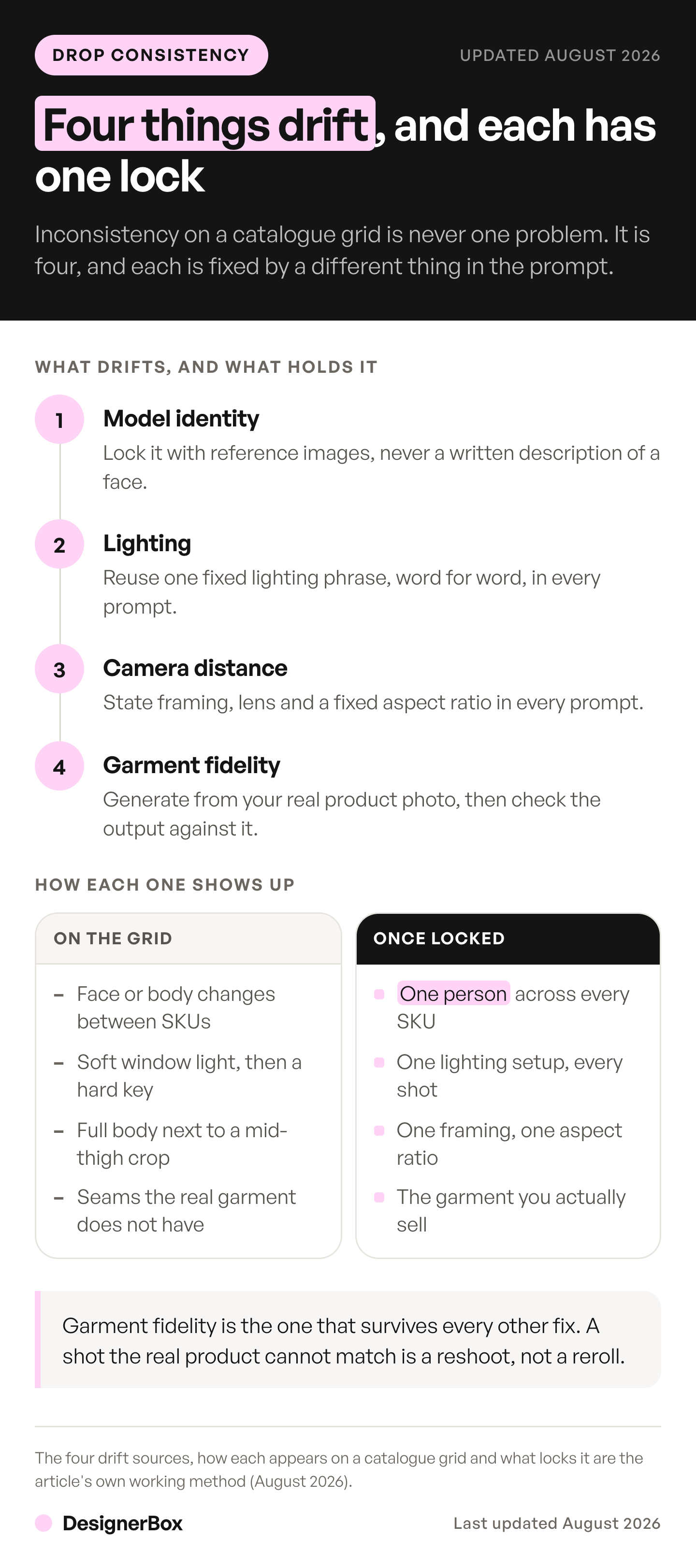
| What drifts | How it shows up on the grid | What locks it |
|---|---|---|
| Model identity | Face, skin tone or body shape changes between SKUs | Reference images, not a written description |
| Lighting | Soft window light on shot 3, hard studio key on shot 9 | A fixed lighting phrase reused verbatim in every prompt |
| Camera distance and angle | Full body next to a mid-thigh crop on the same row | A stated framing and lens in every prompt, plus a fixed aspect ratio |
| Garment fidelity | Seams, prints, hardware or drape that the real product does not have | Generating from your actual product photo, then checking against it |
The first three are consistency problems. The fourth is an accuracy problem, and it carries different consequences. An inconsistent grid looks amateur. An inaccurate garment gets returned.
Two routes to a consistent AI model across a catalog
There are two ways to hold one model across a catalog, and they fail differently. The first re-dresses a model image you already have, so identity is fixed because the person is a real photograph. The second generates a model from a face reference, so identity has to be anchored deliberately. The first is safer for a PDP grid. The second gives you range.
| Re-dress an existing model | Generate from a face reference | |
|---|---|---|
| How identity holds | Fixed. The person is a photo you supply | Anchored. The reference constrains a generated person |
| Pose and scene | Inherited from the base image | Set per generation |
| Strongest use | PDP and catalog grids where every shot matches | Campaign, lookbook and social that need range |
| Where it breaks | Every SKU inherits the same pose and background | Identity drifts when the reference is weak or tightly cropped |
| Garment source | Your real garment photo | Your real garment photo |
Both routes start from your actual garment photo, which is the part that decides accuracy. The route only decides where the person comes from, and that choice carries its own disclosure consequences. On DesignerBox, the first runs as the Clothes on a model app, and the second through the image models that take reference images, listed on the model list.
FASHN lists these as separate endpoints: Try-On Max for re-dressing, and Face to Model, which turns a person’s face into a fashion model photo (fashn.ai/products/api, September 2026). That split is the right mental model whichever tool you run.
Most catalogs need both. Use the first route for the PDP grid, where sameness is the point and one locked pose across 40 SKUs reads as a system rather than a limitation. Use the second for the hero shot, the seasonal lookbook and paid social, where the same face has to appear in a different pose, a different setting and a different crop. The lookbook shot list covers which frames a lookbook needs. The digital lookbook guide covers laying those frames out as pages. Within a single look, generate the frames as one photo set rather than one at a time, or the same drift you just fixed across drops reappears across the spread. The face carries across both, so the collection page and the campaign look like one shoot.
The choice is not permanent. Generate the model once and save the frame. It works as the base image for the first route and the face reference for the second.
Lock the model identity first
Identity is the axis that breaks most visibly, so it goes first. The rule is simple: a written description of a person produces a different person every time. The model has enormous freedom inside words like “woman in her twenties with dark hair”. A reference image removes that freedom.
If you have no photograph of anyone you are allowed to use, the very first reference image is a casting decision. How to create an AI fashion model covers it. If the same model should recur across drops rather than within one, build the references once as a reusable AI brand character and version the set. What each reference frame should look like, and how many to send, is specced in AI character reference images.
Black Forest Labs states that FLUX.1 Kontext is built to “preserve unique elements of an image, such as a reference character or object in a picture, across multiple scenes and environments” (bfl.ai, accessed September 2026). One detail worth knowing before you build a reference library: BFL says Kontext does this without fine-tuning. More references is not automatically more consistency.
On DesignerBox this model family runs as Kontext Multi. Black Forest Labs’ own Kontext API takes up to 4 input images and labels images 2 to 4 “Experimental Multiref” (docs.bfl.ai, accessed September 2026). The same page calls FLUX.1 Kontext [pro] a legacy editing model. Treat extra references as headroom for covering angles, not a target to fill.
Google’s Nano Banana Pro takes a different route. It mixes up to 14 reference images, including up to 5 character images to keep a character consistent, with output at 1K, 2K or 4K (ai.google.dev, accessed September 2026). For a fashion catalog that runs two or three house models, five is more headroom than most brands need. Running that model through the Gemini app rather than a workspace changes what you can ship, which ChatGPT vs Gemini for product images covers on watermarks and quotas.
The practical setup: generate your model once, pick the single best frame, and treat that frame as the reference for every subsequent shot in the drop. Do not regenerate the model per SKU. Feed the same reference in, change only the garment.
A fixed seed does not do this job. Black Forest Labs describes the seed on its Kontext API as a “seed for reproducibility”, and a random seed is used when you leave it out (docs.bfl.ai, accessed October 2026). A seed repeats a run when the prompt and the input images are the same. Change the garment and the inputs change, so the person can change too. The reference image is what carries the face from one SKU to the next.
Lock the set: lighting, framing, distance
Identity holding while the light moves still produces a broken grid. The set is locked with language, and the language has to be identical every time, not merely similar. Where the set is a real room rather than a plain paper backdrop, language is not enough on its own. The set needs its own reference image, which how to keep locations consistent across shots covers. For product stills with no person in the frame, the six layers of consistent product images covers the same lock.
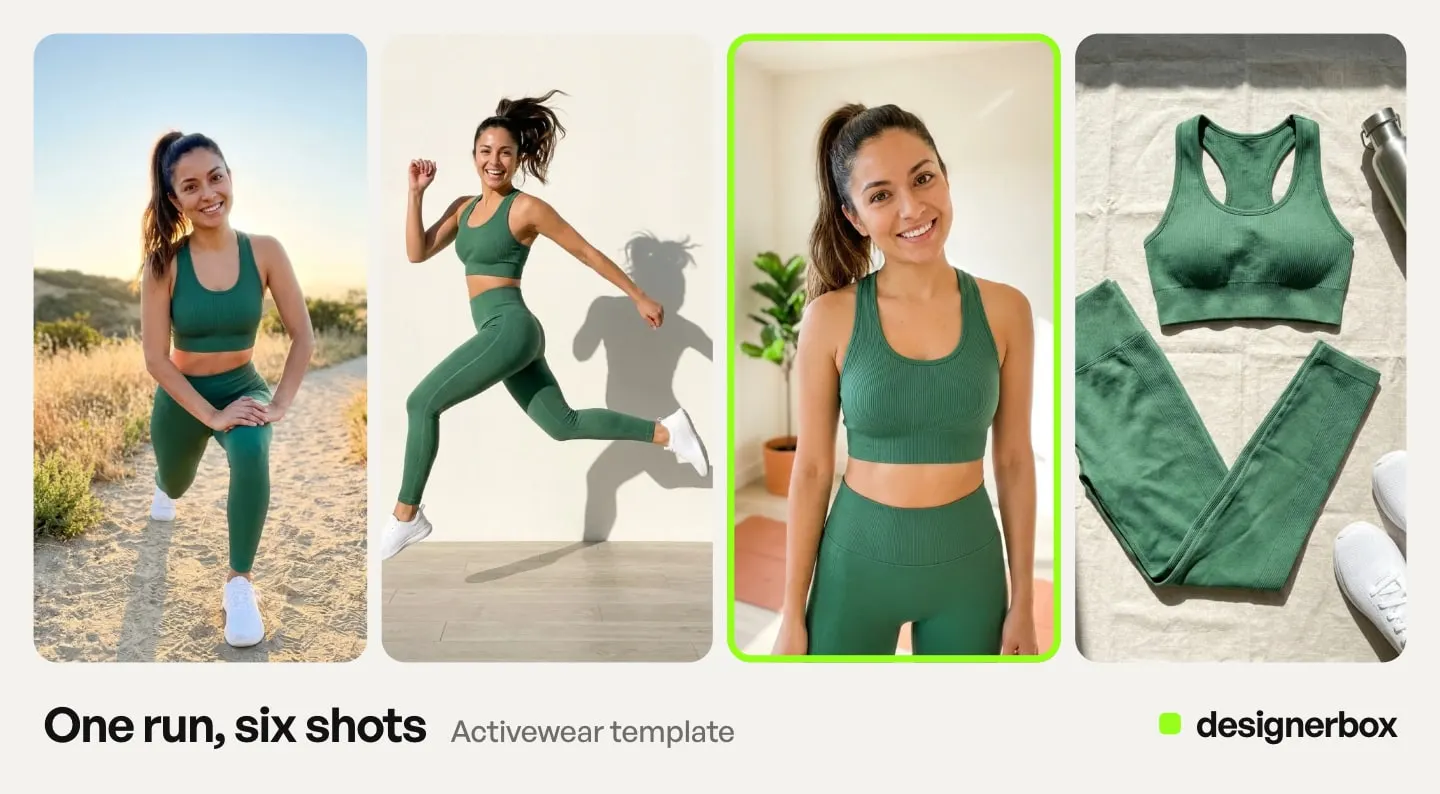
Write one prompt block and reuse it verbatim across the drop:
- Lighting: name the source, direction and quality. “Soft diffused key from camera left, low-contrast fill, no visible shadow on the backdrop.” Vague words like “natural” or “studio” are the drift.
- Framing: state the crop as a body landmark. “Full body, feet in frame, subject centered, 15% headroom.” Not “full length shot”, which the model interprets differently each pass.
- Distance and lens: state it. “Shot on 85mm, subject 3 meters from camera, shallow background compression.”
- Backdrop: name the exact color and finish. “Studio paper roll, warm gray, matte, no visible join.”
- Aspect ratio: fix it once. Pick the ratio your PDP uses, check that the model you run supports it, and never change it mid-drop.
Copy that block into a note and paste it unchanged. The moment you retype it from memory, you have introduced a variable. This is the same failure that causes brand drift at the handoffs between tools, scaled down to a single prompt field. The garment half of the prompt is covered in AI prompts for clothing product photos.
Check garment fidelity before anything ships
Consistency across the grid is a design standard. Garment accuracy is a commercial one.
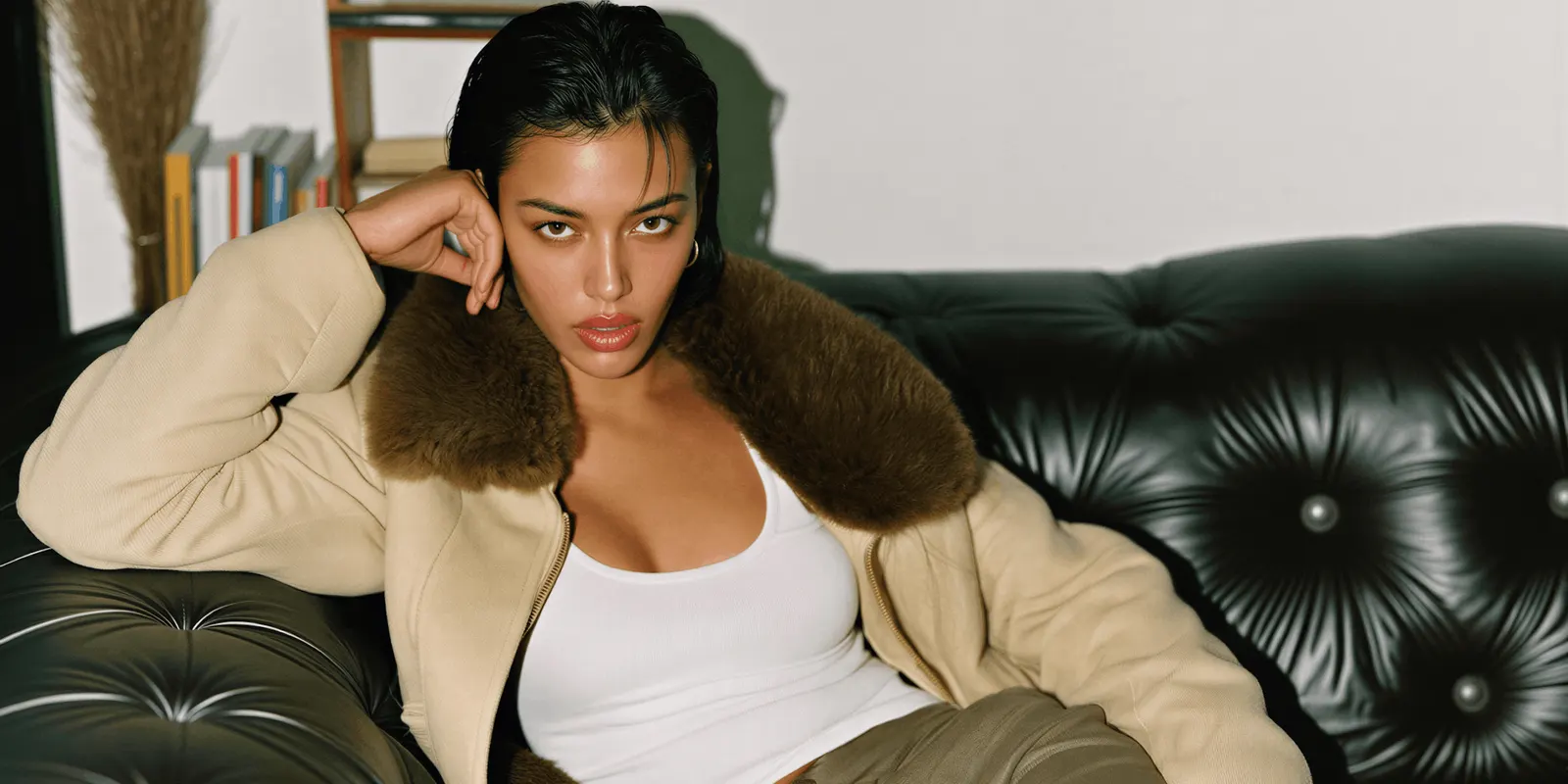
Returns are the reason. The NRF estimated in October 2025 that 19.3% of online sales would be returned in 2025. Across all retail sales, retailers estimated a 15.8% return rate, worth $849.9 billion (nrf.com, 2025 Retail Returns Landscape, October 2025). Fashion carries more of that than most categories because fit and appearance are the two things a photograph is meant to answer.
Baymard Institute found that 42% of users try to judge a product’s overall scale and size from its images. It also found that, for products meant to be worn, the human body is the natural basis for reading that scale (baymard.com, accessed October 2026). That is the commercial case for on-model imagery in one line. It is also why an inaccurate on-model shot does more damage than an inaccurate packshot: the shopper is using the model to size the garment. If the image is wrong, the return is already booked. Whether generation will ever answer the fit half of that question is a separate argument, covered in virtual try-on fit accuracy.
Run every output against the real product photo on five points:
- Print and pattern. Does the repeat match, at the same scale, in the same orientation?
- Hardware. Zips, buttons, buckles, eyelets. Count them. AI adds and removes hardware freely.
- Seams and panels. Compare seam lines against the flat. An invented seam changes the garment.
- Drape and weight. Does a heavy knit hang like a heavy knit, or like jersey?
- Color. Check against the physical sample under neutral light, not against your monitor’s rendering of the flat.
Fail on print, hardware or seams and the shot does not ship, no matter how good the model looks. Fail on drape or color and it may be fixable with a regeneration rather than a full redo. The full step-by-step for the generation itself is in our guide on how to put clothes on a model with AI.
Drift fixes by symptom
Most drift has one of five causes. Read the grid, find the symptom, and fix the cause rather than the single shot.
| What you see on the grid | Likely cause | Fix |
|---|---|---|
| A different face on some SKUs | A written description, or a new reference per SKU | Use one saved frame as the reference for every SKU |
| The face slowly changes across the drop | Each shot was made from the previous result | Start every shot from the saved frame, never from the last result |
| The same seed gives a different person | A seed only repeats identical inputs | Keep the seed if you like, but anchor the face with the reference image |
| Skin tone or shadows change from row to row | The lighting line was retyped | Paste the set block unchanged into every prompt |
| The crop jumps up and down the row | Framing written as “full length” | Name a body landmark: “feet in frame, 15% headroom” |
Fix the cause, then re-run only the shots that failed. A drop where half the shots are re-run by hand is a sign the cause is still in the prompt.
Cost of a 40-SKU drop
Holding a look across a drop is rarely the expensive part. Discovering the drift after launch is what costs money.
In DesignerBox, the cost of a run is set by the model you pick, and the cost is shown before the run. So price a drop from a real run. A 40-SKU drop at three shots per SKU is 120 images, plus the shots you run again. Run the three shots for one SKU, read the cost, and scale it to the drop before you choose the plan. To count the frames across colors and channels first, see how to plan a catalog photoshoot.
Uploading your own photos and the commercial license start on the Pro plan. Virtual try-on starts on the Premium plan. Plans and credits are on the pricing page.
Set that against what a photoshoot day costs. The number to compare is the second day rate, the one you pay when eight shots are off-standard. AI fashion photography ROI works through the three numbers that decide the switch.
A saved pass for the next drop
A consistent drop that lives in one person’s prompt notes is a consistency problem you have only postponed. The next drop, or the next freelancer, starts again from a blank page.
Save the working combination as a workflow: reference images, locked set language, aspect ratio, model choice and the number of results. A DesignerBox workflow runs that pass again on each new garment, so drop two matches drop one without anyone retyping the lighting phrase. You set the brand once in your brand, and the workflow reads it on every run. The same saved pass produces the on-model, PDP and lookbook frames from one source photo. The Clothes on a model app puts each garment on the model you saved. The references, the garment photos, the runs and the finished frames sit in one account, so nothing about the drop lives in a chat window or a download folder. DesignerBox for fashion brands shows the on-model, scene and video results from one garment photo.
That is the difference between consistency as a result and consistency as a system. The first holds for one drop. The second holds for the season.
One deliberate exception is worth naming. When you are showing the same garment across several body sizes, the body is the variable you want to change while the face, lighting and framing stay pinned. Where a generated size range earns its production cost covers which categories justify it. If you are still choosing a tool for the on-model step, our breakdown of how the on-model generators differ covers what each one is built for. The on-model photography tools guide sorts the tools by product, from clothes to shoes, bags and jewelry. Changing clothes in a photo with AI covers the single-image version of the same problem.
Build the pass on one garment first. When it holds, batch runs the same workflow over the whole drop at once. Each SKU is one row, up to 200 rows a sheet, and every row gets the same model reference and the same set language. Critic steps score the results, and best-of-N keeps the best one. You keep or discard each result, and you re-run one row alone when a garment fails the five-point check. Row one and row forty get the same model, the same light and the same framing.
A house cast for every season
Most catalogs need two or three house models, not a new face per drop. Treat each one as a saved reference set: the best frame, a front view and two three-quarter views, all in the same light. Give each set a name and a date, for example “Model A, spring”. Use the same set every season, so the spring grid and the autumn grid show the same people. Our guide to the same model for every garment builds this as a workflow.
Change a set only on purpose. When you replace a face, re-run the hero frames for the products still on sale, so old and new faces never sit on one grid. Keep a note with each set that says where the face came from and who approved it. If the face is based on a real person, keep the signed model release with the set.
Anyone can make an AI picture. Making hundreds that still look like your brand is the hard part. A house cast is most of that work. Start from a template, add your garment and your model reference, and run it.
FAQ
Can AI keep the same model across a whole collection?
Yes, if you anchor it with reference images rather than a written description. Google documents Nano Banana Pro as taking up to 5 character images to keep a character consistent (ai.google.dev, September 2026), and Black Forest Labs says FLUX.1 Kontext “excels at character consistency, even after multiple edits” (docs.bfl.ai, October 2026). Generate the model once, save the best frame, and reuse that exact frame for every SKU in the collection.
Should I use virtual try-on or generate a model from a reference?
Use virtual try-on when the shot list is a PDP grid and every image should match. Identity is fixed because you supply a real photograph, and the garment is transferred onto it. Generate from a face reference when you need range: a different pose, setting or crop for a hero shot, lookbook or paid social. Most catalogs run both from the same saved model frame.
Why does the face change between generations?
Because the prompt described a person instead of pointing at one. Words like “woman in her late twenties, dark hair” leave the model an enormous range to sample from, and it samples differently each pass. Switching from description to reference image removes that range. If the face still moves with a reference attached, the reference is likely too low-resolution or too tightly cropped.
Does virtual try-on keep the real fabric texture?
Source image quality matters more than the model. A flat garment photo shot sharp, evenly lit and at full resolution carries texture through. A compressed marketplace thumbnail does not, and no model recovers detail that was never in the file. Always check drape and weave on the output against the physical sample before it ships.
What does a consistent 40-SKU drop cost?
Three shots per SKU is 120 images, plus the shots you run again. In DesignerBox the cost depends on the model you pick, and the cost is shown before the run. Run one SKU’s three shots, read the cost, and scale it to the drop.
Can I use consistent AI fashion images in paid ads?
On DesignerBox, uploading your own photos and the commercial license start on the Pro plan. Virtual try-on starts on the Premium plan. Verify the current license terms on the pricing page before running a catalog commercially. Check the ad platform’s own AI disclosure policy separately, because the platform sets those rules and they change on their own.
Does a fixed seed keep the same AI model?
No. Black Forest Labs describes the seed on its Kontext API as a seed for reproducibility (docs.bfl.ai, October 2026). It repeats a run when every input is the same. A new garment is a new input, so the person can change. Use a saved reference frame to hold the face, and treat the seed as optional.
Sources
- Nano Banana Pro mixing up to 14 reference images, up to 5 character images, and 1K, 2K and 4K output: ai.google.dev, accessed September 2026
- FLUX.1 Kontext preserving a reference character across scenes, and editing without fine-tuning: bfl.ai, accessed September 2026
- FLUX.1 Kontext character consistency after multiple edits, and the seed parameter described as “seed for reproducibility”: docs.bfl.ai, accessed October 2026
- Black Forest Labs’ Kontext API input limit and legacy status: docs.bfl.ai, accessed September 2026
- Online return rate of 19.3%, all-retail return rate of 15.8%, and $849.9 billion in returned sales: nrf.com, 2025 Retail Returns Landscape, October 2025
- 42% of users judging product scale and size from images, and the human body as the basis for scale on worn products: baymard.com, accessed October 2026
- FASHN’s Try-On Max, Model Create and Face to Model endpoints: fashn.ai/products/api, September 2026
- DesignerBox plans and feature gating: DesignerBox pricing page (designerbox.ai/pricing), September 2026
Model capabilities verified from Google’s and Black Forest Labs’ documentation as of September 2026. Returns data from the National Retail Federation 2025 Retail Returns Landscape. Product image research from Baymard Institute. Black Forest Labs’ Kontext editing page and Baymard’s in-scale image article were re-checked on 2 October 2026. Individual results vary.