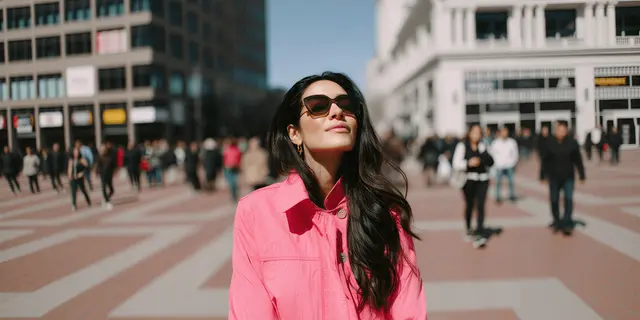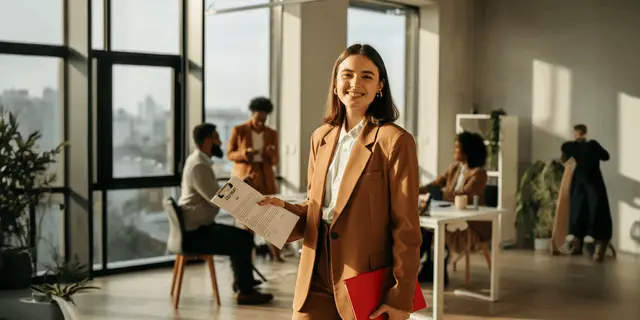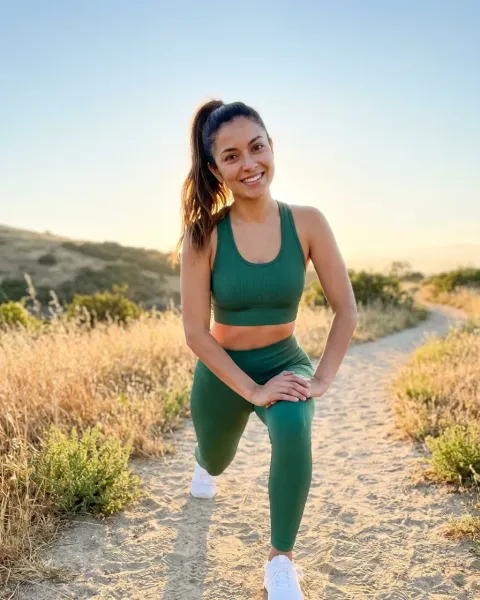
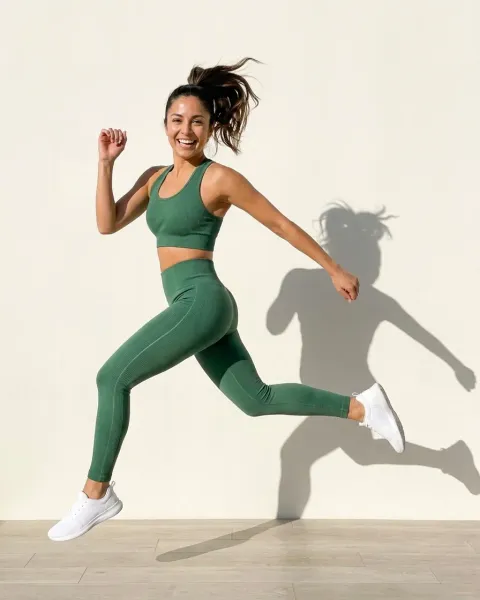
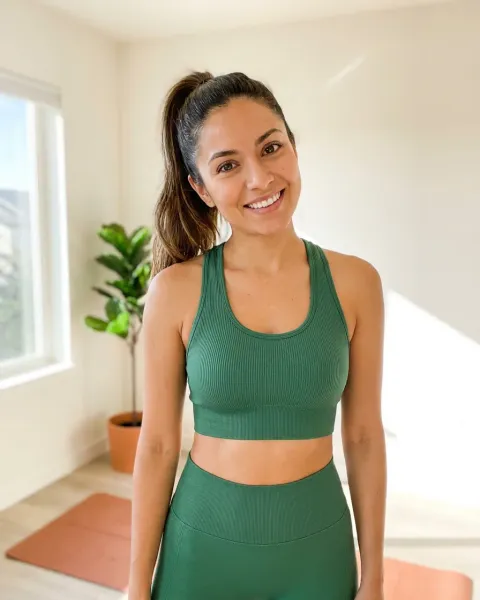
AI fashion photography for ecommerce is the practice of generating a garment’s on-model, styled and campaign frames from one photograph of the real product. You then ship them to the product page, the marketplace listing and paid social. It works when each frame is built for the channel that will run it, because Amazon, Google Shopping, Meta and the EU each publish a rule that decides whether that frame is allowed.
A 35-SKU drop at six frames each is 210 images. Booked as a shoot, that is a studio day, a model, hair and makeup, and two weeks of retouching, and the back view still gets cut when the day runs long. Generated without a plan, it is 210 frames that fail a listing check you did not know existed.
This guide is for the person who owns the drop calendar at a fashion or apparel brand selling on Shopify, Amazon or both. It sorts the images a drop needs into five registers, names the rule that governs each one, and separates what you generate from what you still shoot.
Key Takeaways
A drop needs five image registers, and they answer to different rules. Marketplace main image, product page set, lookbook, paid social and fabric detail. Two frames in a drop should still be photographed: the unstyled worn frame and the fabric detail.
Amazon wants adult clothing on a standing model in the main image, with no part of a mannequin showing. The background must be pure white, the product should fill 85% of the image, and Amazon may remove a listing from search until the main image complies (Amazon product image guide, accessed September 2026).
Google Shopping recommends clothing on models and requires AI images to carry AI metadata. Showing clothing on models is a best practice, not a minimum requirement (support.google.com, accessed October 2026). Google requires every generative AI image to keep metadata that says AI made it, such as the IPTC DigitalSourceType tag (support.google.com, accessed October 2026).
Article 50 of the EU AI Act has applied since 2 August 2026. A generated product image can count as a deep fake if it can mislead shoppers about how the garment looks. A real garment on a generated background does not, as long as the ad does not mislead about the product (digital-strategy.ec.europa.eu, accessed September 2026).
Generate the story frames, shoot the fit frames. Baymard’s testing found shoppers cannot judge length and fit from styled apparel and recommends one unstyled worn frame per product (baymard.com, accessed August 2026).
One garment photo is the input for everything generated. Photograph each piece flat or on a ghost mannequin once, in even light. Every register after that derives from it.
Run one bestseller first and read its cost. DesignerBox shows the cost before each run, so the first set tells you which plan the drop needs.
What is AI fashion photography for ecommerce?
AI fashion photography for ecommerce takes one photograph of a real garment and generates the frames a listing and a campaign need. These are the garment worn on a model, styled in a location, cropped for a product grid, or set in a scene for paid social. The product pixels come from your photo. The model, the light and the setting are generated around it. The output is a standard image file that goes wherever a photographed one would.
The reason it matters for ecommerce specifically, rather than for fashion in general, is the number of frames a channel wants. A wholesale buyer reads one lookbook. A product page wants six frames per colorway. Amazon recommends a main image plus at least six more images and one video per listing (Amazon product image guide, accessed September 2026). Paid social wants a fresh set every two weeks. The frame count is what makes a shoot per drop unaffordable, and it is also what makes the channel rules unavoidable.
Because the output is an image file, the platforms treat it as they treat any image. The rules below are image rules that a generated frame has to pass like any other.
The five image registers a fashion drop needs
Every apparel drop ships to the same five places, and each place wants a different frame. The table sorts them by what governs the frame, not by how it looks, because the rule is what decides whether you generate it or shoot it.
| Register | Where it runs | Generate or shoot | The rule that decides it |
|---|---|---|---|
| Marketplace main image | Amazon, Google Shopping | Shoot, or generate only from a full-resolution garment photo with the model on white | Amazon: adult clothing on a standing model, pure white, 85% fill, no part of a mannequin, a tag for AI-made people. Google: clothing on models recommended, AI metadata required |
| Product page set | Shopify PDP, own site | Generate the styled frames, shoot one unstyled worn frame | Baymard: shoppers cannot judge fit from styled apparel. Shopify: 250 media per product |
| Lookbook and campaign | Homepage, email, wholesale | Generate | EU AI Act Article 50 if a realistic person appears |
| Paid social and UGC-style | Meta, TikTok | Generate | Meta AI info label, EU AI Act Article 50 |
| Fabric and construction detail | PDP, Amazon variants | Shoot | Nothing regulatory. Generation flattens cable knit, bouclé and suede |
Two frames in the drop stay with the camera. The fit frame, because nobody put your garment on the generated body. The detail frame, because stitch-level texture sits below what generation reliably resolves. Both are short jobs, not studio days, and both are covered later.
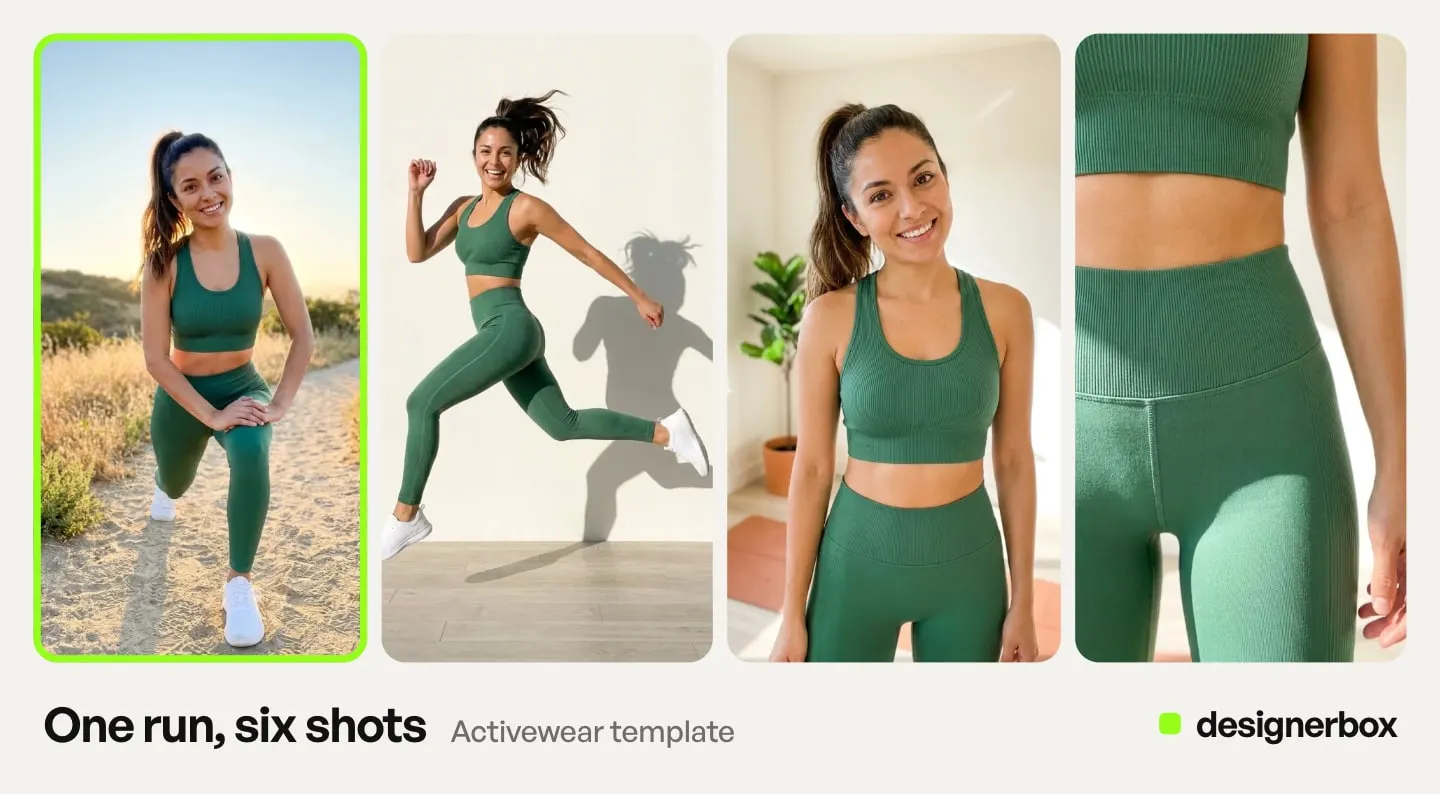
Video is a sixth register with its own economics. A garment photo can become a short fashion clip with a fashion video template, and our review of what the evidence supports for AI fashion video covers where it pays. AI video starts on the Premium plan. An 8-second clip costs 40 to 560 credits, depending on the model, so plan it separately from the stills.
Which platform rules govern each frame
The rules come from five sources, and a frame that runs on more than one channel has to pass all of them. Amazon governs the marketplace main image. Google Merchant Center governs anything in Shopping. Shopify caps the product page. Meta labels the ad. The EU AI Act governs disclosure wherever a European shopper sees the image.
What Amazon requires of an apparel main image
Amazon’s product image guide says the main image for clothing in adult sizes shows the item on a model, and the model must be standing. No part of a mannequin may show. The background must be pure white (RGB 255, 255, 255), and the product should fill 85% of the image. Children’s and baby underwear, leotards, swimwear and other tight-fitting items must be shown flat, with no model. Accessories and multipacks are shown flat, with no model. Amazon may remove a listing from search until the main image complies (Amazon product image guide, accessed September 2026).
For adult clothing on Amazon, a ghost mannequin frame has no standing model, so it cannot be the main image. It belongs in the extra images. Amazon’s older 2021 clothing guide, which Amazon marks as informational, names the ghost mannequin as an off-figure type for those images (Amazon clothing guide, Spring 2021, accessed September 2026). The clothing photography shot list Amazon requires goes crop by crop.
Amazon’s clothing guide says “Only photos are allowed” and rules out sketches and drawings. It does not say whether a photorealistic AI image counts as a photo (Amazon clothing image guide, accessed September 2026). Amazon also asks sellers to tag images that show a photorealistic person made fully by AI. You add the keyword contains-synthetic-performer to the XMP dc:subject field before you upload. Amazon then adds a disclosure where needed (G1881, accessed September 2026). Whether a generated frame passes the fit test is a separate question, answered below.
What Google Shopping requires
Google Merchant Center’s best practices for clothing and accessories say “Show clothing on models”, and ask merchants to avoid cropping the model’s head or feet in a full-body image. This is a best practice, not a minimum requirement. Google recommends showing shoes, handbags and accessories alone in the main image, and on a model in additional images (support.google.com, accessed October 2026). Google recommends 1500 x 1500 pixels or above (support.google.com, accessed October 2026). Until 31 January 2027, Google accepts images of at least 250 x 250 pixels for clothing. From that date it requires 500 x 500 pixels (support.google.com, accessed October 2026).
Google’s image link page carries the requirement that catches generated frames. Google says every image made with generative AI must keep metadata that says AI made it, such as the IPTC DigitalSourceType value TrainedAlgorithmicMedia. Do not remove it (support.google.com, accessed October 2026). Most resize and crop steps strip metadata by default, so check the file path before the feed goes live.
What Shopify caps
Shopify says 2048 x 2048 pixels usually displays best for square product images. It accepts files up to 5000 x 5000 pixels or 25 megapixels under 20 MB, and it caps a product at 250 images, 3D models or videos combined (help.shopify.com, accessed September 2026).
Two hundred and fifty sounds generous until a product has eight colorways at six frames each, which is 48, and you want a size-inclusive set per colorway. Generate to a plan, not to the cap. Shopify product page optimization covers the other fields on the page and the limit Shopify sets on each.
What Meta labels
Meta adds an AI info label to ads made or changed a lot with its own generative AI tools. If such an ad shows an AI-generated photorealistic person, the label sits next to the “Ad” label at the top of the ad (meta.com, accessed September 2026). Meta’s ad policy says that from 1 June 2026 it also checks ads for signs of third-party AI, such as C2PA metadata (transparency.meta.com, accessed September 2026). When it finds them, it adds an AI info label under “About this ad” in the three-dot menu. Meta says this may not be available in every region (facebook.com, accessed October 2026).
The practical reading for a fashion brand: a generated on-model ad made with a third-party tool usually gets its label in “About this ad”, and only when Meta detects a signal. The label moves next to “Ad” when an advertiser in the European Region, California, New York, India or Taiwan chooses to disclose. Plan the creative knowing which case you are in.
What the EU AI Act requires
Article 50 of the AI Act has applied since 2 August 2026. Article 50(4) requires deployers to disclose deep fakes at first exposure at the latest. The Commission’s FAQ says content counts when it resembles someone or something that exists, can plausibly exist or could have plausibly existed in reality (digital-strategy.ec.europa.eu, accessed September 2026).
The Commission published guidelines on Article 50 on 20 July 2026, and they give an advertising example. A generated product image can count as a deep fake if it can mislead people about how the product looks, for example by making it look more appealing or of higher quality than in real life. A real product shown against a generated background does not, as long as the ad does not mislead about the product. The guidelines also treat “realistic AI-generated human avatars or personas” as persons. This means a photorealistic AI model in a clothing ad is likely in scope, even if the person never existed (Commission guidelines, C(2026) 5054, accessed September 2026). The guidelines are not binding. This is general information, not legal advice. Our guide to labeling AI-generated fashion images covers wording and placement.
What to shoot and what to generate
Shoot one clean photograph of each garment, and shoot one unstyled worn frame for anything cut close to the body. Generate everything else. The garment photo is the input for every generated register, so it is the one shot the whole drop depends on.
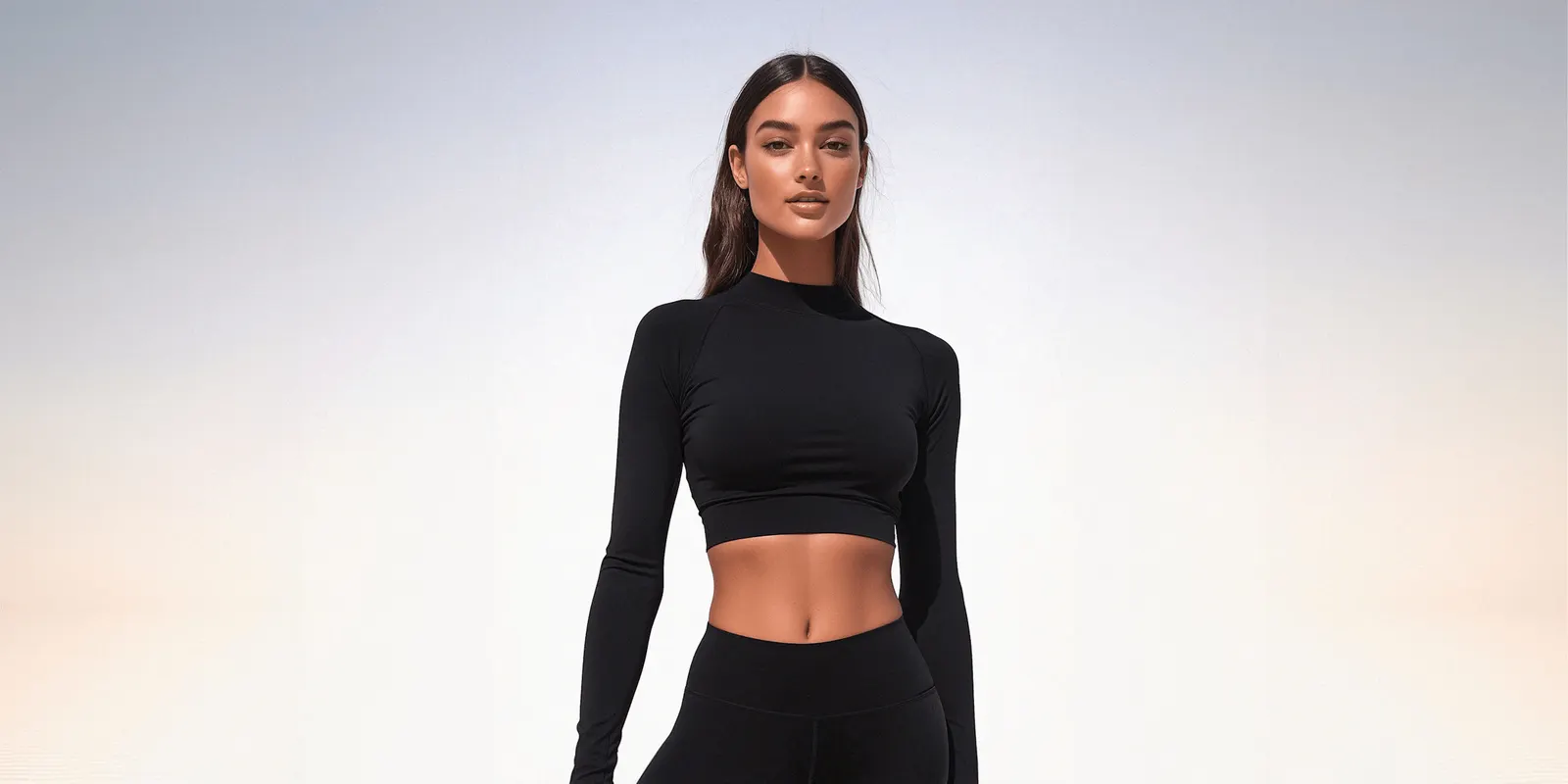
The garment photo. Flat lay or ghost mannequin, front and back, even light, no styling. This is what the model wears in every generated frame, and its resolution caps the resolution of everything downstream. The input rule for fashion visuals covers which garments need flat and which need a form. If you already have a cut-out, the DesignerBox Clothes without a model template makes the hollow-form version from it.
The unstyled worn frame. Baymard’s usability testing found that when apparel is tucked in, rolled up or pinned, shoppers cannot assess length and fit, and it recommends at least one basic unstyled image of the product worn on a model. The same research found shoppers judged mannequins and virtually rendered models harshly and recommended them only as a last resort. That finding was published in December 2020 and predates current generation quality, so check your own output at full resolution rather than take it as settled (baymard.com, accessed August 2026).
The reason this frame stays with the camera is not quality. A generated frame shows your garment on a body. It does not show how your garment fits that body, because nobody put it on. For a fitted blazer or a bias-cut dress, the plain worn frame is the one shoppers use to decide, and it is a phone, a friend and ten minutes.
The fabric families that generate badly. Cable knit, bouclé, shearling, suede and anything with a visible weave. The texture sits below the level generation resolves and flattens into a printed pattern. Test one piece per fabric family at full resolution before you plan a season around it, and shoot the detail crop for those pieces. How to test an AI fashion photography tool lists the five garments that show problems first.
Everything else generates. The styled product page frames, the lookbook, the location editorial, the paid social set. Our guide to on-model photography with AI covers matching a generated frame to the catalog you already shot, so the new drop does not look like it came from a different brand.
How to keep a whole drop on one model
Lock the model, the light and the lens before the first garment, and generate each look as a set rather than one frame at a time. Drift between frames is what makes a generated drop read as generated, and it comes from regenerating the person, not from the garment.
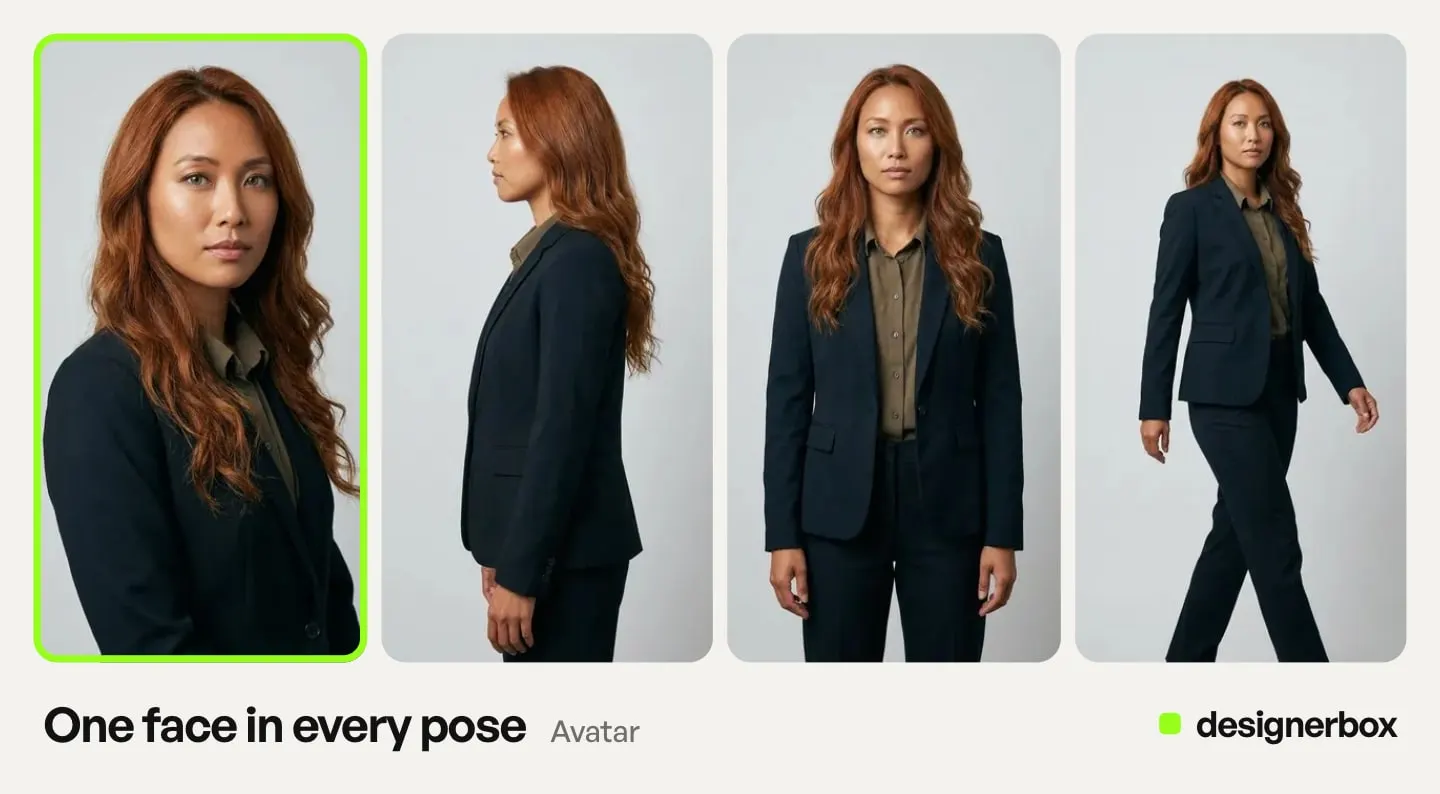
Three things hold a drop together, and none of them is location variety.
One identity. The same face, body and hair across every garment, and ideally into next season. A model saved once from a model creator template carries that across a drop. Baymard’s apparel testing found no shopper was deterred by a lack of body type range, so treat size-inclusive sets as an enhancement to add per bestseller, not a requirement on every SKU.
One lighting language and one lens register. You can move a look from a concrete plaza to a studio and still hold the set together if the key light sits in the same relationship to the subject and the focal length does not jump from wide to compressed. Write both down. In DesignerBox you set them once in a brand profile, and the workflow reads it on every run, so the next drop starts from the same settings.
Sets, not shots. Prompting a look frame by frame drifts. Generating the six frames of a look as one set, with the same reference and the same settings, holds it. Our guide to AI fashion photo sets explains what should vary between frames and what should not. Inside DesignerBox, the Clothes on a model app puts a garment on the model you choose, so every garment can go on the same model. Clothing Catalog turns one garment into four shots: front, three-quarter, back and a fabric close-up.
If the drop reaches a lookbook, the lookbook shot list sorts the frames by who reads them, which is a different cut from the product page set above.
What AI fashion photography costs for a 35-SKU drop
In DesignerBox, the cost of a set depends on the model you choose, and the cost is shown before the run. So price the drop from one real run: run the set for one bestseller, read the cost, and multiply by the SKUs in the drop. Then pick the plan. DesignerBox has a free plan, and it runs on sample products. To test your worst-case fabric before you commit a season, you need a plan that takes your own photos.
The shoot it replaces is priced by the day. One studio’s 2026 pricing guide puts a full day of product photography at $1,000 to $5,000 or more for the photographer alone, and lifestyle frames at $50 to $400 per image, from budget to premium tiers (larsmillermedia.com, updated March 2026, accessed September 2026). Add a model, hair and makeup, a stylist and retouching across 210 frames, and a drop is a five-figure line before the reshoot nobody budgets for. For the comparison, use the price of your own last shoot. If you hire out the fit and detail frames you still shoot, how to choose an ecommerce photography service compares the options.
What the plan does not cover is the part of the bill AI never touches: the sample, the garment photo, the fit frame, and the person who checks the output. Our worksheet on what cutting fashion photography costs really means itemizes the four lines that stay, and AI fashion photography ROI models when the switch from a studio breaks even.
Three plan gates apply. Uploading your own photos and the commercial license start on the Pro plan. AI video, virtual try-on, upscaling, the image editor and the video editor start on the Premium plan. Every plan below Ultra is one seat. Plans and credits are on the pricing page.
One number to keep in view while doing this math. NRF and Happy Returns estimated that 19.3% of online sales would be returned in 2025 (nrf.com, October 2025). The frames that reduce fit ambiguity are the ones you shoot, not the ones you generate, which is the second reason the unstyled worn frame stays on the list.
What the evidence says generated frames do to clicks
The one controlled experiment in this category measured generated backgrounds, not generated people. Czapp, Jani, Domián and Hidasi ran live A/B tests on retargeting ads across merchant catalogs that were mostly apparel and found a roughly 15% click-through gain from generated backgrounds against the original product images, with a range of 4% to 40% across merchants depending on catalog and image quality. The product itself was not modified in any way (arxiv.org, RecSys ‘24, October 2024).
The gain came from context around a real product, which is the method rule for every generated register: the garment pixels come from your photo, the scene is built around them. The study says nothing about generated models, because it never generated one, so any conversion lift quoted for AI models on apparel is a vendor claim until someone publishes the test. Our comparison of AI fashion model generators is written on that basis, and the model list names the image and video models DesignerBox runs.
How to run the first drop
- Photograph every garment flat or on a ghost mannequin, front and back. Even light, no styling, full resolution. This is the input for everything and the line sheet asset on its own.
- Shoot the unstyled worn frame for anything fitted. Phone, daylight, a person the garment fits. This is the frame Amazon’s guide and Baymard’s testing both want.
- Pick one bestseller and run its full set. Check the fabric at full resolution and check the fit against the worn frame. If the piece is a knit or suede, this is where you find out.
- Lock the model, light and lens in a brand profile. Save the steps as a workflow, then run it on the rest of the drop, one product after another, on the same identity.
- Download a size for each channel. White background at 85% fill for Amazon, 2048 square for Shopify, 4:5 and 9:16 for paid social, with the AI metadata intact for anything in Google Shopping, and the synthetic performer tag on Amazon images with AI-made people.
- Write the disclosure line before the campaign goes live. Decide whether a realistic person appears, decide where the label sits, and keep the decision with the assets.
For on-model frames without a model booking, virtual try-on puts the garment on a model, and the fashion brands page shows the same steps end to end. The catalog and marketplace still frames come from the same photo through AI product photography.
The first garment, built once
The drop is one garment photo, one worn frame, and five registers that each answer to a rule you can read before you generate a single frame. Photograph one bestseller flat, run its set, and check the fabric and the fit before you plan the rest of the season.
Then treat the drop as a run. You set the model, the light, the lens and the five registers once, on that first bestseller, and save them as a workflow. The other 34 SKUs go through the same workflow, one product after another, and so does the next season. A saved workflow runs the same way on the next product, and batch runs that workflow over a whole sheet of products at once.
Anyone can make an AI picture. Making hundreds that still look like your brand is the hard part. The garment photos, the on-model frames, the marketplace sizes and your brand rules stay in one account, so the 35th SKU comes from the same place as the first.
Start from a template, add your brand and your garment, and run it.
FAQ
Can I use AI fashion photography for Amazon main images?
Amazon’s clothing guide says “Only photos are allowed”, and it does not say whether a photorealistic AI image counts as a photo. Amazon’s product image guide states what an adult clothing main image must contain: the garment on a standing model, a pure white background, the product at 85% of the image, and no part of a mannequin. If the image shows a photorealistic person made fully by AI, Amazon asks you to add the contains-synthetic-performer tag before you upload. The practical risk is fit accuracy, so compare the generated frame against a photographed worn frame before it becomes the main image.
Do I have to disclose that fashion images are AI-generated?
In the EU, Article 50 of the AI Act has applied since 2 August 2026 and requires deployers to disclose deep fakes. The Commission’s July 2026 guidelines say a generated product image can be a deep fake if it can mislead people about how the product looks, and a photorealistic AI model is likely in scope. A real product on a generated background is outside the definition, as long as the ad does not mislead. Google Merchant Center requires every generative AI product image to keep metadata that says AI made it. Meta labels ads made with its own AI tools, and labels third-party AI ads when it detects signals such as C2PA.
Will a generated frame show how a garment fits?
No. The garment in a generated frame was never worn, so the frame cannot show how it fits. For fitted pieces, shoot one unstyled worn frame and use the generated frames for styling, setting and campaign. Baymard’s research recommends the unstyled worn frame for every apparel product for the same reason.
Which garments generate badly?
Pieces where the fabric is the selling point at stitch level: cable knit, bouclé, shearling, suede and anything with a visible weave. Generation tends to flatten the texture into a printed pattern. Smooth wovens, jersey, denim and tailoring generate well. Test one piece per fabric family at full resolution before committing a season.
Can the same AI model wear the whole collection?
Yes. Save the model once and use it for every garment in the drop, with the lighting and lens settings stored in a brand profile. Make each look as a set rather than frame by frame, because regenerating the person is where drift comes from. The same identity can carry into the next season, which a booked model rarely does.
What does AI fashion photography cost per drop?
In DesignerBox the cost depends on the model, and the cost is shown before the run. Run one bestseller’s set first, read the cost, and multiply by the SKUs in the drop. The garment photo, the fit frame and the review time are not in the plan.
Do generated fashion images work on Shopify product pages?
Yes. The result is a standard image file. Shopify says 2048 x 2048 pixels usually displays best for square product images and caps a product at 250 media files, so an eight-colorway product at six frames each uses 48 of them. Export at the recommended size and keep the same model across colorways.
Sources
- Adult clothing on a standing model, no part of a mannequin, pure white background, 85% of the image, children’s tight-fitting items flat, possible removal from search, and the contains-synthetic-performer tag: Amazon product image guide, accessed September 2026
- “Only photos are allowed” for clothing: Amazon clothing image guide, accessed September 2026
- Ghost mannequin as an off-figure type for extra images: Amazon clothing guide, Spring 2021, marked informational by Amazon, accessed September 2026
- Clothing shown on models as a best practice, head and feet not cropped, and shoes, handbags and accessories alone in the main image: support.google.com, accessed October 2026
- 1500 x 1500 recommended, and the requirement that generative AI images keep AI metadata: support.google.com, accessed October 2026
- 250 x 250 minimum for clothing until 31 January 2027, and 500 x 500 from that date: support.google.com, accessed October 2026
- 2048 x 2048 for square images, 5000 x 5000 or 25 MP and 20 MB maximum, and 250 media files per product: help.shopify.com, accessed September 2026
- AI info label on ads made with Meta’s own tools and its placement: meta.com, accessed September 2026
- Detection of third-party AI in ads from 1 June 2026: transparency.meta.com, accessed September 2026
- Label in About this ad, regional availability, and advertiser disclosure regions: facebook.com/business/help, accessed October 2026
- Article 50 applying since 2 August 2026, the deployer disclosure duty, and the deep fake definition: digital-strategy.ec.europa.eu, accessed September 2026
- Product image examples, “realistic AI-generated human avatars or personas”, and the non-binding status: Commission guidelines on Article 50, C(2026) 5054, published 20 July 2026, accessed September 2026
- Styled apparel obscuring length and fit, the recommendation for one unstyled worn frame, the December 2020 finding on rendered models, and model diversity as an enhancement on apparel: baymard.com, accessed August 2026
- Roughly 15% click-through gain from generated backgrounds on mostly apparel retargeting campaigns, 4% to 40% across merchants, product unmodified: arxiv.org, Czapp, Jani, Domián and Hidasi, RecSys ‘24, October 2024, accessed August 2026
- 19.3% of online sales returned in 2025: nrf.com, NRF and Happy Returns, October 2025, accessed August 2026
- Full-day photography rates of $1,000 to $5,000 or more and lifestyle frames at $50 to $400 per image: larsmillermedia.com, product photography pricing guide, updated March 2026, accessed September 2026
- DesignerBox plan gating and how run cost is shown: DesignerBox pricing page (designerbox.ai/pricing), September 2026
Platform rules verified from Amazon’s product image guides, Google Merchant Center, Shopify Help Center and Meta’s help and policy pages, and EU AI Act obligations from the European Commission’s Article 50 FAQ and guidelines, all as of September 2026. Google Merchant Center’s image pages and Meta’s AI label page were re-checked on 2 October 2026. Baymard’s finding on rendered models was published in December 2020 and predates current generation quality. Photography rates vary by market. Individual results vary. This is general information, not legal advice.