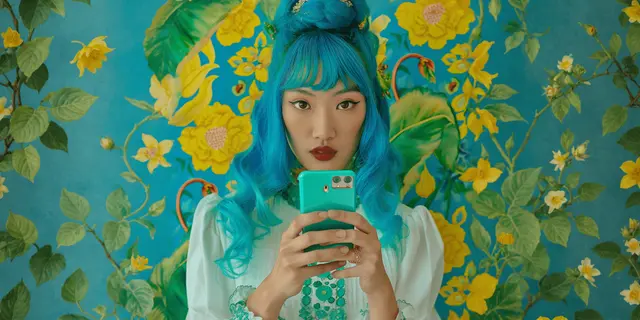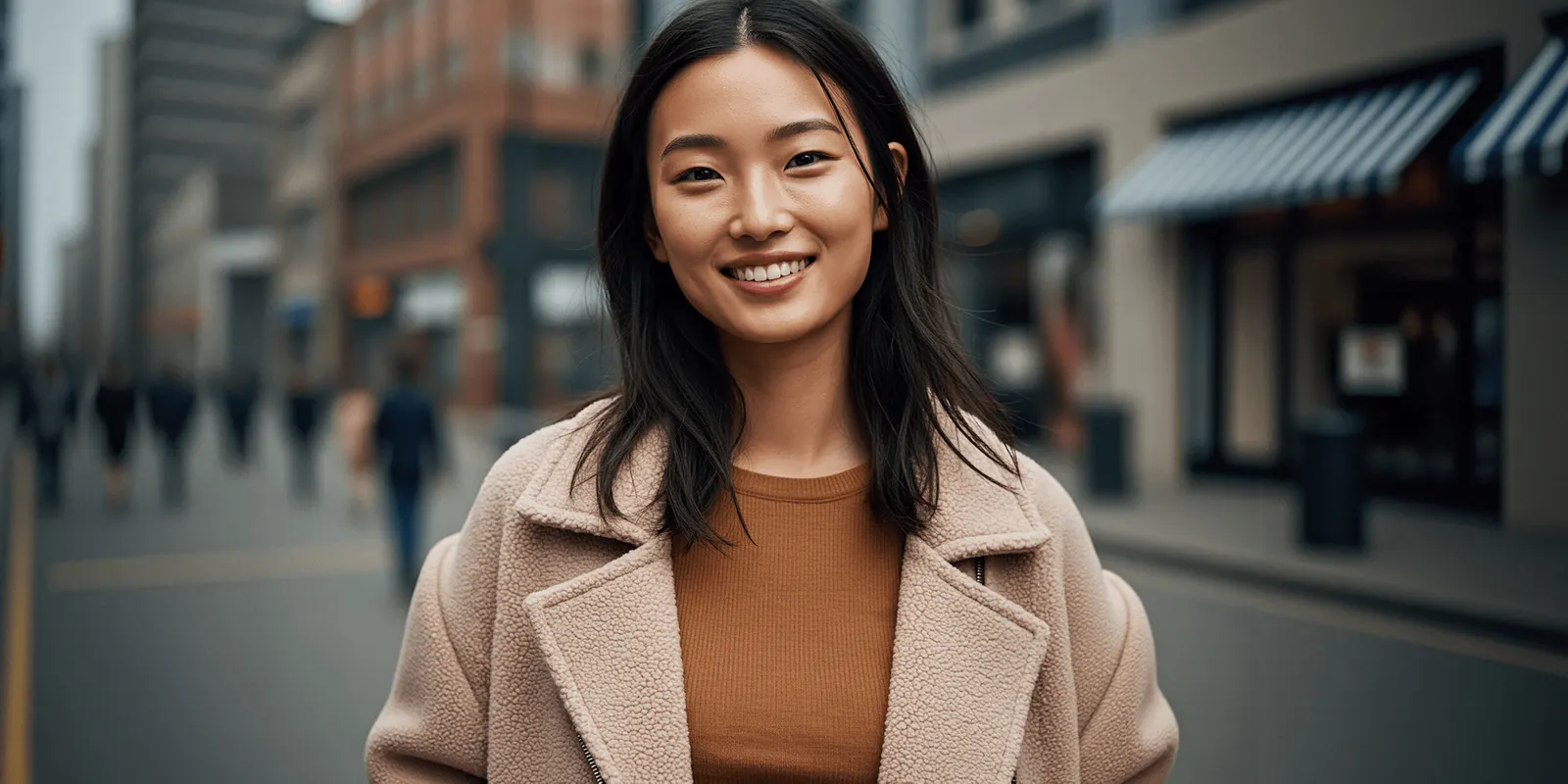
An AI fashion photo set is several images of one look, generated together from one locked model and one locked scene. Pose, angle and framing change on purpose. It is the unit a lookbook is built from. Generating those frames one prompt at a time gives you images of a similar look. Generating them as a set gives you a look, photographed several ways.
Open any lookbook a real photographer shot. The five frames of one outfit are the same person, in the same room, in the same light, standing differently. The variation is deliberate and narrow.
Now open a folder of five separately prompted generations of the same outfit. The face moved. The room changed height. The light warmed up on frame three. Each image is fine. The five together are not a look, and a merchandiser will tell you so in about four seconds.
Key Takeaways
- The unit of work is the look. Generate the whole set in one run, or accept drift inside it.
- Two things must stay fixed: the model and the set. Everything a viewer uses to judge continuity lives in those two.
- Four things should change: pose, camera angle, framing distance and light intensity. That is what makes a set read as a shoot.
- The cost of a set is shown before the run. Check it on screen before you plan a season.
- Your input photo decides garment fidelity. The set settings cannot add detail the photo lacks.
- The DesignerBox commercial license starts on the Pro plan.
Why shot-by-shot prompting drifts inside one look
Each generation is an independent roll. Nothing carries between them unless you make it carry.
That is fine when you want five different concepts. It is the wrong behavior when you want five views of one concept, because the model has no reason to keep the cheekbone, the ceiling height or the color temperature it chose last time.
Four things drift most, in roughly this order:
- The face. Small changes read as a different person, especially between a wide and a close crop.
- The set. Wall color, floor, backdrop distance, window position.
- The light. Direction and warmth, which is the one people notice last and dislike most.
- The garment. Collar shape, hem length, and how a knit falls.
Drift between drops is a separate and better-known problem, and the fix for it is a locked identity you reuse for months, which is covered in consistent on-model product images. Drift inside a single look is the version that ruins a lookbook spread, and it is solved earlier: by not generating the frames separately in the first place.
What an AI fashion photo set locks and what it varies
An AI fashion photo set holds identity and scene fixed and moves the camera. That inverts the default of separate prompts.
| Held across the set | Varied across the set |
|---|---|
| Model identity and face | Pose |
| Hair and styling | Camera angle |
| Garment and fit | Framing distance |
| Location or backdrop | Light intensity |
| Color grade | Composition |
DesignerBox’s Dress My Model app is built on that split. You add a model photo and your garment photos, and you name the look. The app dresses that model in your garment and returns three on-model photos per run, with the same face and the same garment in every shot (DesignerBox app page, October 2026). For garments, the fashion product photography page shows cutouts, on-model views and detail crops.
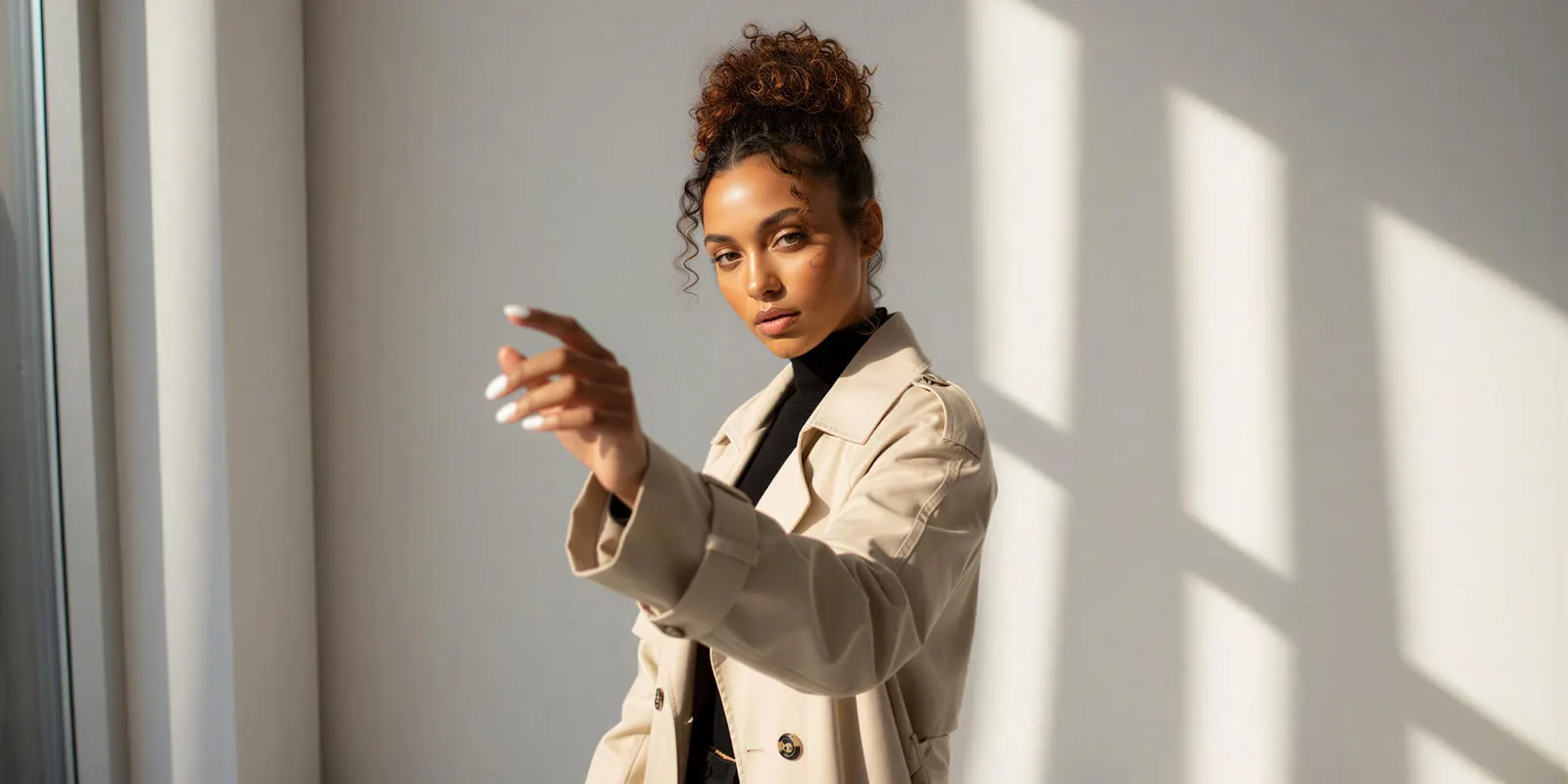
Keeping the varied settings out of one long prompt is the useful part. Written into a single prompt, “three-quarter angle, softer light” competes with every other clause for the model’s attention. The workflow behind the form plans the shots and writes one prompt per shot, so each frame gets its own instruction.
The three inputs, in order of impact
The garment photo carries the most weight. Everything downstream inherits what your input recorded. A flat lay that lost the weave gives you a set of five images that all lost the weave. Which input to shoot, and how, is worked through in how to create fashion visuals with AI. The set settings cannot recover detail the input never had.
The character decides whether the set is reusable. A model chosen once and reused across the season is what makes drop two look like drop one. Building that identity deliberately rather than accepting whatever appears is the whole subject of how to create an AI fashion model, and a model creator template is where you build the reusable version.
The template decides the genre. Editorial, street style, studio and lifestyle are different shoots with different rules, and the template picks which one before any frame renders. Choosing it after generating is the expensive order. For the editorial genre, AI fashion editorial tools sorts the tools by the frames an editorial needs.
For which underlying model suits fashion and editorial work, start from the model list and test one brief on two or three models. A model is one step in the workflow, so you can change it later without rebuilding the set.
How many frames a look needs
Fewer than you can generate, usually.
A product page and a lookbook want different counts, and both are driven by the channel rather than by the tool. The per-channel numbers are in ecommerce product photography, and the ordering question, which shot earns the first slot, is a conversion decision rather than a production one. For a lookbook, the book tool you publish in also sets the count, as the three layers of a digital lookbook explains.
The production rule is narrower: generate the set at the count the channel needs plus one or two, and cut the weak frames. Selecting down from eight is cheaper than going back for a ninth, because going back means a new run and a new roll of the dice on continuity. Planning the whole shoot around those counts is covered in how to plan a clothing brand photoshoot.
Cost of a set
In DesignerBox, the cost of a set is shown before the run. The model you pick and the number of photos both change it. Uploading your own photos and the commercial license start on the Pro plan. AI video, virtual try-on, upscaling, the image editor and the video editor start on the Premium plan. Plans and credits are on the pricing page.
Two cost notes worth planning for:
The frame count is the lever. A set of eight costs more than a set of five on the same model, so decide the count from the channel before you run it rather than generating the maximum by habit.
Rejects are the real budget line. Nobody ships every frame. The number that decides your cost per usable image is how many you keep, which is the argument in AI fashion photography at scale: shopping on per-image price without knowing your acceptance rate tells you almost nothing. The three numbers that decide the return are in AI fashion photography ROI.
Where a set still fails
Be honest about the edges, because they decide whether this replaces a shoot or feeds one.
Fit claims. A generated set shows a garment on a body. It does not measure how that garment fits that body. Anything a customer would size from still needs a real reference.
Complex construction. Heavy tailoring, structured outerwear, pleating and anything with hardware hold up worse than jersey and knitwear across pose changes.
Fabric behavior in motion. A still set will not tell you how a hem moves. That is a video question.
Faces at close crop. The tightest frame in a set is the one most likely to break identity. Put the close crop in the set rather than generating it separately, and check it first.
How to run your first set
- Shoot or pick the garment input that holds texture at full resolution.
- Lock the character you intend to reuse for the season, not only for this look.
- Pick the template that matches the genre: editorial, street, studio or lifestyle.
- Set the count to the channel requirement plus two.
- Vary pose, angle, distance and light intensity. Leave identity, garment and location alone.
- Review the tightest crop first. If the face broke there, rerun the set rather than patching one frame.
- Save the run as a workflow so the next drop is a rerun rather than a rebuild.
Step 7 is what turns this from a task into a system. A saved workflow holds that loop.
Build the set once on look one, with the character, the template and the four camera settings decided. A saved workflow runs the same way on look two and look forty, because the standard is stored in the workflow. You set the character and the brand once, and the workflow reads them on every run. Every set is saved in Assets, so the season sits in one library. You can also run the same workflow from an AI chat such as Claude, ChatGPT or Cursor through the DesignerBox MCP server. Batch runs one workflow over a whole sheet of products. Reusing the character across the season is the model pose set side of the same job.
Nothing moves to a second tool between the garment photo and the finished page. The set, the image editor, the video editor, brand and Assets sit in one place. The full workflow from the first product photo to the finished ad, in one subscription.
The first look, built once
Take one garment, lock one character, and run one set. Judge it as a spread rather than as five images, because that is how a merchandiser and a customer will see it. Then run the second look with the same character and check whether drop-level consistency held. Start from a template, add your brand and your garment, and run it.
FAQ
What is an AI fashion photo set?
An AI fashion photo set is several images of one look, generated together from one locked model and one locked scene. Pose, camera angle, framing and light are varied deliberately. It is the difference between five views of an outfit and five separate images that happen to show similar clothes.
Why do my AI fashion images look inconsistent across one outfit?
AI fashion images drift because each generation is an independent roll. Nothing carries between separate prompts, so the face, the set, the light and the garment details all change. Generating the frames as one set holds identity and scene fixed while varying only the camera.
How many images should one AI fashion set have?
Generate the count your channel needs plus one or two, then cut the weak frames. In DesignerBox, the Dress My Model app returns three on-model photos per run (DesignerBox app page, October 2026). Selecting down is cheaper than running the set again for one more frame.
What should stay the same across a fashion photo set?
Model identity, hair and styling, the garment, the location and the color grade. Those five are what a viewer reads as continuity. Pose, camera angle, framing distance and light intensity are the ones to change.
Does a photo set cost less than generating images one at a time?
Compare the two on screen. DesignerBox shows the cost of a run before you start it, for a set and for a single image. The larger saving is continuity: one run resolves the model and the scene once, so fewer frames drift and fewer need a second run. Confirm current plan allowances on the pricing page before budgeting a season.
Can I use AI fashion photo sets commercially?
The DesignerBox commercial license starts on the Pro plan. Check the current terms on the pricing page before a season goes live.
Will a generated set show how a garment fits?
No. It shows a garment on a body. Anything a customer would size from still needs a real measurement source, and complex tailoring holds up less well across pose changes than jersey and knitwear. Dresses are the sharpest case, and AI dress photography sets out which frames still need a capture behind them.
Sources
- Dress My Model inputs (model photo, garment photos, look name), the three on-model photos per run and the workflow steps behind the form: DesignerBox Dress My Model app page (designerbox.ai/apps/dress-my-model), accessed 2 October 2026
- Plan allowances and commercial license gating: DesignerBox pricing page (designerbox.ai/pricing), accessed September 2026
App inputs and results verified from the DesignerBox Dress My Model app page on 2 October 2026. Plan allowances change; confirm on the pricing page before planning a season. Individual results vary.