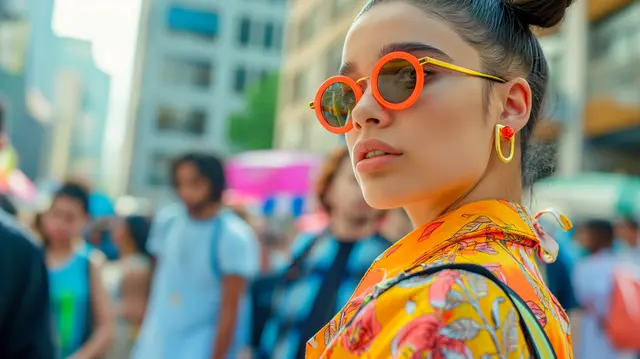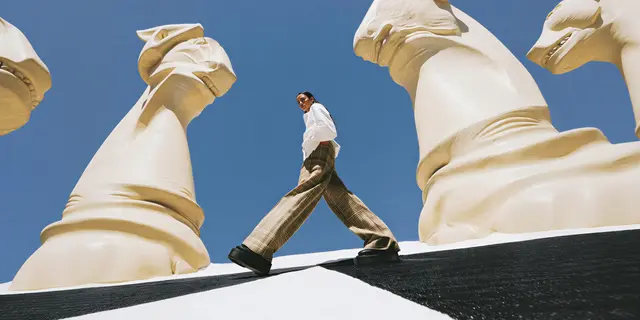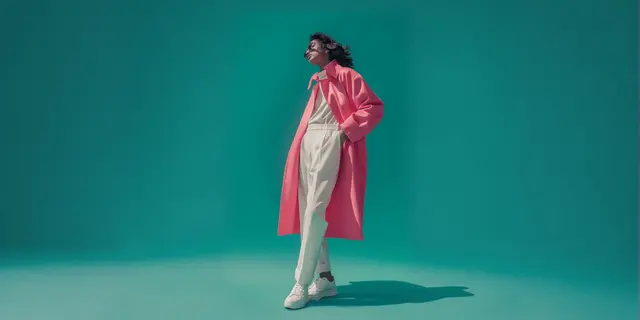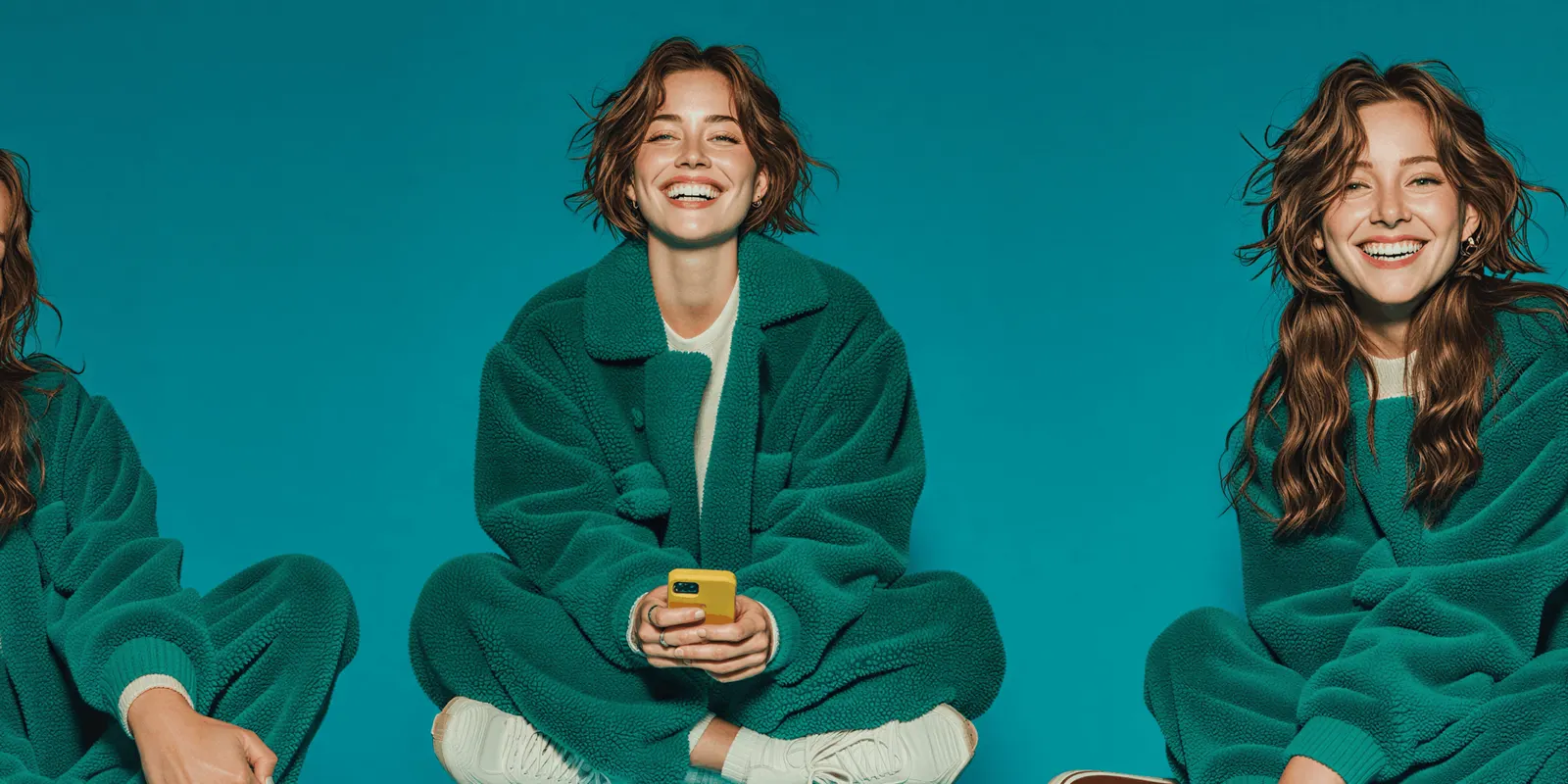
On-model photography shows a garment worn on a person rather than laid flat. The images you already shot limit a move to AI more than image quality does. New AI shots land on the same product grid as your archive, so the test is whether a new image belongs to the set you already have.
This test is easy to run backwards. You generate one image, open it full-screen, decide it looks convincing, and approve the switch. Then it goes live in a category grid next to eleven images shot in a studio two years ago. A customer who could never describe why says the row looks off.
This guide is for a brand that already shoots on-model and wants to add AI to it. It covers what has to match, which slots in your shot list to move first, how to check in ten minutes, and the case for changing your archive instead of your prompts.
Key Takeaways
- Your archive is the constraint, not the model. A generated image only has to survive comparison with the images already sitting beside it on the PDP.
- Sequence, do not switch. Rank every slot in your shot list by how tightly your existing images dictate it, then move the loosest ones first.
- Four things have to match: light direction and hardness, camera distance and crop, background color, and model identity if repeat faces are part of your look.
- The tile test settles arguments. Put nine archive images in a grid, swap one for the AI shot, and ask someone to point at the odd one out.
- Normalizing the archive is often cheaper than forcing generation to match four years of inconsistent lighting.
- Some slots stay shot. First-sample fit reference, garments where drape is the product, and campaign heroes where the model is the story.
What is on-model photography?
On-model photography is any product image where the garment is worn by a person. It sits opposite off-figure imagery, which covers flat lay, ghost mannequin, and hanger shots. For apparel it does two jobs a flat photo cannot: it shows scale against a body, and it shows how the fabric falls when someone moves in it.
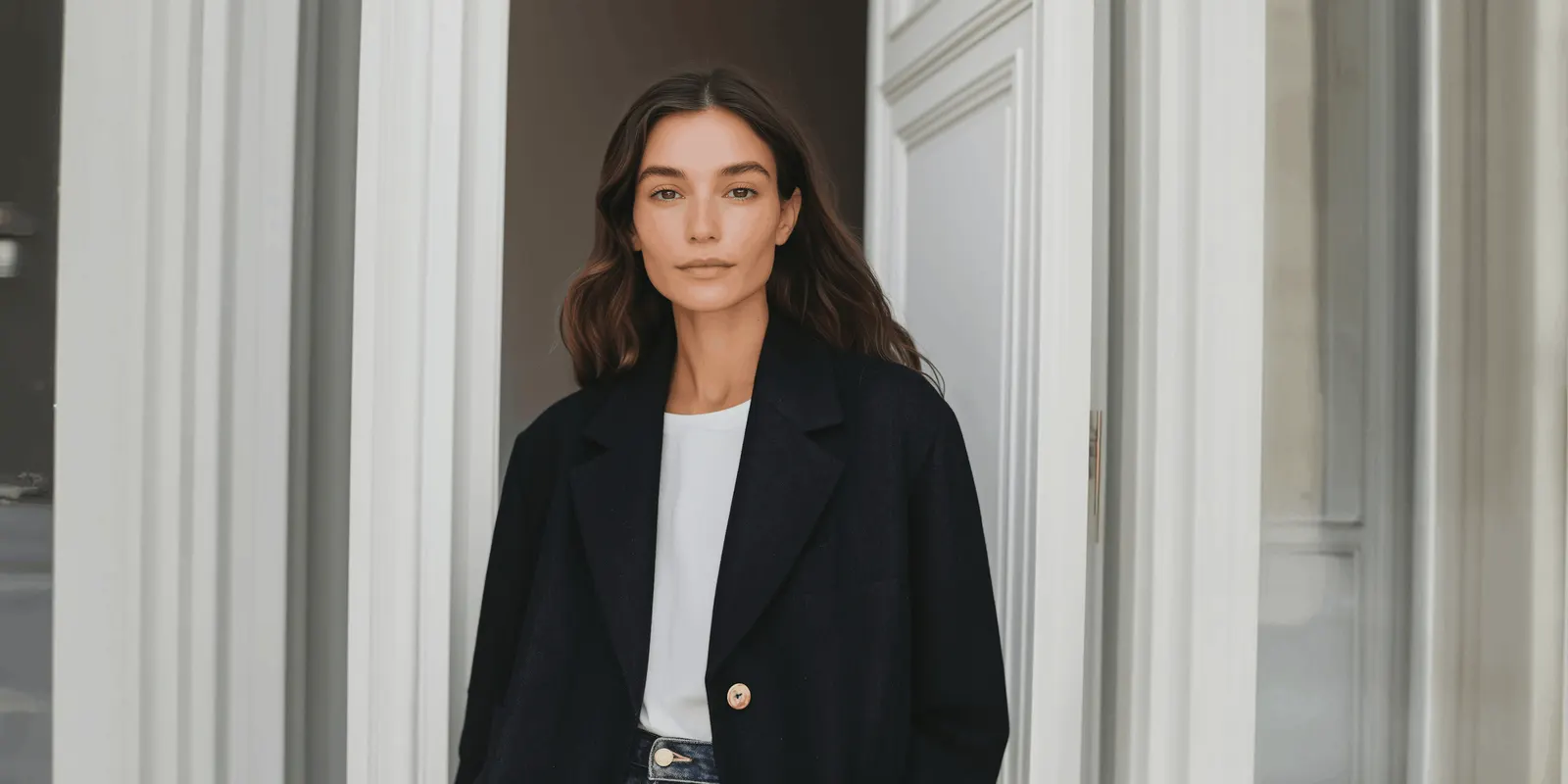
Every sales channel treats the two differently, and most apparel categories expect a worn or worn-shape image in the main slot. The ghost mannequin route covers the channel rules in detail, including which marketplaces accept a worn shape with no person in it. Amazon is the strict case: for adult clothing, its main image shows the item on a standing model, and no part of a mannequin may show (Amazon Seller Central, September 2026). Lingerie product photography sets out how that lands on intimates, alongside the Google and Meta limits. Athletic clothing is the other exception, with its own crops for leggings and sports bras and a rule that can put the back view in the main slot, covered in activewear product photography.
Why AI on-model shots fail beside an existing catalog
A generated image is judged in isolation exactly once, by you, at approval. After that it is only ever seen in company. It appears in a category grid of twelve thumbnails, in a PDP gallery of six, in a search result row, in a cart.
Shoppers do not audit images. They register a break in pattern, which reads as inconsistency, which reads as a brand that is not paying attention. Nobody articulates it. It still costs you.
There is measured evidence that the image itself moves behavior rather than being decoration. A RecSys ‘24 industry paper ran live A/B tests on retargeting campaigns across merchant catalogs of a few thousand to several tens of thousands of items, mostly clothing, footwear and accessories. Swapping original product images for generated backgrounds produced roughly a 15% click-through gain, all results significant at p<0.05 (arxiv.org/abs/2408.12392, October 2024).
The number worth taking from that paper is the spread. Across merchants the gain ran from 4% to 40%, and the authors attribute the variation mainly to the merchant’s catalog, the ad placements and the quality of the original product images. The same generation, dropped into different libraries, produced results that differ by an order of magnitude. Your existing library sets your ceiling. Those figures are retargeting audiences and still images from October 2024, so treat them as direction rather than a forecast.
Rank your shot list by how much the archive constrains it
You do not migrate a catalog. You migrate slots, in an order set by how much your existing images dictate each one. Score every slot in your shot list against a single question: if this image looks slightly different from the archive, who sees them side by side? Before you move a whole slot, run it as a 10-product pilot and compare returns with products you left alone.
If you have not fixed the slots themselves yet, the clothing photography shot list sets out the six Amazon names and the crop it wants for each garment category.
| Slot | Archive pressure | When to move it |
|---|---|---|
| New product, no archive | None | First. Nothing to match, so set the new standard here |
| Paid social and email creative | Low | Early. It never sits beside a PDP image |
| Landing page and campaign imagery | Low | Early. Different look is expected |
| Secondary PDP slots (back, detail, styling) | Medium | Once the four checks below pass consistently |
| Repeat-model shots | High | Only after model identity is locked and reusable |
| Main PDP and category thumbnail | Highest | Last. This is the image that sits in a grid of eleven others |
The order is the whole method. A brand that starts with the main PDP image gets its hardest comparison on day one, fails it, and concludes AI on-model photography is not ready. A brand that starts with next season’s new drop has no archive to match, ships, and builds the reference set that later drops match against.
New products are the free move here. They carry no comparison, so they set the standard rather than chase one.
The four things that have to match
When an AI image does have to sit beside a photographed one, four variables decide whether it reads as the same set. All four are checkable, and none of them are about whether the model looks real.
| What | What to check | Common failure |
|---|---|---|
| Light | Key direction, height, and shadow edge hardness | Generated shots default to soft, even, frontal light. Archive studio light is usually harder and off-axis |
| Framing | Crop point, headroom, head-to-frame ratio | The garment sits at a different scale in the frame, so the row looks unaligned |
| Background | The actual RGB value, not the label | Studio white is rarely 255, 255, 255. Generated white usually is |
| Identity | Face, body, skin tone, hair | A new face across a category that used one model reads as a different brand |
Background is the one that surprises people. A backdrop lit in a real studio carries a gradient and a color cast. Generated backgrounds tend to be flat and clinical. Sample the pixel values in both before you argue about it.
Identity is the expensive one. If a single model runs through hundreds of your existing images, matching that look is a separate problem from generating a good image, and it needs a locked reference rather than a prompt. The four locks for identity, lighting, framing and garment fidelity cover the mechanics, and the step-by-step for putting a garment on a model from a flat photo covers what to feed the model in the first place.
The tile test, and how to run it in ten minutes
Stop reviewing images full-screen. Review them at the size a customer sees them.
- Pull nine images from your live catalog that sit near each other in a category grid.
- Build a 3x3 grid at thumbnail size, roughly 300 pixels a side.
- Swap one archive image for your AI candidate. Do not tell anyone which image you swapped.
- Ask three people who have not seen either version to point at the odd one out.
- If two of the three find it, the image is not ready. Note which of the four variables gave it away and fix that one.
The test costs nothing and it converts an aesthetic argument into a result. It also tells you what to fix, because whoever spots the odd tile can usually say why in four words.
Run it per category, not once per brand. Outerwear shot on a hard key and knitwear shot on a softbox are different matching problems even inside one catalog, and gauge decides how a knitwear shoot behaves before lighting enters the argument.
Fix the archive before you match to it
Before you spend weeks tuning generation to match your archive, check whether your archive is worth matching.
If your existing on-model images were shot across three years by two or three photographers, they already disagree. Lighting drifted, the backdrop was replaced, the crop convention changed when the site was redesigned. You are matching an average of several standards, which no generation setting can hit, because the target does not exist.
Normalizing the old images to one standard is frequently the cheaper half of the job. Relighting an archive to a single key and cleaning inconsistent backgrounds is a repeatable operation. Tuning a model to reproduce four historical lighting setups is not. On DesignerBox, both run as saved workflows: a relighting template relights existing images to one lighting standard, and the product imagery templates clean the images you inherited from vendors and never controlled.
Do the math on your own numbers before you commit. Counting the images before a catalog photoshoot gives you the forward number: products, times colors, times shots. If the archive is 200 images and the forward plan is 3,000, normalizing 200 is obviously right. If the archive is 40,000 and stable, match it instead.
What still needs a real shoot
Three slots do not move, and saying so first protects the rest of the plan.
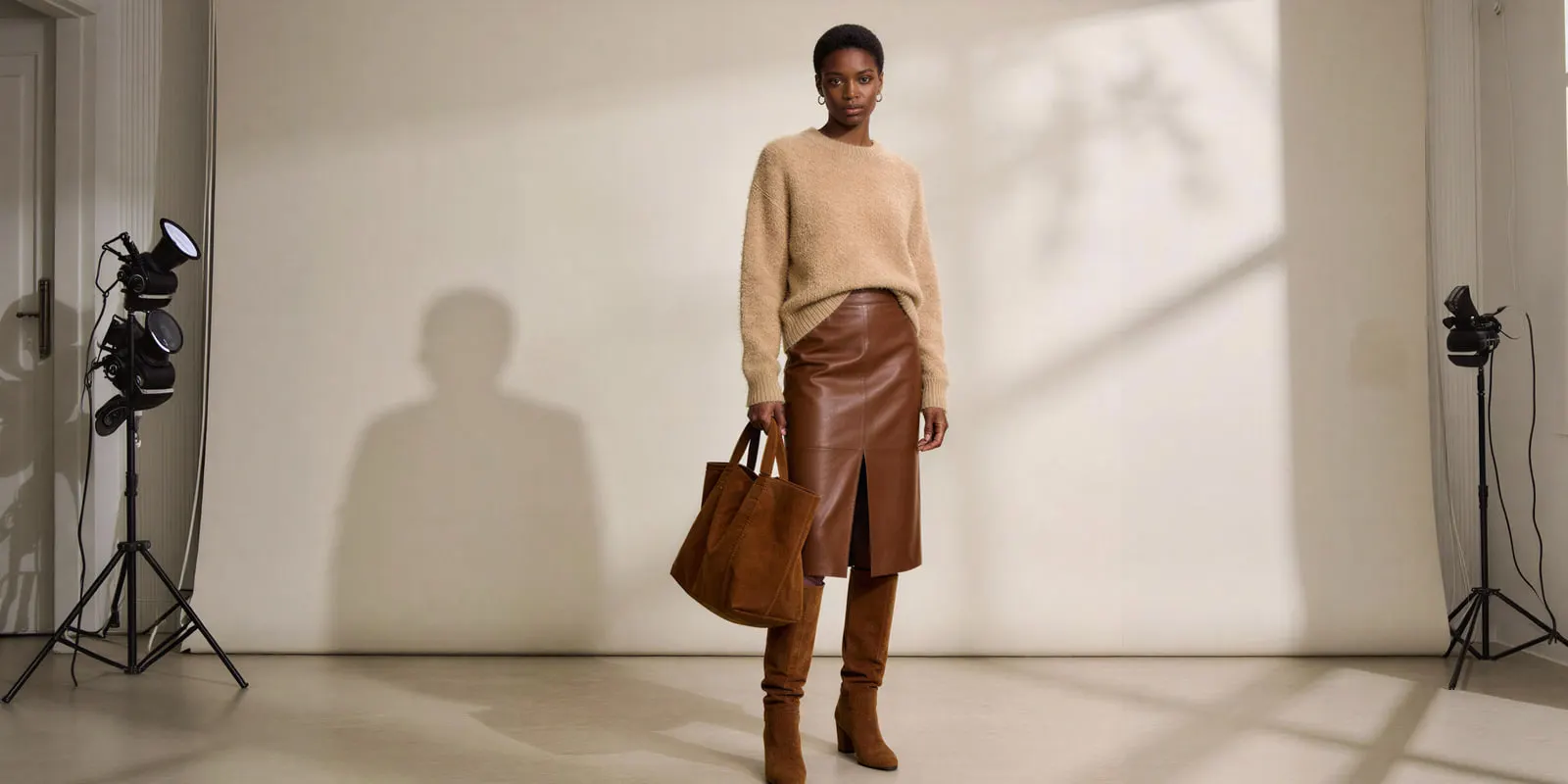
First-sample fit reference. Somebody has to put the first production sample on a real body and confirm it fits before anything is generated from it. AI cannot tell you a sleeve runs short.
Garments where drape is the product. Heavy knits, bias-cut silk, technical outerwear with a specific fall. If the way the fabric moves is the reason someone buys, film or shoot it.
Campaign heroes where the model is the story. A named face, a signed talent deal, a campaign built around a person. That is a casting decision, not an imaging one.
Accessories sit slightly outside this list, because the body is carrying a load rather than wearing a shape. Editorial bag photography sets out the strap tension, stance and hardware tells that decide whether a carried frame survives review, and AI virtual models for non-clothing products covers the three places a held product breaks that a worn garment never does. For tools by product type, AI on-model photography tools sorted by product covers shoes, jewelry, eyewear, bags and hats.
Everything else is a candidate. Which candidates are worth moving depends on your first-pass acceptance rate, and the number that decides what a catalog costs explains how to measure it before you scale. For the money side, the three numbers that decide AI fashion photography ROI are the shots you would have paid a studio for, the minutes to approve one image, and the fixed cost of the setup.
One external requirement now constrains the shot itself. Google builds its own try-on images from the garment photos in your shopping feed. Its requirements ask for images of at least 512 x 512 pixels, ideally 1024 pixels or higher, with one garment on one front-facing model or mannequin in a simple pose, or laid flat. Its best practices add a model facing forward with arms down (Google Merchant Center Help, September 2026). The returns evidence behind that feature covers the spec and what it means for a catalog shot list.
Disclosure, and the date that matters
If you sell into the EU, Article 50 of the AI Act has applied since 2 August 2026. Under Article 50(2), the companies that provide AI tools must mark AI-generated images in a machine-readable way. Under Article 50(4), deployers must disclose deep fakes, and a realistic AI model can count as one (European Commission FAQ on Article 50, September 2026). The AI Omnibus, Regulation (EU) 2026/1744, in force since 27 July 2026, gives providers of generative systems already on the market until 2 December 2026 to add machine-readable marks (European Commission, September 2026). The deployer duty to label deep fakes has no grace period. This is general information, not legal advice.
The marking is the tool maker’s duty, but it changes what your assets carry and what a customer or a marketplace can detect. The practical implications for a fashion catalog sit in labeling AI-generated fashion images.
One on-model standard for every garment
DesignerBox is AI creative production for brands and agencies. For this job, that means one matched on-model standard on every new garment. Anyone can make an AI picture. Making hundreds that still look like your brand is the hard part. Matching the fortieth garment to the first decides whether the switch holds. For apparel, the fashion brands page shows how flat garment photos become on-model sets.
You pick the image model for each step when you build the workflow, and every run after that uses it. A template comes with its image model already picked. Finding the image model that matches your archive is a test you run. Once a category passes the tile test, save the settings that passed as a workflow. The next drop then runs with the same key direction, crop point and background value. A saved workflow runs the same way on the next product, and batch runs it over the whole sheet at once.
The Dress my model app puts a garment on your model, and a marketplace listing template builds the listing set. The relight, the on-model shot and the listing set are made in one place. The full workflow from the first product photo to the finished ad, in one subscription.
You see the cost of each run before you start it, so you know what a tile test on one category costs before you decide anything. There is a free plan.
Uploading your own photos and the commercial license start on the Pro plan. AI video, virtual try-on, upscaling, the image editor and the video editor start on the Premium plan. Team features, shared brand kits and white label are on the Ultra plan, and every plan below Ultra is one seat. Plans and credits are on the pricing page.
Start from a template, add your brand and your products, and run it. See the templates.
FAQ
What is the difference between on-model and off-figure photography?
On-model photography shows the garment worn by a person. Off-figure covers everything without one: flat lay, ghost mannequin, and hanger shots. Most apparel categories expect a worn or worn-shape image in the main product slot, with off-figure images filling secondary slots. Check the current guide for every channel you list on, because the rules differ by marketplace and by clothing subcategory.
Can AI on-model images sit next to photographed ones in the same catalog?
Yes, and a catalog can run a mix for a long time. Whether it works depends on four variables matching: light direction and hardness, crop and framing, background color value, and model identity. Test at thumbnail size in a grid rather than full-screen, because that is the size at which a mismatch is visible to a customer.
Which product images should I move to AI first?
Start with slots that have no archive to match. New products in a new drop, paid social creative, email, and landing pages all sit outside the PDP grid, so a slight difference in look costs nothing. Move the main PDP image and category thumbnail last, because those sit directly beside your existing images.
Do I need to relight my existing product photos?
Only if they disagree with each other. An archive shot over several years by different photographers usually carries several lighting standards, and no generation setting can match all of them at once. Normalizing a few hundred old images to one standard is often faster than tuning generation to reproduce inconsistent historical setups.
Does AI on-model photography replace the photoshoot completely?
No. First-sample fit reference needs a real body, garments where drape is the selling point need real footage, and campaign work built around a named face is a casting decision. The realistic outcome is fewer shoot days covering fewer slots, not zero shoot days.
How many images do I need before I can judge the output?
Nine from your live catalog plus one candidate. The tile test works at that size because it reproduces the comparison a customer makes. Judging one image on its own tells you whether it is a good image, which is not the question your catalog is asking.
What tier do I need for a catalog retrofit?
Pick the plan by the results you need. Uploading your own photos and the commercial license start on the Pro plan. Virtual try-on starts on the Premium plan. There is a free plan, and it runs on sample products. You see the cost of each run before you start it.
Sources
- Czapp, Jani, Domián, Hidasi, “Dynamic Product Image Generation and Recommendation at Scale for Personalized E-commerce”, industry track, 18th ACM Conference on Recommender Systems (RecSys ‘24), arxiv.org, October 2024
- European Commission, “Transparency obligations under Article 50 of the AI Act”, digital-strategy.ec.europa.eu, accessed September 2026
- European Commission, “AI Omnibus enters into force”, digital-strategy.ec.europa.eu, 27 July 2026, accessed September 2026
- Amazon, product image requirements for clothing, sellercentral.amazon.com, accessed September 2026
- Google Merchant Center Help, “About apparel virtual try-on”, support.google.com, accessed September 2026
- DesignerBox plan pricing, credit allocations and feature gating: DesignerBox pricing page (designerbox.ai/pricing), September 2026
Research figures, regulatory dates and plan detail verified from the sources listed above as of September 2026. The RecSys figures cover retargeting audiences and still images only, and are not restamped with a fresher date. The figures were re-checked against the paper on 2 October 2026. Channel image rules change; check the current guide for every marketplace you list on. This is general information, not legal advice. Individual results vary.