AI images that don’t look AI-generated start from a photograph of your real product rather than a sentence describing one. A description returns a category average, and average is what reads as generic. A photo gives the model real stitching, logo placement and proportions to follow. Fix that input first, then correct texture and light in editing passes instead of rerolling.
You have seen the output. The lighting is beautiful, the composition is clean, and the product is subtly wrong. The logo sits a few millimeters off. The stitching runs the wrong way. The cap is the right color but the wrong shape. Nobody on the team can say exactly what is off, and everyone agrees it cannot ship.
That failure usually comes from the brief. The model did exactly what you asked: it drew a convincing example of the category you described. You wanted your product, and you gave it a sentence.
This covers the tells that give AI imagery away, the real cause under each one, and the fixes that hold up on a product detail page or in a paid ad.
Key Takeaways
- Anchoring beats prompting. A description generates a category-average product. A real product photo as input starts the render from your product. This one input decides most of the outcome.
- Researchers have cataloged the tells. Peer-reviewed research groups them into anatomy, style, function, physics, and cultural plausibility, and human reviewers notice anatomy most (arxiv.org, October 2026).
- People spot it most of the time. Study participants correctly identified AI-generated images 76% of the time, and accuracy climbed to 82% when they looked for 20 seconds (arxiv.org, October 2026).
- Obvious AI costs trust. 32% say low-quality or generic AI content from brands makes them trust brands less (Klaviyo’s own survey of 8,000 consumers, klaviyo.com, October 2026).
- Fix texture and light before you fix the prompt. Waxy surfaces, doubled shadows, and cinematic over-saturation are the most common giveaways after anatomy.
- Correct in passes instead of rerolling. A reroll throws away the product accuracy you already have.
- Set the decision once, apply it to the set. Model, light and framing fixed in a workflow are what keep product five looking like product one, which is where campaigns usually drift.
Why do AI images look fake?
The input causes most generic output. A text prompt asks the model to produce a statistically typical member of a category. It returns the average of everything it has seen labeled “sneaker on a plinth”. Average is exactly what reads as generic. When the render starts from a photograph of a specific object, the model has that object’s real geometry, materials, and markings to work from.
This is why swapping models rarely fixes a generic result. The same brief that produced a plausible-but-wrong bottle in one model produces a plausible-but-wrong bottle in the next one, because plausible-but-wrong is what a description asks for. The missing piece is a reference.
The second-order effect matters more for brands. A category-average product is on-brand for nobody. Every asset drifts a little further from the real thing, and the drift compounds across a campaign until the ads and the product page look like two different companies.
What are the tells that give an AI image away?
Researchers have cataloged the giveaways rather than guessed at them. A CHI 2025 study of diffusion-generated images of people sorted artifacts into five groups: anatomical implausibilities, stylistic artifacts, functional implausibilities, violations of physics, and sociocultural implausibilities. When participants explained their reasoning, 61% of comments pointed at anatomy and 30% at style (arxiv.org, accessed October 2026).
The same study is a useful reality check on how much you can get away with. Participants correctly identified AI-generated images 76% of the time and real photographs 74% of the time. Detection of AI-generated images improved with attention: 72% accuracy after one second of viewing, rising to 82% after twenty seconds (arxiv.org, October 2026). A shopper comparing two listings is closer to twenty seconds than one.
| The tell | What causes it | The fix |
|---|---|---|
| Hands, fingers, and grip | Anatomical implausibility, the most-noticed artifact class | Composite from a real hand reference, or keep hands out of frame |
| Garbled text on packaging | Text is drawn as shapes, not typed | Anchor to a photo of your real packaging, or pick a model with native text rendering |
| Waxy, plastic, over-smoothed skin | Stylistic artifact from aggressive smoothing | Retouch the real texture instead of regenerating the surface |
| Shadows falling two directions | Physics violation, no single committed light source | Relight from the source photo and commit to one key light |
| Uncanny symmetry and spotless surfaces | The model averages toward the mean of its training data | Art-direct asymmetry, wear, and a real scene reference |
| Cinematic gloss and over-saturation | Stylistic artifact, the house look of the default settings | Pull saturation back to your actual brand palette |
| Product detail that is subtly wrong | The render was built from a description of the category | Anchor the generation to your real product photo |
The last row is the one that matters. The first six are craft problems that retouching can fix. The seventh is structural, and no amount of retouching saves an image of a product you do not sell.
Does anchoring to a real product photo fix it?
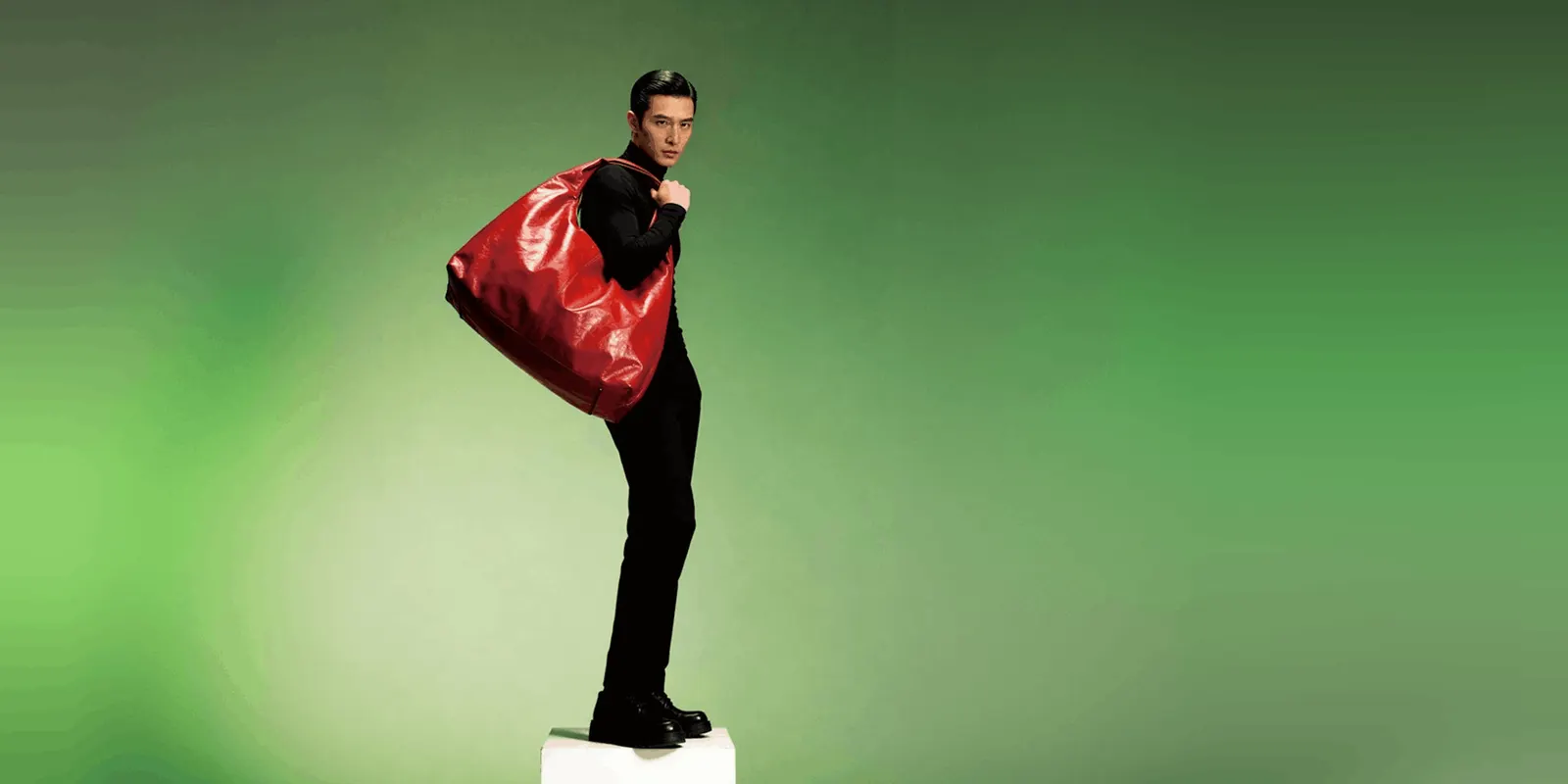
It fixes the category of error that retouching cannot reach. Anchoring means the generation starts from a photograph of the real object. So the model starts from your product’s shape, finish, logo placement, and proportions rather than from its own idea of the product. It can still change a logo or a seam, so check every result against the real product. Craft tells still need craft fixes. Product accuracy needs the right input, and it is the error people notice on a product page. AI for product photography sorts the common AI jobs by whether they edit your photo or redraw the product.
In practice the input hierarchy runs like this. One clean photo of the real product is the floor. Multiple references are better, because they pin down what the object does from more than one angle. Kontext Multi, which runs FLUX.1 Kontext from Black Forest Labs, is one option for this. BFL’s own Kontext API takes up to 4 input images and labels images 2 to 4 “Experimental Multiref” (docs.bfl.ai, accessed September 2026).
In DesignerBox a template starts from your real product photo. You add the photo, run it and judge the result yourself against the real product. The image generator template is the simplest place to test that step.
Check the plan gate before you build around it. Uploading your own photos and the commercial license start on the Pro plan. The image editor starts on the Premium plan. There is a free plan, and it runs on sample products. Plans and credits are on the pricing page.
How do you fix texture and lighting without losing the product?
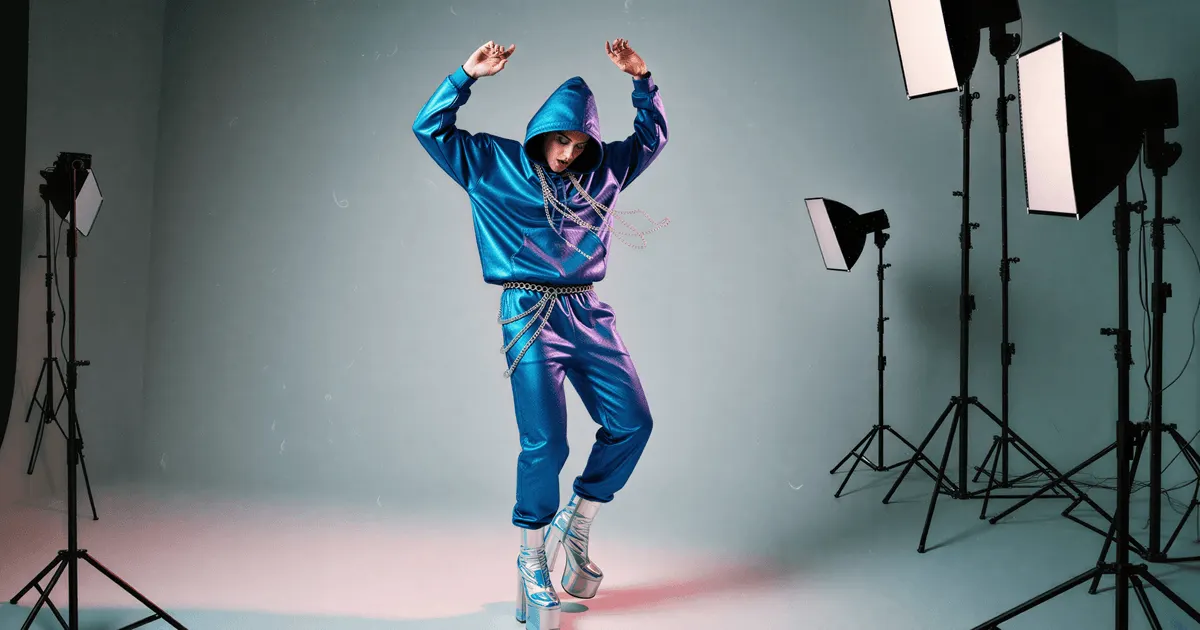
Correct in passes instead of rerolls. A reroll throws away the product accuracy you just established and hands you a fresh set of artifacts to fix. An editing pass keeps the source and changes one thing. The DesignerBox image editor makes one edit after another: retouch, relight, change the angle, swap the background. The picture keeps its detail and resolution.
That distinction is the whole workflow. When the skin looks waxy, retouch the skin. When the shadows disagree, relight. When the background is wrong for the placement, swap the background. Each of those is one edit that changes one thing. Which lighting faults a relight pass can recover, and the one it never can, is covered in how to fix product photo lighting.
Reroll culture is how plastic-looking images reach a product page. Teams generate forty variants, pick the prettiest, and ship an image whose product accuracy nobody checked, because checking forty variants is nobody’s job. Generating two and correcting one beats generating forty and hoping. It is also cheaper. Two generations plus three correction passes is five operations, against forty for the forty-variant habit.
Lighting deserves a specific note. Doubled shadows and mismatched reflections are the physics-violation class from the research, and they are the tell that survives casual review and then fails a creative director. Commit to one key light direction in the source photo and carry it through every downstream asset. Consistency across a campaign is a separate discipline, covered in the guide to keeping every asset on brand.
Do you have to tell people the image is AI?
Sometimes, and the rules are platform-specific. Meta adds an “AI info” label to ads made or changed a lot with its own generative AI features. It says minor changes such as resizing or color correction do not get a label (Meta Help, AI info on ads, accessed September 2026).
Meta’s ad policy also says that since 1 June 2026 it checks ads for signs of third-party AI, such as C2PA metadata. It adds an “AI info” label in About this ad when it finds them (Meta Business Help, accessed September 2026). Meta says this may not be available in every region. Ads about social issues, elections or politics must disclose AI themselves (Meta ad standards, accessed September 2026). Check the current policy of every platform you run on before a campaign ships, because these rules have moved repeatedly. This is general information, not legal advice.
Disclosure is a separate question from accuracy, and the second one carries more commercial risk. An image that misrepresents the shape, color, or material of what arrives in the box is a returns problem and a reviews problem regardless of how it was made. Anchoring to the real product helps keep a generated image a truthful depiction. A set of accuracy checks is worth running before a model earns your catalog. For the disclosure side, the guide to AI labels covers who adds them and how to word your own.
The trust data argues for restraint rather than concealment. In a December 2025 survey of 8,000 consumers across eight markets, nearly 1 in 5 said they see low-quality or generic AI content from brands weekly. 32% said it makes them trust brands less. Klaviyo ran the survey with Datalily and published it in its 2026 AI Consumer Trends report (klaviyo.com, accessed October 2026). Klaviyo sells marketing software, so read it as a vendor’s own survey.
Read that number precisely. Klaviyo ties it to low-quality or generic AI content that people notice. That is a quality threshold, and it is the same threshold this whole article is about.
Getty Images research found nearly 90% of consumers want to know whether an image was created with AI (gettyimages.com, April 2024). That study’s fieldwork ran between 2022 and 2023 and predates the current model generation.
What does a working method look like?
Five steps, in order, each one closing a specific failure mode.
- Shoot one accurate source photo. Real product, true color, one committed light direction. Everything downstream inherits this. Skipping it is what the rest of the process cannot recover from, and it is why generation shifts the shape of a photography budget rather than deleting it.
- Anchor, do not describe. Load the photo as the input. Use the prompt to direct the scene, the light, and the framing, never to describe the product itself.
- Add references for anything repeated. Multiple references pin down a look across a set. This is what stops the third shot in a campaign quietly becoming a different product. Deciding what stays fixed across a set, and what should vary, is the core of creative direction for AI images.
- Correct in passes. Retouch texture, relight, swap the background, change the angle. One change per pass.
- Review at 100% against the real thing. Put the render next to the product photo. Check logo placement, stitching, material, proportion, text. Twenty seconds of attention is what your customer gives it, and per the research that is when detection peaks.
Model choice comes last, and it is a per-shot decision. Native text rendering matters for packaging, multi-reference editing matters for consistency, and different jobs want different models. The model list says what each is best for. You pick the model for each step when you build the workflow, and every run after that uses it. A template comes with its model already picked. The light and the framing go into the same saved workflow. You set the brand once in a brand profile, and the workflow reads it on every run. The fifth product in a set then gets the same decisions as the first.
For on-model work the anchoring rule holds and the stakes rise, because a garment that renders as “AI clothes” fails on fabric texture before anyone checks the face. The comparison of AI fashion model generators goes deeper on that.
What you can check on every result: the logo sits where it sits on the real product, the stitching runs the right way, the color matches, and the light comes from one direction. The cost of each run is shown before you start it. Your product photo, the saved workflow, the image editor and your brand rules sit in one account. Start from a template with your own product photo.
FAQ
Why do my AI images look fake even on the best model?
Because the input is usually the constraint. A text description asks any model to produce a category-typical object, and category-typical is what reads as generic. Switching models changes the aesthetic and leaves the underlying problem in place. Anchor the generation to a photograph of your real product and the same model has your real product to work from. The same reasoning applies to switching apps, which ChatGPT vs Gemini for product images works through.
What is the most common giveaway in an AI image?
Anatomy. In a CHI 2025 study, 61% of participant comments identifying AI-generated images pointed at anatomical problems such as distorted hands and facial irregularities. Another 30% pointed at stylistic artifacts like waxy or plastic textures (arxiv.org, October 2026). Physics violations, particularly shadows falling in two directions, are the next most reliable tell.
Can people tell that an image is AI-generated?
Most of the time. Study participants correctly identified AI-generated images 76% of the time and real photographs 74% of the time. Accuracy on AI-generated images rose from 72% at one second of viewing to 82% at twenty seconds (arxiv.org, October 2026). Accuracy varied widely by image, so a careful shot can pass where a careless one does not. For moving pictures, see how to tell if a video is AI.
Does editing an AI image reduce its quality or resolution?
Not in the DesignerBox image editor. It makes one edit after another: retouch, relight, change the angle, swap the background. The picture keeps its detail and resolution. That is what makes correcting in passes better than rerolling: you fix the specific artifact without discarding the product accuracy you already established.
Do I have to label AI-generated images in ads?
Sometimes. Each platform sets its own rule. Meta adds an “AI info” label to ads made or changed a lot with its own generative AI features. It says minor changes like resizing or color correction do not get a label. Meta also says that since 1 June 2026 it checks ads for signs of third-party AI and labels them when it finds them. Ads about social issues, elections or politics must disclose AI (meta.com, September 2026). Rules differ by platform and change often, so verify current policy before each campaign.
Does using AI imagery damage brand trust?
It can, when people notice it. In Klaviyo’s own survey of 8,000 consumers, 32% said low-quality or generic AI content from brands makes them trust brands less (klaviyo.com, October 2026). Klaviyo says AI that feels too obvious or poorly executed erodes trust, which makes image quality and product accuracy the thing to control.
How many credits does this workflow cost?
The cost depends on the model you pick, and DesignerBox shows the cost of a run before you start it. Two generations plus three correction passes is five operations.
Sources
- Artifact categories, participant reasoning splits and detection rates by viewing time, from the CHI 2025 study “Characterizing Photorealism and Artifacts in Diffusion Model-Generated Images”: arxiv.org, accessed October 2026
- Consumer trust and low-quality AI content, from the Klaviyo and Datalily 2026 AI Consumer Trends survey of 8,000 consumers across eight markets: klaviyo.com, accessed October 2026
- Meta labelling of ads made with its own AI features, and what does not get a label: Meta Help, AI info on ads, accessed September 2026
- Meta detection of third-party AI in ads from 1 June 2026: Meta Business Help and Meta ad standards, SIEP, accessed September 2026
- FLUX.1 Kontext input image limit: Black Forest Labs, Kontext API, accessed September 2026
- Consumer preference for knowing whether an image was created with AI, VisualGPS research with 2022-2023 fieldwork: (gettyimages.com, April 2024)
- DesignerBox plans, feature gating and model list: DesignerBox pricing page (designerbox.ai/pricing) and model list (designerbox.ai/models), September 2026
Artifact categories and detection rates verified from the CHI 2025 study “Characterizing Photorealism and Artifacts in Diffusion Model-Generated Images” (arxiv.org), and the consumer trust figure from the Klaviyo and Datalily 2026 AI Consumer Trends page (klaviyo.com), as of October 2026. The Getty Images VisualGPS research (gettyimages.com) is dated April 2024. Meta’s own AI labelling documentation (meta.com) was read in September 2026. DesignerBox plans, feature gating and model list from the DesignerBox pricing page and model list, September 2026. Platform disclosure rules change frequently. This is general information, not legal advice. Individual results vary.