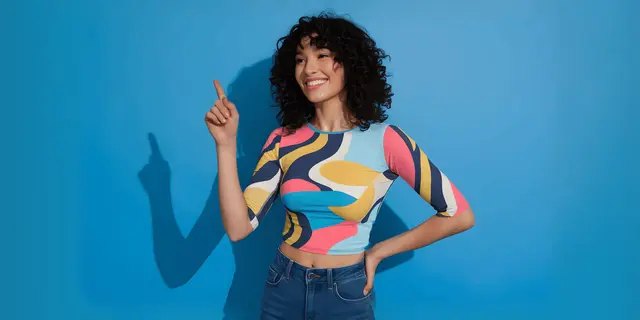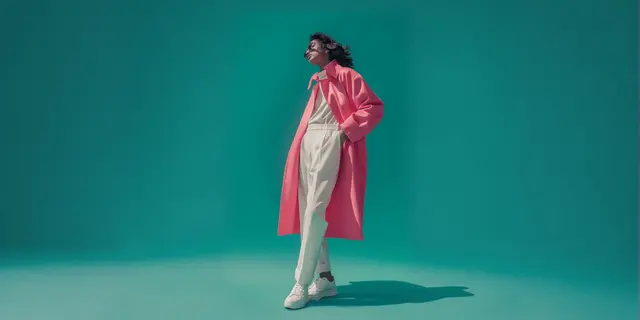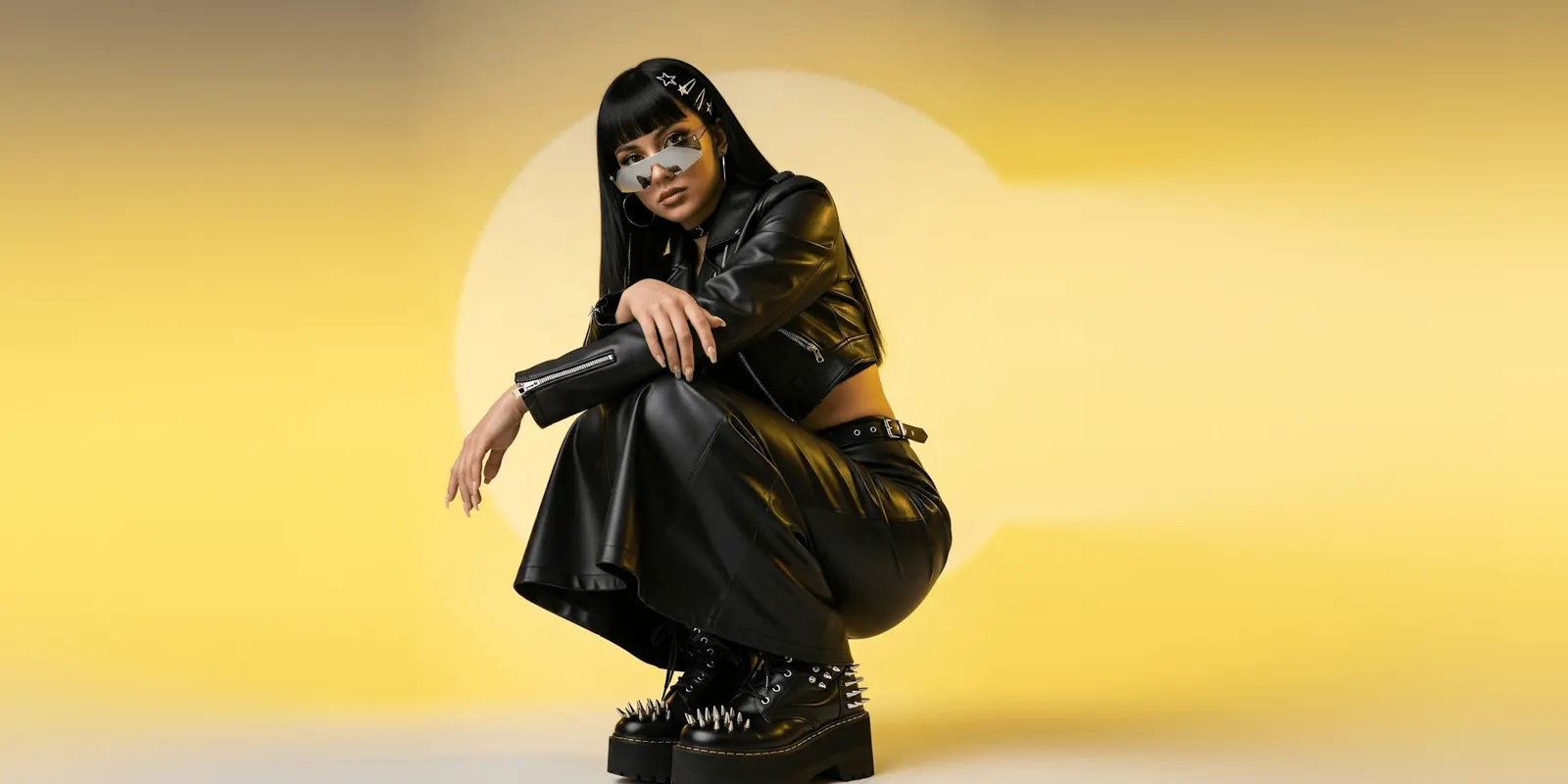
Choose an AI virtual model for your clothing brand the way a casting director chooses a person, from data you already hold. Your buyers set the look. Your size curve sets how many bodies you need. Each image slot sets how real the model must look. Then run two tests before you commit a season: does the face hold across poses, and does the garment fit each body the way your size chart says?
Picking the tool is the easy half. A drop of 40 garments puts the same model in front of your buyer 40 times, in every gallery, on every marketplace. A wrong cast repeats on every product you sell that season.
This guide covers the order to make the choice in, the data each step needs, the two tests, and a one-page cast sheet you can hand to anyone who runs the work. It is written for fashion brands with 20 to 500 products, and for the agencies that produce their catalog.
Key Takeaways
- Cast before you pick a tool. The model is a brand decision made once and repeated on every product. The tool only has to hold it.
- Buyers set the look. Age band, markets and the way your customers dress come from your own customer data, not from a mood board.
- The size curve sets the cast. Count last season’s units by size, then cast the fewest bodies that keep every size close to a model.
- One face per body. Zalando rejects AI image sets with inconsistent facial features, body proportions or skin tones on the same model (partner.zalando.com, August 2026).
- Realism depends on the slot. An Amazon main image for adult clothing needs a standing model on pure white. A social post has different rules.
- Two tests before a season. The lock test checks the face across poses. The size test checks the garment on every body.
- Disclosure comes with the cast. A realistic model who does not exist still carries duties in the EU, in New York and on Amazon.
How do you choose an AI virtual model for a clothing brand?
You choose it in five steps, in this order. Define who buys, from your customer data. Set the body range from your sales by size. Cast one face per body and save it as a file. Match realism to each image slot and its platform rules. Then test the cast on real garments before you run a season. The tool you pick only has to pass those tests.
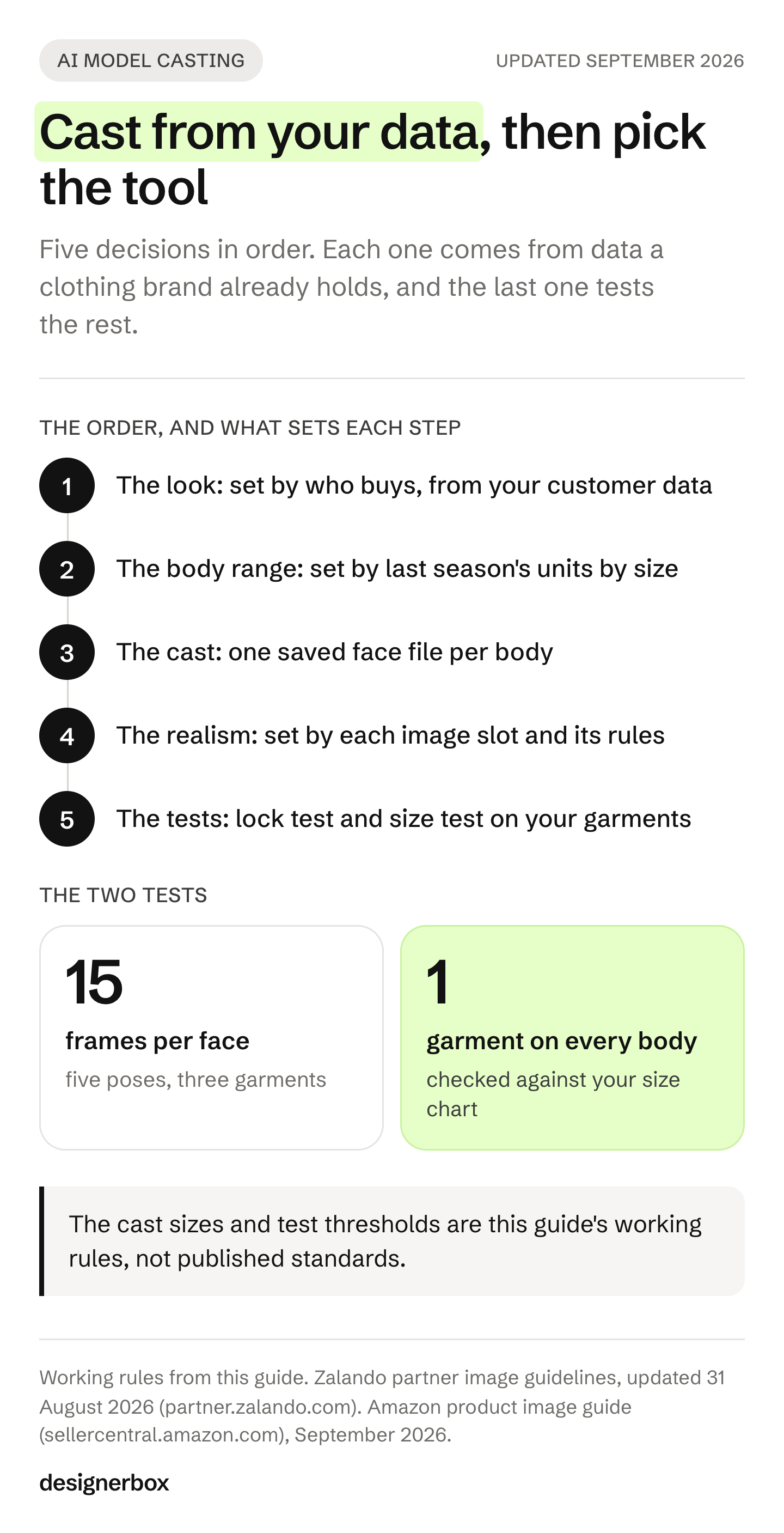
| Step | What decides it | The data you need | Where it goes wrong |
|---|---|---|---|
| 1. The look | Who buys | Age band, markets, how customers dress | A model chosen for the mood board, not the buyer |
| 2. The body range | What sells | Last season’s units by size | One straight-size body for a range that sells to 3XL |
| 3. The cast | Who repeats | One saved face file per body | A new face on every run |
| 4. The realism | Where it runs | Rules per slot and platform | A stylized model in an Amazon main image |
| 5. The tests | Whether it holds | 15 frames per face, one garment per body | A season committed before anyone checked a hand |
Each step below takes one row.
Who buys decides the look
Start with your customer file, not a reference board. Three facts set the look: the age band that buys most, the markets you ship to, and how those customers dress on a normal day. A brand whose buyers are 35 to 50 and cast a 22-year-old model has chosen a look its buyers do not see themselves in.
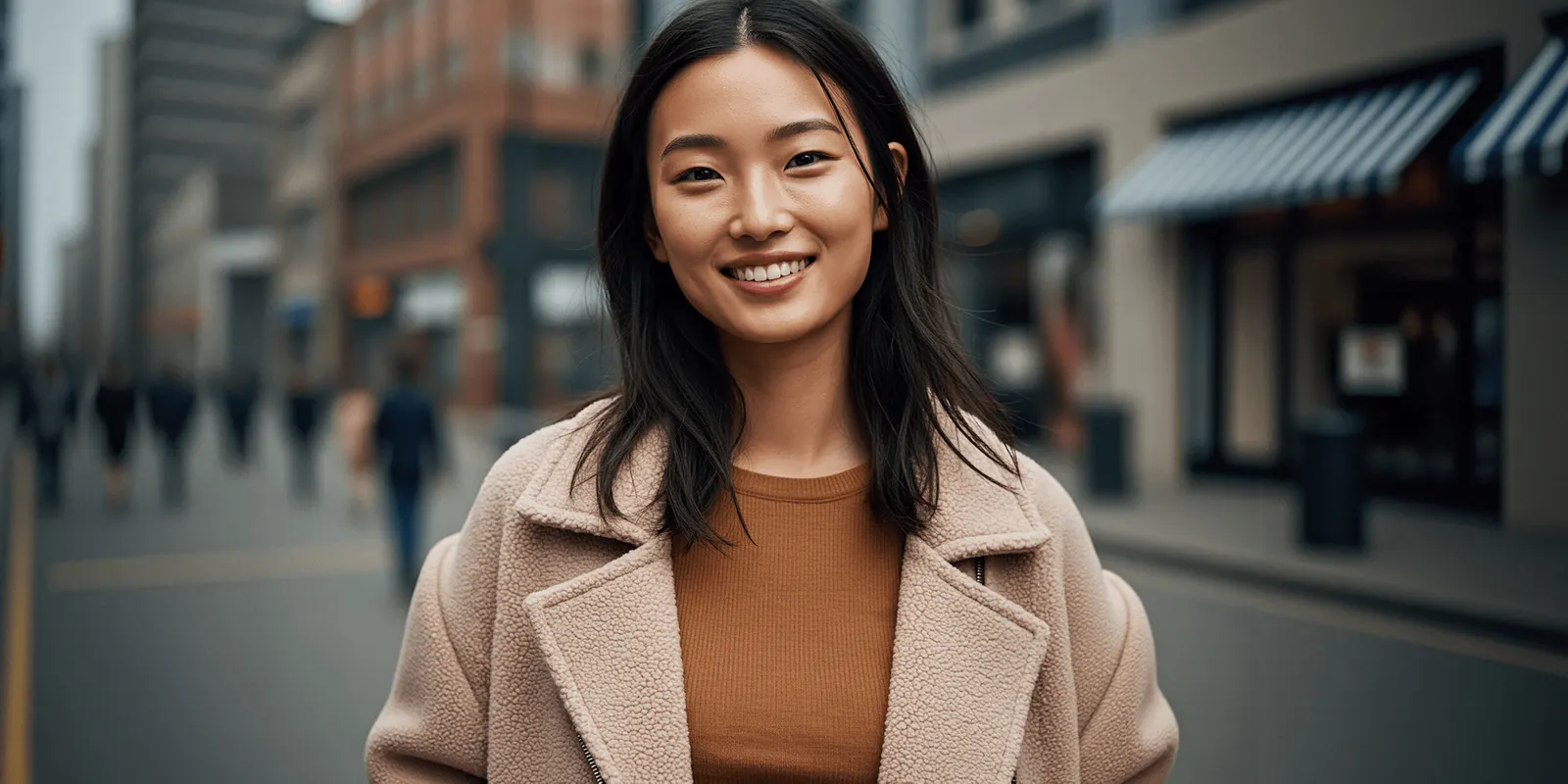
Aim close to the buyer, a little aspirational. The model should look like the best day of your customer, not like a different customer. Styling follows the same rule: the shoes, the hair and the setting should be what your buyer would wear with the garment.
Why a person at all? Baymard Institute’s usability research found that clothing, bags, jewelry, watches and cosmetics need a human model. Without one, shoppers cannot judge fit and length. The same research says model measurements should appear with the images (baymard.com, December 2020).
That last point needs care with an AI model. A generated person has no tape measure. If your page says “model is 5’9” and wears size M”, that line has to be true of the garment on that body. So bind each body you cast to a fit sample of your own garments. The size test further down is how you check it.
Set the body range from your size curve
Your sales by size tell you how many bodies to cast. Pull last season’s units by size. Then cast the fewest bodies that keep every size you sell within one or two sizes of a model.
An illustrative example: a range from XS to 3XL, with most units in M to XL. A single size S model sits three to five sizes away from most of your buyers. Two bodies, one in M and one in 2XL, keep every size within two steps of a model. That is two faces to lock and test, not ten.
A straight-size default can sit far from the average buyer. A 2016 study by Deborah Christel and Susan Dunn of Washington State University concluded that the average American woman wears a size 16 to 18 (time.com, September 2016). It was published in the International Journal of Fashion Design, Technology and Education.
The best research on why this matters measured fit risk. Zhang, Ikonen, Eelen and Sotgiu found that thin models deter shoppers in larger sizes, because the gap between their body and the model’s raises perceived fit risk. A model near the shopper’s own size removes that deterrent. The effect weakens where body size matters less to fit (Journal of the Academy of Marketing Science, vol. 53, 2025). The authors suggest showing each item on models of several sizes. As a compromise, they suggest different items on differently sized models (phys.org, July 2024).
One finding points the other way, and it is worth knowing. In Baymard’s usability testing, no user was deterred from buying clothing by a lack of body diversity in the models (baymard.com, December 2020). The two results measure different things. Baymard watched people use real sites. Zhang and colleagues ran experiments on purchase intention, and the effect sits in the larger sizes. If most of your units sell in larger sizes, the second finding is the one that describes your buyer.
Do not trust a prompt to hold a size. Researchers have tested image models for anti-fat and pro-thin bias across 4,000 DALL-E 3 images (aclanthology.org, NAACL 2025). Check every body you cast against a real fit sample. The full argument, and where the range pays off, is in diverse AI fashion models.
One face per body, or a new face each time
Cast one face per body and keep it for the season. Your gallery is a set. A shopper who clicks from a dress to a jacket should see the same person, the same proportions and the same skin tone.
Marketplaces now write this down. Zalando’s partner guidelines list “inconsistent facial features, body proportions and skin tones across the same model image set” as a quality failure for AI images (partner.zalando.com, updated 31 August 2026).
The face lives in a file, never in a prompt. A written description produces a different person on every run. A saved frame, used as a reference image, holds the face. The number of reference images is small: Google documents up to 5 character images on Gemini 3 Pro Image and up to 4 on Gemini 3.1 Flash Image (ai.google.dev, September 2026). Four or five frames cover the front, both three-quarter angles and a closer crop.
| Your catalog | Cast size | Why |
|---|---|---|
| One gender, sizes S to L | 1 body | Every size sits close to one model |
| Wide size range, XS to 3XL | 2 bodies | Keeps each size within two steps of a model |
| Womenswear and menswear | 1 or 2 bodies each | Same size-curve rule, per line |
| Marketplace-only basics | 1 body, or flat lays where the rule asks | A cast on a flat-lay slot adds nothing |
| Campaign and social | The cast, plus guest faces | The gallery keeps the cast. A campaign can add faces |
Where the first frame comes from, and who owns it, is covered in how to create an AI fashion model. Holding it across a whole drop is covered in consistent AI fashion images.
How real the model must look, slot by slot
Match realism to the slot, because each slot has its own rules. The strictest slot is the main image on a marketplace. The loosest is a social post, where a styled look is fine but disclosure rules still apply.
| Slot | What the platform says | Realism the model needs |
|---|---|---|
| Amazon main image, adult clothing | A standing model, no part of a mannequin, a pure white background, the product at 85% of the frame. For clothing, “Only photos are allowed” | Full. Amazon does not say whether a photorealistic AI image counts as a photo |
| Amazon, children’s underwear, swimwear and other tight items | Shown flat, with no model | None. Do not cast a model here |
| Amazon, any image with a photorealistic AI person | Tag the file with contains-synthetic-performer in the XMP dc:subject field before upload | Full, and tagged |
| Google Shopping | Recommends clothing shown worn by people. AI images must keep their AI metadata | Full, with metadata intact |
| Zalando | AI images must meet its quality criteria. No visible AI labels on the image. Invisible marking required by December 2026 | Full |
| Your own product page | Your rules. For reference, Amazon turns on zoom at 1,000 pixels on the longest side | Full, checked at 100% zoom |
| Social posts and ads | Platform ad rules, plus the disclosure laws below | Styled is fine. Disclosure still applies |
Sources for the table: Amazon’s product image guide (sellercentral.amazon.com) and its clothing style guide (sellercentral.amazon.com), Google Merchant Center’s image requirements (support.google.com) and Zalando’s partner image guidelines, all September 2026.
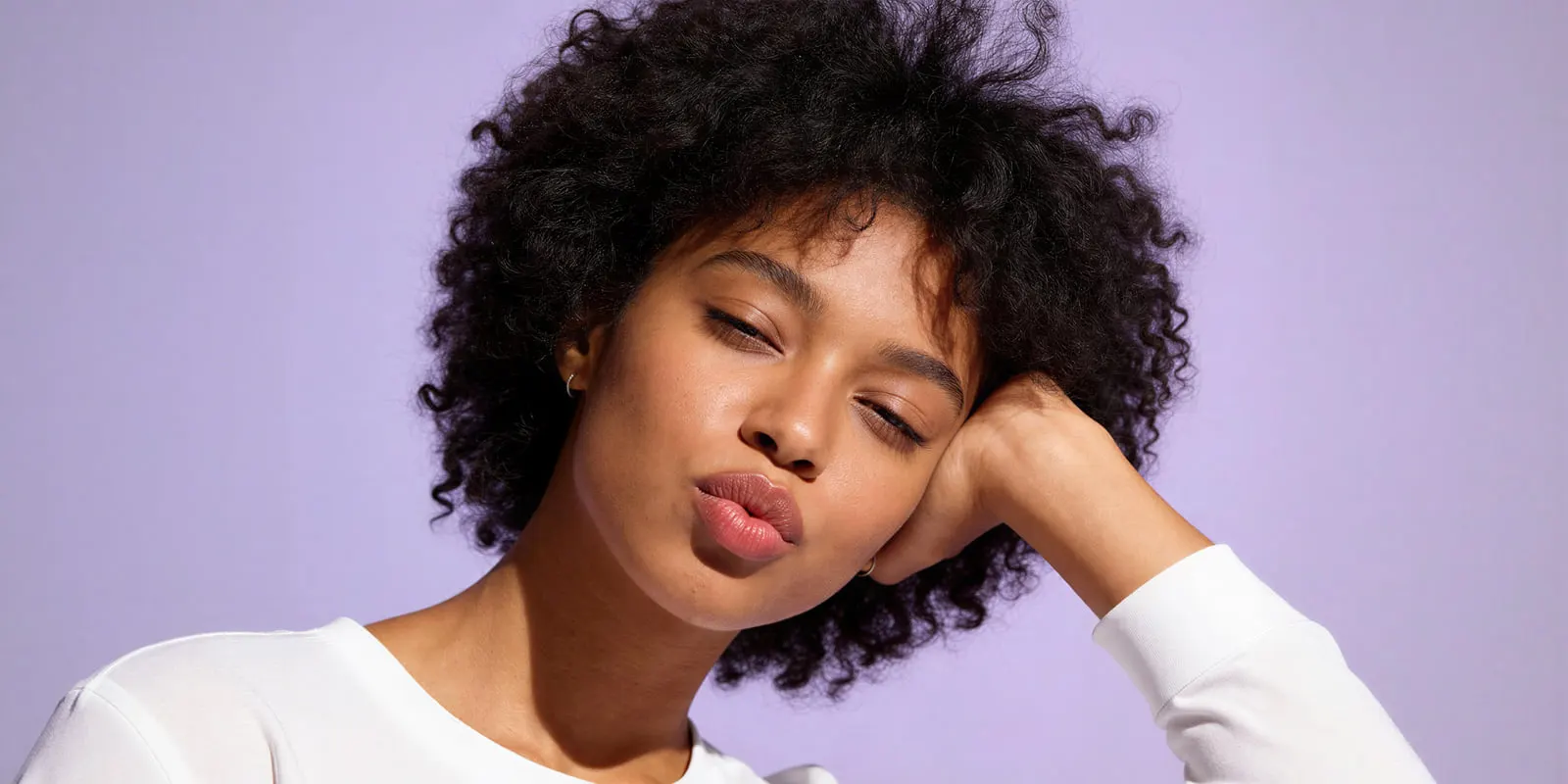
For non-apparel products held in the hand, the failure points change. That case is covered in AI virtual models for product photos.
Two tests before you commit a season
Run both tests on your own garments before the first real run. Skipping them costs a season.
The lock test. Run each cast face in five poses across three garments: 15 frames per face. Check every frame at 100% zoom.
- The same face, the same body proportions and the same skin tone in all 15 frames
- Hands whole: five fingers, no fused or bent joints
- Garment details that match the flat photo: prints, logos, buttons, pocket position, collar
- Clean edges where the body meets the background
Our rule: a frame with a broken hand or a wrong garment detail never goes into a gallery. If the face drifts in more than one of the 15 frames, recast or change the reference set before you run anything else.
The size test. Run one garment on every body you cast. Then compare each result against your size chart or a real fit sample.
- Hem length: a longer size should show a longer hem, never a shorter one
- Waist position: where the waistband sits on each body
- Sleeve and inseam length against the chart
- Fabric tension across the chest and hips: a larger body in a larger size should not look strained
If the garment does not change between bodies the way the chart says it should, the images are wrong about fit. That is the one mistake shoppers pay for directly, in returns. Once a cast passes both tests, prove it on a small set of products first: a 30-day pilot for AI models compares returns and conversion against products you did not change. The limits of fit on generated images are covered in virtual try-on fit accuracy.
The cast sheet
Write the choice down once, on one page, and store it next to the face files. Anyone who runs the work later reads the same page. An agency keeps one cast sheet per client brand.
| Field | Example (illustrative) |
|---|---|
| Buyer | Women 30 to 45, US and UK, everyday workwear |
| Bodies | Body A: size M, 5’8”. Body B: size 2XL, 5’6” |
| Face files | One saved front frame per body, with the date it was chosen |
| Reference set | Front, two three-quarter angles, one close crop, per body |
| Poses | Five standard gallery poses, the same on every product |
| Slots | Amazon main image: standing, pure white. Own site: soft studio gray. Social: street |
| Checks | Lock test and size test passed, with the date |
| Disclosure | Amazon tag on every file. Ad labels for New York. EU labels where the image could pass as real |
| Owner | The person who approves a recast |
The sheet is the brief. The face files are the model. Neither lives inside a prompt.
What a model who does not exist still requires
A synthetic model removes the release form. It does not remove disclosure. This is general information, not legal advice.
- European Union. Article 50 of the AI Act has applied since 2 August 2026. Deployers must disclose deep fakes: realistic AI images that could pass as real (European Commission, September 2026). The Commission’s non-binding guidelines of 20 July 2026 say it is enough that the person could plausibly exist. The label must be visible to people. Metadata inside the file alone does not meet the duty.
- New York. Since 9 June 2026, if you make an ad and know it contains a synthetic performer, the ad must say so in a way people will notice. The civil penalty is $1,000 for a first violation and $5,000 for each later one (nysenate.gov, September 2026).
- Amazon. Tag every image with a photorealistic AI person before upload, as the slot table above says.
- A digital twin of a real model. Since 19 June 2025, New York’s Fashion Workers Act requires separate written consent before a model’s digital replica is made or used. The consent states scope, purpose, pay and duration (dol.ny.gov, September 2026).
How the rules differ by market, and what to ask a vendor about where its faces come from, is in are AI fashion models real people.
A cast that runs on every product
Anyone can make an AI picture. Making hundreds that still look like your brand is the hard part. DesignerBox is AI creative production for brands and agencies. A cast is that problem in its plainest form: one decision, repeated on every garment.
You cast the face once. The model creator template builds a character from a look, gender, ethnicity, age range and scene. You save the frame you choose to Assets. An avatar run returns nine fixed poses for 25 credits. That is nine frames of one face to check before any garment run.
Then you run the garments. The Dress my model app puts a garment photo on your saved face. You write the cast rules into your brand record, and the workflow reads them on every run. Batch runs that workflow over the whole drop, so body A in row one matches body A in row 400. You review the results in one pass. Critic steps score the results of a run, and best-of-N keeps the best one.
Know the limits before you commit a season. Critic steps rank results. They do not check fit against your size chart, so the size test stays your job. The commercial license starts on the Pro plan. Virtual try-on starts on the Premium plan. Every plan below Ultra is one seat, so an agency running several client casts needs Ultra. Plans are on the pricing page.
The cast, the garments, the brand record and the finished assets stay in one place. That is the full workflow from the first product photo to the finished ad, in one subscription. Fashion brands use it this way because a drop is 40 garments, not one.
A free plan for your first run. Start from a template, add your brand and your products, and see the cost before you run it. Get started free.
FAQ
What is an AI virtual model?
An AI virtual model is a photorealistic person who does not exist, generated to wear your clothing in product and marketing images. A brand saves the face as a reference image and reuses it, so the same model appears on every product. It needs no release form, but disclosure rules can still apply.
Which AI model is best for a clothing brand?
The best model is the one that fits your buyers and your size curve, and that passes the lock test and the size test on your own garments. Tools differ in how well they hold a face and a garment, so test two or three on the same 15 frames. The main tools are compared in AI fashion model generators compared.
How many AI models does a clothing brand need?
Usually one or two bodies per line. Count last season’s units by size, then cast the fewest bodies that keep every size within one or two sizes of a model. A range from S to L often needs one. A range from XS to 3XL usually needs two.
Can I use an AI model in an Amazon main image?
For adult clothing, Amazon’s main image shows the item on a standing model on pure white. Its clothing guide says only photos are allowed, and it does not say whether a photorealistic AI image counts as one. Images with a photorealistic AI person must carry the contains-synthetic-performer tag.
Should I show the model’s height and size with an AI model?
Yes, if the numbers are true of the garment on that body. Shoppers use model measurements to judge fit. With an AI model, bind each body to a real fit sample, run the size test, and publish only the numbers that match.
Do I have to disclose that my model is AI-generated?
Often, yes. The EU requires a visible label on realistic AI images that could pass as real. New York requires ads to disclose a synthetic performer. Amazon requires a metadata tag.
Should I use an AI model or a real model?
Decide per image slot, not for the whole catalog. AI models suit high-volume gallery work. A real shoot can still win for a flagship campaign. The slot-by-slot rule is in AI models vs real models.
Sources
- Product categories that need a human model, model measurements with images, and body diversity in usability tests: Baymard Institute, December 2020, accessed September 2026
- The average American woman wearing a size 16 to 18: Christel and Dunn, International Journal of Fashion Design, Technology and Education, 2016, reported by time.com, accessed September 2026
- Fit risk and size-inclusive model photography: Zhang, Ikonen, Eelen and Sotgiu, Journal of the Academy of Marketing Science, vol. 53, pp. 643 to 672, 2025, and the authors’ recommendations reported by phys.org, July 2024
- Anti-fat and pro-thin bias tested in 4,000 DALL-E 3 images: Warren, Weiss, Martinez, Guo and Zhao, Findings of the ACL: NAACL 2025
- Zalando’s AI image quality criteria, the ban on visible labels and invisible marking: partner.zalando.com, updated 31 August 2026
- Character reference limits on Gemini 3 Pro Image and Gemini 3.1 Flash Image: ai.google.dev, September 2026
- Amazon main image rules, clothing on a standing model, flat items, zoom and the contains-synthetic-performer tag: Amazon product image guide, September 2026
- Amazon’s clothing rule that only photos are allowed: Amazon clothing style guide, September 2026
- Google’s recommendation of clothing worn by people and its AI metadata requirement: Google Merchant Center image requirements, September 2026
- EU AI Act Article 50 and the Commission’s guidelines of 20 July 2026: European Commission, September 2026
- New York’s synthetic performer disclosure law, General Business Law 396-b: nysenate.gov, September 2026
- New York’s Fashion Workers Act and digital replica consent: dol.ny.gov, September 2026
- DesignerBox plans and feature gates: DesignerBox pricing page (designerbox.ai/pricing), September 2026
Platform rules verified from Amazon, Google and Zalando, laws from the European Commission and New York State, and research from the sources above, as of September 2026. The cast sizes and the lock-test threshold are this guide’s working rules, not published standards. This is general information, not legal advice. Individual results vary.