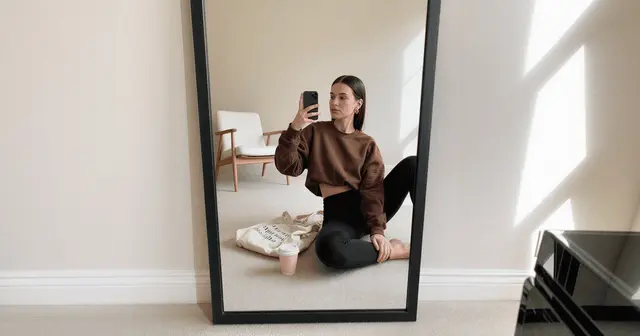
AI virtual models are synthetic people generated to wear, hold or use your product in a photo. When the product is clothing, the model wears it and the garment is the hard part. When the product is a bottle, a jar or a candle, the model holds it. That puts a hand at the focal point and asks the generator to draw over your label. The second job fails differently.
For apparel, the job is well known. Flat lay in, model out, and the questions are fit, drape and fabric texture.
Then a skincare brand tries it. The render comes back and the hand holding the 30ml serum has four and a half fingers. The bottle reads like a 200ml lotion, and the label says something that is nearly your brand name.
This covers what changes when the product is held rather than worn, and the three failures that only appear outside fashion. It also covers the method that keeps your actual product in the frame, and the checks that decide whether the image reaches a product page. It is written for ecommerce and DTC teams selling something other than clothes.
Key Takeaways
- A held product is a harder generation than a worn one. A garment can drift slightly and still read as the garment. A labeled bottle cannot. The tolerance for error drops the moment the product carries printed information.
- Hands are the failure, and they sit at the focal point. In a fashion shot the hands are usually incidental. In a held-product shot the hand is wrapped around the thing you are selling, so the hardest structure to generate is also the one the eye lands on.
- Never let the generator draw your product. The peer-reviewed production answer is to generate around the product and composite the real pixels back in. The generated stand-in gets replaced (arxiv.org, RecSys ‘24, accessed August 2026).
- The click-through study measured backgrounds, not people. The RecSys ‘24 experiment reporting a roughly 15% click-through gain generated scenery around an unmodified product, on a catalog that was mostly apparel. It is not evidence that a synthetic person lifts conversion on a candle.
- Baymard recommends a human model for cosmetics and accessories, and warns about rendered ones. Its guideline covers apparel, accessories and cosmetics, and rates mannequins and virtually rendered models a last resort (baymard.com, December 2020).
- Wrong scale causes returns. The body is the size reference in the frame. A hand rendered too small makes a 30ml bottle look like 100ml, and the customer finds out on delivery.
- Start from your real packshot. The whole method depends on it.
What are AI virtual models?
An AI virtual model is a generated person used in place of a hired model and a shoot day. The model does not exist. The output is a still image of that person presenting a product, produced from a text brief, a reference set, or an uploaded photo of the real product.
Three things separate a virtual model from a stock photo. It is generated to your brief rather than selected from a library. It can be held consistent across a campaign by conditioning on a fixed reference set. And it can be built around a product you sell, instead of a lookalike the photographer had on the day.
For apparel that job is well documented. AI fashion model generators compared maps 11 tools to the shots a drop needs, and the DesignerBox page for fashion brands shows the version of it most teams meet first. If you are still deciding whether your product needs a person in frame at all, and which gallery slot the shot would fill, start with which product shots need a model. This article assumes that decision is made and covers the execution.
Why a held product is harder than a worn one
A worn product and a held product ask the generator for different things, and the held one asks for more.
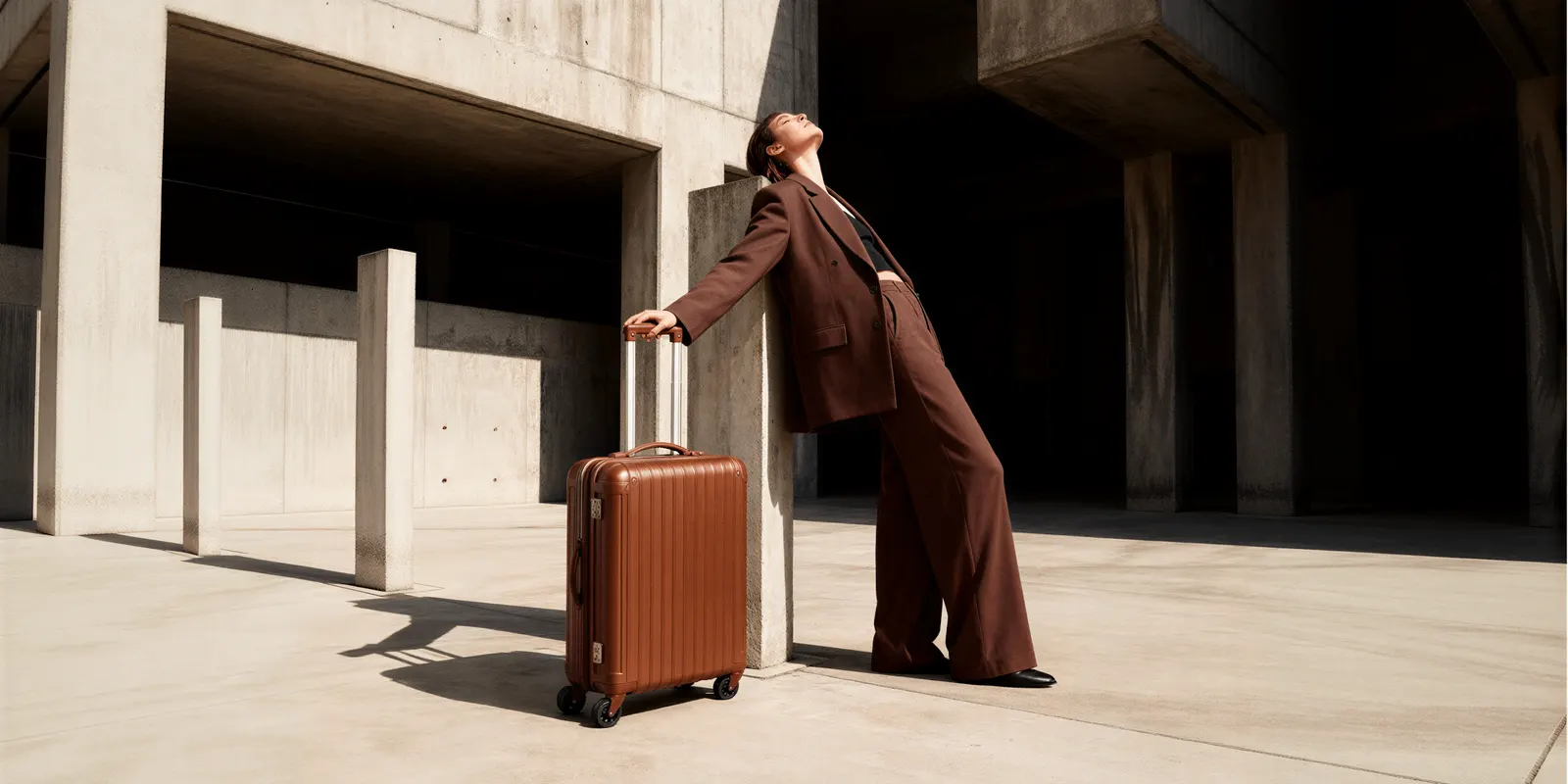
When a model wears a garment, the garment is the surface. The generator renders fabric, and fabric is forgiving. Weave, drape and shadow vary between two photographs of the same jumper, so a small deviation still reads as the real jumper. Nobody can tell that a fold moved.
When a model holds a bottle, the bottle carries printed information. Type, logo, ingredient panel, volume marking. Those are not forgiving. A letterform that shifts by a few pixels stops being your brand and becomes a near-miss of your brand. A near-miss reads as counterfeit rather than as a rendering artifact.
The occlusion makes it worse. A hand wrapped around a product covers part of it, so the generator has to decide what the product looks like underneath the fingers and where it resumes on the other side. That is the exact operation that damages products, and a garment shot rarely demands it.
The three things that break
Outside fashion, virtual model images fail in three specific places. Each has a different tell and a different fix.
| What breaks | The tell | Why it happens | The fix |
|---|---|---|---|
| Hands | Extra or fused fingers, a thumb on the wrong side, a grip that does not close | Hands have high structural variance and low pixel area, and the grip is a contact interaction the model has to infer | Crop to a grip the frame can support, or regenerate the hand region alone rather than the whole image |
| Scale | The product reads one or two sizes off its real volume | The body is the only size reference in the frame, so hand size sets product size | Fix the product’s real dimensions in the composite instead of prompting for them |
| Label integrity | Type that is nearly right, a logo with the wrong counters, an invented ingredient line | The generator is drawing your product rather than reproducing it | Never let it draw the product. Composite the real packshot back in |
Label integrity is the one to take seriously. The other two are quality problems, visible on inspection and fixable with another pass. An invented ingredient line on a supplement or a cosmetic is a different category of problem, because the image is making a claim about what is in the bottle.
European regulators draw the same distinction. The Commission’s Article 50 guidelines, published 20 July 2026, say a real product shown against an AI-generated background is not a deep fake, as long as the ad does not mislead about the product. They also say that background changes for clearly aesthetic reasons usually have only a minor effect. An AI-generated product image that can “mislead as to the actual product appearance” can count as a deep fake (digital-strategy.ec.europa.eu, accessed September 2026). The guidelines are not binding. Redrawing your product is the failure that crosses that line. Generating the room behind it is not.
Never let the generator draw your product
The method that works is to generate the scene and the person around the product, then put the real product pixels back. Do not ask a model to render your product from a description.
A published production system in this space works exactly this way. The RecSys ‘24 industry paper on generating product imagery at scale states plainly that “the product itself is not modified in any way”. It explains why: masking the product and inpainting around it “often produces artifacts by extending the product with virtual parts”. Their pipeline instead constrains generation on the product’s edges, which draws a stand-in object “that is later replaced by the real product” (arxiv.org, August 2026).
That team was generating backgrounds. Adding a person raises the difficulty, because a hand has to occlude the product. Occlusion is the one case where a clean swap of the real pixels does not fully solve the problem. Something has to be drawn over the product.
Two things follow for practice.
Choose grips that minimize occlusion. A bottle held low around the base, a jar resting on an open palm, a tube held at one end. Each keeps the label plane clear and gives the compositing step an uninterrupted surface to restore. A fist wrapped around the middle of a labeled bottle is the hardest version of the shot and the one to avoid.
Edit forward from an approved frame. Once a render passes, generate the next scene by editing that image rather than starting again. An edit inherits pixels you have already checked. A fresh generation inherits nothing. In DesignerBox the image editor makes one edit after another, and the picture keeps its detail and resolution. What you save is the review cycle you do not have to run again.
The four-shot set for a non-apparel virtual model
A held-product listing does not need a lookbook. It needs four frames, and each answers a question the packshot cannot.
- Scale in hand. The product held in a relaxed grip at natural distance. This is the shot that tells a buyer how big the thing is, and it is the one most listings skip.
- In use. The product doing its job. Applying, pouring, drinking, wearing. This is the frame that carries the benefit.
- In context. The product in the environment it belongs to, with the person present but not central. Bathroom shelf, gym bag, kitchen counter.
- Detail with skin. A close crop where product meets hand or face, showing texture and finish at a distance a packshot cannot reach.
Shot one is the highest value and the most technically demanding, because scale accuracy and grip accuracy both have to land in the same frame. Generate it first. If it fails, the other three are unlikely to save the set. For shot three, the AI lifestyle photo generators comparison covers tools that build the room around a product.
For the vertical-specific versions of these, the shot rules for skincare products cover glass, droppers and the legibility requirements that apply before a person enters the frame at all.
What to check before it reaches a product page
Run these five checks on every frame. They take under a minute and they catch the failures that cost the most to discover later.
- Count the fingers. Then check the thumb is on the anatomically correct side of the grip and that the fingers behind the product line up with the fingers in front.
- Measure the product against the hand. An adult palm runs roughly 100mm. If your 150mm bottle is shorter than the palm holding it, the scale is wrong and the frame is unusable.
- Read the label at full resolution. Every word. Brand name, volume, any claim text. If a single character is wrong, the product was drawn rather than composited, and the pipeline needs fixing.
- Check the contact shadow. A held product casts a shadow onto the hand and receives one from the fingers. Missing contact shadows are why a composite reads as pasted.
- Check reflections on the product match the scene. A metal bottle in a bright studio should carry that studio in its highlights, not the highlights from the original packshot.
The general version of this list, covering color accuracy and material fidelity for products with no person in frame, sits in the guide to checking an AI product photo before it ships. The hand-specific failure modes have a close sibling in video, where the same structures break under motion and are covered in why AI hands and faces break. For the stages before and after the render, our product photography checklist runs 30 checks in six stages.

Where a virtual model must not go
A generated person can present a product. There is a line past that, and it is drawn by what the image asserts rather than by how it was made.
Two FTC instruments apply in the US, and neither bans a synthetic model. This is general information, not legal advice. The Endorsement Guides, 16 CFR Part 255, define an endorser as a party who “could be or appear to be an individual, group, or institution” (ftc.gov, accessed September 2026). The FTC’s June 2023 announcement said the definition changed to clarify how far it includes fake reviews and virtual influencers (ftc.gov, accessed September 2026).
The Rule on the Use of Consumer Reviews and Testimonials, 16 CFR Part 465, took effect on 21 October 2024. It prohibits a review or testimonial that falsely suggests the reviewer exists, used the product, or had a stated experience. The FTC says the rule does not ban AI avatars in marketing, and an avatar breaks it only if the testimonial behind it is fake or false (ftc.gov, accessed September 2026). Civil penalties for knowing violations can reach $53,088 per violation (ftc.gov, accessed September 2026).
The practical line falls out of that second test. A synthetic person holding your moisturizer in a catalog frame asserts nothing about having used it. The same person presented as a customer reporting a result asserts an experience that never happened, and that is the version the rules reach.
Two more places to stop. A generated before-and-after implies a measured outcome that no one measured. And a synthetic body used to demonstrate a fit, a size or a physical result is asserting something about the product that the render cannot support.
Disclosure is a separate question from truthfulness, and it has its own rules by platform and jurisdiction. Those are set out in full in the guide to marketplace rules and disclosure for AI product photos, including the metadata keyword Amazon expects on listings containing photorealistic AI-generated people (Amazon product image guide, October 2026).
Does a virtual model sell more?
We found no published controlled experiment on this question, as of September 2026. The closest study measures something else.
The RecSys ‘24 paper is the closest evidence we found. It ran online A/B tests across catalogs of a few thousand to several tens of thousands of items. It reported roughly 15% higher click-through for generated imagery over baseline, with gains ranging about 4 to 40% across experiments, all significant at p < 0.05 (arxiv.org, August 2026). Two limits matter. The generated element was the background, with the product left untouched. And most of the products were apparel, which the authors state directly.
So it is good evidence that generated scenery beats a bare packshot. It is not evidence that a synthetic person holding a candle beats a photograph of that candle.
There is a counterweight worth knowing. Baymard Institute’s usability research recommends showing accessory, apparel and cosmetic products on a human model. Its testing found participants judged mannequins and virtually rendered models harshly, rating them a last resort behind real human models (baymard.com, December 2020). That research is from 2020 and predates current models by several years, so read it as a risk signal rather than a verdict. It works in both directions here. It is a reason to put a person in a cosmetics frame at all, and a reason to make sure that person does not read as rendered.
Practical position. Use a virtual model where a human presence adds information the packshot cannot carry, which is scale, use and context. Keep at least one real photograph in the set. Treat lift as unproven for your category until your own tests say otherwise.
Cost of a four-shot set, and plan gates
The cost of a run in DesignerBox depends on the model you pick, and the cost is shown before the run. So the model choice is a decision you make with the number in front of you. Expect retries on the grip, and budget for two or three passes on shot one. If you want the same person across a campaign, an avatar run returns nine fixed poses for 25 credits.
Plans and credits are on the pricing page. The commercial license you need for a product page starts on the Pro plan. Virtual try-on, AI video and the image editor start on the Premium plan. Team features are on the Ultra plan, and every plan below Ultra is one seat. The free plan runs on sample products, so a test on your own product needs the Pro plan.
Build the four-shot set properly once, on one product, as a workflow. Anyone can make an AI picture. Making hundreds that still look like your brand is the hard part. Once the grip, the scale and the light are approved, run the same workflow on the next SKU, then on the one after that. You set the brand rules, the model and the framing once. The workflow reads them on every run, so a saved workflow runs the same way on the next product. Batch runs that workflow over a whole sheet of products at once.
The image editor, the video editor, your brand rules, your Assets and the AI models sit in the same place. The full workflow from the first product photo to the finished ad, in one subscription.
Start from a model pose set template, add your real packshot, and run shot one first.
FAQ
What is an AI virtual model?
An AI virtual model is a computer-generated person used to present a product in a marketing image, in place of hiring a model and booking a shoot. The person does not exist. The image can be generated from a text brief, from a reference set that holds the same face across a campaign, or built around an uploaded photo of the real product.
Can AI virtual models work for products that are not clothing?
Yes, with a different method. Apparel workflows put the garment on the model as the surface being rendered. For a held product you generate the person and the scene around your real product photo and composite the actual product back in, because a label cannot survive being redrawn the way fabric can.
Why do AI-generated hands holding a product look wrong?
Hands have high structural variance across a small pixel area, and a grip is a contact interaction the model has to infer rather than copy. In a held-product shot the hand also sits at the focal point and occludes the product. Fixing it usually means changing the grip or regenerating just the hand region.
Will an AI virtual model get my product’s label right?
Not if the generator draws the product. Text and logos come back approximately correct, which is worse than obviously wrong, because a near-miss of your brand name reads as counterfeit. The reliable approach is to composite your real packshot into the generated scene so the label pixels are never regenerated.
Do I have to disclose that a product photo uses an AI model?
Often yes, and it depends on the platform and jurisdiction rather than on the tool. Amazon asks for the contains-synthetic-performer metadata keyword on images of photorealistic people made fully by AI. New York requires ads with a synthetic performer to say so (nysenate.gov, October 2026), and the EU requires deployers to label deep fakes, which can include a photorealistic AI person. The platform-by-platform detail is covered in our marketplace disclosure guide.
Does using an AI model increase conversion?
Unproven for non-apparel products. The RecSys ‘24 study found roughly 15% higher click-through for generated product imagery, but it generated backgrounds around unmodified products on a mostly-apparel catalog. No published controlled experiment isolates the effect of adding a synthetic person to a non-apparel product image.
What does an AI virtual model cost in DesignerBox?
The cost of a run depends on the model you pick, and you see the cost before you start the run. Expect retries on the grip. An avatar run returns nine fixed poses for 25 credits. Uploading your own photos and the commercial license start on the Pro plan.
Sources
- Dynamic Product Image Generation and Recommendation at Scale for Personalized E-commerce, RecSys ‘24 (arxiv.org), accessed August 2026
- Provide Images of Accessory, Apparel, and Cosmetic Products on a Human Model (baymard.com), published December 2020, accessed October 2026
- FTC Announces Final Rule Banning Fake Reviews and Testimonials, 16 CFR Part 465 (ftc.gov), accessed August 2026
- Guidelines on transparency obligations under Article 50 of Regulation (EU) 2024/1689, C(2026) 5054 final (digital-strategy.ec.europa.eu), published 20 July 2026, not binding, accessed September 2026
- FTC Endorsement Guides, 16 CFR Part 255, final revised Guides (ftc.gov), accessed September 2026
- FTC announcement of the updated Endorsement Guides, June 2023 (ftc.gov), accessed September 2026
- FTC, Consumer Reviews and Testimonials Rule: Questions and Answers (ftc.gov), accessed September 2026
- FTC warning letters and the $53,088 civil penalty figure, 22 December 2025 (ftc.gov), accessed September 2026
- Amazon Seller Central: product image requirements (G1881), accessed October 2026
- New York General Business Law 396-b, synthetic performers in ads (nysenate.gov), accessed October 2026
- DesignerBox plans and feature gating: DesignerBox pricing page (designerbox.ai/pricing), September 2026
This is general information, not legal advice.