


Watches and straps
Watch product photography with AI
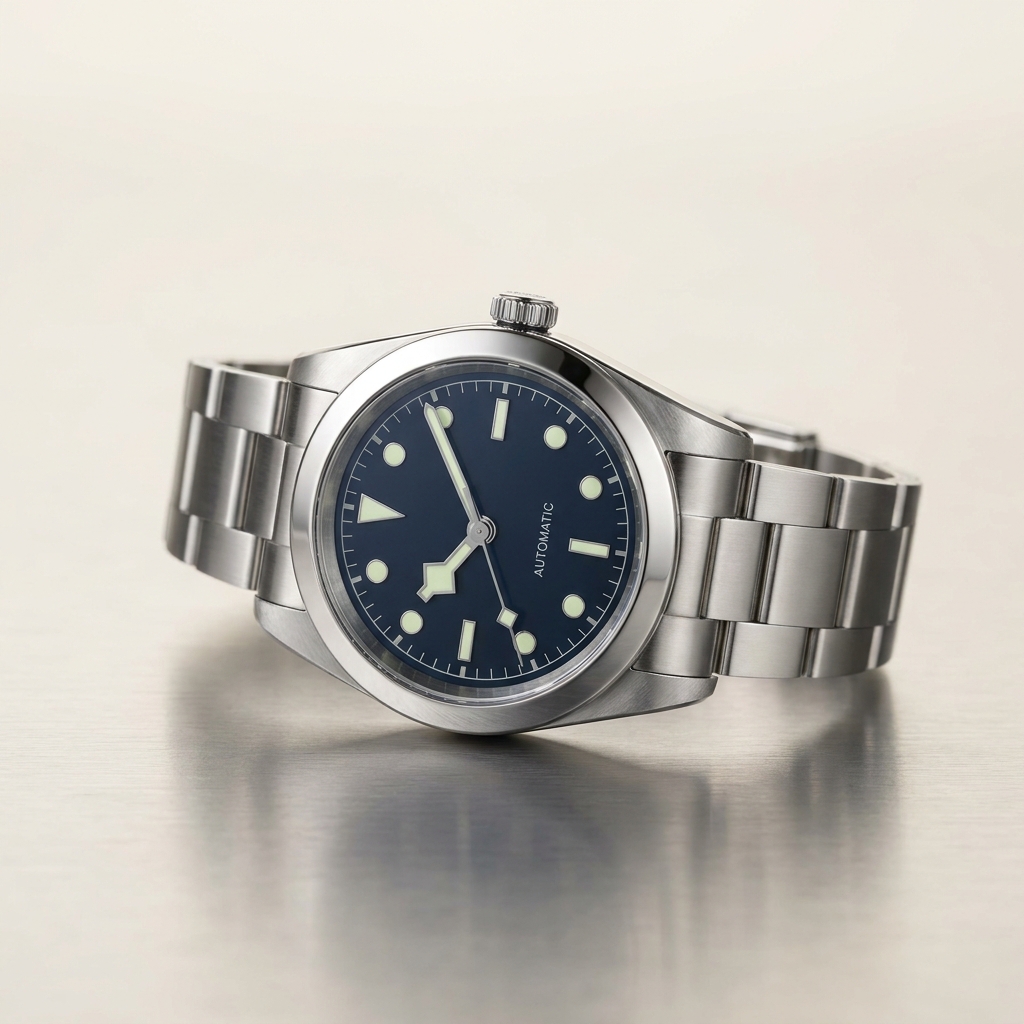
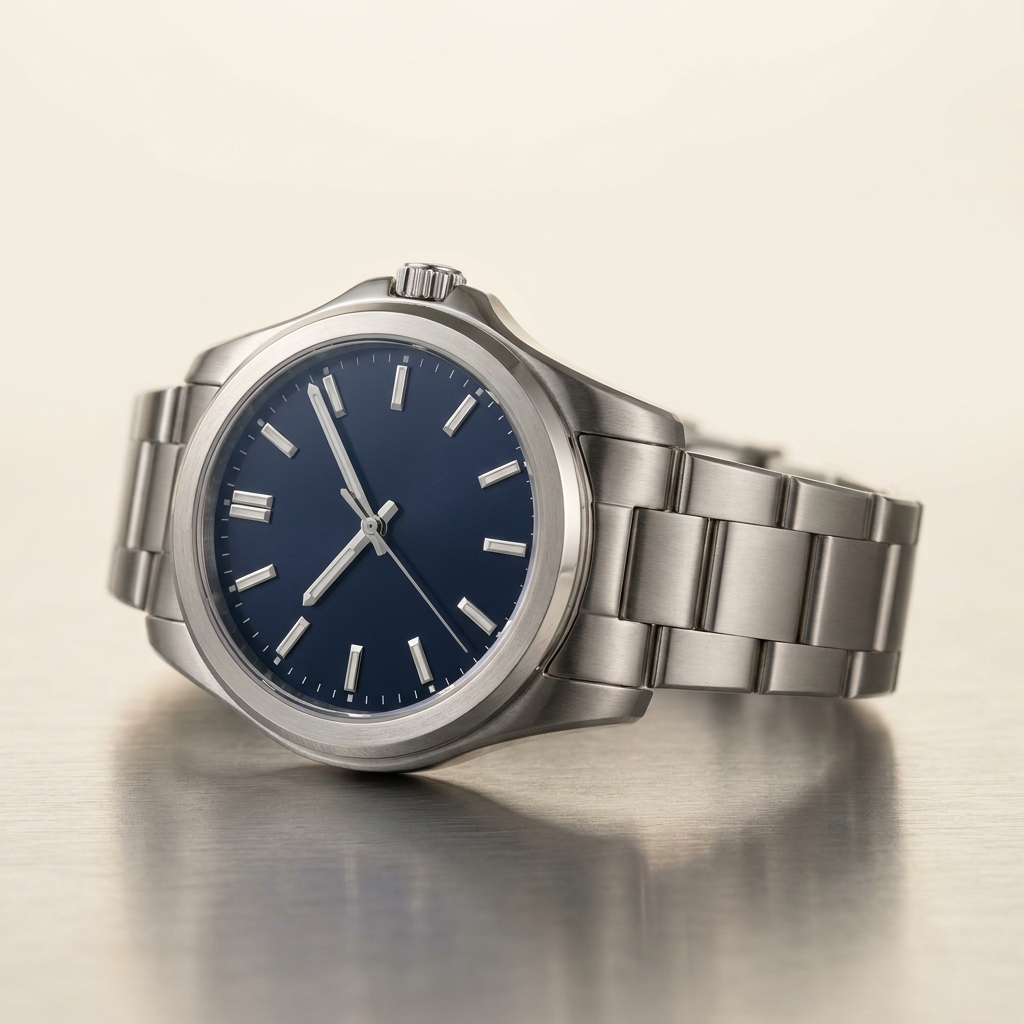
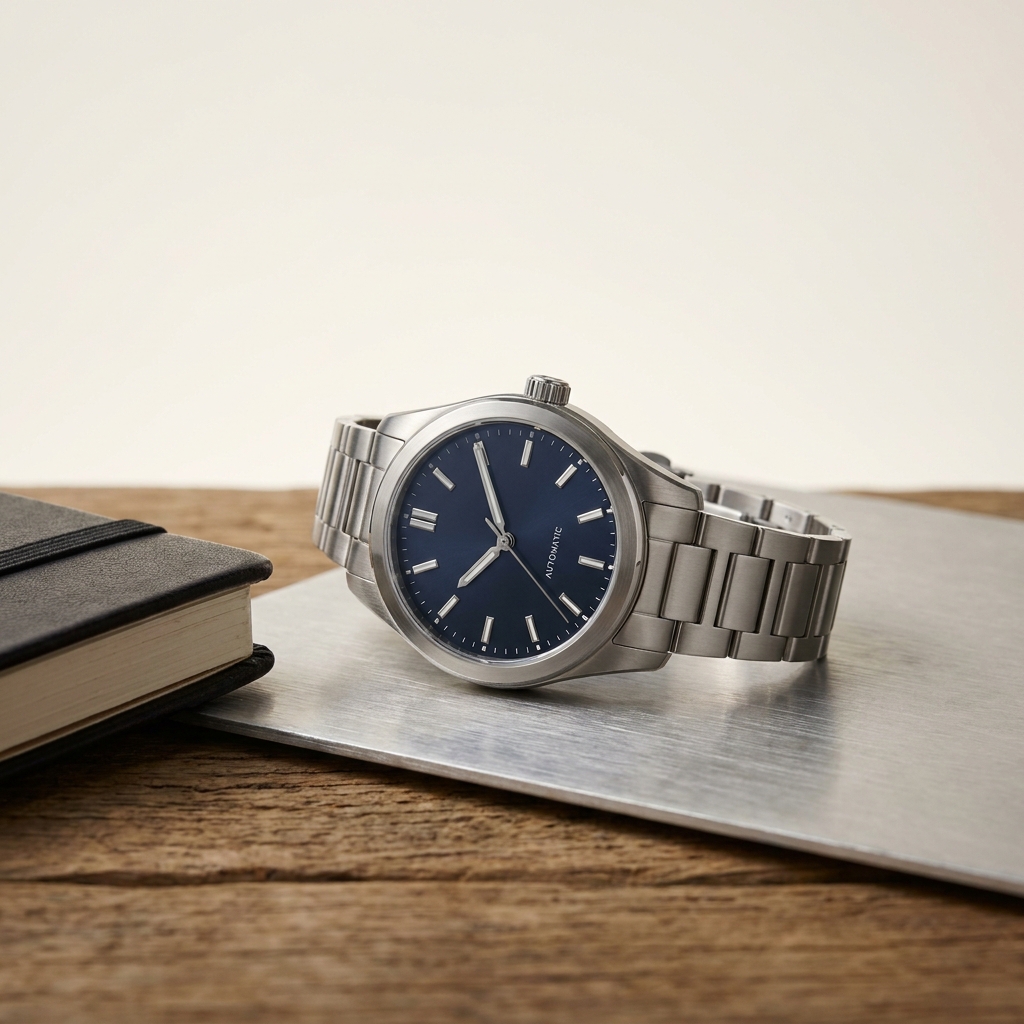
The crystal is a mirror over the thing a buyer wants to see. Move the reflection off the dial, keep the model text readable, show the brushed and polished links, and set the hands at ten past ten. Every picture keeps your brand's look, at any volume.
Last updated
Who it is for
Does that sound like you?
Scaling without compromising quality.
You need more pictures every week for the shop, the ads and the socials. Anyone can make an AI picture. Making hundreds that still look like your brand is the hard part. A shoot for every product costs weeks, and every new generator returns a different look.
- A template or a workflow you build once, with your brand rules
- One run on one product, or a batch over your whole catalogue
- Every result in Assets, with the same look on the first and the last
Cut the waiting time and budget for deliverables.
You make this for clients, and every client has their own look. A shoot for each one costs weeks and most of the budget. A different generator for each one returns a different look, so somebody fixes it by hand before it is delivered.
- Each client's brand rules, saved once and used on every run
- A workflow you build once and run for every client
- A batch over a client's whole catalogue, delivered from Assets
Watch photography
Watch product photography is the work of keeping a dial readable under a piece of curved glass that reflects everything in the room. The hero is shot straight on to the dial, with the hands at ten past ten so they frame the logo and clear the date window. Around it sit the case profile, the caseback, the bracelet detail and a wrist frame for size. DesignerBox builds those from a photo of the watch you sell.
What a dial under curved glass demands
Four problems that decide whether a dial reads at listing size.
Glare on the crystal
Sapphire is curved glass over the dial. It mirrors the light, the room and the camera, and whatever it mirrors covers the part a buyer came to see. Move the source until the reflection falls outside the frame, or the dial looks like a bright smear instead of a face.
Dial text has to stay legible
The model name, the depth rating and the movement line are printed at a size close to the limit of the sensor. A buyer reads them to confirm the reference. Softening in the centre of the dial breaks the listing, because a buyer who cannot read the text stops trusting it.
Brushed and polished links in one frame
A steel bracelet carries two finishes side by side. Brushed surfaces need a long source raking across the grain to show it. Polished centre links need a broad even source or they turn black. Light for one and you lose the other, so a bracelet frame usually needs both.
The hands sit at ten past ten
Watch photography settled on this position because the hands frame the logo at twelve, leave the date window clear and give the dial a symmetric shape. Set the seconds hand at half past for balance. A dial shot at twenty past four looks wrong to anyone who buys watches.
From dial shot to full watch set
Set the hands before the first frame. Everything after that is light.
A watch set depends on the first frame more than most categories do. Set the hands, clean the crystal, and settle the reflection before you generate anything, because every later view is built from the dial shot you approve. Read the printed text at full size at that point. Softness in the centre of a dial cannot be repaired later, and it is the first thing a watch buyer notices. Build the profile, the caseback and the bracelet detail next. Finish with the wrist frame, since scale only means something once the watch itself is right. Save the sequence and reuse it per reference.
What a watch listing needs
Four frames, and the question each one settles.
Dial hero, square, straight on
The camera square to the dial, hands at ten past ten, no reflection across the centre, crown side visible. This frame carries the model name and the reference, so it is the one a buyer matches against a search.
Case profile for thickness
A side view showing case height, crown, pushers and lug shape. Thickness decides whether a watch sits under a shirt cuff, and it is a question the dial shot cannot answer.
Bracelet and clasp detail
One close frame where brushed meets polished, plus the clasp and the end links. Buyers of steel bracelets check finish transitions and link tolerance here, and a soft frame looks like a cheap bracelet.
Wrist frame with a stated size
The watch on a wrist, with the case diameter and the wrist measurement written in the listing. A forty millimetre case and a forty four millimetre case look the same on white, and only the wrist frame separates them.
Questions about watch photography
What watch sellers ask before they photograph a reference.
Why do watch photos always show ten past ten?
How do I remove glare from the crystal?
How many images does a watch listing need?
How do I photograph a steel bracelet properly?
Will the generated dial match the real watch?
Can I put the watch straight onto my marketplace listing?
Other categories
The same craft, written for a different product.
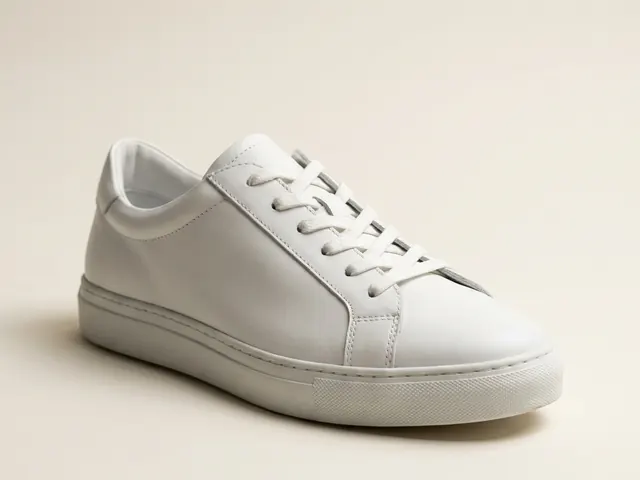
Footwear photography
Three-quarter hero, profile, sole and lace detail from your shoe photos.
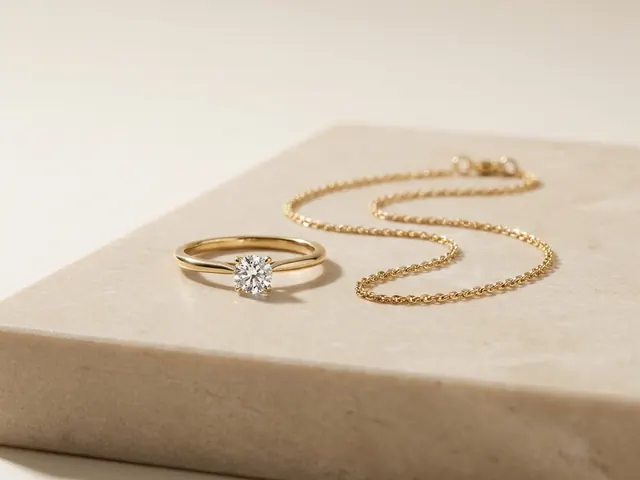
Jewellery photography
Reflection control on metal, stone brilliance, macro detail and a size cue.
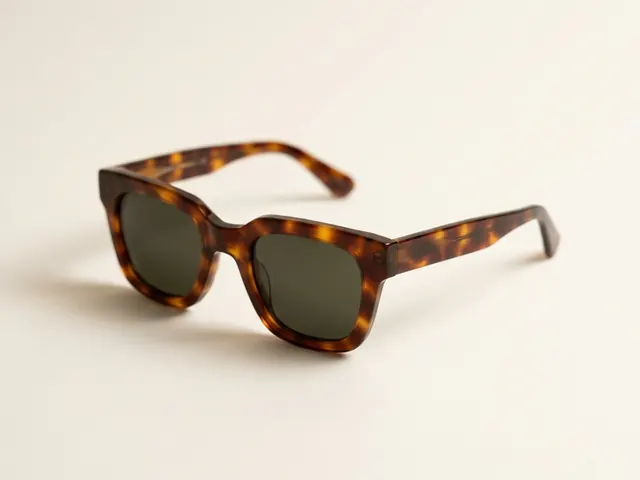
Eyewear and sunglasses
Reflection control, frame angles and on-face fit shots.
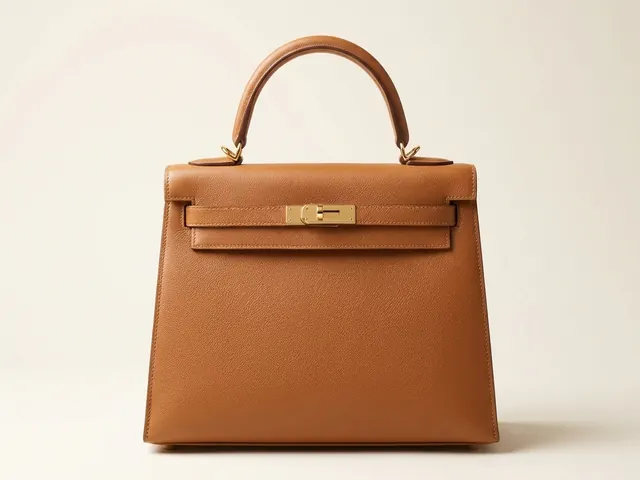
Bags and handbags
Shape, leather grain, hardware and the interior view.
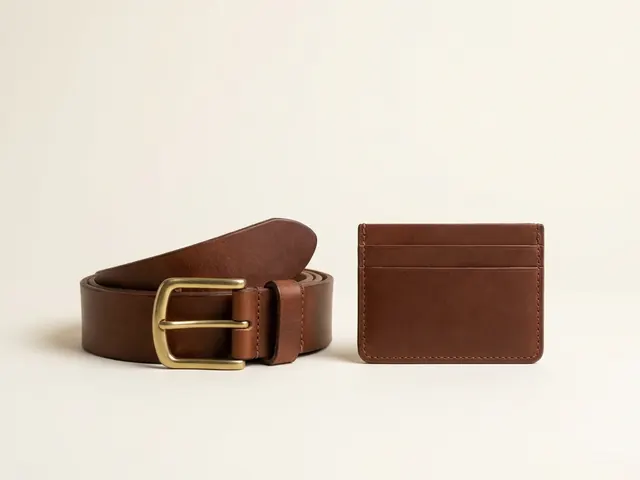
Wallets, belts and small goods
Flat lay sets, open and closed states, edge paint and thickness.
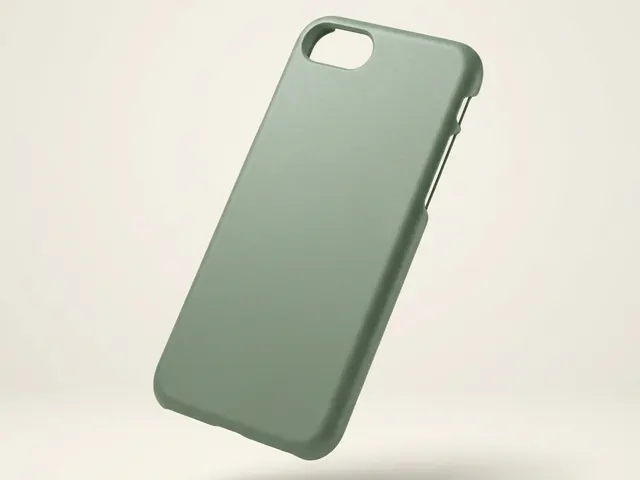
Phone cases
Curved-shell prints, sharp camera cutouts and one look across a whole design range.
Everything you need, in one place
The full workflow from the first product photo to the finished ad, in one subscription.
Scale content without limits.
Generate content for your products or services with AI, starting today, and keep your brand on every piece.








