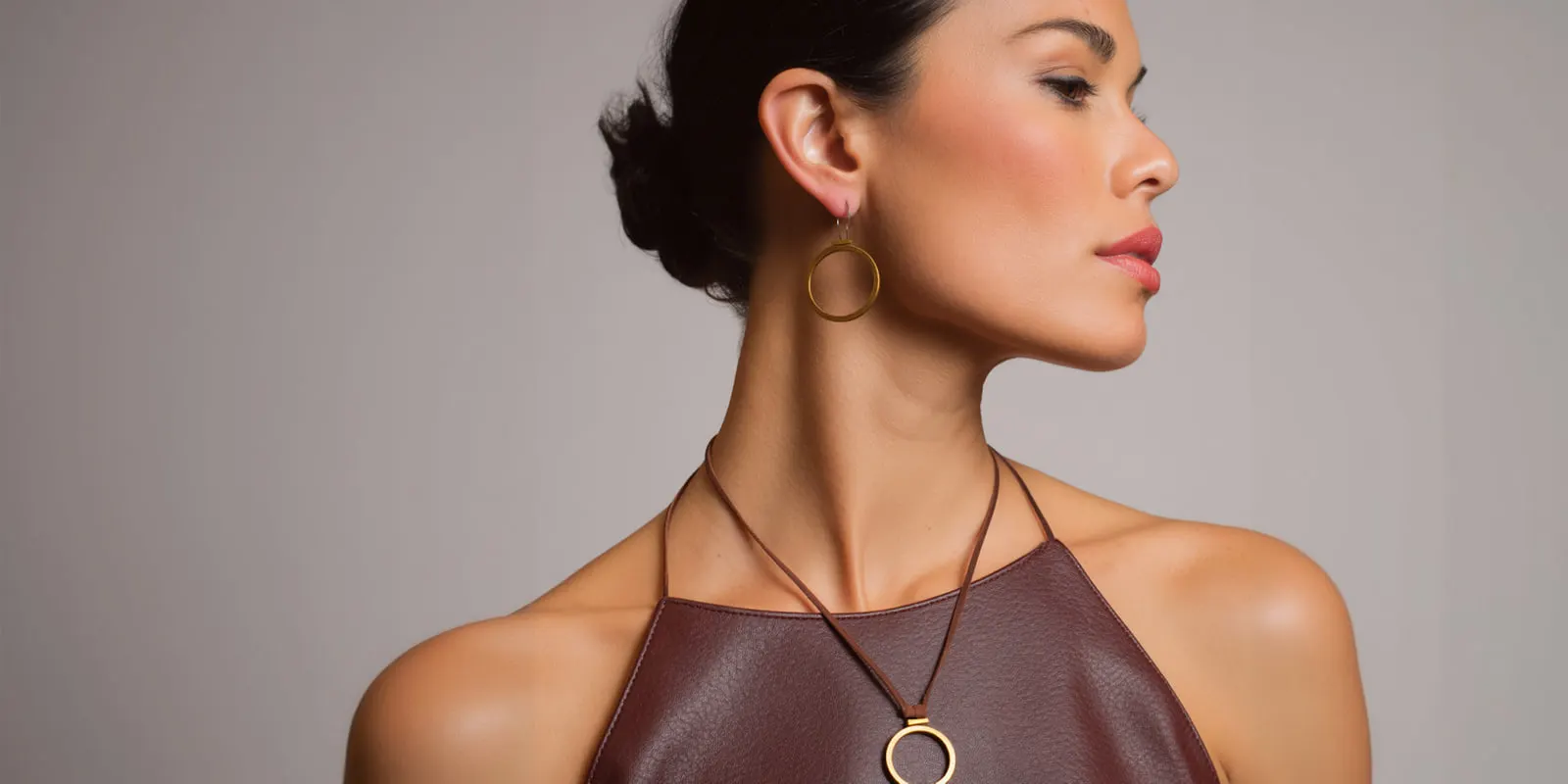
Macro product photography is a close view of one part of a product: the weave of a fabric, the teeth of a zipper, the engraving inside a ring. Each detail shot answers a question the buyer cannot answer from the hero image. True macro means the lens records the subject at life size, a 1:1 ratio. Most product detail shots are close-ups, and that is fine.
This guide is for a brand with 20 to 500 products, and for the agency that produces its images.
Key Takeaways
- A detail shot is evidence. It answers one buyer question, such as the fabric, the clasp or the finish.
- True macro is a 1:1 ratio. Most product detail shots do not reach it, and they do not need to.
- Plan two to four detail shots for each product. This is our working rule. Amazon recommends at least six additional images in total.
- Close range makes focus thin. The sharp zone can be a few millimeters deep, so use a tripod.
- Pixels decide the zoom. Amazon turns zoom on at 1,000 pixels on the longest side.
- AI images fail first in the details. Check every detail image against the real product, side by side.
What is macro product photography?
Macro product photography is product photography at close range, where a small part of the product fills the frame. The broad term “detail shots” covers the same job with any lens.
The strict meaning of macro is narrower. In the strictest definition, a macro photograph records the subject at life size or larger, an optical reproduction ratio of 1:1 or more (Wikipedia, Macro photography, read October 2026). Nikon explains a 1:1 ratio the same way: “the subject will appear as big as it is in real life” (Nikon, Easy Macro Photography, October 2026).
A full-frame sensor is 36 x 24 mm. At 1:1, an object 24 mm tall fills the height of the frame. A ring or an earring is that small. A bag clasp or a jacket collar is not.
So most product detail shots are close-ups. The same Wikipedia article notes that many lenses sold as “macro” reach only 1:2 to 1:1, the close-up range. An ordinary lens stops near 1:10 at its closest focus.
A close-up product photography shot works when the buyer can read the detail at full zoom. Keep true macro for small objects, such as the pieces in our guide to jewelry product photography.
Detail shots as evidence: eight buyer questions
Baymard Institute’s usability testing found that “56% of users’ first actions were to immediately begin exploring product images” after they arrived on a product page (Baymard Institute, published April 2020, read October 2026).
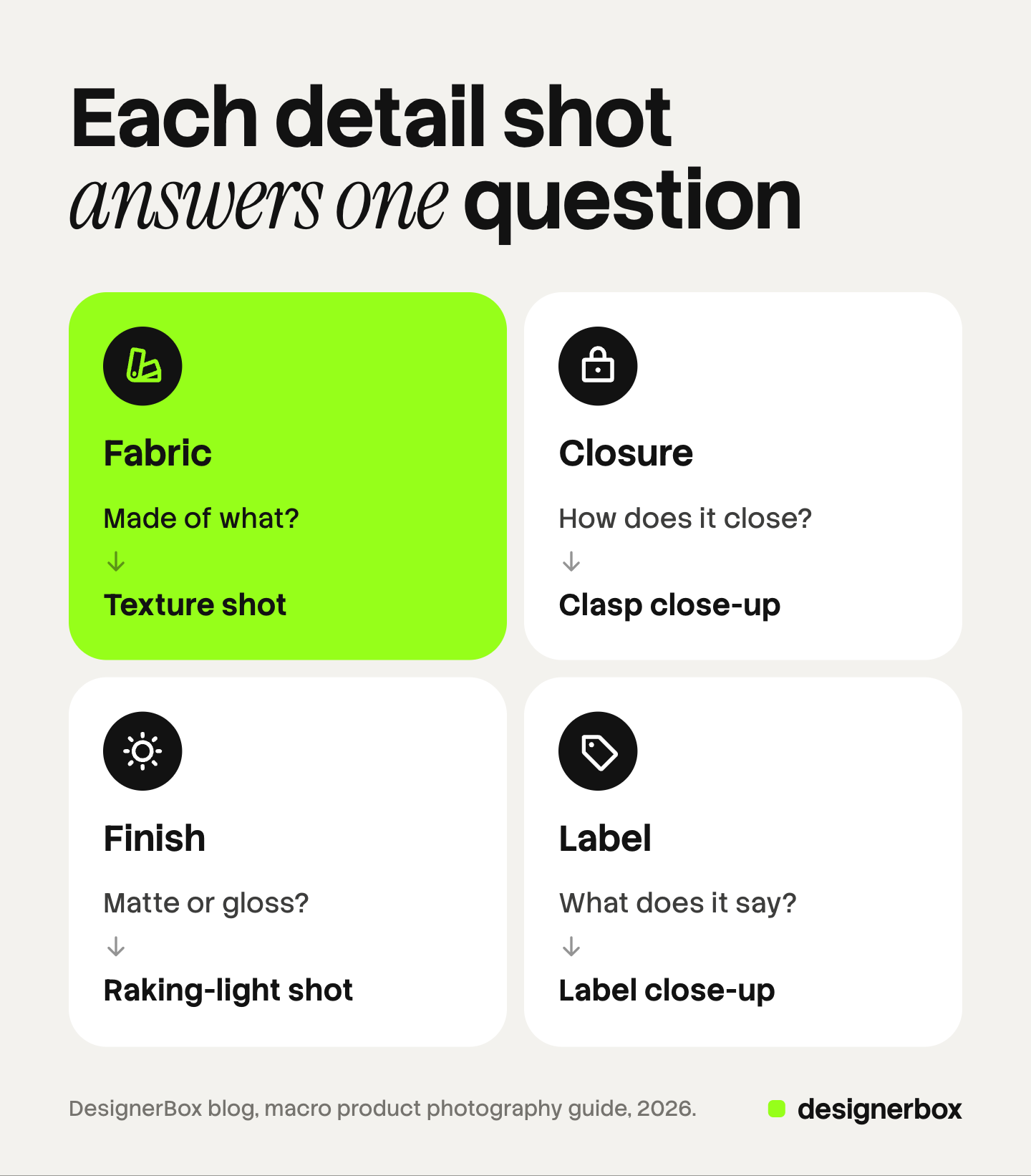
The same study quotes a shopper who could not tell what the buttons on a product were made of: “I can’t really figure that out by just looking at it without the zoom.”
| Buyer question | Detail shot | Product types |
|---|---|---|
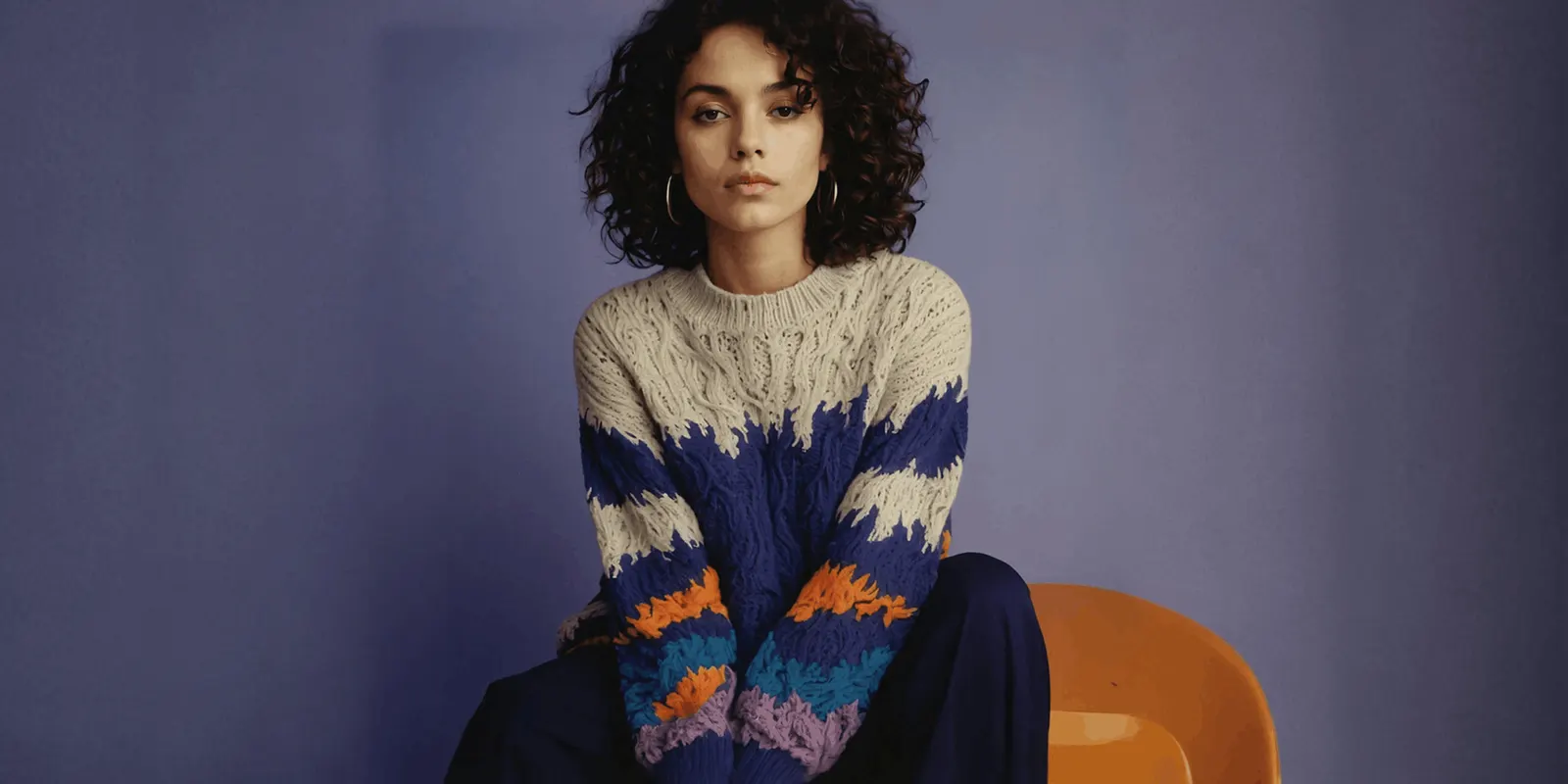
| What is it made of? | Texture shot of the fabric or surface | Clothing, bags, furniture, rugs |
| How does it close? | Clasp close-up, zipper or buckle shot | Jewelry, bags, shoes, outerwear |
| Is the finish matte or gloss? | Raking-light shot of the surface | Ceramics, metal, leather, packaging |
| What does the label say? | Label close-up, straight on | Skincare, supplements, food, care labels |
| How thick is the stitching? | Seam and edge close-up | Leather goods, denim, shoes, upholstery |
| What is engraved or stamped? | True macro of the mark | Rings, watches, cutlery, tools |
| How does the working part look? | Close-up of the pump, tip or button | Beauty, electronics, kitchen tools |
| What is inside? | Open view of the lining or contents | Bags, wallets, jars, gift sets |
Each row is one question and one image. A crop that answers no question is decoration. Leave it out.
Two rules keep the evidence honest. Show enough of the product that the buyer knows which part this is. And do not flatter the detail. A texture shot that makes thin cotton look heavy will cause a return.
How many detail shots a listing needs
No marketplace sets a number for product detail shots. Amazon recommends that you “upload at least six additional images and one video” for each product (Amazon Seller Central, product image guide, October 2026). Detail shots share those slots with angles, scale and use.
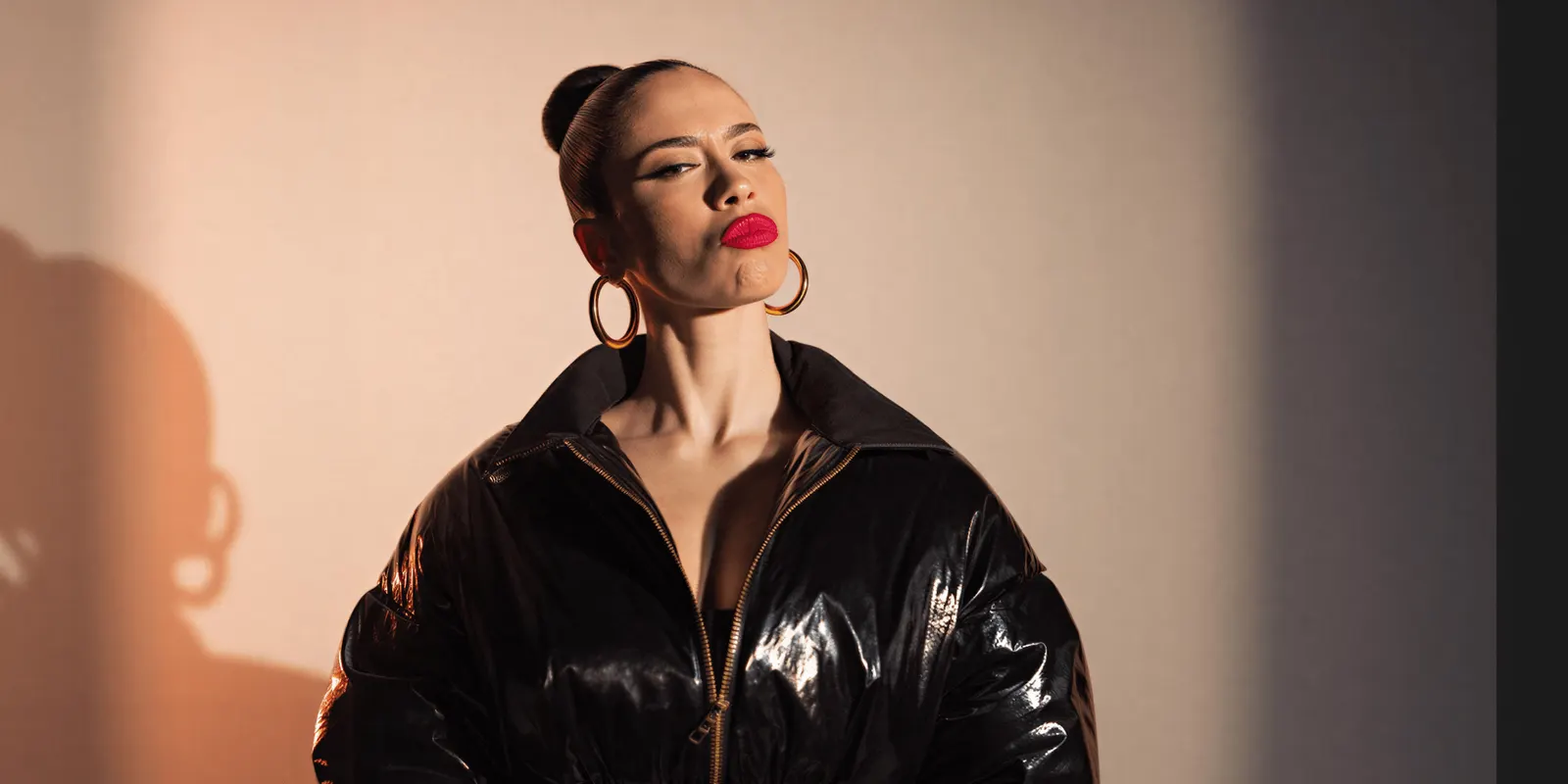
Our working rule is two to four detail shots for each product, one for each open question. A plain T-shirt needs two: the fabric and the neck label. A leather bag needs four: the leather grain, the stitching, the clasp and the lining.
The order matters too. This order is our working advice, and no platform requires it:
- The hero image. The whole product on a plain background.
- The other angles. Our guide to product photography angles lists them.
- One scale image. The product in a hand or on a person. See hand model photography for that shot.
- The detail shots. The buyer now knows the whole product, so a close crop makes sense.
- Use and context. The product in its setting.
Write the detail shots into the plan before the shoot. A shot list template keeps the same details in the same order for every product.
Close-range technique: focus, light and dust
Depth of field. The sharp zone gets thinner as the camera gets closer. Fujifilm’s guide to close-ups says: “At macro distances, the depth-of-field can be just millimetres, even at small apertures” (Fujifilm, Shooting close-ups of flowers, October 2026). Focus on the part that answers the buyer’s question. Keep the surface parallel to the sensor where you can, so more of it is sharp.
Focus stacking. When one frame cannot hold the whole detail in focus, take several. Focus stacking combines images taken at different focus distances into one image with a greater depth of field than any single frame (Wikipedia, Focus stacking, read October 2026). It needs a still subject and a fixed camera.
Raking light for texture. Light from the front hides texture. Light from the side shows it. The National Gallery defines raking light as light “from one side only, at an oblique angle” to the surface (National Gallery, glossary, October 2026). Use it for a texture shot of knit, leather grain, embossing or brushed metal. A light angle that is too low makes a surface look rougher than it is.
A tripod. Fujifilm’s guide says a tripod “eliminates camera shake even at the slowest shutter speeds and lets you keep the camera in the same position”. The fixed position also keeps the same crop across 40 products.
Dust and fingerprints. A close view shows every speck. Nikon’s guide to photographing jewelry says the piece “has to be free of dust, dirt, debris, smudges and fingerprints”. It names canned air and a soft, lint-free microfiber cloth as the tools (Nikon, Tips and Techniques for Photographing Jewelry, October 2026). Clean the product before each frame.
Pixel dimensions and zoom
| Channel | Minimum | For zoom or best display | Upload limit |
|---|---|---|---|
| Amazon | 500 pixels on the longest side | 1,000 pixels or more on the longest side turns on zoom | 10,000 pixels on the longest side |
| Shopify | None stated | 2048 x 2048 pixels “usually displays best” for square images | 5000 x 5000 pixels, or 25 megapixels, under 20 MB |
| Google Merchant Center | 500 x 500 pixels from January 31, 2027 | About 1500 x 1500 pixels or above | 64 megapixels, 16 MB |
| eBay | 500 pixels on the longest side | Not stated in the picture policy | Not stated in the picture policy |
The numbers come from Amazon’s product image guide, Shopify’s product media page, Google’s image link page and eBay’s picture policy (all October 2026). Our guide to Amazon image requirements covers the full Amazon rules. Ecommerce product photography: image specs for five channels compares the rest.
Pixels matter most when a detail is a crop from a wider photo. Here is an illustrative case. A master file is 5,000 pixels wide, and you crop one quarter of its width to show a clasp. The crop is 1,250 pixels wide. That clears Amazon’s zoom threshold. It is smaller than the 2048 pixels that Shopify says usually displays best. Shoot a small detail close, as its own frame.
Do not enlarge a small crop to reach a number. Enlarging adds pixels and no new detail. Baymard’s 2020 article on image resolution and zoom reports that 25% of e-commerce sites did not give users product images with enough resolution or zoom.
Where AI detail images fail first
An AI image model draws a product again from a photo and a prompt. Fine detail is where the errors appear first:
- Invented stitching. The stitch count, spacing or thread color changes.
- A changed weave. A twill becomes a plain weave, or a knit pattern repeats in the wrong way.
- Altered hardware. A clasp gains a part, or a buckle changes shape.
- Garbled engraving and small text. Letters on a label or a hallmark turn into shapes that only look like text.
The buyer treats a detail image as proof. A detail image that shows stitching the product does not have is a wrong description of the product.
A detail image must be a photo of the real product, or a person must check it against the real product, side by side, at full zoom. Our guide to AI product photo accuracy gives the checks in more depth.
The platforms ask for the same thing. Amazon says every image must “accurately represent the product that you’re selling”. eBay does not allow “photos that don’t accurately represent the item”.
Regulators treat pictures as part of a claim. The US Federal Trade Commission says advertising must be truthful and non-deceptive, and it looks at an ad’s words, phrases and pictures in context (FTC, Advertising FAQs, October 2026). This section is general information. It is not legal advice.
Detail that survives the edits
DesignerBox is AI creative production for brands and agencies. The product side of the job is on the AI product photography page.
Anyone can make an AI picture. Making hundreds that still look like your brand is the hard part.
Edits that keep the pixels. A real detail photo often needs several fixes: a dust speck removed, a background cleaned, a color corrected. The image editor makes one edit after another. The picture keeps its detail and resolution.
A fabric close-up in the set. Clothing catalog turns one garment into four shots: front, three-quarter, back and a fabric close-up. You can publish a workflow as an app, so a colleague completes a form and presses Run. The cost is shown before the run.
The limits are worth stating. AI can warp small text, logos, hardware and fine texture, and that includes the fabric close-up above. Brand rules guide a run, and nothing checks the result for you. A person compares every detail image with the real product before it goes live. DesignerBox does not send finished work to a store, so you download the results. The free plan runs on sample products.
Uploading your own photos and the commercial license start on the Pro plan. AI video, virtual try-on, upscaling, the image editor and the video editor start on the Premium plan. Plans and credits are on the pricing page.
The full workflow from the first product photo to the finished ad, in one subscription. Get started free
FAQ
What is the difference between a macro shot and a detail shot?
A macro shot records the subject at life size on the sensor, a 1:1 ratio or more. A detail shot is any close view of one part of a product, taken with any lens. Most product detail shots are close-ups below 1:1.
How many detail shots does a product need?
No marketplace sets a number. Our working rule is two to four for each product, one for each question the hero image leaves open. Amazon recommends at least six additional images in total.
What image size does a detail shot need for zoom?
On Amazon, an image needs 1,000 pixels or more on the longest side to turn on zoom. Shopify says 2048 x 2048 pixels usually displays best for square images.
Can AI make product detail shots?
It can, with a strict check. AI models can change stitching, weave, hardware and small text, and a buyer treats a detail image as proof. A person must compare each AI detail image with the real product at full zoom.
Does DesignerBox make detail shots?
Clothing catalog returns a fabric close-up as one of its four shots, and the image editor keeps detail and resolution through a series of edits. You see the cost before the run. A person still checks each result against the real product.
Sources
- The strict 1:1 definition of macro, the 1:2 to 1:1 range of many “macro” lenses and the 1:10 limit of ordinary lenses: Wikipedia, Macro photography, accessed October 2026
- What a 1:1 ratio means: Nikon, Easy Macro Photography with the AF-S DX Micro-NIKKOR 40mm f/2.8G Lens, accessed October 2026
- Depth of field at macro distances and the tripod: Fujifilm, Shooting close-ups of flowers, accessed October 2026
- Focus stacking: Wikipedia, Focus stacking, accessed October 2026
- Raking light: National Gallery, glossary, raking light, accessed October 2026
- Dust, fingerprints, canned air and a microfiber cloth: Nikon, Bright Ideas: Tips and Techniques for Photographing Jewelry, accessed October 2026
- 56% of first actions on product images, the shopper quote and 25% of sites: Baymard Institute, product image resolution and zoom, published April 2020, accessed October 2026
- Amazon pixel limits, the zoom threshold, six additional images and the accuracy rule: Amazon Seller Central, product image guide, accessed October 2026
- Shopify image limits and the 2048 x 2048 recommendation: Shopify Help Center, product media types, accessed October 2026
- Google image sizes: Google Merchant Center Help, image link, accessed October 2026
- eBay minimum size and the accuracy rule: eBay, picture policy, accessed October 2026
- Truthful advertising and pictures in context: Federal Trade Commission, Advertising FAQs: A Guide for Small Business, accessed October 2026
- DesignerBox image editor and sequential edits: DesignerBox image editor page (designerbox.ai/product/image-editor), October 2026
- DesignerBox plan gates: DesignerBox pricing page (designerbox.ai/pricing), October 2026
Camera, museum, marketplace, Baymard and FTC facts verified on each publisher’s own page in October 2026. The two to four detail shots, the image order and the crop example are our working advice and illustrative arithmetic, not platform rules. Platform rules change often, so check each page before a large upload. Individual results vary.